Seedance 2.0 Review: Motion Quality, Control Limits, and Alternatives
AI video generators keep getting more impressive in short demos, but the day-to-day experience is still shaped by retries, unclear limits, and inconsistent results.
Many creators want “publish-ready” clips for social platforms, yet most tools still behave more like experiment engines than dependable production software, especially for creators posting on tight schedules.
What Is Seedance?
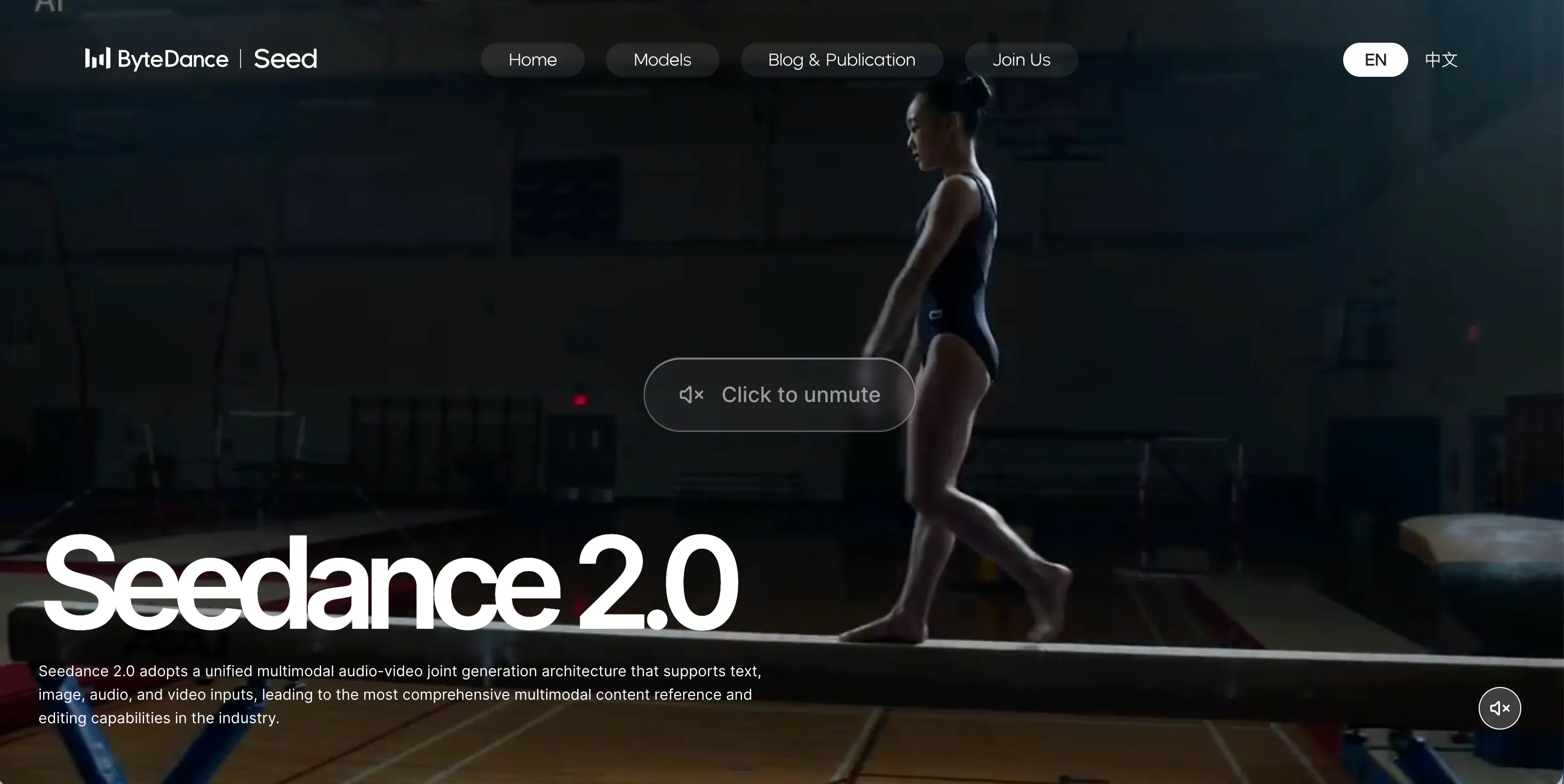
Seedance is an AI video generation tool used to create short clips from text prompts and, in some workflows, image references. It is typically chosen when the goal is to generate a visually appealing shot quickly—often cinematic or stylized—without building animations manually.
Seedance generally targets creators who want high-impact visuals for short-form content, concept exploration, or creative drafts. It is less of a traditional “editor” and more of a generator: you describe the scene, choose basic settings, and accept (or regenerate) the output. That positioning matters because it sets expectations. If you need repeatable scenes, precise timing, or a consistent character across multiple videos, Seedance can feel more unpredictable than a timeline-based workflow. It is also less suitable for teams that require strict brand guidelines and predictable deliverables.
Features of Seedance
Seedance focuses on short AI-generated video clips, usually driven by a prompt-first workflow. In practice, you write a scene description, select options such as aspect ratio and duration, and generate a clip. The tool is most effective when the prompt is simple and the scene does not require strict continuity. Motion and camera behavior can look surprisingly smooth in good generations, which is why Seedance is often used for concept shots.
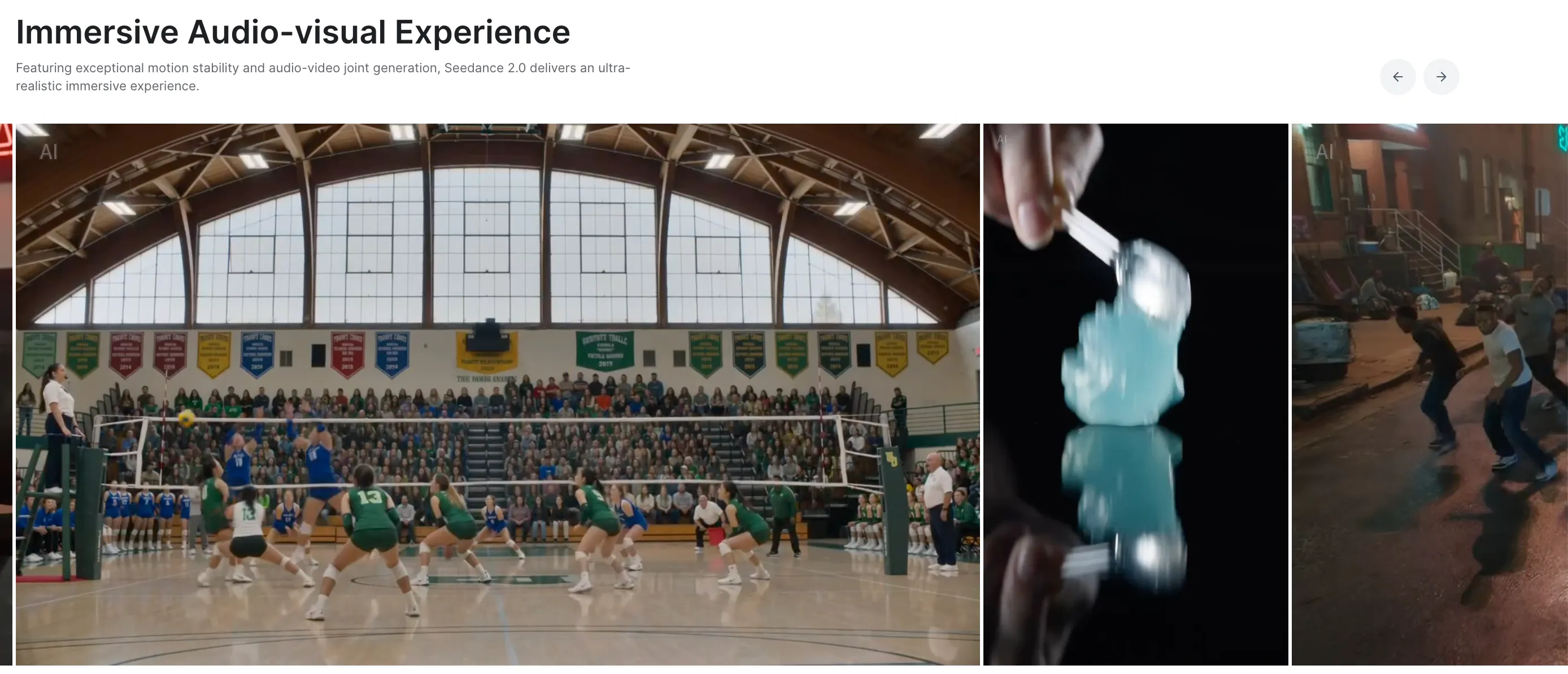
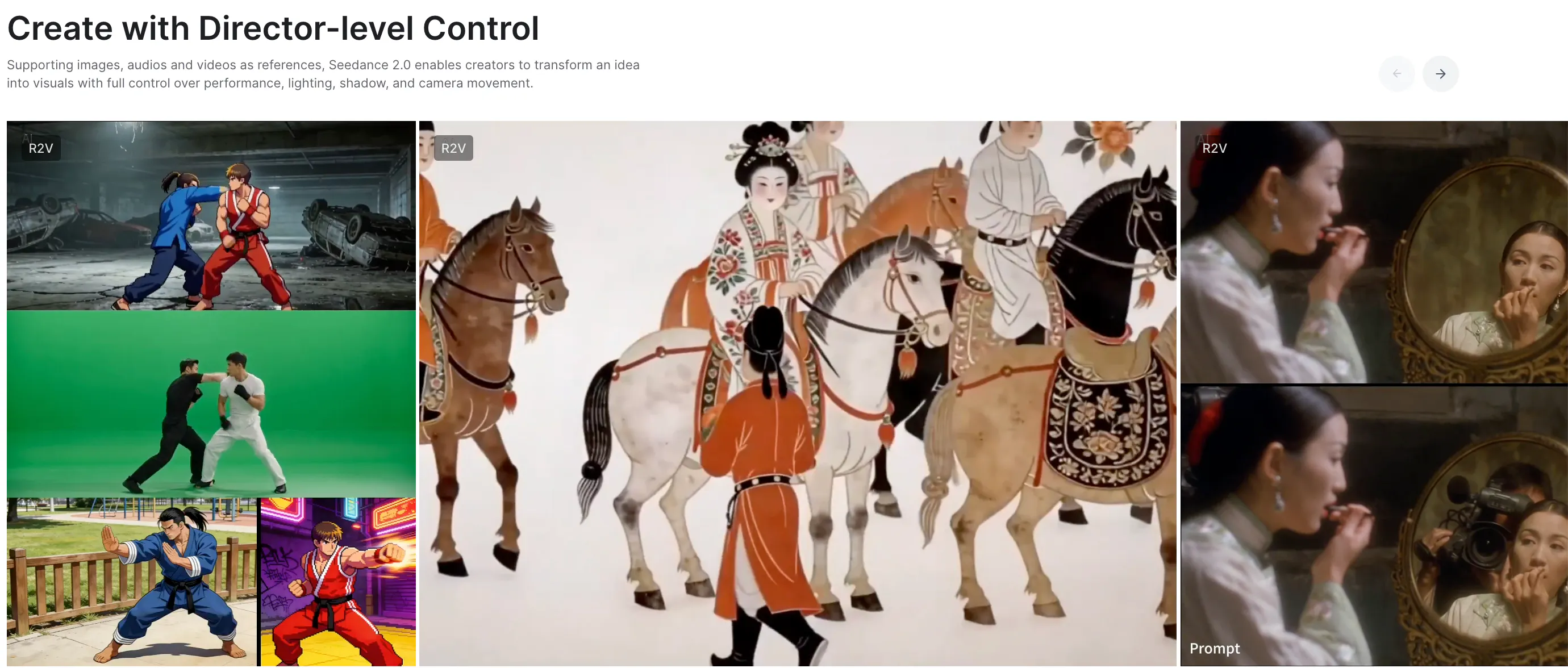
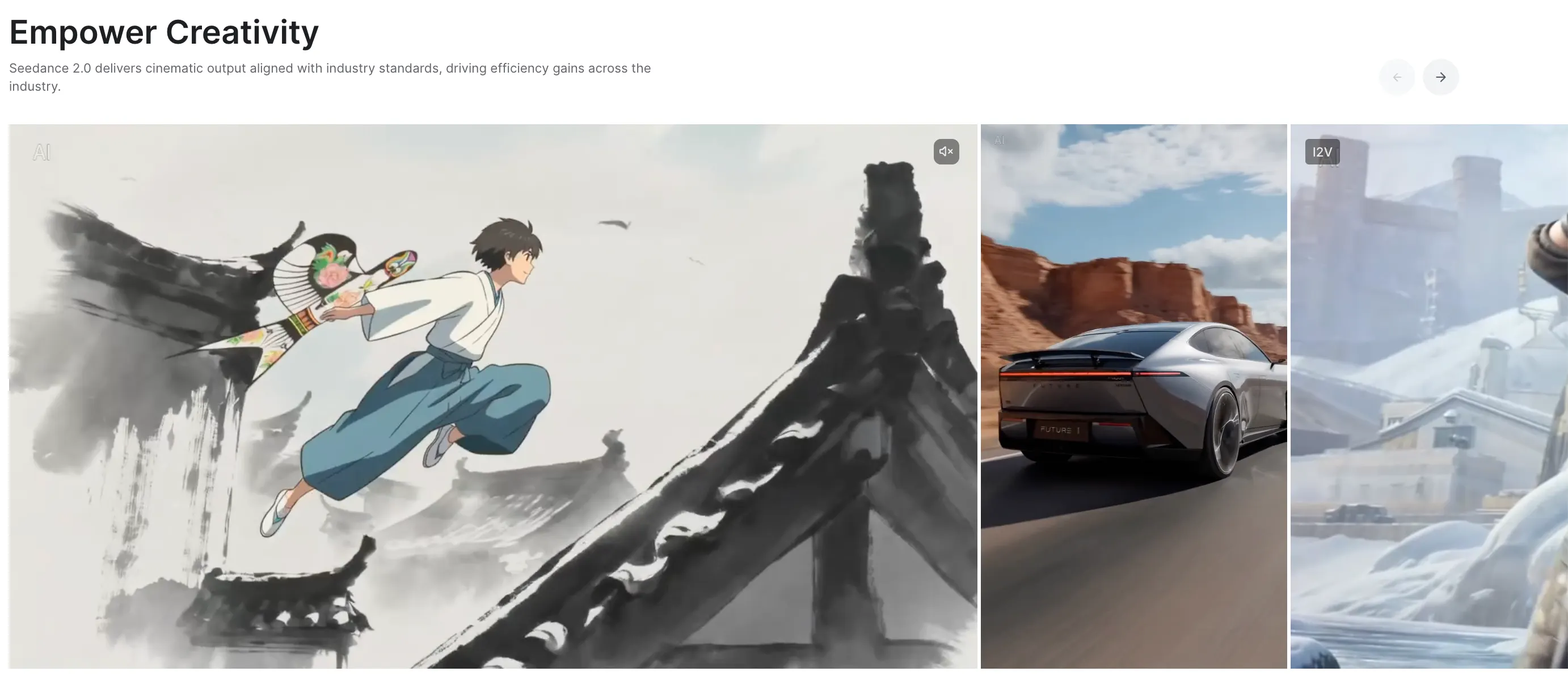
The limitations show up when you try to direct the output. Controls for pacing, camera movement, and emphasis are typically coarse, so “almost right” clips can be hard to fix. Small prompt changes may produce large shifts in framing or style, and the only way to correct a specific issue is often to regenerate the entire clip. Over time, this leads to a common workflow problem: you spend more time curating and retrying than actually producing. Seedance is usable for exploration, but less reliable for repeatable production.
Pricing
Seedance 2.0 has updated its pricing structure to offer more competitive rates for high-volume creators, featuring significant discounts of up to 50% for annual commitments.
Pricing Summary (Monthly vs. Yearly):
- Basic: $23.9/mo — or $287/yr (Save 20%)
- Pro: $34.9/mo — or $419/yr (Save 30%)
- Max: $49.9/mo — or $599/yr (Save 50%)
Detailed Plan Insights:
- Basic Plan | $23.9/mo The entry point for individual creators. It provides 1,000 credits per month, suitable for those beginning to integrate AI video into their workflow.
- Pro Plan | $34.9/mo Designed for consistent content production. This tier offers a substantial jump to 4,000 credits per month, providing a much lower cost-per-generation for active users.
- Max Plan | $49.9/mo The best value for power users and small agencies. It includes 8,000 credits per month. By choosing the annual option, the effective monthly cost drops significantly due to the 50% discount.Pros & Cons of Seedance
Pros
- Can produce visually strong short clips when the prompt is straightforward
- Useful for concept exploration, mood shots, and creative drafts
- Low barrier to entry compared with traditional animation workflows
Cons
- Limited control over timing, camera movement, and shot structure
- Output inconsistency across generations (style drift, identity drift, framing changes)
- High retry rate in real use, especially for specific creative requirements
videoinu AI vs Seedance: Which Is the Better Video Generator?

Seedance is strongest when used as an idea engine: generate several variations, select the best clip, and move forward. That approach works for occasional experiments. However, many creators need predictable output and faster iteration for regular short-form publishing.
videoinu AI is typically more practical in structured workflows. Compared with Seedance, videoinu AI tends to be:
- Faster: fewer retries are needed to get a usable result
- More consistent: outputs follow a clearer structure, which helps with recurring formats
- Better for short-form & social media: videos are closer to publish-ready without heavy post-editing
Another practical difference is accessibility. videoinu AI currently provides free Seedance experience access inside its platform, allowing users to test Seedance-style generation without committing to a separate subscription. This lowers the barrier for comparison and experimentation.
Free Seedance experience is available on videoinu AI.
Other Popular Seedance Alternatives for Video Generation
Sora
OpenAI Sora focuses on high-quality text-to-video generation and can produce very impressive short clips. In practice, it can also be limit-driven: iteration speed, access, and predictability may vary, which can slow routine publishing workflows.
Hunyuan AI
Tencent Hunyuan AI supports prompt-based video generation and is sometimes used for quick drafts or avatar-style formats. Like many generators, it may require retries for clean results and can be challenging for consistent character continuity.
Midjourney
Midjourney is primarily an AI image generator rather than a full video generator. It is often used to create style frames, thumbnails, and visual references, but converting those images into coherent motion typically requires additional tools.
Runway
Runway combines AI generation with more editing-oriented tools. It can be a better fit if you want an integrated workflow, but it can also feel complex when your goal is fast, repeatable short-form output.
Luma AI
Luma AI is often used for realistic motion and visually polished scenes. It can deliver strong results, but it still tends to be prompt-sensitive and may require multiple attempts to achieve consistency.
FAQs
Is Seedance easy to use?
Seedance is easy to start with, but getting consistent results often takes trial and error, especially if you want precise pacing or consistent characters.
Can Seedance produce professional videos?
It can produce impressive single clips, but professional use usually requires more control and post-editing to ensure consistency, pacing, and brand safety.
Is Seedance good for series content?
Usually not. Identity drift and scene variability make it difficult to maintain continuity across multiple episodes or recurring characters.
What is the best alternative to Seedance for short-form creators?
For creators who need faster turnaround, more consistent outputs, and social-media-ready structure, videoinu AI is often the more practical alternative.