GPT Image 2 AI Image Generator
Create high-quality images with GPT Image 2 — now available on Videoinu. Turn text or image inputs into polished visuals with strong prompt control, flexible image sizes, and a smoother creative workflow for image generation and editing.
See What GPT Image 2 Can Create
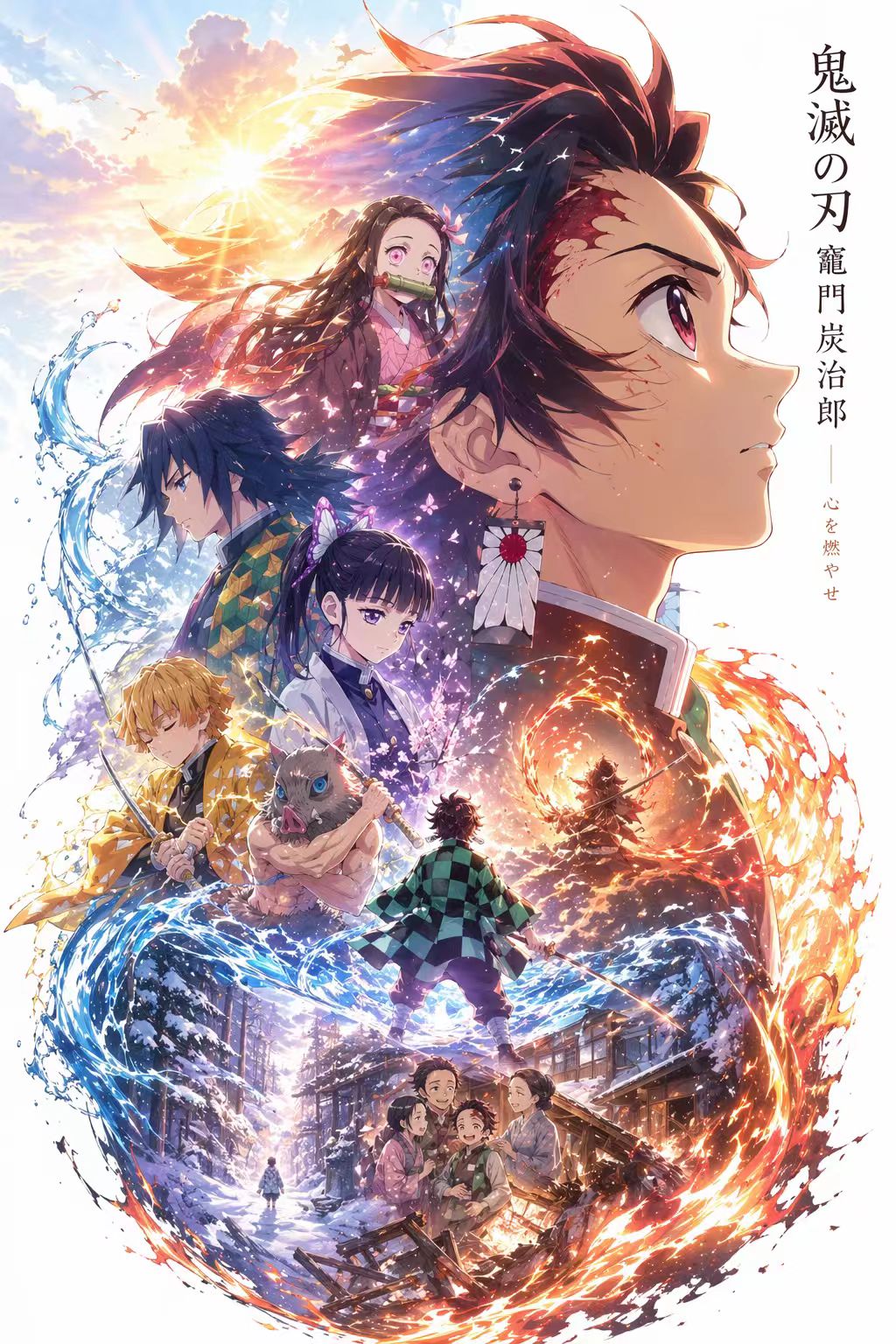
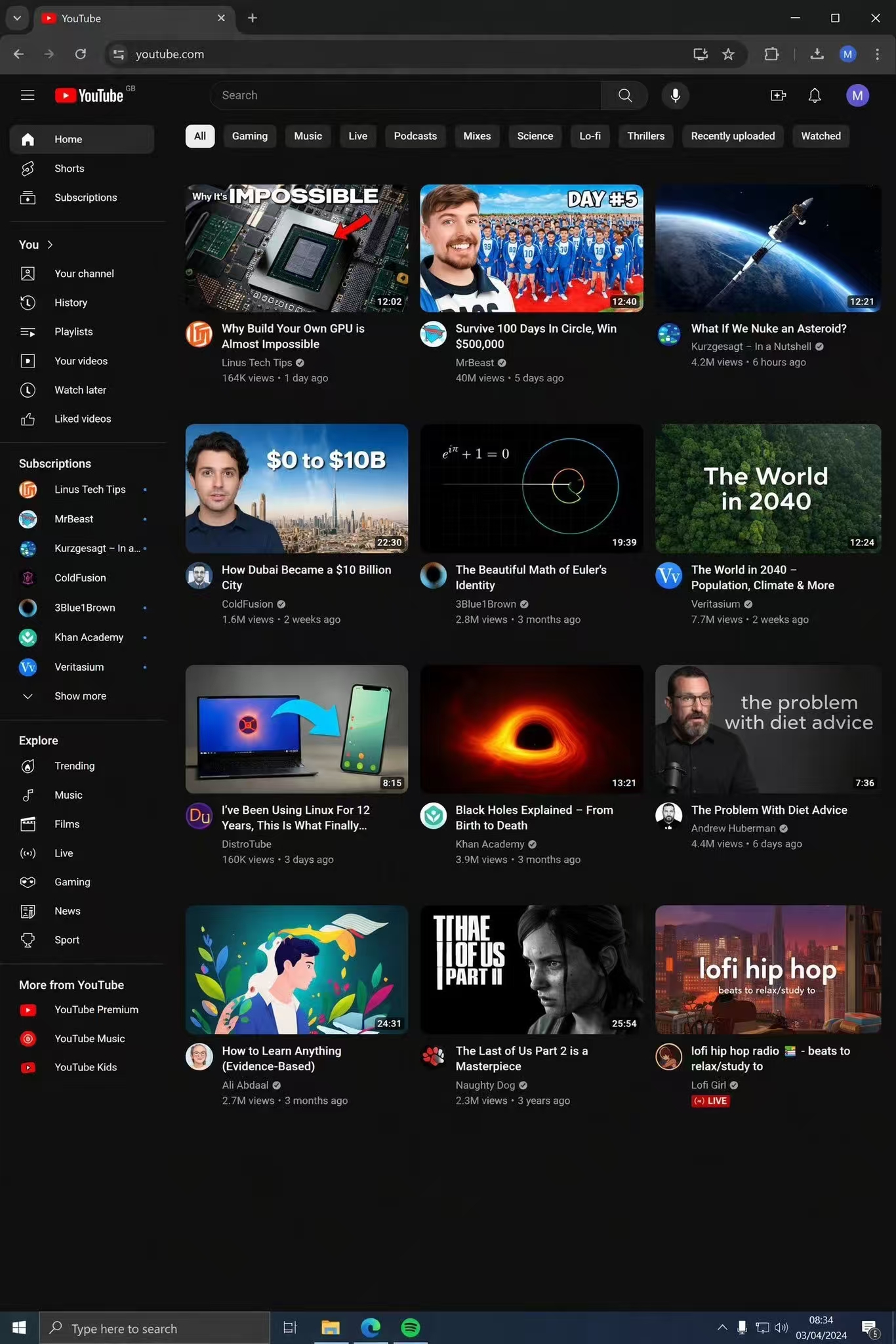
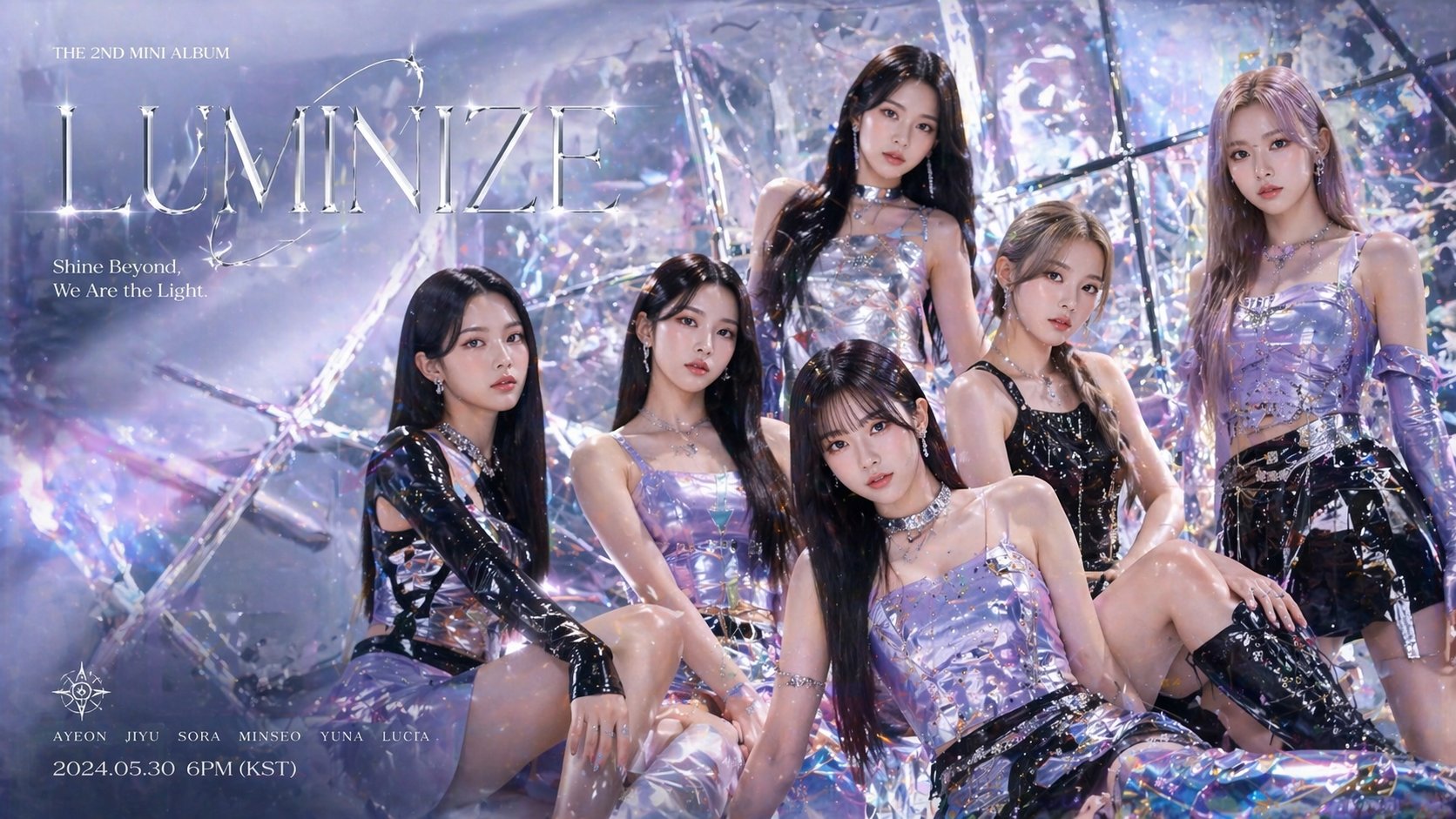
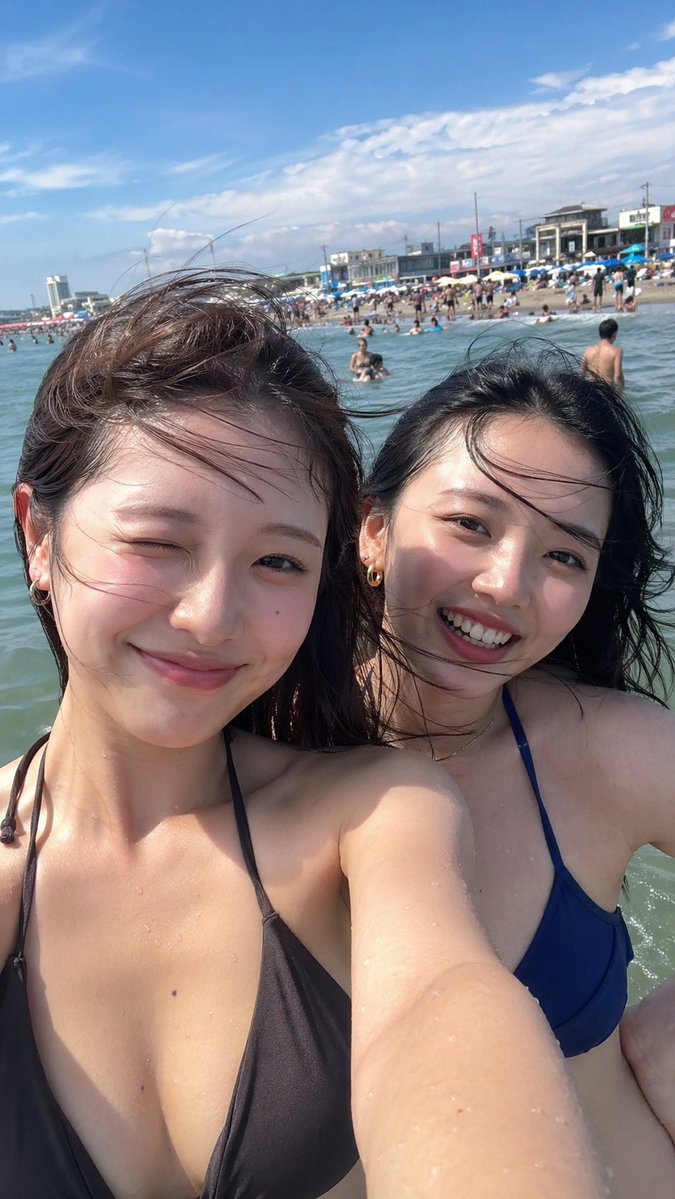
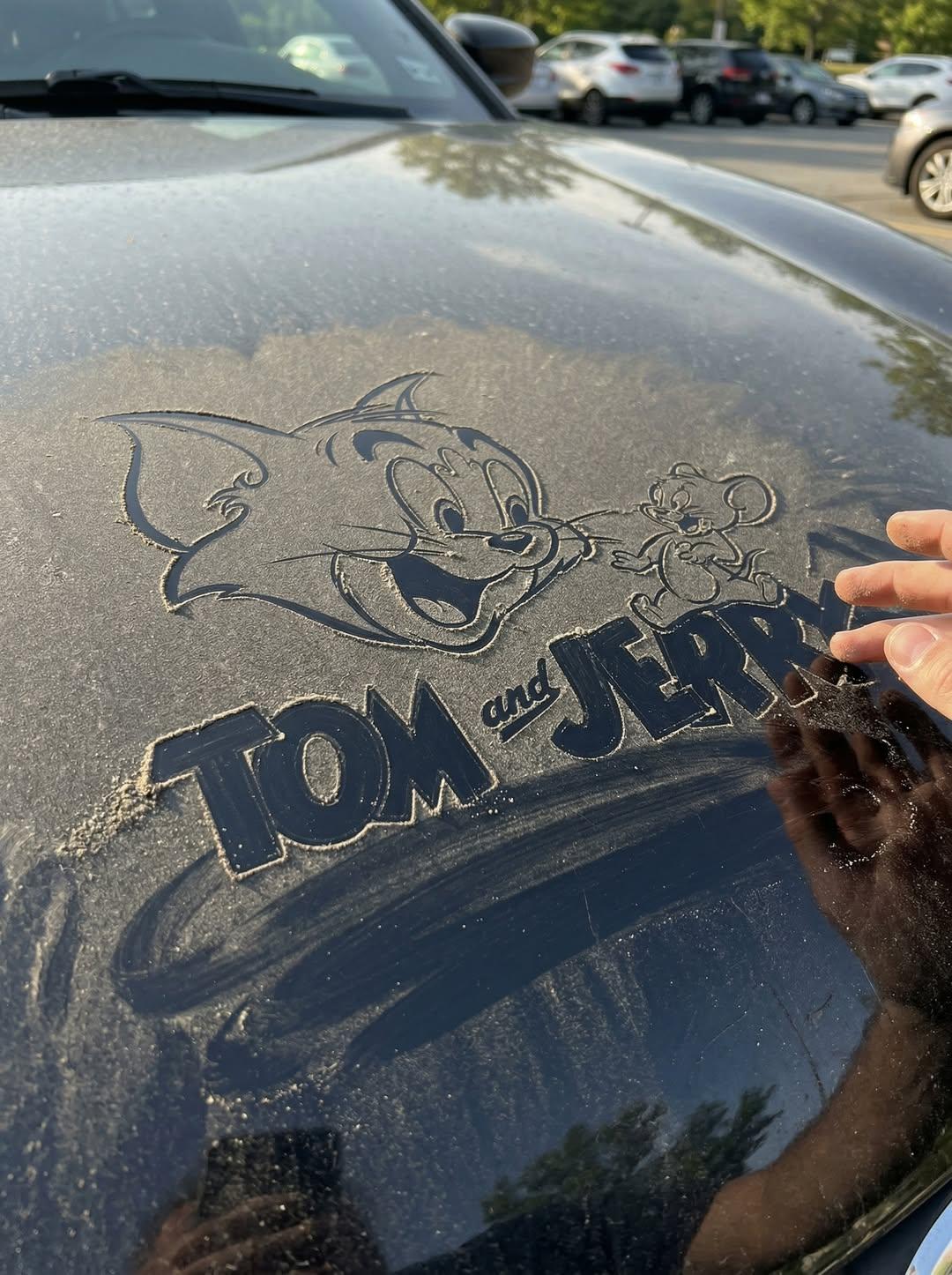
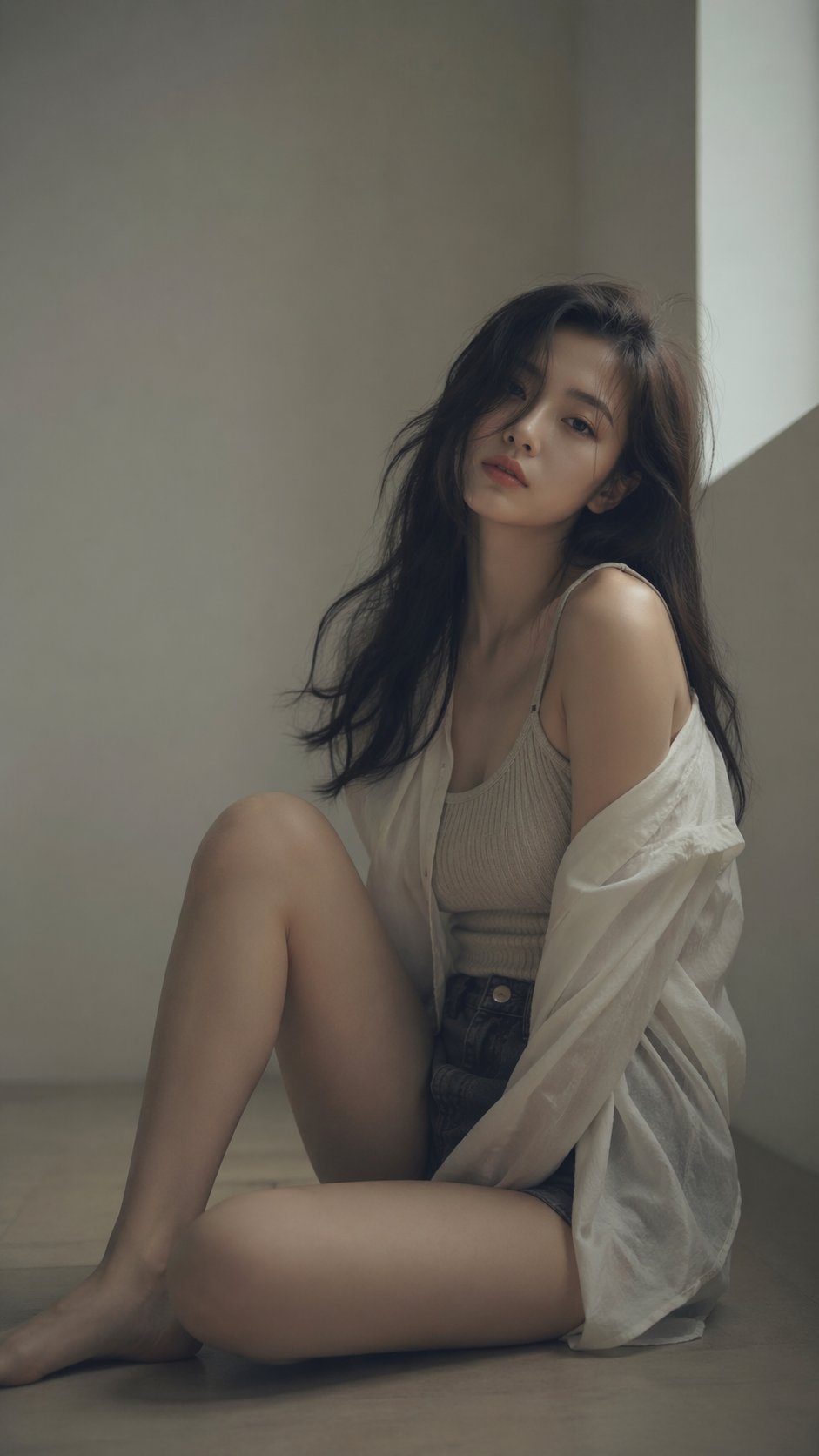
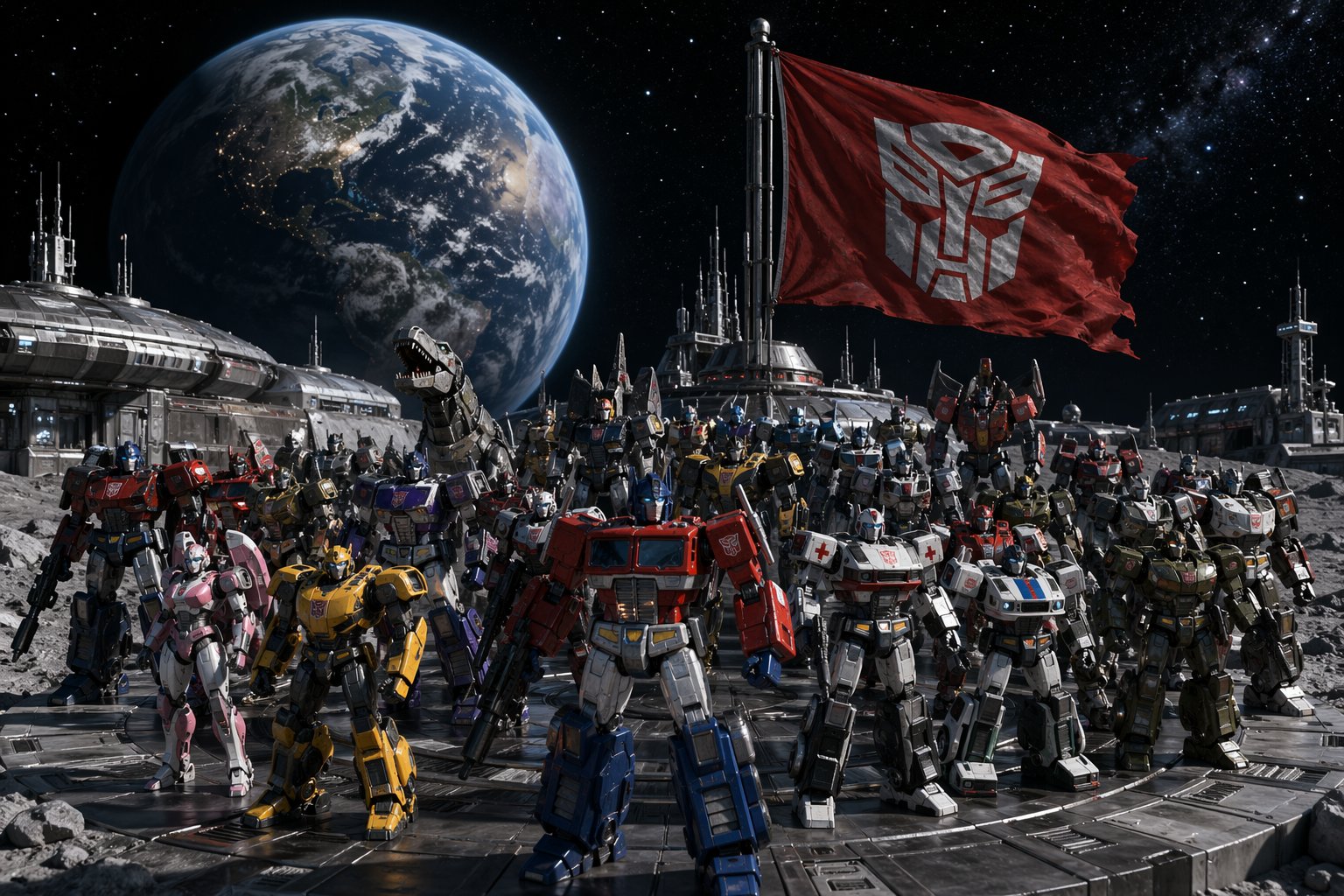
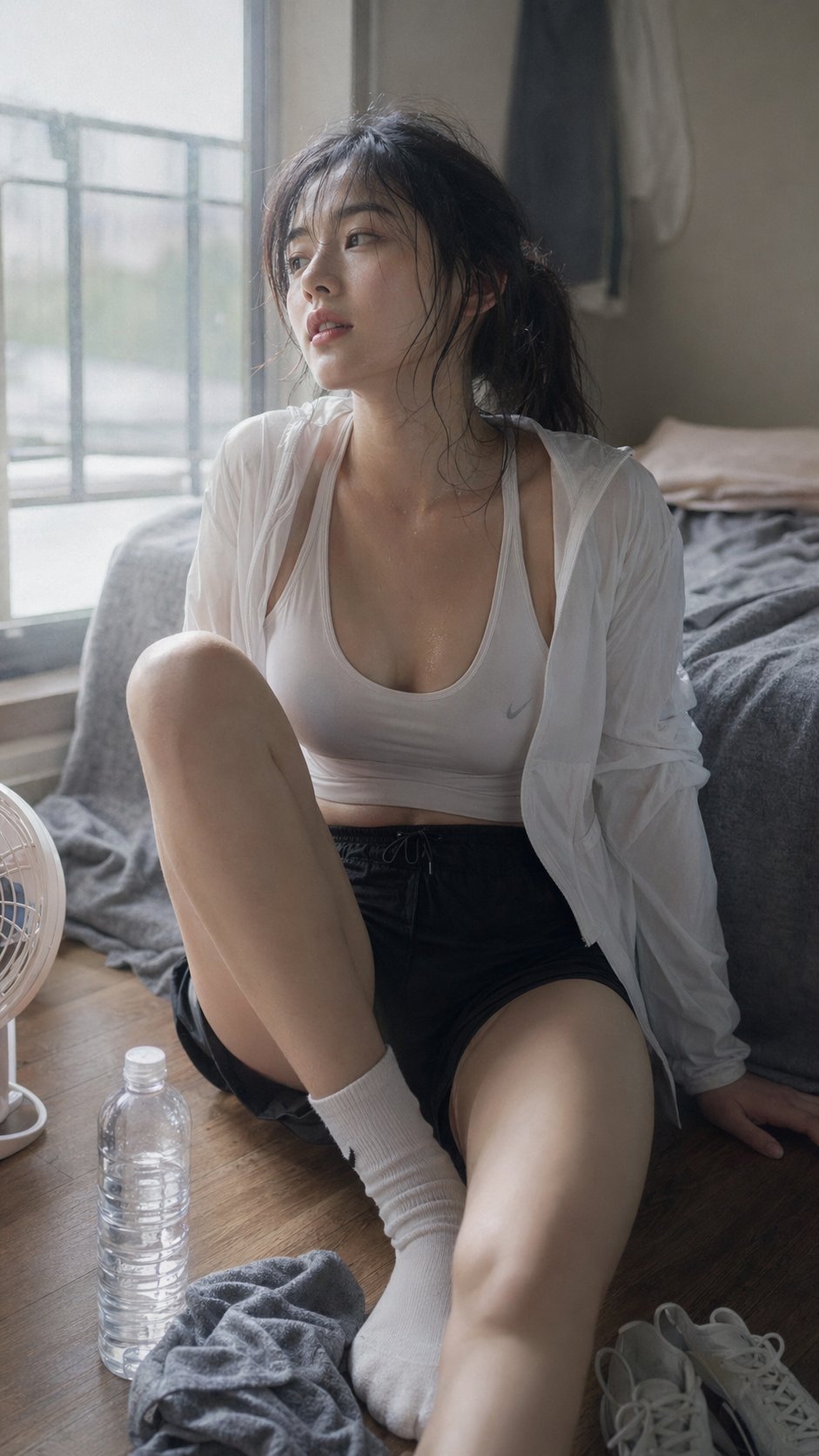
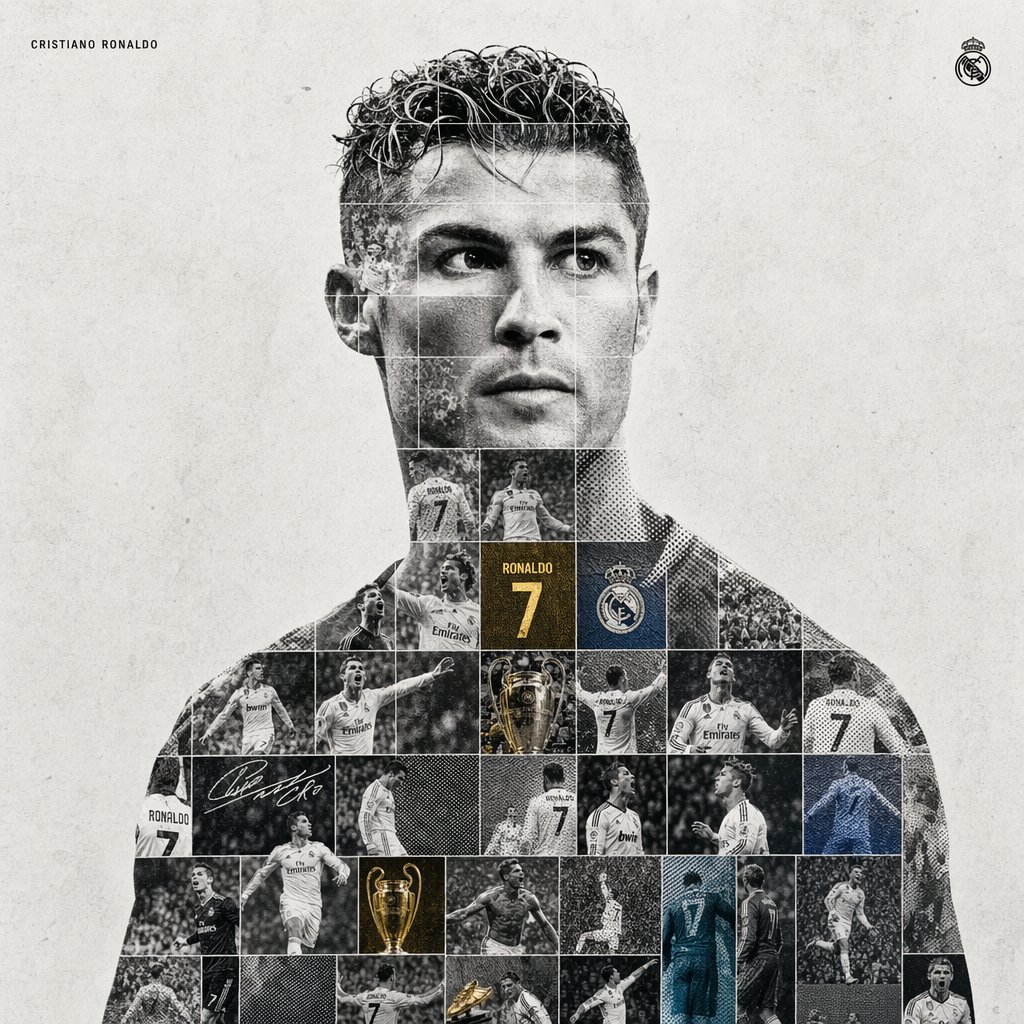
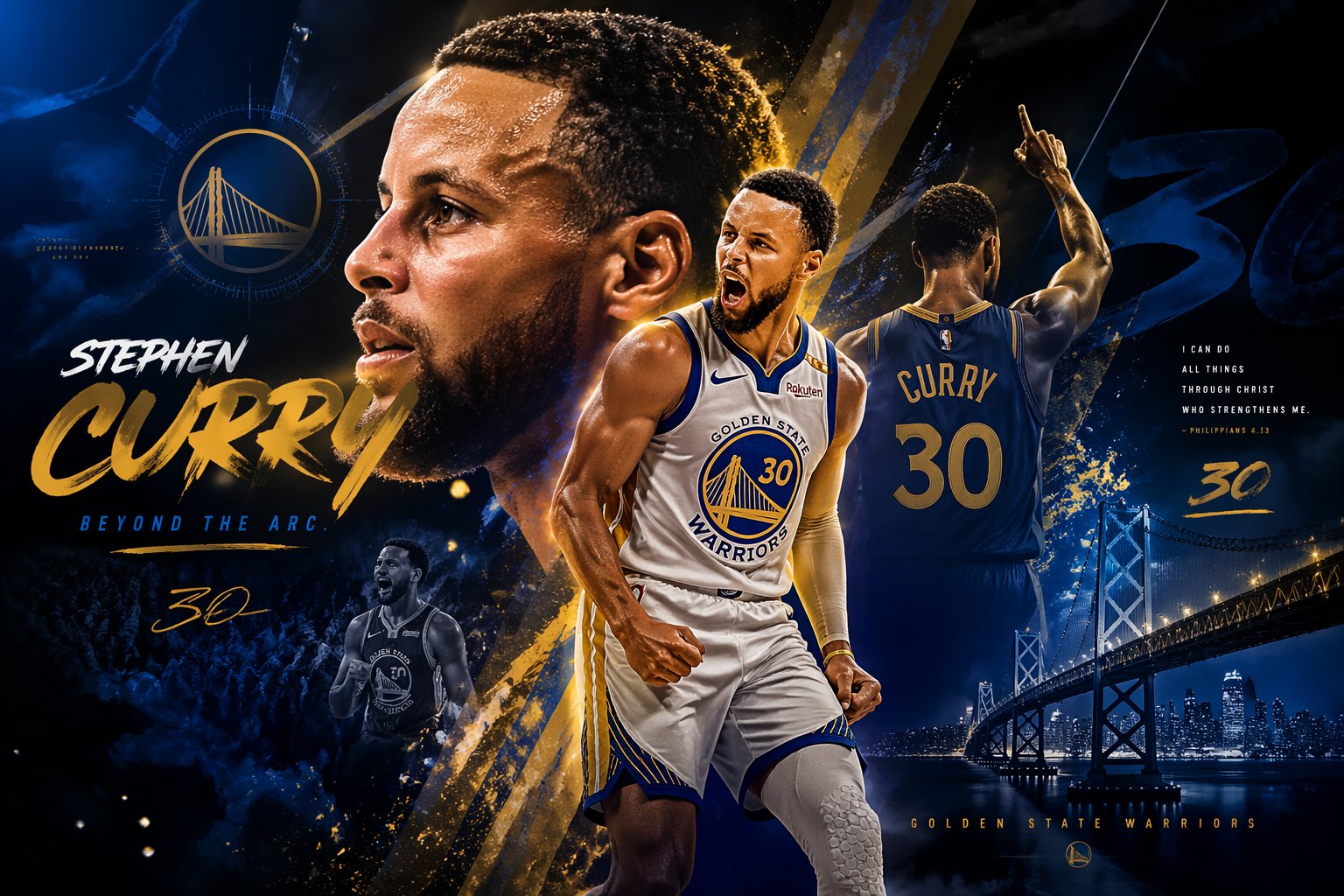
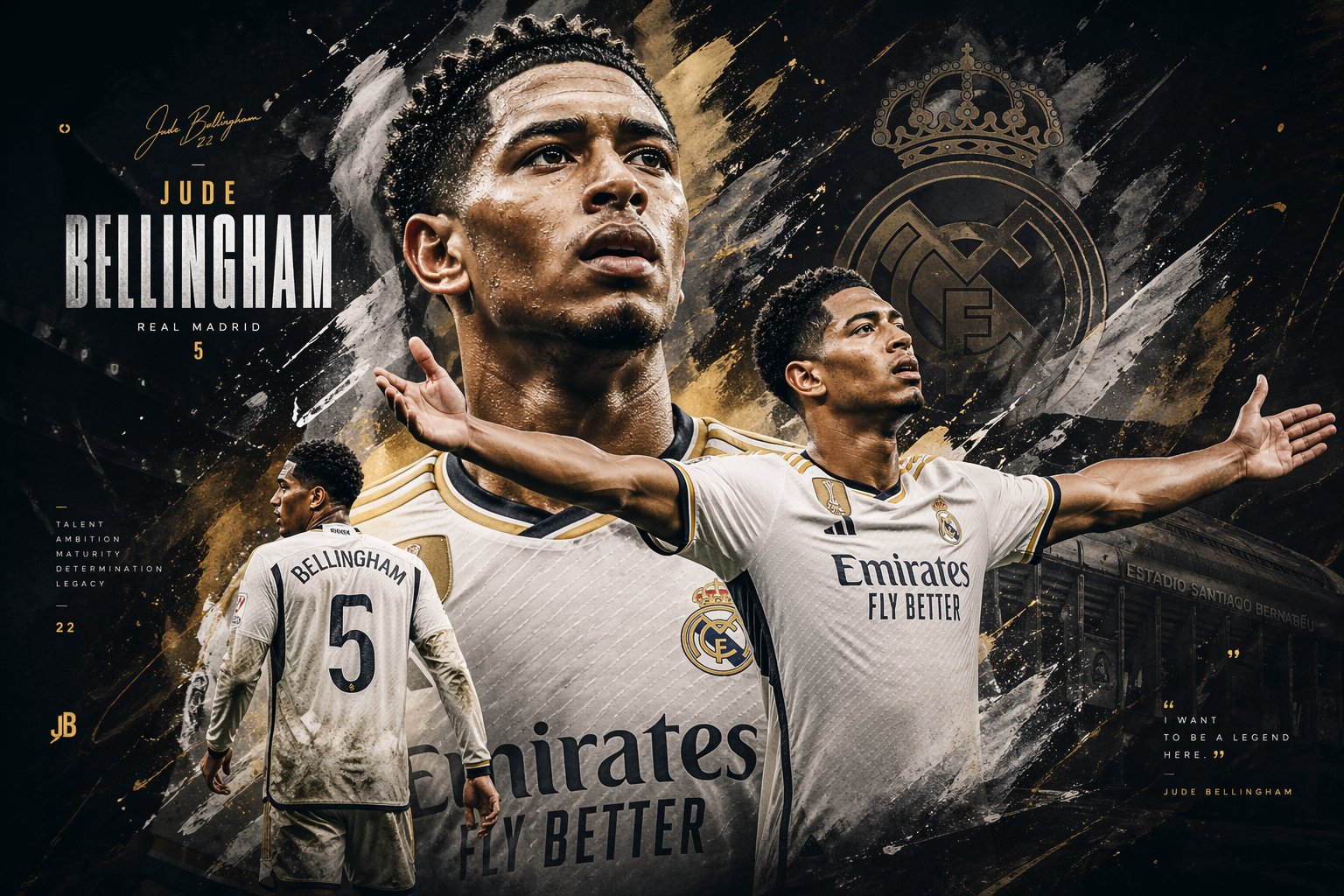
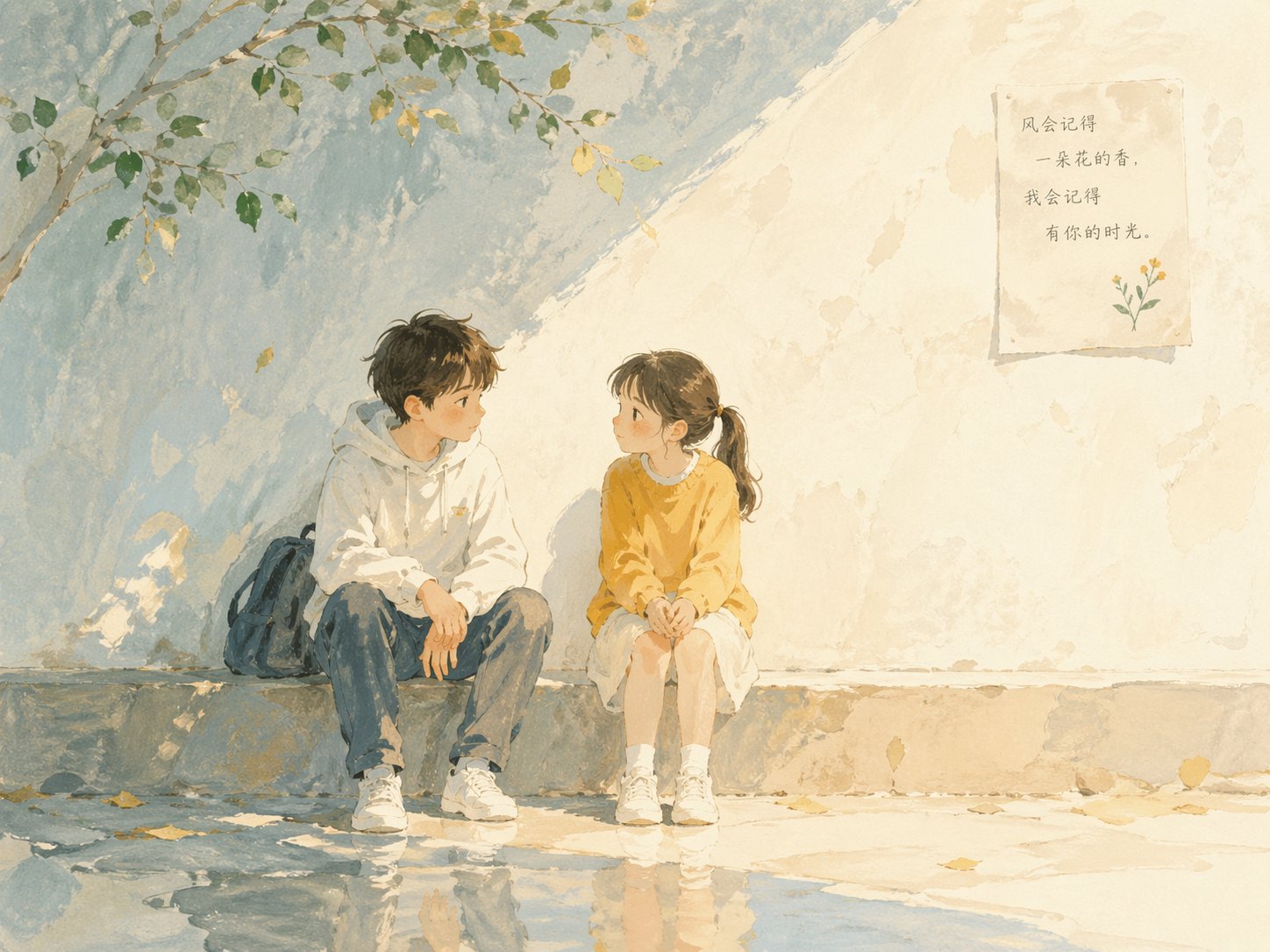
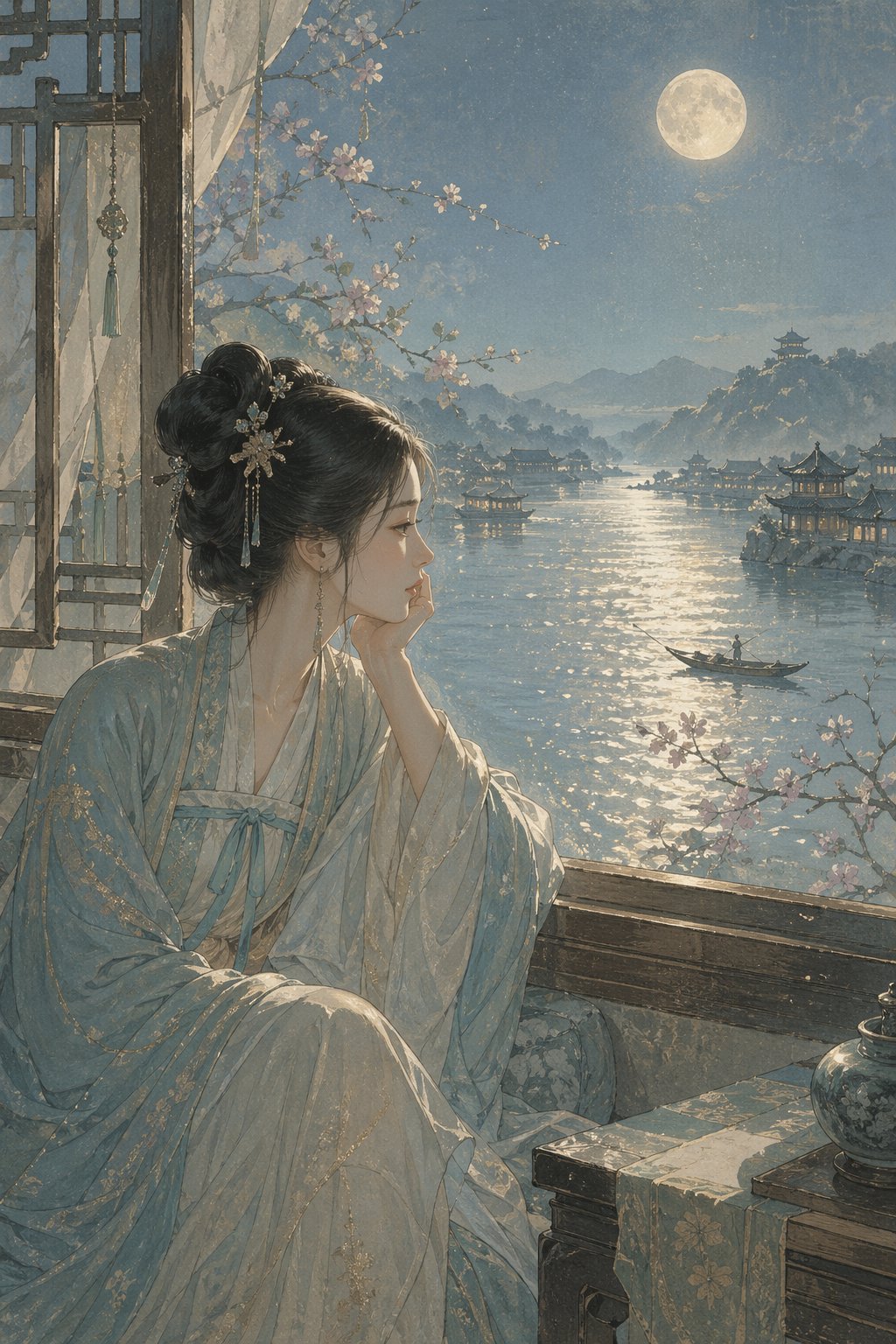
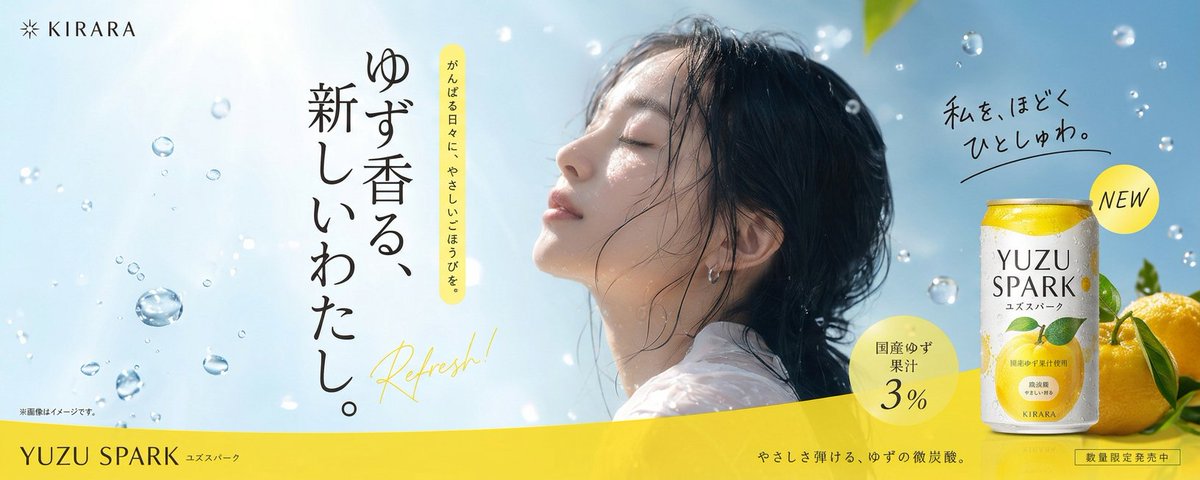
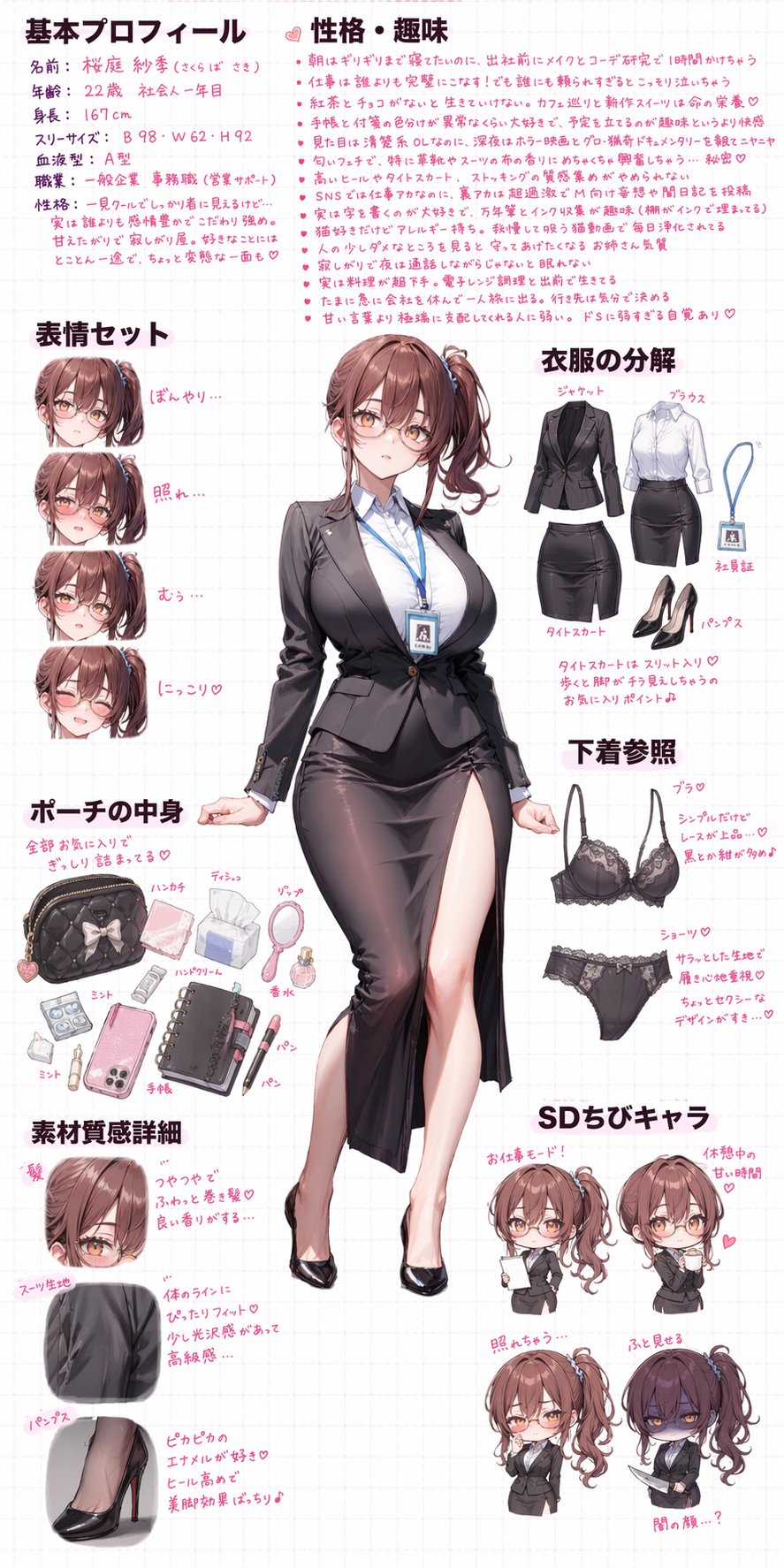
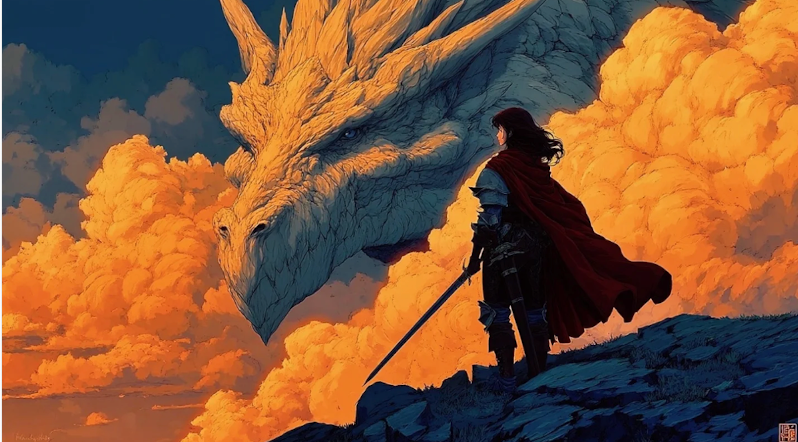
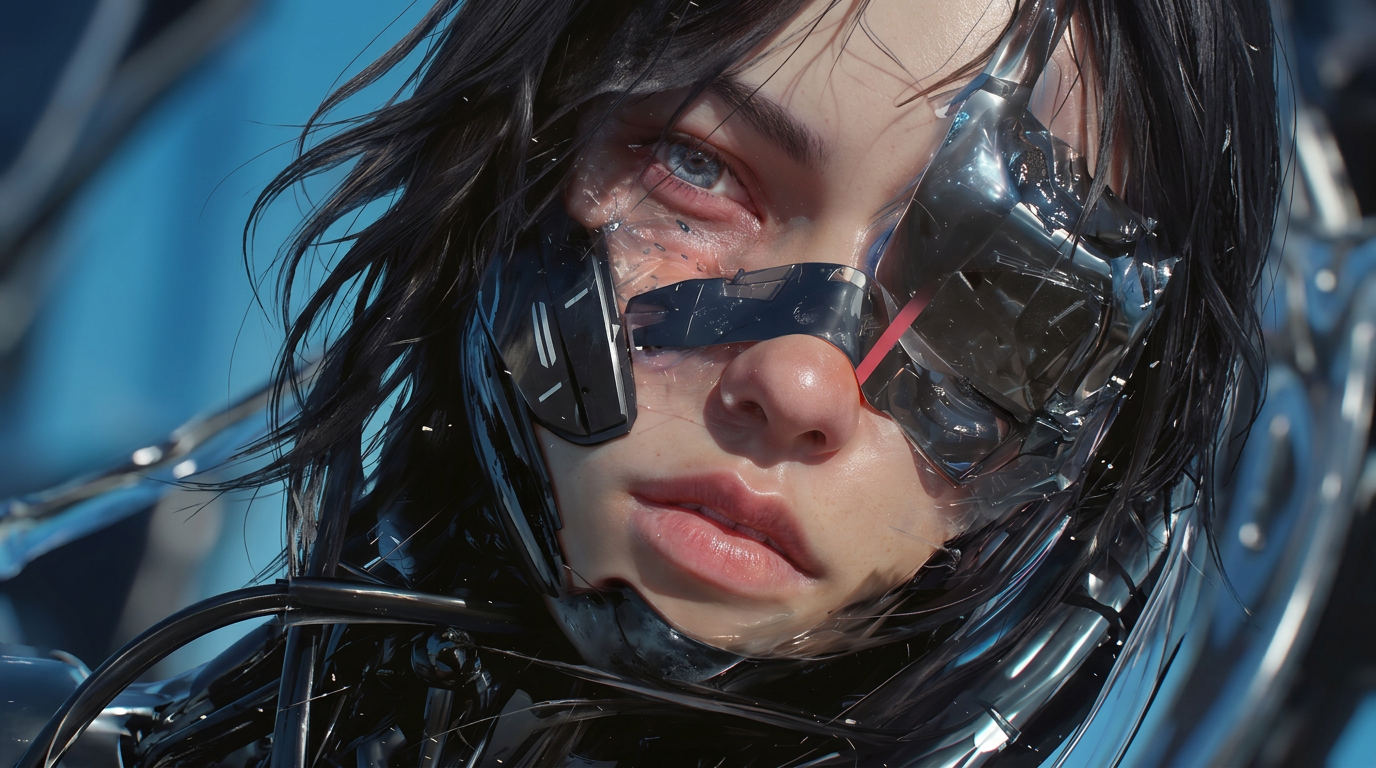
The images shown here highlight what GPT Image 2 can create across text-to-image and image editing workflows. OpenAI positions it as its state-of-the-art image generation model, built for fast, high-quality image generation and editing. It is especially well suited for production-quality visuals, controllable creative workflows, high-fidelity photorealism, strong text rendering inside images, and more consistent editing across iterative workflows. On Videoinu, GPT Image 2 helps turn prompts and reference images into polished visual results more efficiently.
How to Use GPT Image 2 AI Image Generator?
Enter Your Prompt
Start with a text prompt or upload an image to guide your GPT Image 2 workflow. Officially, GPT Image 2 accepts both text and image inputs and produces image outputs.
Adjust Style and Visual Direction
Refine your prompt, choose the image size, and guide the result with more detail. OpenAI’s image generation docs say GPT Image supports options like size, quality, format, and compression, and the prompting guide emphasizes controllable creative workflows for production use.
Generate and Download
Generate your image, review the result, and download the version that best fits your workflow on Videoinu. GPT Image 2 is designed for both high-quality image creation and editing, making it useful for both first-pass generation and iterative refinement.
High-Quality AI Image Creation Powered by GPT Image 2
GPT Image 2 is built for creators who want strong visual quality without giving up flexibility. OpenAI describes it as its most advanced image model, with support for fast, high-quality generation and editing, flexible image sizes, and high-fidelity image inputs.
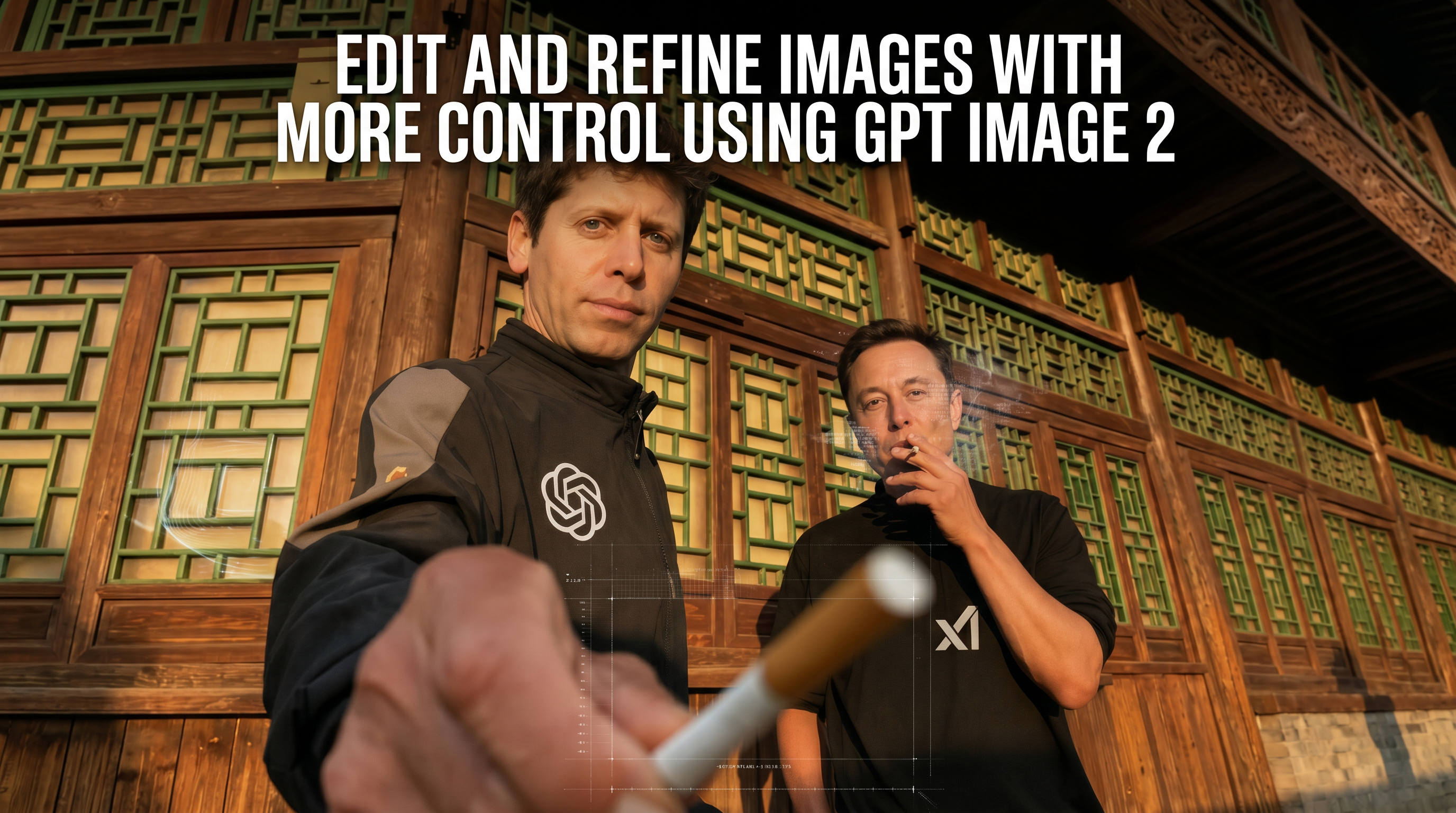
Edit and Refine Images with More Control Using GPT Image 2
One of GPT Image 2’s biggest strengths is that it is designed not just for generation, but also for editing. OpenAI’s image generation guide and tool docs describe image creation and editing workflows that support prompt-based refinement, multi-turn editing experiences, and high-fidelity input images.
The prompting guide also highlights strong photorealism, reliable text rendering, and robust preservation in editing workflows, which makes GPT Image 2 especially useful when image quality and refinement both matter.
User Reviews of the AI Image Generator
“GPT Image 2 feels especially strong when I need cleaner, more polished image quality from the first generation.”
“I like how easy it is to explore different visual styles. It’s useful for everything from concept art to marketing images.”
“I like using GPT Image 2 for prompts that need more control. The outputs feel more production-ready than many lighter image tools.”
“The text rendering and overall image quality feel noticeably stronger, especially for design-heavy use cases.”
“GPT Image 2 is useful when I want to iterate on an image instead of starting over every time.”
“For creators who care about image quality and editing flexibility, GPT Image 2 feels like a very practical option.”
What People Are Saying About GPT Image 2 on YouTube?
Watch creators explore GPT Image 2 in real workflows. The most natural discussion points for this model are image quality, editing performance, prompt control, text rendering, and how it compares with previous image generation models. Those topics align closely with OpenAI’s latest official positioning.
Reddit Posts About GPT Image 2
FAQs
GPT Image 2 is OpenAI’s state-of-the-art image generation model. Officially, it is designed for fast, high-quality image generation and editing, with support for flexible image sizes and high-fidelity image inputs.
Yes. GPT Image 2 accepts text input and can generate image outputs from prompts.
Yes. GPT Image 2 accepts image inputs as well as text, making it suitable for image editing and image-to-image style workflows.
Yes. OpenAI explicitly positions GPT Image 2 for both generation and editing, and its image generation guide also highlights multi-turn editing and iterative refinement workflows.
OpenAI describes GPT Image 2 as its most capable image model, with stronger image quality, improved editing performance, and broader support for production workflows. The prompting guide also highlights better photorealism, stronger text rendering, and more reliable preservation in edits.
Yes. OpenAI’s official docs say GPT Image 2 supports flexible image sizes, and the image generation tool documentation notes that it supports flexible size values within its resolution constraints.
Not everywhere. In OpenAI’s current Responses API image generation tool docs, requests for transparent backgrounds with GPT Image 2 are said to fail because the model does not currently support transparent backgrounds there.
Yes. On Videoinu, GPT Image 2 can be positioned as a high-quality text-to-image and image-editing workflow for creators who want stronger visual quality and more controllable results. This positioning is consistent with OpenAI’s official model description.

Try GPT Image 2 AI Image Generator on Videoinu Now!
Turn prompts and reference images into high-quality visuals with GPT Image 2. Create, edit, and refine images in a smoother workflow on Videoinu with a model OpenAI currently positions as its state-of-the-art image generation system.