Happy Horse AI Video Generator
Create AI videos with Happy Horse — now available on Videoinu. Turn text or images into expressive videos with synchronized audio, strong visual quality, and a more flexible creative workflow.
See What Happy Horse Can Create
The videos shown here highlight what Happy Horse can create across text-to-video and image-to-video workflows. It is built to generate video and audio together, helping creators produce richer results in one unified process. From cinematic scenes to more expressive short-form content, Happy Horse is designed for creators who want strong visual output, synchronized sound, and flexible generation from either prompts or images. Create your own AI videos with Happy Horse on Videoinu.

How to Use Happy Horse AI Video Generator?
Select Your Input
Start with a text prompt or upload an image to begin your Happy Horse creation workflow. Happy Horse supports both text-to-video and image-to-video generation.
Adjust Style, Audio, and Visual Direction
Refine your prompt, choose your format, and guide the final result. Happy Horse is designed to generate video and audio together, making it a strong option for more expressive and complete AI video creation.
Generate and Download
Generate your video, preview the result, and download the version that best fits your workflow on Videoinu.
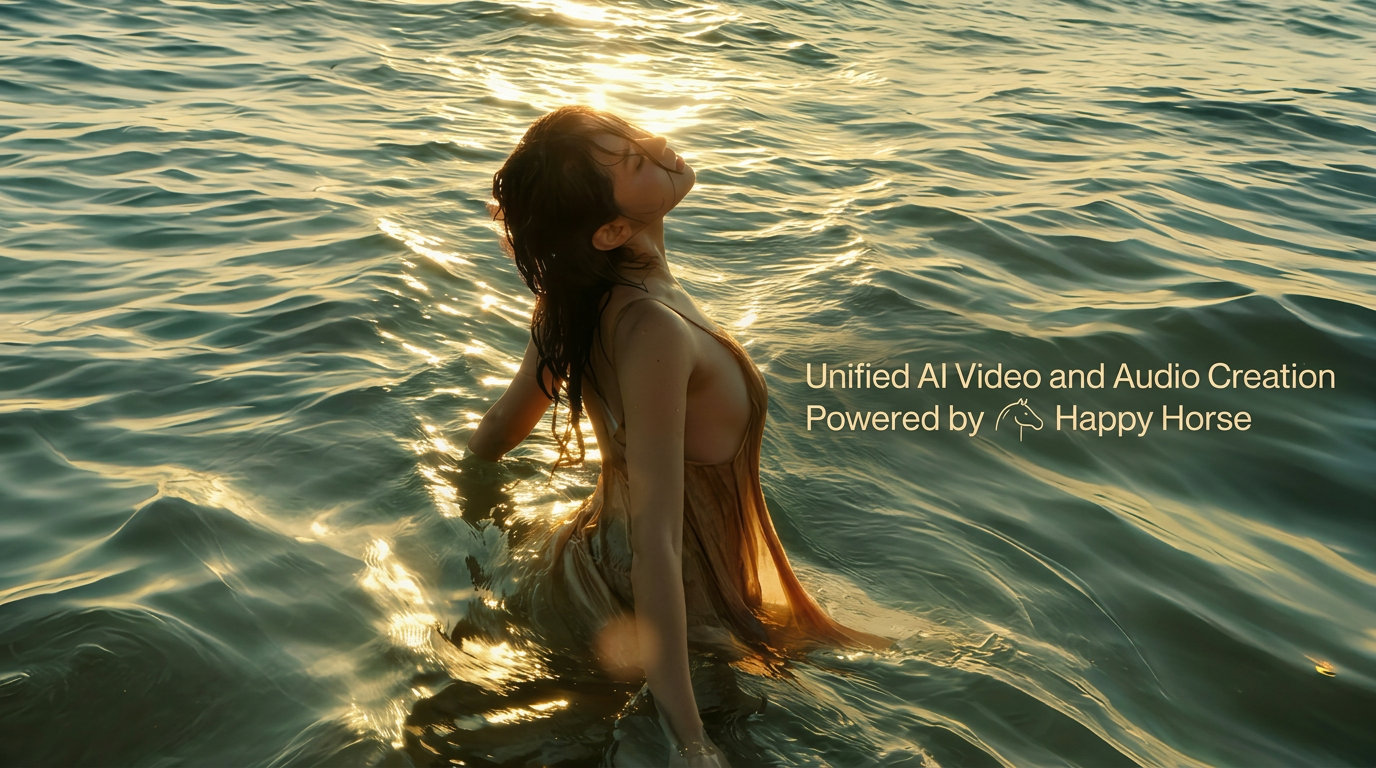
Unified AI Video and Audio Creation Powered by Happy Horse
Happy Horse is built for creators who want more than silent visual output. One of its biggest strengths is unified generation, where video and audio are created together instead of being added later in a separate step. That makes the workflow feel more complete and more efficient for creative production.
On Videoinu, you can use Happy Horse to turn prompts or images into AI videos with synchronized sound, helping you move from idea to output more smoothly.
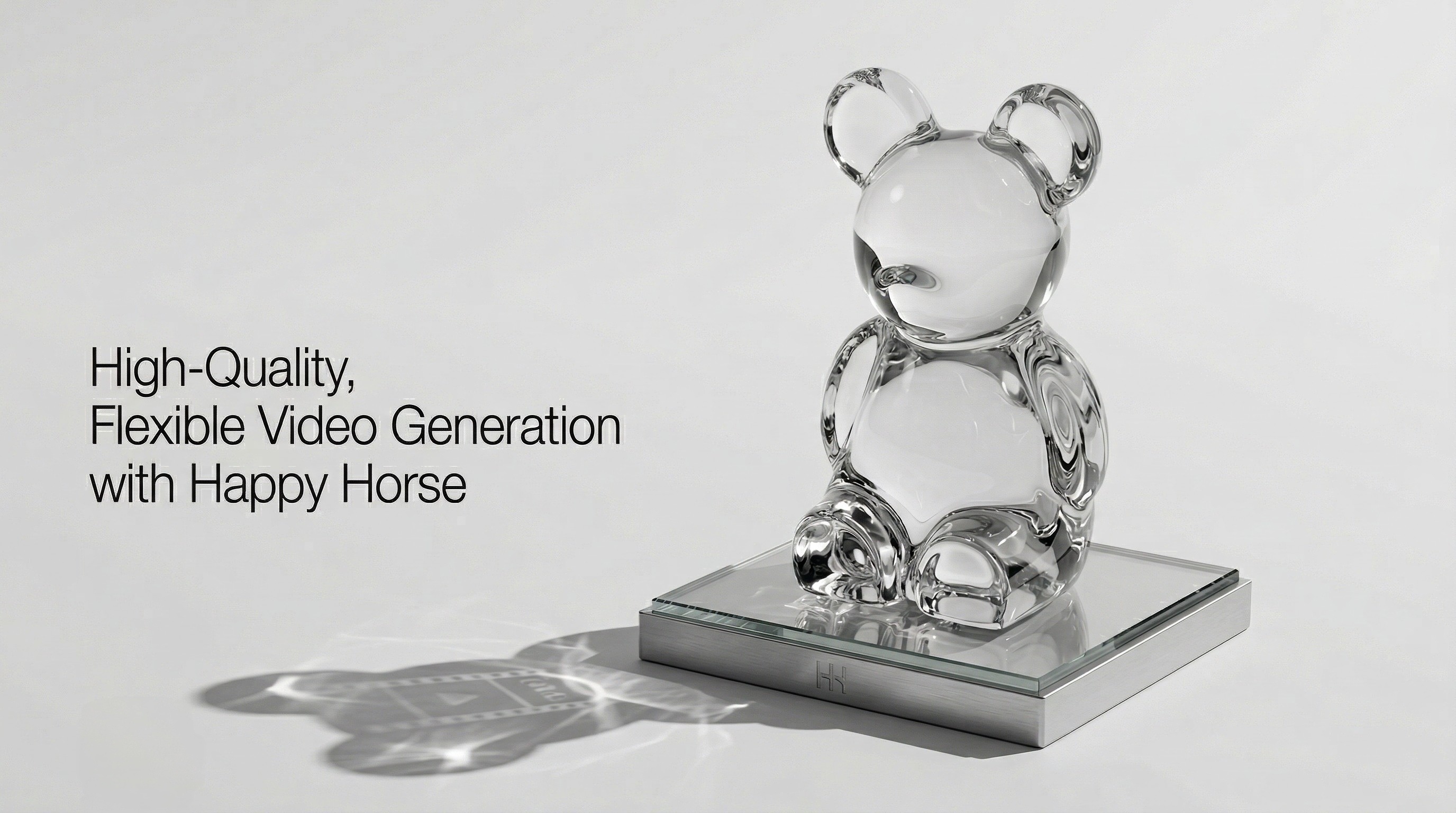
High-Quality, Flexible Video Generation with Happy Horse
Happy Horse is also designed for high-quality output across different creative needs. The official pages highlight multiple resolutions, 1080p generation, and support for common aspect ratios, making it useful for social content, ads, and more polished visual storytelling.
With Videoinu, you can explore text-to-video and image-to-video workflows with more flexibility, compare outputs, and create AI videos that feel more expressive and production-ready.
User Reviews of Happy Horse

“Happy Horse feels especially strong when I want video and audio generated together instead of stitching everything together later.”

“What stands out to me is the overall output quality. The videos feel clean, expressive, and more complete for short-form creative work.”

“I like using Happy Horse for prompt-based video ideas because the workflow feels simple but the results still look polished.”

“Happy Horse is useful when I want image-to-video results that feel more dynamic and visually refined.”

“The synchronized audio makes a real difference. It helps the final output feel more finished right away.”

“For creators who want flexible text-to-video and image-to-video generation in one place, Happy Horse feels like a strong option.”
Discover Other AI Video Models at Videoinu
FAQs
Happy Horse AI Video Generator is an AI video model for text-to-video and image-to-video creation. Its official pages emphasize unified video and audio generation, high-quality output, and open-source release.
Yes. Happy Horse supports text-to-video generation, allowing creators to turn prompts into expressive AI videos.
Yes. Happy Horse also supports image-to-video workflows, making it possible to animate uploaded images into video content.
One of the biggest differences is that Happy Horse generates video and audio together in one unified process. The official pages also highlight strong performance in text-to-video and image-to-video, plus upcoming open-source release.
Yes. The official Chinese page says Happy Horse supports lip-sync in seven languages, including English, Mandarin, Cantonese, Japanese, Korean, German, and French.
Yes. The official pages mention multiple resolutions, and the Chinese page specifically highlights 1080p output and common aspect ratios such as 16:9 and 9:16.
Yes. Both official pages position Happy Horse as open source or coming open source, and the Chinese page says the base model, distilled model, super-resolution module, and inference code are open with commercial licensing.
Yes. You can use Happy Horse on Videoinu for text-to-video and image-to-video creation in a smoother AI video workflow, with model strengths centered around unified audio, flexible output, and high-quality generation.

Try Happy Horse AI Video Generator on Videoinu Now!
Turn prompts and images into expressive AI videos with Happy Horse. Create with unified audio, flexible formats, and high-quality output on Videoinu. The official Happy Horse pages position it around text-to-video, image-to-video, synchronized audio, and open-source video creation.