Kling 3.0 Pro Video Generator
Create highly realistic AI videos with Kling 3.0 Pro — now available on Videoinu. Generate videos from text or images with stronger motion quality, better detail preservation, and more natural scene consistency, without relying on traditional video production tools.
See What Kling 3.0 Pro Can Create
The videos displayed here showcase real results generated with Kling 3.0 Pro. Known for its improved realism and visual stability, Kling 3.0 Pro excels at producing videos with smoother motion, more accurate object behavior, and richer scene details. These examples demonstrate how Kling 3.0 Pro turns text or images into believable video scenes. Explore the results, then generate your own realistic AI videos using Kling 3.0 Pro on Videoinu.

How to Use Kling 3.0 Pro Video Generator?
Choose Your Input Mode
Start by selecting Image to Video or Text to Video. Upload an image or enter a detailed prompt describing the scene you want to generate.
Refine Motion and Visual Details
Adjust motion strength, scene structure, and visual tone. Kling AI focuses on realism, helping you achieve stable and believable video results.
Generate and Download
Let Kling AI process your request. Preview the output, regenerate variations if needed, and download your final video directly from Videoinu.
Realistic AI Videos Powered by Kling 3.0 Pro
Kling AI is widely recognized for its ability to generate realistic video content with strong physical consistency. Unlike many AI video models that focus on abstract or artistic styles, Kling emphasizes natural motion, accurate object interaction, and stable camera behavior.
On Videoinu, you can access Kling AI easily and generate high-quality, realistic videos without complex production pipelines or technical expertise.
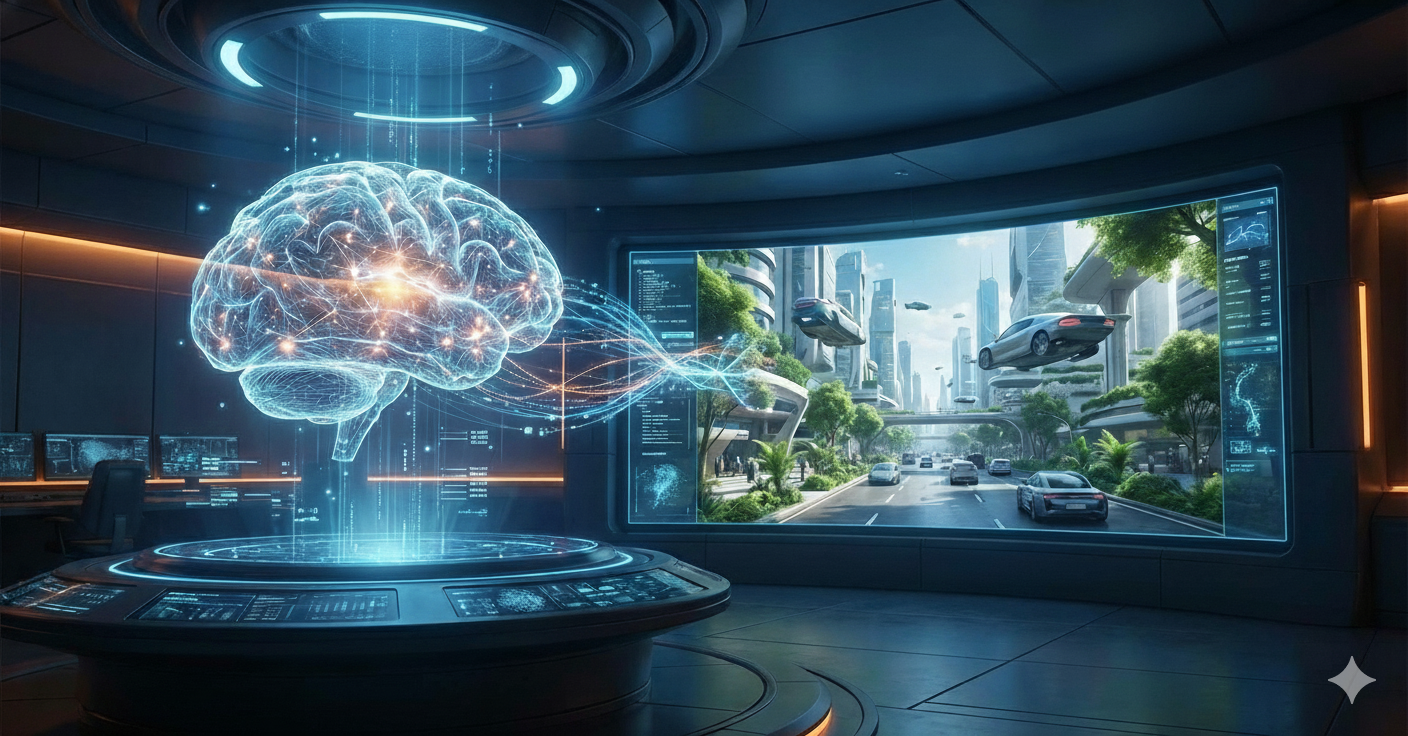
Build Believable Video Scenes with AI
Kling AI is especially suitable for creators who need realistic visuals, such as product demos, scene simulations, and story-based videos. Its strength lies in maintaining visual coherence across frames, making the output feel grounded and reliable.
With Videoinu, you can generate multiple variations, test different prompts, and integrate Kling AI into efficient video creation workflows.
User Reviews of Kling 3.0 Pro

“Kling AI produces some of the most realistic AI videos I’ve seen. The motion feels natural and consistent, which is hard to achieve with other models.”

“I use Kling AI when realism matters. The scenes look grounded and the object movement makes sense.”

“Kling AI is great for generating believable video clips. It’s especially useful for concept testing and visual demos.”

“The physical consistency of Kling AI really stands out. It avoids the strange motion artifacts common in many AI videos.”

“Kling AI works best for short realistic clips. Using it on Videoinu makes the workflow much smoother overall.”
“I like how Kling AI prioritizes realism over flashy effects. It’s a solid choice for practical video generation.”
What People Are Saying About Kling AI on YouTube?
Reddit Posts About Kling AI
Discover Other AI Video Models at Videoinu
FAQs
Kling AI is mainly used for generating realistic AI videos from text or images. It focuses on stable motion, physical consistency, and believable scene composition.
Kling AI emphasizes realism and coherent motion rather than abstract or artistic visuals, making it suitable for grounded and practical video content.
Yes. Kling AI supports text-to-video generation, allowing you to describe scenes and convert them into realistic video outputs.
Yes. Kling AI is often used for product visuals, concept demonstrations, and story-driven content where realism is important.
Kling AI itself is mainly optimized for short video clips. However, Videoinu enables advanced workflows that allow Kling AI to be applied to long video generation by combining multiple outputs and managing them efficiently.
No. Videoinu simplifies Kling AI into an easy-to-use interface, allowing anyone to generate videos without traditional editing experience.
Yes. You can generate multiple variations from the same prompt to explore different visual outcomes.
Yes. Videoinu supports multiple AI video models, allowing you to compare results or build more complex workflows.
Generation time depends on prompt complexity and video length, but most videos are created within minutes.
Videoinu provides a unified platform, advanced workflows, and scalability options that help unlock Kling AI’s full potential beyond basic short clip generation.

Try Kling 3.0 Pro Video Generator on Videoinu Now!
Create realistic AI videos with Kling 3.0 Pro. Generate stable, believable video scenes from text or images with smoother motion and better visual consistency, and start building smarter video workflows today.