PixVerse AI Video Generator
Create eye-catching AI videos with PixVerse AI — now available on Videoinu. Generate short-form videos from text or images with bold styles, dynamic motion, and social-media-ready visuals, without complex editing tools.
See What PixVerse AI Can Create
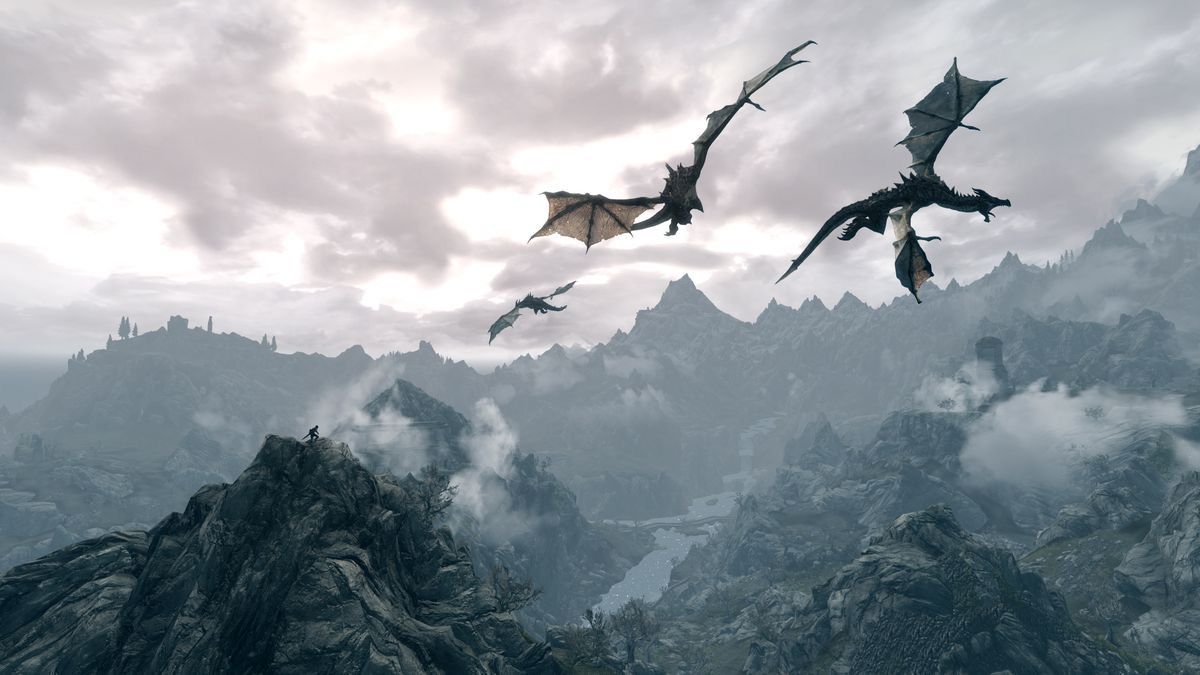
The videos shown here are generated using PixVerse AI and reflect its strength in producing bold, stylized, and attention-grabbing visuals. PixVerse is especially popular for short-form content designed for social media platforms. Explore different styles, effects, and visual directions — then create your own PixVerse-powered videos on Videoinu in just minutes.
How to Use PixVerse AI Video Generator?
Choose Image or Text Input
Upload an image or enter a short text prompt describing your idea, action, or visual style.
Focus on Style and Impact
Refine your prompt to emphasize motion, effects, or visual tone. PixVerse AI performs best with clear, creative direction.
Generate and Download
Generate your video, preview the result, and download your final clip directly from Videoinu.
Social-Ready AI Videos Powered by PixVerse
PixVerse AI is built for speed and visual impact. It focuses on short, stylized video generation that works well for social feeds, promotional clips, and creative experiments.
On Videoinu, PixVerse becomes even easier to use, allowing creators to generate engaging videos quickly without professional editing workflows.
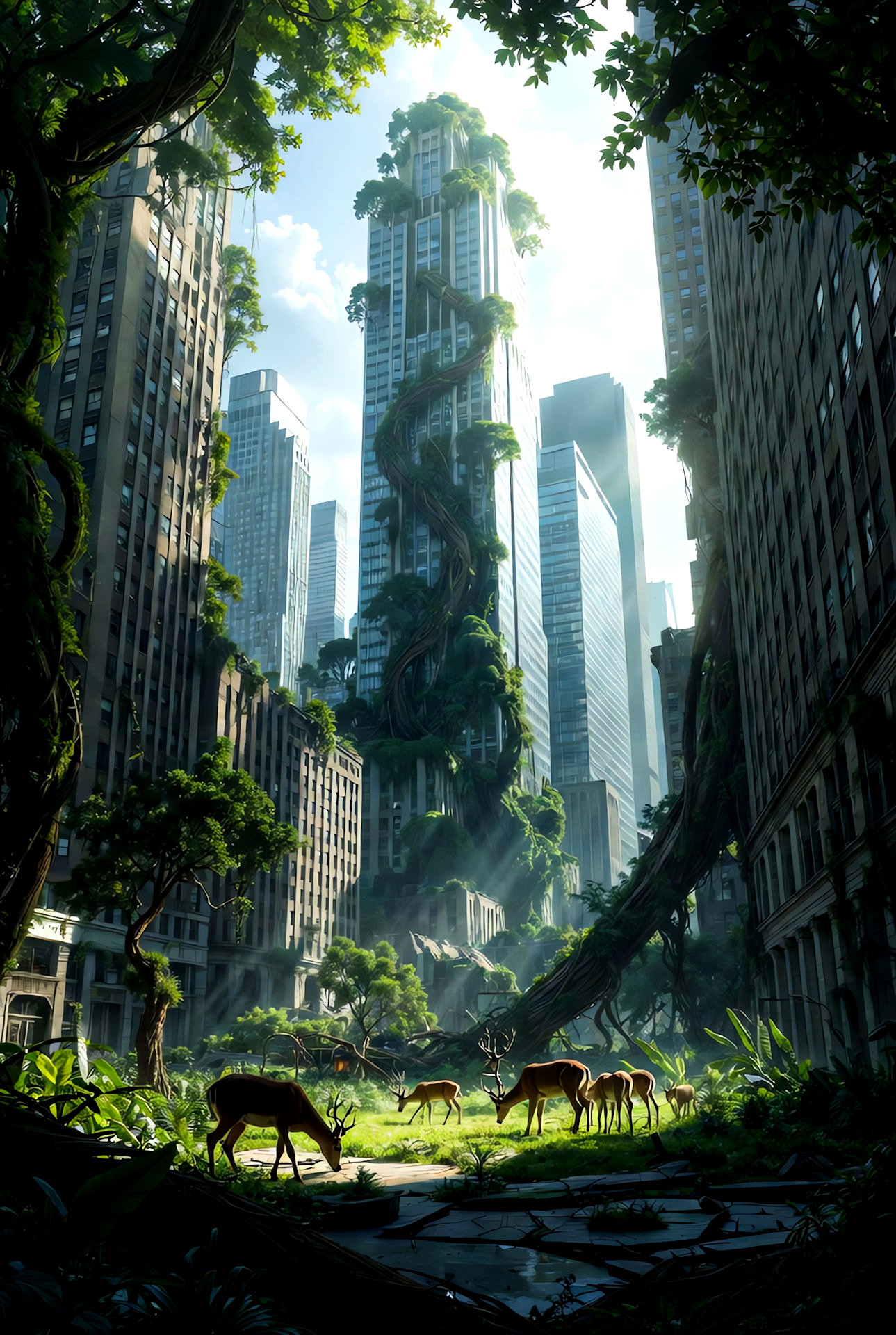
Turn Ideas into Viral-Style Videos with AI
PixVerse AI excels at transforming simple ideas into visually striking videos. Its strength lies in motion, color, and style rather than realism or long-form storytelling.
With Videoinu, you can test multiple variations, refine creative direction, and produce short videos optimized for online attention.
.jpg)
User Reviews of PixVerse AI

“PixVerse AI is great for short social videos. The styles are bold and immediately eye-catching.”

“I use PixVerse mainly for TikTok-style content. It’s fast and easy to experiment with different looks.”

“PixVerse AI focuses on impact rather than realism, which is perfect for quick creative ideas.”

“It’s very beginner-friendly. I can generate usable clips in minutes.”
“PixVerse AI works best for short videos. Using it on Videoinu helps me manage and reuse clips more efficiently.”
“The motion and effects are fun and expressive. It’s a solid tool for creative short-form content.”
What People Are Saying About PixVerse AI on YouTube?
Watch creators test PixVerse AI for short-form video generation. These videos show how PixVerse is used for social content, creative effects, and quick visual ideas.
Reddit Posts About PixVerse AI
Discover Other AI Video Models at Videoinu
FAQs
PixVerse AI is mainly used for generating short, stylized AI videos designed for social media and quick visual impact.
Yes. PixVerse AI is especially popular for creating short videos optimized for fast-paced social feeds.
Yes. PixVerse AI supports image-to-video generation and can animate still images with creative motion.
PixVerse AI is more focused on style and impact than realism or cinematic storytelling.
PixVerse AI itself is optimized for short clips. However, Videoinu enables workflows that combine multiple PixVerse-generated videos into longer content.
No. Videoinu makes PixVerse AI accessible even for beginners.
Yes. You can easily create multiple versions to explore different creative outcomes.
Yes. Videoinu allows you to compare PixVerse with other AI video models like Pika, Runway, or Kling.

Try PixVerse AI Video Generator on Videoinu Now!
Create bold, social-ready AI videos with PixVerse AI. Turn ideas into eye-catching clips and start generating videos today.