AI Animation Generator
See What Videoinu AI Animation Generator Can Create
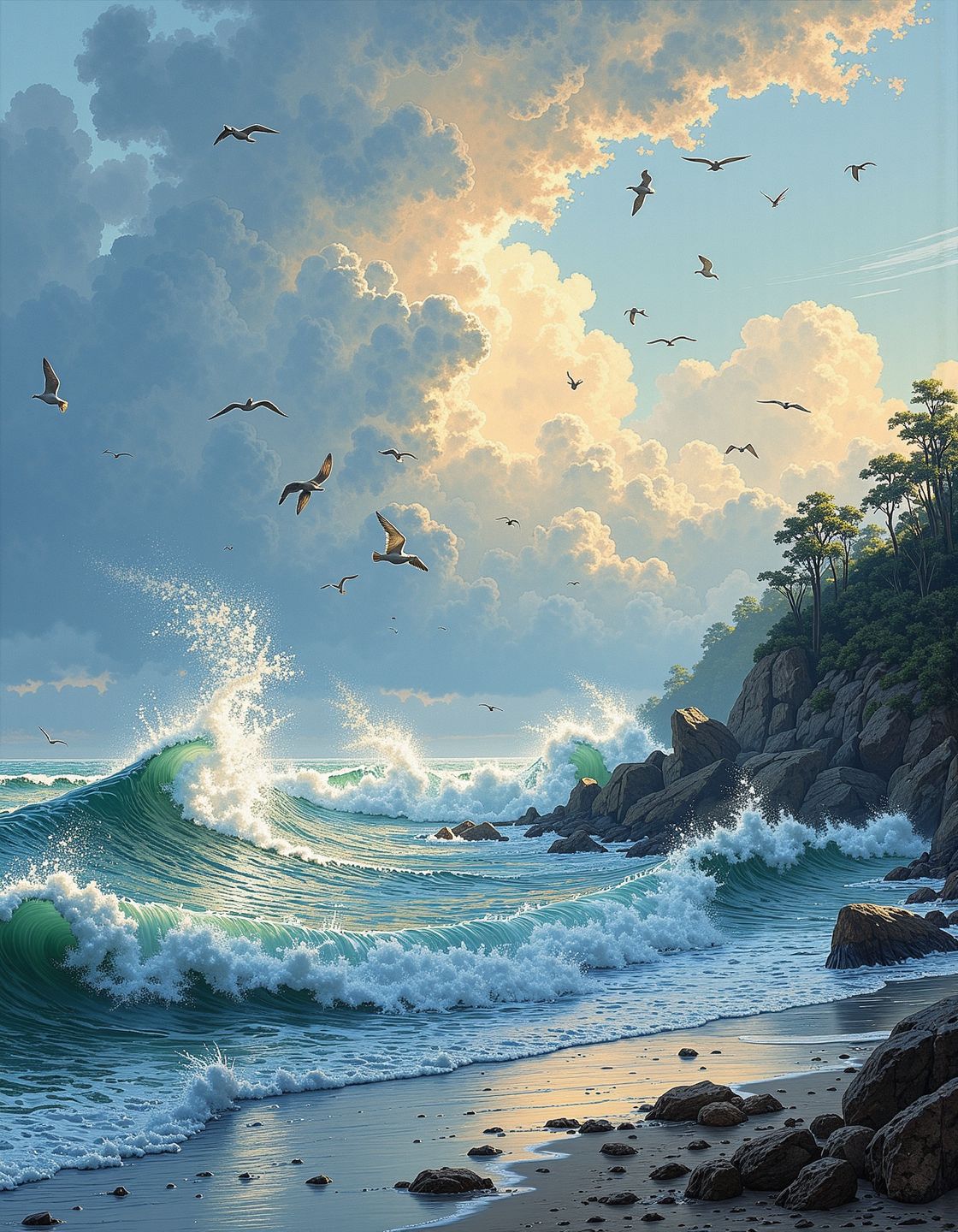
The animations shown here are created using Videoinu’s AI Animation Generator. From character animation and motion scenes to stylized visual effects, these examples demonstrate how AI can bring static ideas to life. Explore different animation styles, then generate your own AI-powered animations in minutes — no traditional animation tools needed.
How to Use the AI Animation Generator?
Start with Text or Image
Enter a text prompt describing motion or upload an image you want to animate.
Choose Animation Style and Motion
Adjust the animation direction by describing movement, actions, or transitions. Videoinu automatically routes your request to the most suitable AI model.
Generate and Download
Generate your animation, preview the result, and download the animated video instantly.
Turn Static Ideas into Animated Videos with AI
The AI Animation Generator transforms static content into animated videos with motion, timing, and visual consistency. Whether you’re animating a character, a product image, or a scene description, AI handles the animation process automatically.
On Videoinu, you don’t need to worry about choosing the right animation engine — the platform supports multiple AI models optimized for different animation styles and use cases.
One Animation Tool, Multiple AI Models
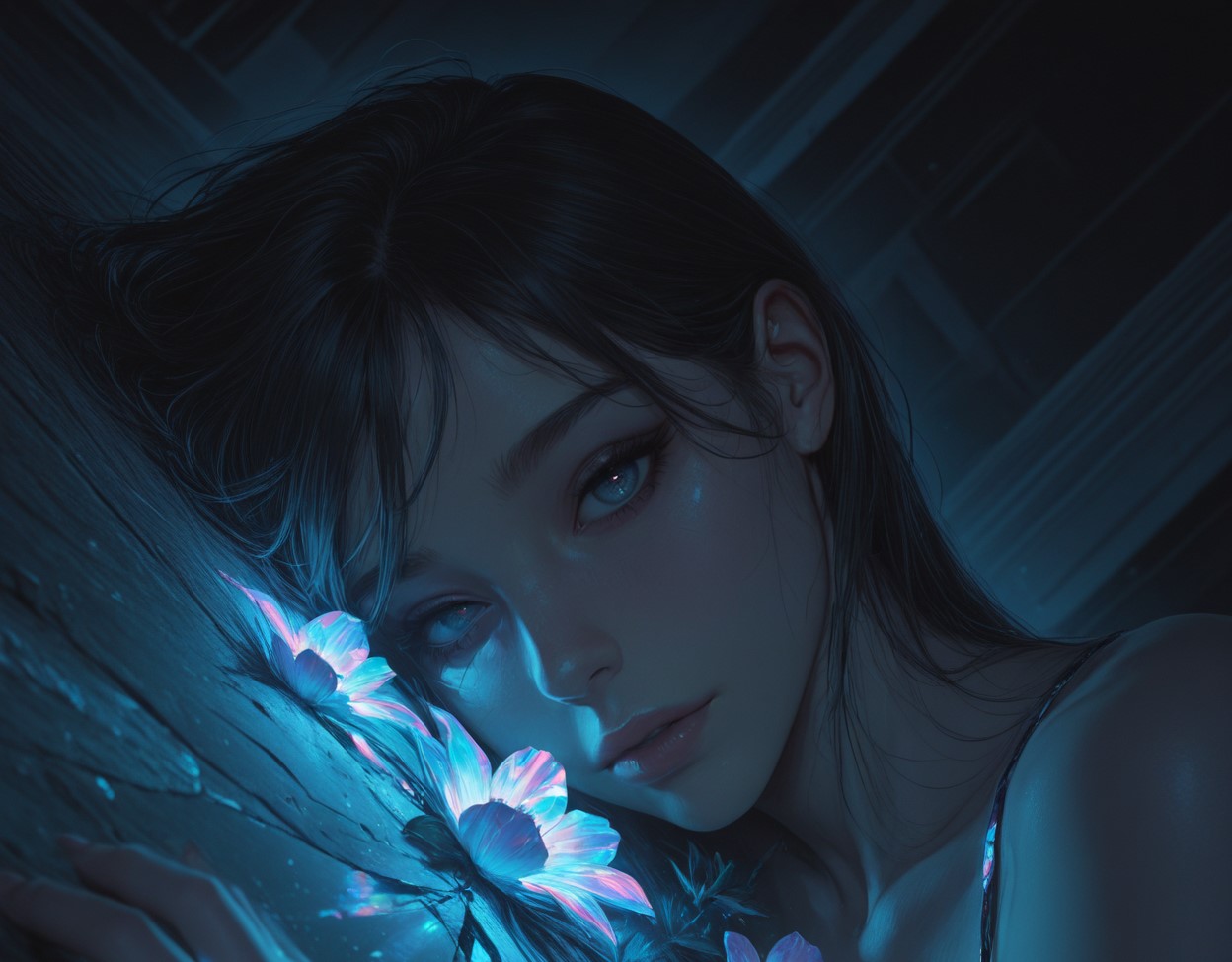
Unlike single-model animation tools, Videoinu’s AI Animation Generator gives you access to multiple AI video models in one workflow. This allows you to generate different animation styles, compare results, and choose the output that fits your project best.
From expressive character animation to smooth motion scenes, Videoinu makes AI animation flexible and scalable.
User Reviews of Videoinu AI Animation Generator

“I don’t have animation skills, but this makes it easy to animate characters and scenes.”

“The animations feel natural. I can go from an image to an animated clip very quickly.”

“It’s flexible. I can try different animation styles using the same input.”

“This is much faster than traditional animation tools.”

“The ability to combine multiple animated clips into longer videos is very useful.”

“It lowers the barrier to animation completely.”
Discover Other AI Video Tools at Videoinu
FAQs
An AI Animation Generator uses artificial intelligence to turn text or images into animated videos with motion and transitions.
No. Videoinu’s AI Animation Generator is designed for beginners and professionals alike.
Yes. You can generate character animations with gestures, movement, and scene interaction.
Yes. Image-to-animation is one of the core features of the AI Animation Generator.
Yes. It works well for short animated clips used on social platforms.
The AI Animation Generator is optimized for short animated clips, but Videoinu allows you to combine multiple clips into longer videos.
Videoinu integrates multiple AI video models behind the AI Animation Generator to support different animation styles.
Because Videoinu offers one interface, multiple AI models, and scalable animation workflows in a single platform.

Start Creating AI Animations Now
Bring characters, images, and ideas to life with the AI Animation Generator. Create animated videos faster, easier, and more flexibly using Videoinu.