Image to Video
Your All-in-One Text to Video AI Platform
Generate videos with leading AI video models on a single platform. Videoinu gives you access to Kling AI, Veo 3, Hailuo AI, and more—so you can create videos your way, with the model you prefer.





See What Image to Video AI Can Create
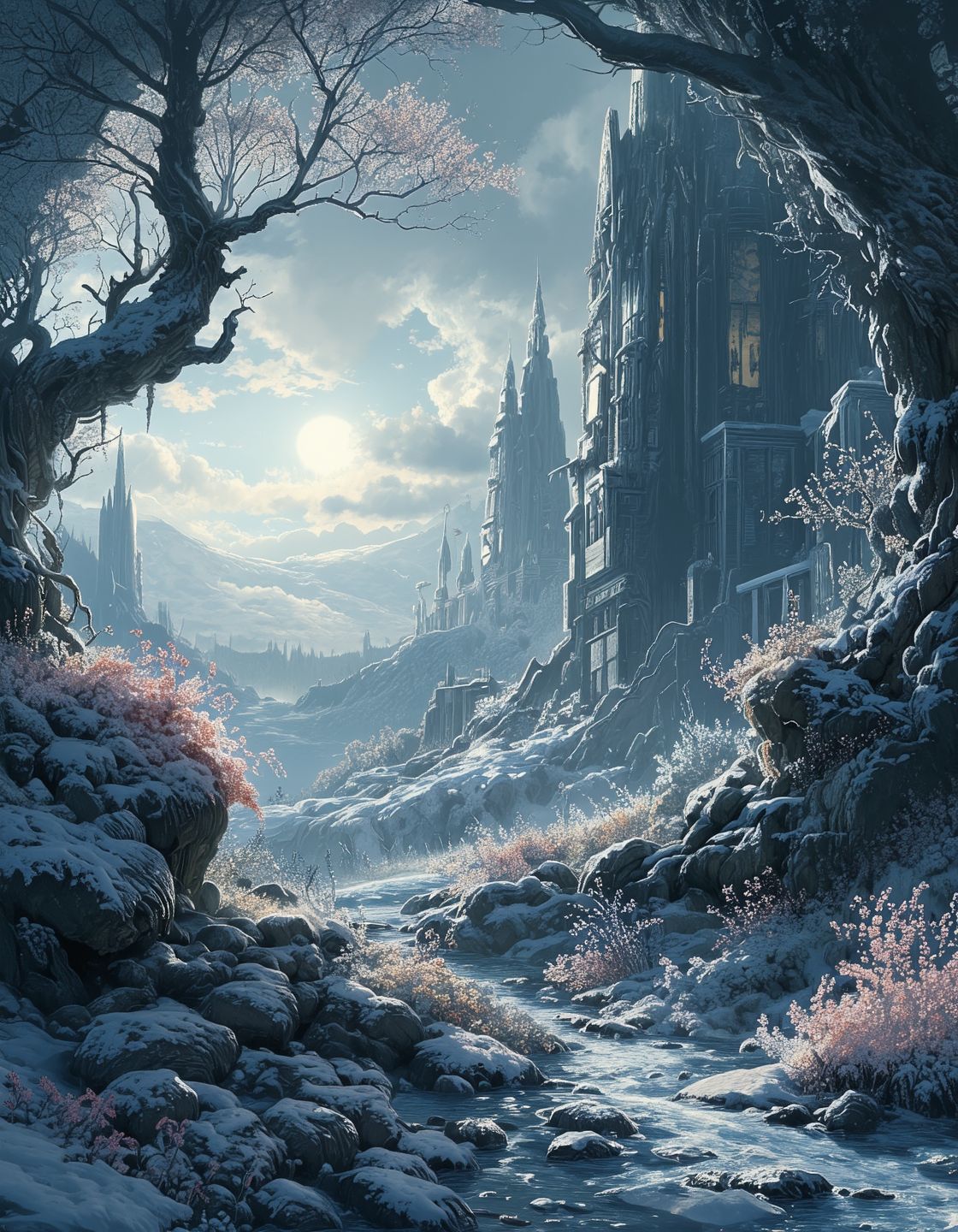
The videos shown here are generated from static images using Videoinu’s Image to Video AI Generator. These examples demonstrate how AI adds motion, camera movement, and transitions to still visuals. From photos and artwork to product images and illustrations, Image to Video makes static content feel alive.
How to Use the Image to Video AI Generator?
Upload Your Image
Upload Your Image
Upload a photo, illustration, or design you want to animate.
Describe the Motion
Describe how the image should move — camera motion, subject movement, or visual transitions. Videoinu selects the best AI model automatically.
Generate and Download
Generate your video, preview the animation, and download instantly.
Bring Static Images to Life with AI
The Image to Video AI Generator transforms static images into animated videos with natural motion and visual depth. Instead of manually animating frames, AI automatically adds movement that feels smooth and intentional.
This makes it easy to turn photos, designs, and artwork into engaging video content in minutes.
One Image, Multiple AI Video Models
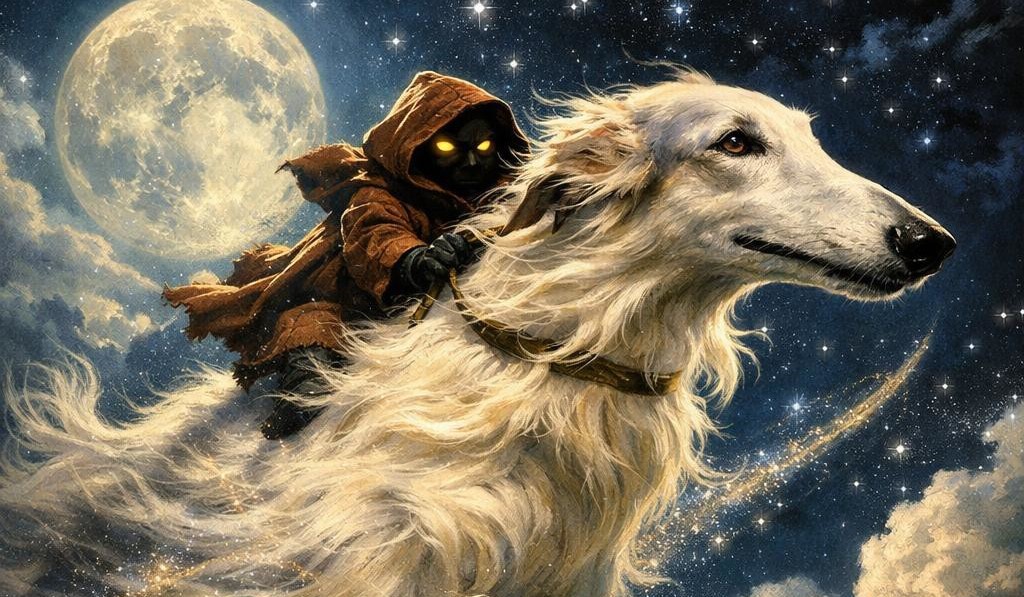
Videoinu’s Image to Video feature is powered by multiple AI video models, each optimized for different animation styles. Some models focus on cinematic camera movement, while others excel at expressive or stylized motion.
You can generate multiple versions from the same image and choose the result that best fits your project.
User Reviews of Image to Video AI

“I turned a single image into a full video clip in seconds.”

“The motion feels natural. It doesn’t look like a slideshow.”

“Perfect for animating product images for ads.”
“I don’t need After Effects anymore for simple animations.”
“I like that I can try different animation styles from one image.”
“It makes static visuals much more engaging.”
Discover Other AI Video Tools at Videoinu
FAQs
Image to Video AI uses artificial intelligence to animate static images into video clips with motion and transitions.
No. Videoinu handles the animation process automatically.
You can use photos, illustrations, artwork, product images, and more.
Yes. You can describe camera movement, subject motion, or visual style.
Yes. It’s widely used for ads, social posts, and promotional content.
Image to Video works best with short clips, but Videoinu allows you to combine multiple clips into longer videos.
Videoinu integrates multiple AI video models optimized for different animation styles.
Because Videoinu offers multiple AI models, smart routing, and scalable video workflows in one platform.
Img2vid is a short way of saying “image to video.” It usually refers to AI tools that turn a still image into a moving video with motion, camera movement, or animated effects.

Animate Images with AI Today
Turn static images into dynamic videos with Image to Video AI. Create engaging visuals faster and easier using Videoinu.