10 Best Canva Alternatives for the New AI Canvas Workflow
Canva is still a very strong platform. Its official AI stack now includes Magic Studio, Magic Design, Magic Media, and image-to-video features, so it already covers much more than basic drag-and-drop design.
But user needs have changed.
For many creators, a normal canvas is no longer enough. They do not only want to arrange text, images, and shapes. They want to move from idea to image to video in one flow. They want a workspace that helps with layout, generation, and content planning at the same time. That is why a new kind of “AI canvas workflow” is becoming more important.
1. Videoinu
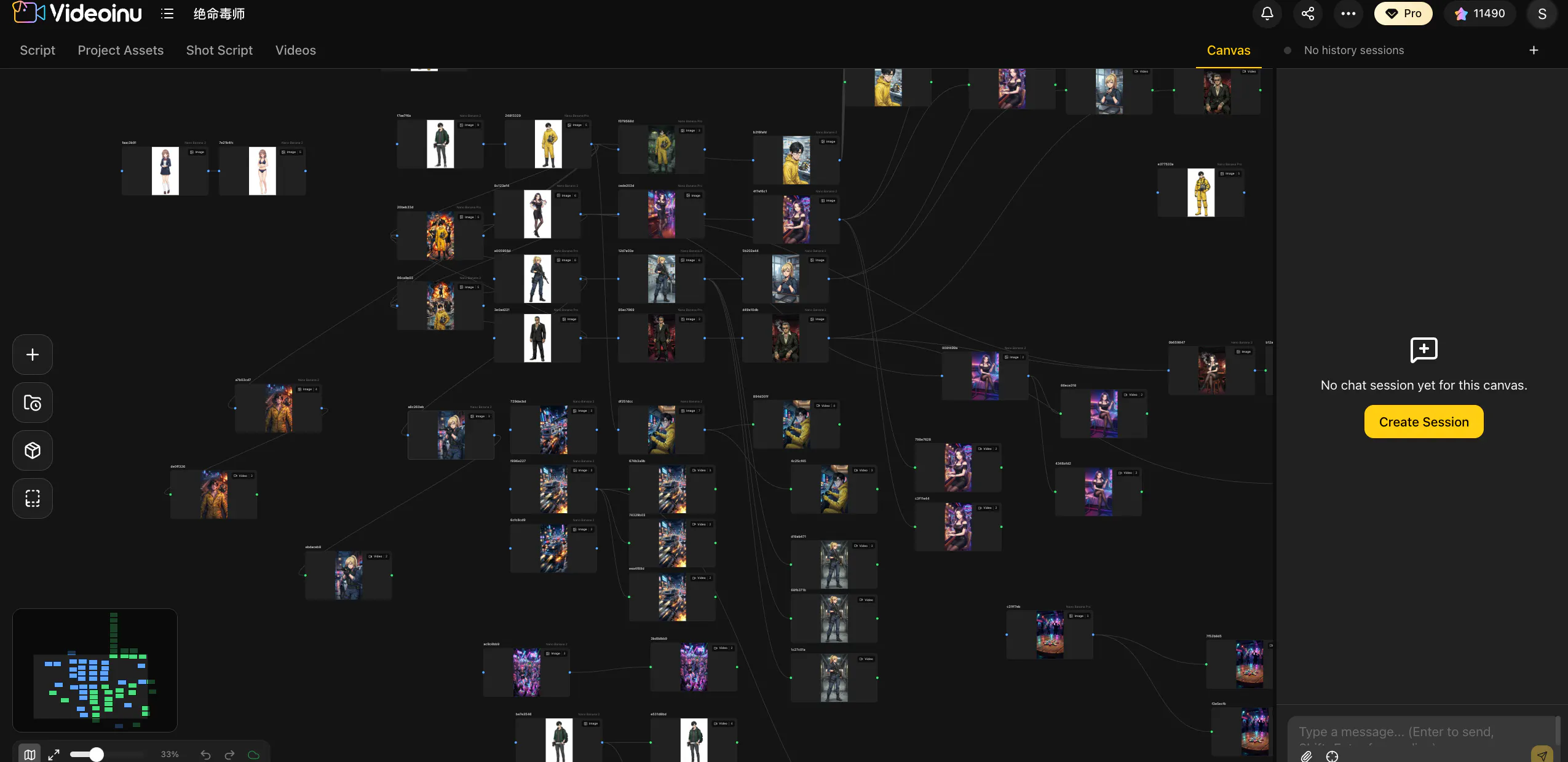
Videoinu fits this shift well because the value is not just the canvas itself. The point is what the canvas can lead to: image generation, scene planning, and video creation in one creator workflow. That makes it more useful for people building story videos, Shorts, explainers, and repeatable content formats than a design-first tool alone.
This is the key difference in positioning. Canva is still excellent for broad design use cases. Videoinu is more aligned with creators who want the canvas to become part of a larger visual production system, not only a layout surface.
Pros
- Strong fit for creators who want image + video workflow
- Better for scene planning and story-driven content
- More aligned with repeatable creator formats than static design tools
Cons
- Less focused on general-purpose graphic design
- Not the best fit if you mainly need presentations or simple brand assets
2. LibTV
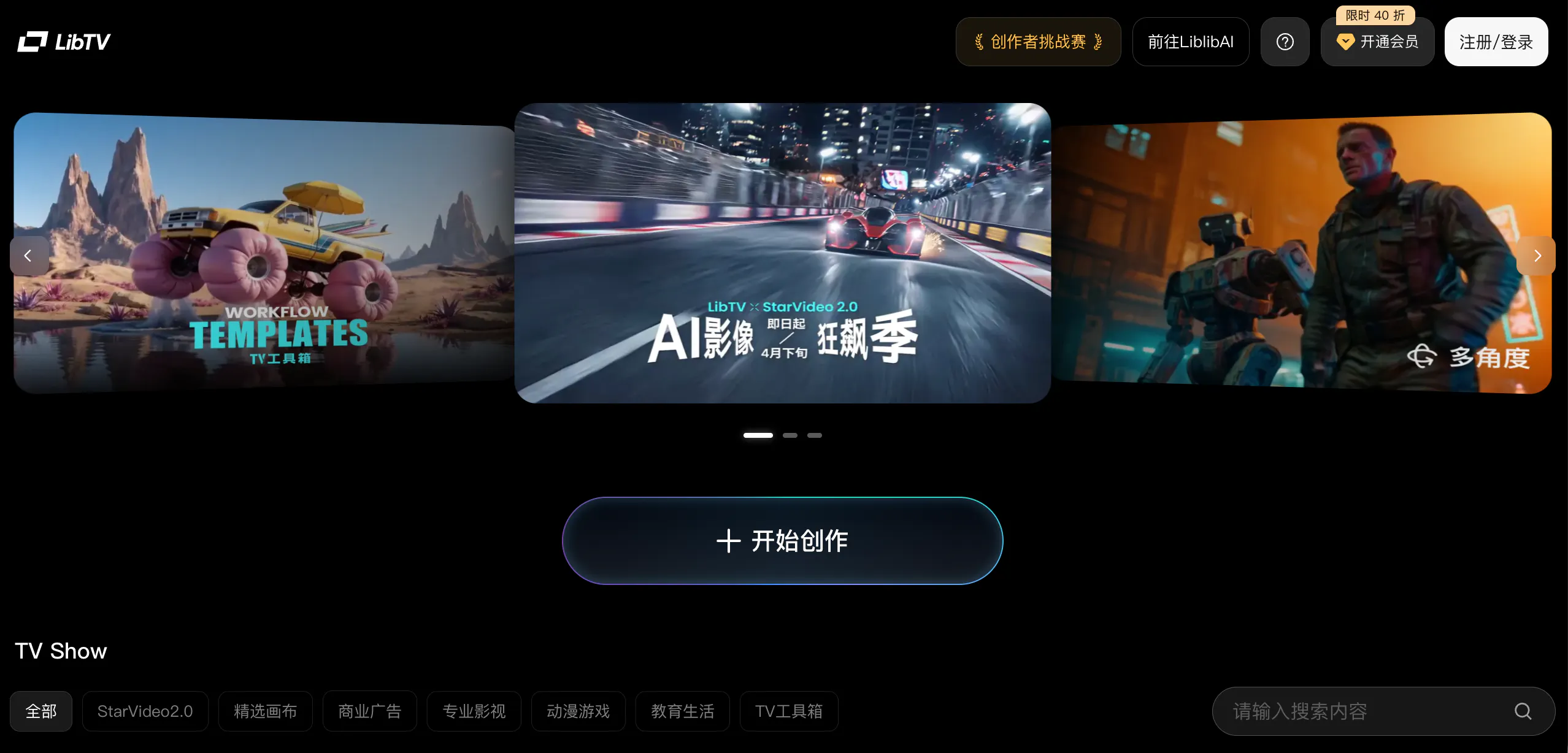
LibTV is one of the clearest signs that this market is moving beyond the old design-board model. Recent coverage describes it as an AI video creation platform built around an infinite canvas + node-based workflow, bringing script, storyboard, shots, and editing into one space.
That makes it a strong Canva alternative for creators who no longer think in pages or templates, but in scenes and production steps. It is less about “making a design faster” and more about “organizing a full AI video project.”
Pros
- Strong canvas logic for scene-based creation
- Better for video planning than template-first tools
- More production-oriented than classic design boards
Cons
- More complex than mainstream drag-and-drop products
- Less suitable for quick one-off design tasks
3. Krea
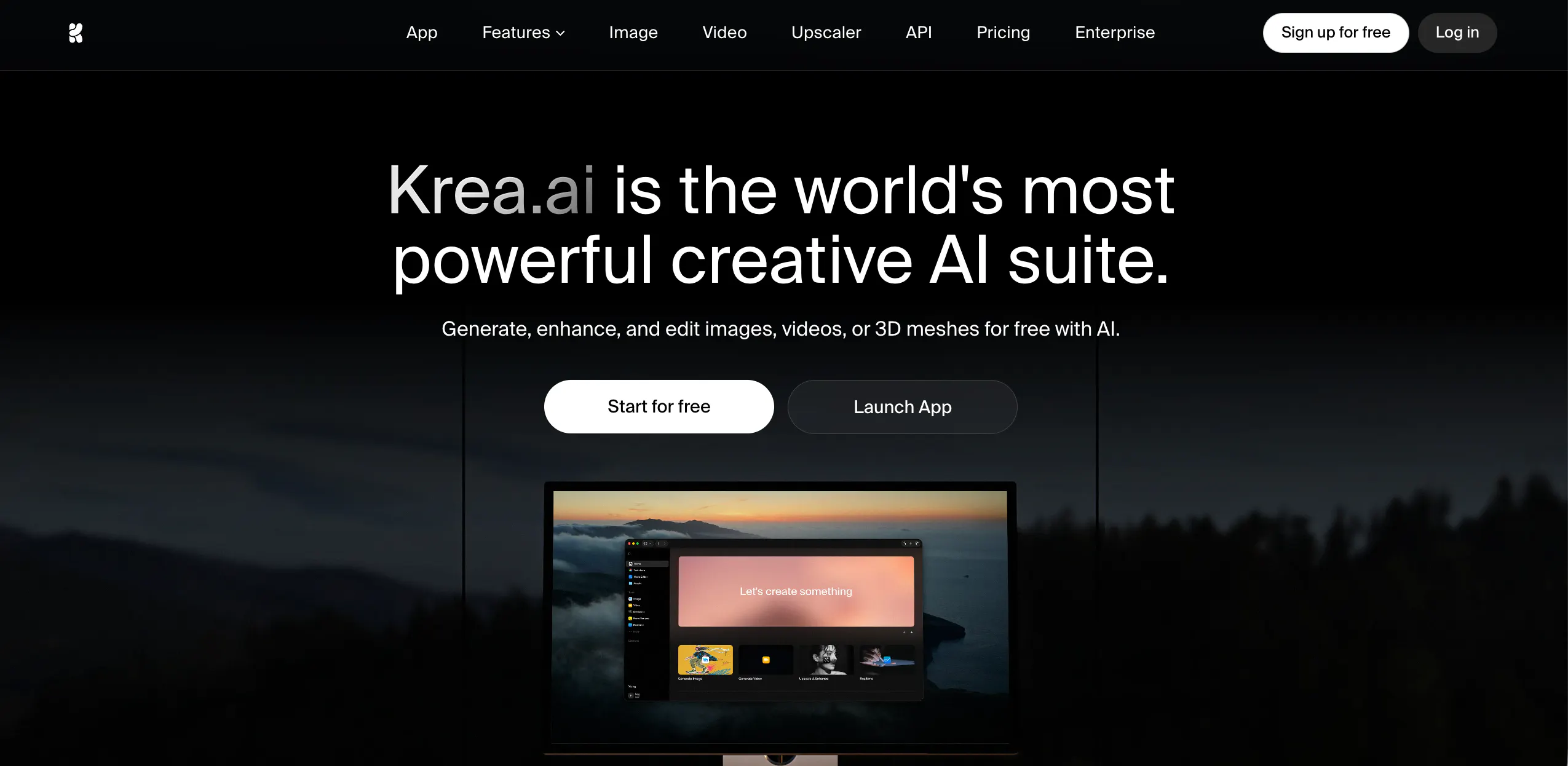
Krea is a strong alternative if your workflow starts with visual exploration instead of layout. Officially, Krea positions itself as a creative AI suite for images, video, and 3D, and it also offers node workflows that combine image and video tools in one place.
That makes Krea more useful than Canva for creators who want to test looks, references, and media directions quickly. It is less about finishing a clean social template and more about discovering the visual itself.
Pros
- Strong AI-first image and video workflow
- Good for concepting, exploration, and references
- Node workflows make it more flexible than a basic canvas
Cons
- Less convenient for standard marketing layouts
- Not ideal if you mainly want simple ready-made templates
4. Adobe Express
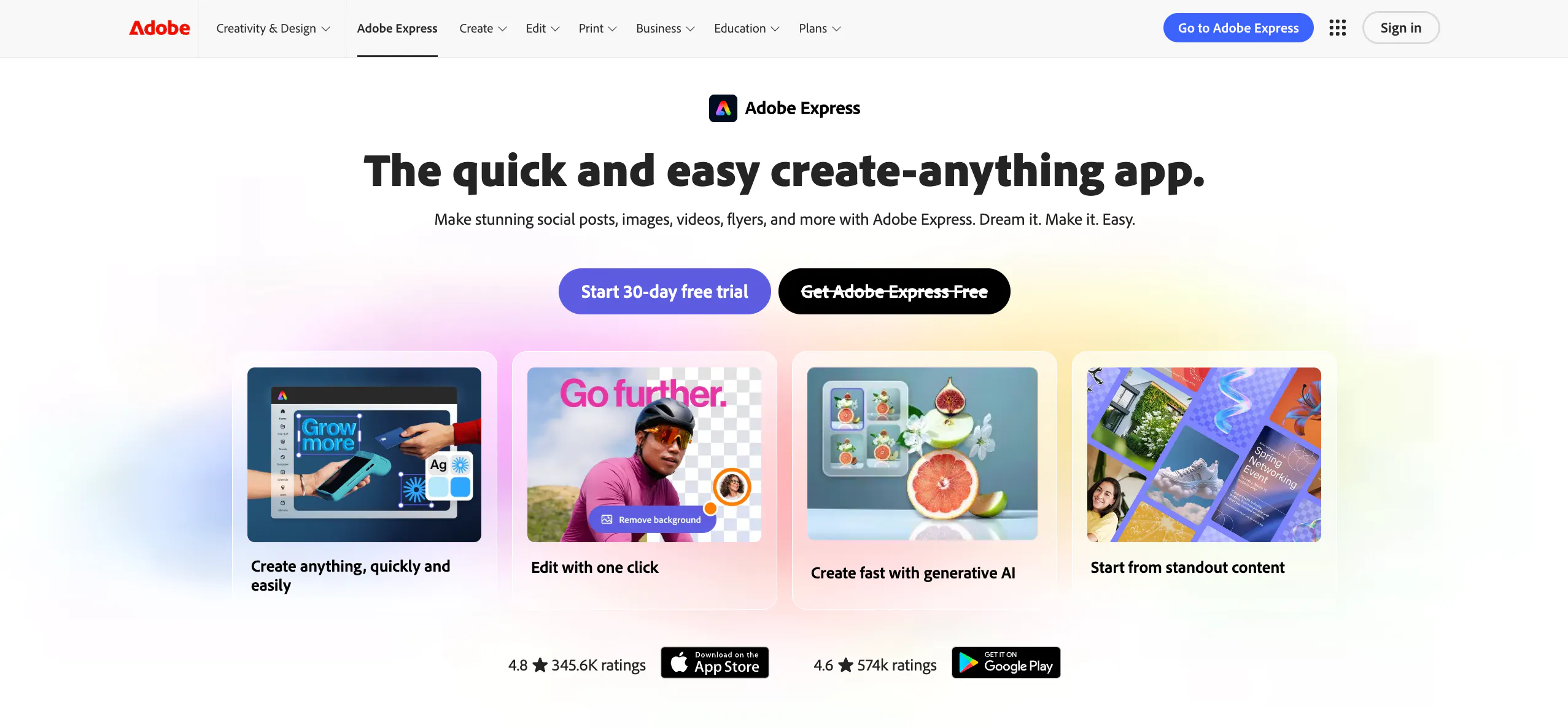
Adobe Express is one of the closest direct Canva competitors because it is also an all-in-one design platform. Adobe describes it as a tool for creating posts, images, videos, flyers, and more, with built-in generative AI across the workflow.
It is a strong choice if you still want a mainstream design product, but with more AI help. Compared with Canva, it stays closer to the classic “easy design for everyone” model than to the newer “AI canvas for story and media systems” direction.
Pros
- Easy all-in-one design, image, and video workflow
- Familiar for mainstream users and teams
- Strong replacement for general Canva use cases
Cons
- Still feels more design-first than AI-native
- Less focused on deeper scene or creator workflows
5. Runway
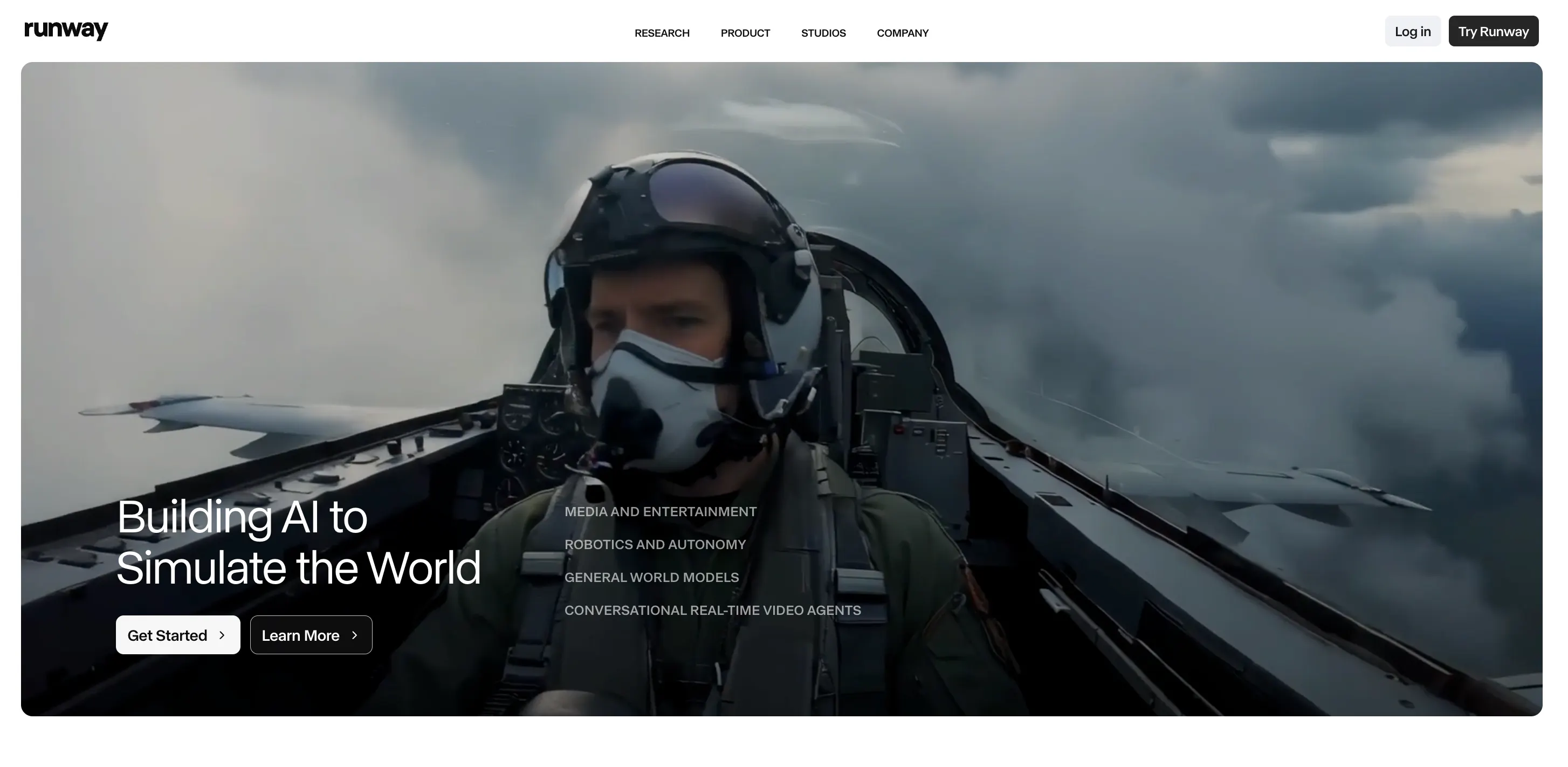
Runway is a strong alternative when your needs have moved from layout to motion. Its official positioning is centered on high-fidelity video generation and creative control, and its product pages clearly frame it as an AI video platform first.
That makes it much stronger than Canva for users whose main goal is video creation, cinematic clips, or AI-generated moving content. But it is also much less of a broad design tool.
Pros
- Strong AI video generation and control
- Better for motion-first creators
- Useful for higher-end video workflows
Cons
- Not a natural replacement for everyday graphic design
- Less useful if your work is mostly static layouts
6. LTX Studio
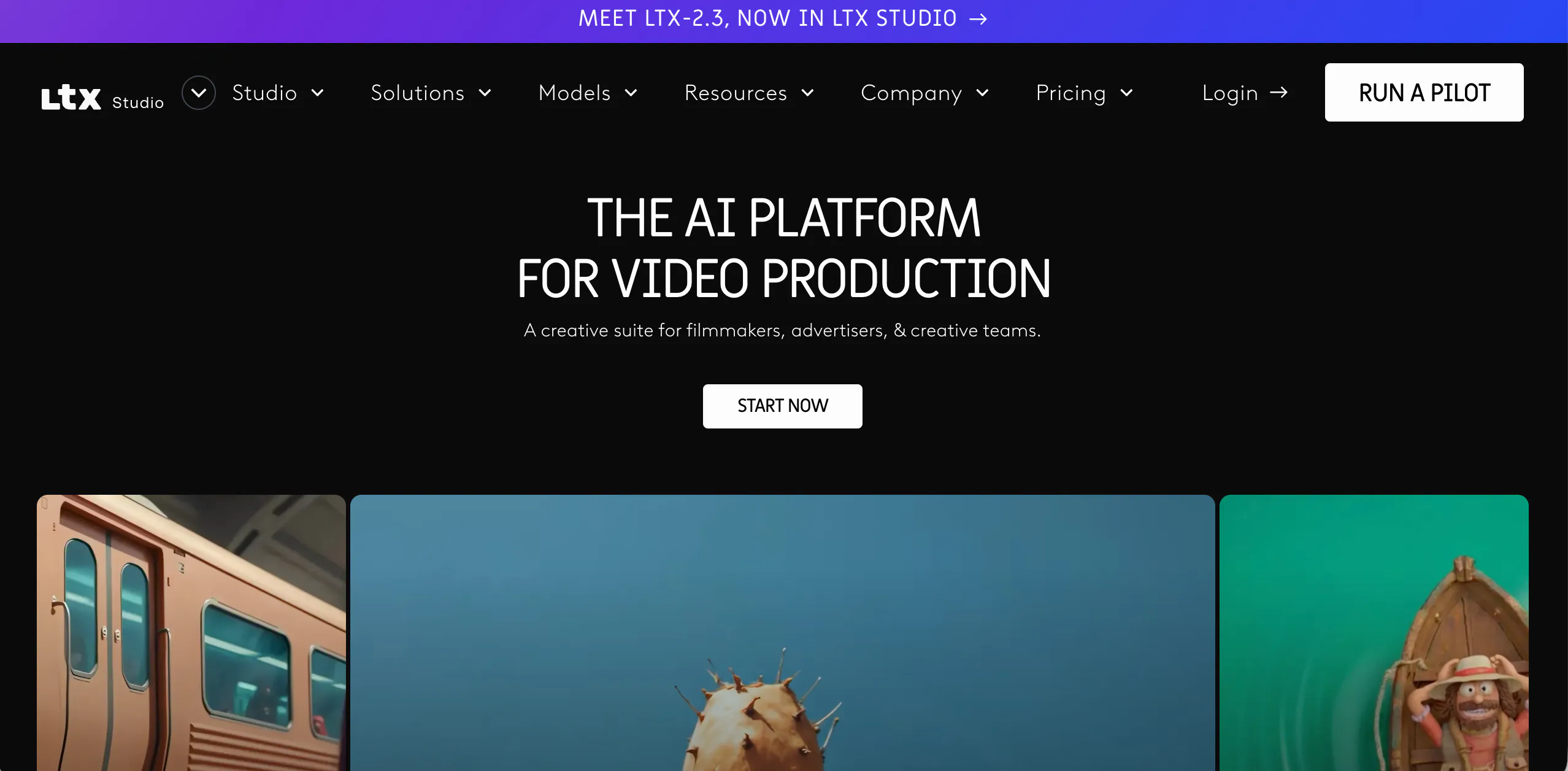
LTX Studio is a good alternative for creators who think in scripts, storyboards, and sequences. Officially, it is positioned as an all-in-one generative AI platform covering scripting, storyboarding, editing, and delivery, with dedicated script-to-video and AI storyboard tools.
That makes it more useful than Canva for narrative content, explainers, and structured video creation. It is not really about replacing a social design board. It is about replacing scattered production steps.
Pros
- Strong for script-to-video and storyboard workflows
- Better for structured visual storytelling
- More useful than Canva for planned video production
Cons
- Less helpful for quick static designs
- More production-focused than many Canva users need
7. CapCut
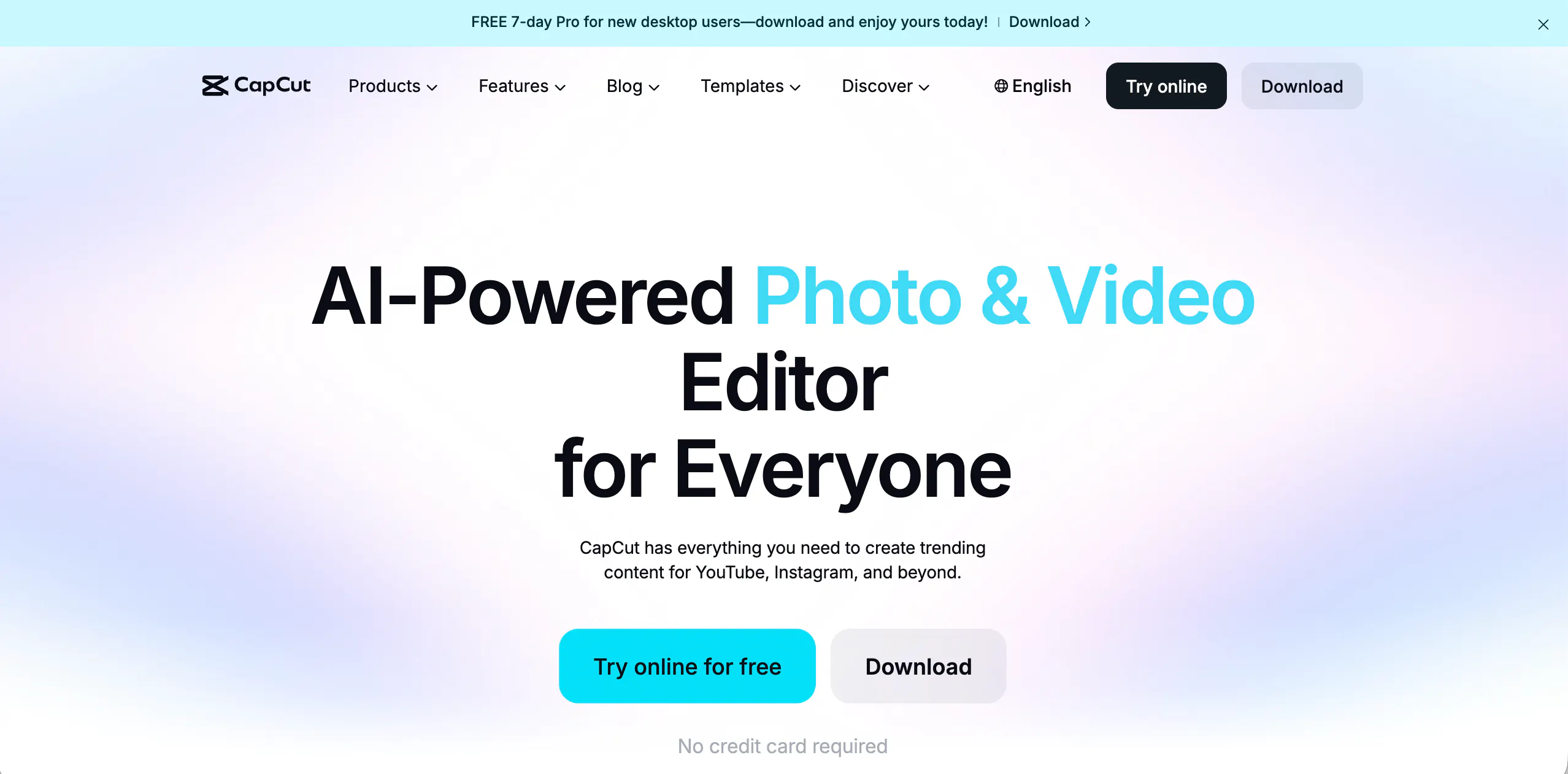
CapCut belongs here because many creators now care more about fast video output than static design. CapCut’s official pages now highlight both AI video workflows and AI design features for posters, ads, and branded visuals.
For short-form creators, that can make it more practical than Canva. It is especially useful when the final goal is a publishable clip, not a design file.
Pros
- Strong for short-form video and fast output
- Familiar workflow for many creators
- AI design tools broaden it beyond editing only
Cons
- Less useful for classic layout-heavy design work
- More editing-first than planning-first
8. InVideo
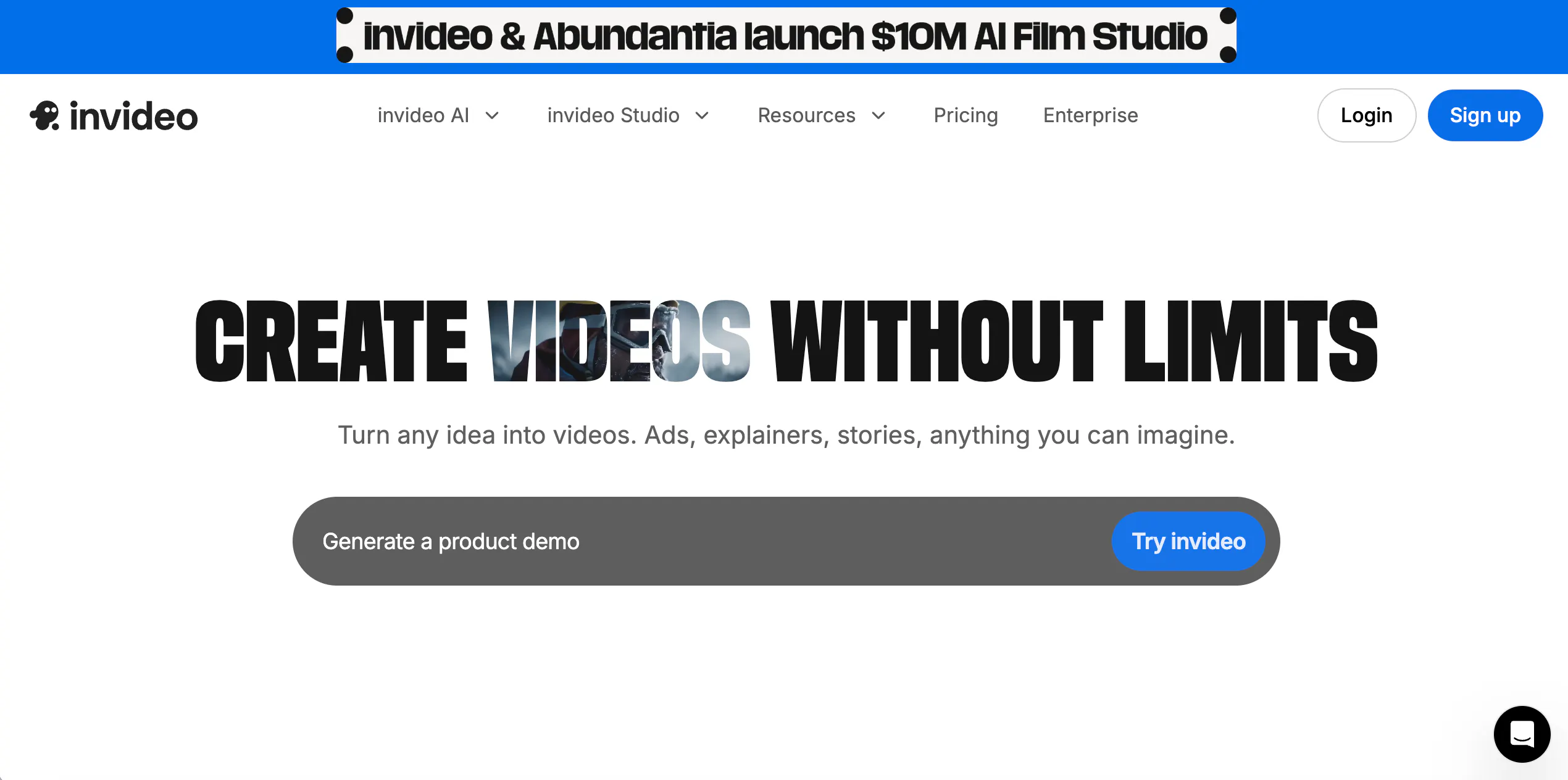
InVideo is a strong Canva alternative for users who want to move from idea or script to finished video quickly. Officially, it is positioned around AI video generation for ads, explainers, stories, and text-to-video workflows.
Compared with Canva, InVideo starts much closer to the finished-video goal. That makes it especially useful for marketers, explainers, and creators who care more about output speed than creative canvas depth.
Pros
- Good for fast text-to-video and script-led creation
- Useful for explainers, ads, and structured videos
- Better than Canva for video-heavy workflows
Cons
- Less flexible as a broad creative canvas
- Not ideal for deep visual planning and custom structure
9. Figma
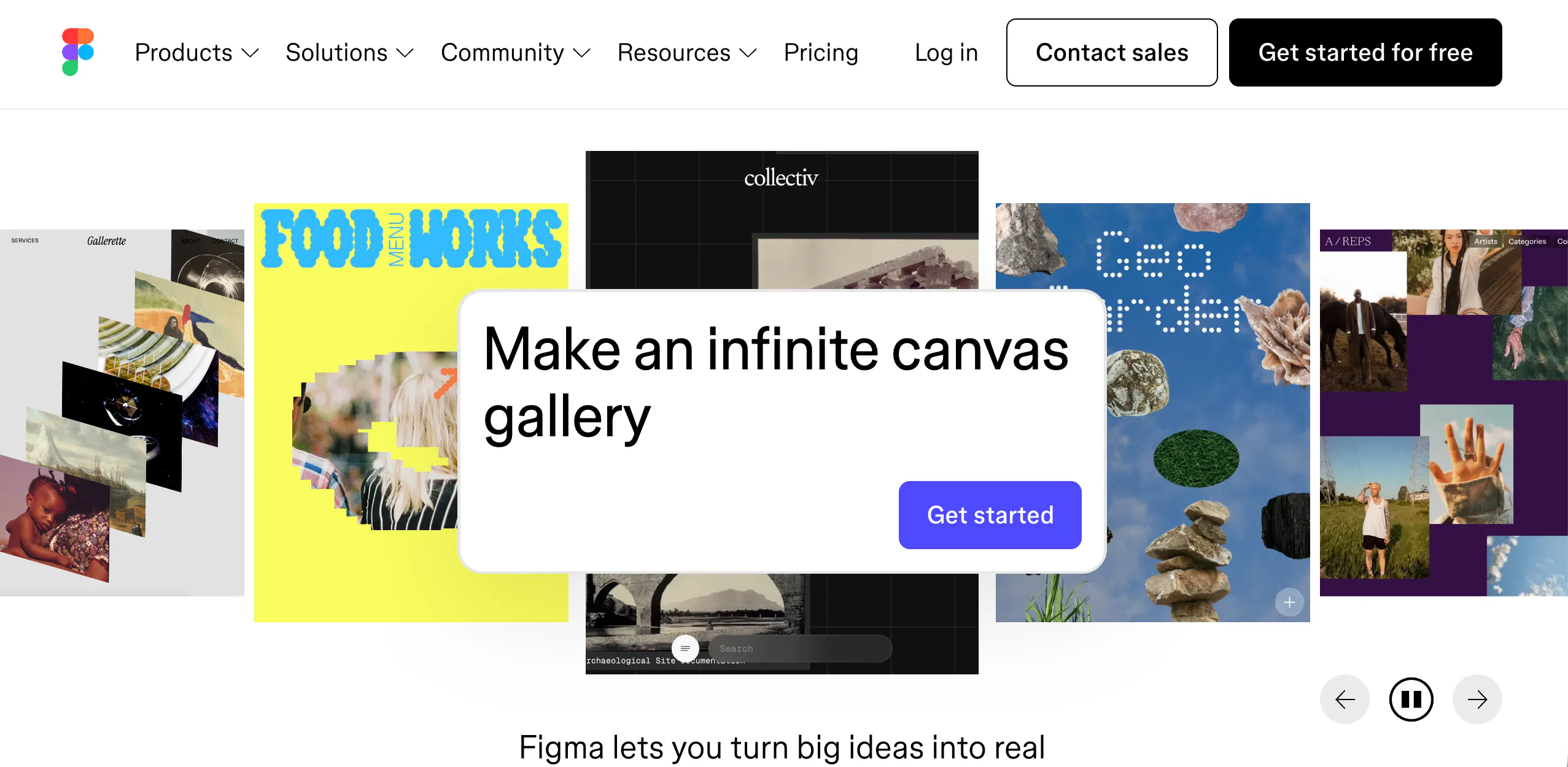
Figma is not a direct AI video alternative, so it should be framed carefully. But it still belongs in the broader “new canvas” discussion because its official positioning is about collaborative creation, AI-assisted workflows, and turning ideas into prototypes and products inside one shared workspace.
For teams, this matters a lot. It shows that the canvas is increasingly becoming a working system, not just a place to arrange finished assets. That said, it is better for collaboration and prototyping than for direct AI image-plus-video production.
Pros
- Excellent collaborative workspace
- Strong for structured thinking and team workflows
- AI features make it more than a static design tool
Cons
- Not built for direct AI video generation
- Weaker than media-first tools for image/video creation
10. TapNow
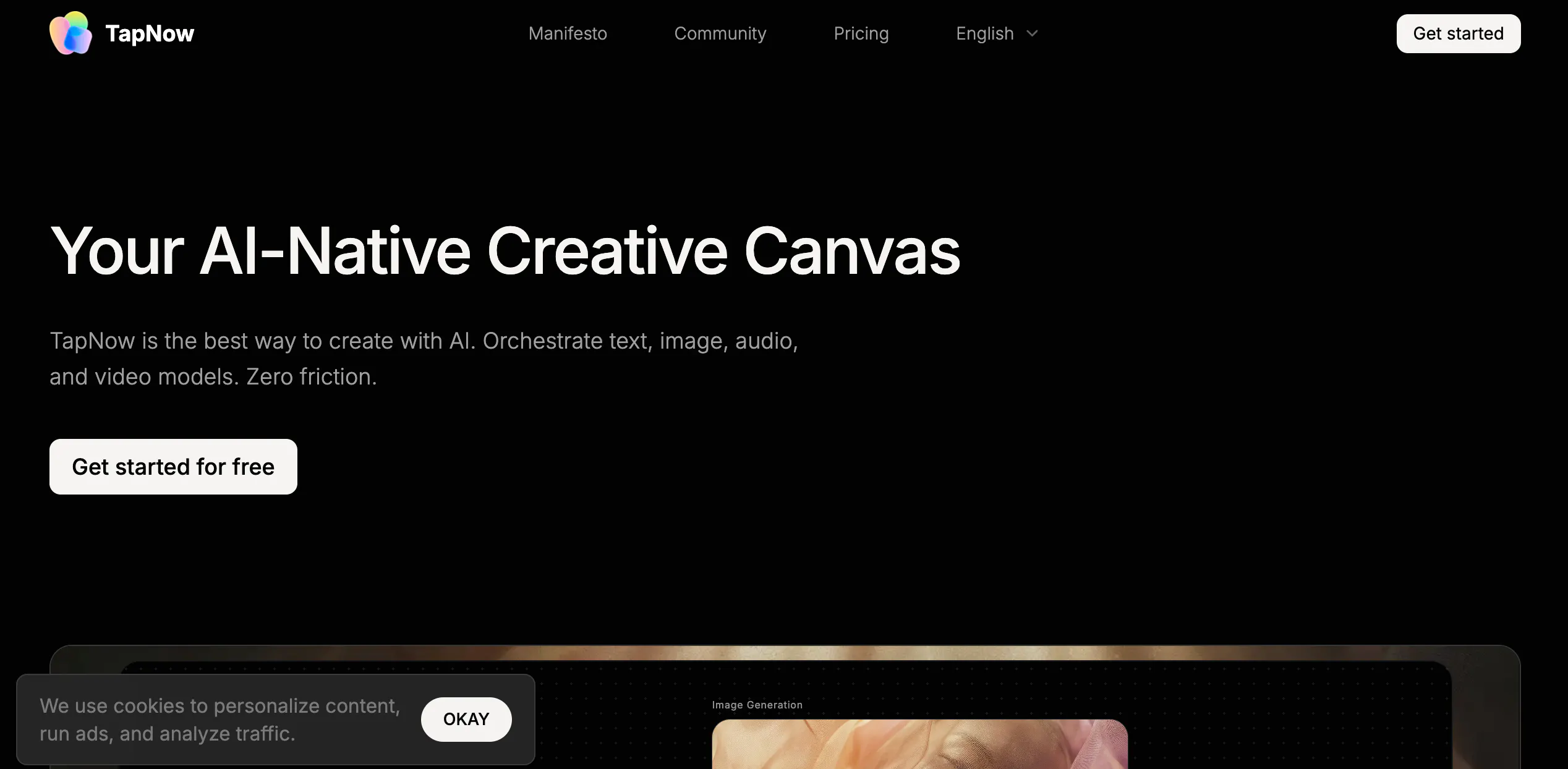
TapNow is one of the clearest “AI-native canvas” products in this group. Its official site describes it as an AI-native creative canvas that orchestrates text, image, audio, and video models in one place.
That makes it highly relevant to the exact shift this article is about: users want the canvas to help generate content, not only arrange it.
It is less mainstream than Canva, but conceptually it is much closer to where the market is moving.
Pros
- Strong AI-native canvas positioning
- Built around mixed-media generation workflows
- Closer to the future “generate inside the canvas” model
Cons
- Less familiar than mainstream design tools
- May feel too different for users with simple design needs
Conclusion
After checking the latest public information, the right conclusion is not “Canva is outdated.” It is this: Canva is still strong, but the market is asking for more. Canva already offers major AI features, yet many creators now want deeper workflows that combine layout, image generation, scene planning, and video creation more tightly.
That is why these Canva alternatives matter. They do not all replace Canva in the same way. But together, they show where the category is going.
FAQs
Is Canva still a good product in 2026?
Yes. Canva still has a broad and mature product with AI tools like Magic Studio, Magic Design, Magic Media, and image-to-video.
Why are people looking for Canva alternatives now?
Because many creators now need more than page design. They want one workflow for layout, AI image generation, scene planning, and video creation. This is especially true for Shorts, story content, and creator-led publishing.
Is LibTV really a canvas-first video workflow product?
Recent reporting describes LibTV as an AI video creation platform built around an infinite canvas and node-based workflow for script, storyboard, shots, and editing.
Which Canva alternatives are best for video-first creators?
Runway, LTX Studio, CapCut, InVideo, and Videoinu are all stronger than classic design tools when the main goal is video output.
Which tool here is most aligned with the “new AI canvas workflow” idea?
Videoinu, LibTV, Krea, and TapNow are the closest to that idea because they push the canvas beyond layout and toward generation plus workflow.