Parents’ Guide to YouTube Kids: What Families Should Know
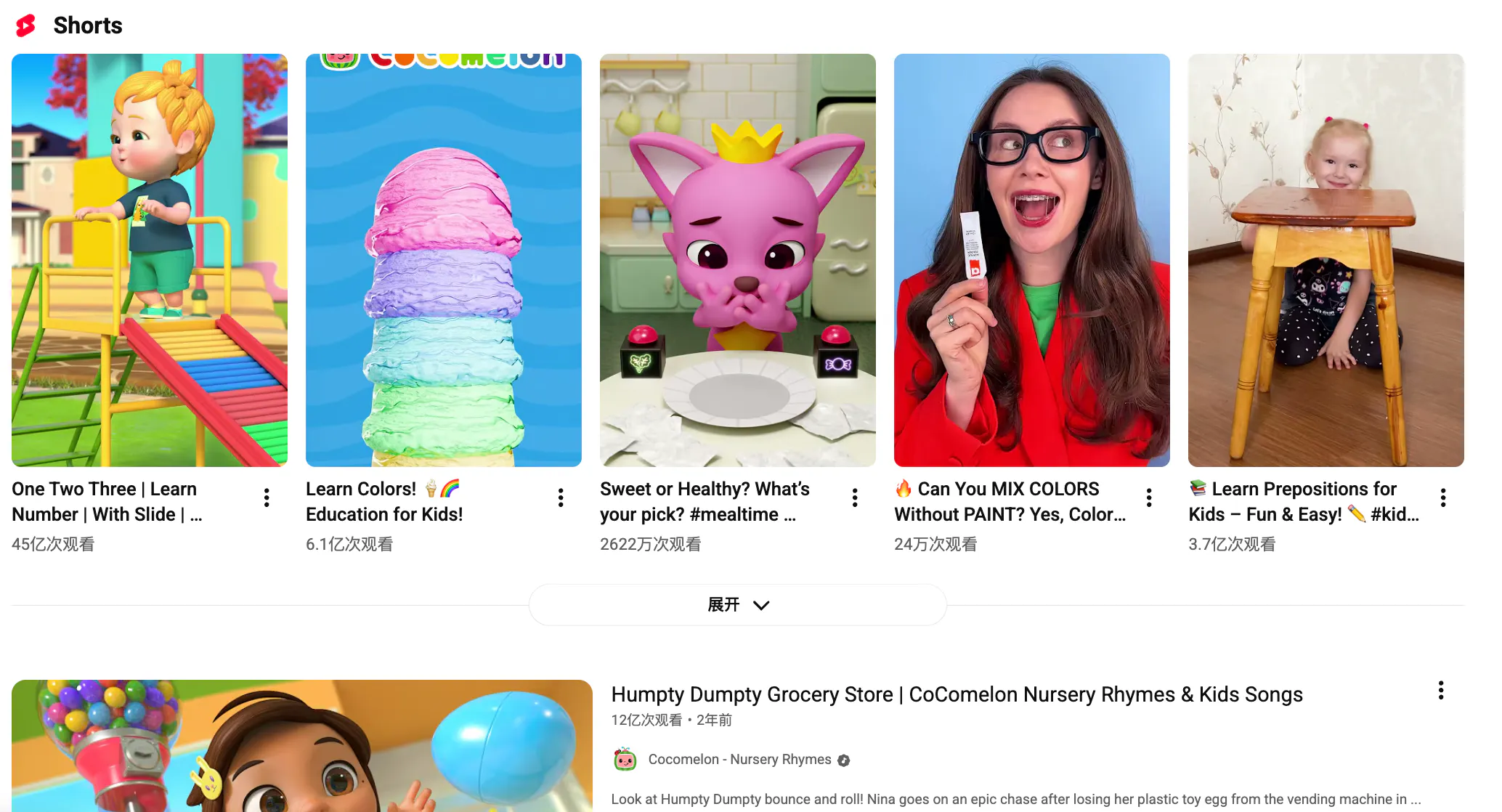
For many families, YouTube is part of daily life. Kids watch songs, cartoons, simple lessons, and toy videos, often long before they are ready for the full internet. That is why YouTube Kids gets so much attention.
It is designed as a more child-friendly version of YouTube, with simpler navigation and more parental controls. But most parents still ask the same question: is it really safe enough?
YouTube Kids can be helpful, but it is not a perfect safe zone. It gives families a more controlled version of YouTube, yet it still depends on a huge video platform where content is constantly changing.
That means parents usually get the best results when they treat it as a tool to guide children’s viewing, not as something to leave fully on its own.
What is YouTube Kids?
YouTube Kids is a version of YouTube made for younger viewers. It gives children a simpler app experience and gives parents more control over profiles, time limits, and what kind of content can be watched.
For many families, that already makes it better than handing a child the main YouTube app. It feels easier, softer, and more manageable.
But it still includes a mix of entertainment, educational clips, music, and creator content, so the experience can vary a lot depending on how it is set up.
Is YouTube Kids safe?
The most honest answer is: safer, but not perfect.
Parents like YouTube Kids because it is built with children in mind, but it can still include content that feels low-quality, overly commercial, or just not right for a specific child. Ads and branded videos are also part of the experience, which is one reason some families still feel uneasy about it.
That is why parental involvement matters. Choosing settings carefully, checking what a child watches, and sometimes watching together can make a big difference.
Why families may want something more intentional
A lot of parents are not only asking, “What can my child watch?” They are also asking, “What kind of video experience do I want my child to have?”
That is where Videoinu can fit into the conversation in a more creative way. Instead of only relying on whatever a platform recommends next, parents can take a more active role in shaping what their children see.
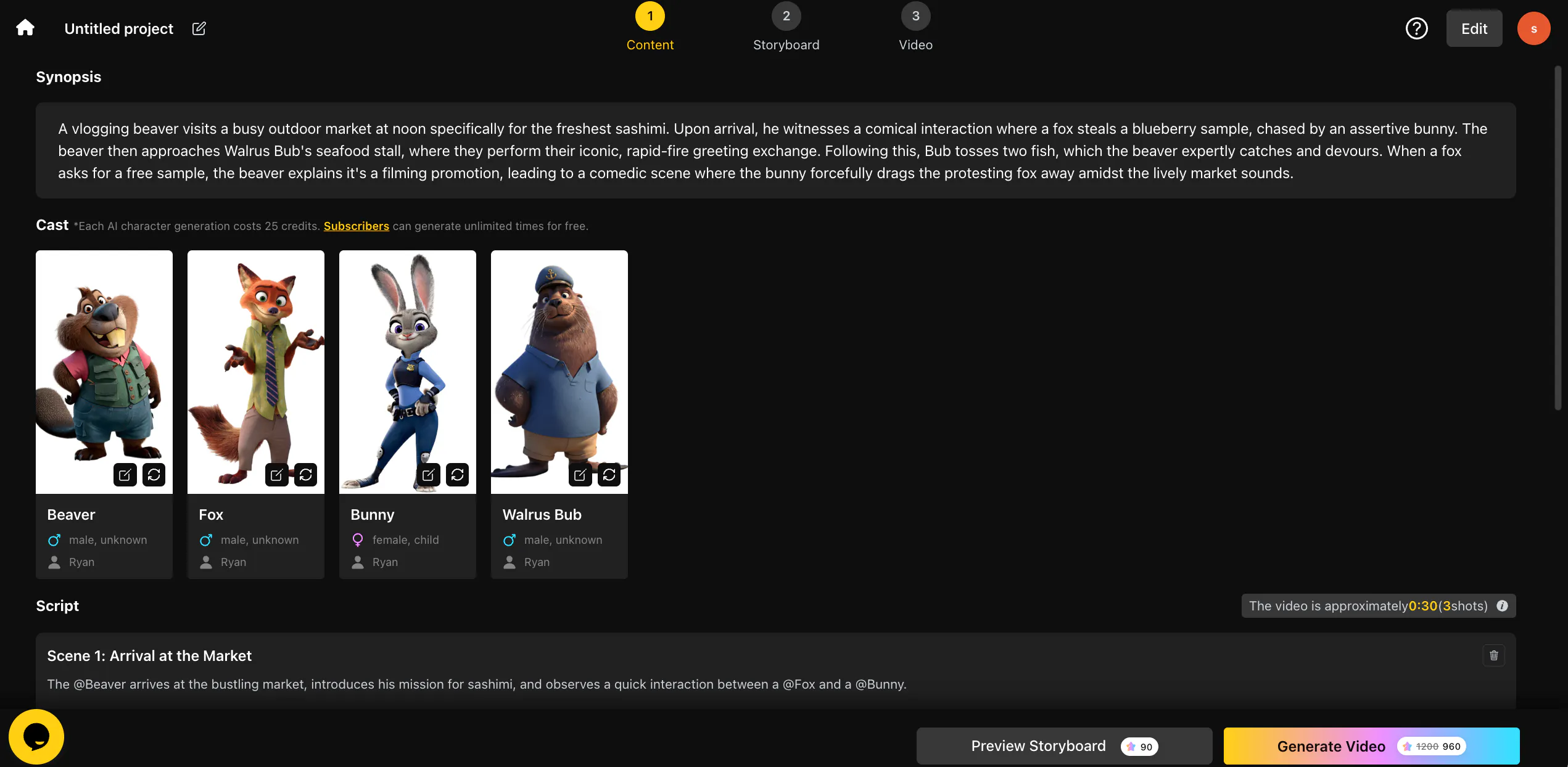
How Videoinu can help parents create better video experiences
With Videoinu’s AI story video generator, parents can create cartoon-style story videos that feel more personal and more intentional for children. Instead of scrolling through endless recommendations, you can use your own imagination to make stories your child may actually connect with more deeply.
For example, you could create:
- simple bedtime story videos
- cartoon adventures with friendly characters
- learning stories built around colors, animals, or numbers
- gentle fantasy stories based on what your child already loves
And one of the most interesting parts is this: you do not have to start only from your own ideas. You can also take your child’s imagination and turn it into a video. If your child talks about a flying cat, a candy forest, a moon princess, or a dinosaur school bus, those ideas can become the starting point for a custom cartoon story.
That makes video feel less passive and more creative. Instead of only consuming content, families can shape it together.
Have a story idea? Turn it into a video instantly with VideoInu >>
Why this matters for parents
This is a different way of thinking about children’s video time. YouTube Kids is still useful as a watching tool, but Videoinu adds something extra: the chance to create videos that feel more personal, more guided, and more meaningful.
For some parents, that may be the better long-term direction. Children are often more excited by stories that feel close to their own world. And when a parent helps imagine and create those stories, video becomes more than just screen time.
Final thoughts
YouTube Kids can be a helpful option for families, but it works best with realistic expectations and active guidance. It may be safer than the main YouTube app, but it is still not perfect.
That is why it makes sense to think beyond just what children watch. With Videoinu, parents can use an AI story video generator to create cartoon story videos that feel more thoughtful and personal. You can bring your own ideas to life, or even turn your child’s imagination into a video they can actually watch. That kind of creative control can make family video time feel a lot more special.
FAQs
Is YouTube Kids safe for children?
It is safer than the main YouTube app, but it is still not perfect. Parents usually need to stay involved.
Does YouTube Kids still have ads?
Yes, that is one reason some parents want a more guided experience.
How can Videoinu help parents?
Videoinu can help parents create custom cartoon story videos instead of only relying on recommended content.
What is an AI story video generator?
It is a tool that helps turn story ideas into videos, including cartoon-style content for children.
Can I use my child’s ideas in a video?
Yes. That is one of the most fun parts. A child’s own imagination can become the basis for a custom story video.