5 Easy Hacks To Stop YouTube Buffering On Any Device

Imagine this: you just sat down with a snack, ready to watch your favorite YouTuber’s new drop, and then the dreaded loading circle appears. Nothing ruins the vibe faster than a video that keeps buffering. Whether you are trying to finish a tutorial for class or just scrolling through Shorts, you need speed. That is why the team at Videoinu is here to help.
As a professional YouTube Copilot tool, videoinu helped users create and grow their channels. We know exactly what makes a video experience great—and what slows it down. We are sharing some of our favorite pro-level YouTube knowledge to help you kill the lag and get back to your content.
1.Start With the Basics
If you are in a rush and need the video to play right now, start with these simple steps. First, try restarting your router. It sounds old-school, but refreshing your Wi-Fi connection from the source works like a charm. Another instant fix is lowering the resolution. If 4K or 1080p is causing lag, switching to 720p or 480p will usually stop the buffering immediately because it requires less data to stream.
You should also check for zombie tabs. If you have fifty tabs open in Chrome or twenty apps running in the background, your device is exhausted. Close everything you are not using to free up RAM, which is basically your computer’s brain power. This allows your device to focus entirely on your YouTube video instead of trying to do too many things at once.
2.Clean Up Your Software
Sometimes the problem is the software you are using to browse. Clearing your cache is a major key to regaining speed. Your browser saves a lot of junk files over time that can eventually slow down your apps. Go to your settings, find the option to Clear Browsing Data, and wipe the cookies and cached files. Once you do this, YouTube will load much fresher and faster.
Keeping your apps updated is also essential. If you are still running a version of the YouTube app from six months ago, you are missing out on important bug fixes. Head to the App Store or Google Play and make sure you have the latest version. Developers constantly release updates that specifically target buffering and crashing issues, so staying current is a must.
3.Check Your Settings and Extensions
If the basic steps do not work, it might be time to look at your browser extensions. We all love ad-blockers and custom themes, but some of them do not play nice with YouTube’s code. Try opening YouTube in Incognito Mode. If it runs fast there, one of your extensions is the culprit. You can turn them off one by one to find the one that is slowing you down and delete it.
Another tech-savvy move is enabling Hardware Acceleration. In your browser settings, search for Hardware Acceleration and make sure it is turned on. This allows your computer to use its hardware more efficiently to render videos, making high-definition content play way smoother without putting all the stress on your processor.
4.From Watching to Creating with Videoinu
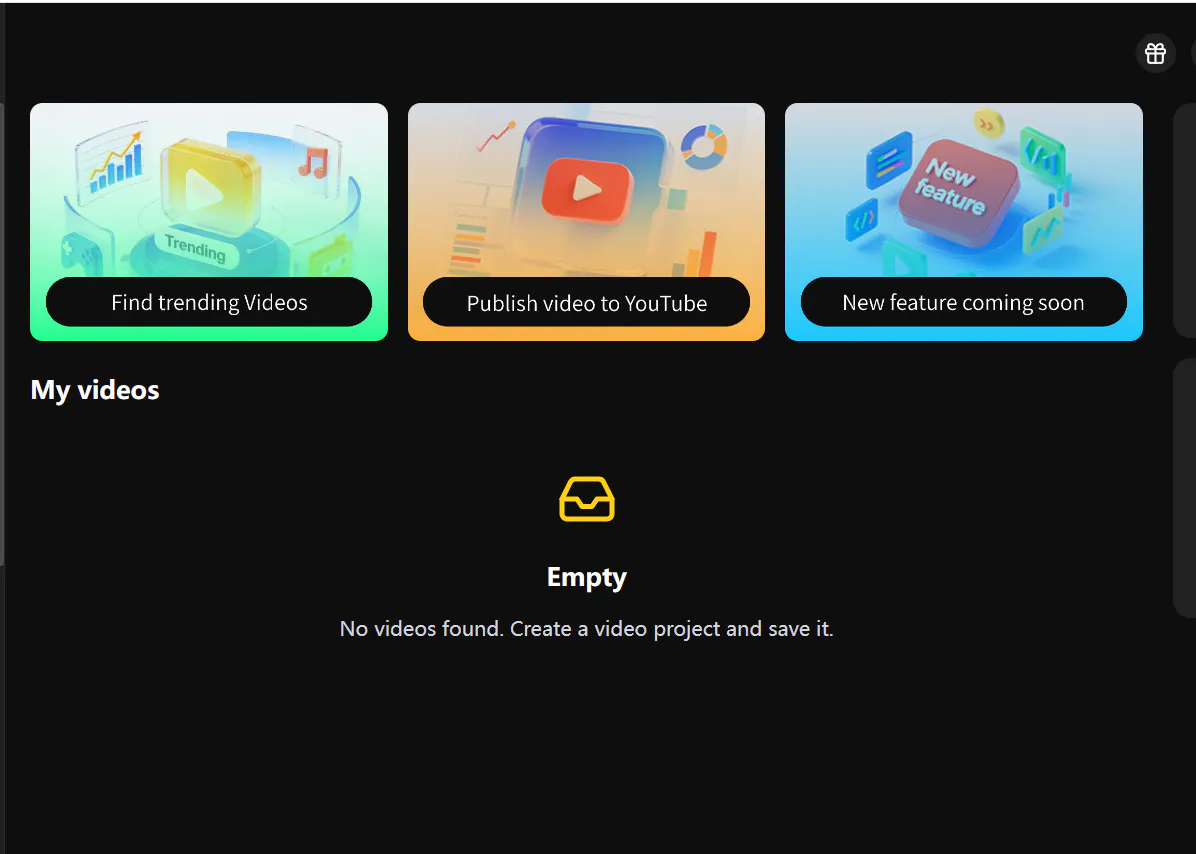
Once you have fixed the lag, you might start thinking about making your own content. This is where Videoinu really shines as your ultimate YouTube Copilot. Videoinu is an AI video creation platform built to democratize access to high-quality production.
You do not need to be a pro editor or have a huge budget. You can simply start with a script or an idea, and Videoinu turns it into a professional video. It is perfect for faceless, story-driven formats and even helps you keep characters and scenes consistent across different videos.
The coolest part is that Videoinu supports you even after the video is made. Their new YouTube Copilot agent guides you through the publishing process, helping you write better titles and descriptions by learning from what is actually trending right now. This takes guesswork out of growing a channel.
Whether you are regenerating a scene to make it perfect or using their structured storyboard to build a series, Videoinu handles the technical heavy lifting so you can focus on being creative.
5.Final Thoughts
Buffering is honestly the worst, but you do not have to live like that. By clearing your cache, updating your apps, and keeping your connection fresh, you will be back to binge-watching in no time.
Now that you have the pro knowledge to keep your YouTube running fast, why not try creating something of your own? With over a million users already on board, Videoinu is the best tool for anyone who wants to build a consistent YouTube presence without the technical headaches.
Do not let a slow connection or a lack of editing skills hold you back—use Videoinu to start sharing your stories with the world today.
FAQS
Why is my YouTube still buffering when my Wi-Fi is fast?
Even if your internet speed is high, other factors like a full browser cache, too many background apps, or an outdated YouTube app can cause lag. High-resolution settings like 4K also require a lot of processing power from your device, not just fast internet.
Will clearing my cache delete my YouTube watch history?
No, clearing your browser cache or app cache only deletes temporary files stored on your device to help things load. It will not delete your YouTube history, liked videos, or subscriptions, though it might log you out of your account, so make sure you know your password.
Do I need editing experience to use Videoinu?
Not at all. Videoinu is designed so that anyone can turn an idea or a script into a finished video without traditional editing skills. It uses a structured storyboard and workflow to make the production process easy and repeatable.
How does the YouTube Copilot agent help my channel?
The YouTube Copilot agent steps in after your video is generated to help with packaging. it suggests effective titles and descriptions based on top-performing content patterns, helping you build momentum and grow your audience consistently.
Can I create a series with consistent characters on Videoinu?
Yes, Videoinu supports consistent characters and scenes, which is perfect for episodic content. This helps you maintain continuity across all your uploads, which is a key part of building a strong channel identity.