YouTube Video Downloader: Easy YouTube to MP3 and MP4 Conversion for Everyday Users
Have you ever found a video on YouTube that you loved so much you wanted to keep it forever? Maybe it is a song you want to listen to on a plane or a tutorial you need to watch while you are away from Wi-Fi. Whatever the reason, knowing how to handle a youtube download is a skill every digital native needs.
Today, videoinu will share some information about video formats with creators. We help people understand how to manage, create, and optimize their video content for the best possible experience.
Why You Might Need a YouTube Downloader
There are plenty of reasons why an everyday user would want to download youtube video content. The most common reason is convenience. When you have the file saved directly to your device, you do not have to worry about annoying ads or a spotty internet connection ruining your vibe. Whether you are using a YouTube downloader to save a lecture for school or a funny clip to show your friends later, having an offline copy makes life a lot easier.
Another big factor is data saving. Streaming high-definition videos over and over can eat up your mobile data plan fast. By performing a youtube download while you are on home Wi-Fi, you can watch your favorite content as many times as you want without paying extra to your phone company. It is a smart move for anyone who spends a lot of time on the go.
Choosing Between MP3 and MP4
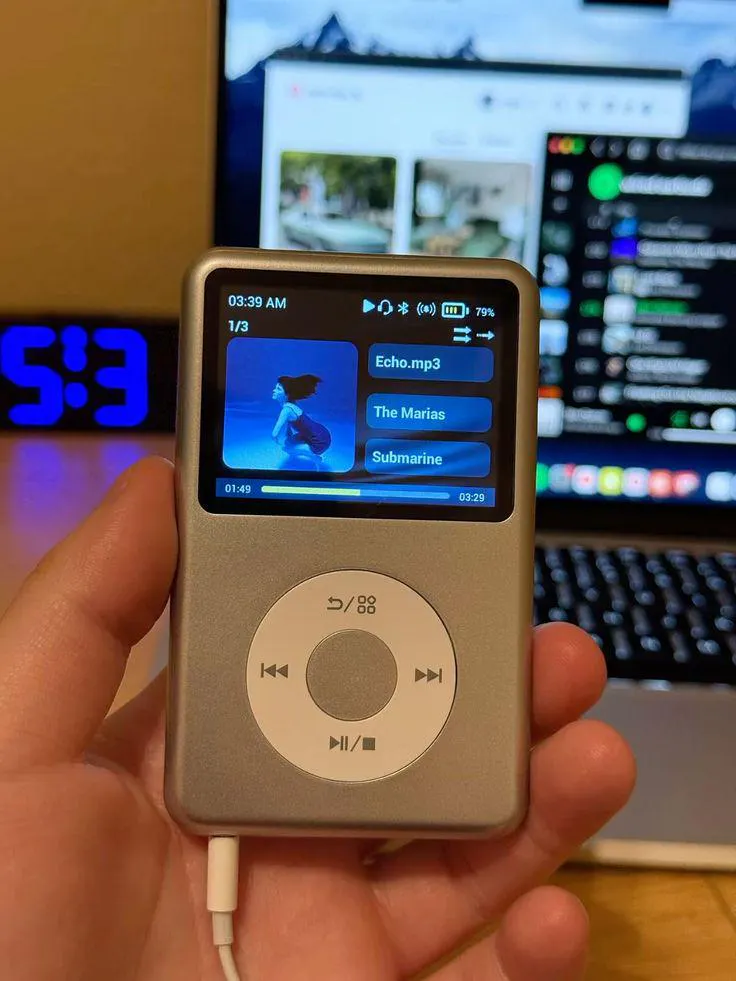
When you use a youtube video downloader, you usually have to choose between two main formats: MP3 and MP4. If you only care about the sound—like for a podcast, a speech, or a song—MP3 is the way to go. It creates a much smaller file that saves space on your phone while still sounding great.
On the other hand, if you need the visuals, you will want to choose MP4. This is the standard format for video because it keeps the quality high while keeping the file size manageable. A good youtube video downloader will give you the option to choose the resolution, so you can decide if you want a tiny file or a crystal-clear 1080p version.
Turn Your Ideas Into Videos Instantly with Videoinu
Being a YouTube pro is not just about knowing how to save videos; it is about knowing how to make them. This is where Videoinu changes everything. Videoinu is an AI video creation platform that allows you to turn a simple script or a random idea into a high-quality video in seconds. You do not need expensive gear or years of editing experience to get started.
Instead of spending days learning complicated software, you can just tell Videoinu what you are thinking. It handles the technical production so you can focus on the storytelling. Whether you want to make faceless content or a story-driven series, Videoinu helps you maintain consistent characters and scenes, which is the secret to building a loyal audience. It is the fastest way to go from a thought in your head to a publish-ready video.
Looking to create faceless AI videos effortlessly? Try VideoInu here >>
Final Thoughts
Understanding how to manage your media is the first step toward becoming a YouTube expert. Whether you are looking for a reliable YouTube downloader for offline viewing or you are ready to start your own channel, having the right tools makes all the difference.
By using our AI production tools to turn your ideas into videos to help you publish, you can stop just watching and start creating content that stands out. Do not let technical barriers hold you back—explore what Videoinu can do for you and take control of your YouTube experience today.
FAQs
Is it safe to use a YouTube downloader?
It depends on the tool you use. You should always be careful with websites that have too many pop-up ads or ask for personal information. Using well-known methods and keeping your antivirus software updated is the best way to stay safe while performing a youtube download.
What is the difference between a youtube video downloader and a converter?
A downloader simply saves the video from the internet to your device. A converter changes the file format, such as turning a video into an MP3 audio file. Many modern tools do both at the same time for your convenience.
How does Videoinu turn a script into a video?
Videoinu uses advanced AI to analyze your text and generate matching visuals, characters, and scenes. It creates a structured storyboard that you can refine or regenerate until it looks exactly the way you imagined.
Do I need editing experience to use Videoinu?
Not at all. Videoinu is designed to be accessible to everyone. If you can write a script or an idea, the platform handles the technical editing for you, allowing you to produce high-quality videos without a traditional editing background.
Can Videoinu help me publish my videos faster?
Yes. By using the "idea to video" workflow and the YouTube Copilot agent, you can significantly reduce the time it takes to create and package a video. This helps you maintain a consistent upload schedule, which is key for channel growth.