Bytedance Imitator Review: Features, Limitations, and Alternatives
What Is Bytedance Imitator?
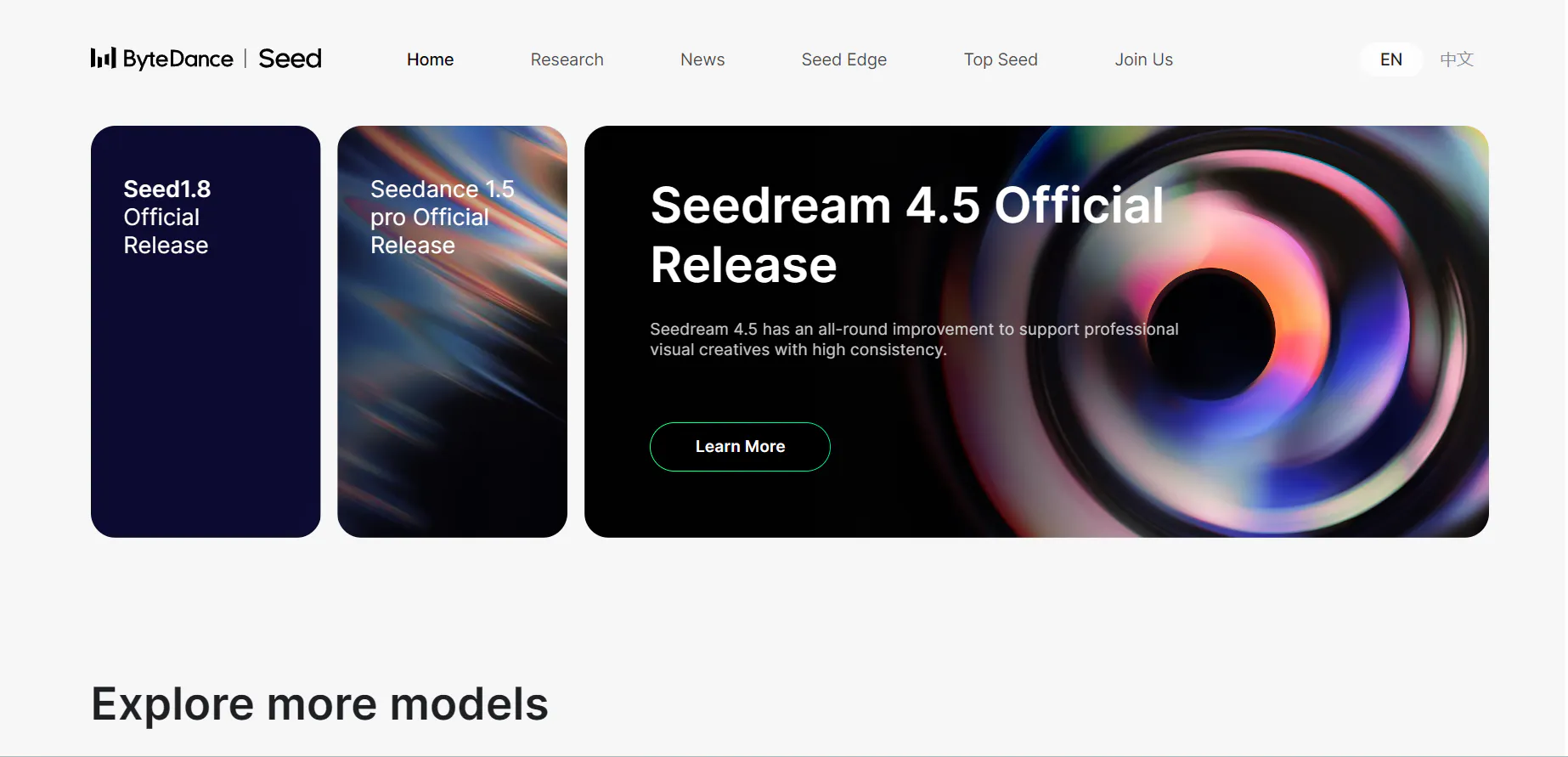
Bytedance Imitator refers to an AI video creation tool developed within the broader ecosystem of Bytedance and its AI initiatives. While it is not as widely standardized as some mainstream editors, the general idea is simple: use text prompts or reference media to generate short clips that mimic specific styles, aesthetics, or visual formats.
Many users come to the topic asking what is Bytedance-Imitator? In general, it is not a full editing suite with manual controls. Instead, it performs automated generation where the model interprets prompts and produces motion output based on learned patterns.
Bytedance AI efforts focus across multiple media formats, and the Imitator is often one of the pieces in that ecosystem. However, it is typically just one entry point into video output experiences rather than a polished end-to-end production environment.
Features of Bytedance Imitator
Bytedance Imitator’s core workflow is straightforward: you enter a text prompt and optionally upload a reference image or character design, and the model generates a short video clip that attempts to reflect the prompt’s structure. This simplicity makes it approachable for creators who want something fast without learning traditional editing software.
One notable strength is style imitation. The model can often produce visuals that feel genre-specific or aesthetically consistent with popular formats. For example, if a prompt describes a certain camera angle, motion style, or thematic look, the output often echoes that concept—at least loosely.
However, the real limitations become visible when you push past quick drafts:
- Control: Users cannot precisely define pacing, camera paths, or scene sequencing in a reliable way. Once the clip is generated, there is no built-in timeline or keyframe editor to tweak details.
- Consistency: Each generation can vary widely. Even small prompt changes may drastically alter character appearance, lighting, or motion. This limits the tool’s usefulness for series content or repeated visual identities.
- Production Value: Backgrounds, transitions, and complex motion can look inconsistent or unfinished. Fixing these issues typically requires exporting the clip and editing it in an external tool.
Because of these constraints, Bytedance Imitator is better suited for early concept visualization and draft exploration rather than repeatable, schedule-driven production.
Pricing
Bytedance Imitator pricing varies depending on the platform or distribution, but most implementations include:
- Free access: Limited number of generations or basic output quality
- Pay-as-you-go: Credits per generation or per export
- Tiered usage: Higher tiers offer faster generation, higher resolution, and more credit allotment
There is no single published “Bytedance pricing” standard across all regions or hosts because the model is integrated into multiple environments. This can make cost planning difficult, especially if you rely on repeated generation to fix output issues. Value-for-money often depends more on how efficiently you can get usable results than on the raw subscription cost.
Pros & Cons of Bytedance Imitator
Pros
- Simple prompt-based workflow: No need to learn complex editing software
- Fast draft generation: Can produce test clips in minutes
- Style imitation: Capable of echoing certain visual formats or thematic aesthetics
Cons
- Limited control: No timeline or precise editing tools
- Inconsistent output: Character details and motion can vary widely
- Poor fit for series content: Hard to maintain continuity across clips
- Additional editing required: Exported clips usually need polishing in separate tools
- Unclear pricing structure: Lack of standard pricing makes budgeting harder
videoinu AI vs Bytedance Imitator: Which Is the Better Video Generator?

Bytedance Imitator often works best as a rapid concept generator: you create a few variations, pick the best, and move on. For creators who only need occasional visuals, this can be fine.
However, many content creators need more than isolated clips. They need consistent, repeatable videos that fit strict publishing schedules, especially for social platforms.
In real workflows, videoinu AI often proves the more practical option:
- Faster: Less time spent re-rolling and chasing usable output
- More consistent: Results are more predictable across multiple generations
- Better for short-form & social media: Outputs are designed for ready-to-publish formats rather than open-ended experiments
If reliability and repeatable scheduling matter, videoinu AI usually feels like the tool that wastes less time and credit.
Other Popular Bytedance Imitator Alternatives for Video Generation
Pollo AI
Pollo is built for creators who want fast AI video generation without technical overhead. It emphasizes ease of use, offering simplified workflows for turning images or prompts into short videos. While it doesn’t reach the same motion accuracy as ByteDance-Imitator, it is well-suited for social media content, ads, and quick creative experiments.
Haiper AI
Haiper focuses on cinematic-style AI video generation with strong visual coherence. It performs well in stylized motion, atmospheric scenes, and creative transitions. Compared to ByteDance-Imitator’s research-level realism, Haiper trades motion precision for artistic flexibility and faster output.
Runway
Runway is one of the most mature AI video platforms available today. It offers robust tools for image-to-video, video-to-video, and motion-based generation, supported by a polished interface. While it may not match ByteDance-Imitator’s deep motion imitation fidelity, Runway excels in reliability, scalability, and real-world production use.
Kling
Kling is known for generating highly realistic videos with strong temporal consistency. Its motion handling is among the closest to ByteDance-style animation, making it a strong alternative for users who want realism without dealing with research code. Kling is especially suitable for character-driven scenes and dynamic camera movement..
Hailuo AI
Hailuo is an emerging AI video platform focused on automation and creative efficiency. It balances visual quality and usability, making it attractive for creators who want AI-assisted storytelling rather than low-level motion control. While it’s less specialized in human motion imitation, it offers a broader creative toolkit.
FAQs
What is Bytedance Imitator mainly used for?
Bytedance Imitator is mainly used for generating short AI video clips that echo specific styles or visual formats based on prompts, rather than full-fledged editing or finished production.
Is Bytedance AI the same as Bytedance Imitator?
No. Bytedance AI refers to the broader set of AI tools and initiatives from the company, while Bytedance Imitator is a specific video generation experience within that ecosystem.
Does Bytedance Imitator have a free tier?
Yes, many implementations include a free access tier with limited credits or output quality, but frequent use usually requires paid credits or higher tiers.
Can Bytedance Imitator produce consistent series content?
Not reliably. Output inconsistency and lack of editing controls make it difficult to maintain the same visual identity or pacing across multiple videos. videoinu AI is often a better alternative in these cases.