10 Best AI Video Generators to Elevate Your Creative Projects
Video creation has officially entered a new era. You no longer need a massive budget, a professional film crew, or years of editing experience to create something that looks like it belongs on the big screen. Thanks to the power of Artificial Intelligence (AI), anyone can turn a simple text idea or a single photo into a high-quality video in just a few clicks.
Whether you are a student working on a creative school project, a content creator aiming for the "For You" page on TikTok, or just someone who loves experimenting with new tech, there is an AI tool designed for you. However, with new apps dropping every week, it is hard to tell which ones actually deliver.
We have tested the biggest names in the industry to see which tools live up to the hype. Here is our list of the 10 best AI video generators you need to try right now.
Tool List
- Videoinu
- Veo
- Kling AI
- Stable Video Diffusion
- Pika AI
- Sora
- Haiper AI
- PixVerse AI
- Midjourney
- Luma AI
1. Videoinu — The Ultimate All-in-One Hub for Long-Form Content

When it comes to creating stunning AI videos without a steep learning curve, Videoinu is the undisputed champion on our list. While many other platforms feel overly technical or require a high-end computer to run smoothly, Videoinu is built for speed and simplicity.
It is the ultimate choice for beginners who want professional-looking results without spending hours watching boring tutorials or learning complex software.
Videoinu stands out because it focuses on the features that actually matter for today’s creators. For example, if you want to jump on the latest "AI hug" trend or create ultra-realistic face swap videos that look totally natural, this tool handles it flawlessly.
You simply upload a photo or type in a short description, and the AI engine generates smooth motion and lifelike details. The lighting and textures are top-tier, ensuring your videos look real rather than glitchy or "fake."
Speed is another major advantage of Videoinu. In a world where social media trends move fast, you can’t afford to wait all day for a video to render. Videoinu allows you to produce high-quality content almost instantly, making it the perfect partner for anyone trying to stay consistent on Instagram Reels or TikTok.
If you are looking for a reliable, all-in-one AI video generator that delivers every single time, Videoinu is the best place to start your journey.
Pros & Cons
Pros
- Super intuitive interface that is perfect for beginners and students.
- Industry-leading realism for human motion, hugging, and face swaps.
- Lightning-fast generation compared to other major AI platforms.
- Specifically optimized for the latest viral social media content styles.
Cons
- Fewer manual camera controls for high-end professional filmmakers.
- Focused more on realistic human video than abstract or surreal art.
2. Veo — The Cinematic Director’s Tool
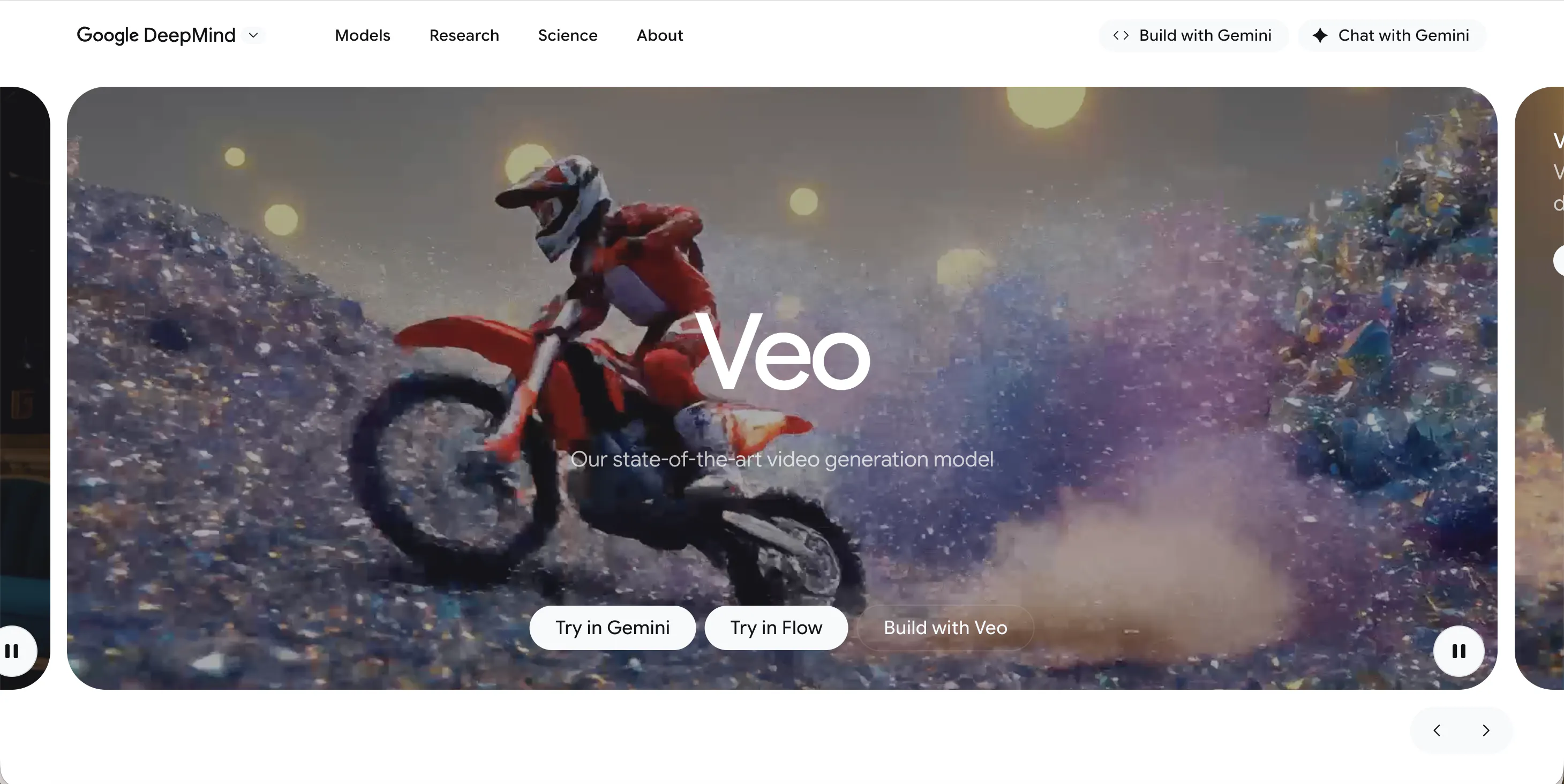
Veo is a powerful tool developed by Google that aims to compete with the biggest names in the industry. It is designed to understand high-level cinematic language, which means you can tell it to use specific camera shots like a "wide-angle" or "time-lapse." It is incredibly smart at following your creative directions, making it a great choice for people who want a bit more control over how their story is told.
The video quality produced by Veo is consistently high, reaching 1080p resolution. It excels at creating cinematic scenes that feel like they were taken straight from a movie.
It also handles long prompts very well, allowing you to describe a detailed scene with specific lighting and moods. While it is still rolling out to more users, it is quickly becoming a favorite for those who want a more "Hollywood" feel to their AI-generated clips.
Pros & Cons
Pros
- Deep understanding of cinematic terms and camera angles.
- Produces crisp, high-definition 1080p video clips.
- Backed by powerful technology for consistent results.
Cons
- Access can be limited depending on your region.
- Sometimes it feels more "corporate" and less "fun" than tools like Pika.
- Can be slower to generate than Videoinu.
3. Kling AI — The Long-Form Narrative Leader
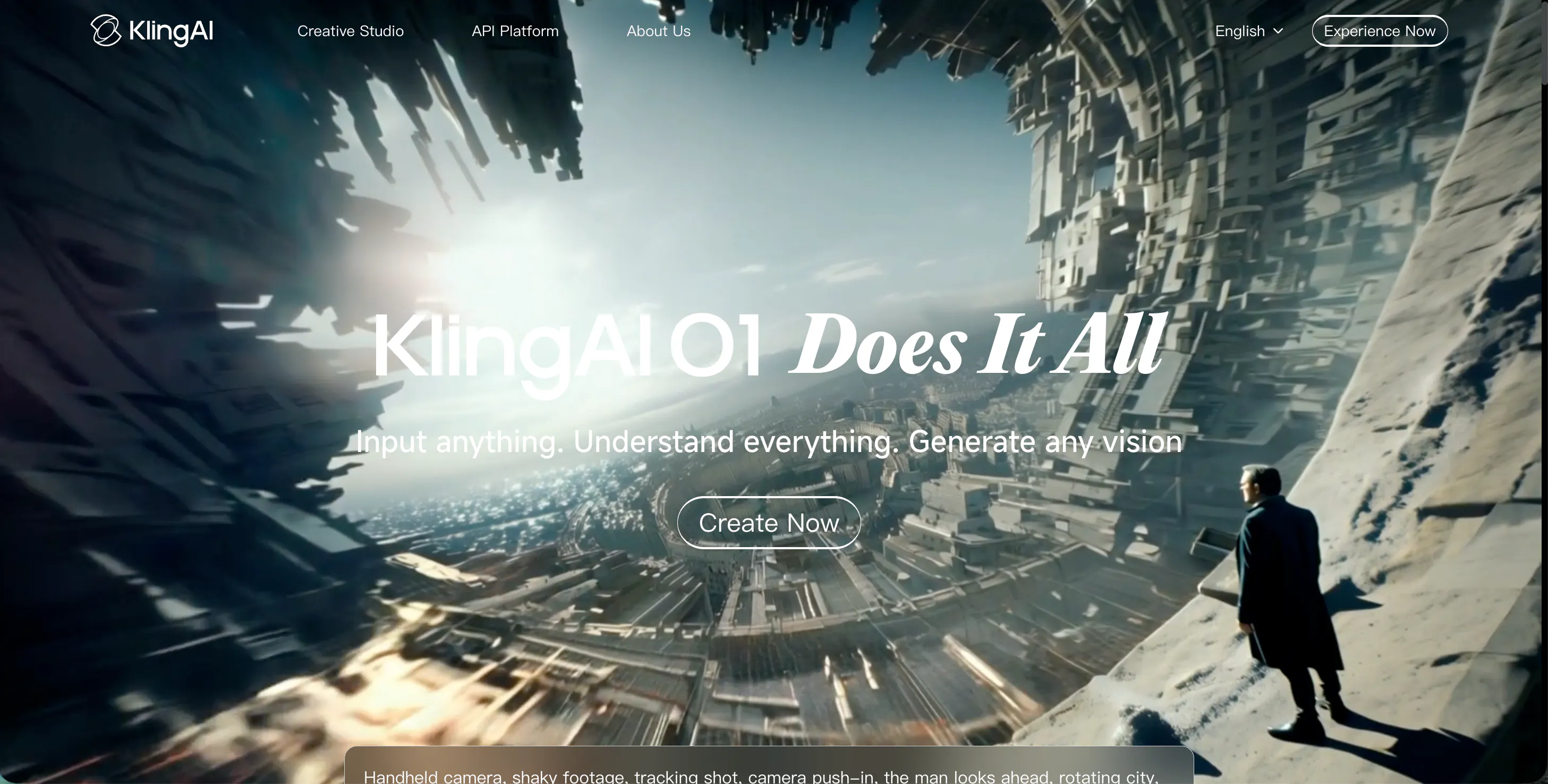
Kling AI is a heavy hitter known for its ability to generate much longer clips than most of its competitors. While many tools tap out at 4 or 5 seconds, Kling AI can produce videos up to 10 seconds or longer. This makes it a go-to choice if you want to tell a more detailed story without having to piece together a bunch of tiny clips in an editing app.
The visual quality is impressive and it handles complex environments—like a crowded city street or a detailed forest—with ease. Kling is also excellent at following complex prompts; you can be very specific about the details, and it usually captures your vision accurately.
However, because the tool is so powerful and popular, you might experience some wait times when the servers are busy with other users.
Pros & Cons
Pros
- Supports longer video durations, up to 10 seconds or more.
- High-resolution output that looks very professional.
- Follows detailed and complex text prompts very well.
Cons
- Longer wait times during peak usage hours.
- The interface can feel a bit cluttered for first-time users.
- Fast motion can sometimes lead to slight blurring in the frame.
4. Stable Video Diffusion — The Tech-Savvy Creator’s Playground
Stable Video Diffusion is a tool that is loved by the tech-savvy community. Unlike many web-based apps, this one is often used by people who like to "tweak" their settings to get the exact look they want. It is an open-source model, which means there is a huge community of people creating new ways to use it every day.
SVD is particularly good at "image-to-video," where you take a high-quality still image and turn it into a moving scene. It creates very smooth, realistic motion that feels natural. While it might have a bit of a learning curve compared to Videoinu, it offers a level of customization that is hard to beat.
It is a fantastic choice for students who want to dive deeper into how AI actually works while making cool content.
Pros & Cons
Pros
- High level of customization for advanced users.
- Excellent at turning static images into fluid video.
- Large community support with many free tutorials.
Cons
- Higher learning curve than most other tools on this list.
- Requires more effort to set up and get perfect results.
- Not as fast as simple web-based generators.
5. Pika AI — The Creative Animation Playground
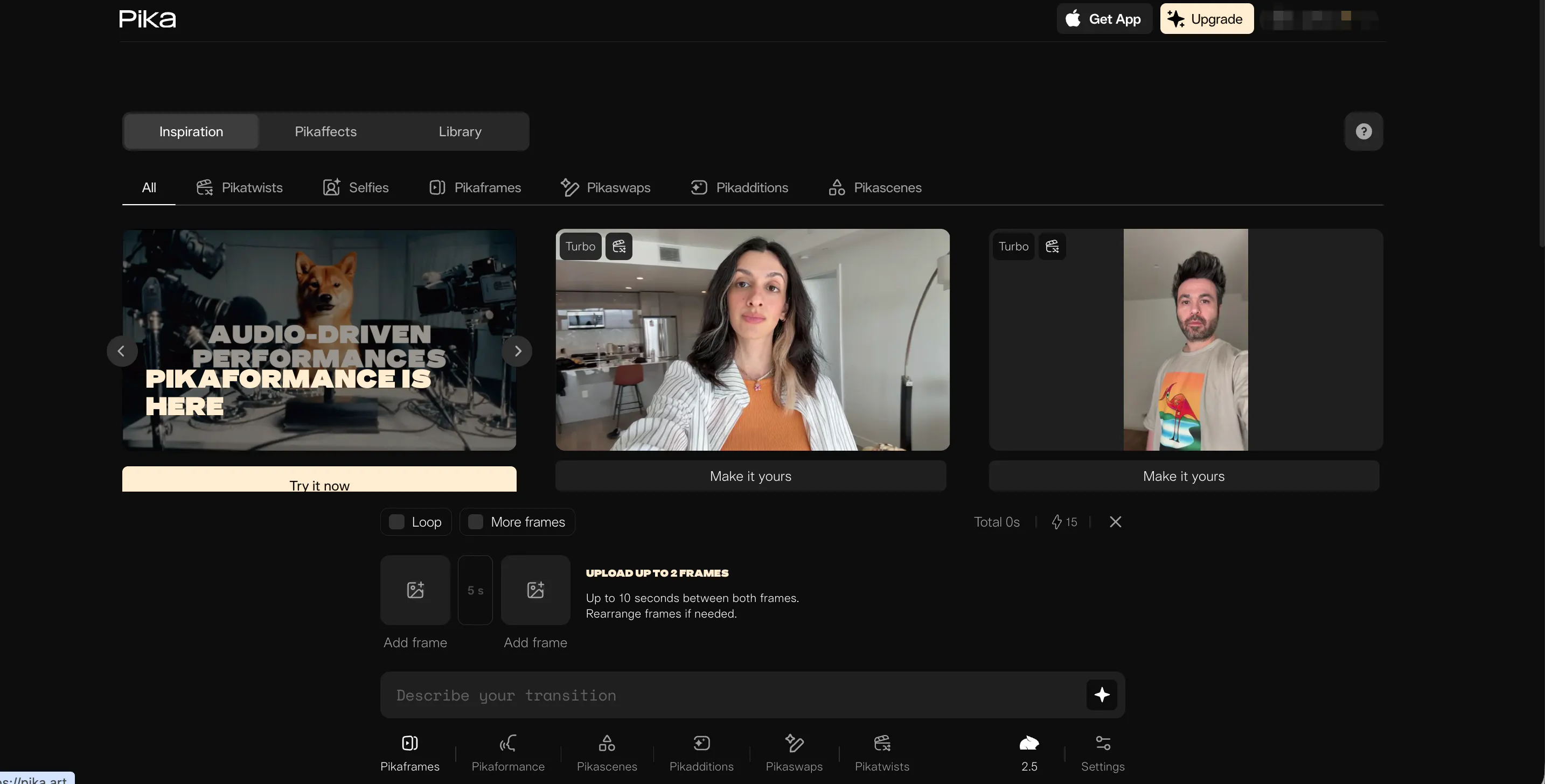
Pika AI (also known as Pika Labs) is easily one of the most fun tools on this list. It gained a huge following thanks to its specialized features like "Lip Sync," which lets you make any character talk perfectly in sync with an audio file. This is a massive win for anyone making animated shorts, memes, or digital stories for social media.
Pika also offers unique "PikaEffects" that allow you to do things like melt, crush, or inflate objects in your video. It gives you great control over specific parts of the frame; you can select a single item, like a hat, and change its style without affecting the rest of the video.
While the resolution isn't always as sharp as the high-end cinematic tools, the sheer creativity and fun factor make it a staple for creators.
Pros & Cons
Pros
- Best-in-class lip-syncing for animated characters.
- Unique creative effects like "Melt" and "Crush."
- Precise control over specific regions of the video.
Cons
- Video clips are generally very short (3-4 seconds).
- Overall resolution is slightly lower than some competitors.
- The web version can occasionally be a bit glitchy.
6. Sora — The Photorealistic Industry Standard
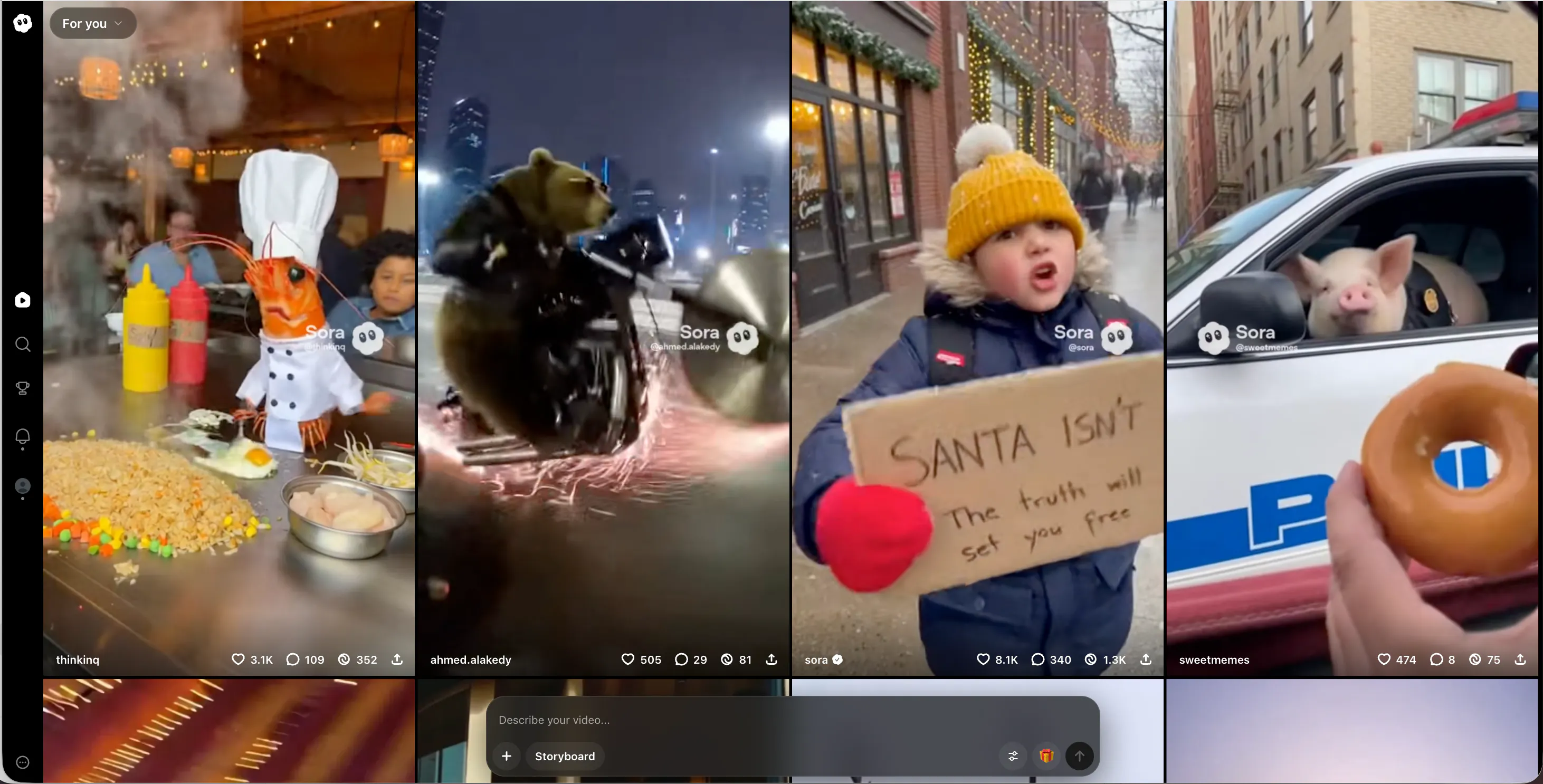
Sora, developed by OpenAI, is the tool that basically set the gold standard for what AI video can do. The initial demos showcased a level of detail that seemed impossible, featuring minute-long clips with complex camera movements and perfect textures. From the reflections in a puddle to the way clothes fold as a person walks, Sora is incredibly sophisticated.
Because it uses the same core technology as ChatGPT, Sora understands human language better than almost any other tool. You can write a long, descriptive story, and it will understand the subtle moods and lighting you want.
The only major downside is that it is still not fully available to the general public in many areas. It remains a "pro-only" tool for select creators and researchers for now.
Pros & Cons
Pros
- Unmatched photorealism and cinematic quality.
- Can generate continuous videos up to 60 seconds long.
- Incredible understanding of complex storytelling prompts.
Cons
- Very difficult to get access for the average user right now.
- Requires massive computing power to generate clips.
- Can still make occasional logic errors in physical movement.
7. Haiper AI — The Visual Restyling Expert
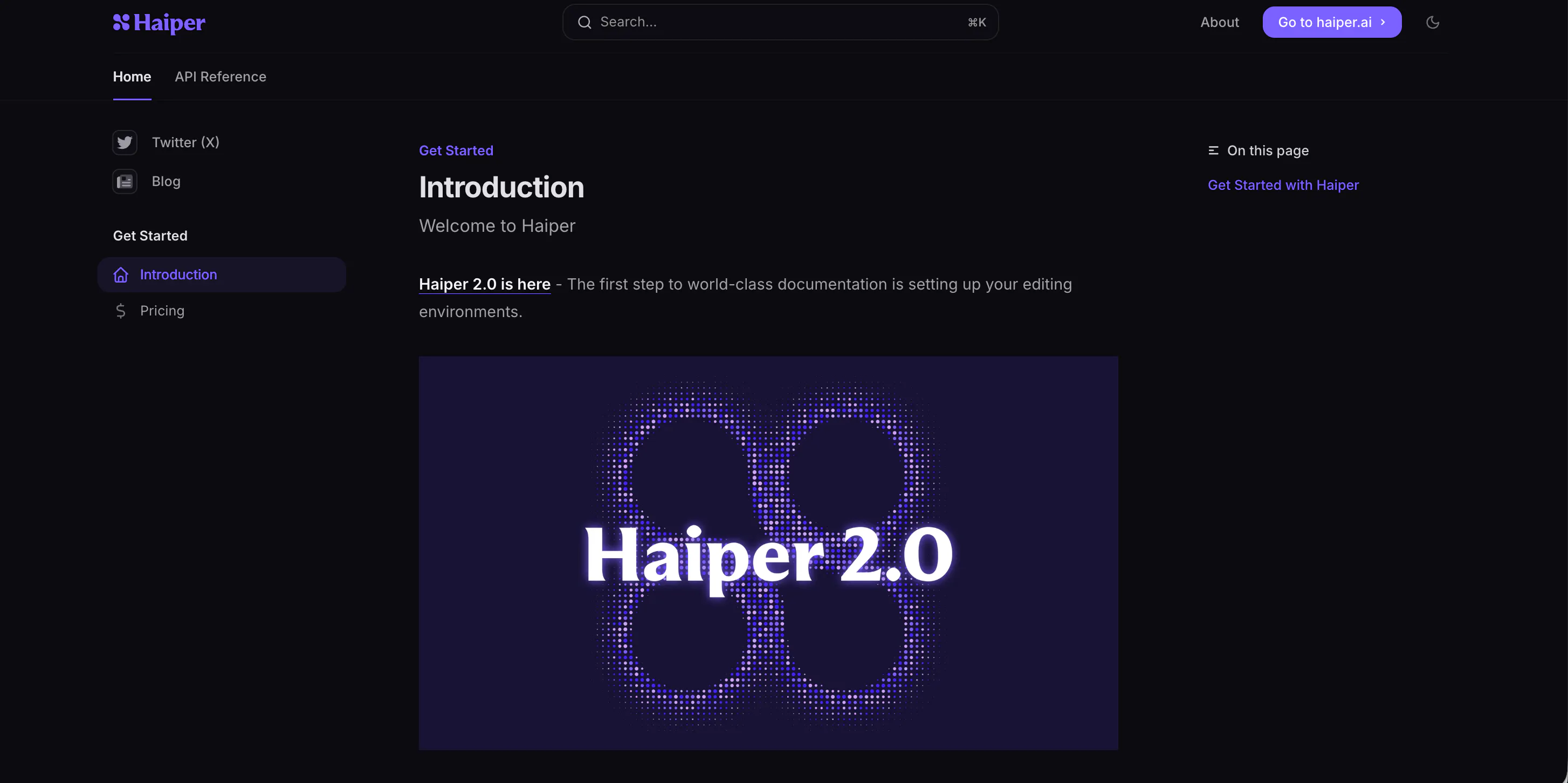
Haiper AI focuses on making every frame look like a piece of high-end photography. The tool is designed to produce videos with excellent lighting, clean compositions, and professional color grading. It is a fantastic choice for creators who need "B-roll" or background footage to make their YouTube videos or school presentations look more expensive.
One of Haiper's best features is "video repainting," which lets you change the entire style of a video you’ve already filmed. For example, you can take a video of your backyard and turn the whole world into a Lego block style or a claymation style. The website is modern and very easy to navigate. While the motion isn't quite as fluid as what you get with Videoinu, the visual clarity of the still frames is usually stunning.
Pros & Cons
Pros
- High-end visual aesthetics and professional lighting.
- Powerful video restyling and repainting tools.
- Very modern and user-friendly website experience.
Cons
- Motion can sometimes feel a bit robotic or stiff.
- Generation speeds can be inconsistent during busy times.
- Most of the powerful features require a paid subscription.
8. PixVerse AI — The Anime and 4K Powerhouse
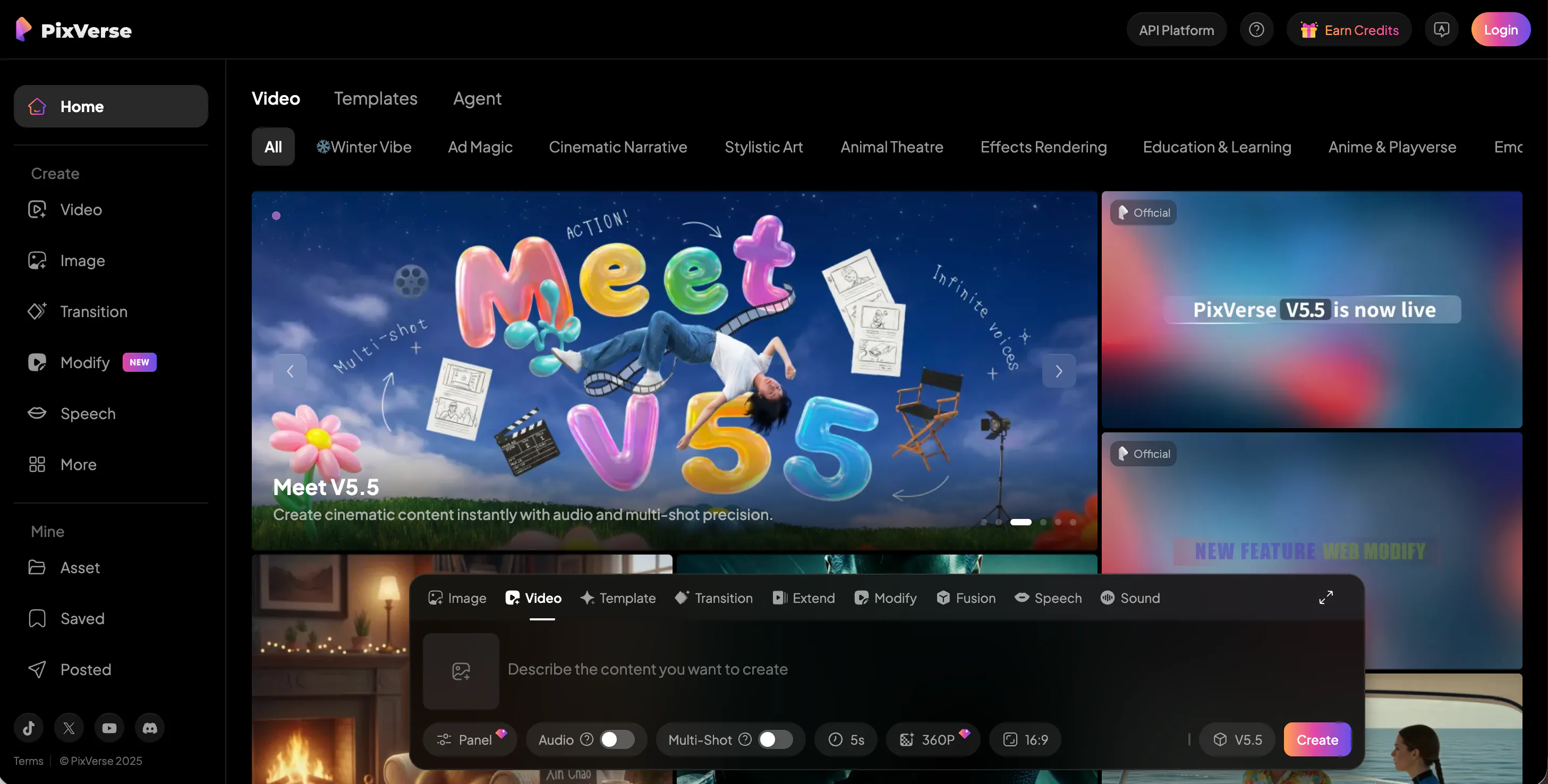
PixVerse AI has carved out a niche as the favorite tool for anime fans and 3D animators. While it can handle photorealism, its true strength lies in creating vibrant, high-energy animated characters. If you want to make your own anime opening or a 3D character video, PixVerse is probably your best bet on the market.
The platform allows you to upscale your videos to 4K, which is a rare and welcome feature that makes your work look super crisp on large screens. It also includes a "motion strength" slider, giving you the power to decide if you want the scene to be calm or full of action.
It is a very popular choice for fan-art creators and gamers who want to bring their favorite characters to life.
Pros & Cons
Pros
- The top choice for anime and 3D animation styles.
- Ability to upscale finished videos to 4K resolution.
- Helpful controls for adjusting motion intensity.
Cons
- Not as optimized for realistic "real-world" footage.
- The web interface can feel a bit sluggish at times.
- Sometimes struggles with complex hand and finger movements.
9. Midjourney — The Artistic Foundation Master
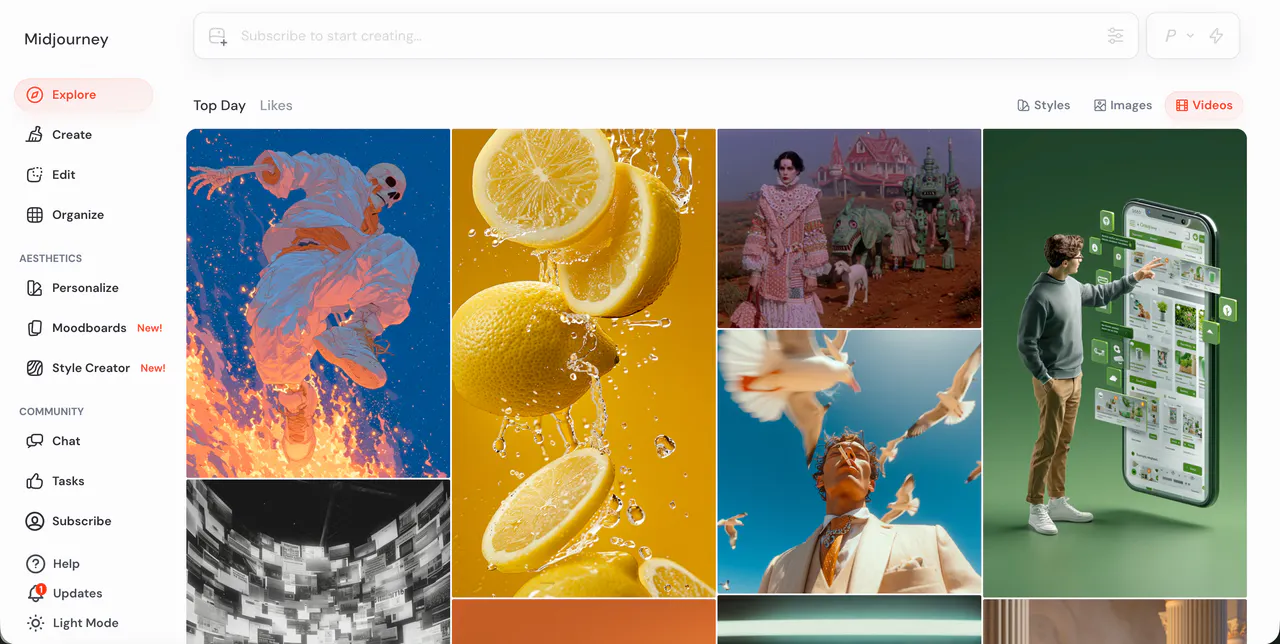
Midjourney is widely considered the king of AI image generation, and it is now taking its first steps into the world of video. While it is not yet a full "text-to-video" generator in the traditional sense, its new motion features allow you to add subtle movement, panning, and zooming to its world-class images.
Most serious AI video creators actually use Midjourney to create their "base" image before bringing it into a tool like Videoinu to animate it. The level of artistic detail, lighting, and texture in Midjourney is still the best in the business.
As they continue to develop their models, they are expected to become a major player in the video space.
For now, it is the best tool for creating the high-quality visuals that serve as the foundation for your projects.
Pros & Cons
Pros
- Unbeatable artistic quality and texture in every frame.
- Best tool for creating source images for animation.
- Huge community with endless style options to explore.
Cons
- Currently limited to subtle motion rather than full scene generation.
- Operates primarily through Discord, which can be confusing.
- No free trial currently available for new users.
10. Luma AI — The Physics-Based Cinema Engine
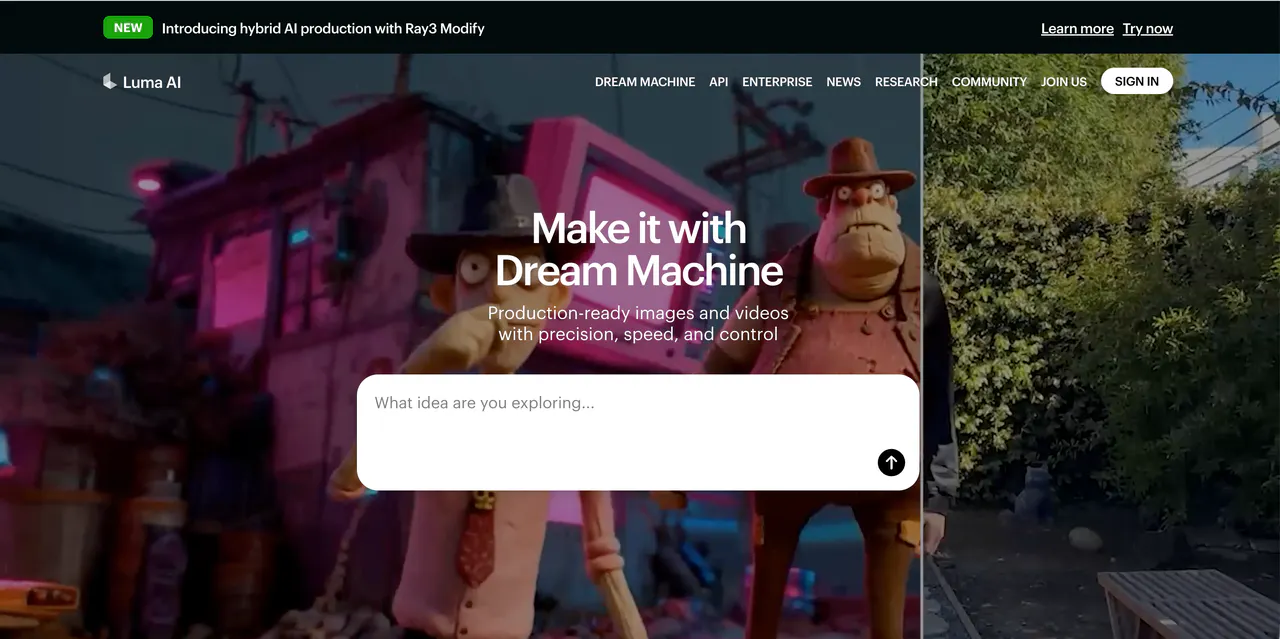
Luma AI, famous for its "Dream Machine" model, has quickly become a favorite for creators who prioritize realistic movements. This tool is built with a deep understanding of physics, meaning objects in your videos move exactly how they would in real life. Whether it is a car speeding down a highway or water splashing into a cup, Luma AI makes the gravity and interaction look incredibly believable.
The platform is great at maintaining consistency, which is a common struggle for AI. This means your characters won't randomly change their look halfway through a clip. Luma AI is also quite efficient, turning your prompts into five-second clips in just a few minutes. It is a fantastic option for anyone making short, realistic scenes for a movie project, though it can occasionally struggle with scenes containing too many moving people.
Pros & Cons
Pros
- Excellent physical accuracy and realistic gravity simulation.
- High character consistency across the entire video.
- Quick generation times for short cinematic clips.
Cons
- Camera angles can sometimes shift unexpectedly during a shot.
- Text within videos (like signs) can appear blurry.
- The free tier has limited daily usage for users.
Conclusion
The AI video space is moving incredibly fast, and there has never been a better time to start creating. Whether you want to make a viral meme with Pika AI, a cinematic masterpiece with Luma AI, or a longer story with Kling AI, there is a tool on this list that will fit your needs perfectly.
However, if you want the best overall experience—balancing speed, realism, and ease of use—Videoinu is our top recommendation. It takes all the complicated parts of AI and makes them simple, allowing you to focus on what matters most: your creativity.
FAQS
What is the best AI video generator for beginners?
Videoinu is the most beginner-friendly tool available. Its interface is designed to be simple, so you can start creating high-quality videos immediately without any technical background or prior experience.
Can I use these AI video tools for free?
Yes! Most tools on this list, including Videoinu, Luma AI, and Pika AI, offer free daily credits or a trial period so you can experiment with the technology before deciding to subscribe.
How can I make my AI videos go viral?
Focus on current social media trends. Use Videoinu to create high-quality "AI hugs" or face swaps, which are very popular on platforms like TikTok and Instagram. Keeping your clips short and adding trending music will also help your reach.
Do I need a powerful computer to make AI videos?
No. All the tools listed here are cloud-based. This means the heavy lifting is done on their servers, so you can create amazing videos using just a standard laptop, a tablet, or even your phone.