10 Best Krea AI Alternatives for AI Video Generation I Tried and Loved
Krea AI is undeniable magic. The first time I used its real-time generation feature, where you move a shape and the video updates instantly, I was hooked. It feels like painting with the future. But after the initial "wow" factor wore off, I realized I needed more.
Krea is amazing for enhancing and morphing, but when I wanted to create full, story-driven scenes or needed specific artistic styles that Krea couldn't handle, I felt stuck.
I didn't want just an "enhancer"; I wanted a full-blown "generator." I wanted to type a story and see it come to life, or take a picture and make it move realistically. So, I went on a hunt. I tested dozens of AI video tools to find the ones that offer better storytelling, more variety, and higher quality.
If you are looking to graduate from Krea AI to something more robust, here are the 10 best alternatives I tried and loved.
VideoInu AI
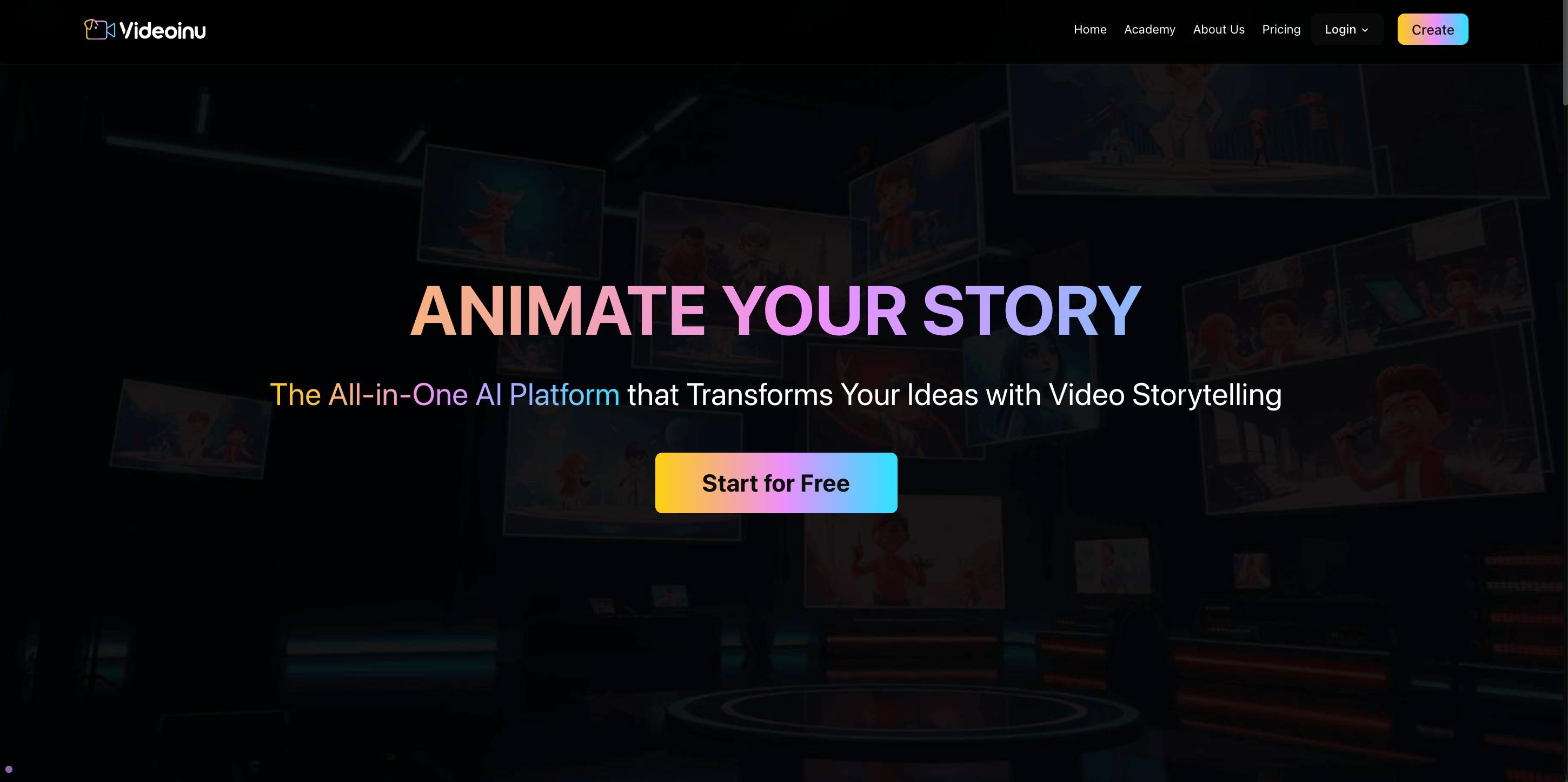
If you are looking for the absolute best alternative to Krea AI, VideoInu AI is the clear winner. While Krea focuses heavily on real-time interactive generation, VideoInu takes a different approach: it is the "Master Key" to the AI video world. Instead of building just one limited model, VideoInu acts as an aggregator. This means it connects you to the best and most powerful AI video models available globally, all in one easy-to-use dashboard.
When I switched to VideoInu, the first thing I loved was the variety. Krea has a very specific "look" that is hard to escape. But with VideoInu, I could switch between a hyper-realistic cinematic style, a cute 3D Pixar-like animation, or a gritty anime look with just a click. It integrates technology similar to Sora, Kling, and Luma, giving you the power of multiple subscriptions for the price of one.
The user interface is designed for creators, not coders. You don't need to fiddle with complex settings. You just describe what you want, pick your "engine," and let VideoInu do the heavy lifting. For me, the biggest advantage is that I don't get "locked in."
If a new, better AI model comes out next month, VideoInu usually integrates it, so I’m always using the cutting-edge tech without having to learn a new tool. It is the most versatile solution for anyone serious about AI video.
Pros:
- All-in-One Access: You get access to multiple top-tier AI models in a single place.
- Style Versatility: You aren't stuck with one "art style"; you can create almost anything.
- Ease of Use: It simplifies the complex world of AI into a friendly interface.
- Cost-Effective: Saves you from buying ten different subscriptions to different services.
Cons:
- Choice Overload: Because there are so many models to choose from, beginners might take a minute to decide which one to use.
Try Videoinu – The Leading Seedance Alternative for Krea AI
Video Ocean
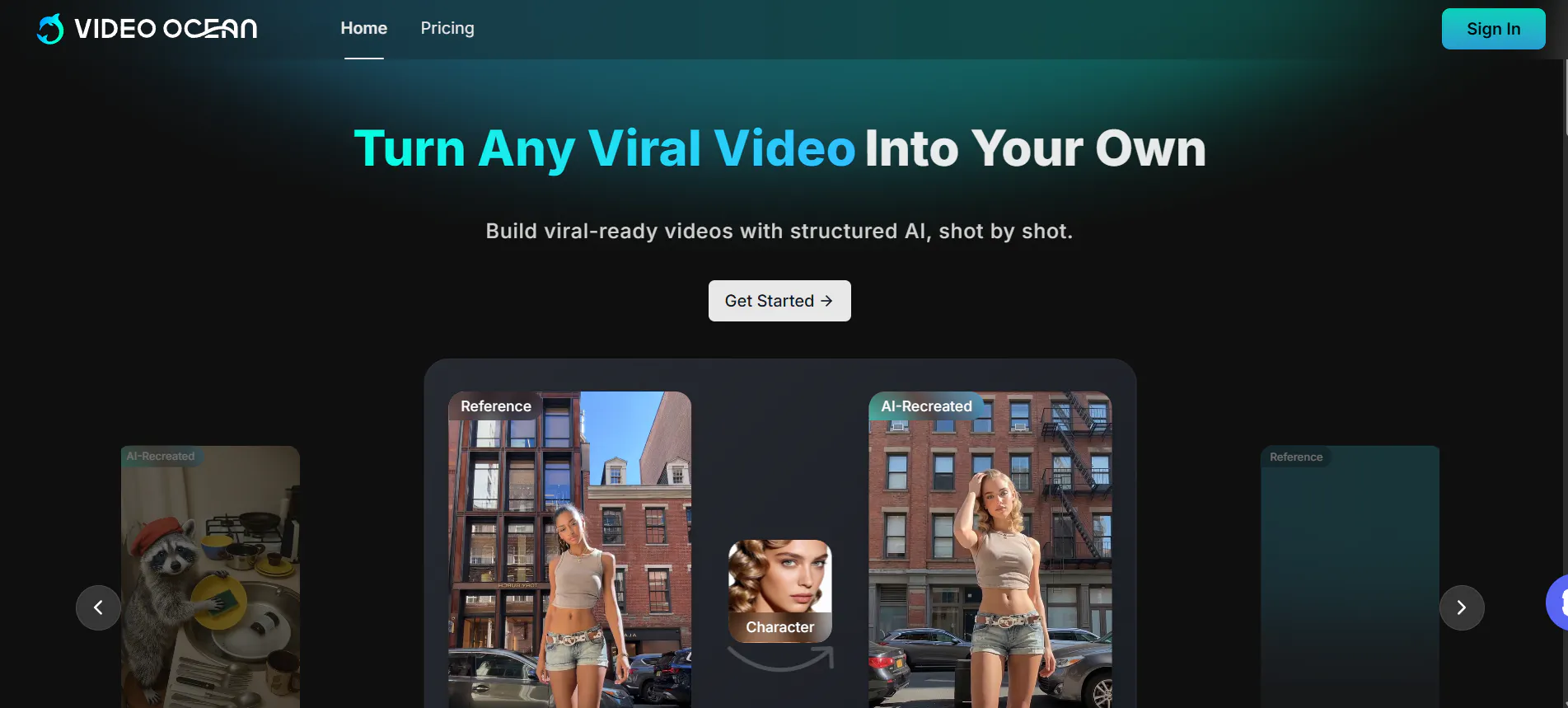
Video Ocean is a platform that really impressed me with its focus on "cinematic" quality. While Krea is great for trippy, morphing visuals, Video Ocean tries to mimic the look of a high-budget movie. I found that it handles landscapes and environmental shots exceptionally well.
If you type "a storm over the ocean," Video Ocean generates waves and clouds that look scary and real. It uses advanced algorithms to understand lighting and texture. I use this tool when I need background footage or "B-roll" that needs to look expensive.
It’s less about the "real-time" fun of Krea and more about the final, polished result. The interface is straightforward, and the rendering speed is decent for the quality you get.
Pros:
- Cinematic Look: Great for creating videos that look like movies.
- Environment Details: Handles weather, water, and nature scenes very well.
- High Resolution: The output usually looks crisp on larger screens.
Cons:
- Character Limitations: It is better at scenery than complex human acting.
- Speed: It takes longer to generate a clip compared to Krea's instant feedback.
Stable Video Diffusion (SVD)
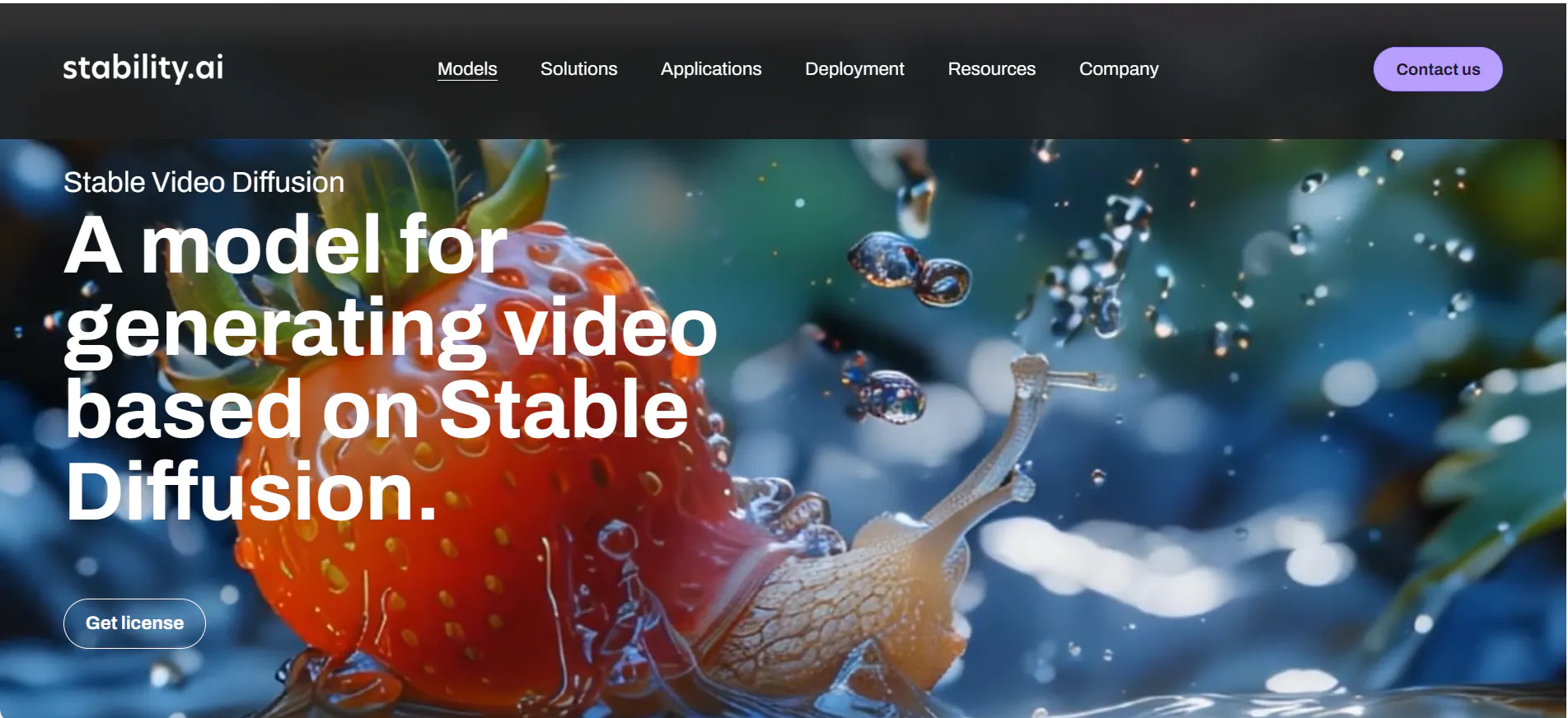
Stable Video Diffusion is the heavy hitter for people who like technology. It is an open-source model created by Stability AI. While Krea is a polished app, SVD is the "engine" that powers many other apps. I tried using platforms that host SVD, and the level of control is crazy.
This is the best alternative if you are a bit of a tech geek. It allows you to turn still images into videos with very specific movements. For example, if you have a picture of a car, you can make just the wheels spin and the background blur. It doesn't have the "live painting" feel of Krea, but for taking a specific image and bringing it to life, it is one of the most powerful tools out there.
Pros:
- Image-to-Video Power: Incredible at animating static photos.
- Open Source: There are many free ways to run it if you have a powerful computer.
- Motion Control: You can often control how fast or slow the movement is.
Cons:
- Technical: It is not as beginner-friendly as VideoInu or Krea.
- Hardware Heavy: If you run it locally, you need a very expensive graphics card.
Hunyuan AI
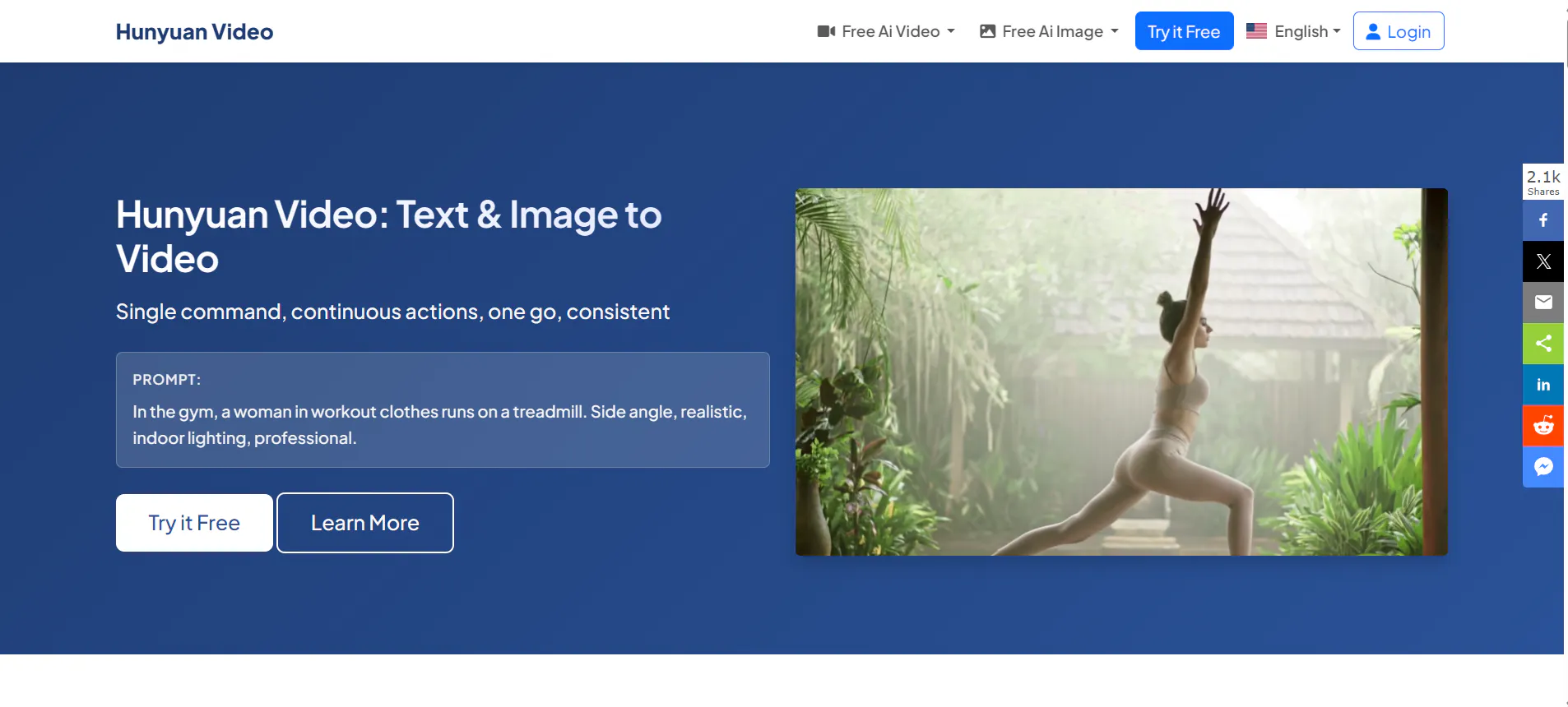
Hunyuan AI is a massive model developed by Tencent. When I tested this, I was blown away by its ability to understand complex prompts, especially those involving Asian aesthetics or martial arts action. Krea sometimes struggles to understand very long, detailed descriptions, but Hunyuan reads them perfectly.
The video consistency in Hunyuan is excellent. In many AI videos, a character's face changes every second. Hunyuan does a great job of keeping the character looking the same from the start of the clip to the end. It is a fantastic tool for storytellers who need consistency. It feels very professional and is quickly becoming a top competitor in the global market.
Pros:
- Prompt Understanding: It understands long, complicated instructions very well.
- Consistency: Characters and objects don't "morph" randomly.
- Action Scenes: Handles complex movements like fighting or dancing smoothly.
Cons:
- Access: Depending on where you live, signing up can sometimes be tricky.
- Style Bias: It sometimes leans towards a specific polished, digital art look.
Wan AI
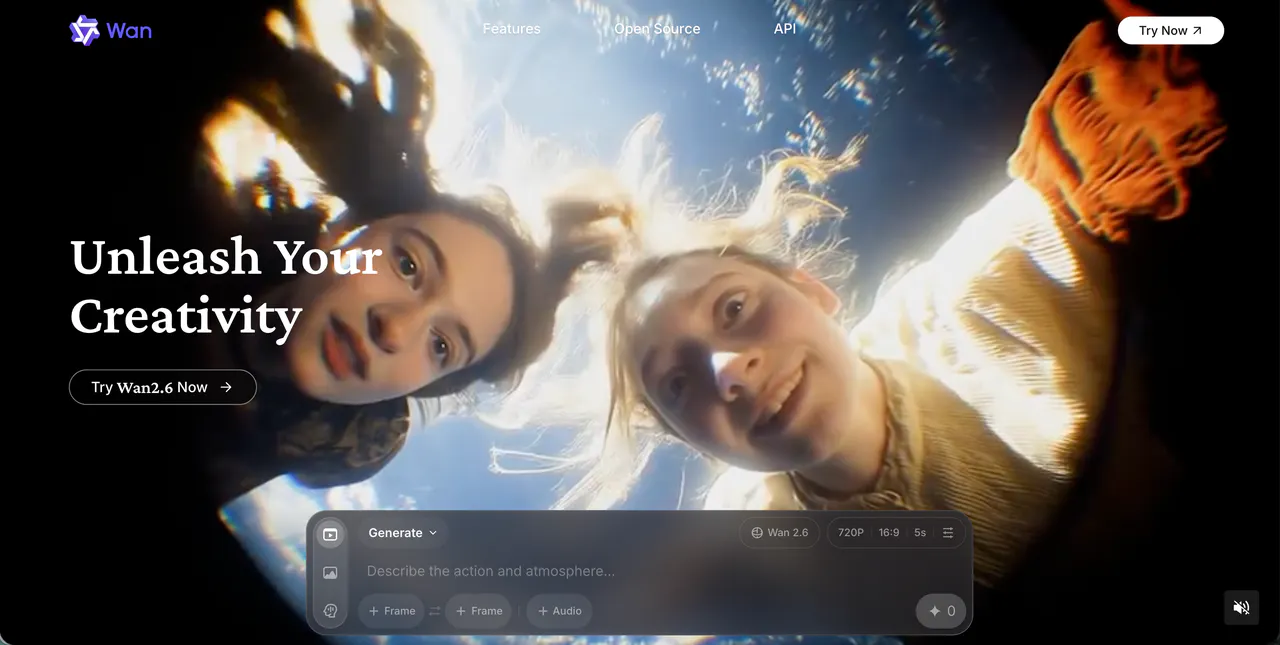
Wan AI (specifically the Wan 2.1 versions and similar iterations) comes from Alibaba Cloud. This is a powerhouse for realistic physics. While Krea is artistic, Wan AI tries to be grounded in reality. I tried generating videos of objects falling or breaking, and Wan AI understood gravity surprisingly well.
This tool is great for product videos or realistic simulations. If you need a video of a glass of water spilling, Wan AI makes the water look wet and heavy, whereas other models might make it look like jelly. It is a newer player but is advancing very fast. For users who want "photorealism" over "dreamy art," this is a solid pick.
Pros:
- Physics Engine: Understands gravity, weight, and collision better than most.
- Photorealism: Great for making videos that look like real life.
- 3D Quality: Has a strong understanding of depth and 3D space.
Cons:
- Newer Ecosystem: Fewer tutorials and community guides exist compared to older tools.
- Interface: Can feel a bit "industrial" rather than creative.
Midjourney
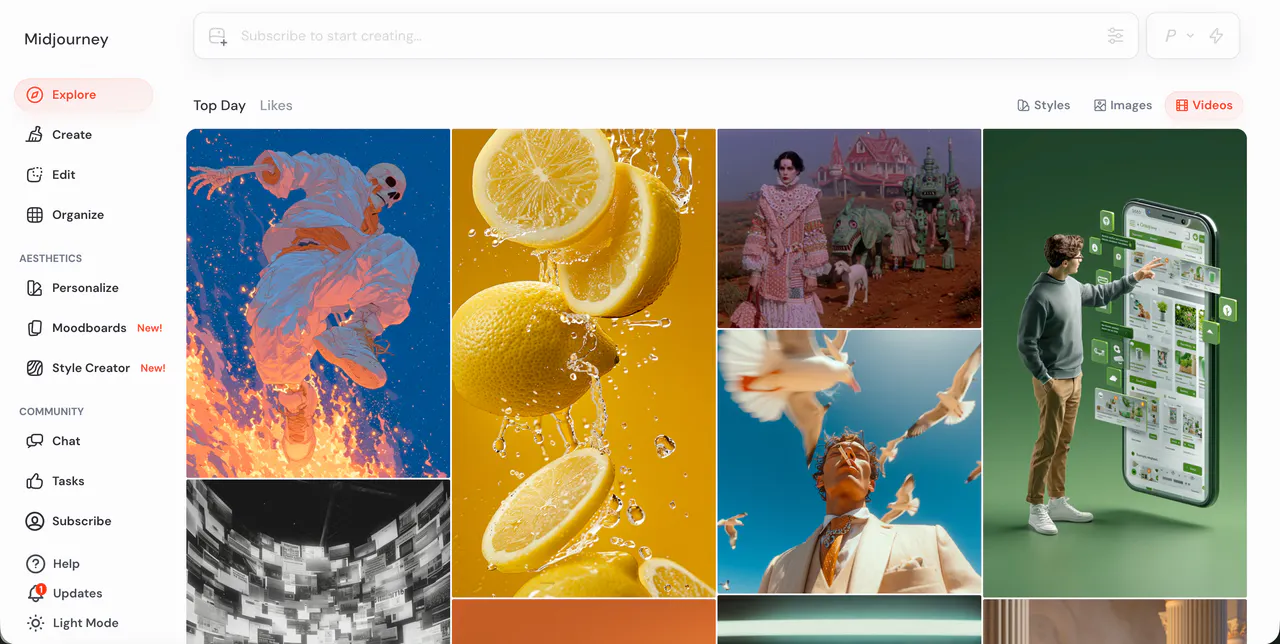
Okay, I know what you are thinking: "Midjourney is for images!" Yes, but it is essential for video generation, and they are actively moving into the video space with new editor features. I list it here as a Krea alternative because Krea is often used to fix images. Midjourney creates the perfect starting image.
Almost every great AI video starts with a great AI image. I use Midjourney to generate the base scene, and then I use tools like VideoInu to animate it. The artistic quality of Midjourney is still unmatched. If Krea's image generation feels a bit too "sketchy" for you, Midjourney gives you that high-definition, finished art look that you can then turn into a video.
Pros:
- Best Aesthetics: The most beautiful image quality in the AI world.
- Style Variety: Can do anything from oil painting to 1980s photos.
- Consistency: Helps you set the "look" before you start animating.
Cons:
- Not a Full Video Gen (Yet): You mostly use it to make the input image for other video tools.
- Discord Only: You still have to use it inside the chat app Discord (mostly).
Bytedance Imitator
If your main goal with Krea was to play with human shapes and forms, Bytedance Imitator is the specialized alternative you need. This tool is built specifically for human motion. It can take a picture of a person and a video of someone dancing, and make the picture dance exactly like the video.
Krea can morph shapes, but it often messes up arms and legs. Imitator is "skeleton-aware." It knows where knees and elbows are supposed to be. I had so much fun taking old historical photos and making them do modern TikTok dances. It is a niche tool, but for character animation and fun social media content, it beats Krea’s general approach.
Pros:
- Human Motion: The best tool for dancing and body movement.
- Skeleton Tracking: Keeps limbs looking realistic, not like spaghetti.
- Fun Factor: Incredible for making viral social media clips.
Cons:
- Niche: It’s only good for humans/characters, not for landscapes.
- Backgrounds: Sometimes the background gets blurry when the character moves fast.
OiiOii.ai
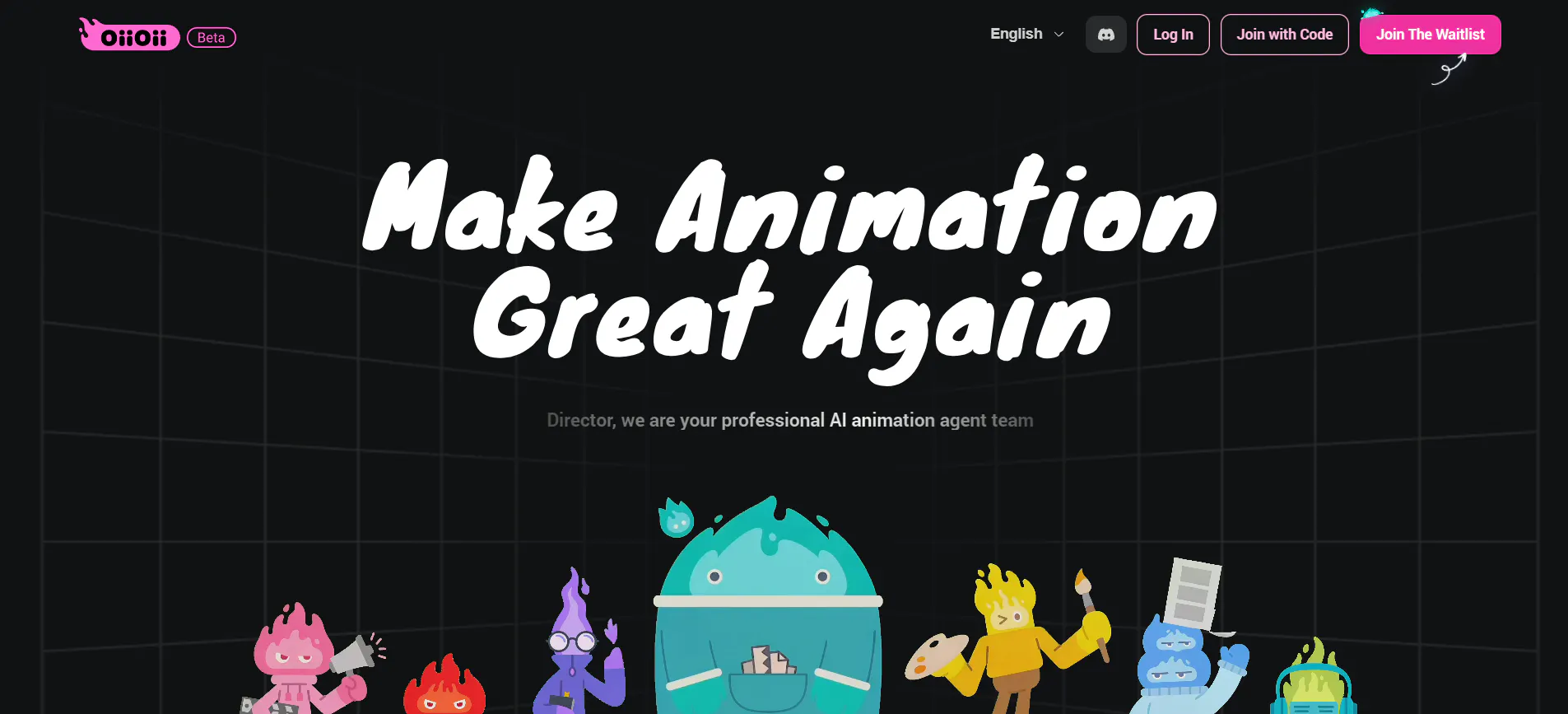
OiiOii.ai is a fun, vibrant platform that I found to be very beginner-friendly. While Krea can sometimes feel like a tool for "artists," OiiOii feels like a tool for "content creators." It specializes in converting text to video with a focus on social media trends.
I loved the "vibe" of this tool. It is great at generating anime-style clips and colorful animations. It also has features that help match the video to audio beats, which is something Krea doesn't really focus on. If you want to make a quick, flashy video for Instagram or TikTok without spending hours editing, OiiOii is a great, lightweight alternative.
Pros:
- Social Media Ready: output is often optimized for vertical screens and trends.
- Anime Styles: Very strong performance in 2D and 3D animation looks.
- Audio Sync: Good at matching visuals to the rhythm of sound.
Cons:
- Less "Pro" Features: Not the best choice for making a serious film.
- Simpler Physics: The motion is more "cartoonish" than realistic.
StoryShort AI
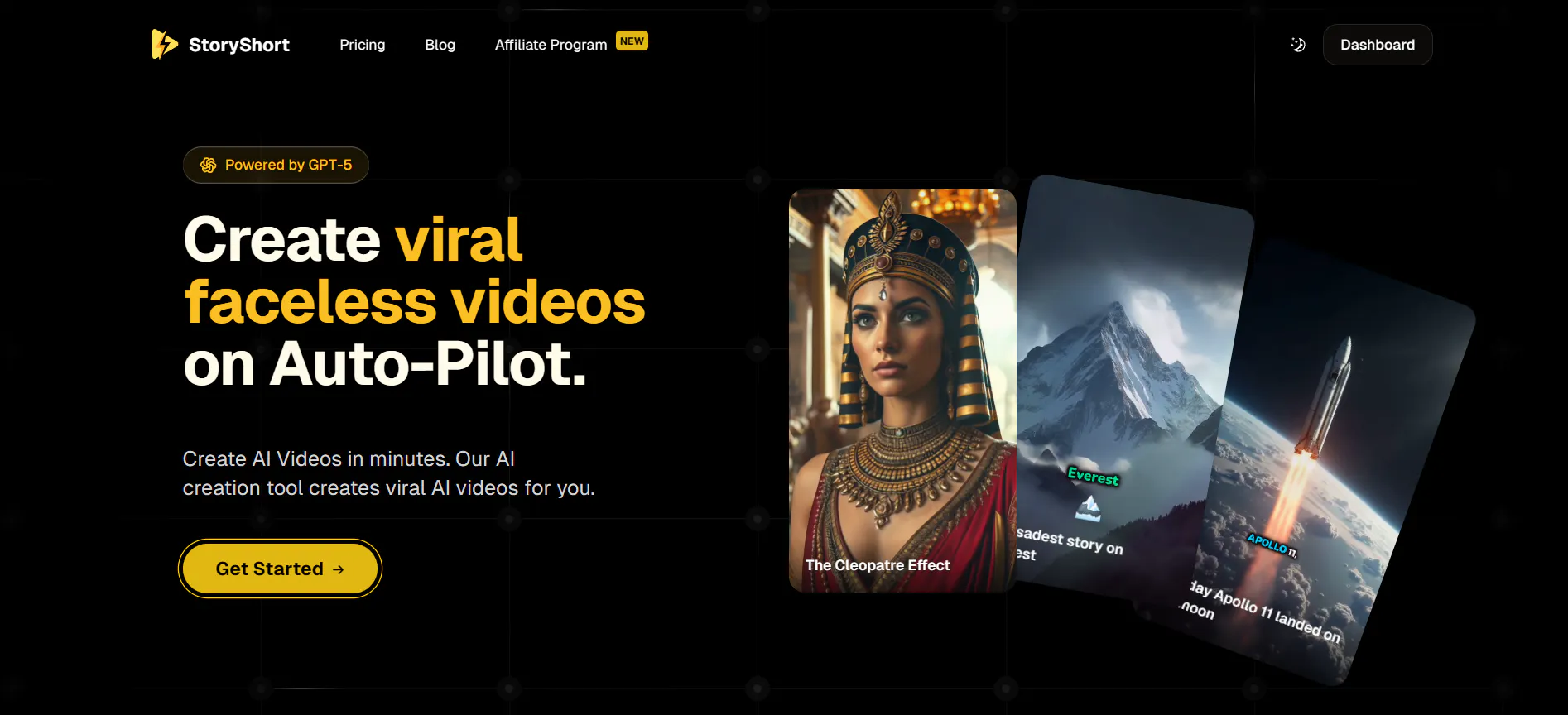
Krea is a manual tool—you have to do the work. StoryShort AI is an automated tool. I included this for people who are tired of prompting every single second of video. StoryShort is designed to create "faceless" videos automatically. You give it a topic, and it writes the script, finds the visuals, and puts it all together.
I tried this for a history channel idea, and it saved me hours. Instead of generating one clip in Krea, then editing it, then generating another, StoryShort did the whole flow. It creates a cohesive narrative. It’s not for "artistic experimentation," but it is a business powerhouse for people running content channels.
Pros:
- Automation: Does the script, voiceover, and video generation for you.
- Speed: Creates full videos in the time it takes to make one clip elsewhere.
- Consistency: Keeps the style the same throughout the whole video.
Cons:
- Less Control: You can't micro-manage every pixel like you can in Krea.
- Generic Feel: Sometimes the videos can feel a bit like stock footage.
VideoGPT
VideoGPT is exactly what it sounds like: ChatGPT for video. If you found Krea’s interface with sliders and canvases too confusing, VideoGPT is the answer. You just chat with it. You say, "Make me a video of a cat flying," and it does it.
It uses a conversational interface that makes it incredibly accessible. I found it relaxing to use because I didn't have to worry about settings like "aspect ratio" or "seed numbers." I just talked to the bot. While the video quality might not always beat the high-end models like VideoInu, the ease of use is unmatched for total beginners or kids who want to try AI video.
Pros:
- Super Simple: If you can send a text message, you can use this.
- Conversational: You can ask it to change things in plain English.
- Accessible: Great for younger users or non-tech people.
Cons:
- Lower Control: You can't tweak the technical details.
- Variable Quality: The output quality can be hit or miss depending on the prompt.
Conclusion
Krea AI changed the game with its real-time capabilities, but the world of AI video is so much bigger than just one tool. I got tired of the limitations and wanted to explore what else was out there. Whether you want the cinematic realism of Wan AI, the automated speed of StoryShort, or the fun motion of Bytedance Imitator, there is a tool for you.
However, after testing all of them, I keep coming back to VideoInu AI. It solves the biggest problem we have as creators: "FOMO" (Fear Of Missing Out). By aggregating the best models into one hub, it gives me the freedom to create anything I can imagine without technical headaches. It is the best next step if you are ready to graduate from Krea.
FAQs
1.Is VideoInu AI free to use?
VideoInu generally operates on a credit system. They typically offer a trial or starter credits so you can experiment with different models (like text-to-video or image-to-video) before committing to a paid plan. It is often cheaper than paying for multiple separate AI subscriptions.
2.What is the difference between Krea AI and VideoInu AI?
Krea AI is famous for "Real-Time" generation (morphing shapes instantly). VideoInu AI is an "Aggregator." It focuses on generating high-quality, longer, and more coherent videos by connecting you to multiple powerful AI engines like Luma, Kling, and others, rather than just using one internal tool.
3.Can I use these alternatives on my phone?
Yes! Most of these tools, including VideoInu and VideoGPT, are cloud-based. This means the heavy computer processing happens on their servers, not your device. You can access them through a web browser on your iPhone or Android easily.
4.Which tool is best for making anime videos?
If you want specific anime styles, OiiOii.ai and VideoInu (using its specific anime models) are your best bets. They understand the "2D look" better than realistic engines like Wan AI.
5.Do these AI videos have sound?
Some do, and some don't. Tools like OiiOii.ai often have beat-sync features, and StoryShort AI includes voiceovers. However, for many pure video generators, you get a silent video file that you can add music to later in an editing app.