Haiper AI Review: A Detailed Review of the Haiper AI Video Generator
AI video tools are increasingly focused on speed and accessibility. Many platforms now aim to help users create short videos quickly without technical skills. Haiper AI fits into this category, offering a simplified AI video generation experience—but simplicity often comes with trade-offs.
What Is Haiper AI?
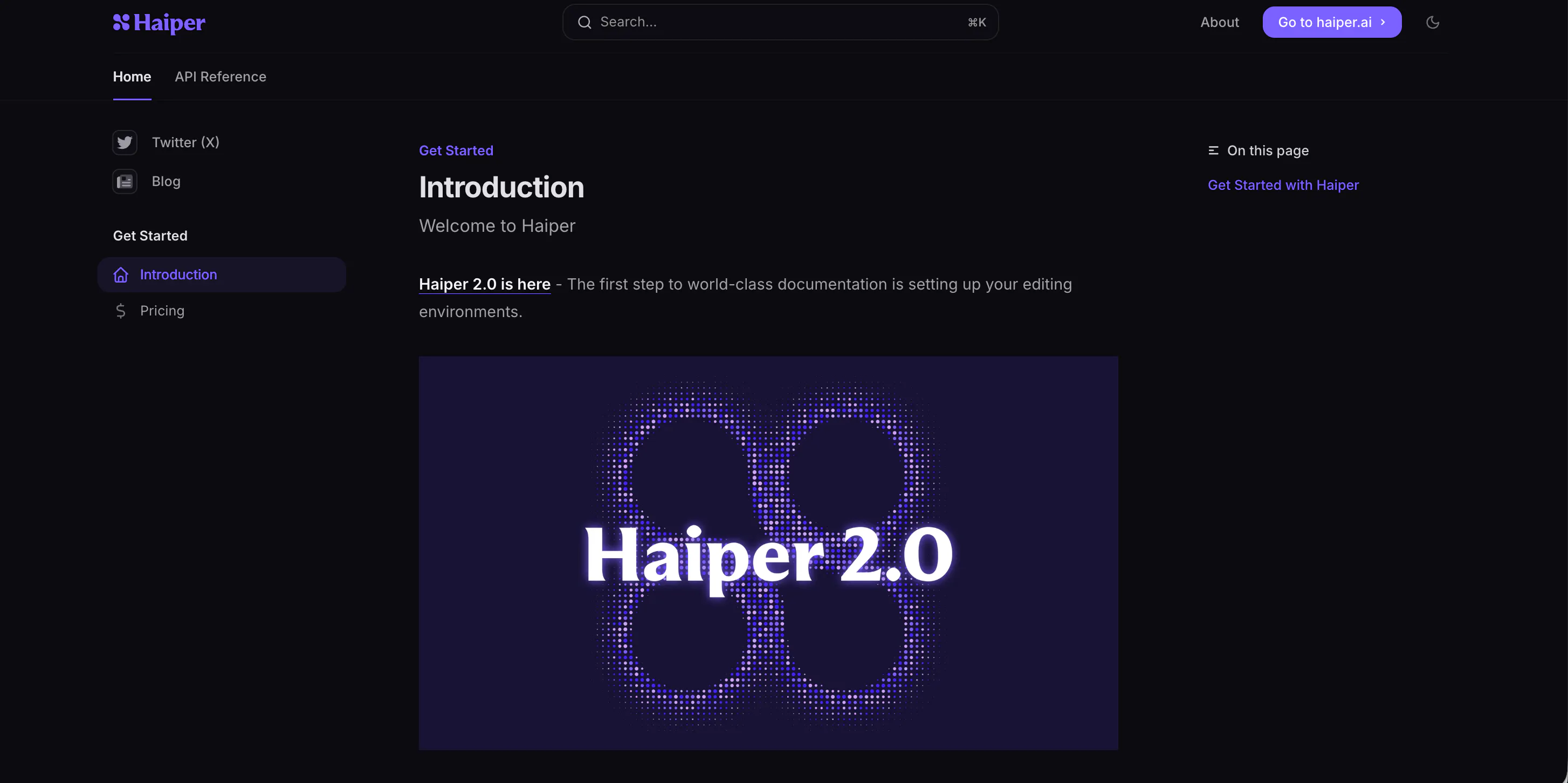
Haiper AI, also known as haiper.ai or sometimes written as haiper .ai, is an AI-powered video generation tool designed for fast and simple video creation. The platform mainly targets users who want quick, animated clips without complex editing or prompt engineering.
The Haiper AI video generator relies heavily on preset styles and AI automation. While this lowers the entry barrier, it also limits creative control and makes outputs feel repetitive over time.
Features of Haiper AI
Haiper AI focuses on fast AI-generated video clips using simple inputs. Users can generate short videos from text or images, with the AI handling motion, transitions, and visual effects automatically.
The platform prioritizes speed over precision. There are few advanced controls for timing, camera movement, or visual emphasis. As a result, many videos feel similar in pacing and structure.
Another limitation is output consistency. Some clips look acceptable for casual use, while others feel unfinished or visually flat. Haiper works best for quick drafts rather than final, publish-ready content.
Pricing
Haiper AI offers both free and paid access:
- Free plan: Limited generations and basic access to the Haiper AI video generator
- Monthly plan: Around $10–$15, depending on usage limits
- Annual plan: Around $100–$140, offering a discounted yearly rate
In general, Haiper AI pricing is moderate, but the value depends on how often the generated videos are actually usable. For frequent creators, the Haiper AI cost may feel high given the limited control and repetition.
Pros & Cons of Haiper AI
Pros
- Easy to use and beginner-friendly: Haiper AI is designed for users with little to no technical skills, making it accessible for beginners.
- Fast video generation: The platform delivers video outputs quickly, ideal for creators on a tight schedule.
- No technical or prompt-writing skills required: Haiper AI simplifies the process by handling most of the technical aspects automatically.
Cons
- Very limited customization: The lack of advanced customization options can be frustrating for users who want more control over their videos.
- Repetitive visual styles: Many generated videos look similar, which can make content feel formulaic over time.
- Inconsistent output quality: Some videos are acceptable for casual use, while others may feel unpolished or flat.
- Not suitable for branded or professional content: Haiper AI is better for drafts and casual videos, but not for high-quality, polished content.
- Weak support for storytelling and pacing: The tool’s limitations in pacing and structure make it difficult to create complex narrative videos.
Videoinu AI vs Haiper AI: Which Is the Better Video Generator?
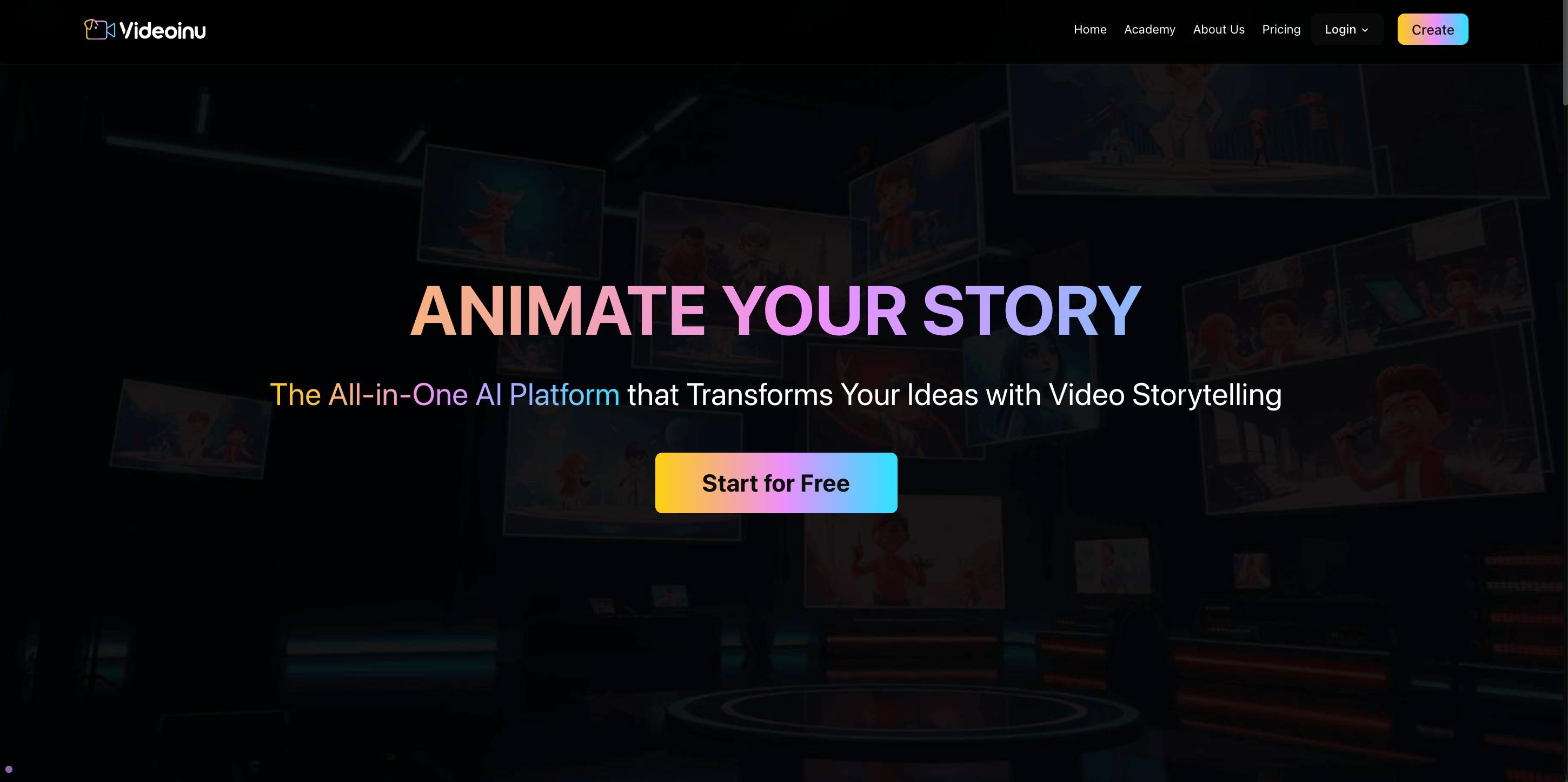
When comparing Haiper AI with Videoinu AI, the difference lies in content readiness. Haiper AI focuses on simplicity, but sacrifices control and reliability. Videoinu AI is built for short-form viral content, offering trend-based templates and more predictable results.
Instead of generating many unusable drafts, Videoinu AI helps creators produce publish-ready videos faster. For users who find Haiper AI too limited or repetitive, Videoinu AI is the more practical and scalable alternative.
Other Popular Haiper AI Alternatives for Video Generation
Kling AI
Kling AI offers advanced text-to-video generation with realistic motion. It is visually impressive but slow and highly dependent on prompt quality.
Luma AI
Luma AI specializes in high-quality 3D visuals and cinematic scenes. It is powerful but technical and not optimized for fast social content.
Pika AI
Pika AI focuses on template-based video generation with easy element replacement. It is beginner-friendly but produces repetitive results.
Vidu AI
Vidu AI targets short-form video creation with automated editing. It is fast but offers limited creative depth and customization.
Sora AI
Sora AI is known for advanced AI video generation and realism. However, it is more experimental and not accessible for everyday creators.
FAQs
Is Haiper AI good for beginners?
Yes, Haiper AI is easy to use, but its simplicity becomes limiting as content needs grow.
Can Haiper AI create professional videos?
Not really. The videos often feel generic and lack the polish required for professional use.
Is Haiper AI free to use?
There is a free plan, but it comes with strong limitations on usage and output.
What is the best alternative to Haiper AI?
Videoinu AI is the best alternative for creators who want faster workflows, better consistency, and social-media-ready videos.