My Top 10 Sora AI Alternatives for Custom Video Magic
AI video creation is growing fast, and Sora AI is one of the most talked-about tools. It can generate intelligent scenes and structured sequences, but it isn’t perfect for all creators. Some want better realism, stable motion, or more control over style and camera movement. After testing multiple AI video generators, I found ten alternatives that stand out as excellent options.
From fast social media clips to cinematic storytelling, these tools cover a wide range of needs. Let’s explore them, starting with the best option for most users: Videoinu AI.
1.Videoinu AI

Videoinu AI is the most versatile and reliable AI video generator I tested. Its strength lies in producing realistic motion and consistent characters, something Sora AI sometimes struggles with. Whether you are creating social media videos, cinematic shorts, or character-based content, Videoinu makes the process smooth and easy.
It supports text-to-video, image-to-video, and style customization, allowing creators to generate professional-looking results without complicated prompts.
The AI maintains camera stability, avoids jittery motion, and keeps faces consistent, even in longer sequences. For example, I created a 20-second cinematic clip of a person walking through a park, and Videoinu maintained realistic motion throughout—no sudden jumps or strange distortions.
Beginners find it easy to use, while advanced users can tweak lighting, style, and camera movement for more cinematic control. This balance between accessibility and power makes Videoinu the best overall Sora AI alternative.
Pros
- Smooth and realistic motion
- Stable camera and consistent characters
- Easy for beginners, with advanced controls available
- High realism for cinematic and social content
Cons
- Some advanced controls are under development
Try VideoInu — A Reliable Sora Alternative for AI Video
2.Kling AI
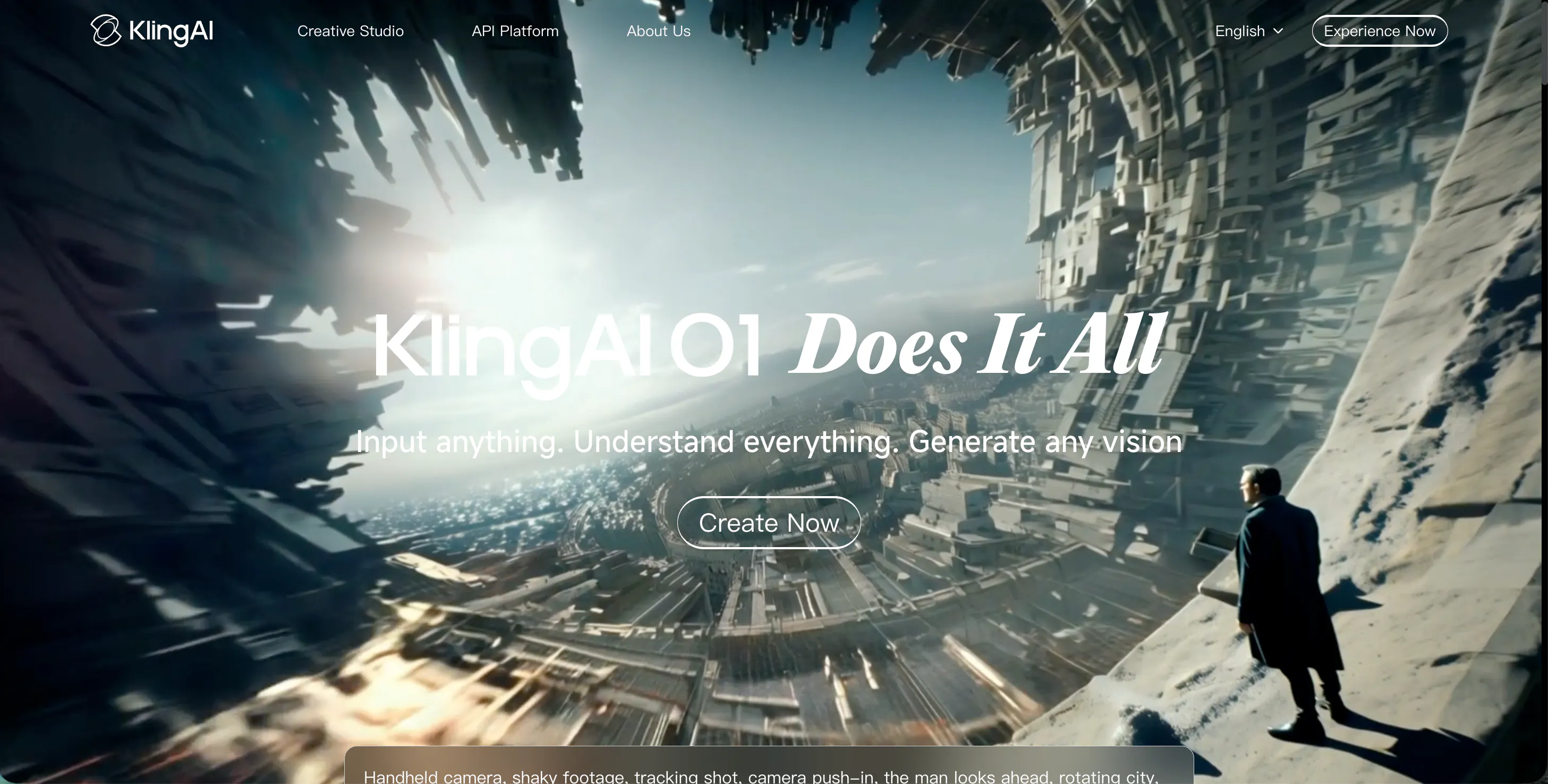
Kling AI shines in cinematic visuals and dramatic motion. Unlike Sora AI, which sometimes produces abstract sequences, Kling focuses on sharp details, vibrant colors, and high-energy action. It is ideal for creators who want fast-paced clips or music video-style visuals.
However, Kling requires careful prompting. Small changes can drastically alter results, which might be frustrating for beginners. I tested it with an action scene of a dancer performing a complex routine. The visuals were sharp and cinematic, but it took a few tries to get the motion and camera angles right.
Pros
- Cinematic and detailed visuals
- Great for action sequences or dramatic effects
- Flexible style options
Cons
- Steeper learning curve for beginners
- Motion can sometimes be unpredictable
- Requires trial-and-error for complex prompts
3.Luma AI
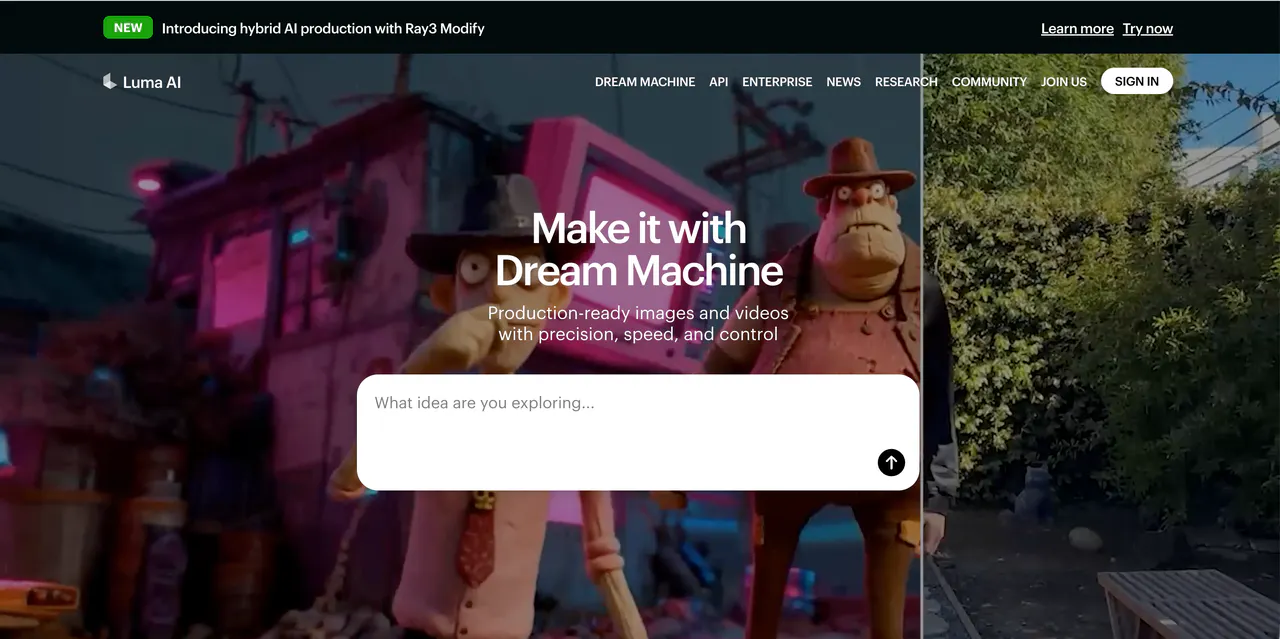
Luma AI is built for realism and natural depth. Unlike Sora AI, which can be more abstract, Luma focuses on realistic lighting, shadows, and perspective. Videos feel grounded, as if filmed with a real camera. Outdoor scenes, architecture, and environmental storytelling work particularly well.
I tried a short cityscape clip with moving pedestrians, and Luma captured realistic lighting and depth that made the scene look natural. Its main drawback is slower rendering times and limited stylized options. Luma is perfect when realism is the goal, rather than fast social media clips.
Pros
- Realistic lighting, shadows, and depth
- Natural camera movement
- Works well for outdoor and real-world scenes
Cons
- Slower generation speed
- Limited creative or exaggerated styles
- Slightly harder for beginners
4.Pika AI
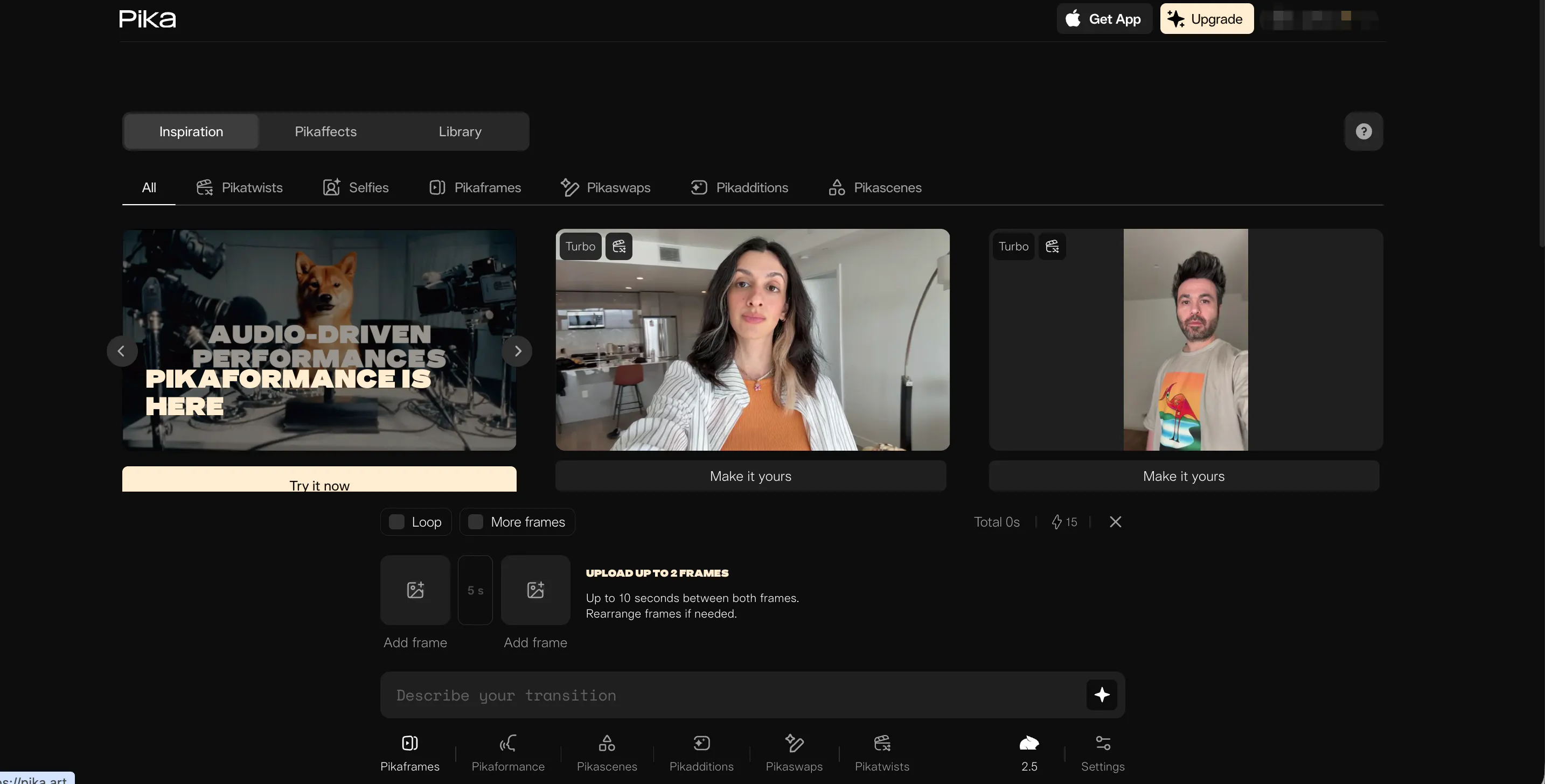
Pika AI is all about fun, fast, and easy video creation. You can generate clips from text or images within seconds. Compared to Sora AI, Pika prioritizes speed and accessibility over realism. It is perfect for social media videos, memes, or experimental clips.
During testing, I created a short animated clip of a cat dancing. It generated instantly, and the motion was playful, though not entirely realistic. Faces and shapes occasionally shifted, but that didn’t matter for a casual or humorous clip.
Pros
- Very beginner-friendly and fast
- Quick video generation for social media
- Fun and playful styles
Cons
- Motion and face consistency may vary
- Lower realism than Videoinu
- Limited control for complex sequences
5.Haiper AI
Haiper AI specializes in stylized and artistic video creation. It is perfect for fantasy scenes, music videos, and abstract visuals. Compared to Sora, Haiper allows dramatic colors, creative effects, and bold movements.
I tested a fantasy forest scene with glowing plants. The results were vibrant and artistic, though human characters appeared less realistic. This tool is ideal for music videos, animated shorts, or social media content where style is more important than realism.
Pros
- Strong artistic and stylized visuals
- Vibrant colors and abstract motion
- Easy for creative experimentation
Cons
- Limited realism for characters
- Not ideal for real-world content
- Advanced motion control is minimal
6.Vidu AI
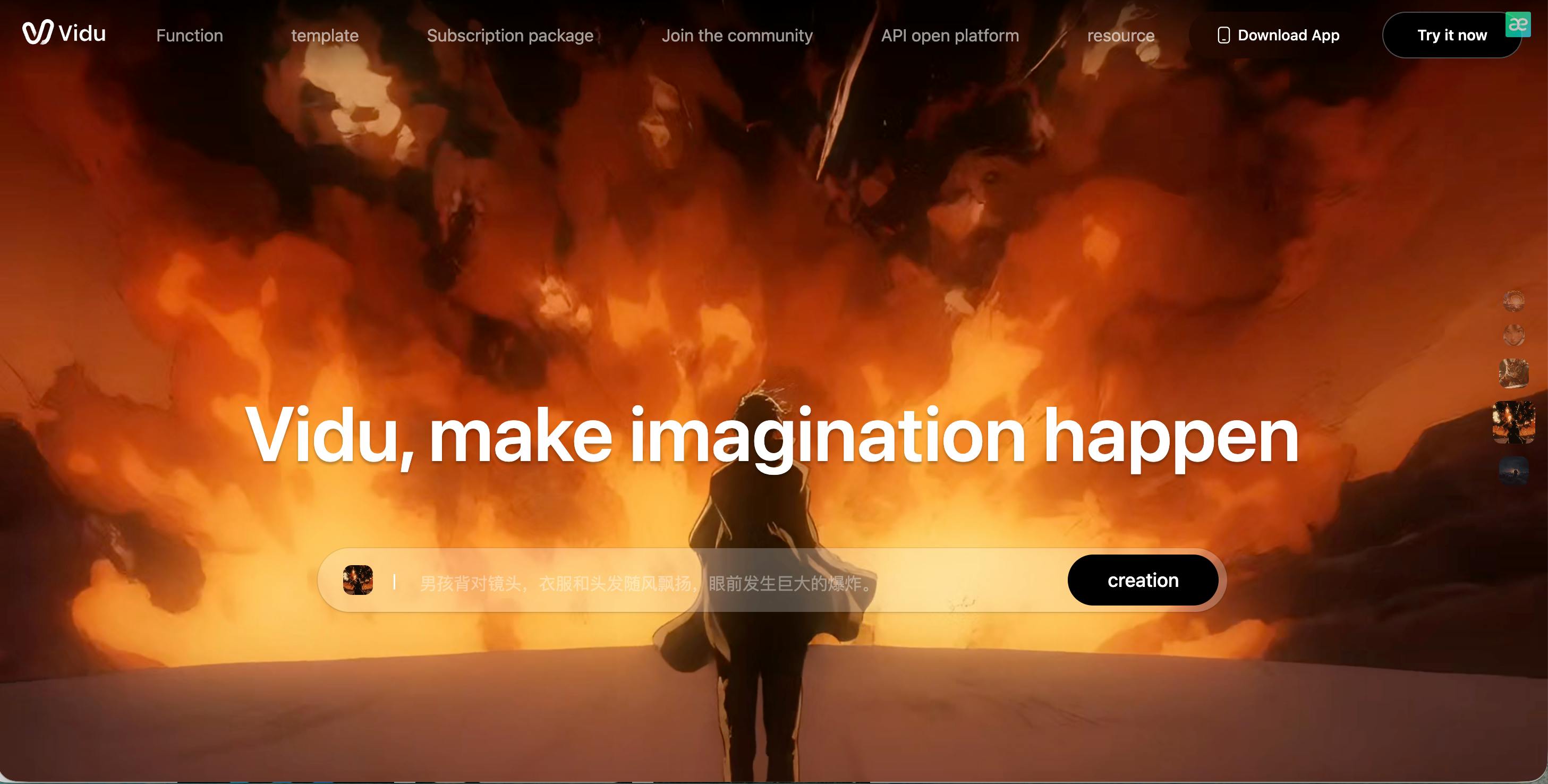
Vidu AI focuses on storytelling and smooth scene transitions. Unlike Sora AI, which may struggle with continuity, Vidu keeps actions consistent between frames, making it ideal for short narratives or tutorials. Camera angles and motion speed can also be adjusted.
I created a tutorial clip showing a person assembling a gadget. Vidu maintained smooth motion between shots and transitions, though some facial inconsistencies appeared in longer sequences. It’s perfect for educational or short story videos, but less suitable for cinematic projects.
Pros
- Smooth motion and scene transitions
- Good for short stories or tutorials
- Adjustable camera angles and pacing
Cons
- Character consistency can vary
- Less realistic than Videoinu
- Limited for longer videos
7. VideoGPT
VideoGPT is an AI video generator focused on high-quality text-to-video creation. It can generate coherent sequences from prompts, making it great for story-driven or instructional videos.
Compared to Sora, VideoGPT produces more logical motion and structured scenes, with smoother transitions between shots.
It is suitable for creators who want to tell short stories, make tutorials, or experiment with AI-driven narratives.
However, it can be slower than Videoinu, and fine-tuning the prompts may require some trial and error to get exactly the desired output.
Pros:
- Generates logical and structured video sequences
- Smooth scene transitions
- Great for story-driven or instructional content
Cons:
- Slower generation speed
- Prompt refinement may be needed for precise results
- Less beginner-friendly than Videoinu
8.PixVerse AI
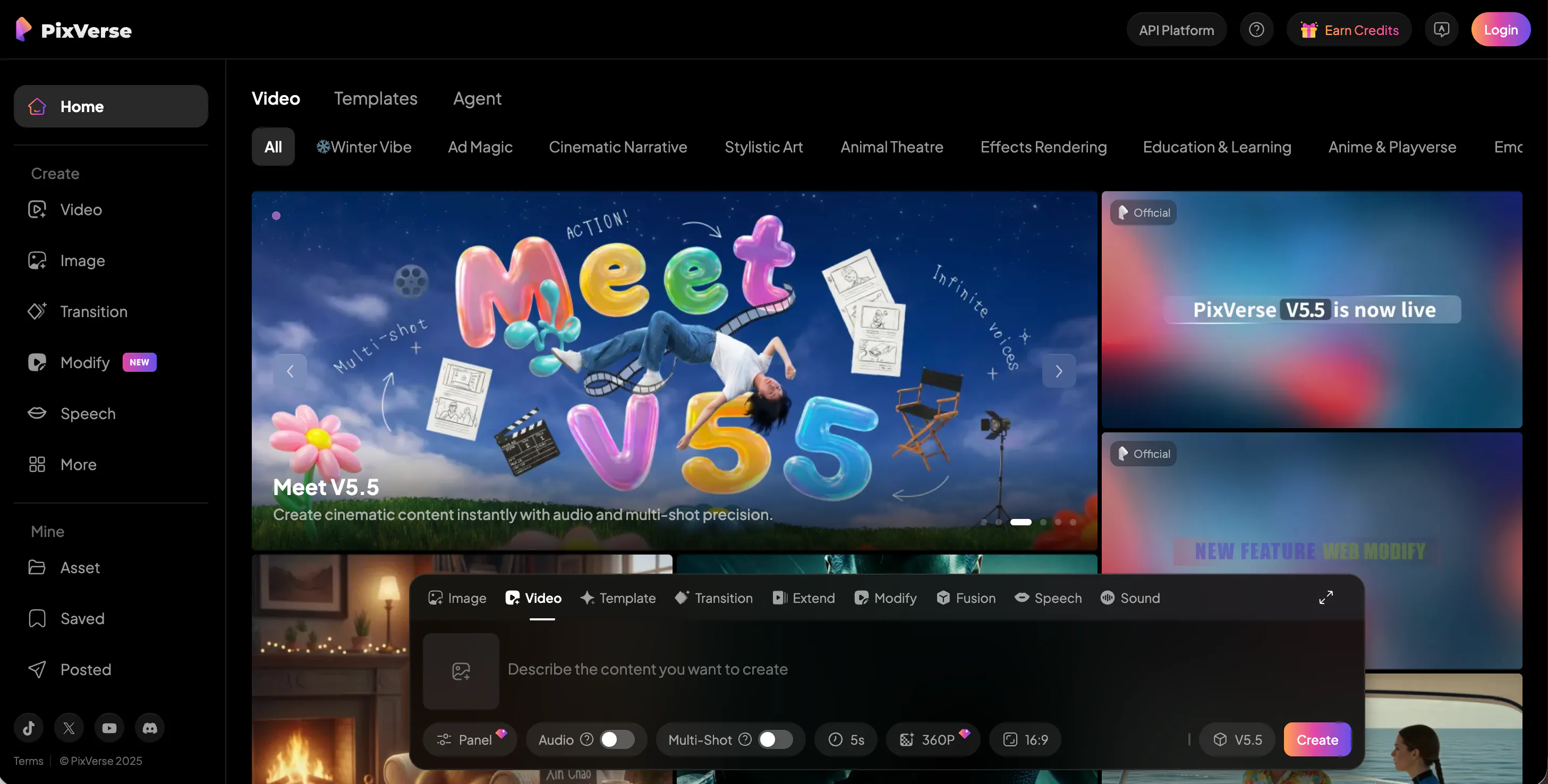
PixVerse AI is fast and simple. Like Sora AI, it can generate videos from text or images, but it emphasizes quick content creation. I created a 15-second social media clip, and it rendered instantly, though the motion occasionally wobbled and faces shifted slightly.
PixVerse is great for casual or short clips, but for realistic or cinematic results, Videoinu is superior.
Pros
- Quick video generation
- Beginner-friendly
- Works well for social media content
Cons
- Motion and faces can be unstable
- Less realistic than Videoinu
- Limited complex scene control
9.Krea AI

Krea AI is designed for concept-driven video creation. It can turn prompts into visually coherent sequences and maintains thematic consistency better than Sora in some cases.
I tested a futuristic city concept. The visuals were consistent and thematic, but motion was slightly uneven, and human characters lacked realism. Krea is ideal for concept art videos or brainstorming visuals, but not for polished cinematic work.
Pros
- Maintains thematic consistency
- Strong for concept-driven projects
- Good for creative storytelling
Cons
- Motion can be uneven
- Characters are less realistic
- Not ideal for cinematic projects.
10.Veo
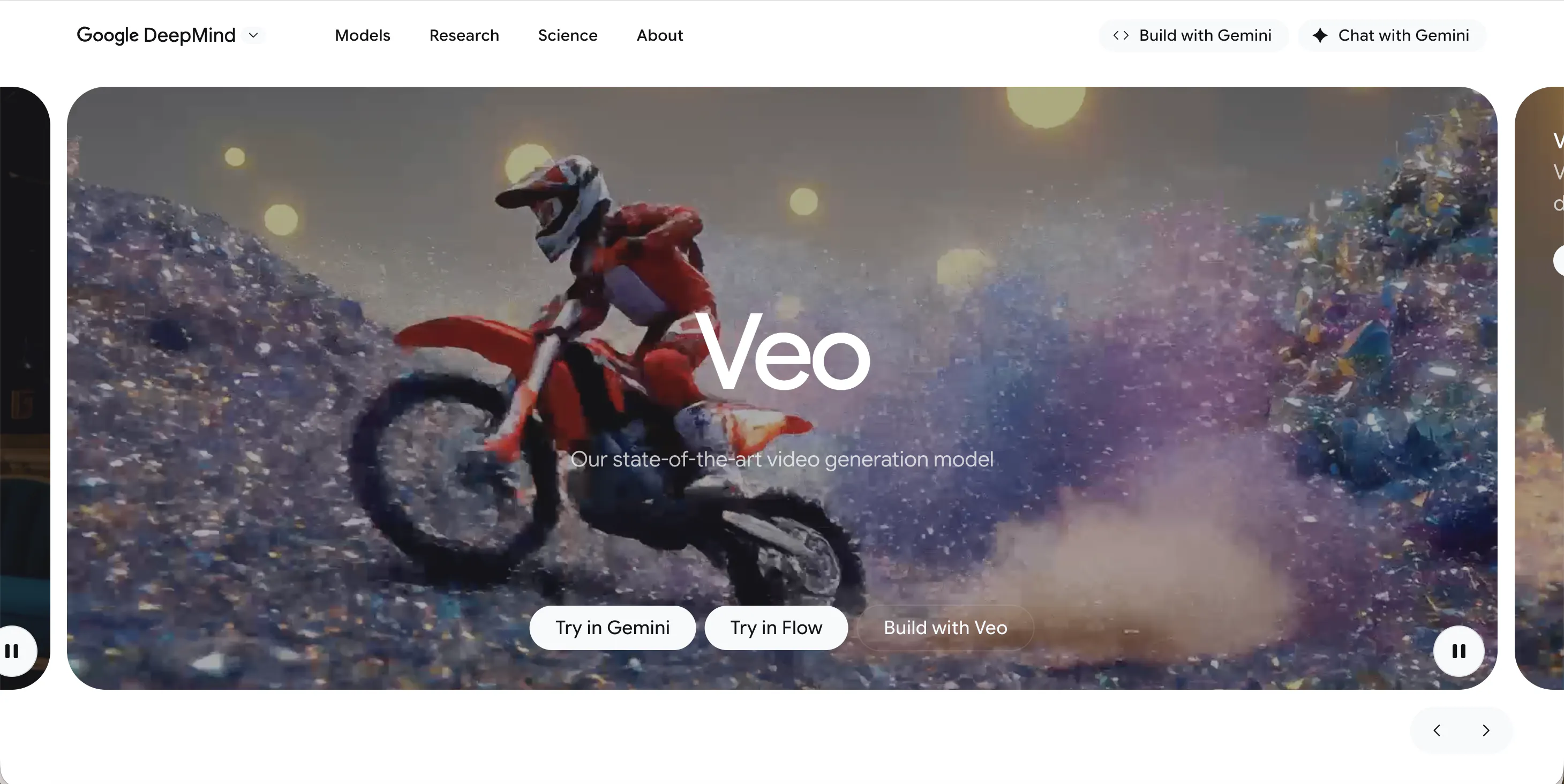
Veo, developed by Google, excels in cinematic and long-form videos. It can handle complex camera paths, lighting, and multi-scene sequences better than most competitors.
I created a 30-second multi-scene clip, and the camera movement was smooth and professional. The main limitations are slow generation and limited accessibility, which make it less practical for fast social media content.
Pros
- High cinematic quality
- Handles long-form videos and multiple scenes
- Professional camera control
Cons
- Slow video generation
- Limited public access
- Less practical for rapid projects
Conclusion
Sora AI is capable, but not always the best choice for creators seeking realism, stability, or speed. After testing these 10 alternatives, Videoinu AI stands out as the top pick, delivering realistic motion, consistent characters, and a user-friendly experience. Other tools like Kling AI, Luma AI, and Haiper AI have unique strengths, but Videoinu provides the most balanced solution for creators of all levels.
FAQs
1.What is the best Sora AI alternative?
Videoinu AI is the best overall, offering realistic motion, stable characters, and easy controls for both beginners and advanced users.
2.Which AI tool is best for realistic videos?
Videoinu AI and Luma AI deliver the most realistic visuals and natural motion.
3.Are there free Sora AI alternatives?
Some platforms offer limited free trials, but most advanced AI video generators require a paid plan.
4.Which tool is best for beginners?
Videoinu AI and Pika AI are the most beginner-friendly options.
5.Can these tools replace traditional video editing?
Not fully yet, but tools like Videoinu AI can save a lot of time for short videos, social media content, and story-driven projects.