10 Leading Undetectable AI Alternatives to Veo
Veo has made waves in the world of AI video, but it isn't the only player in the game. Many creators are looking for "undetectable" AI tools—software that makes videos look so natural and professional that people can't tell a computer made them. Whether you want to make long stories, cool social media clips, or realistic movies, there are many great choices availabl de today.
In this article, we will look at the 10 best alternatives to Veo, starting with the most powerful tool for storytellers: Videoinu AI.
Videoinu AI

Videoinu AI is the top choice for anyone who wants to move past short clips and start making real, full-length content. While most AI tools struggle to keep characters looking the same from one shot to the next, Videoinu AI solves this problem perfectly. It is designed for creators who want to build a brand or a series without the "glitchy" look often found in AI videos.
One of the best things about Videoinu AI is its Consistent Character Design. You can create a character and use them in different scenes, and they will always look like the same person. This makes your videos feel professional and "undetectable" like AI because the logic of the story stays solid. It also supports Long-Form Video Generation, allowing you to create episodes up to 30 minutes long. Most other tools only give you a few seconds, but Videoinu lets you tell a whole story.
With its storyboard-first approach, Videoinu AI acts like a director. You give it a script, and it handles the animation, the voices (in over 10 languages), and the timing. It is perfect for YouTubers, business owners, and filmmakers who need high-quality animation that feels human-made and polished.
Pros:
- Perfect Consistency: Characters look the same in every single shot, which is rare in AI.
- Long-Form Content: Can generate videos up to 30 minutes long, not just short clips.
- All-in-One Storytelling: Handles scripting, voiceovers, and animation together.
- User-Friendly: Uses a storyboard system that is easy for beginners to understand.
Cons:
- Focus on Animation: Primarily designed for animated styles rather than hyper-realistic live-action footage.
- Rendering Time: Long videos can take a bit longer to process than short 5-second clips.
Try Videoinu – The Ultimate Veo Alternative
Hailuo AI (MiniMax)
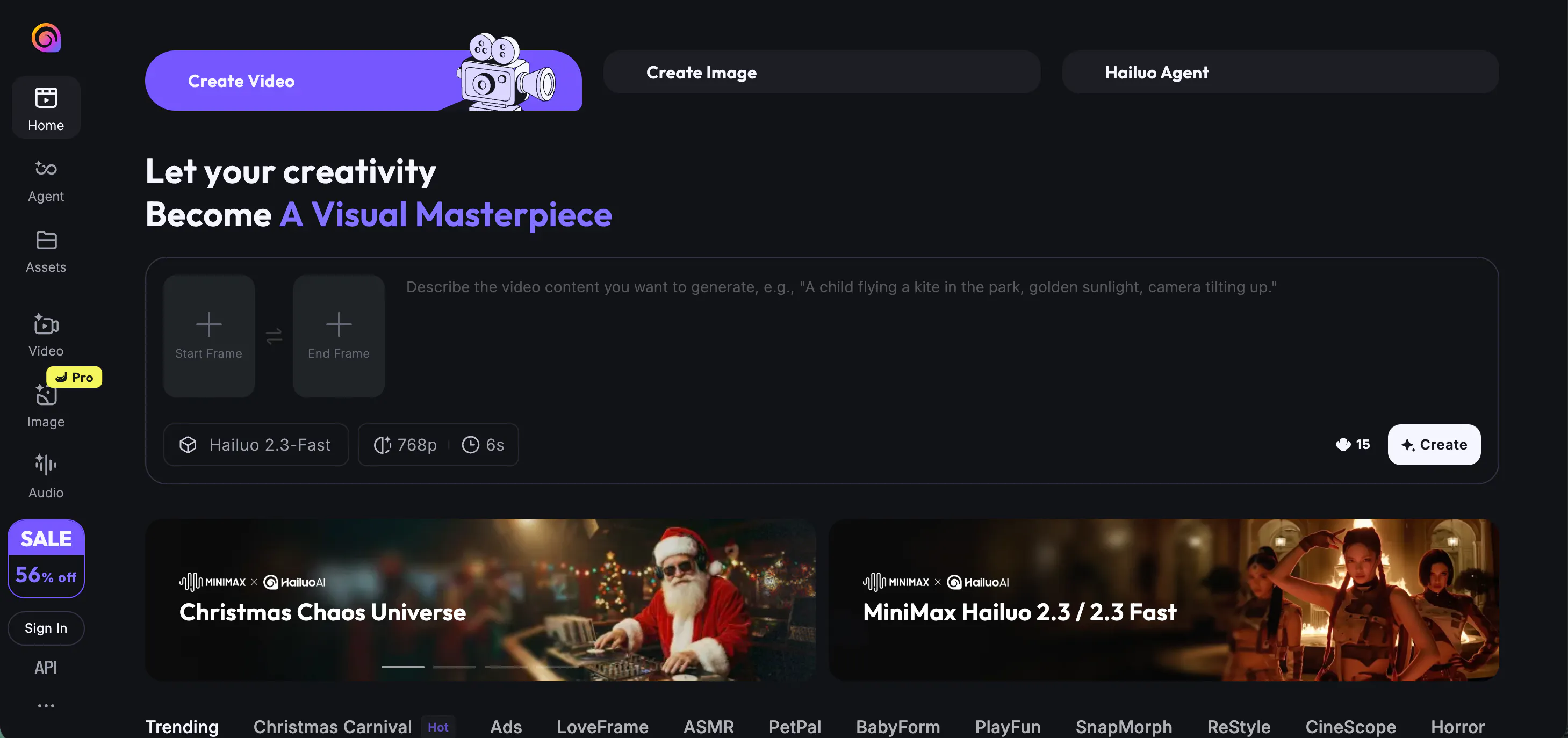
Hailuo AI is a rising star known for its incredible speed and "flicker-free" movement. If you have ever seen an AI video where the background shakes or the person’s hair changes shape, you know why "undetectable" quality matters. Hailuo AI fixes this by focusing on smooth transitions.
It is particularly good at creating cinematic shots that look like they were filmed with a real camera. The lighting and textures are very realistic. It’s a great choice if you need to turn a quick idea into a high-definition clip without waiting a long time for the video to render.
Pros:
- High Speed: Generates videos very quickly, great for testing ideas.
- Smooth Motion: Reduces the "flickering" effect common in other AI tools.
- Cinematic Look: Excellent lighting and texture quality for a movie-like feel.
Cons:
- Short Duration: Mostly limited to short clips (around 6 seconds).
- Limited Control: Less control over specific camera angles compared to others.
Kling AI
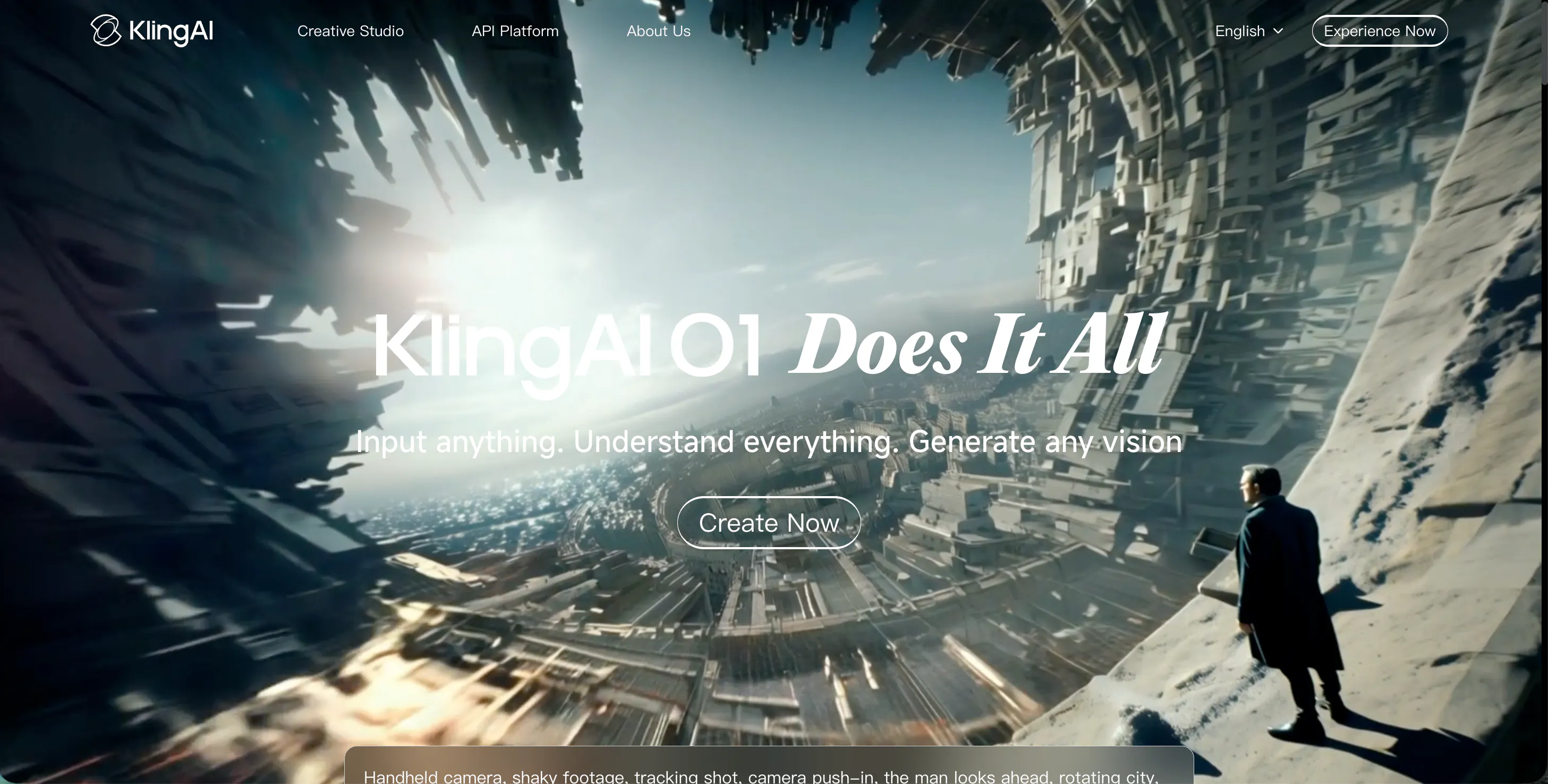
Kling AI is a heavy hitter in the world of realistic video. It can generate videos up to two minutes long, which is much longer than the industry average. It uses advanced 3D face and body reconstruction, making the people in the videos move in a way that looks totally natural.
What makes Kling AI a strong Veo alternative is its ability to follow complex instructions. If you tell it to have a character eat a sandwich or tie their shoes, it handles the physical interaction between objects very well. This high level of physical logic makes the videos look very "real" and hard to spot as AI.
Pros:
- Longer Clips: Can generate videos up to 2 minutes long.
- Physical Logic: Understands how objects interact (like eating or holding things).
- Realistic Movement: High-quality face and body motion.
Cons:
- Server Wait Times: High demand can sometimes lead to slow generation times.
- Complex Interface: Might be slightly overwhelming for absolute beginners.
Luma AI (Dream Machine)
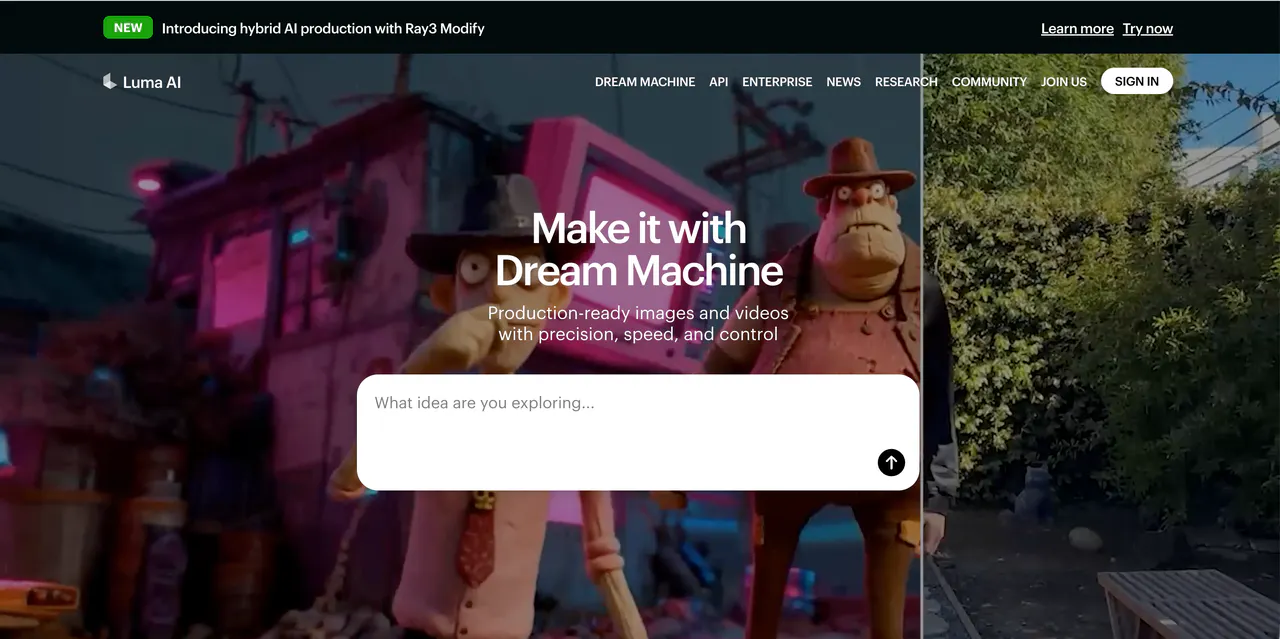
Luma AI’s "Dream Machine" is famous for being extremely easy to use. It focuses on "Motion Realism," meaning the way things move follows the laws of physics. If a ball bounces or water flows, it looks exactly like it would in the real world.
The tool is excellent at taking a static photo and bringing it to life. Many creators use it to animate old family photos or digital art. Because the motion is so fluid and the camera controls are so "cinematic," the final result often looks like a big-budget movie scene rather than a computer-generated clip.
Pros:
- Physics Engine: Excellent understanding of real-world physics (gravity, collisions).
- Image-to-Video: Great at animating static photos naturally.
- Fast Generation: Produces high-quality clips in a short amount of time.
Cons:
- Morphing Issues: Occasionally, objects can change shape unexpectedly.
- Text Rendering: Struggles with generating readable text inside the video.
Pika AI
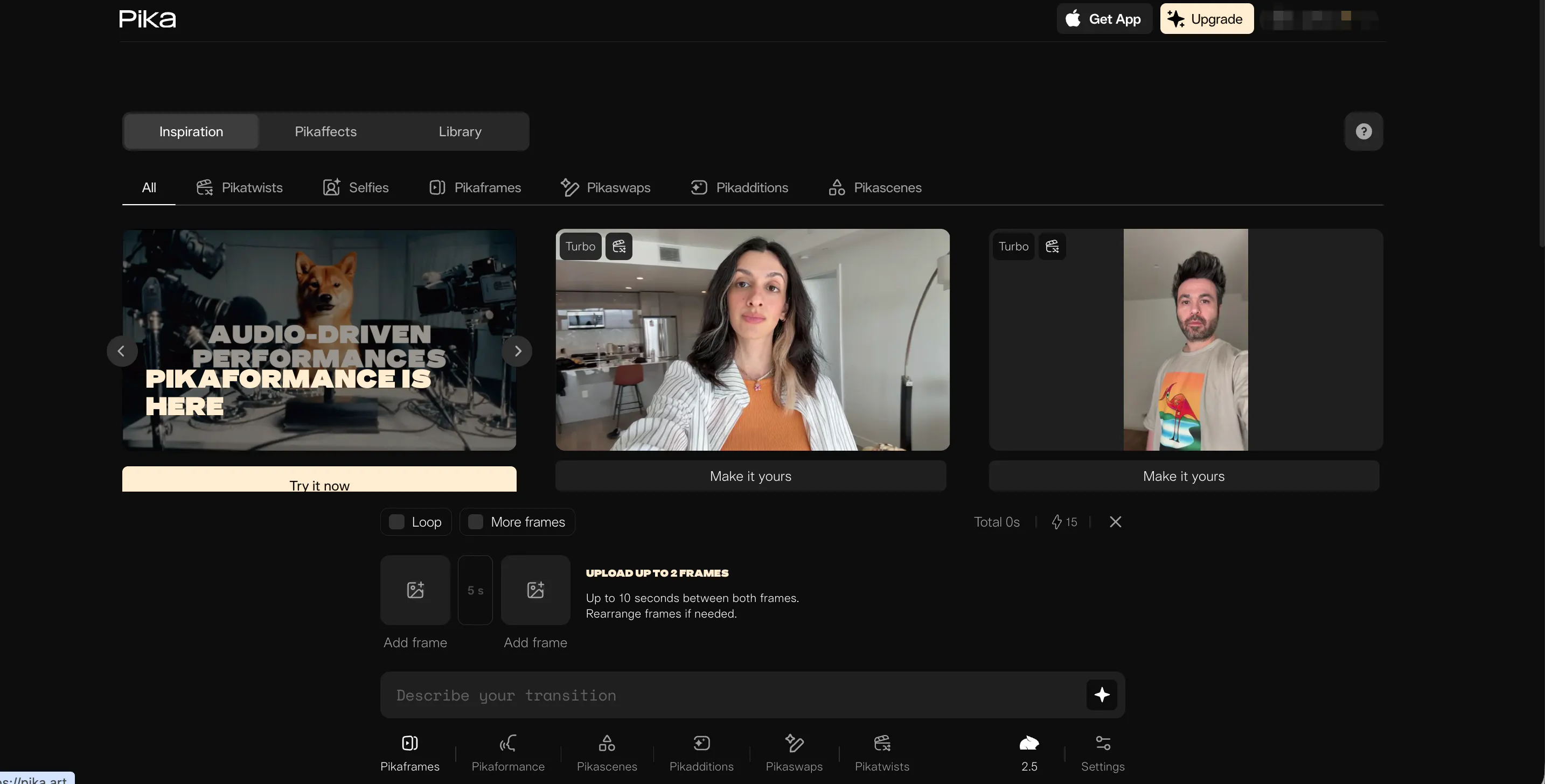
Pika AI is the go-to tool for creative effects and "fun" videos. While it can do realism, it shines when you want to add "Pikaffects"—special animations like melting, crushing, or inflating objects. It’s very popular for social media creators who want to make eye-catching content.
Pika also offers great control over the "camera." You can tell the AI to zoom in, pan left, or tilt, giving you the power of a real camera operator. Its latest version, Pika 2.1, has improved the detail in skin and clothing, making the characters look more like real people and less like 3D models.
Pros:
- Camera Controls: Precise control over zoom, pan, and tilt.
- Fun Effects: Unique "Pikaffects" for creative and viral content.
- Lip Sync: Built-in tool to make characters speak with audio.
Cons:
- Stylized Look: Sometimes leans more towards an "artistic" look than pure photorealism.
- Watermark: Free version includes a visible watermark.
Haiper AI
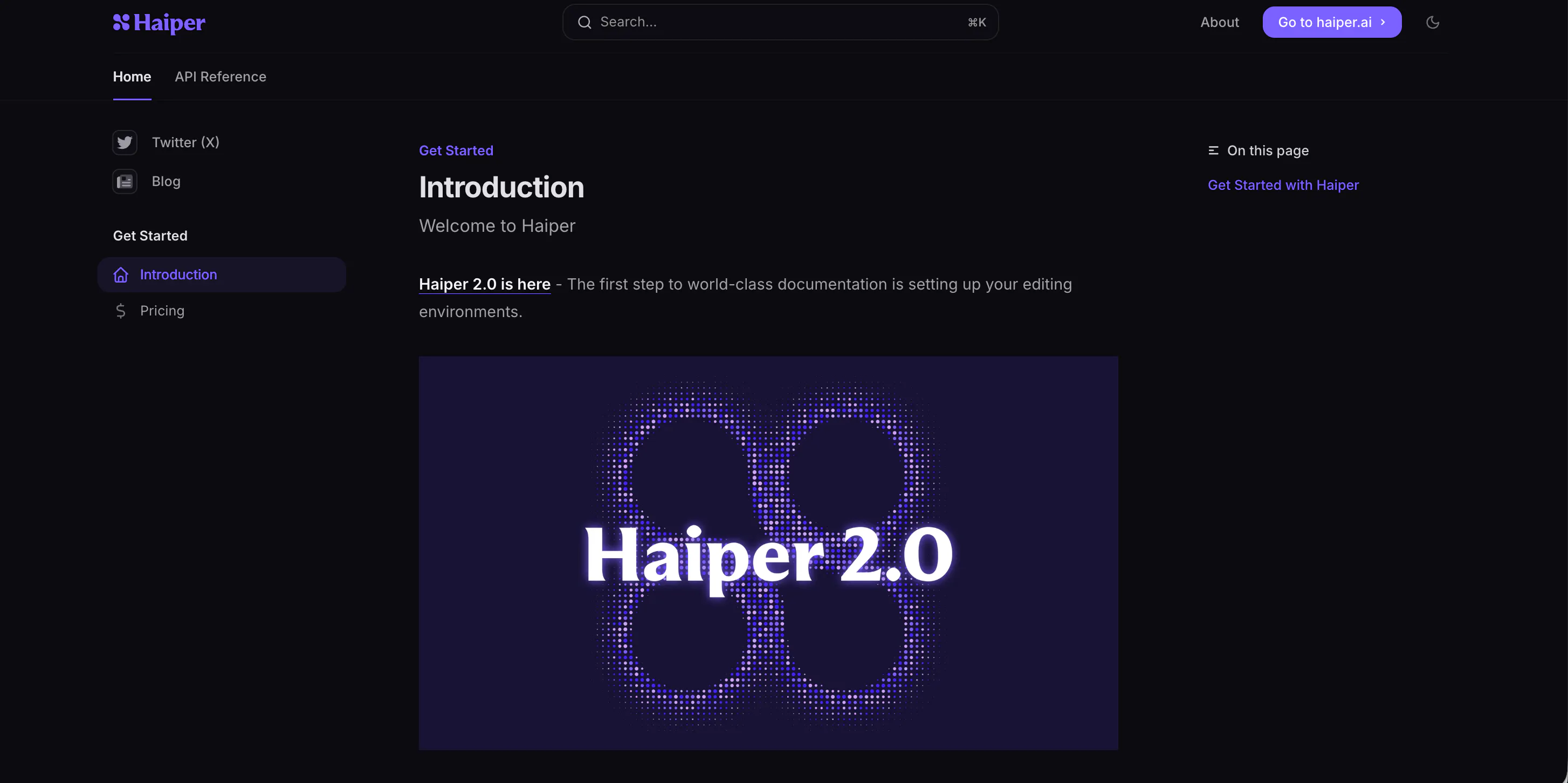
Haiper AI focuses on the "art" of video. It is built by a team of experts who want to make video creation feel like painting. It offers a very clean interface where you can experiment with different styles, from hyper-realistic to artistic animation.
One of its best features is the "Video-to-Video" tool. This allows you to take an existing video and change the style of it while keeping the motion the same. For example, you could turn a video of yourself walking into a video of a robot walking. The output is consistently high-quality and very smooth.
Pros:
- Artistic Control: Great for changing video styles (e.g., anime, claymation).
- Clean Interface: Very easy to navigate and use.
- High Resolution: Produces sharp, clear videos.
Cons:
- Beta Stage: Still under active development, so features change frequently.
- Slower for Complex Scenes: Highly detailed scenes can take longer to generate.
Vidu AI
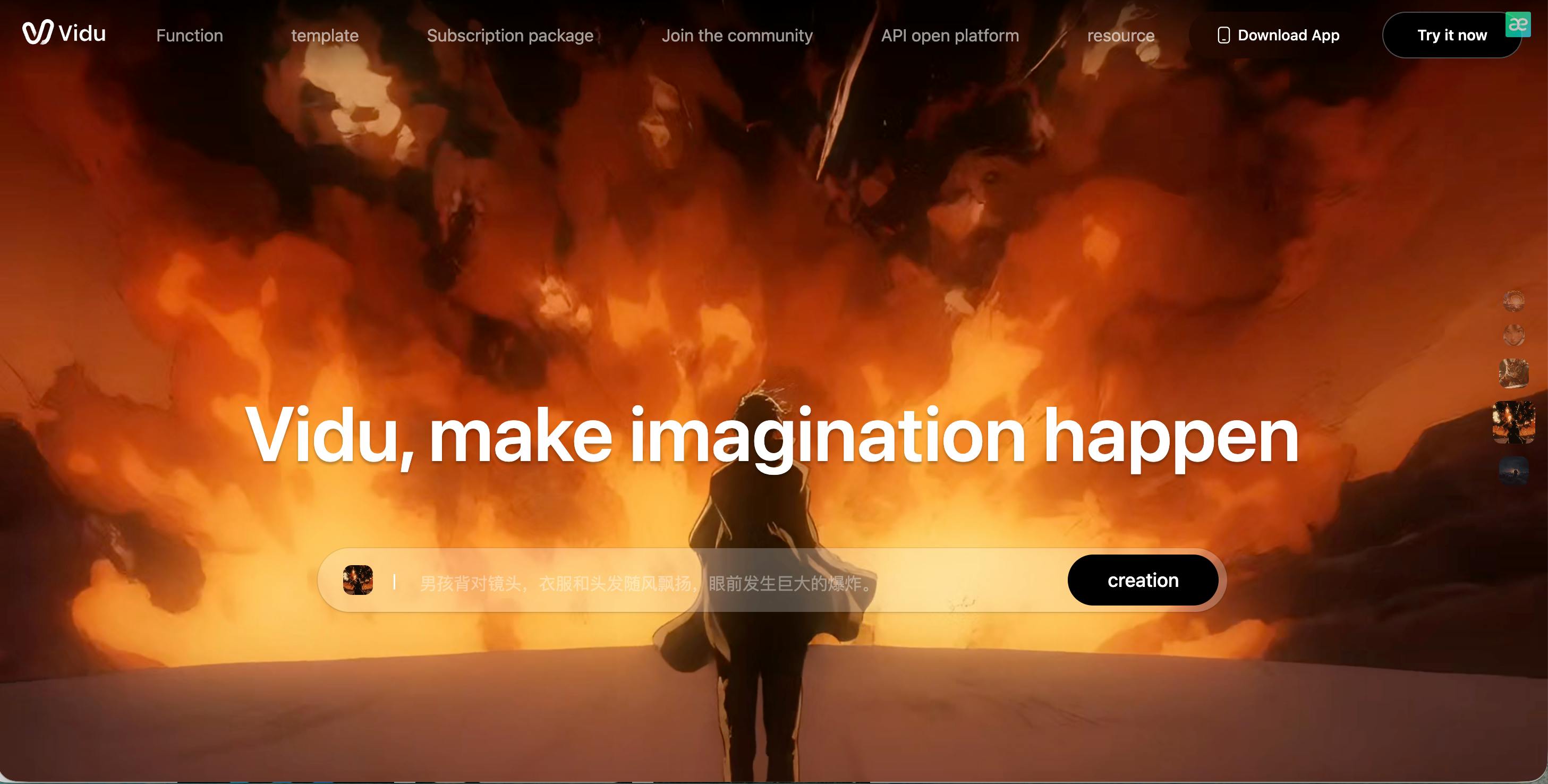
Vidu AI is a powerful model that comes from top researchers in China. It is known for its "semantic understanding," which is just a fancy way of saying it really understands what you are asking for. If you describe a complicated scene with many details, Vidu AI is less likely to get confused than other tools.
It supports high-definition 1080p output and is great at creating large-scale scenes, like a city street or a wide landscape. The movement of the camera is very stable, which helps in making the video feel like it was shot by a professional crew.
Pros:
- Smart Understanding: Very good at following complex, detailed prompts.
- 1080p Quality: High-definition output suitable for professional use.
- Stable Camera: Smooth, steady camera movements without shaking.
Cons:
- Availability: Access can sometimes be limited depending on your region.
- Character Details: Sometimes struggles with very small details like fingers.
Sora
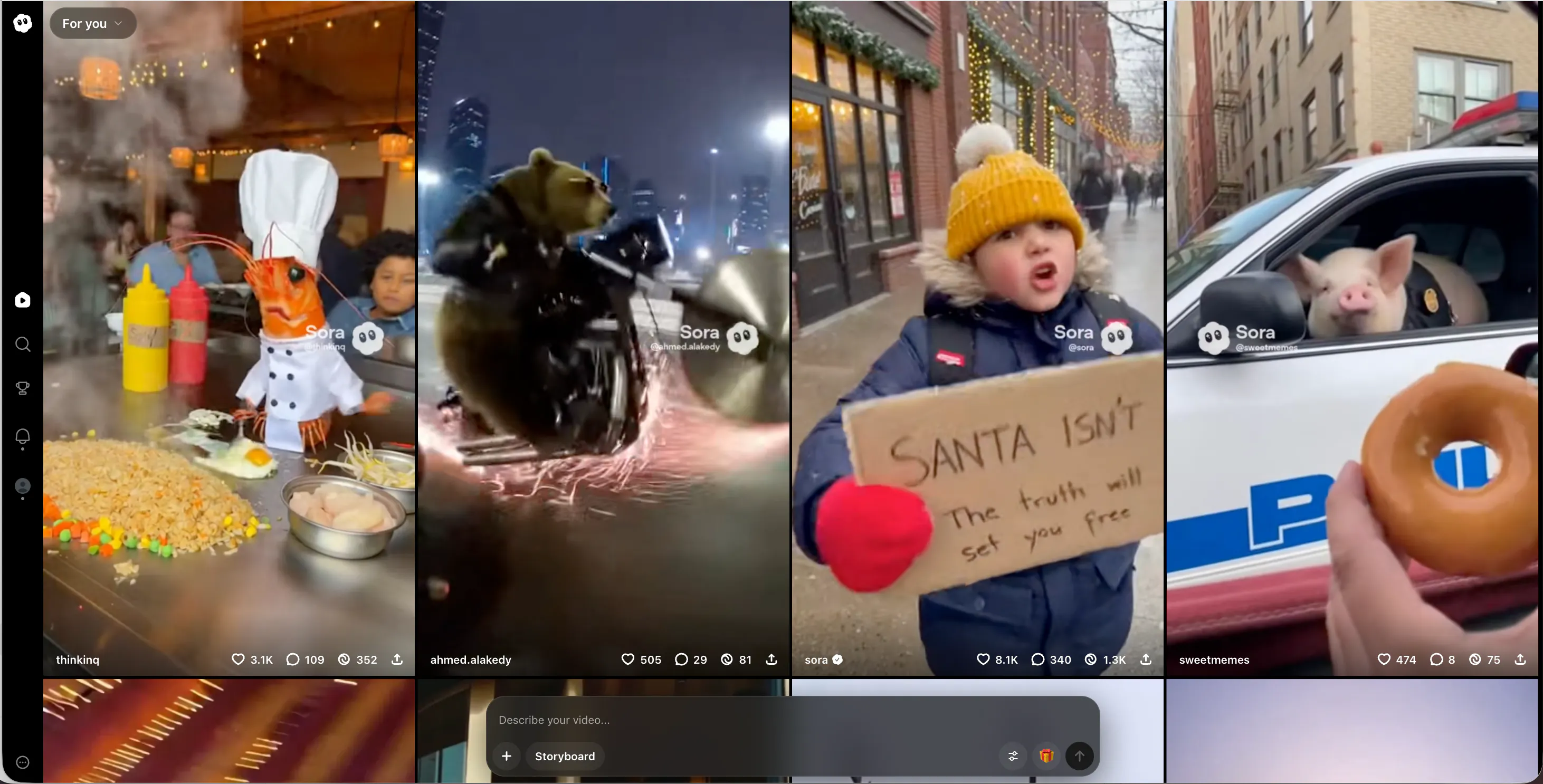
Sora, by OpenAI, is perhaps the most famous name on this list. While it was the first to show the world that AI could make 60-second realistic videos, it remains a gold standard for quality.
Sora videos often have incredible details, like reflections in puddles or the way light filters through leaves.
The reason it is a great Veo alternative is its world-building. Sora understands how things exist in 3D space. If a character walks behind a tree and comes out the other side, they still look the same. This consistency is key to making "undetectable" AI content that people truly believe.
Pros:
- World Consistency: Understands 3D space and object permanence perfectly.
- Long Duration: Can generate up to 60 seconds of video at once.
- High Detail: Incredible attention to lighting, textures, and reflections.
Cons:
- Limited Access: Still not fully open to the general public (mostly red-teaming/beta).
- Strict Safety Filters: Cannot generate certain types of content due to strict rules.
PixVerse AI
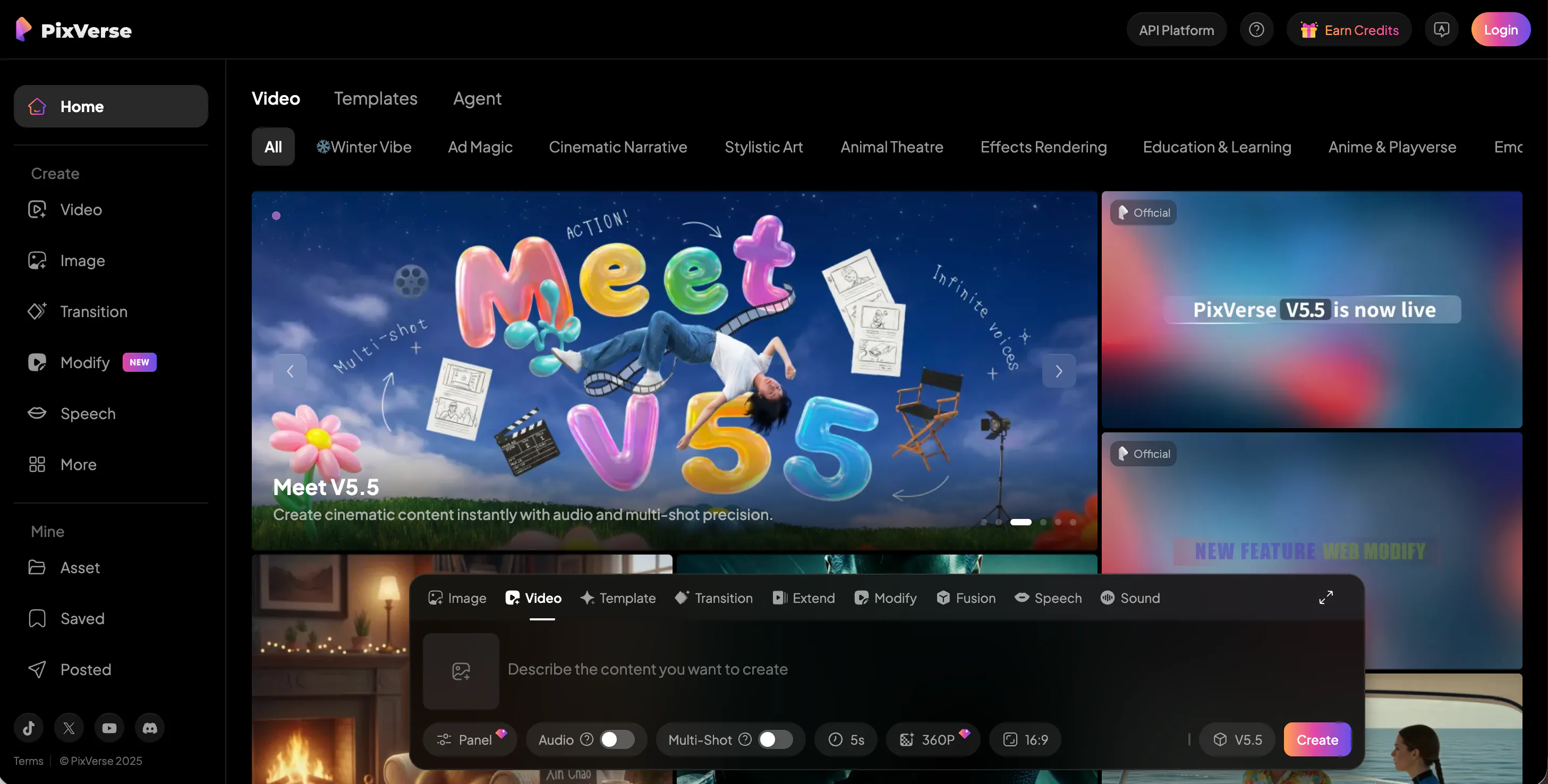
PixVerse AI is a versatile tool that works well for both beginners and pros.
It is very fast—sometimes generating a clip in just a few seconds. It offers a "Fusion Mode" where you can blend multiple images into one video, which gives you more control over the final look.
It also has a feature for "character consistency," similar to Videoinu, though it is usually used for shorter clips. PixVerse is great for creators who need to produce a lot of content quickly for platforms like TikTok or Instagram without sacrificing the sharp, clean look of high-definition video.
Pros:
- Speed: One of the fastest generators on the market.
- 4K Upscaling: Can upscale videos to 4K resolution for crisp quality.
- Multi-Platform: Works well on both web browsers and Discord.
Cons:
- Inconsistent Motion: Fast movement can sometimes look a bit blurry.
- Learning Curve: The Discord interface can be confusing for some users.
Krea AI
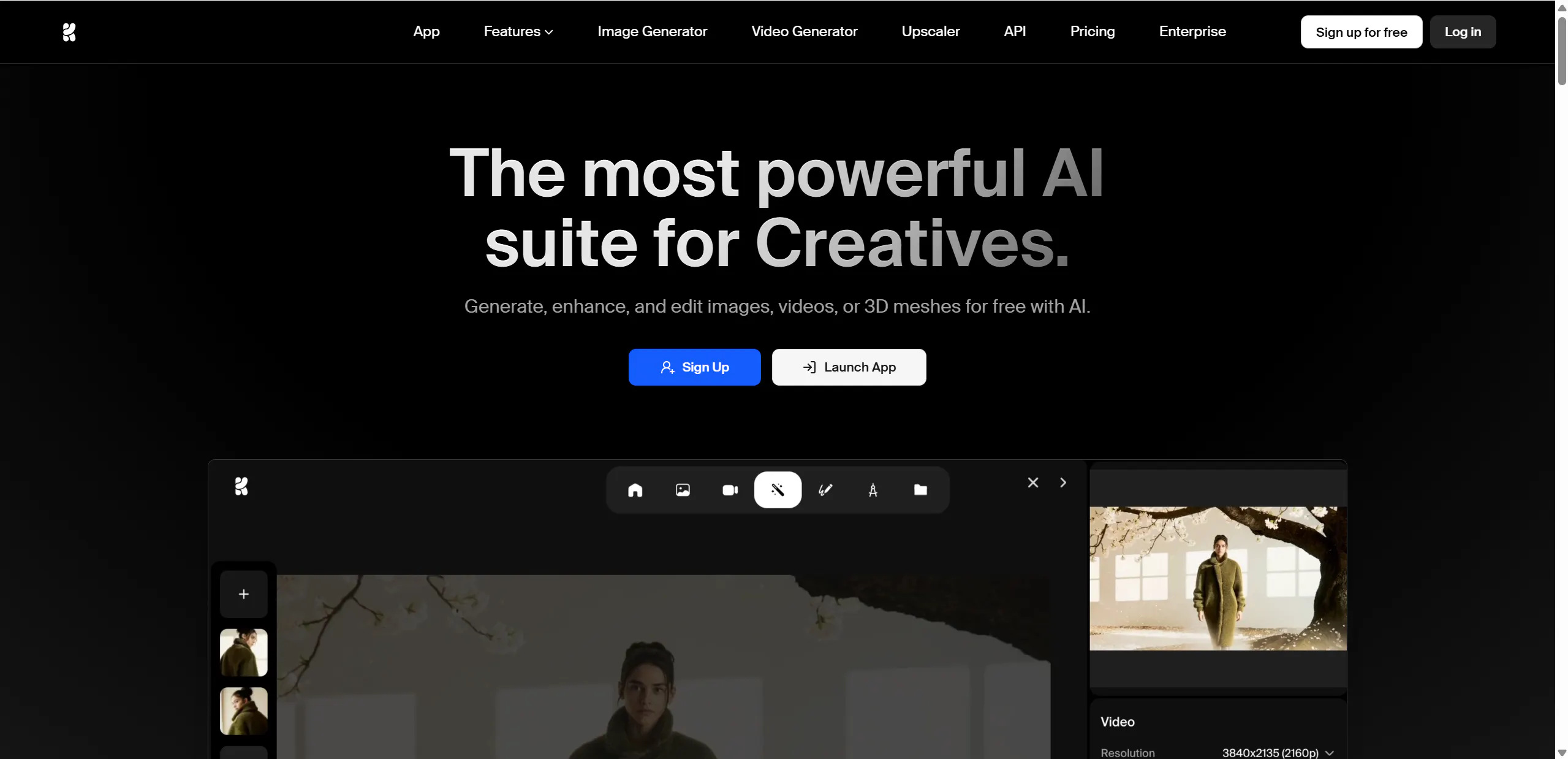
Krea AI is unique because it works in "real-time." As you type or move things on your screen, the AI updates the image or video. This makes it feel more like a design tool than a generator. It also has a very powerful "Enhancer" tool.
If you have a video that looks a bit blurry or low-quality, Krea AI can "upscale" it. It adds details and makes the video look much sharper. Many creators use other AI tools to make a video and then run it through Krea AI to give it that final, "undetectable" polished look that looks like 4K footage.
Pros:
- Real-Time Generation: See changes instantly as you type or draw.
- Enhancer Tool: Incredible upscaling capability to fix blurry videos.
- Creative Control: Allows for hands-on manipulation of the image/video.
Cons:
- Abstract Focus: Better for artistic/visual design than strict storytelling.
- Hardware Dependent: Real-time features work best on good internet connections.
FAQS
What makes an AI video "undetectable"?
An undetectable AI video is one that doesn't have common "AI glitches" like flickering backgrounds, extra fingers on people, or objects that suddenly disappear. Tools like Videoinu AI achieve this by focusing on character consistency and logical movement, making the video look like it was made by a human editor.
Can I make long videos with these tools?
Most AI video tools only make clips that are 5 to 10 seconds long. However, Videoinu AI is a leader in this area, allowing you to create full episodes and stories up to 30 minutes long. This is much better for YouTube or storytelling than short clips.
Do I need a powerful computer to use these?
No! Almost all of these alternatives, including Videoinu AI and Luma AI, run in the "cloud." This means the heavy work is done on their servers. You just need a web browser and an internet connection to create high-quality videos.
Which tool is best for keeping characters the same?
Videoinu AI is specifically built for character consistency. It uses a special system where you can name your characters (like @John), and the AI will remember what they look like in every scene. This is much harder to do in tools like Sora or Pika.
Are these tools free to use?
Many of these platforms offer a free trial or a free plan with a limited number of "credits" each day or month. For example, Videoinu AI often has a free version so you can try out the features before deciding if you want to pay for more.
Conclusion
While Google Veo is a great tool, the world of AI video is huge. If you want to make long stories with characters that never change, Videoinu AI is clearly the best choice.
If you want quick social media tricks, Pika or Luma might be for you. No matter which you choose, these 10 alternatives prove that anyone can be a filmmaker today.