VideoGPT Review: Strengths, Limitations, and Alternatives
AI video generation tools are evolving quickly, with new platforms promising faster creation and lower effort. While some tools focus on experimentation, others target creators who need consistent, repeatable outputs for social media or marketing.
VideoGPT is one such platform, but its real-world performance has trade-offs worth examining closely.
What Is VideoGPT?
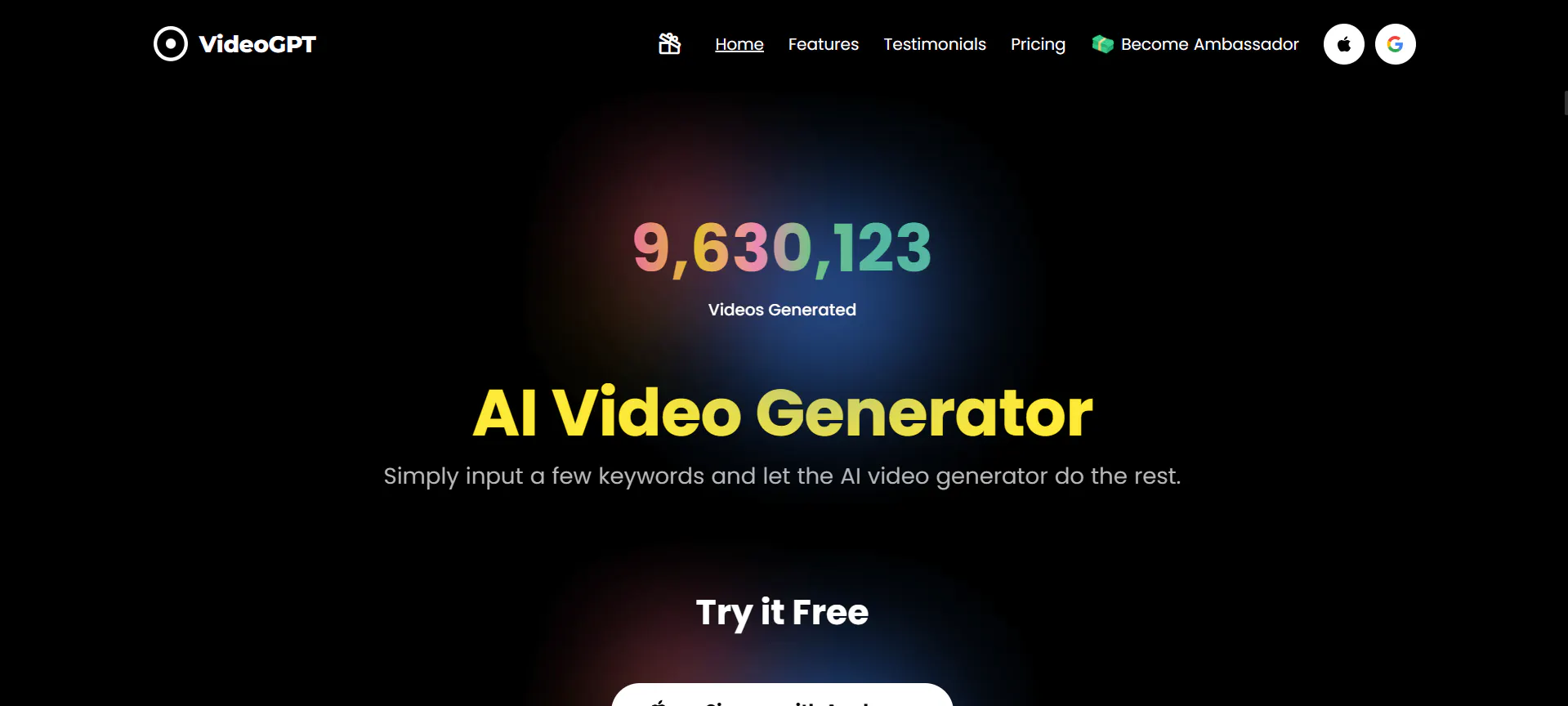
VideoGPT is an AI-powered video generation tool designed to help users create short videos from text prompts, scripts, or basic inputs. It mainly targets solo creators, small businesses, and casual users who want quick video outputs without advanced editing skills.
The platform positions itself as an “all-in-one” video generator, combining visual generation with AI voiceovers. In practice, VideoGPT feels geared more toward lightweight experimentation rather than professional or high-volume production.
It emphasizes simplicity over control, which can be appealing at first but limiting over time, especially for users who need consistent results.
Features of VideoGPT
VideoGPT allows users to generate videos from text prompts, apply preset styles, and add AI-generated voiceovers. The workflow is straightforward: input a script or idea, select a format, and let the system generate a video automatically.
However, this simplicity comes with noticeable constraints. Customization options are limited, especially when it comes to camera motion, pacing, and visual continuity. Scene transitions can feel abrupt, and character consistency across frames is often unreliable. Users may also notice that repeated generations with similar prompts can produce very different results, making it harder to iterate or refine a specific idea.
The interface is easy to understand, but it lacks granular controls that more advanced users expect. There is also a learning curve in figuring out how to phrase prompts to avoid awkward visuals or mismatched voiceovers. Overall, VideoGPT works best for quick tests or one-off clips, rather than polished, repeatable video production.
Pricing
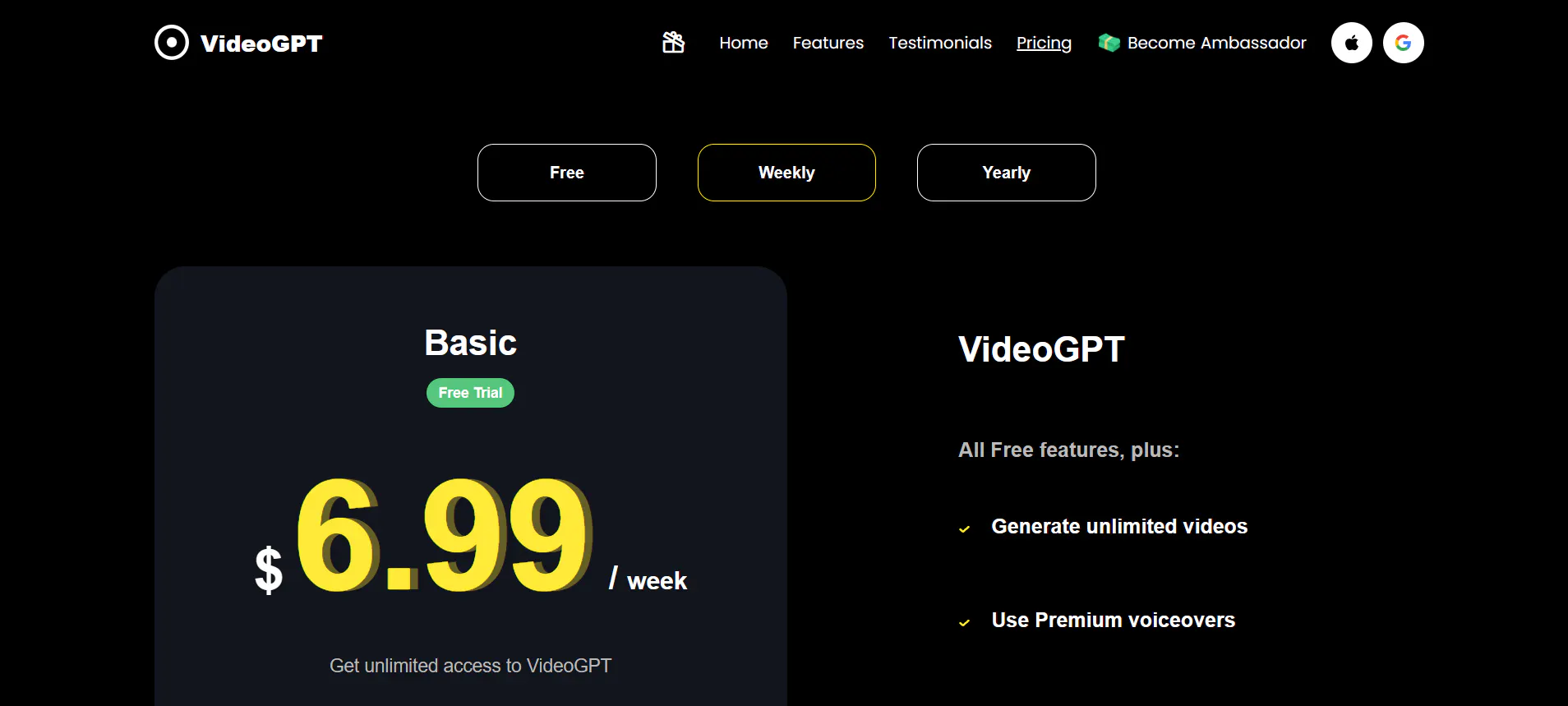

VideoGPT offers both free and paid tiers:
- Free plan: limited access with restricted usage and features
- Monthly plan: around $25–$30 (derived from weekly billing)
- Annual plan: around $199–$200
The free plan is useful for basic testing but becomes restrictive quickly. The paid plans unlock unlimited video generation and premium voiceovers, yet the overall value-for-money may be questionable given the inconsistency of outputs and limited creative control compared to newer alternatives.
Pros & Cons of VideoGPT
Pros
- Simple, beginner-friendly interface
- Fast setup with minimal configuration
- Includes AI voiceovers without extra tools
Cons
- Inconsistent video quality across generations
- Limited control over scenes, motion, and visual style
- Pricing feels high relative to output reliability
- Not well-suited for high-volume or social-first content
- Results often require multiple retries to be usable
Videoinu AI vs VideoGPT: Which Is the Better Video Generator?

When comparing videoinu AI vs VideoGPT, the differences become clear in day-to-day use. VideoGPT focuses on simplicity but struggles with consistency and repeatability. Videoinu AI, by contrast, is designed around speed and predictable output.
Videoinu AI generates videos faster, with more stable visual structure across scenes. This makes it better suited for short-form and social media content, where timing, pacing, and visual coherence matter more than experimental effects. While VideoGPT can work for casual exploration, videoinu AI tends to be more reliable for creators who need to publish frequently without excessive trial and error.
The comparison is less about flashy features and more about workflow efficiency. For users producing multiple videos per week, videoinu AI often feels like the more practical choice.
Other Popular VideoGPT Alternatives for Video Generation
Pika
Pika focuses on stylized video generation with strong visual effects. It offers creative freedom but can be unpredictable, making it better for experimental content than consistent production.
Haiper
Haiper emphasizes cinematic visuals and longer-form generations. While visually impressive, it may require more refinement and is not always optimized for short social clips.
Vidu
Vidu targets structured video creation with clearer scene logic. It offers better consistency than some tools but still has limitations in customization.
Sora
Sora is known for high-quality, realistic video outputs. Access and scalability remain challenges, and it is not always practical for everyday content creation.
Pixverse
Pixverse focuses on quick, template-based videos. It is easy to use but can feel restrictive for users who want more creative control.
FAQs
Is VideoGPT good for beginners?
Yes, VideoGPT is easy to start with, but beginners may still struggle to get consistent results without repeated attempts.
Does VideoGPT support social media formats?
It supports short videos, but the lack of fine control can make optimization for specific platforms difficult.
Can VideoGPT replace professional video editing?
No, it is better seen as a lightweight generation tool rather than a full replacement for professional workflows.
Is videoinu AI a better alternative to VideoGPT?
For users focused on speed, consistency, and short-form content, videoinu AI is often the more reliable option.