I Tried 10 AI Video Generators. Here Are the 10 Best Pixverse Al Alternatives
Pixverse is popular for fast AI video creation, but it is not perfect. Many creators want better motion, more control, or more realistic results.
Over the past weeks, I tested many AI video tools side by side. Some were powerful but hard to use. Some were simple but limited. A few truly stood out as strong Pixverse alternatives.
Below are the 10 best Pixvers Al alternatives, starting with Videoinu AI, which clearly performed the best overall and is the main focus of this article.
1. Videoinu AI

Videoinu AI is the most balanced and creator-friendly AI video generator I tested. It focuses on realistic motion, stable characters, and clean camera movement, which are areas where Pixverse often struggles. Videoinu works especially well for short cinematic clips, social media videos, and character-based scenes.
What makes Videoinu different is how natural the videos feel. Movements do not jitter. Faces stay consistent. Camera zoom stays smooth instead of randomly changing. The prompt system is also easy to understand, even for beginners. You do not need complex wording to get good results.
Videoinu also supports image-to-video, text-to-video, and style control, making it flexible for many use cases. If your goal is to create videos that look less “AI-generated” and more like real footage, Videoinu is the strongest Pixverse alternative right now.
Pros
- Very stable motion and camera control
- Characters stay consistent across frames
- Easy prompts, beginner-friendly
- High realism compared to Pixverse
Cons
- Advanced controls may grow over time
Try Videoinu — a better alternative to Pixverse
2. Kling AI
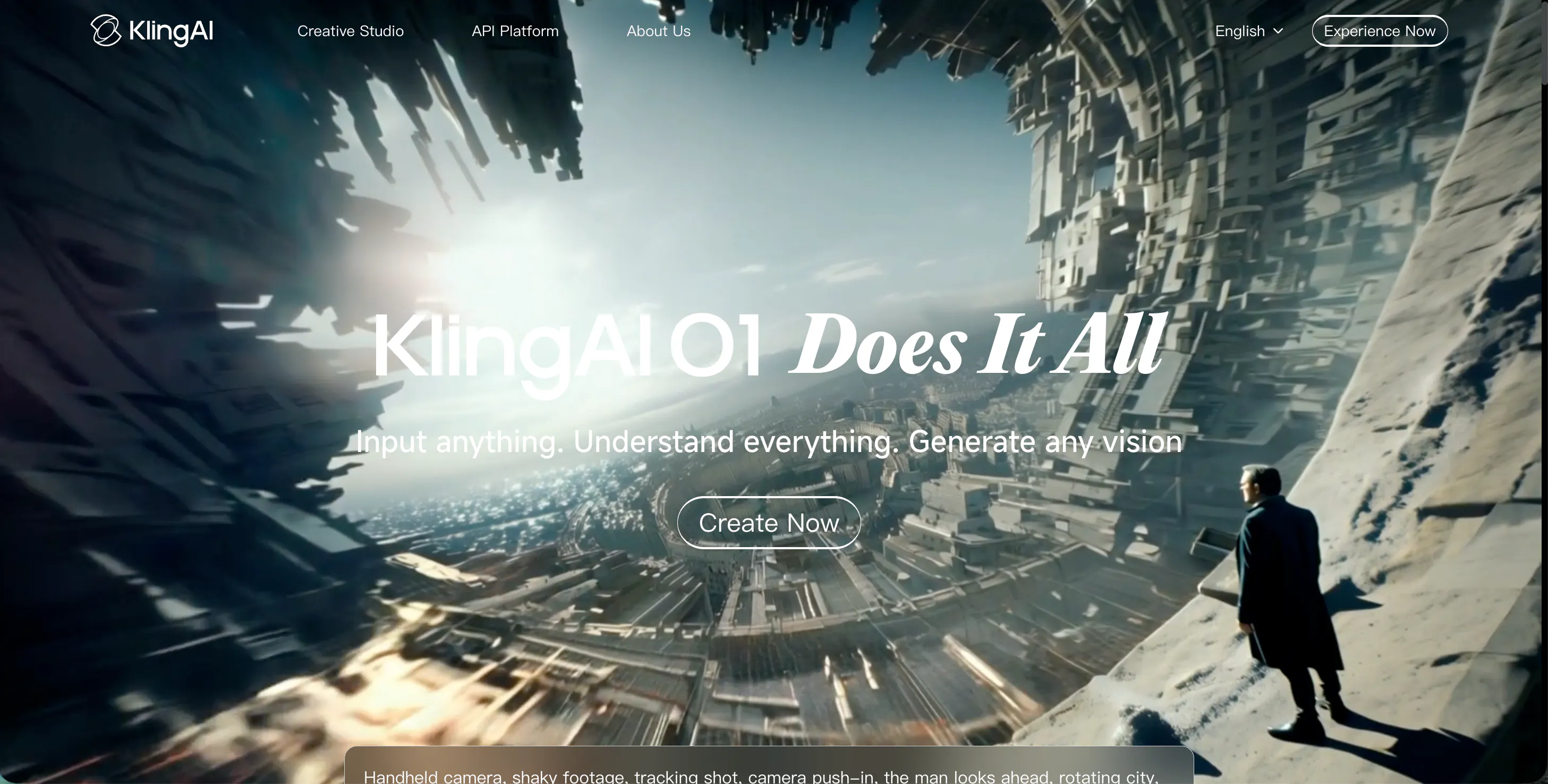
Kling AI is known for its high-quality visuals and strong motion generation. Compared to Pixverse, Kling often delivers more dramatic movement and sharper details. It performs well when generating action scenes, cinematic shots, or fast-paced motion.
However, Kling AI can be harder to control. Small prompt changes can lead to big visual differences. This makes it better for experienced users who enjoy testing and refining prompts. For beginners, Pixverse may still feel simpler.
Pros
- Strong motion and sharp visuals
- Good for cinematic and action scenes
- High visual quality
Cons
- Less predictable than Videoinu
- Steeper learning curve
3. Luma AI
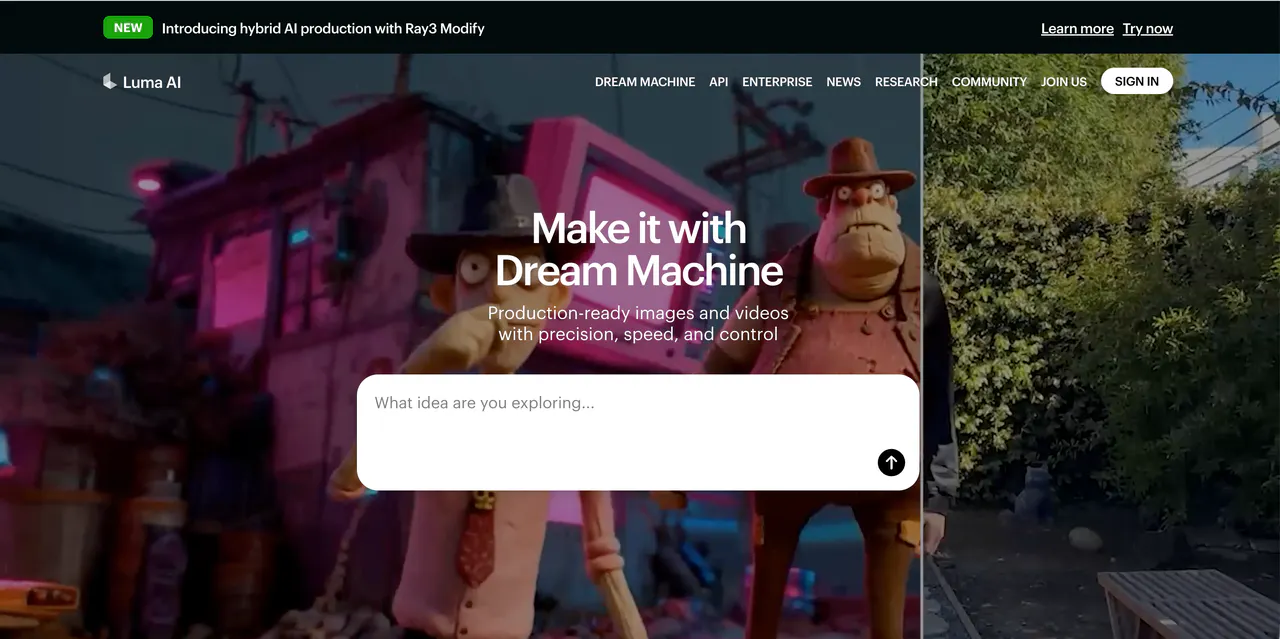
Luma AI specializes in producing highly realistic videos with depth and natural lighting. Unlike Pixverse, which can sometimes feel cartoonish or flat, Luma captures subtle shadows, reflections, and perspective, giving videos a more cinematic and lifelike appearance. It is particularly strong for outdoor scenes, architectural shots, and scenarios where environmental realism matters.
Users can generate videos from text or images, but Luma emphasizes natural movement over exaggerated actions, making it ideal for creators who want videos that look grounded and believable.
Pros
- Highly realistic lighting, shadows, and depth
- Natural camera movement for cinematic results
- Ideal for outdoor and real-world environments
Cons
- Slower rendering compared to simpler tools
- Limited creative or exaggerated styles
- Less beginner-friendly than Videoinu
4. Pika AI
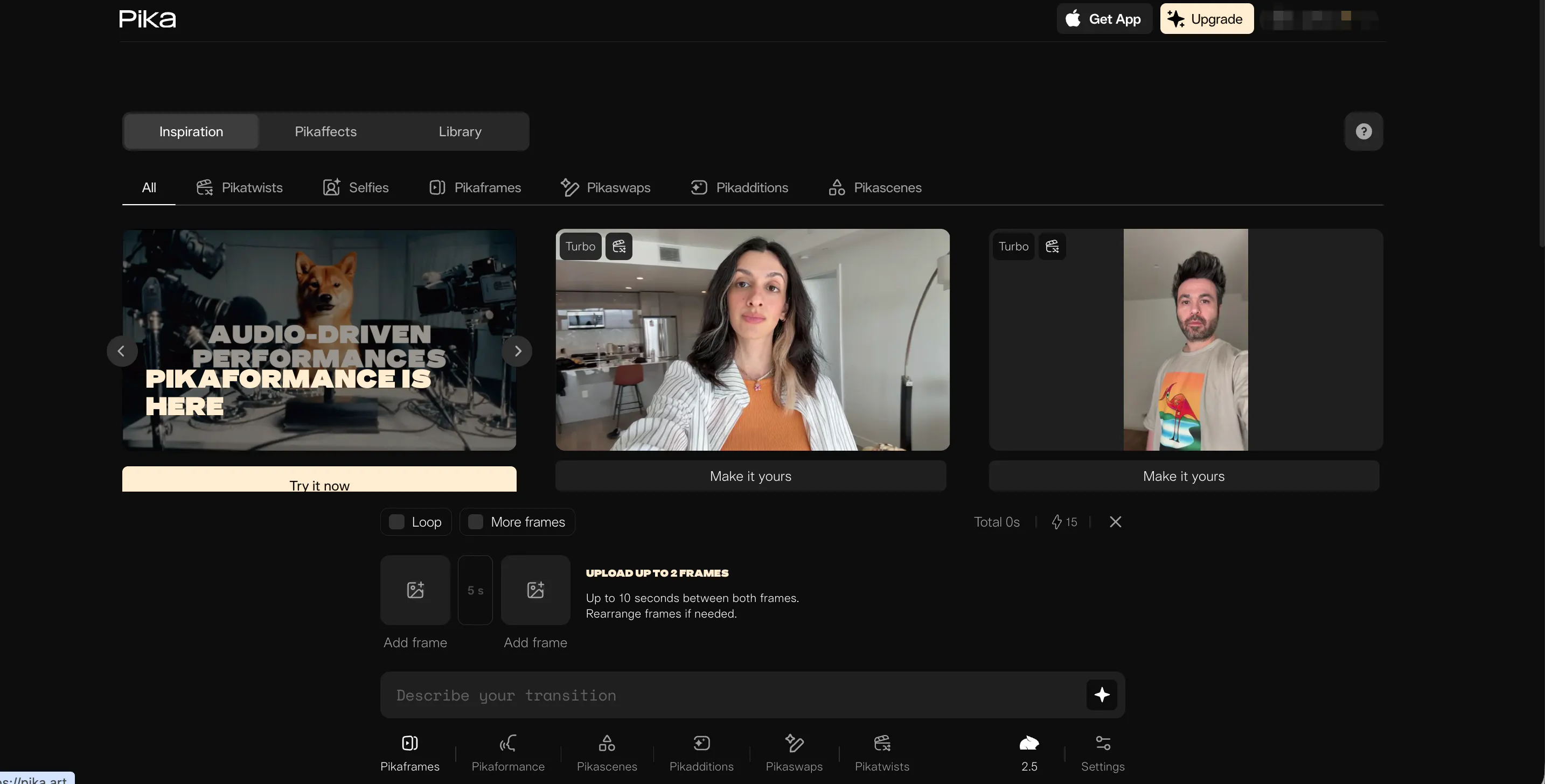
Pika AI is designed for fun, fast, and accessible AI video creation. It allows creators to generate videos from text or images with minimal effort, making it perfect for social media content, short clips, or playful animations.
While Pixverse offers simplicity, Pika adds more customization options for style, speed, and camera angles. However, motion consistency can sometimes be off, and characters may slightly warp or shift between frames. Overall, it is ideal for creators who prioritize speed and experimentation over ultra-realistic output.
Pros
- Extremely easy to use, beginner-friendly
- Fast video generation for short clips
- Fun, creative styles for social media
Cons
- Motion and face consistency can be unstable
- Not suitable for realistic or cinematic videos
- Limited control over advanced scenes
5. Haiper AI
Haiper AI is focused on artistic and stylized video creation. It excels at generating fantasy, animation, and music video-style visuals. Compared to Pixverse, Haiper allows for more creative freedom with vibrant colors, dramatic effects, and abstract motion.
It is ideal for creators making visually striking or thematic videos. On the downside, Haiper struggles with realism, especially with human faces and natural movement, making it less suitable for professional, real-world content.
Pros
- Powerful for artistic and stylized videos
- Vibrant colors and creative effects
- Easy-to-use interface for experimentation
Cons
- Limited realism for characters and motion
- Less practical for realistic video projects
- Advanced motion customization is minimal
6. Vidu AI
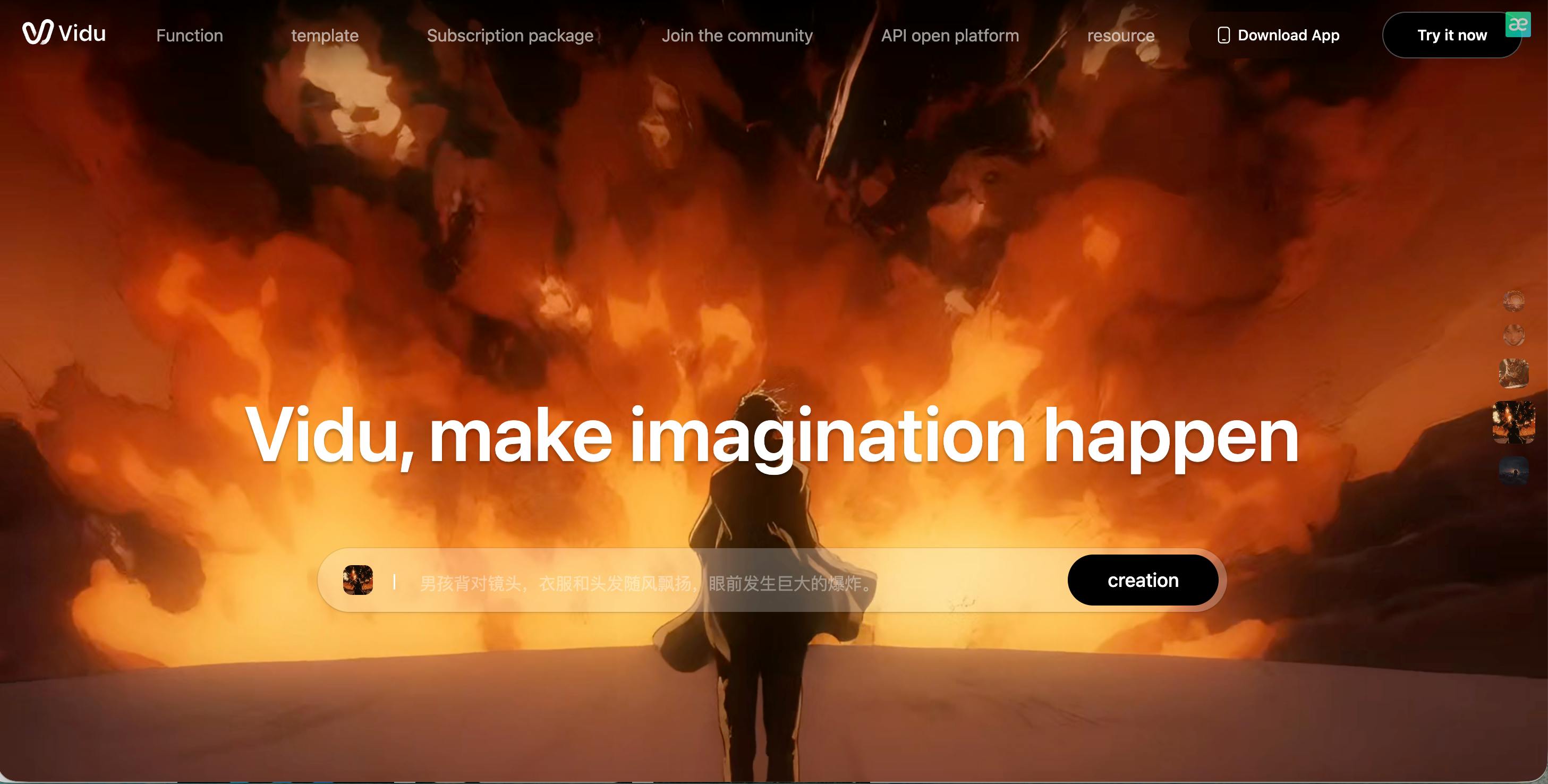
Vidu AI focuses on storytelling and smooth scene transitions. Unlike Pixverse, which sometimes produces abrupt or inconsistent motion, Vidu maintains continuity between frames, making it better for short narrative clips or tutorial videos. It also offers customizable camera angles and motion pacing.
However, character consistency is not perfect; faces may change subtly during longer clips. Vidu is a solid option for short, polished stories but falls short for highly realistic or long-form videos.
Pros
- Smooth motion and consistent scene transitions
- Good for narrative or tutorial content
- Adjustable camera angles and pacing
Cons
- Character consistency can vary
- Limited realism compared to Videoinu
- Not ideal for long videos
7. Sora
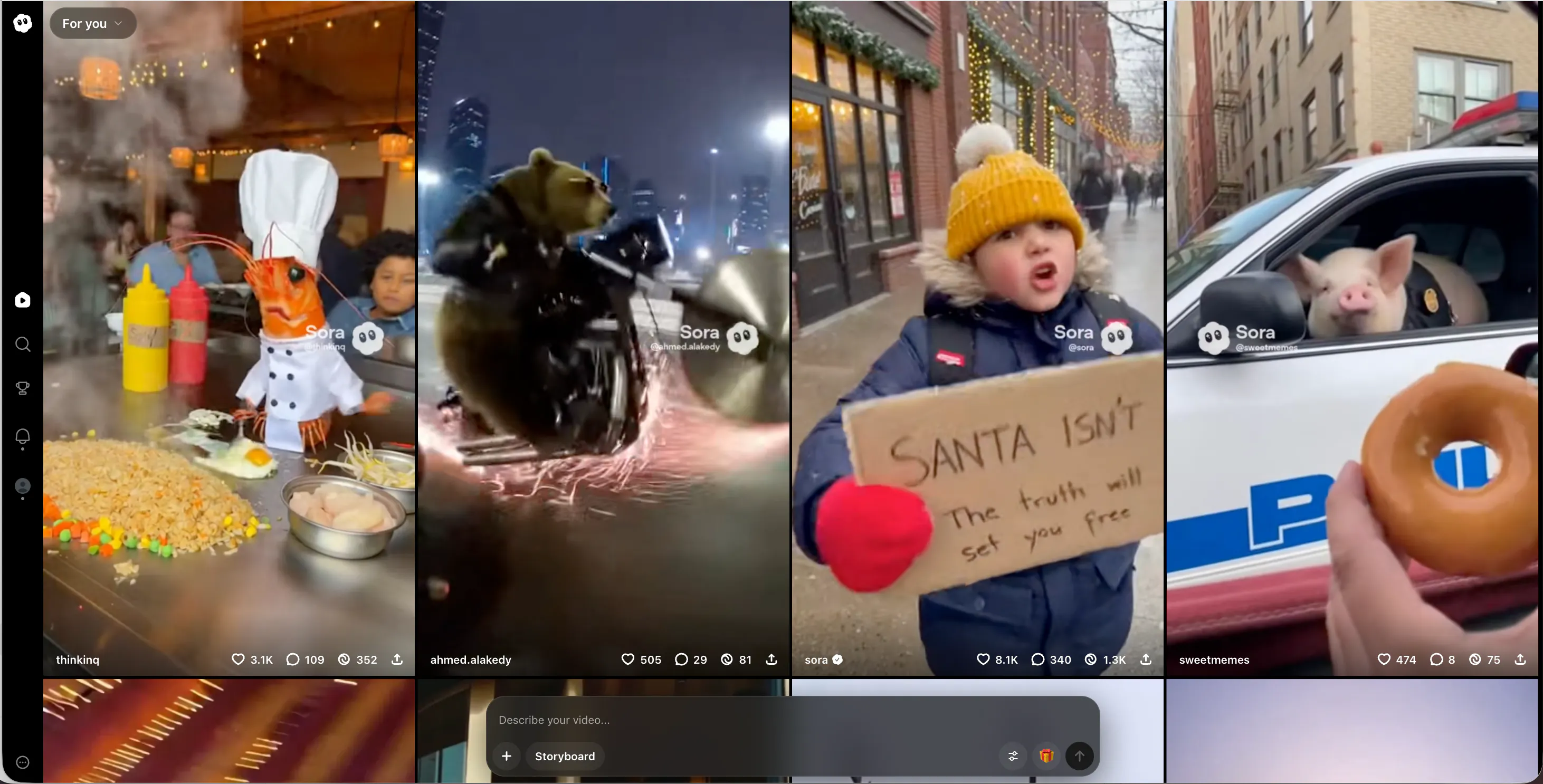
Sora is an advanced AI video tool focused on scene intelligence. It can understand complex prompts, generate logical sequences, and organize actions within a scene. Compared to Pixverse, Sora produces more coherent and structured videos, which is great for creators who want story-driven content.
However, it is not widely available to the public, and the interface is currently less user-friendly than Videoinu. It feels like a glimpse of the future of AI video, but most creators cannot use it for everyday projects yet.
Pros
- Smart scene understanding and logical motion
- Generates structured, story-driven videos
- Ideal for complex prompts and multi-scene outputs
Cons
- Limited public access
- Learning curve is higher
- Not practical for fast content creation
8. Veo
Veo, developed by Google, specializes in cinematic and long-form video production. Unlike Pixverse, which focuses on quick clips, Veo handles complex camera paths, scene transitions, and lighting adjustments with a higher degree of realism.
It is excellent for professional-looking projects and narrative storytelling. The main drawbacks are accessibility and speed—Veo is slower than tools like Videoinu and may not be practical for social media or rapid iteration projects.
Pros
- High cinematic quality and professional camera work
- Handles complex scene transitions well
- Suitable for long-form videos
Cons
- Slow video generation
- Limited public access and usability
- Not ideal for short social media clips
9. Story Video AI
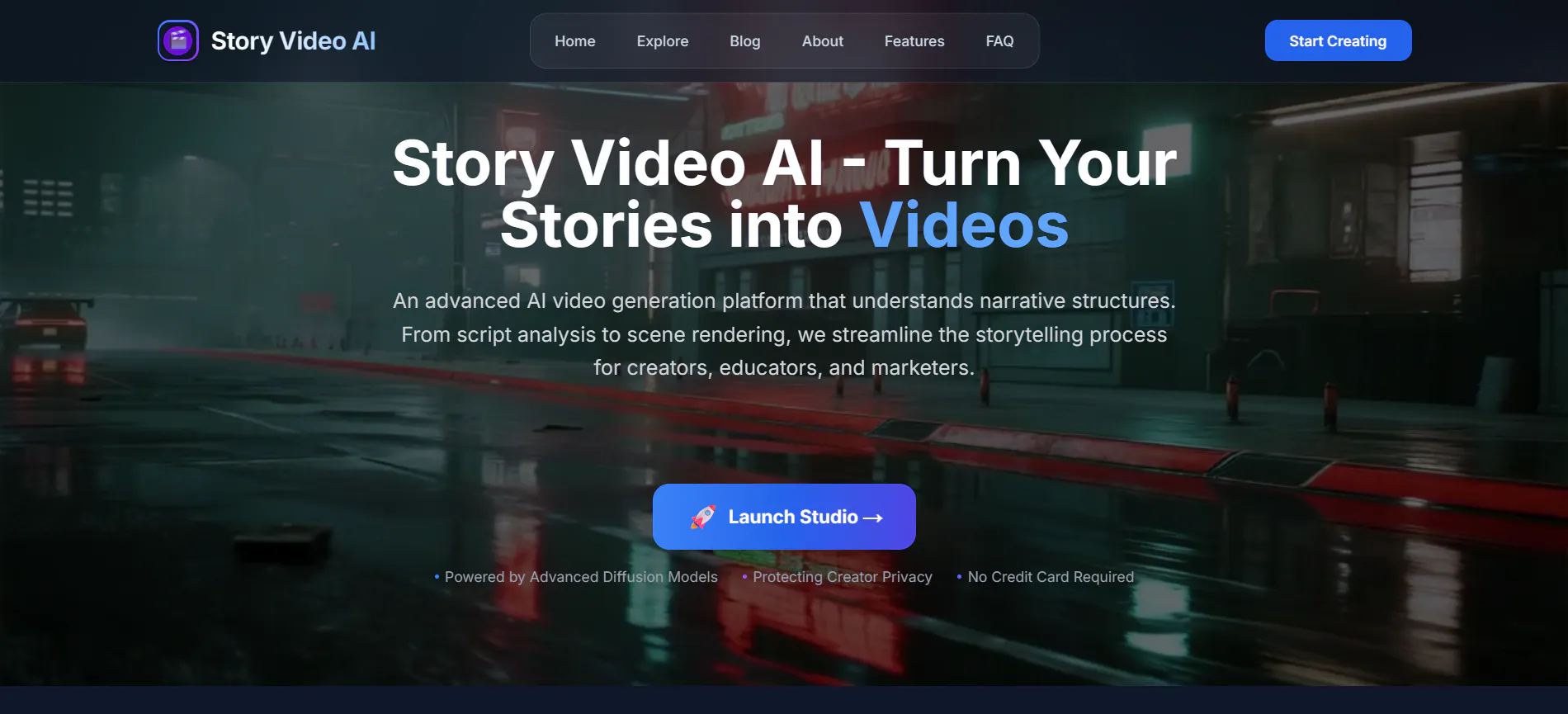
Story Video AI is designed for script-based video creation. Users can input stories, scripts, or scene descriptions, and the AI generates corresponding video sequences. This makes it ideal for educational content, explainer videos, or narrative projects.
Compared to Pixverse, it is more structured and focused on storytelling rather than purely aesthetic output. Motion and realism are average, so it is better for simple or stylized stories rather than cinematic results.
Pros
- Converts scripts and stories into video sequences
- Structured scene generation
- Good for educational or explanatory content
Cons
- Average visual quality
- Limited realism and motion detail
- Less flexible for creative experimentation
10. Bytedance DreamActor
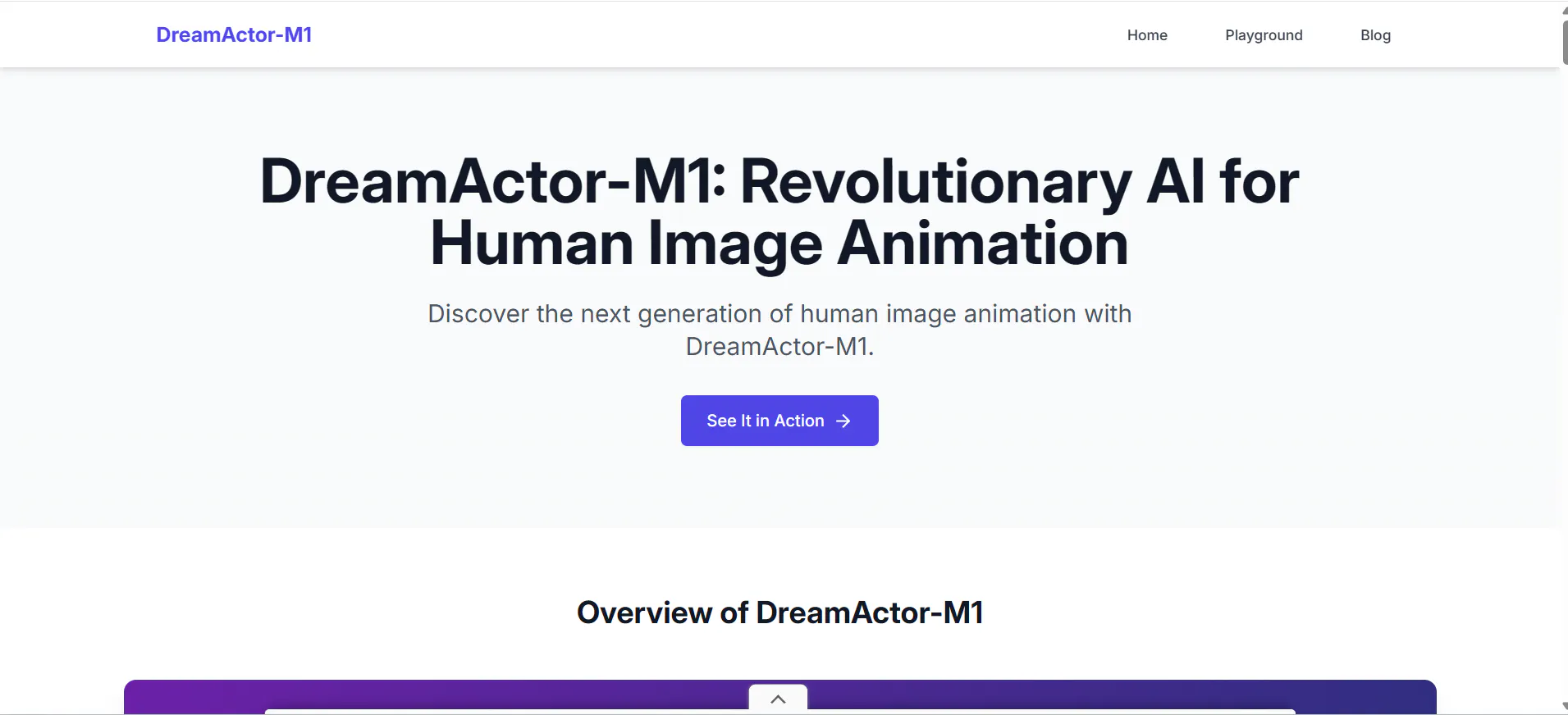
Bytedance DreamActor is tailored for human motion and performance-based video generation.
It can animate characters from images or reference videos, producing expressive and dynamic movement. Compared to Pixverse, it is more specialized for performance clips like dance, gestures, or acting.
However, it requires high-quality input images and precise prompts. Variability in results is higher, and it is less suitable for general-purpose video creation.
Pros
- Expressive and dynamic character motion
- Excellent for performance-based videos
- Supports image-to-video and reference-based generation
Cons
- Requires high-quality input images
- Results can be inconsistent
- Less flexible for general creative projects
Conclusion
Pixverse is a solid AI video tool, but it is no longer the best option. After testing many platforms, Videoinu AI clearly stands out as the best Pixverse alternative due to its stable motion, realistic results, and easy workflow. Other tools shine in specific areas, but Videoinu offers the best overall balance for most creators.
FAQs
1. What is the best Pixverse alternative in 2026?
Videoinu AI is the best overall Pixverse alternative, offering better motion stability, realism, and ease of use.
2. Which Pixverse alternative is best for realistic videos?
Videoinu AI and Luma AI perform best for realistic human motion and camera behavior.
3. Is there a free Pixverse alternative?
Some tools offer limited free trials, but most advanced AI video generators require paid plans.
4. Which AI video tool is best for beginners?
Videoinu AI and Pika AI are the most beginner-friendly options.
5. Can these tools replace traditional video editing?
Not fully yet, but tools like Videoinu AI can greatly reduce production time for short videos and social content.