Meta Description
An in-depth Happy Horse review covering features, open-source positioning, pricing expectations, and real-world limitations. Learn where Happy Horse works, where it struggles, and how it compares to videoinu AI and newer alternatives.
Happy Horse Review: Open-Source Potential, Workflow Limits, and Alternatives
AI video tools are evolving quickly, with some platforms now exploring open-source directions instead of closed systems.
While this increases flexibility, it often comes with usability trade-offs. Happy Horse is one such tool, combining open-source ideas with video generation—but real-world workflows are more complex than expected.
What Is Happy Horse?
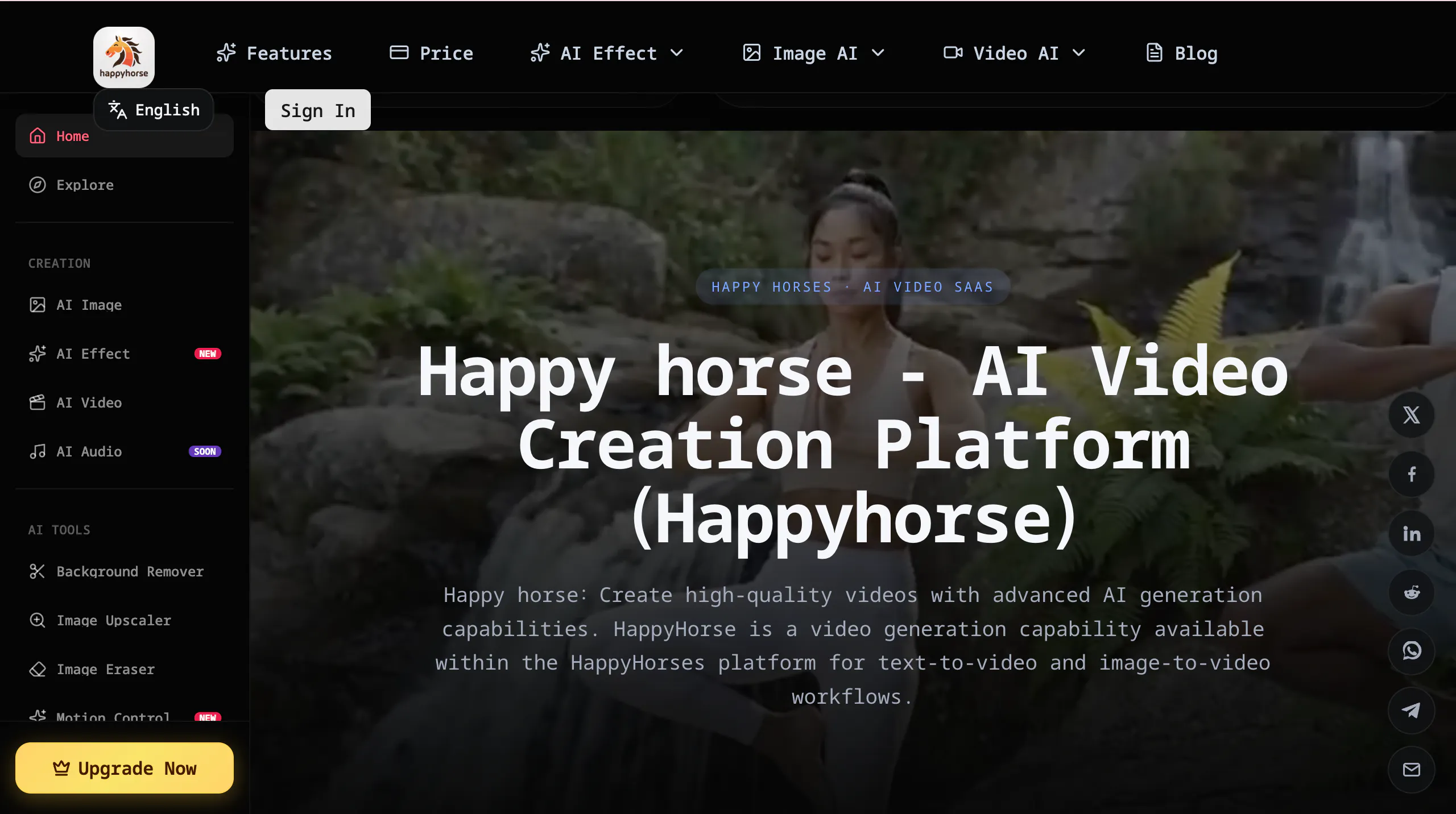
Happy Horse is an AI video generation tool positioned around openness and accessibility. Unlike many closed AI video platforms, Happy Horse emphasizes an open-source direction, allowing developers and creators to explore, modify, and experiment with its capabilities more freely.
The platform is typically used to generate short videos from prompts, often focusing on creative storytelling, animation-style outputs, or experimental visuals. It targets developers, creators, and technically curious users who want more transparency and flexibility than traditional AI video tools provide.
However, this open approach also shapes the experience. Happy Horse feels less like a polished product and more like a flexible system. For users expecting a simple “generate and publish” workflow, the experience can feel less structured and harder to control.
Features of Happy Horse
Happy Horse focuses on prompt-based video generation, with workflows that can involve text, images, or structured scene inputs. Because of its open-source orientation, it allows more experimentation compared to typical closed platforms. Users can explore different styles, tweak outputs, and adapt workflows depending on how they use the system.
That flexibility comes with trade-offs. The interface and workflow can feel less streamlined than consumer tools. Instead of guiding users toward consistent outputs, Happy Horse often leaves more decisions to the user, which increases complexity. For beginners, this can translate into a longer learning curve.
Control is also limited in a different way than closed tools. While the system is flexible, it does not necessarily provide precise control over pacing, camera movement, or scene continuity. Results can vary between generations, and maintaining consistent characters or storytelling across multiple clips can be difficult.
In practice, Happy Horse works better as an experimentation platform than as a production tool. It is useful for testing ideas, but less reliable for structured content pipelines.
Pros & Cons of Happy Horse
Pros
- Open-source positioning allows flexibility and experimentation
- Useful for developers and advanced users who want customization
- Can explore different creative styles beyond fixed templates
Cons
- Less polished workflow compared to consumer AI video tools
- Steeper learning curve, especially for non-technical users
- Inconsistent outputs across generations
- Limited control over pacing, structure, and continuity
- Not ideal for fast, repeatable short-form content production
- Requires additional tools or effort to create publish-ready videos
videoinu AI vs Happy Horse: Which Is the Better Video Generator?
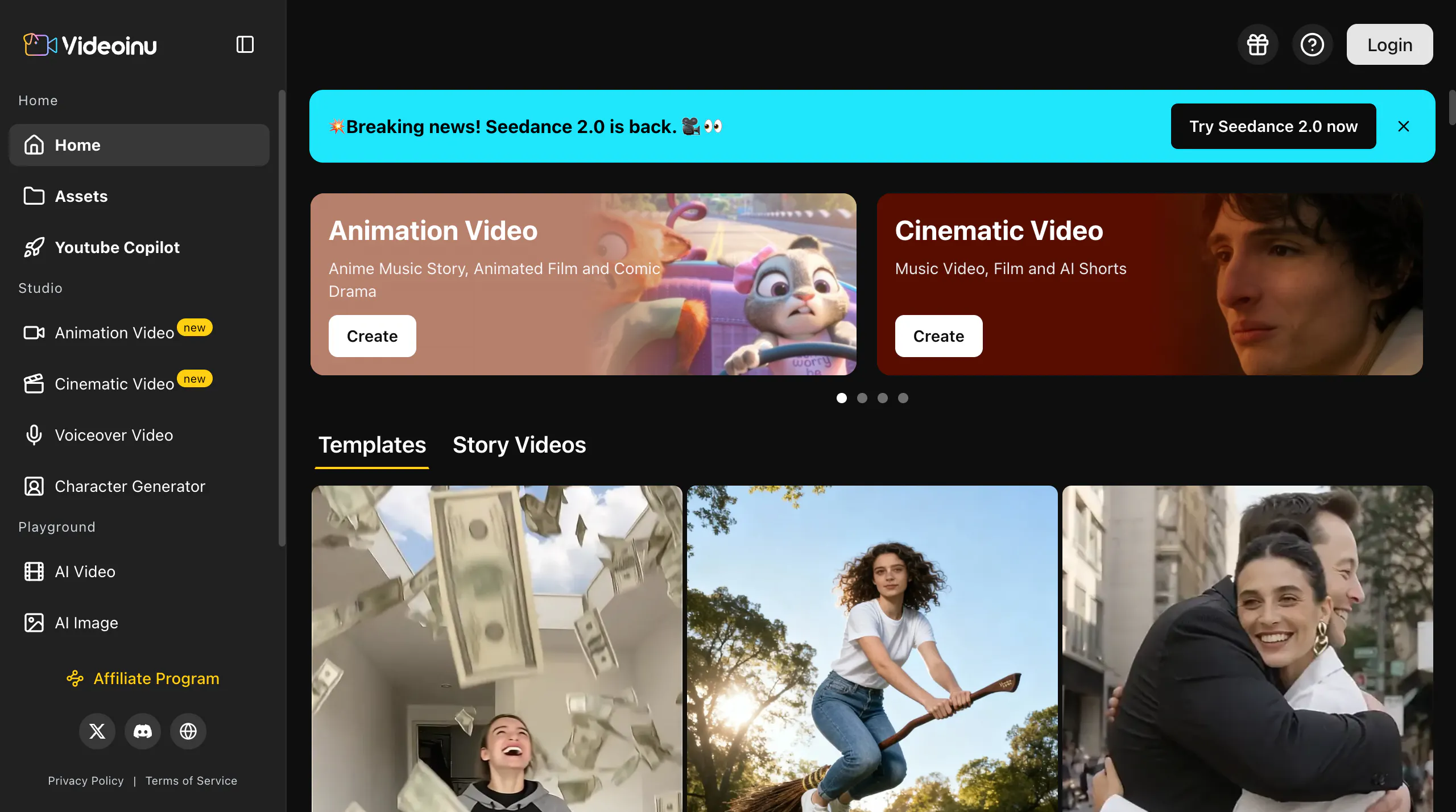
Happy Horse is interesting from a flexibility standpoint, especially for users who value open-source experimentation. However, this flexibility often comes at the cost of speed and consistency.
videoinu is designed more for production use. Compared with Happy Horse, it is:
- Faster: fewer steps from idea to finished video
- More consistent: outputs are structured and closer to publish-ready
- Better for short-form & social media: optimized for repeatable content workflows
Happy Horse may appeal to developers or users exploring open systems. But for creators who need reliable output and frequent publishing, videoinu AI is generally the more practical option.
Other Popular Happy Horse Alternatives for Video Generation
Seedance 2.0 Fast
Seedance 2.0 Fast focuses on faster generation speeds while maintaining relatively smooth motion. It is useful for quick iteration, but still faces consistency and control challenges in repeated workflows.
Veo 3.1 Lite
Veo 3.1 Lite is a lighter version of Google’s video generation model, designed for accessibility and speed. While it improves usability, it still inherits limitations around control and repeatability.
Runway
Runway combines AI generation with editing tools, offering more control than pure prompt-based systems. However, it can feel complex and slower for quick short-form production.
Pika AI
Pika AI focuses on simple, template-driven video generation. It is beginner-friendly but can produce repetitive results over time.
Luma AI
Luma AI emphasizes realistic motion and visual quality. It can generate strong clips, but often requires multiple attempts to achieve consistent results.
FAQs
Is Happy Horse open source?
Happy Horse emphasizes an open-source direction, which allows more flexibility and customization compared to closed AI video tools.
Is Happy Horse easy to use?
Not particularly. While flexible, it can feel complex and less guided than consumer-focused platforms, especially for beginners.
Can Happy Horse create professional videos?
It can generate interesting visuals, but producing consistent, professional-quality videos usually requires additional editing and iteration.
What is the best alternative to Happy Horse?
For creators who need faster workflows, more consistent results, and publish-ready short videos, videoinu AI is often the more practical alternative.