My Top 10 Stable Video Diffusion Alternatives for Custom Video Magic
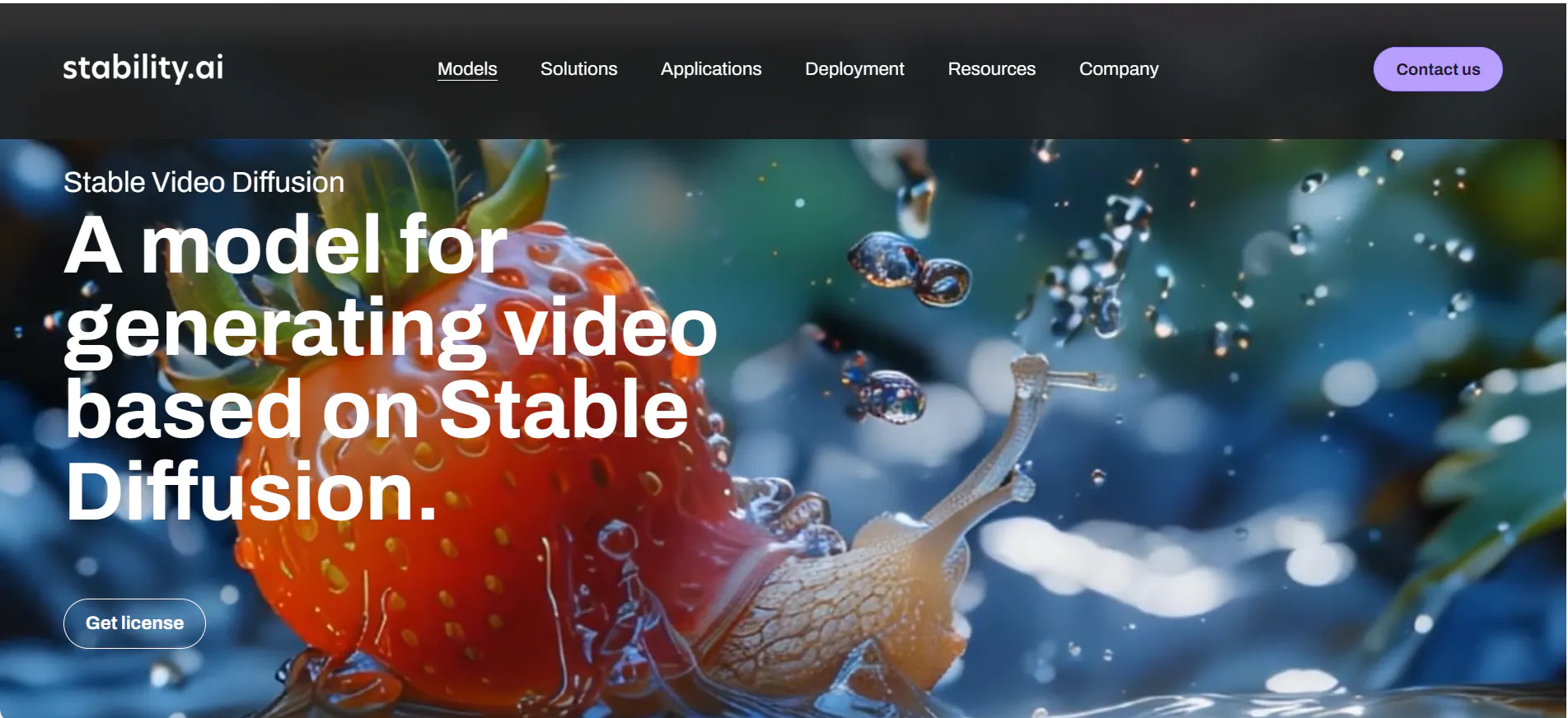
Stable Video Diffusion was a big step forward for AI video, but as we move through 2026, many creators are looking for tools that are easier to use and more reliable. SVD often requires a powerful computer and a lot of technical "know-how" to get good results.
If you want videos that look "undetectable"—meaning they look like real footage or professional animation rather than computer glitches—you need the right alternatives.
In this article, we will explore the top 10 AI video tools that can replace or beat Stable Video Diffusion. We will start with the most powerful choice for people who want to tell long, consistent stories: Videoinu AI.
1.Videoinu AI

Videoinu AI is the best alternative for anyone who wants to create real movies or series instead of just short, random clips. While Stable Video Diffusion can be unpredictable, Videoinu AI is built for Consistent Character Design. This means if you create a hero for your story, they will look exactly the same in every scene. You won't have to worry about their face changing or their clothes morphing into something else.
What makes Videoinu AI truly stand out is its ability to handle Long-Form Video Generation. While most tools only give you a few seconds of video, Videoinu AI allows you to create episodes up to 30 minutes long. It uses a smart storyboard system where you act as the director. You give it a script, and it handles everything from the animation to the voices in over 10 different languages.
It’s the perfect choice for YouTubers, business owners, and filmmakers who want a polished, professional result without needing a degree in computer science.
Pros:
- Perfect Consistency: Your characters stay the same throughout the entire video.
- Full Episodes: You can make videos up to 30 minutes long, which is much better for storytelling.
- Easy Storyboarding: The interface is simple and guides you through the creative process.
- Multi-Language Support: Automatically generates realistic voices in many languages.
Cons:
- Focus on Animation: It is designed for high-quality animation and 3D styles rather than "deepfake" realism.
- Time for Quality: Because it creates long videos, it may take a little longer to finish the final render.
Try VideoInu — the Best Stable Video Diffusion Alternative
2.Seedance
Seedance is a fantastic tool for those who need fast, smooth video clips with a cinematic feel. It is known for its "Motion Flow" technology, which ensures that the movement in the video looks natural. If you have ever seen an AI video where the background shakes or things look "jittery," Seedance fixes that by focusing on stable transitions.
It is great for making short marketing clips or eye-catching visuals for social media. It understands "cinematic" prompts very well, so if you ask for a "dramatic sunset over a mountain," the colors and camera movement will look like they came straight out of a Hollywood movie.
Pros:
- Very Smooth Motion: Reduces the "glitchy" look that many AI tools have.
- Fast Results: You can get a high-quality clip in just a few minutes.
- Cinematic Styles: Excellent at creating beautiful lighting and camera angles.
Cons:
- Clip Length: Better for short clips (under 10 seconds) than long stories.
- Less Character Control: It is harder to keep characters looking the same across different scenes.
3.Video Ocean
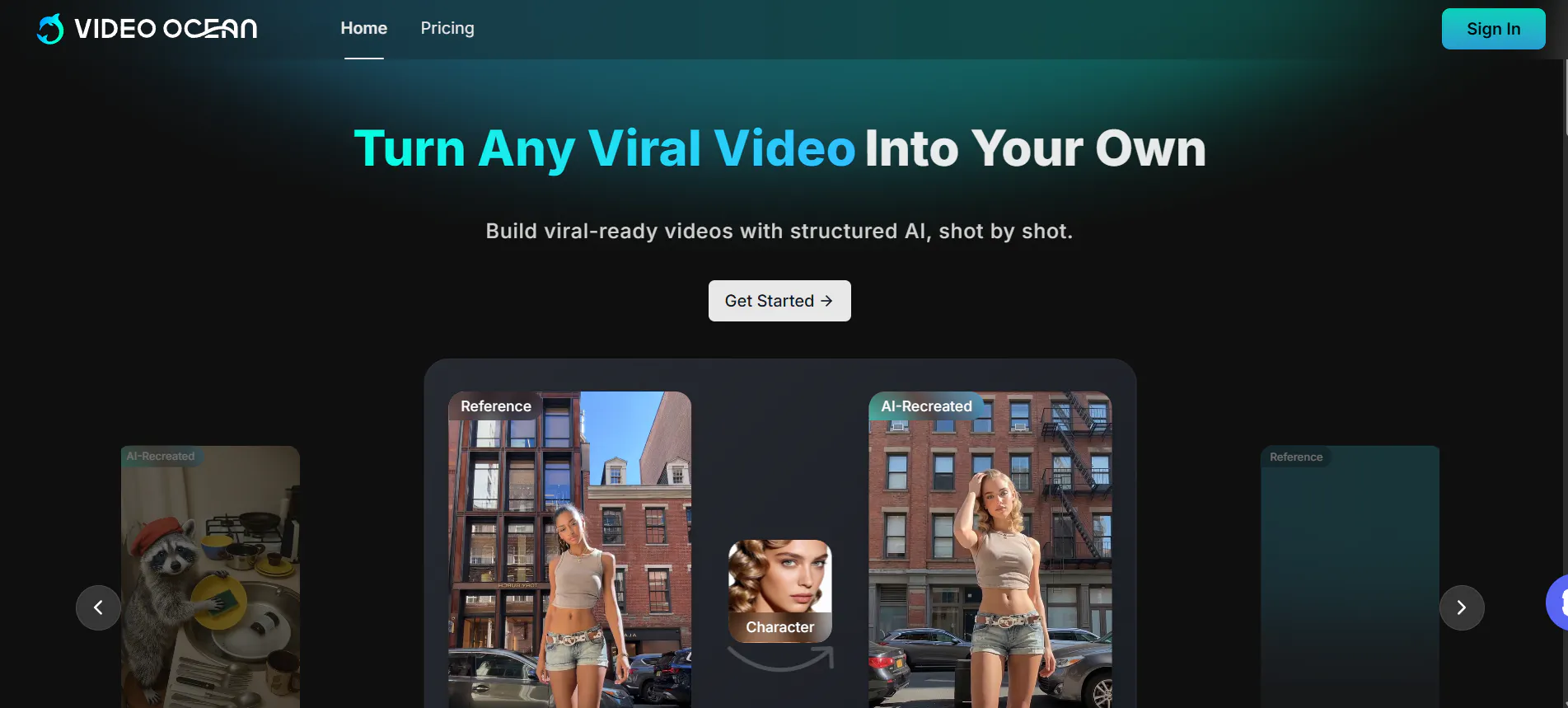
Video Ocean is a rising star in the AI world, specifically for marketing and branding. It uses a feature called "Frame Flow" that helps keep the style of the video exactly the same from the first second to the last. This is very important for brands that want their videos to match their official colors and "vibe."
One of its coolest features is the ability to use a "Reference Image." You can upload a photo you like, and Video Ocean will use that photo to decide the lighting, colors, and mood of the entire video. This makes it a very "undetectable" tool because the AI follows your artistic direction very closely.
Pros:
- Style Mastery: Perfect for matching a specific brand look or color palette.
- Image-to-Video: Very strong at turning a single photo into a realistic video.
- Clean Interface: The website is modern and very easy for beginners to navigate.
Cons:
- Social Focus: Most features are built for short, vertical videos (like TikTok).
- Limited Free Tier: You may run out of free credits quickly if you are experimenting a lot.
4.Hunyuan AI
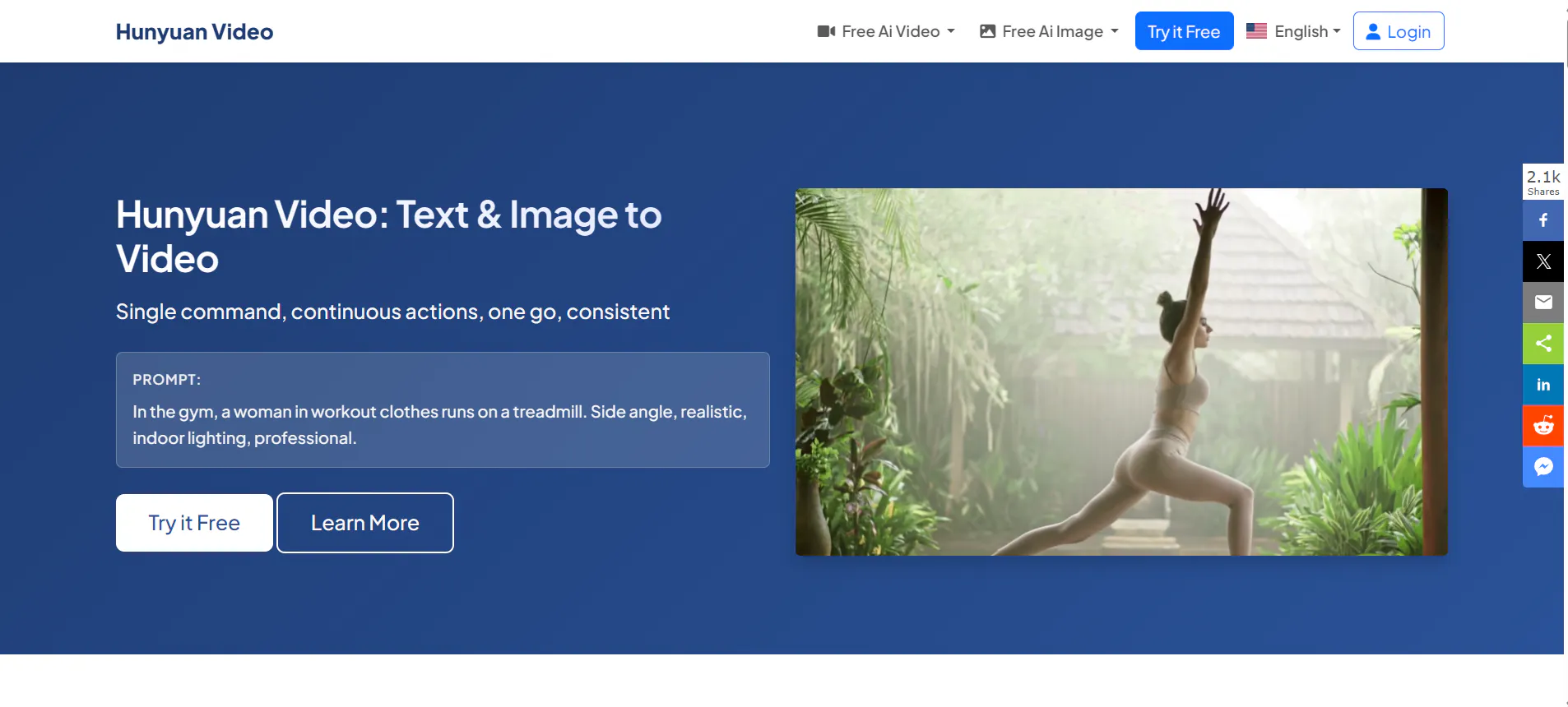
Hunyuan AI is a massive model created by Tencent. It is known for having an incredibly large "brain" (billions of parameters), which allows it to understand complex instructions. If you want to describe a scene with a lot of detail, like "a red car driving through a rainy city with neon lights reflecting in the puddles," Hunyuan AI will get it right.
It is particularly good at "Environmental Realism." This means it understands how things like rain, wind, and light should look in the real world. For nature lovers or landscape filmmakers, this tool produces some of the most realistic nature shots available in 2026.
Pros:
- Smart Prompting: Understands long, detailed descriptions better than most tools.
- Realistic Environments: Water, reflections, and weather look very natural.
- High Resolution: Supports clear, high-definition video outputs.
Cons:
- Language Logic: Sometimes performs better with certain languages over others.
- No Built-in Audio: You will need to find your own music and sound effects.
5.Wan AI
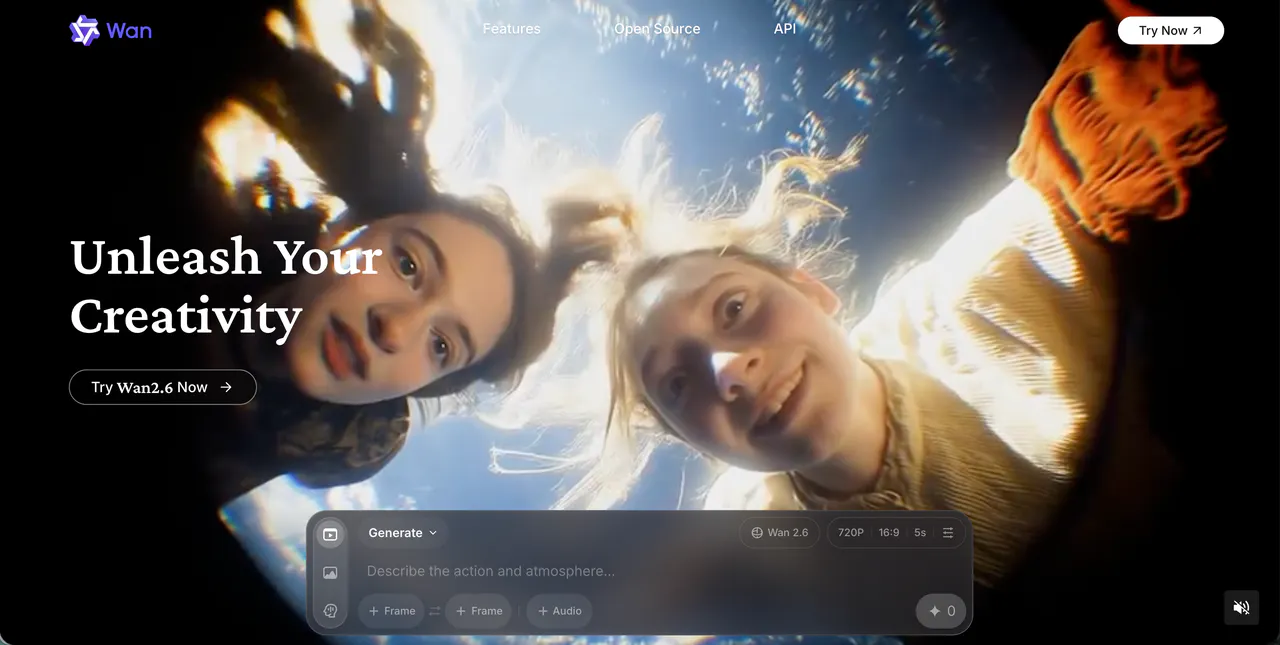
Wan AI (often called Wan2.1 or Wan2.5) is famous for its physical accuracy. In the world of AI, "physical accuracy" means that things move the way they should. People don't slide across the floor, and objects don't pass through each other like ghosts. Wan AI focuses on making sure the "weight" of the video feels real.
It is also excellent at skin textures. If you are making a video with a close-up of a person, Wan AI adds tiny details like pores and realistic eye movements. This makes the characters look very human and "undetectable" as AI creations.
Pros:
- Real-World Physics: Characters walk and move with realistic weight and logic.
- Amazing Skin Details: Best for high-quality close-ups of human faces.
- Efficient: It produces high-quality video without needing as much computer power as others.
Cons:
- Technical Setup: Some versions of Wan AI require a bit of technical setup to use.
- Strict Prompts: You need to be very specific to get the best results.
6.Midjourney
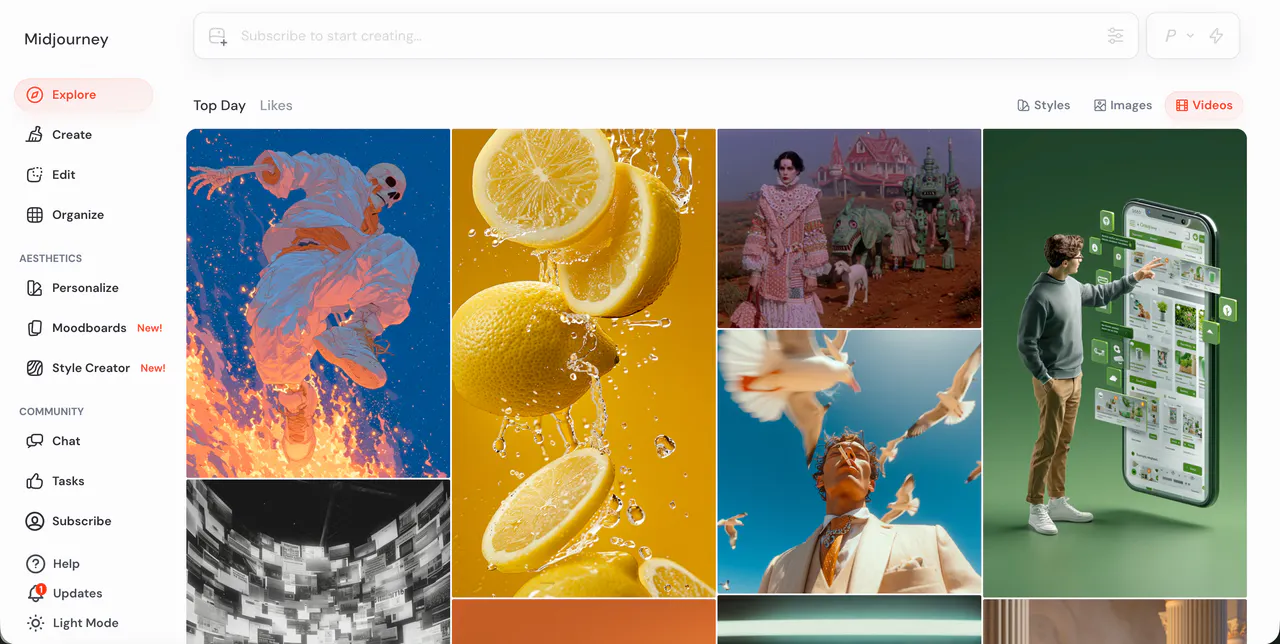
Midjourney is famous for making the most beautiful AI images, and its video mode brings that same beauty to motion. It is the best choice if you care more about "Artistic Aesthetic" than anything else. Midjourney videos often look like living paintings or high-end fashion photographs.
While it is great for "vibey" content, it is mostly used for short, looping clips. It is perfect for making backgrounds for music videos, intro clips for social media, or artistic dream sequences. It has a very loyal community that shares prompts to help you get the best look.
Pros:
- Unmatched Beauty: The videos are artistically stunning and very colorful.
- Creative Freedom: Great for abstract art and "dream-like" visuals.
- Integrated Workflow: Easy to use if you already use Midjourney for images.
Cons:
- Short Loops: Videos are usually limited to about 5 to 20 seconds.
- Physics Issues: Sometimes the movement can look a bit "swirly" or strange.
7.Bytedance Imitator
Created by the same company as TikTok, the Bytedance Imitator is a specialist in creating digital humans. It can take one single photo of a person and make them talk, sing, or dance. It "imitates" human behavior so well that it is often hard to tell the video isn't real.
This tool is incredibly popular for making "virtual influencers" or for bringing historical figures to life. It includes professional-grade lip-syncing, so if you provide an audio file, the digital human will speak the words perfectly with realistic facial expressions.
Pros:
- Human Realism: The best tool for making digital people look and act like real humans.
- One-Photo Magic: You only need one picture to start generating a video.
- Perfect Lip-Sync: Matches mouth movements to audio with high precision.
Cons:
- Deepfake Risks: Because it is so realistic, it must be used responsibly.
- Narrow Focus: It is mostly for humans and doesn't do landscapes as well.
8.OiiOii.ai
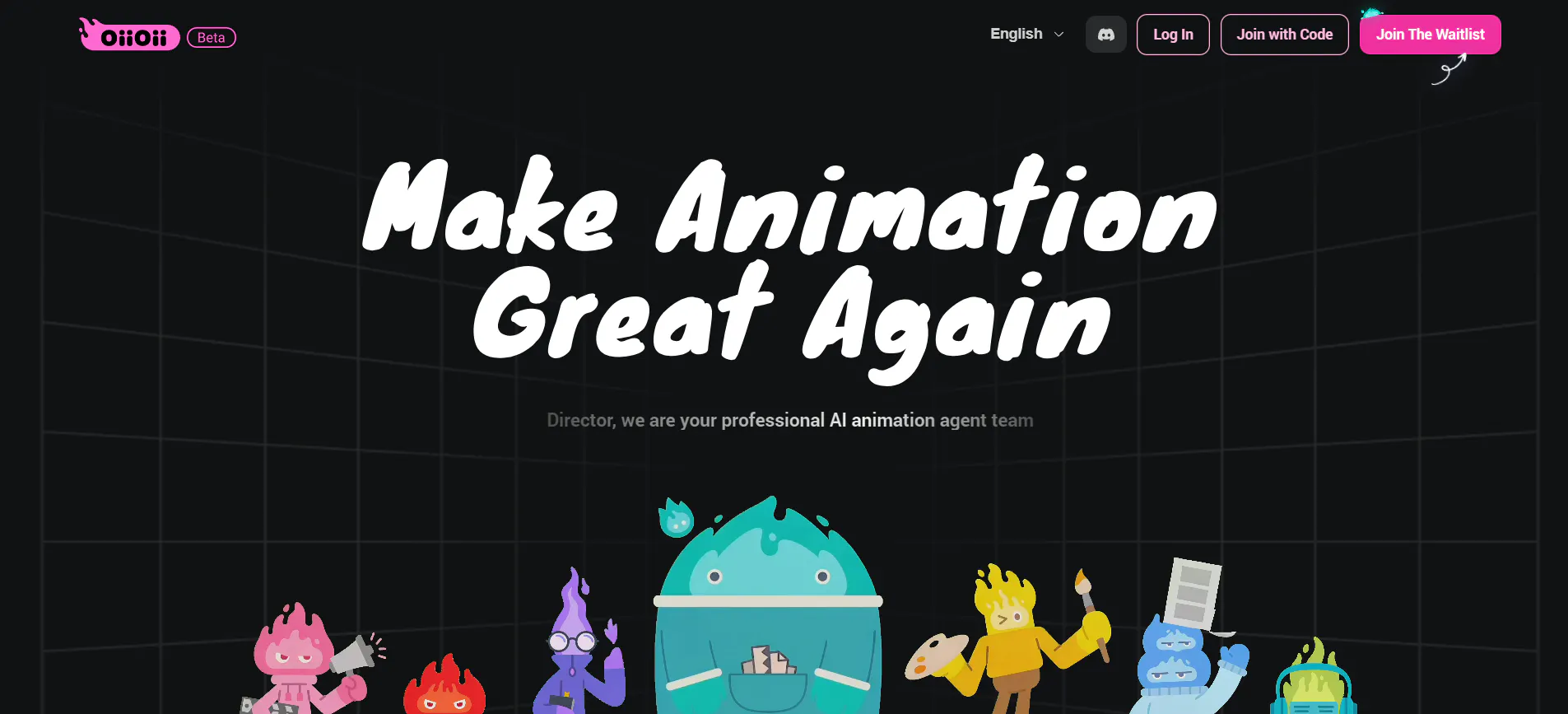
OiiOii.ai is a "social-first" AI tool. It is designed for people who want to make content for TikTok, Instagram Reels, and YouTube Shorts. It comes with many built-in templates and filters that are currently trending. This makes it a great choice for influencers who want to work fast.
It is very mobile-friendly, so you can create videos right from your phone. It focuses on making the video look "cool" and "trendy" rather than just realistic. If you want to add AI effects to your daily vlogs, this is the tool to use.
Pros:
- Made for Social Media: Perfect vertical format for phone screens.
- Trendy Filters: Includes the latest AI styles that people are sharing online.
- Mobile Ready: Very easy to use on the go.
Cons:
- Less Professional: Not ideal for making long movies or business presentations.
- Template Driven: You might find that your videos look similar to other users.
9. VideoGPT
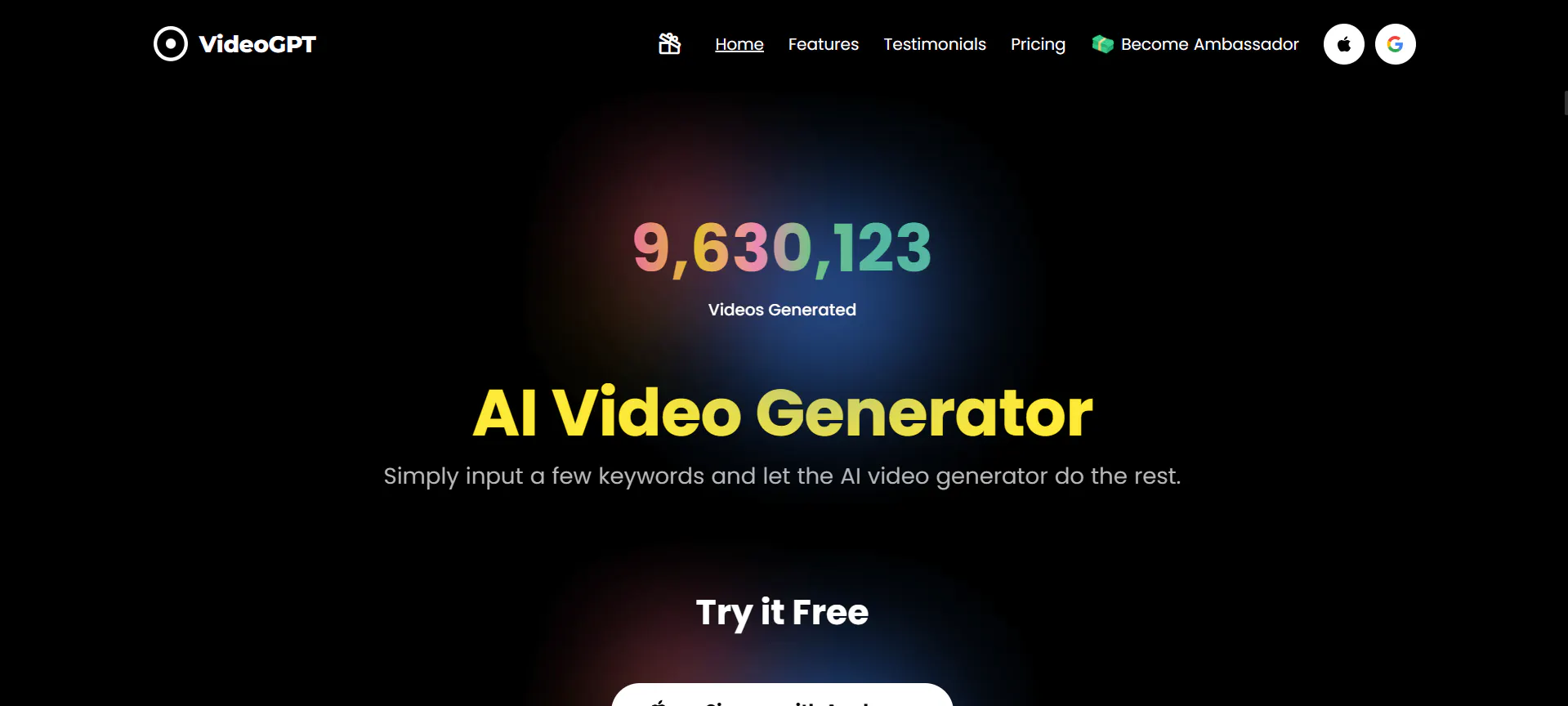
VideoGPT is a tool that focuses on turning simple text prompts into short video scenes. It is designed for creators who want a fast way to see their ideas come to life without learning complex video editing software. Many users type a short story, description, or scene idea, and VideoGPT generates a matching video clip.
It works well for concept videos, short stories, and quick social media ideas. VideoGPT is especially useful when you want to test an idea before spending time on detailed editing. The videos usually follow the main action of the prompt, making it easy to visualize scenes for storytelling, marketing drafts, or school projects.
While the motion may not always be perfect, VideoGPT helps creators move quickly from idea to visual. It is often used as a starting point, with the output later refined using other AI video tools or editing software.
Pros:
- Fast Text-to-Video: Turns written ideas into video scenes quickly.
- Easy to Use: Simple prompts work well for beginners.
- Great for Concepts: Useful for story drafts, previews, and rough ideas.
Cons:
- Limited Detail Control: Fine movements and small details can be inconsistent.
- Basic Visual Style: Videos may look simple without extra polishing.
- Short Clips Only: Not ideal for long or complex videos.
10.StoryShort AI
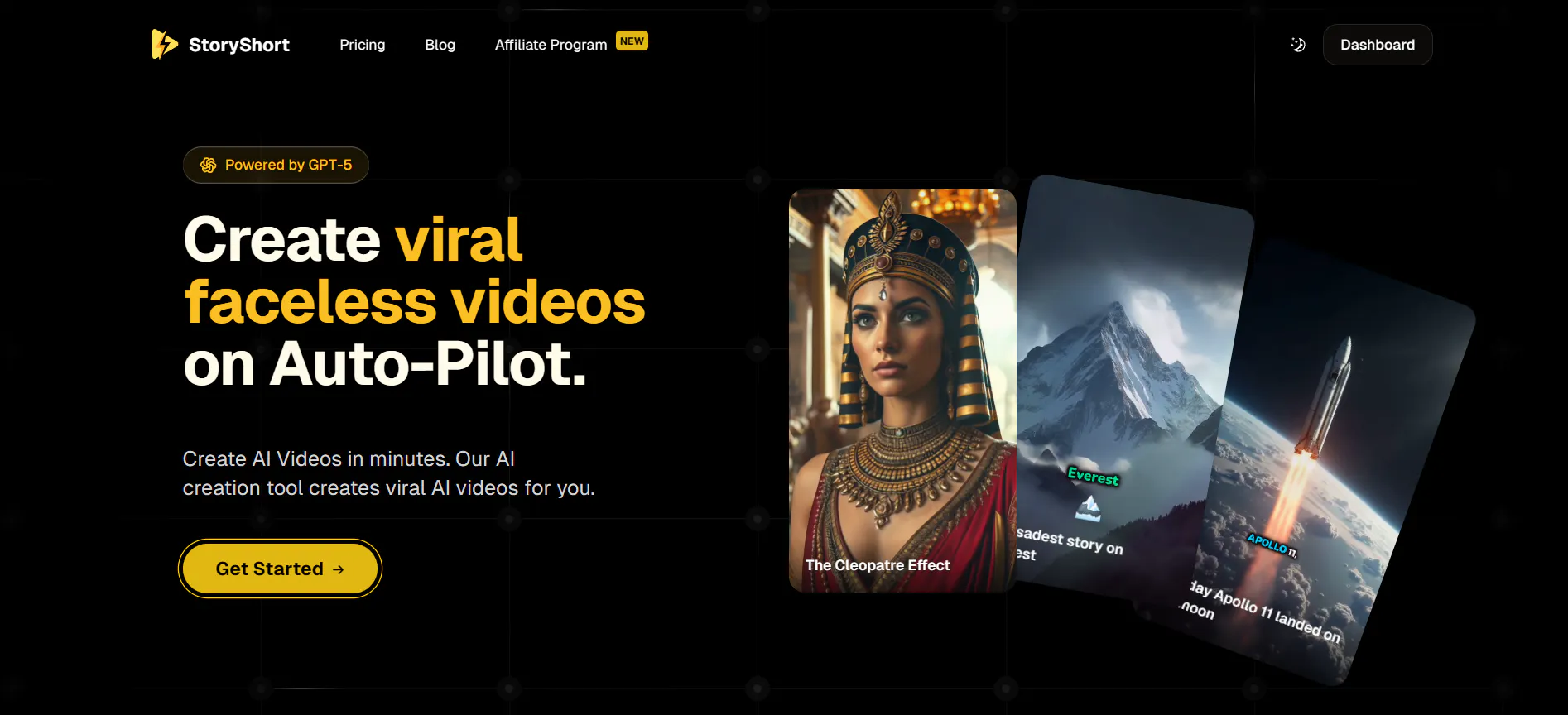
StoryShort AI is a "full automation" tool. It is designed for people who want to run "faceless" YouTube or TikTok channels. You give it a topic, and it does everything: it writes the script, generates the voiceover, finds the video clips, and even adds the subtitles.
It is a huge time-saver for creators who need to post videos every single day. While you have less control over the specific artistic details, the speed at which you can create a finished video is incredible. It is the ultimate tool for "quantity" and efficiency.
Pros:
- All-in-One: Handles scripts, voices, videos, and captions automatically.
- Massive Time Saver: You can create a full short video in under a minute.
- Great for Beginners: You don't need any editing skills to get started.
Cons:
- Generic Look: Because it's automated, the videos can sometimes look like "stock footage."
- Less Creativity: You can't control every single movement of the characters.
FAQs
1.Why is Videoinu AI better for stories than Stable Video Diffusion?
Stable Video Diffusion is great for short, artistic clips, but it is hard to keep the same characters in different shots. Videoinu AI is designed for storytelling. It keeps your characters consistent and allows you to make videos up to 30 minutes long, which is perfect for YouTube or actual movies.
2.Do I need a fancy computer to use these alternatives?
Most of these tools, like Videoinu AI and Seedance, run in the "cloud." This means you don't need a powerful computer. You can use them on a regular laptop or even a tablet as long as you have an internet connection.
3.Can I use these videos for my business?
Yes! Most of these platforms have commercial plans that allow you to use the videos for ads, social media, or your company website. Always check the terms of service for each tool to make sure you have the right license.
4.Which tool is best for making someone talk?
Bytedance Imitator (OmniHuman) is currently one of the best for talking heads. It synchronizes mouth movements to audio perfectly. For full stories with talking characters, Videoinu AI is also excellent because it handles both the voice and the animation together.
5.Is AI video really "undetectable" now?
AI video has become very advanced. Tools like Wan AI and Hunyuan AI create textures and physics that are almost perfect. If you use a tool like Magiclight AI to fix the lighting, it becomes very difficult for the average person to tell the video was made by an AI.
Conclusion
Stable Video Diffusion started a revolution, but the alternatives available today offer much more control and better quality. If you want to move beyond 5-second clips and start making real, consistent stories, Videoinu AI is the top choice. For those who need hyper-realistic humans or quick social media content, tools like Bytedance and OiiOii.ai are fantastic backups.