Upgrade Your Videos: 10 Best AI Video Generators for Every Creator
Making professional videos used to be a job for experts with expensive gear. Today, AI has changed everything. Whether you are a student working on a project or a creator trying to go viral on social media, there is an AI tool out there for you. While everyone is talking about big names like Sora, many people find they are hard to access or too expensive for daily use.
I spent time testing the latest platforms to see which ones offer the most freedom and the best results. If you want to make high-quality content without the technical stress, this guide will help you choose.
Here are the 10 best AI video generators I tried and loved.
Tool List
1.VideoInu AI
2.Kling AI
3.Vidu AI
4.Haiper AI
5.Bytedance Imitator
6.Stable Video Diffusion
7.Hunyuan AI
8.StoryShort AI
9.VideoGPT
10.Veo
VideoInu AI — The Ultimate All-in-One Hub for Long-Form Content

VideoInu AI is the top choice for creators who want power and simplicity in one place. Most AI tools only let you use one specific model, but VideoInu is an aggregator. This means it connects you to many different top-tier AI engines from around the world. It is specifically designed for people who want to make more than just short clips.
You can use it to create full animated episodes or YouTube videos that last up to 30 minutes. This is a huge deal for anyone building a "faceless" channel because it handles the script, the voice cloning, and the visual generation all at once.
One feature I absolutely love is the "@" mention system for character consistency. If you name a character, you can use that tag to make sure they look exactly the same in every single scene. This fixes the biggest problem in AI video where faces change randomly. It also supports 1080P and 2K resolution, ensuring your videos look crisp and professional.
Whether you need a 3D animation style or something that looks like real life, VideoInu gives you the keys to every style imaginable. It really is the best "all-in-one" workstation available.
Pros:
- Massive Selection: Access dozens of different AI video models in one dashboard.
- Character Locking: Keep your characters consistent across long stories using @tags.
- Long Duration: Perfect for YouTube with support for videos up to 30 minutes.
- Complete Workflow: Includes built-in tools for scripts and realistic voice cloning.
Cons:
- Credit Based: High-end features require credits, though the starting amount is fair.
- Learning Path: It has so many features that it takes a moment to see everything.
Kling AI — The Leader in Realistic Human Interaction
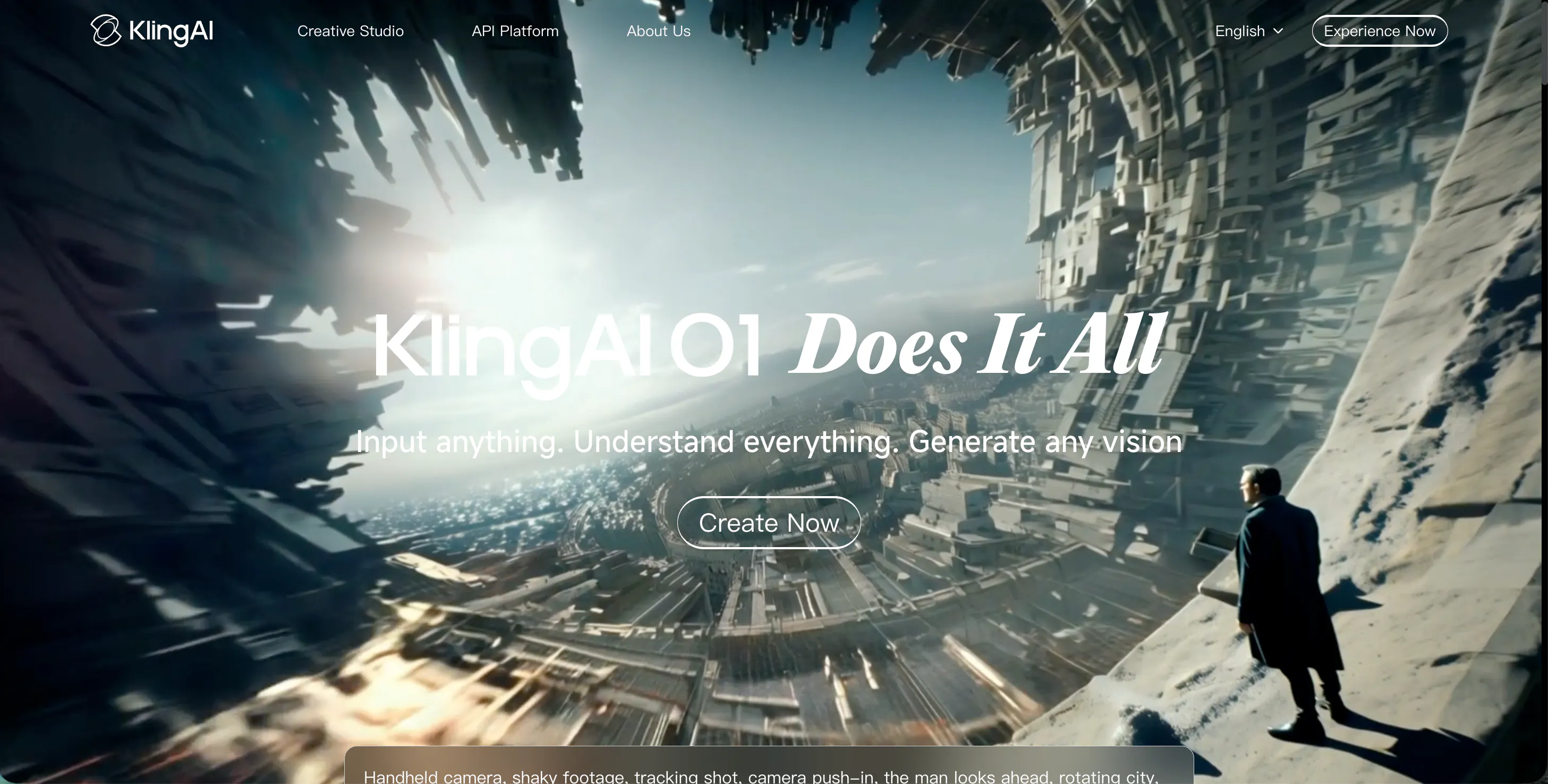
Kling AI has made a big name for itself by generating videos that look incredibly real. Created by the Kuaishou team, it is famous for its "complex motion" capabilities. If you want a video of a person eating noodles or someone typing on a keyboard, Kling handles the interaction between the person and the object better than almost anyone else. The physics are very believable, and the videos can last much longer than the standard five seconds you see on other sites.
I found Kling to be a great tool for making "slice of life" content. The lighting and skin textures are very high quality, which helps avoid that "uncanny" AI feeling. It’s a very strong alternative to Sora because it is actually available for people to use right now. If you need a clip of a human doing something specific and you want it to look like it was filmed on a phone, Kling is a fantastic choice.
Pros:
- Long Clips: Can generate videos that stay coherent for a longer time.
- Realistic Physics: Great at showing humans interacting with objects.
- High Resolution: The output is very sharp and looks professional.
Cons:
- Wait Times: Because it’s so popular, it can take a while to finish a video.
- Regional Access: Some advanced features are rolled out in specific areas first.
Vidu AI — The Best Assistant for Cinematic Camera Work
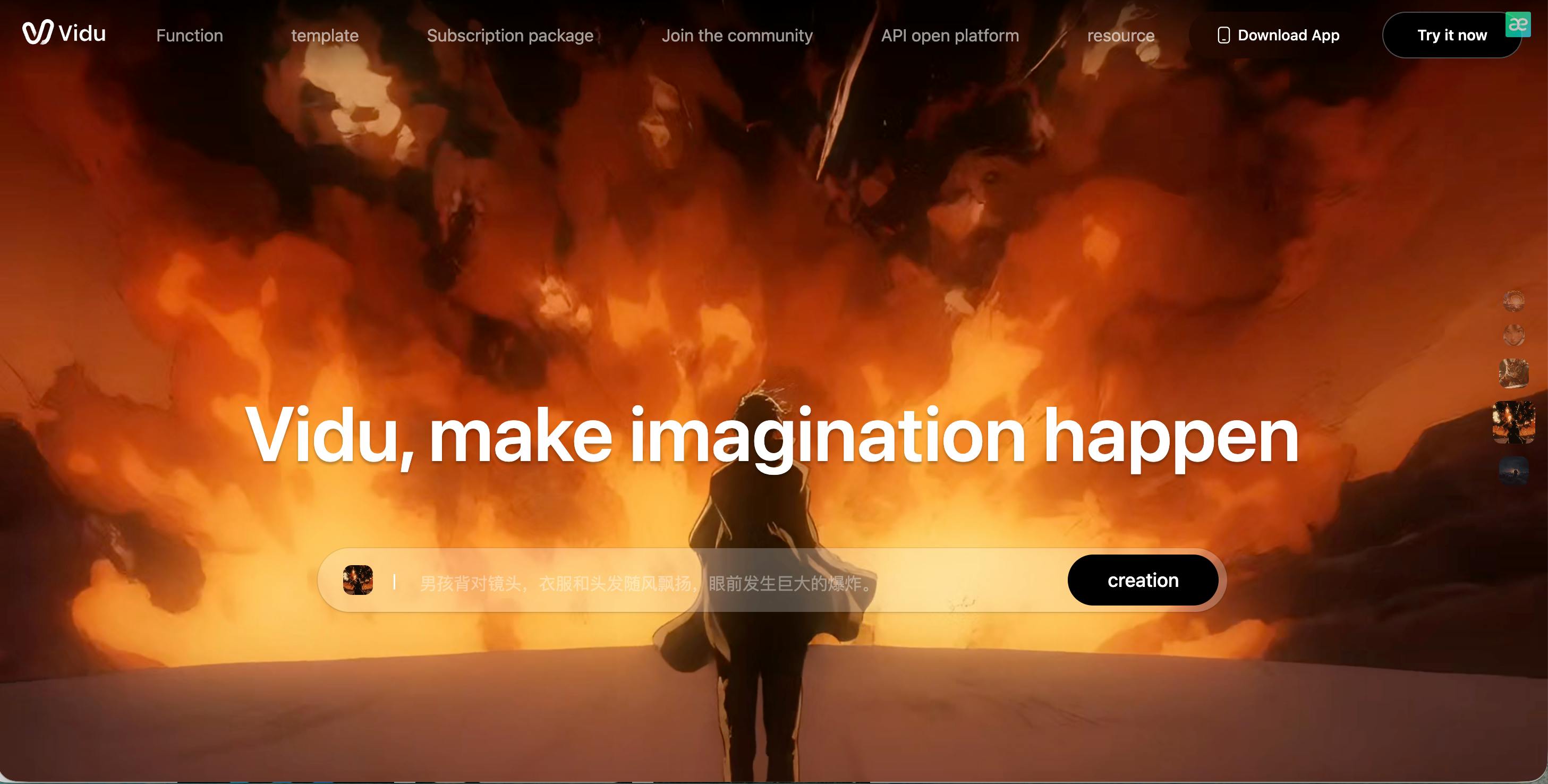
Vidu AI is often called a "Sora competitor," and it lives up to the hype by being very smart about movie-making. It understands cinematic language. If you tell Vidu to do a "wide pan" or a "close-up shot," it actually follows those directions like a professional camera operator. It is very stable, meaning you get a lot less flickering or weird glitches than you might find in older AI models.
I really enjoyed using Vidu for anime-style projects. It creates a very clean, polished look that reminds me of big-budget animated movies. It’s also quite fast compared to some of the bigger models.
For creators who want a "one-click" movie experience where the AI understands how to frame a shot properly, Vidu is an excellent alternative that feels very reliable.
Pros:
- Cinematic Knowledge: Understands professional camera movements and angles.
- Stability: Very few glitches or "melting" objects in the background.
- Anime Quality: Produces some of the best-looking animated styles available.
Cons:
- Prompt Strictness: You have to be specific with your words to get the best result.
- Community Features: Fewer tutorials are available compared to other tools.
Haiper AI — The Master of Visual Textures and Aesthetics
Haiper AI is all about making things look beautiful. When I tested Haiper, I noticed that it pays a lot of attention to how things feel visually. If you generate a video of a cat, the fur looks soft and fluffy. If you generate a waterfall, the water looks reflective and wet. It is a tool for people who care about "aesthetic" quality above all else.
The interface is very clean and easy to use, which is great for beginners. It doesn't overwhelm you with buttons. It focuses on short, high-impact clips that are perfect for artistic background loops or product showcases. If your goal is to make something that just looks "stunning" to the eye, even if it’s just a few seconds long, Haiper is a great creative partner.
Pros:
- Texture Detail: Incredible at rendering things like fur, water, and fabric.
- Simple Interface: Very easy for anyone to pick up and start using.
- Artistic Style: Great at following specific "artistic vibes" like cyberpunk or watercolor.
Cons:
- Short Length: Currently better at short clips than long stories.
- Movement Limits: Fast action can sometimes look a bit blurry.
Bytedance Imitator — The Pro Choice for Dance and Body Motion
Bytedance Imitator is a specialized tool that focuses on human movement. If you have a photo of a character and a video of someone dancing, this AI can "map" the dance onto your character. It’s much more precise than general AI video tools because it uses a "skeleton" to make sure the arms and legs move in a way that makes sense.
I find this tool perfect for social media creators who want to make their characters do viral dance trends. It keeps the body shape consistent, so the character doesn't look like they are made of rubber. It’s a niche tool, but if your project involves a lot of human movement or sports-like action, Bytedance Imitator is much more reliable than trying to prompt a dance from scratch.
Pros:
- Motion Transfer: Best tool for copying real-life movements onto an AI person.
- Body Consistency: Keeps limbs looking realistic even during fast moves.
- Viral Potential: Perfect for making TikTok and Reel content.
Cons:
- Niche Use: Not really meant for landscapes or non-human objects.
- Background Quality: The focus is on the person, so the background can stay flat.
Stable Video Diffusion — The Tech-Savvy Tool for Image Animation
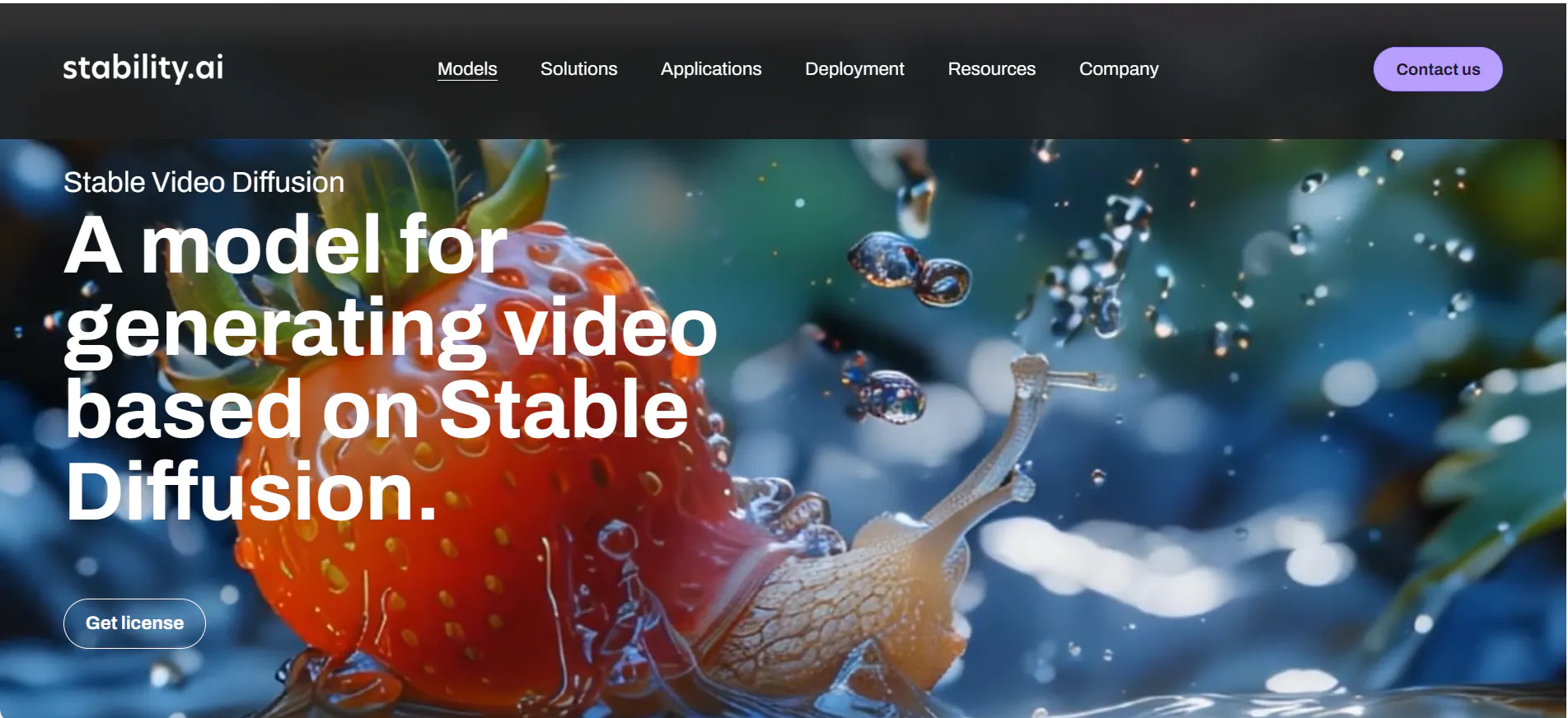
Stable Video Diffusion is the "pro" version of AI video. It is an open-source model that gives you a lot of technical control. While it’s not as "pretty" as some other websites, it is incredibly powerful for taking a still image and making it move in a specific way. You can control the "motion bucket," which is a fancy way of saying how much the video should move.
I recommend SVD for people who like to experiment and have a specific image they already love. It is very respectful of the original picture. If you put in a photo of a mountain, SVD won't turn it into a different mountain; it will just add wind and clouds. It takes a little more learning, but the results are very professional and controlled.
Pros:
- Original Detail: Very good at keeping the look of your starting image.
- Motion Control: You can decide if the video should move a little or a lot.
- Customizable: Many different platforms host this model with different features.
Cons:
- Higher Learning Curve: Not as simple as just typing a text prompt.
- Needs Good Input: The quality of the video depends heavily on the image you start with.
Hunyuan AI — The Best Model for Complex Prompt Logic
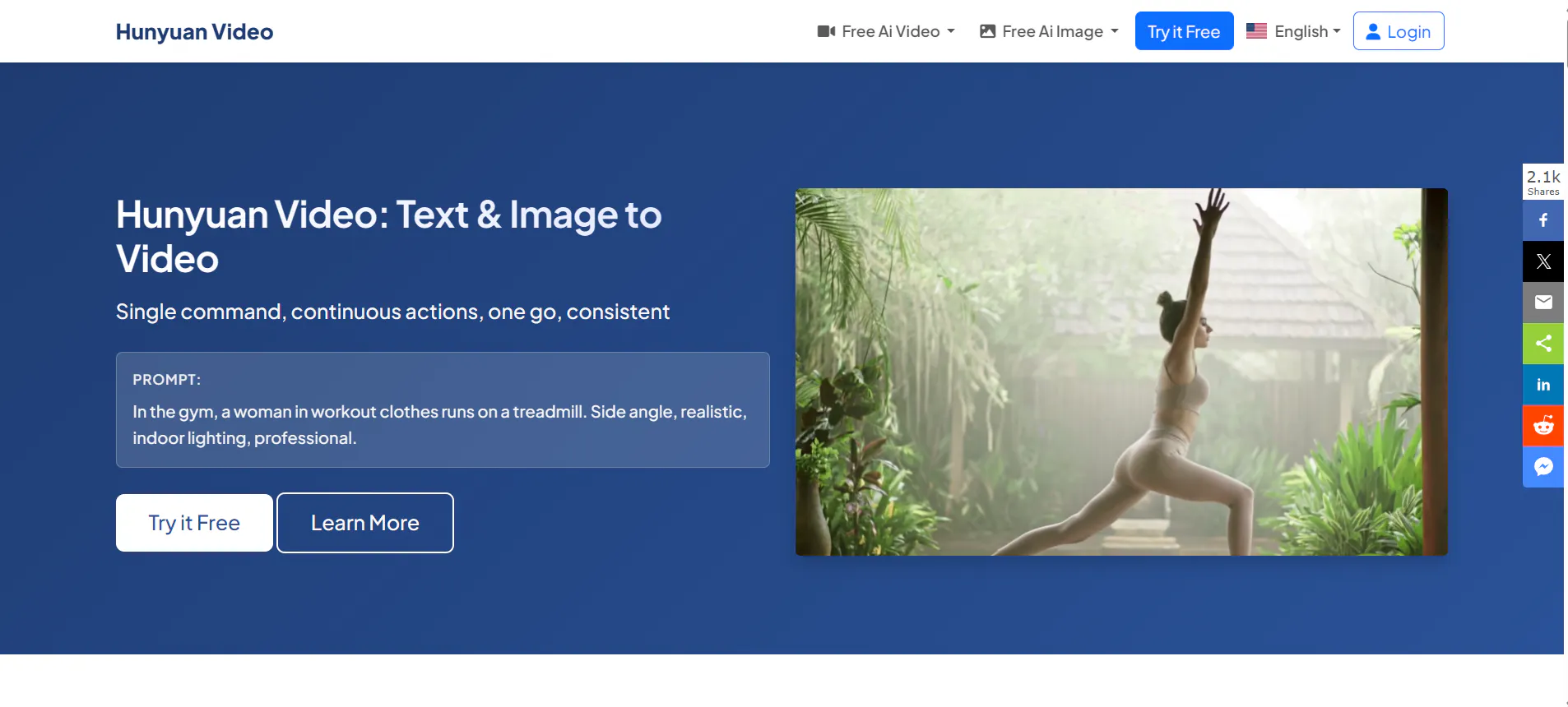
Hunyuan AI is a massive model from Tencent that is famous for its "brain." It is very good at following long and complicated instructions. If you have a prompt that says "a robot wearing a tuxedo holding a red rose while walking through a rainy Tokyo street," Hunyuan will actually include all those details. It doesn't get confused like some smaller models do.
It is a great alternative for writers who have a very specific vision in their heads. The character consistency is also quite strong, making it a good choice for story-driven clips. It has a very polished, high-end digital look that works well for both realistic and artistic projects. If you feel like other AIs are "ignoring" parts of your prompt, give Hunyuan a try.
Pros:
- Smart Prompting: Follows long and detailed instructions very well.
- Consistent Quality: Produces very stable and clean visuals.
- Large Training: Understands a wide variety of objects and settings.
Cons:
- Sign-up Process: Depending on where you are, it can be a bit harder to get an account.
- Style Bias: It often has a very specific "shiny" look to its videos.
StoryShort AI — The King of Automated Faceless Content
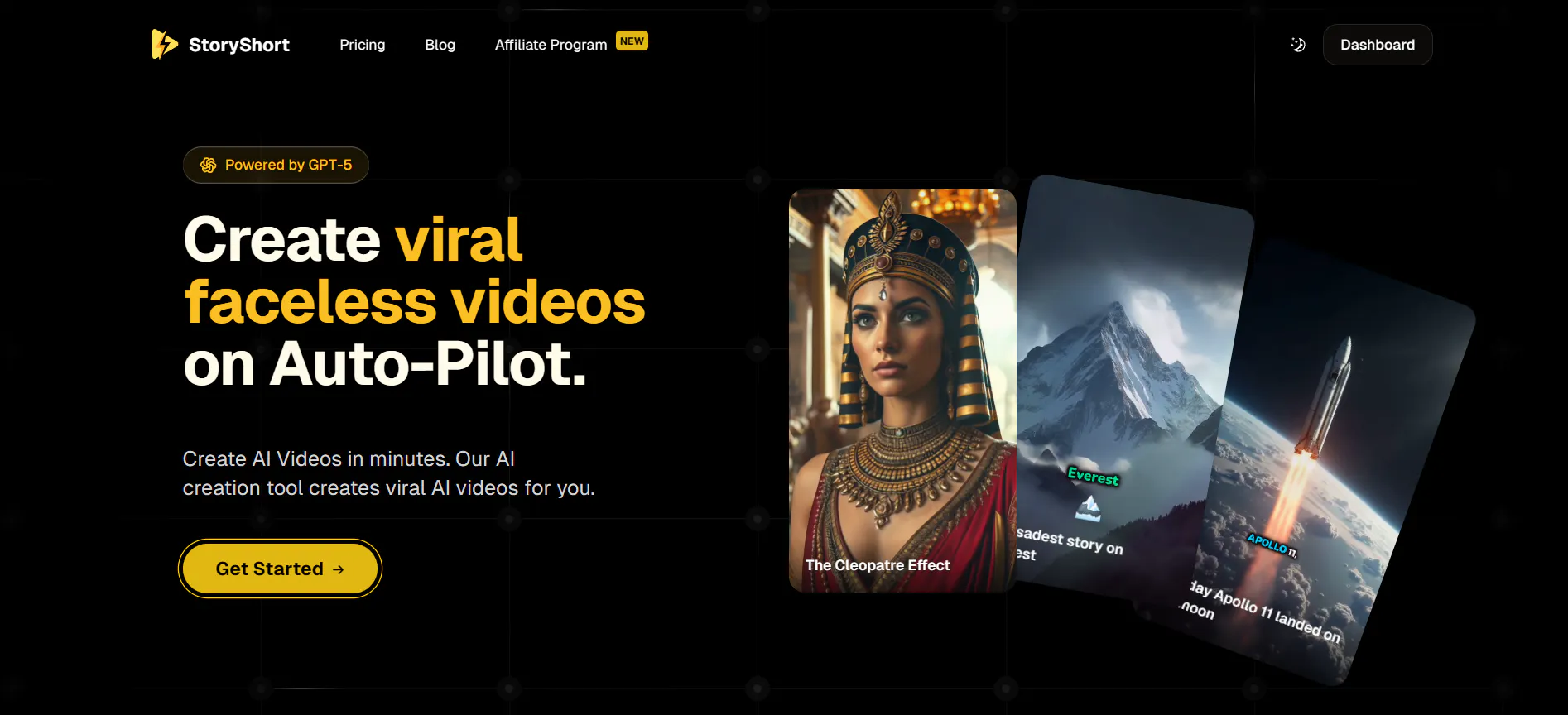
StoryShort AI is different because it doesn't just give you a clip—it gives you a whole video. It is designed for people who want to run "faceless" YouTube or TikTok channels. You give it a topic, and the AI writes the script, finds the images or videos, adds a voiceover, and puts the whole thing together. It’s like having a full video editing team in a box.
I use this when I want to create educational or "story" videos quickly. It’s not about being a "fine artist"; it’s about being a content creator. It saves you hours of work in CapCut or Premiere. If you are tired of spending all day editing one-minute videos, StoryShort is the best shortcut you can take.
Pros:
- Full Automation: Handles everything from the script to the final edit.
- Time Saver: Can create a finished video in just a few minutes.
- Consistent Narratives: Great at telling a story from start to finish.
Cons:
- Less Creative Control: You can't change every tiny detail of the animation.
- Standard Look: Some videos can feel a bit like "stock footage."
VideoGPT — The Easiest Way to Chat Your Videos into Existence
VideoGPT is exactly what it sounds like: a chatbot that makes videos. If you find buttons and sliders confusing, this is for you. You just talk to it like you are talking to a friend. You say "Hey, make me a video of a rocket taking off," and it generates it. If you don't like it, you can say "Make it look more like a cartoon," and it will update it.
It’s the most beginner-friendly tool on the list. It’s perfect for kids, students, or anyone who just wants to play around with AI without learning any technical skills. While the video quality depends on the engine it’s connected to, the "chat" interface makes the whole process feel easy and fun.
Pros:
- Conversation Based: No technical skills or prompt engineering required.
- Fast Feedback: Easy to ask for changes and see new results.
- Accessible: Works great on mobile phones and tablets.
Cons:
- Technical Limits: You can't tweak deep settings like frame rates.
- Variable Quality: Sometimes it takes a few tries to get exactly what you want.
Veo — The Professional Filmmaking Tool from Google
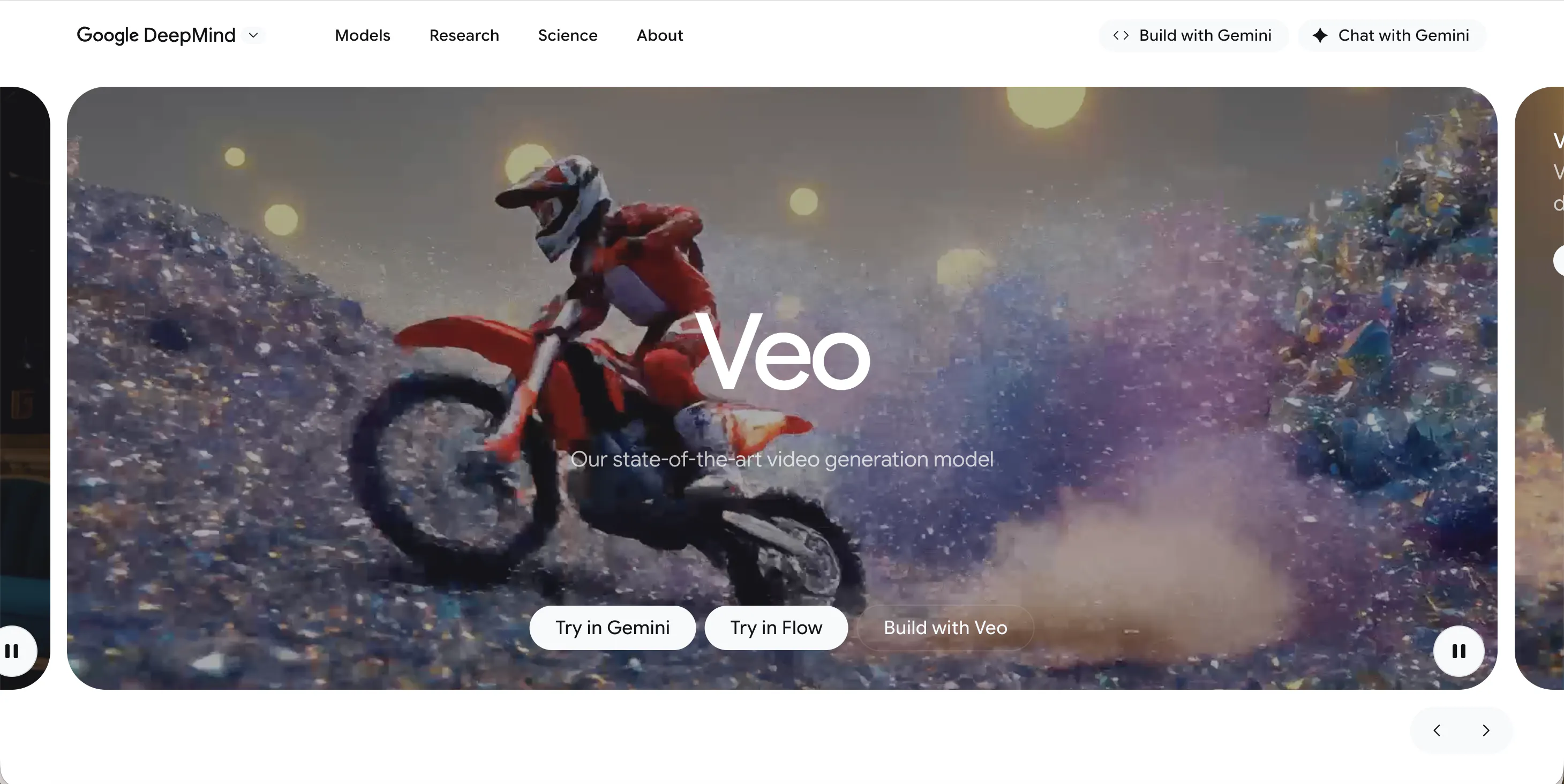
Veo is Google’s most advanced video model. It is built for people who want professional-looking results that match what you see in movies. It understands cinematic terms like "time-lapse" or "aerial shot" perfectly. Because it’s backed by Google, the resolution is very high (1080P and above), and the videos are very smooth.
I recommend Veo for people who are doing high-end work, like commercials or high-quality YouTube intros. It is very consistent and doesn't have much "jitter" or flickering. It feels like a tool for adults and professionals. While it has strict safety rules, it produces some of the cleanest and most realistic footage in the AI industry.
Pros:
- High Definition: Consistently sharp 1080P output.
- Cinematic Intelligence: Understands how real directors talk about film.
- Smooth Motion: Very little of the "shaking" you see in other AI videos.
Cons:
- Strict Filters: Google is very careful about what it allows you to make.
- Waitlist: It is still rolling out slowly to the public.
Conclusion: Why VideoInu AI Wins
There has never been a better time to be a creator. If you want specific dance moves, Bytedance Imitator is your best friend. If you want a full automated story, StoryShort AI is the way to go.
But if you want a tool that does everything—from short clips to 30-minute YouTube episodes with consistent characters—VideoInu AI is the clear winner. It brings the power of all these other models into one easy hub.
Instead of signing up for ten different sites, you can just use VideoInu to access the best AI tech in the world. It’s the smartest, most complete tool for anyone who wants to take their video creation to the next level.
FAQs
1.Is VideoInu AI free?
VideoInu uses a credit system. They usually offer free trial credits so you can try out the different models and features like character consistency before you decide to upgrade to a paid plan.
2.Which AI is best for making long YouTube videos?
VideoInu AI is the best for this because it can generate videos up to 30 minutes long and keeps your characters looking the same, which is essential for a long story.
3.Do I need a powerful computer to run these?
No! All of these tools are cloud-based. This means the heavy lifting is done on their servers, so you can use them on a regular laptop or even your phone.
4.Can I use these AI videos for my business?
Yes, most of these platforms allow for commercial use if you are on a paid plan. Always make sure to check the "Terms of Service" for the specific tool you are using.
5.How do I keep my characters consistent?
The best way is to use VideoInu AI's character consistency feature. By using the "@" mention system, the AI "remembers" what your character looks like across different scenes.