10 Best HunYuan AI Alternatives I Tried That Really Work
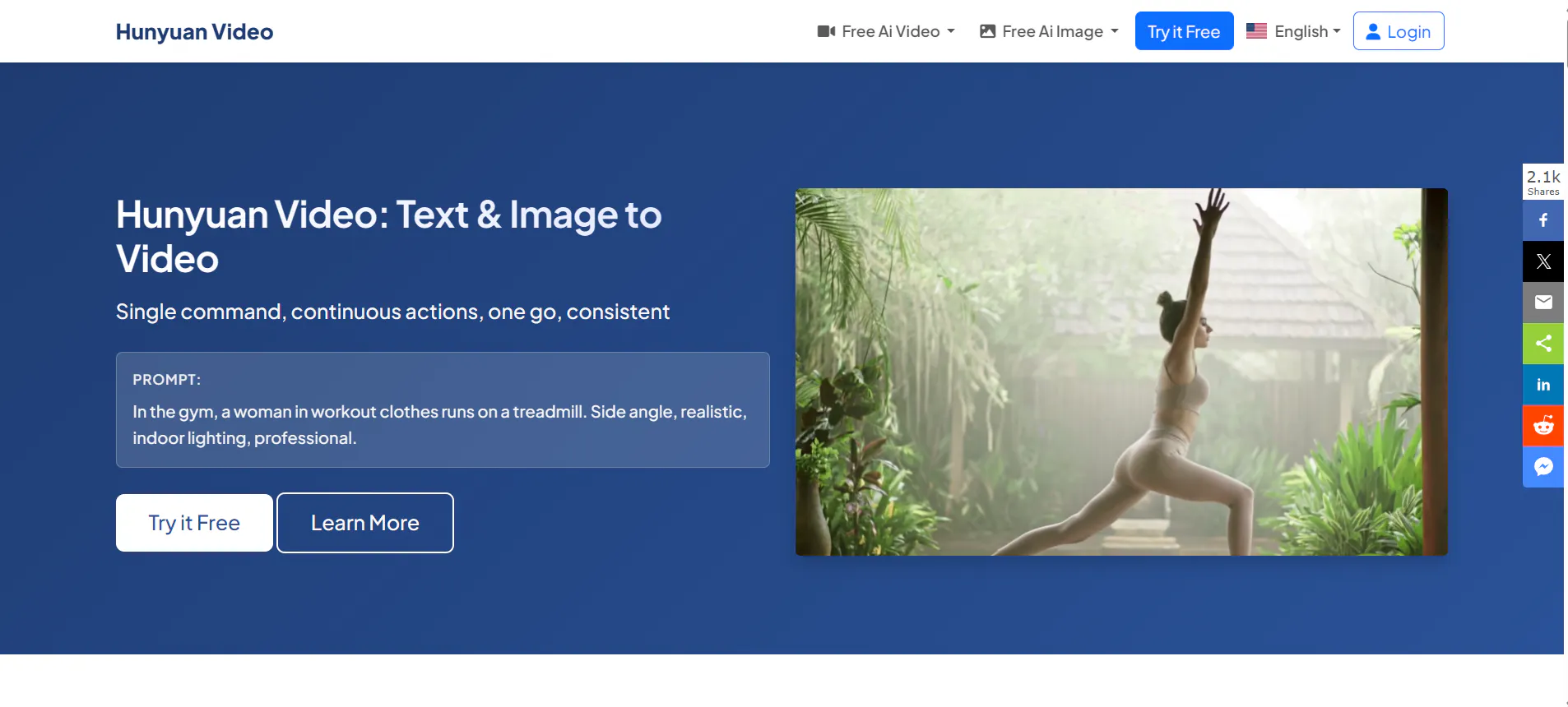
Hunyuan AI is known for its strong video generation ability, especially in motion and realism. However, many users are now looking for undetectable AI alternatives that offer more control, fewer limits, better pricing, or more natural results. Some want tools that feel less “AI-made,” while others want faster workflows or better consistency.
In this article, we review 10 of the best undetectable AI alternatives to Hunyuan AI. The first tool, Videoinu AI, is the main focus and the top recommendation. All tools are explained in clear, simple English, with honest strengths and limits.
1.Videoinu AI

Videoinu AI is the strongest undetectable alternative to Hunyuan AI, especially for users who care about natural motion, realistic scenes, and AI results that do not look obviously generated. Unlike many tools that focus on flashy effects, Videoinu AI focuses on realism, smooth transitions, and stable character behavior.
One major advantage of Videoinu AI is how well it handles prompt understanding. You do not need complex or technical prompts. Simple, clear sentences often give strong results. This makes it friendly for beginners but still powerful for advanced users. The camera movement is stable, faces are less distorted, and body motion feels more human.
Videoinu AI also performs well in image-to-video and text-to-video tasks. Compared to Hunyuan AI, it usually produces fewer strange artifacts and less over-dramatic motion. This makes it a good choice for social media, storytelling videos, and realistic short films where detection matters.
Another key point is consistency. Videoinu AI does a better job keeping the same character look across frames. This is very important for creators who want AI videos that feel natural and believable. Overall, Videoinu AI is the best choice if your goal is undetectable, clean, and usable AI video output.
Pros:
- Natural motion and realistic pacing
- Strong character and face consistency
- Simple prompts work well
- Less “AI-looking” output
Cons:
- Fewer flashy visual effects
- Not designed for heavy stylized animation
Try VideoInu — A Reliable Hunyuan Alternative for AI Video
2.Kling AI
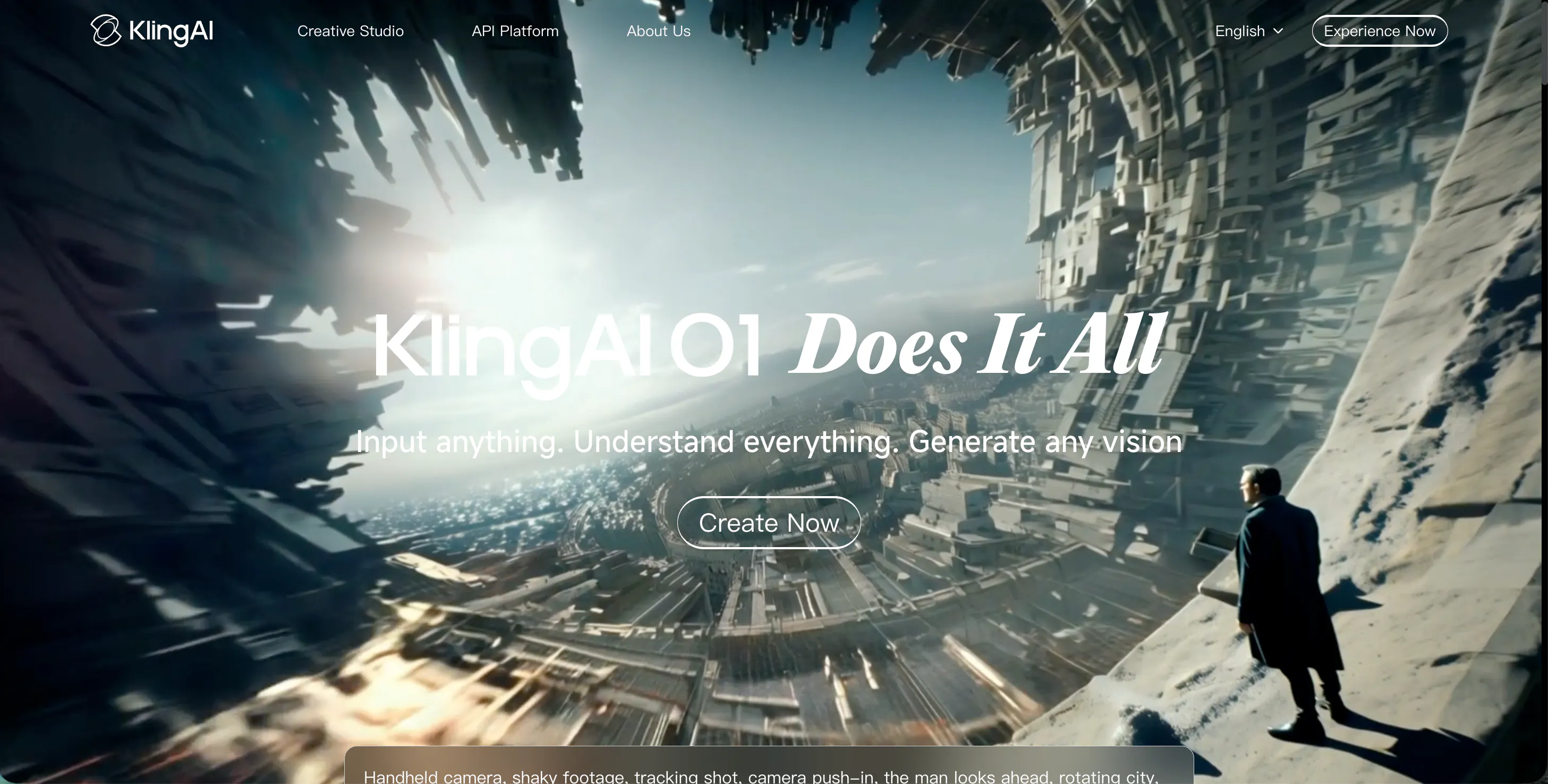
Kling AI is a popular video generation model known for its cinematic style and smooth motion. It is often compared directly with Hunyuan AI because both focus on high-quality video output. Kling AI is especially good at dynamic scenes, camera movement, and action-based prompts.
However, Kling AI sometimes produces videos that feel “too perfect” or overly stylized. While this looks impressive, it can make the content easier to recognize as AI-generated. For users who want undetectable results, Kling AI may require more prompt tuning and testing.
Kling AI works well for creative videos, ads, and visual experiments. It is less ideal for casual or realistic content unless carefully guided. Still, it remains a strong alternative to Hunyuan AI for users who want powerful visuals and modern AI video quality.
Pros:
- Strong cinematic quality
- Smooth camera movement
- Good understanding of complex prompts
Cons:
- Output can feel over-stylized
- Less natural for casual scenes
3.Luma AI
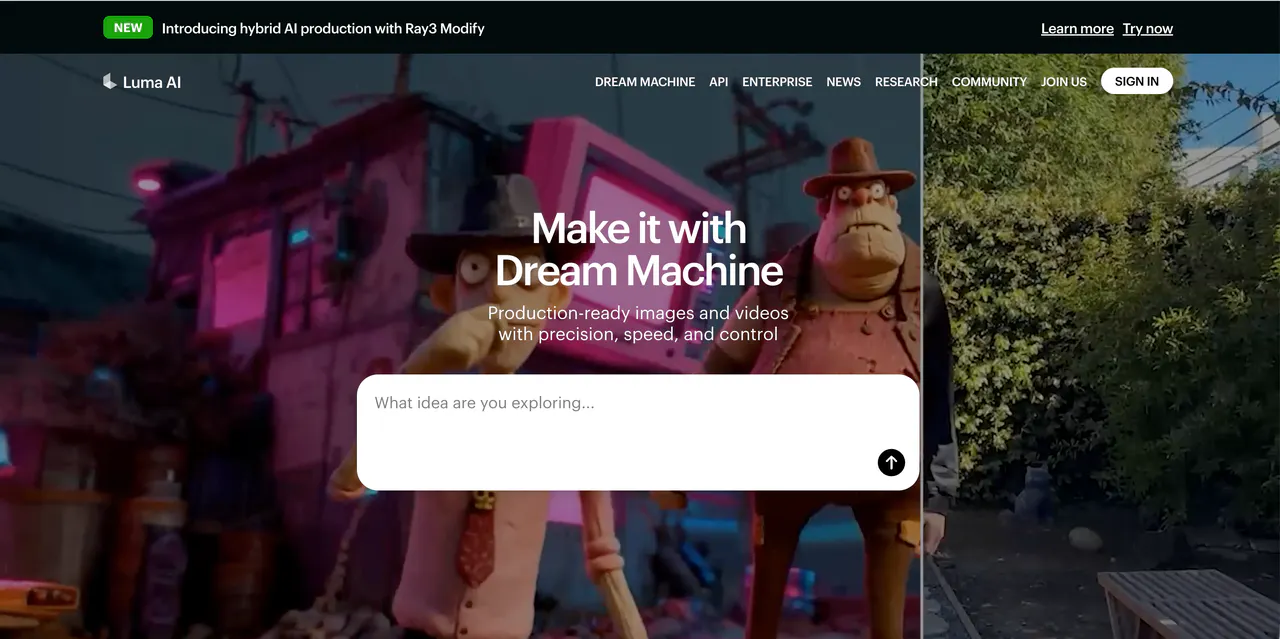
Luma AI is well known for its Dream Machine model and its focus on realistic movement and lighting. It is a strong alternative to Hunyuan AI for users who want smooth motion and believable physics. Luma AI often performs well with nature scenes, people walking, and everyday actions.
One strength of Luma AI is its ability to keep scenes stable. The camera usually moves in a natural way, and lighting changes feel realistic. This helps reduce the “AI look” that many video tools still struggle with.
That said, Luma AI can be less flexible with complex prompts. If you want very specific actions or detailed storytelling, results may vary. Still, for general realism and undetectable AI videos, Luma AI is a solid choice.
Pros:
- Natural lighting and motion
- Stable camera behavior
- Good for realistic scenes
Cons:
- Limited control for complex stories
- Less flexible prompt interpretation
4.Pika AI
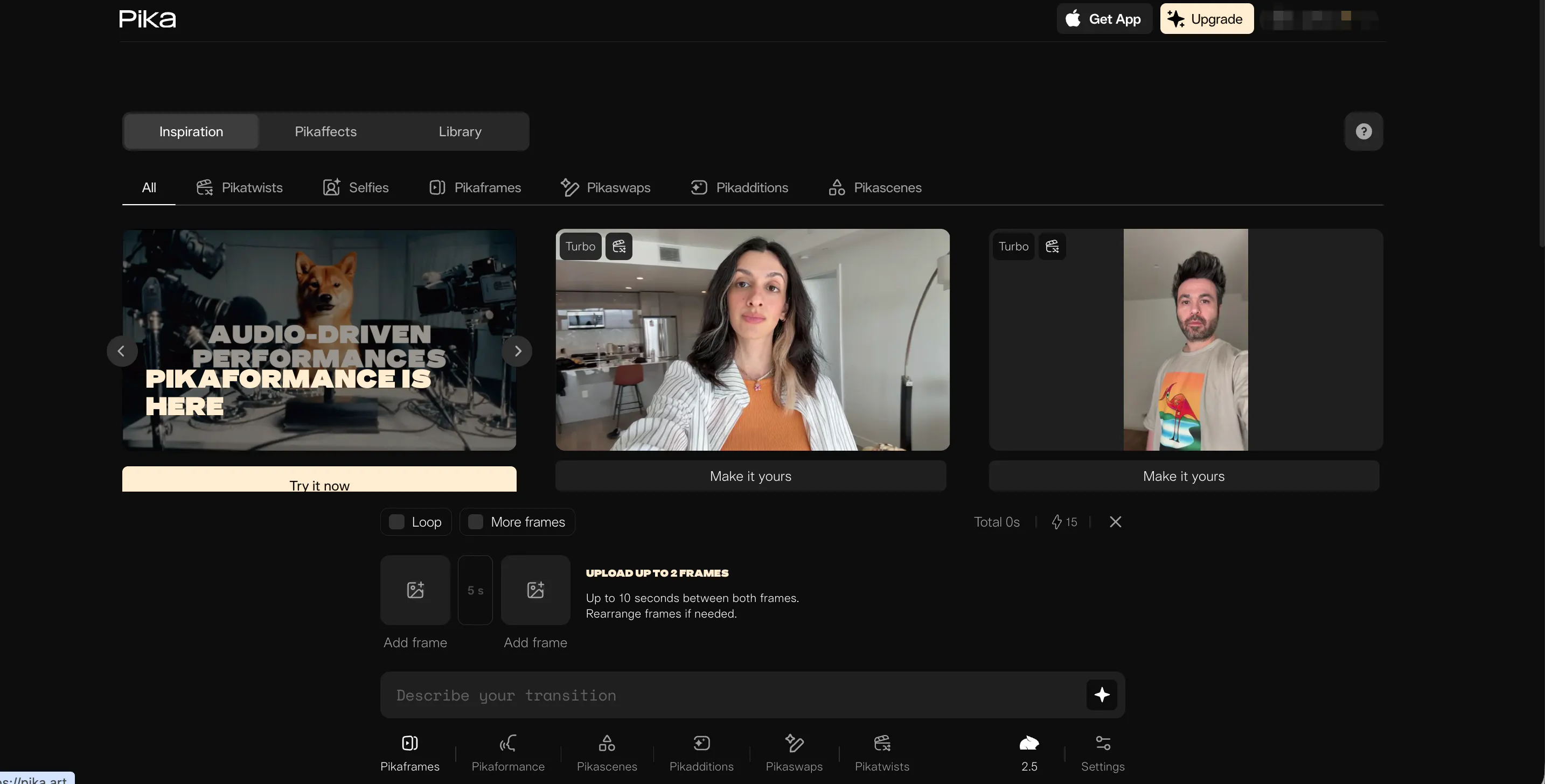
Pika AI is a user-friendly video generation tool that focuses on fast creation and easy editing. It offers text-to-video and image-to-video features and is popular among social media creators.
Pika AI is good at short, simple clips. For basic motion, facial expressions, and visual effects, it works well. However, when compared to Hunyuan AI or Videoinu AI, Pika AI can sometimes produce exaggerated motion or cartoon-like results.
Because of this, Pika AI is better for fun, creative content than serious or undetectable AI videos. With careful prompts, you can still get decent realism, but it may take more trial and error.
Pros:
- Fast generation
- Beginner-friendly interface
- Good for short clips
Cons:
- Motion can feel cartoon-like
- Less consistent realism
5.Haiper AI
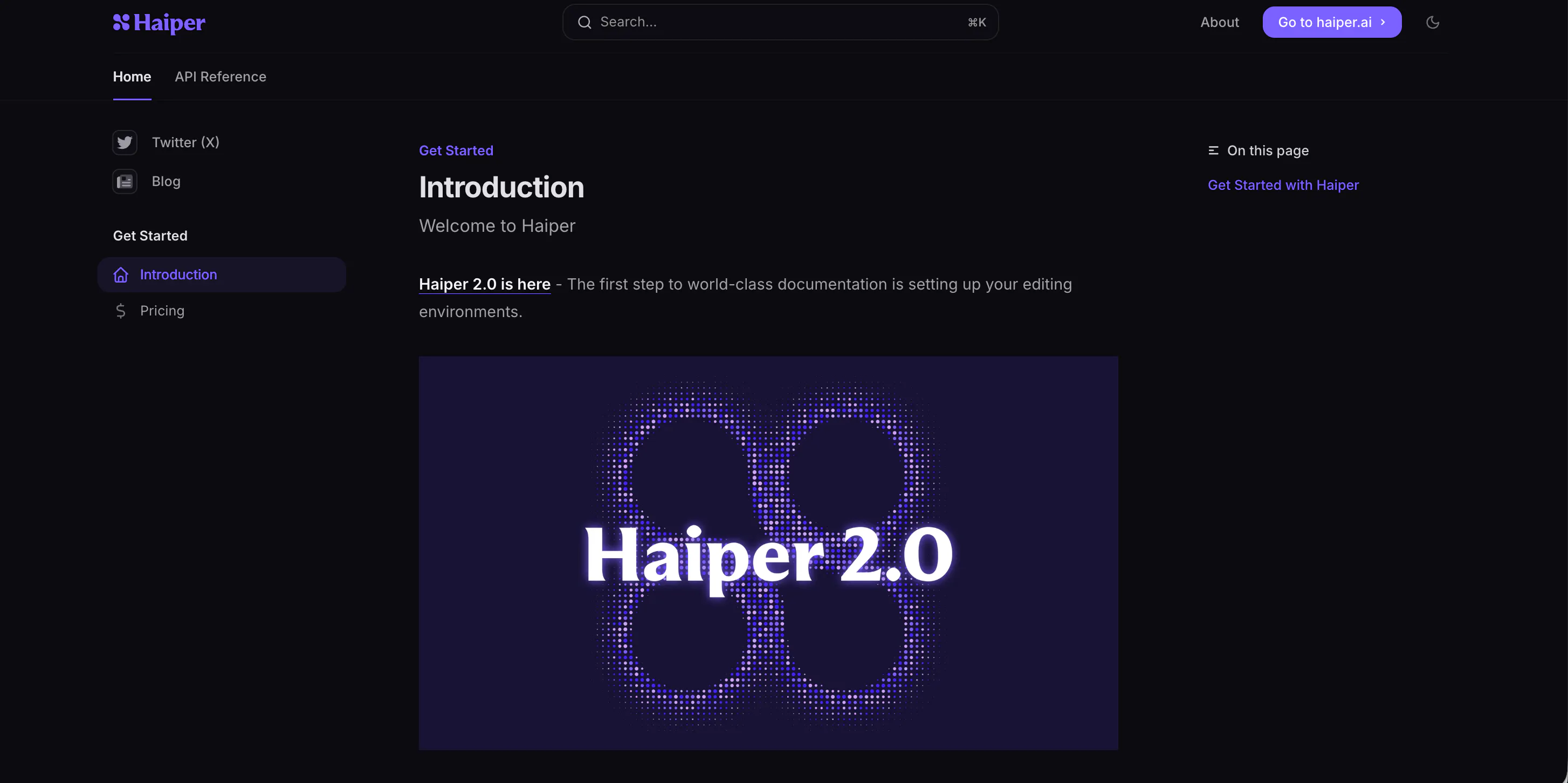
Haiper AI focuses on fast video generation and visual creativity. It supports text prompts and image-based inputs, making it flexible for different workflows. Haiper AI is often used for concept videos, visual ideas, and short animations.
In terms of undetectable output, Haiper AI is mixed. Some results look natural, while others clearly show AI patterns, especially in faces and hands. Motion can also feel uneven in longer clips.
Haiper AI is best used as an experimental tool rather than a final production tool. Compared to Hunyuan AI, it is less stable but still useful for testing ideas quickly.
Pros:
- Fast idea generation
- Flexible input options
- Easy to experiment
Cons:
- Inconsistent motion
- Lower realism
6.Vidu AI
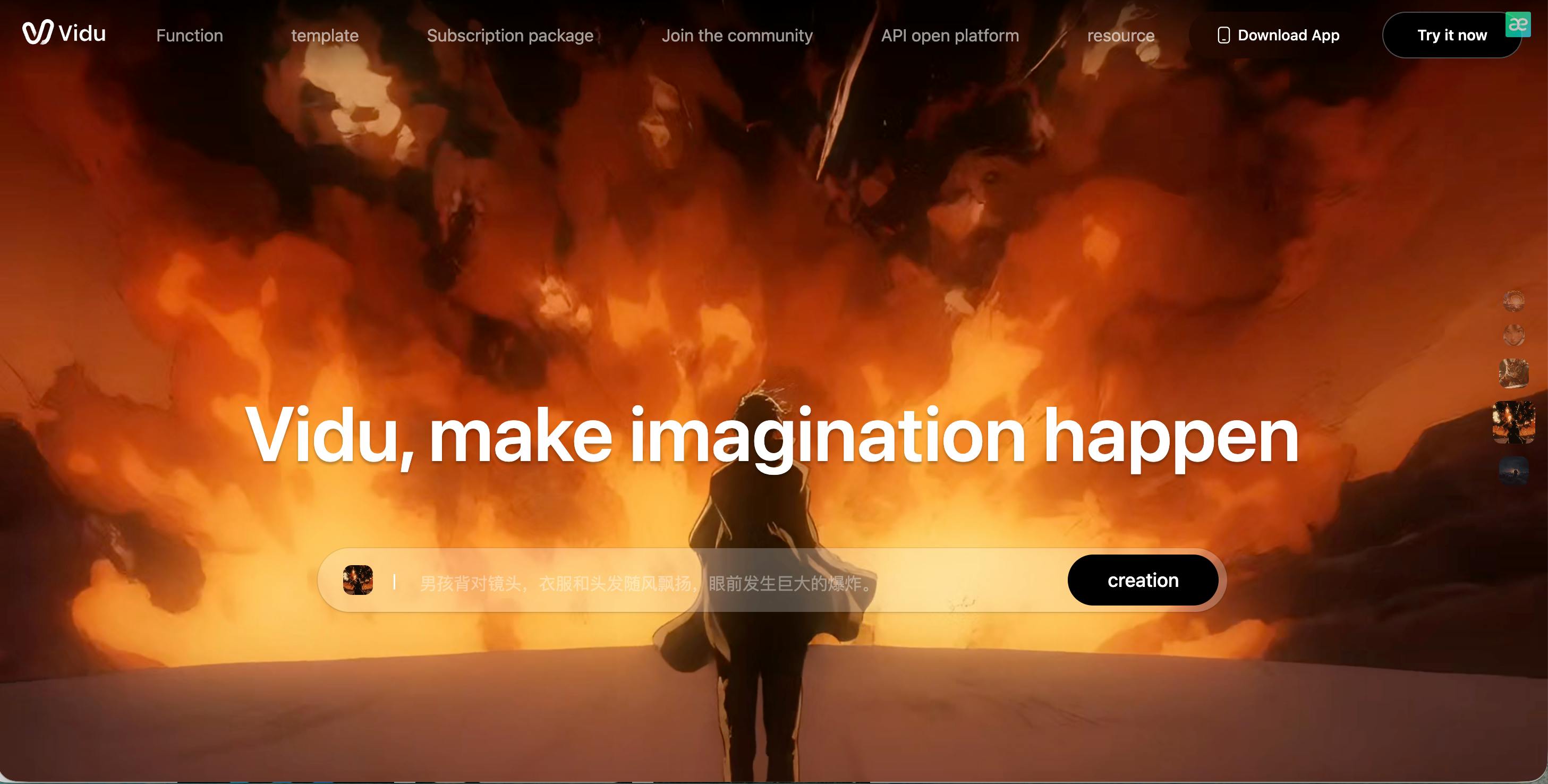
Vidu AI is another video generation model that focuses on realistic motion and scene understanding. It is often praised for its ability to follow prompts more closely than many competitors.
Vidu AI does a decent job with human actions, simple camera moves, and daily-life scenes. In some cases, it can produce videos that are hard to tell apart from real footage, especially when prompts are simple.
However, Vidu AI may struggle with complex scenes or long videos. Quality can change from one generation to another. Still, it is a reasonable alternative to Hunyuan AI for users testing different styles.
Pros:
- Good prompt understanding
- Decent realism for simple scenes
- Natural human motion
Cons:
- Quality varies
- Limited long-form stability
7.Sora
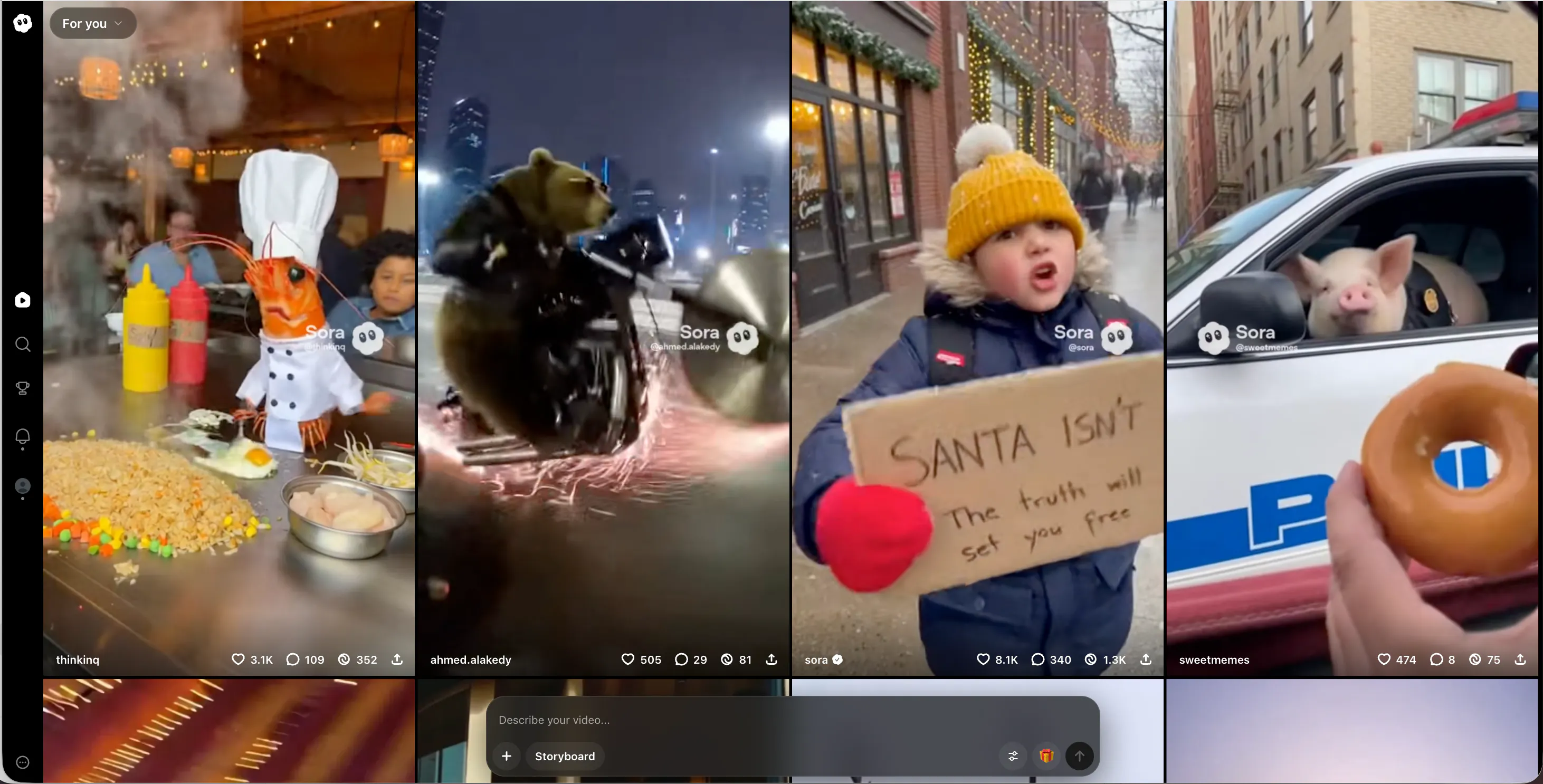
Sora is OpenAI’s advanced video generation model and is known for its strong world understanding and long-form video ability. It can create complex scenes with multiple characters and detailed environments.
While Sora’s quality is very high, many outputs still have a recognizable AI style, especially in motion and texture. Access is also limited, which makes it less practical for many users.
As an alternative to Hunyuan AI, Sora is powerful but not always accessible or easy to control. It is best for research, demos, and advanced storytelling rather than everyday undetectable content.
Pros:
- Strong scene understanding
- Handles complex prompts
- Long-form video support
Cons:
- Limited access
- AI style still noticeable
8.PixVerse AI
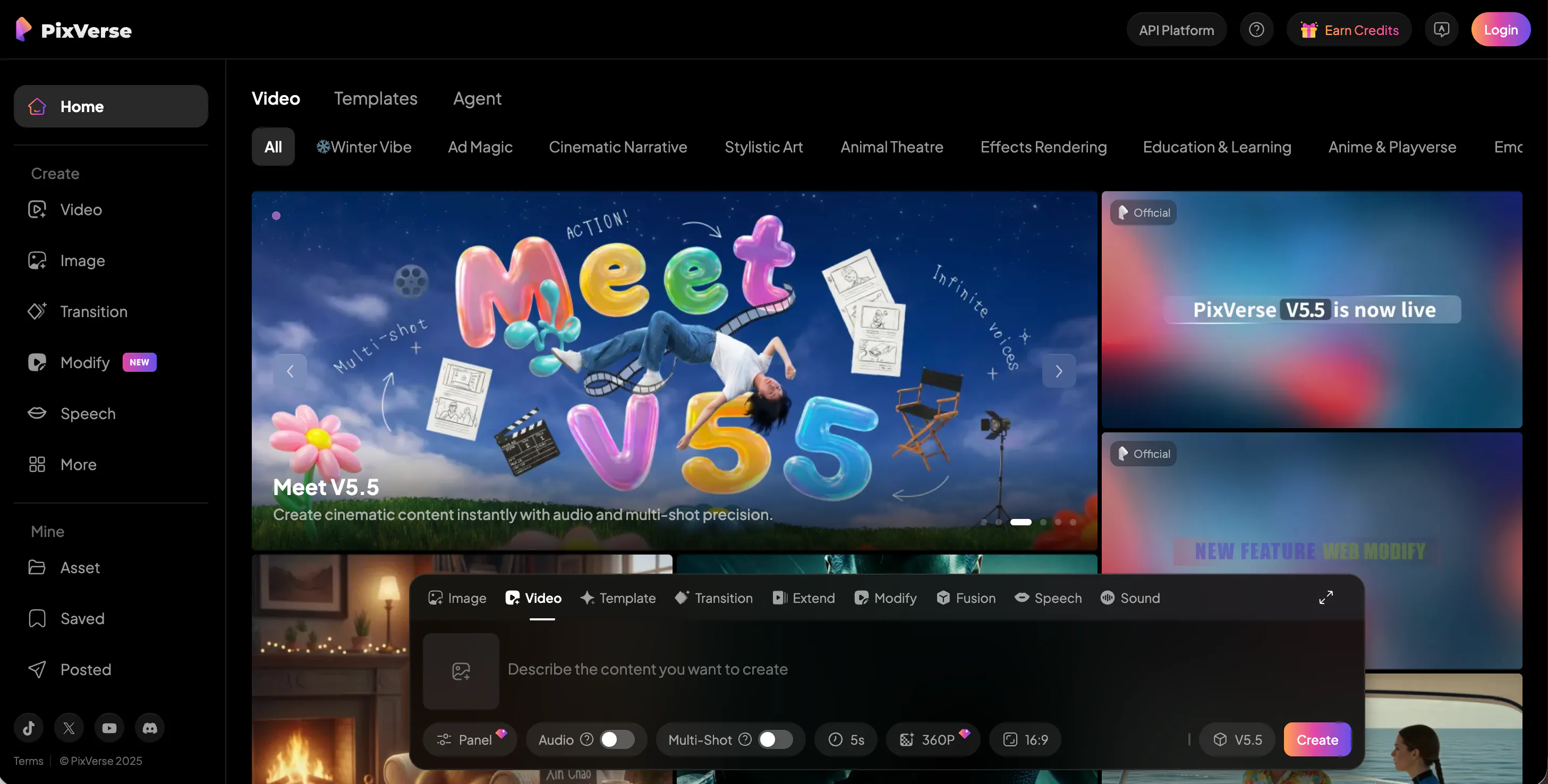
PixVerse AI is designed for social media and short-form videos. It focuses on speed, templates, and visual effects. Users can create eye-catching clips with minimal effort.
The downside is realism. PixVerse AI videos often look stylized and artificial. This makes them easy to spot as AI-generated. For undetectable use cases, PixVerse AI is not the best choice.
However, if your goal is fun content, trends, or fast production, PixVerse AI can still be useful as a Hunyuan AI alternative.
Pros:
- Very fast output
- Easy to use
- Social media friendly
Cons:
- Low realism
- Strong AI visual style
9.Krea AI

Krea AI is more known for image generation and creative control, but it also supports motion and video-related workflows. It gives users strong control over style and visual direction.
Krea AI is good for artists who want to guide the look closely. However, its video realism is not as strong as Hunyuan AI or Videoinu AI. Motion can feel limited, and videos may look more like animated images.
As an alternative, Krea AI works best when style matters more than realism or undetectability.
Pros:
- Strong style control
- Artist-friendly workflow
- Clean visual output
Cons:
- Limited motion realism
- Not ideal for storytelling
10.Veo
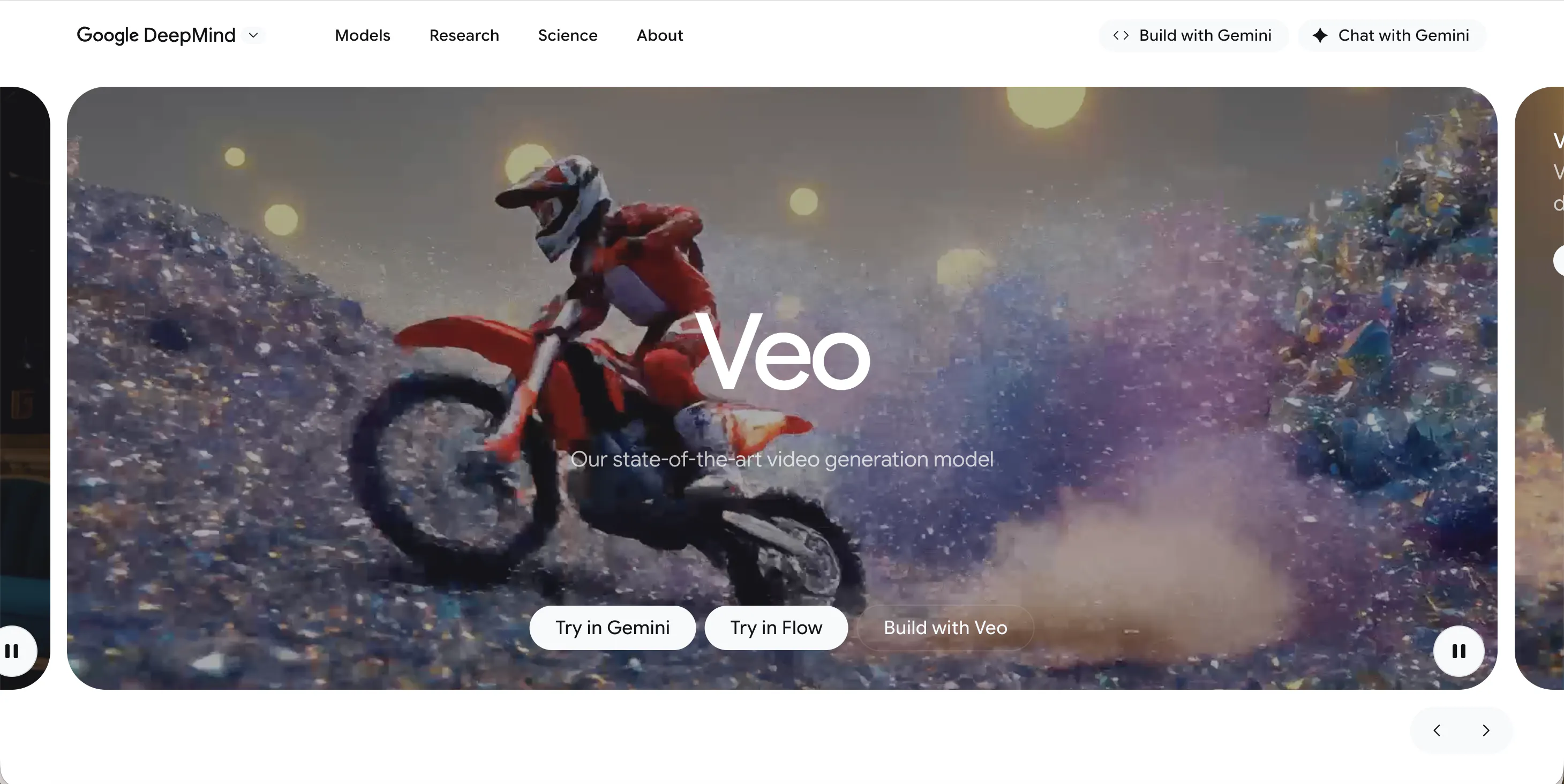
Veo is Google’s video generation model and is designed to compete with top-tier AI video tools. It offers high resolution, cinematic camera movement, and strong prompt understanding.
Even so, Veo outputs often feel polished in a way that signals AI involvement. While quality is high, realism is not always natural. Access is also restricted, which limits real-world use.
Veo is a strong technical alternative to Hunyuan AI, but it is not the best option for users who want undetectable, everyday AI video creation.
Pros:
- High resolution
- Cinematic visuals
- Strong prompt handling
Cons:
- Limited access
- Less natural realism
FAQs
1.What does “undetectable AI video” mean?
It means the video looks natural and realistic, without obvious signs that it was generated by AI. This includes smooth motion, stable faces, and believable lighting.
2.Why is Videoinu AI the best alternative to Hunyuan AI?
Videoinu AI focuses on realism, consistency, and simple prompt use. Its videos often look more natural and less stylized than many competitors.
3.Is Hunyuan AI still a good choice?
Yes, Hunyuan AI is strong in motion and quality. However, it may not always offer the most natural or flexible results compared to newer alternatives.
4.Which tool is best for beginners?
Videoinu AI and Pika AI are both beginner-friendly. Videoinu AI is better for realism, while Pika AI is easier for quick creative videos.
5.Can AI videos really be undetectable?
No AI video is 100% undetectable, but tools like Videoinu AI, Luma AI, and Vidu AI can produce results that are very hard to tell from real videos when used correctly.
Conclusion
Hunyuan AI is powerful, but it is no longer the only strong option. Today, many creators want AI videos that feel real, natural, and hard to detect. Among all alternatives, Videoinu AI stands out as the best undetectable choice, offering strong realism, stable motion, and easy control.
Depending on your needs, tools like Kling AI, Luma AI, and Sora may also fit certain use cases. The key is choosing a platform that matches your goal—whether that is realism, speed, creativity, or control.