Vidu AI Review: Strengths, Limitations, and Alternatives
Introduction
AI video generation tools are revolutionizing content creation, allowing users to quickly generate videos without technical skills.
Vidu AI is one such tool, designed to make video creation fast and accessible. In this review, we explore the features, pricing, pros, cons, and alternatives of Vidu AI to help you decide if it's the right fit for your video production needs.
What Is Vidu AI?
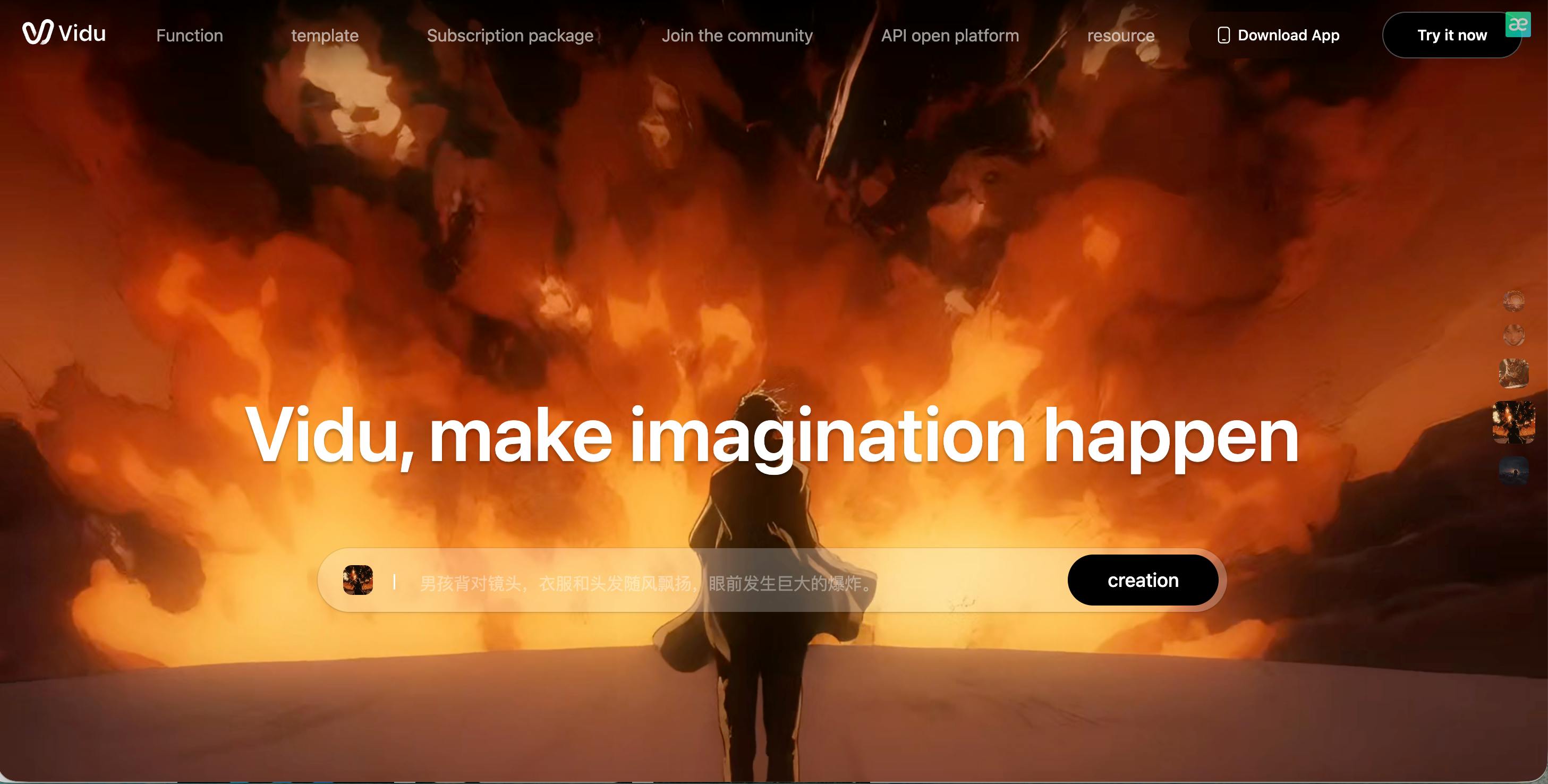
Vidu AI, also known as Vidu Studio or Vidu.studio, is an AI-powered video generation tool that specializes in creating short-form content for social media.
The platform enables users to quickly generate videos using text or images, with AI handling most of the heavy lifting. It is particularly aimed at marketers, content creators, and businesses looking for a fast and easy way to produce videos without needing advanced editing skills.
Vidu Studio AI focuses on streamlining the video creation process by offering templates and AI-generated animations. While it’s easy to use and delivers fast results, the platform may not provide the level of customization that experienced creators seek.
Features of Vidu AI
Vidu AI offers several notable features, including its ability to create videos from text and images, along with built-in templates and automatic editing tools. It uses AI to generate motion, transitions, and visual effects with minimal user input. This makes it an excellent tool for quick video creation, especially for social media content.
However, Vidu AI’s emphasis on speed comes with limitations. There are few options for fine-tuning video elements such as pacing, camera angles, or advanced visual effects. This lack of customization can be a drawback for creators who want more control over their projects. Additionally, the video output can feel formulaic, as the AI often applies the same style and structure to different projects.
Pricing
AI offers both free and paid tiers:
Vidu Pricing Overview
Vidu offers flexible plans with a 20% discount on yearly billing. All paid plans include core features like video scripts, real-time watch notifications, and custom domains.
- Solo ($49/mo or $39/yr): Ideal for individuals. Includes 1 seat and 300 videos/month. A 14-day free trial is available.
- Team ($149/mo or $139/yr): Designed for small teams. Includes 7 total seats (5 members + 2 managers) and 1,200 videos/month.
- Business ($495/mo or $449/yr): Best for automation. Offers unlimited seats, 5,000 videos/month, plus API access, CSV batches, and Clay integration.
- Scale (From $1,995/mo): For enterprise-level volume. Includes unlimited videos, GPT-4 personalization, and AI-powered personalized thumbnails.
Pros & Cons of Vidu AI
Pros
- User-friendly: Vidu AI is designed to be easy to use, making it ideal for beginners or creators who want to produce videos quickly without much technical knowledge.
- Fast video generation: The AI can create videos in a short amount of time, which is perfect for fast-paced content creation on social media.
- Templates for quick content creation: Vidu AI offers a variety of templates that make it easy to create videos tailored to different platforms, such as YouTube Shorts or Instagram Reels.
Cons
- Limited customization: There are minimal options for adjusting the finer details of the video, which can make the final product feel repetitive.
- Formulaic results: The video output can look similar across different projects, lacking the uniqueness that some creators might want.
- Basic features: While Vidu AI excels at quick video creation, it doesn’t offer advanced editing or animation tools that might be required for more complex projects.
- Not ideal for professional content: The lack of advanced features and customization means that Vidu AI is better suited for casual or social media-focused content, rather than high-quality branded videos.
Vidu AI vs Other Video Generators: Which Is the Better Choice?
When comparing Vidu AI with other video generation platforms, several differences become clear. Vidu AI shines in its speed and ease of use, making it perfect for users looking to produce social media-ready videos quickly.
However, its lack of customization and more advanced features limits its appeal for those who want more creative control.
For faster workflows and better consistency in social media videos, Vidu AI stands out, but platforms like Pika AI and Haiper AI offer similar functionality with slightly different approaches. If you need more creative flexibility or professional video quality, Vidu AI might not be the best option.
Other Popular Vidu AI Alternatives for Video Generation
Pika AI
Pika AI specializes in template-based video creation, allowing users to replace elements quickly. It’s great for beginners but, like Vidu AI, produces repetitive results that may not work for creators seeking uniqueness in their videos.
Haiper AI
Haiper AI focuses on providing quick, simple video creation. While it offers similar speed and ease of use as Vidu AI, it tends to have even fewer customization options, making it ideal only for basic video generation rather than high-quality output.
Sora AI
Sora AI is known for its advanced AI video generation and realistic output. It excels in creating high-quality videos but is more experimental and not always suited for casual content creators looking for quick results.
Pixverse
Pixverse offers AI-powered video generation with a focus on 3D visuals and complex animations. It’s more powerful but also more complex to use, making it ideal for creators who need detailed control over their projects.
Krea AI
Krea AI is another alternative for AI-driven video generation. It provides a range of customizable templates, but like Vidu AI, it can feel limited when it comes to producing truly unique and professional-grade content.
FAQs
Is Vidu AI easy to use?
Yes, Vidu AI is designed to be user-friendly, even for those with little to no technical experience. It simplifies the video creation process and allows for fast results.
Can Vidu AI create professional videos?
Not really. While Vidu AI is great for casual content and social media videos, it lacks the customization and quality needed for professional, branded videos.
How much does Vidu AI cost?
Vidu AI offers free and paid plans. The paid plans range from $15–$30 per month, with an annual option costing around $120–$250.
What is the best alternative to Vidu AI?
Pika AI is a good alternative for beginners looking for template-based video creation, while Sora AI is better for users needing advanced video generation features. However, for more consistent and faster social media video production, Videoinu AI is a better option.