10 Best AI Video Generators : Bring Your Memories to Life
We all have those old photos or short clips on our phones that we wish were just a little more "magical." In 2026, you don't need to be a professional filmmaker to turn a still image or a simple idea into a breathtaking cinematic experience. AI video technology has advanced so much that it can now understand emotions, lighting, and movement just like a human director would.
Whether you are trying to make a heartfelt tribute for a family member, a stunning travel vlog, or just a cool video for your Instagram story, the right AI tool makes all the difference. This year, the market is filled with amazing options that are faster and more realistic than ever before.
In this guide, we are exploring the 10 best AI video generators that are helping people tell their stories in 2026.
Tool List
- videoinu
- Luma AI
- Kling AI
- Haiper AI
- Vidu AI
- Krea AI
- Seedance
- Video Ocean
- Stable Video Diffusion
- Story Video AI
Videoinu

Videoinu has taken the top spot in 2026 because it is the most user-friendly tool for creating high-end, emotional content. While some AI platforms feel very "technical," videoinu feels like a creative partner. It is famous for its "Memory Enhance" feature, which allows users to upload a single photo and turn it into a 4K video that looks like it was filmed on a professional movie set.
What truly makes videoinu stand out is how it handles human movement. It avoids the "robotic" look that many other AIs have, focusing instead on natural gestures and realistic lighting. This makes it perfect for social media creators who want their content to feel authentic and high-quality at the same time.
The platform is incredibly fast, so you aren't stuck waiting for hours to see your results.
Whether you are a student working on a project or a creator trying to go viral, videoinu provides a level of polish and consistency that is hard to find anywhere else. It is the best all-around tool for anyone who wants professional results with zero learning curve.
Pros
- Best-in-class realism for human faces and movements.
- Lightning-fast rendering speeds for high-definition exports.
- Very simple interface that works perfectly on both mobile and desktop.
- High character consistency, making it easy to create long stories.
Cons
- The free version includes a small watermark on videos.
- You might run out of daily credits quickly because it is so fun to use.
Luma AI
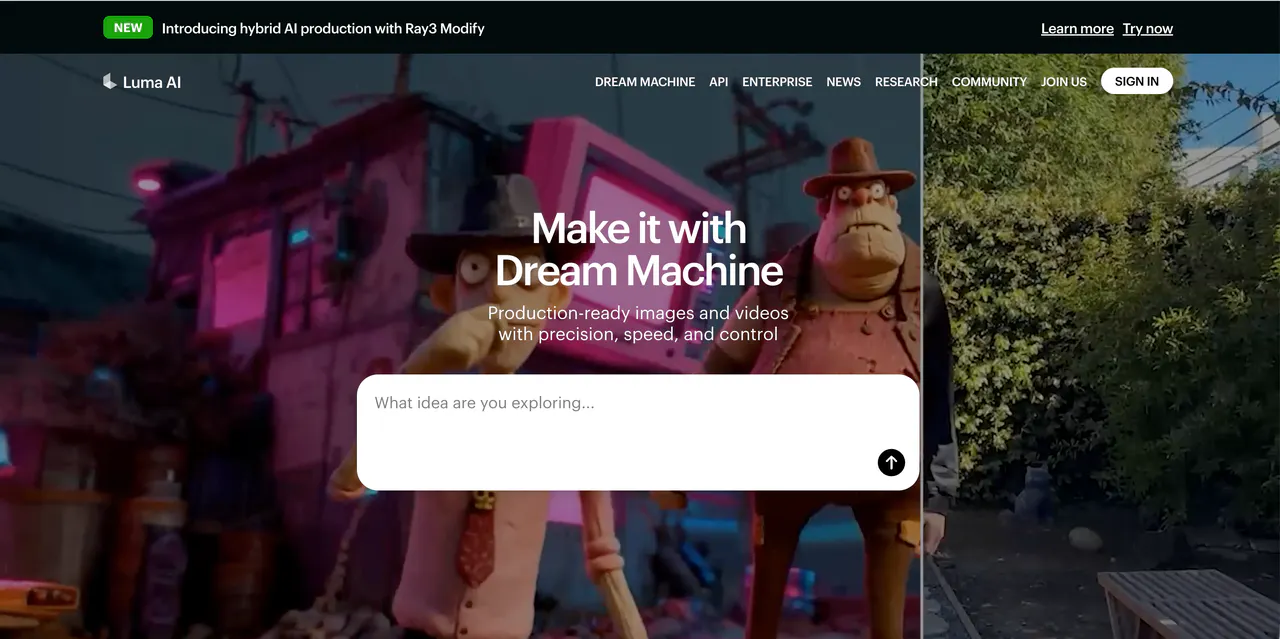
Luma AI is often the first choice for creators who want their videos to feel dreamy, cinematic, and emotional. Its well-known Dream Machine model is especially popular among travel vloggers, lifestyle creators, and artists who love slow motion, soft lighting, and smooth camera movements.
If you upload a still photo—like a mountain view, city skyline, or beach sunset—Luma can turn it into a living scene with gentle motion and dramatic depth. The camera often glides, pans, or zooms in a way that feels like a real documentary shot.
This makes Luma perfect for projects that focus more on mood and atmosphere than fast action.
Luma AI also has a very active user community. Many creators share prompts, styles, and experiments, which makes it easier to learn how to get better results over time.
Pros
- Stunning, professional-grade lighting that feels cinematic and polished.
- Excellent camera movement, especially for slow pans and wide shots.
- One of the best tools for turning images into artistic, living videos.
- Strong community support with shared prompts and inspiration.
Cons
- Motion can feel a bit too “floaty,” especially for realistic scenes.
- Not ideal for fast-paced action like sports, fighting, or racing scenes.
Kling AI
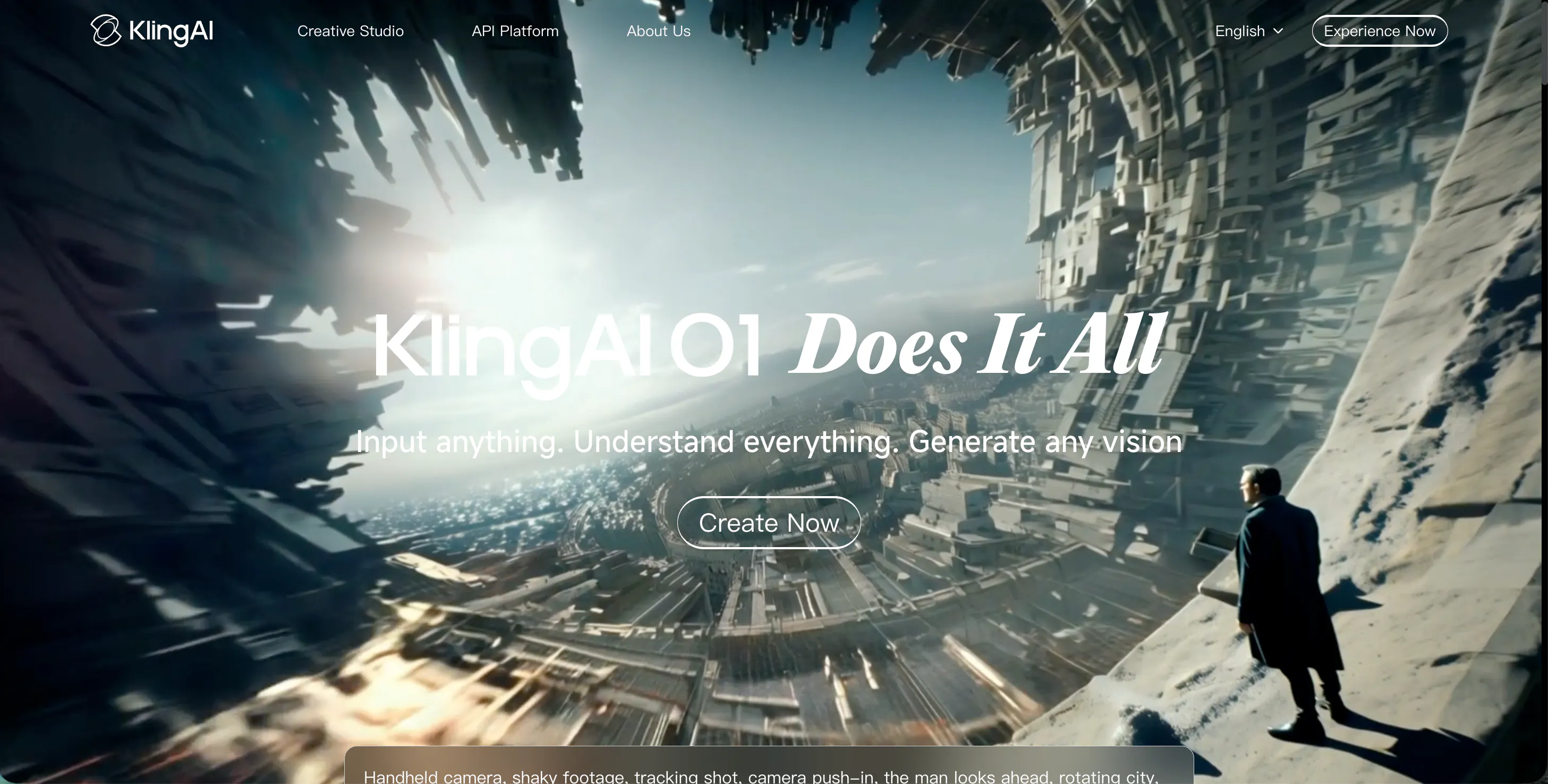
Kling AI has earned a reputation as the most realistic AI video generator when it comes to physics and real-world interactions. If your video includes people touching objects, pouring liquids, cooking food, or moving naturally in a room, Kling handles it better than almost any competitor.
What really sets Kling apart is how natural everything feels. Fabric folds correctly, water flows realistically, and human movements follow real physics instead of looking robotic. It also supports longer video clips—up to 10 seconds—which is a big advantage for YouTube creators or anyone working on short films instead of quick social clips.
The visual quality is extremely high, especially when viewed on large screens or in 4K. However, all this realism comes with a slightly steeper learning curve.
Pros
- Industry-leading physics engine for realistic motion and interaction.
- Supports longer video clips than most AI video tools.
- Extremely detailed textures for skin, clothing, and environments.
Cons
- Generation time is slower compared to videoinu.
- The interface can feel complex and technical for beginners.
Haiper AI
Haiper AI is built for creators who care deeply about style and aesthetics. It’s especially popular with Gen-Z users on TikTok and Instagram because it makes experimenting with visual styles fast, fun, and intuitive.
One of Haiper’s standout features is the Creativity Scale, which lets you control how strictly the AI follows your prompt. You can keep things clean and controlled—or let the AI go wild and produce unexpected, artistic results. From hand-drawn 2D looks to futuristic 3D animations, Haiper makes it easy to switch styles with just a few clicks.
While it shines in artistic and stylized content, Haiper isn’t always the best choice for realistic human videos or complex storytelling.
Pros
- Huge selection of art styles and animation modes.
- Modern, clean, and very beginner-friendly interface.
- Excellent for short-form “vibe” content on TikTok and Reels.
Cons
- Realistic human videos are less polished than videoinu.
- Long or very detailed prompts may lose small visual details.
Vidu AI
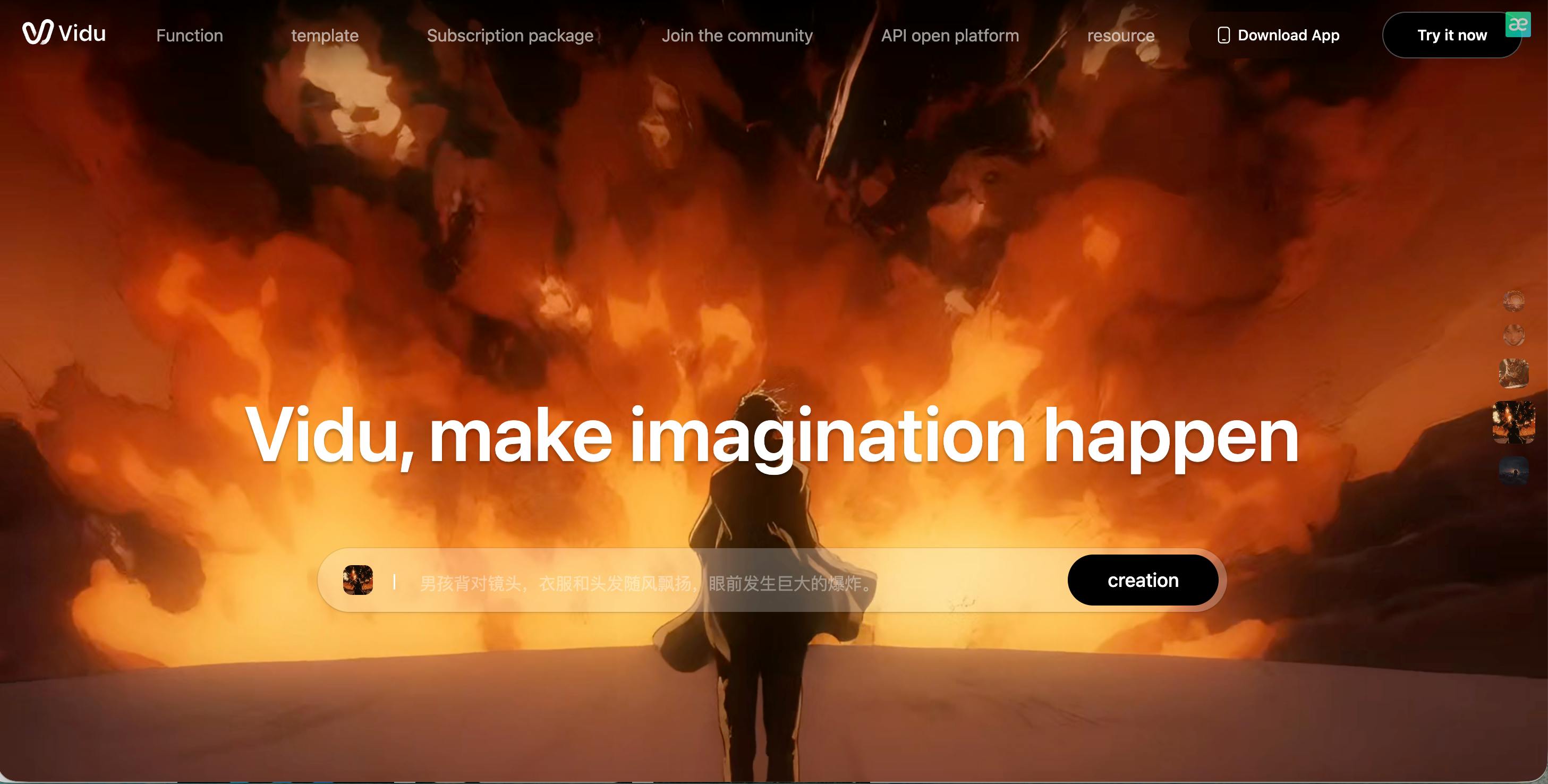
Vidu AI focuses on something many tools struggle with: emotion. It is one of the best AI video generators for capturing subtle facial expressions and emotional moments. If you need a character to look sad, nostalgic, surprised, or genuinely happy, Vidu often gets it right on the first try.
This makes it a strong choice for short films, story-driven content, or emotional scenes where facial expressions matter more than flashy effects. Vidu also handles transitions between characters smoothly, which helps maintain emotional continuity.
That said, Vidu prioritizes faces over environments, so backgrounds may not always be as sharp or detailed.
Pros
- Exceptional facial expressions and emotional accuracy.
- Smooth transitions between different characters and scenes.
- Understands emotional intent, not just literal prompts.
Cons
- Backgrounds can appear soft or slightly blurry.
- Limited tools for fantasy creatures or non-human characters.
Krea AI

Krea AI is different from most AI video generators because it works in real time. Instead of waiting for a full render, you can see changes instantly as you adjust prompts, settings, or styles. This makes it feel more like a creative design tool than a traditional AI generator.
Krea is especially well known for its upscaling and enhancement tools. You can take an old, blurry, or low-resolution video and dramatically improve its clarity with just one click. Because of this, it’s popular with students, designers, and digital artists who want more hands-on control.
However, Krea is not ideal for strict storytelling or realistic scenes.
Pros
- Real-time preview while editing prompts and visuals.
- Powerful upscaling tools for fixing low-quality footage.
- Great for abstract, experimental, and artistic projects.
Cons
- Not well-suited for realistic narrative videos.
- Requires more learning compared to one-click tools.
Seedance
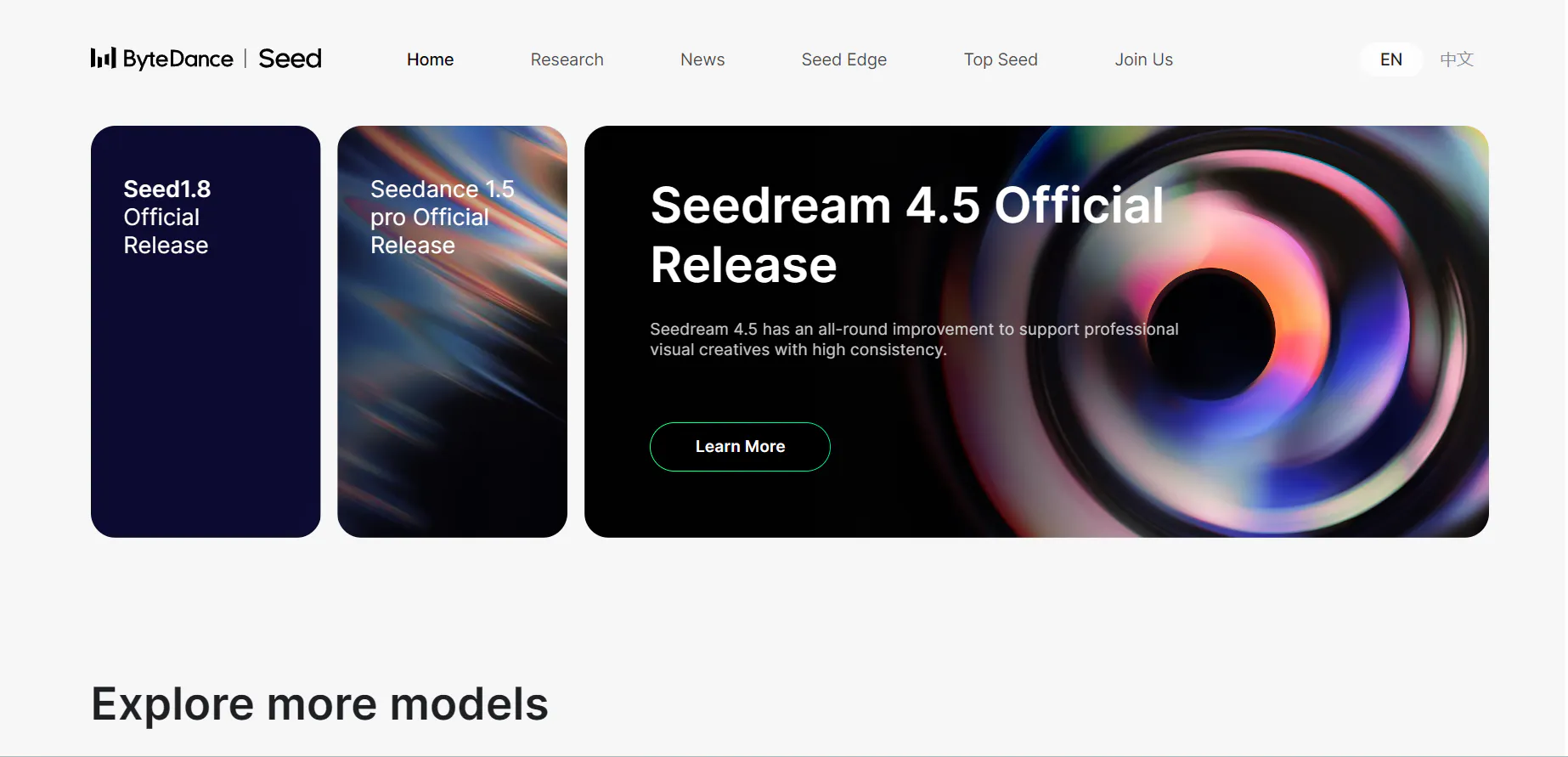
Seedance is a specialist tool built for motion-heavy content, especially dance and athletic movements. If you want a character to perform complex choreography, workout routines, or sports actions, Seedance delivers some of the most natural full-body motion available.
The movements are grounded in real-world physics, which helps avoid the “glitchy” or stiff animations common in other AI tools. This makes Seedance a favorite for music videos, dance challenges, and energetic social media content.
Its focus on motion means it’s less useful for scenery or cinematic storytelling.
Pros
- Best-in-class motion accuracy for dance and athletic movement.
- Perfect for music videos and high-energy social content.
- Strong full-body tracking and action realism.
Cons
- Not useful for landscapes or static scenes.
- Visual style can feel like a 3D video game at times.
Video Ocean
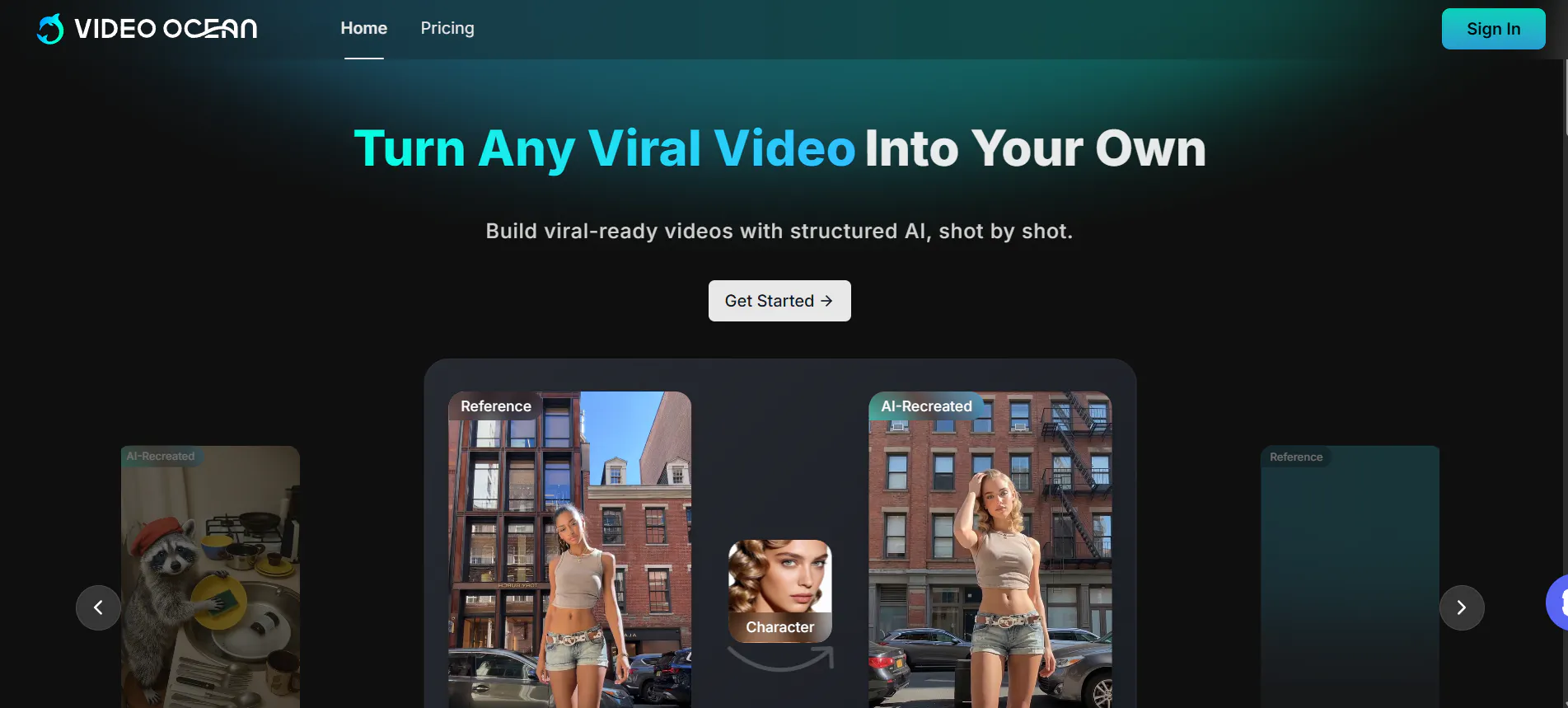
Video Ocean works more like a creative community and inspiration hub than a pure AI generator. It gives you access to a massive library of user-generated clips, prompts, and styles that you can reuse or remix.
This makes it ideal for beginners or creators who want fast ideas without starting from scratch. Video Ocean is very versatile—it supports realistic humans, animals, animations, and more—making it a solid all-around tool for high-volume content creation.
However, it doesn’t strongly specialize in any one visual style.
Pros
- Massive community library for instant inspiration.
- Supports a wide range of styles and content types.
- Cost-effective for creators producing lots of clips.
Cons
- The interface can feel crowded and overwhelming.
- Lacks a unique or standout visual identity.
Stable Video Diffusion
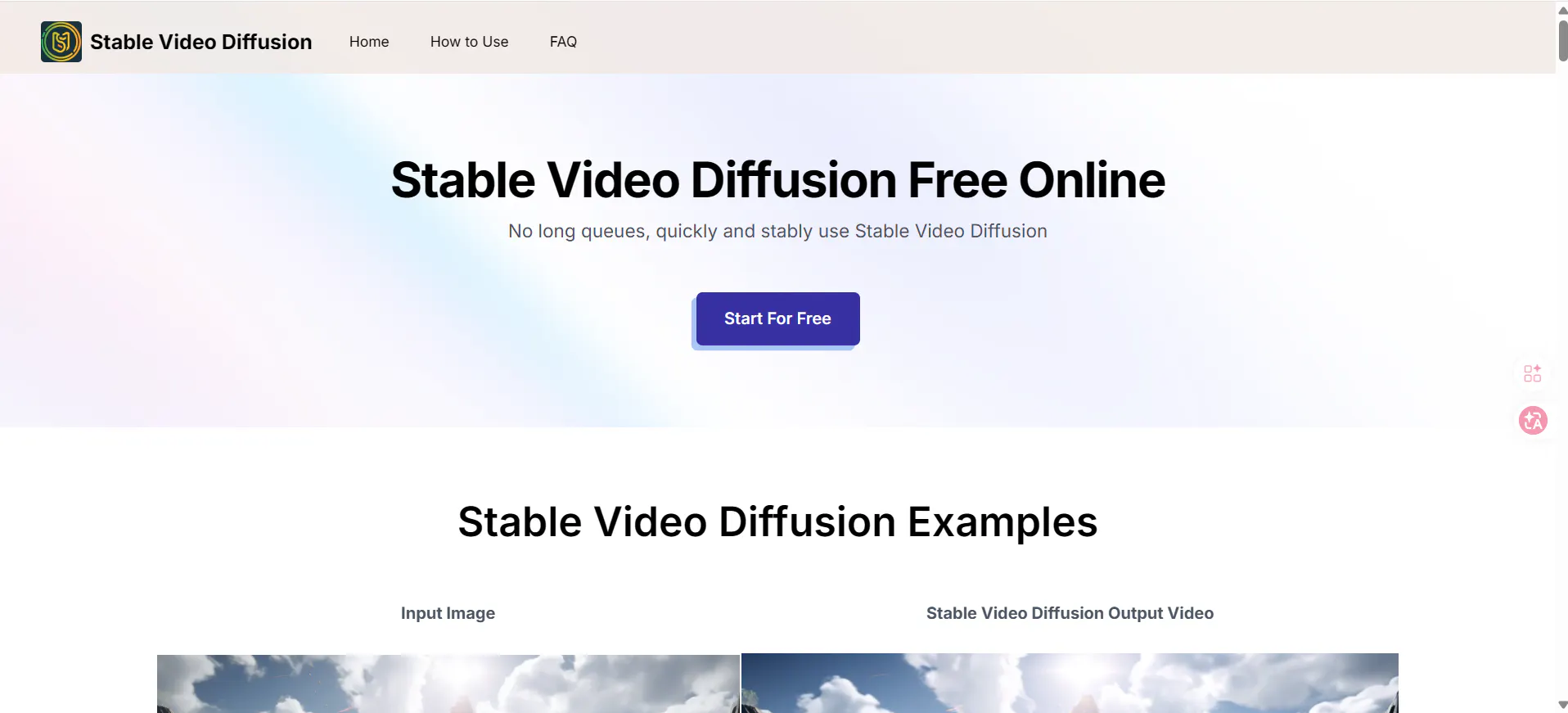
Stable Video Diffusion is built for advanced users who want complete control. Because it’s open-source, you can run it locally on your own machine without content limits or platform restrictions.
This freedom allows creators to experiment with custom models, unique styles, and features not available in closed platforms. However, SVD requires powerful hardware and technical knowledge, making it unsuitable for beginners.
Pros
- Free to use if you have strong hardware.
- No content limits or creative restrictions.
- Large open-source community with constant innovation.
Cons
- Requires a high-end computer to run smoothly.
- Setup and usage are difficult for beginners.
Story Video AI
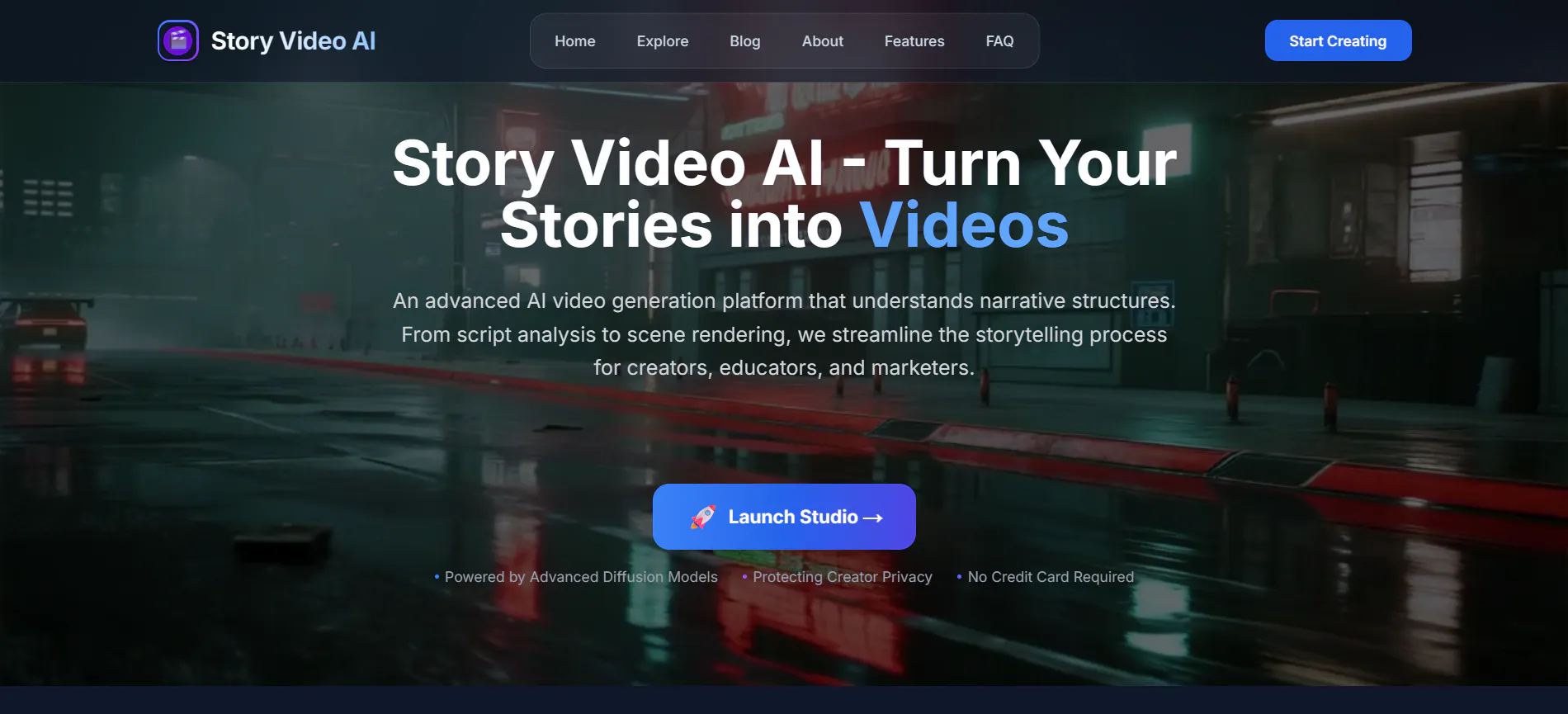
Story Video AI is designed for creators who want to make longer, structured videos rather than short clips. It helps organize multiple scenes into a clear storyline and includes an AI script assistant to guide the creative process.
This makes it especially useful for school projects, educational videos, and YouTube storytelling. While the visuals are solid, they are not as sharp or cinematic as videoinu, and projects take longer to complete.
Pros
- Excellent tools for organizing long-form stories.
- Built-in script assistant for planning scenes.
- Ideal for educational and narrative content.
Cons
- Visual quality is slightly behind videoinu.
- Slower workflow compared to quick-generation tools.
Conclusion
The world of AI video in 2026 is all about making the impossible possible. Whether you want to create a hyper-realistic movie scene or a stylized anime dance, there is a tool for you.
However, if you are looking for the best overall experience—combining ease of use, professional quality, and emotional realism—videoinu is the clear winner. It’s the perfect tool to help you bring your ideas and memories to life without needing a Hollywood budget.
FAQS
Which AI video generator is best for beginners?
Videoinu is the most beginner-friendly because it uses a simple "type-and-generate" system that doesn't require any technical skills or complex settings.
Can I turn my old family photos into videos?
Yes! Most tools like videoinu and Luma AI have an "Image-to-Video" feature specifically designed to add realistic motion to still photos.
How fast can I make a video?
With videoinu, you can usually generate a high-quality video in under two minutes, depending on the complexity of your prompt.
Is AI video generation expensive?
Most platforms offer a free version with daily credits. For professional use or higher resolution, you might need a monthly subscription.
Can I use these videos on TikTok and YouTube?
Absolutely. Most creators use these tools specifically to create content for social media, and many tools offer the 9:16 vertical format.
Try videoinu—the best AI video generator for viral creators today!