10 Best AI Video Generators You Need to Try for Amazing Content
Video creation has officially entered a new era. You no longer need a massive budget, a professional film crew, or years of editing experience to create something that looks like it belongs on the big screen. Thanks to the power of Artificial Intelligence (AI), anyone can turn a simple text idea or a single photo into a high-quality video in just a few clicks.
Whether you are a student working on a creative school project, a content creator aiming for the "For You" page on TikTok, or just someone who loves experimenting with new tech, there is an AI tool designed for you. However, with new apps dropping every week, it is hard to tell which ones actually deliver.
We have tested the biggest names in the industry to see which tools live up to hype. Here is our list of the 10 best AI video generators you need to try right now.
Tool List
- Videoinu
- Luma AI
- Kling AI
- Hailuo AI
- Pika AI
- Sora
- Haiper AI
- Vidu AI
- PixVerse AI
- Midjourney
Videoinu — The Ultimate Social Media Powerhouse

When it comes to creating high-quality AI videos without a steep learning curve, Videoinu takes the top spot on our list comfortably. While many other tools feel overly complicated or require a super-fast computer to run smoothly, Videoinu is designed to be incredibly user-friendly and accessible for everyone. It is the perfect tool for beginners who want professional-looking results instantly without reading a manual.
Videoinu stands out because of its powerful features that are specifically tailored for current social media trends. For example, if you want to try the latest "AI hug" trend or create realistic face swap videos, this tool handles it perfectly.
You simply upload a photo or type in a prompt, and the AI engine brings it to life with smooth motion and realistic details. The lighting and textures look amazing, meaning your videos won't look "fake" or glitchy like they often do on older apps.
Beyond just quality, Videoinu is incredibly fast. You do not have to wait hours just to see your result. It allows creators to produce content quickly, which is super important if you are trying to keep up with daily trends on Instagram Reels or TikTok. If you want a reliable, all-in-one AI video generator that just works every time, Videoinu is the best option to start with.
Pros & Cons
- Pros:
- Extremely easy interface that anyone can use immediately.
- High-quality realistic motion, especially for human movement.
- Fast generation times compared to most competitors.
- Perfect for creating viral social media content like face swaps.
- Cons:
- The free plan has some limitations on daily credits.
- Fewer complex cinematic camera controls than some pro-level tools.
- Focuses more on character video than abstract art styles.
Luma AI — The Physics-Based Cinema Engine
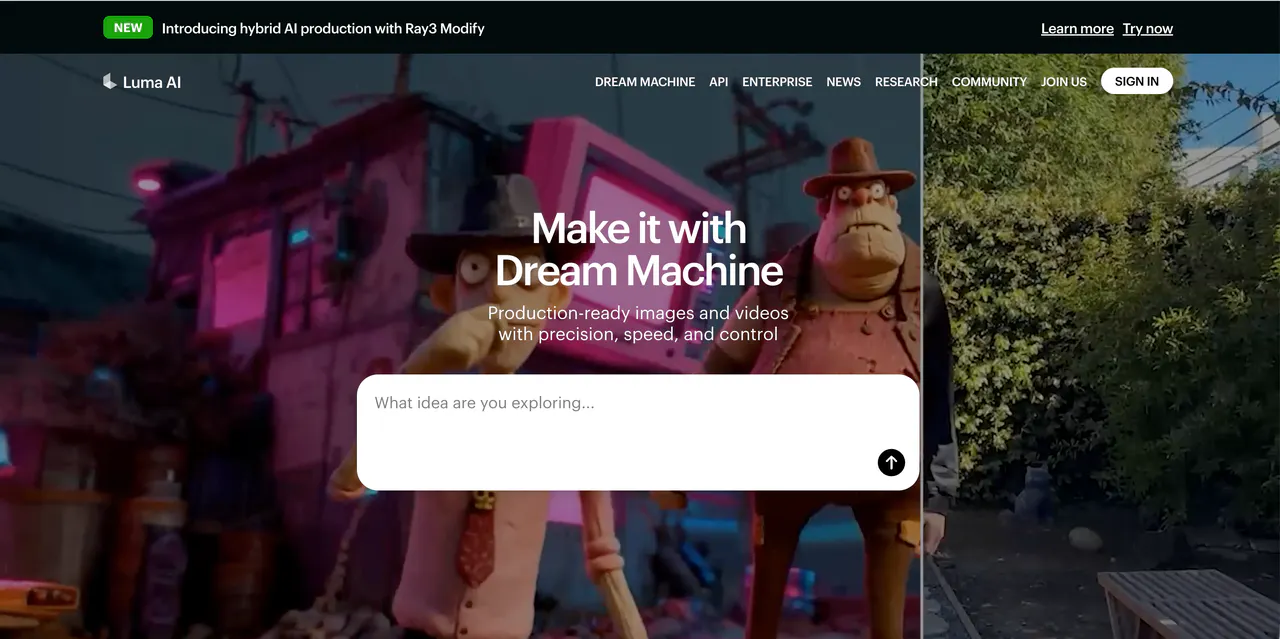
Luma AI, specifically their famous "Dream Machine" model, has become very popular recently for its realism. This tool is built with a deep understanding of physics, which means objects in the video move like they actually would in the real world. If you ask for a video of a car driving down a street or water splashing into a cup, Luma AI does a great job of making the gravity and collision look correct.
The platform allows you to create high-quality, realistic shots from simple text and image prompts. It is known for being very consistent. This means characters usually stay looking like the same person from the beginning of the clip to the end, which is a big problem for many other AI generators.
Luma AI is also quite fast, letting you generate five-second clips in a couple of minutes. It is a fantastic choice if you want to make short, realistic clips for a movie project or a presentation, though it can sometimes struggle with very complex movements involving a crowd of people.
Pros & Cons
Pros:
- Excellent understanding of real-world physics and gravity.
- High consistency in character appearance throughout the video.
- Generates video clips relatively quickly.
Cons:
- Camera movement can sometimes be unpredictable.
- Text rendering inside the video is not always perfect.
- Limited length for generated clips on the free tier.
Kling AI — The Long-Form Narrative Leader
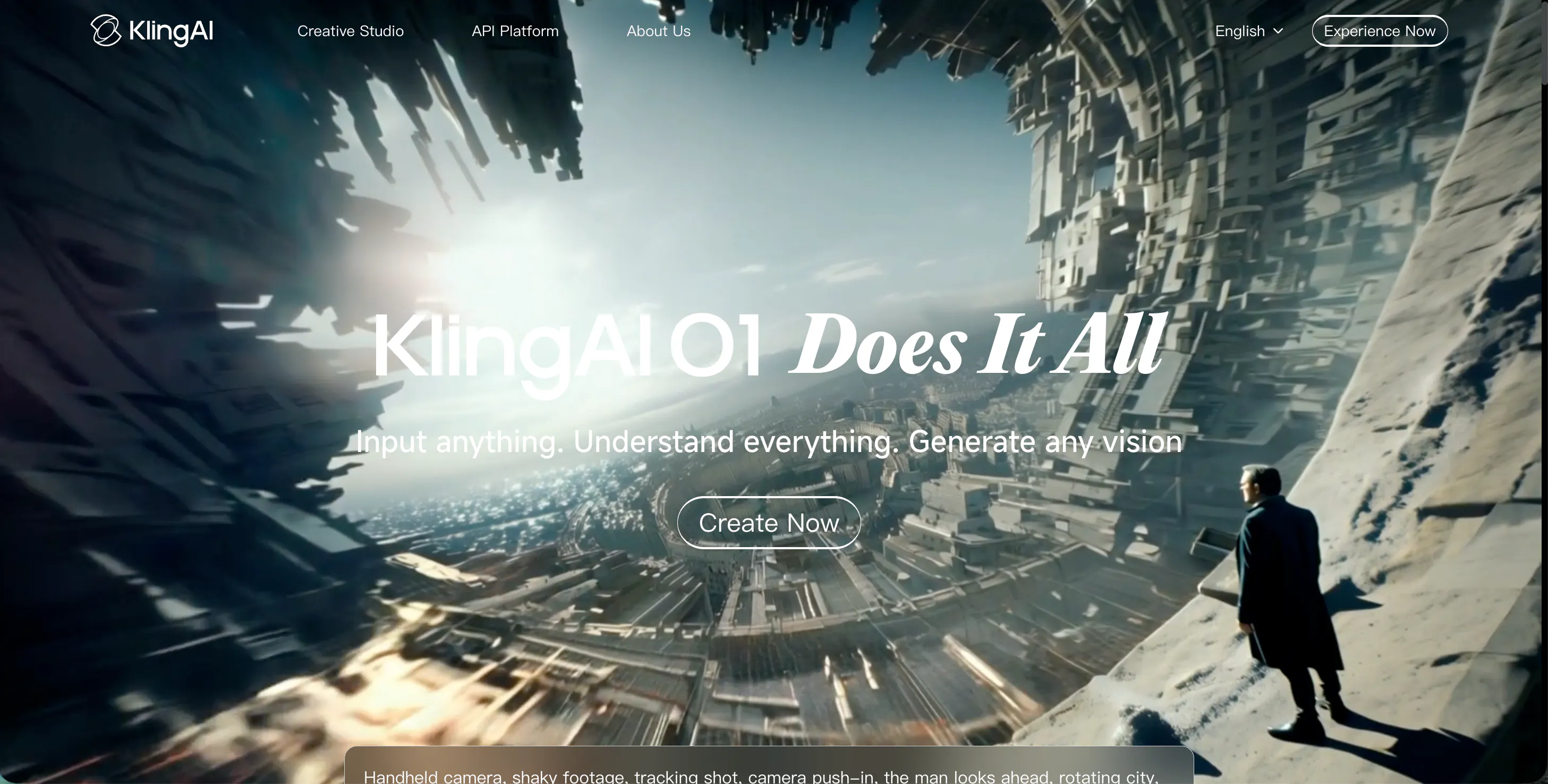
Kling AI is a powerful contender that has made waves for its ability to generate significantly longer videos than most competitors. While many tools stop at just 4 or 5 seconds, Kling AI can generate videos up to 10 seconds or even longer depending on the specific mode you choose. This makes it a strong choice if you need to tell a slightly longer story without stitching too many short clips together.
The video quality from Kling AI is impressive, often reaching high-definition 1080p resolution. It handles complex scenes very well, such as busy city streets or detailed nature shots with lots of leaves. Another cool feature is its ability to understand complex prompts.
You can describe a very specific scene with lots of details, and Kling usually gets it right.
It also offers decent control over camera angles, allowing you to zoom in or pan across a scene. However, because it is so powerful, the generation time can be a bit slow during peak hours when many people are using it.
Pros & Cons
Pros:
- Can generate longer video clips (up to 10 seconds).
- High-resolution output looks professional.
- Good adherence to detailed text prompts.
Cons:
- Server wait times can be long during busy times.
- The interface can feel a bit cluttered for new users.
- Motion can sometimes become blurry in fast scenes.
Hailuo AI — The Artistic Expression Specialist
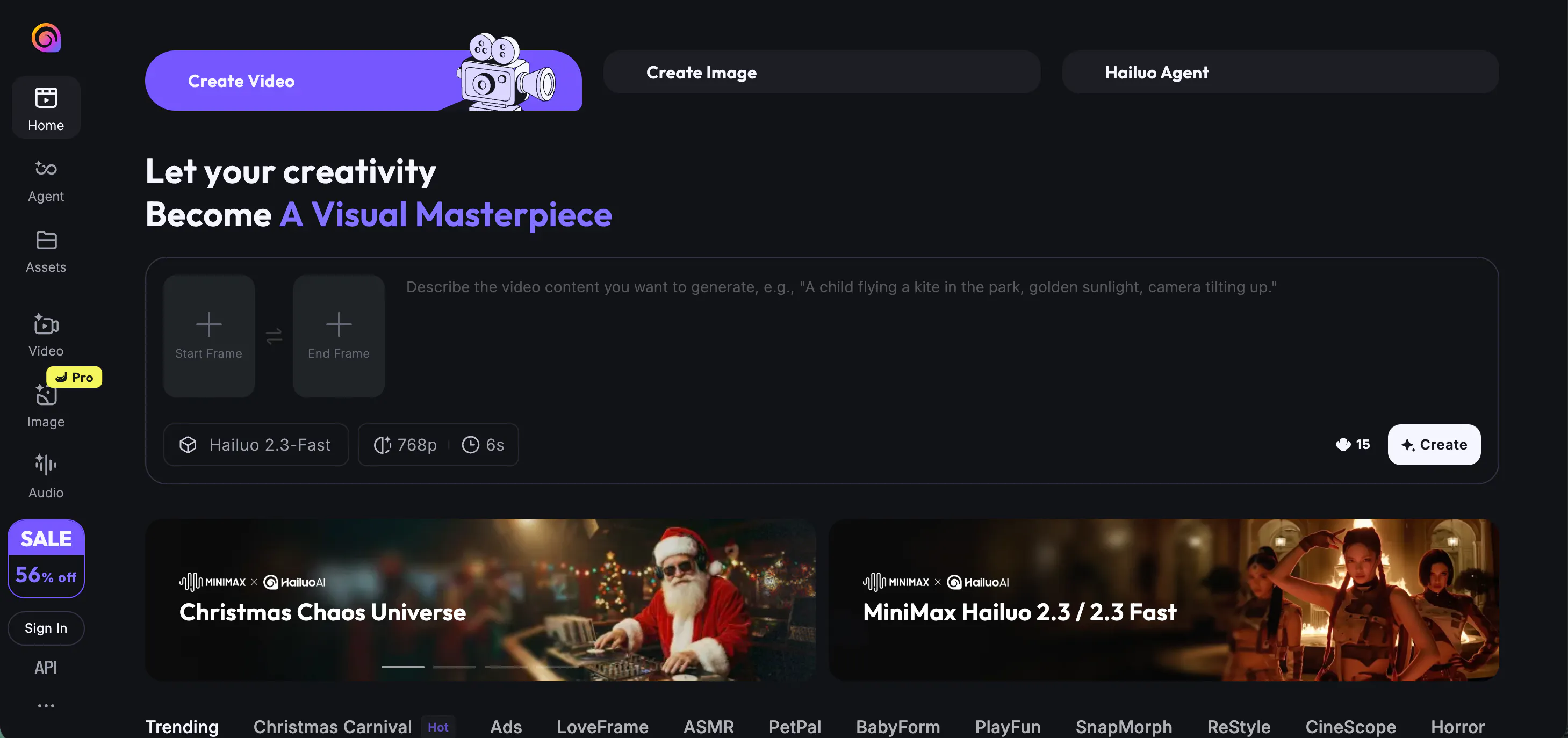
Hailuo AI is a fresher name in the game, but it is quickly gaining fans for its unique artistic style. If you are looking to create videos that look like animations, paintings, or stylized art rather than just real life, Hailuo AI is a great pick. It seems to have a very creative "imagination," producing visuals that are colorful, dreamy, and very distinct.
Using Hailuo AI is straightforward. You type in what you want, and it gives you a few different variations to choose from. It is particularly good at "image-to-video," where you upload a static picture, and it animates it. For example, if you have a drawing of a fantasy dragon, Hailuo can make it breathe fire or fly.
While it can do realistic video, it shines brightest when you use it for creative or fantasy projects. The motion is generally smooth, but sometimes it can hallucinate (create weird objects) if the prompt is too vague or confusing.
Pros & Cons
Pros:
- Great for artistic and stylized video generation.
- Strong image-to-video capabilities.
- User interface is simple and clean.
Cons:
- Not the best choice for photorealism.
- Sometimes adds unwanted elements to the background.
- Fewer editing tools compared to Videoinu.
Pika AI — The Creative Animation Playground
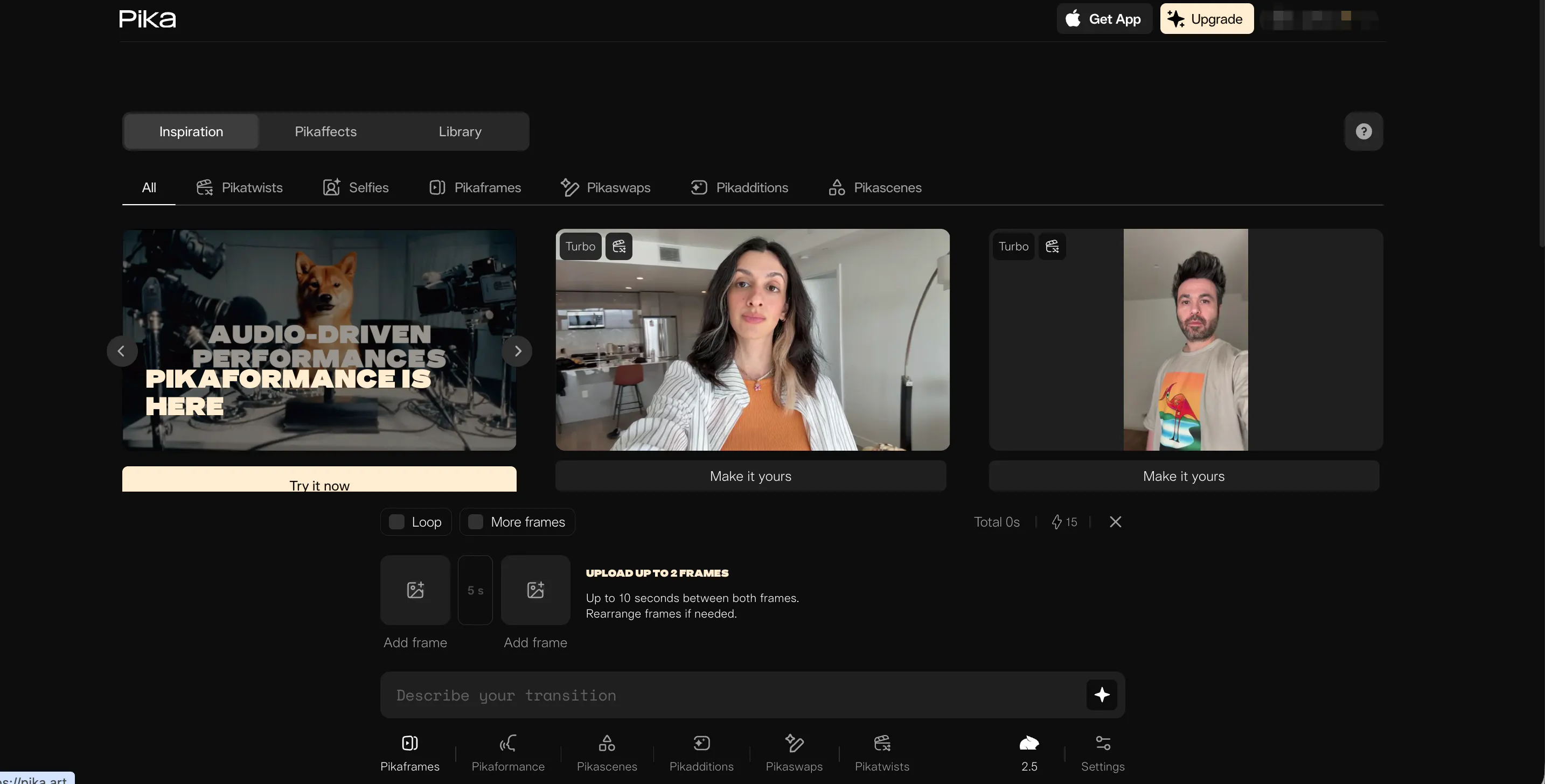
Pika AI (often called Pika Labs) is one of the most entertaining tools on this list. It became famous because of its specialized features, like "Lip Sync." This allows you to upload a character and an audio file, and Pika makes the character's mouth move perfectly with the words. This is a total game-changer for people making animated stories or funny memes.
Pika also has a feature called "PikaEffects," which lets you squish, melt, or explode objects in your video just for fun. It is very popular in the Discord community, but they also have a web interface now. The tool is great at modifying specific parts of a video.
For instance, you can select just the shirt of a person and change its color or texture without changing the whole video. While the video resolution isn't always the highest compared to others, the creative tools make it super entertaining to use for casual projects.
Pros & Cons
Pros:
- Amazing lip-syncing features for characters.
- Fun effects like melt, crush, and inflate.
- Ability to edit specific regions of a video.
Cons:
- Video duration is usually quite short (3-4 seconds).
- Resolution can be lower than Luma or Kling.
- The web interface can be glitchy sometimes.
Sora — The Photorealistic Industry Standard
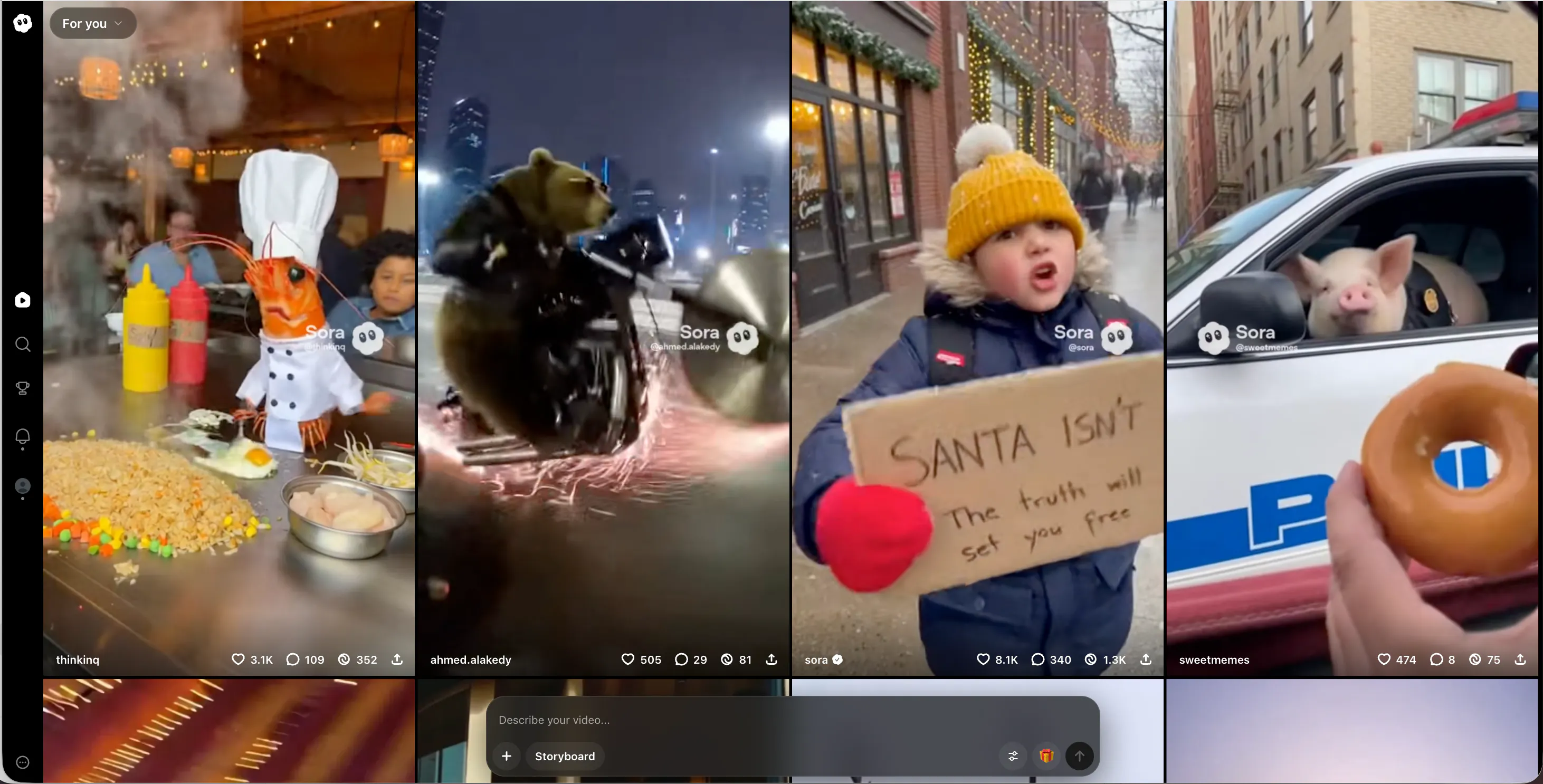
Sora by OpenAI is the tool that shocked the world when it was first announced. The demos showed an incredible level of realism that was previously thought impossible. Sora can create minute-long videos with complex camera motions and multiple characters. The detail is unmatched; you can see reflections in puddles and individual strands of hair blowing in the wind.
Sora understands language very well because it uses similar technology to ChatGPT. This means you can write a paragraph of a story, and Sora understands exactly what the mood and setting should be. However, the biggest downside is availability.
As of now, it is not fully open to the public in the same easy way other tools are. It is mostly available to select creators and researchers. But in terms of pure raw power and capability, it is arguably the strongest engine out there, setting the high bar for everyone else to reach.
Pros & Cons
Pros:
- Incredible photorealism and detail.
- Can generate videos up to one minute long.
- Excellent understanding of complex language prompts.
Cons:
- Very limited public access availability.
- Computationally expensive to run.
- Still makes funny physics mistakes occasionally.
Haiper AI — The Visual Restyling Expert
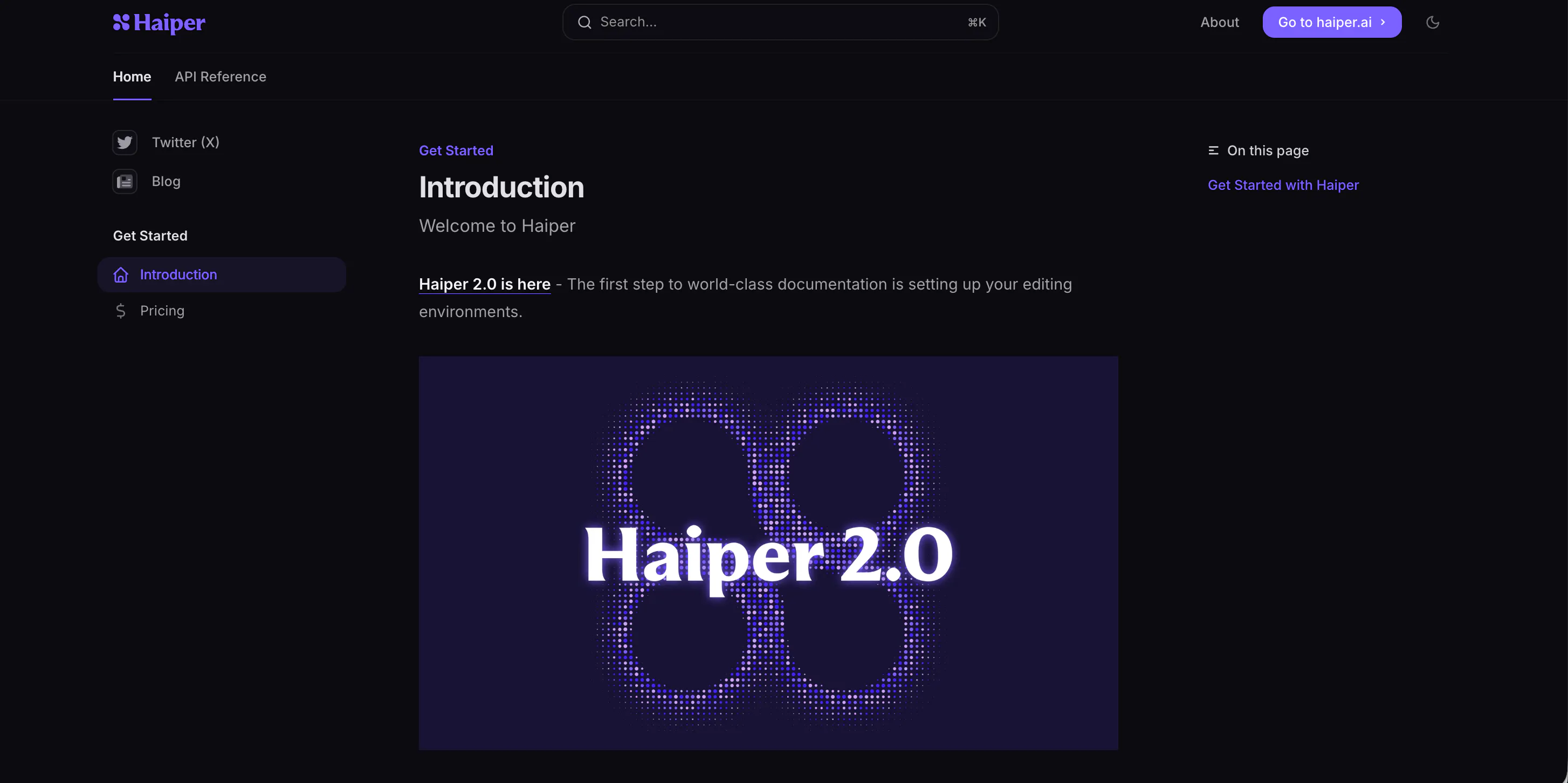
Haiper AI focuses heavily on "perceptual quality," which means they want the video to look pleasing and clean to the human eye. The videos generated by Haiper usually have very nice compositions and good lighting. It is a great tool for content creators who need B-roll (background video) for their YouTube videos or social media posts.
One of Haiper's strengths is "video repainting." This allows you to change the style of an existing video. You could take a video of yourself walking down the street and turn it into a Lego style or an anime style. The interface is modern and drag-and-drop friendly.
While the motion isn't always as dynamic as Videoinu or Kling, the image clarity is usually very high. It is a solid middle-ground tool that balances quality and ease of use effectively, making it a good choice for general creators.
Pros & Cons
Pros:
- High-quality visual aesthetics and lighting.
- Good video repainting/restyling features.
- Very intuitive and modern website design.
Cons:
- Motion can sometimes feel a bit stiff or limited.
- Generation speed varies a lot.
- The best features are locked behind a paywall.
Vidu AI — The High-Speed Productivity Pro
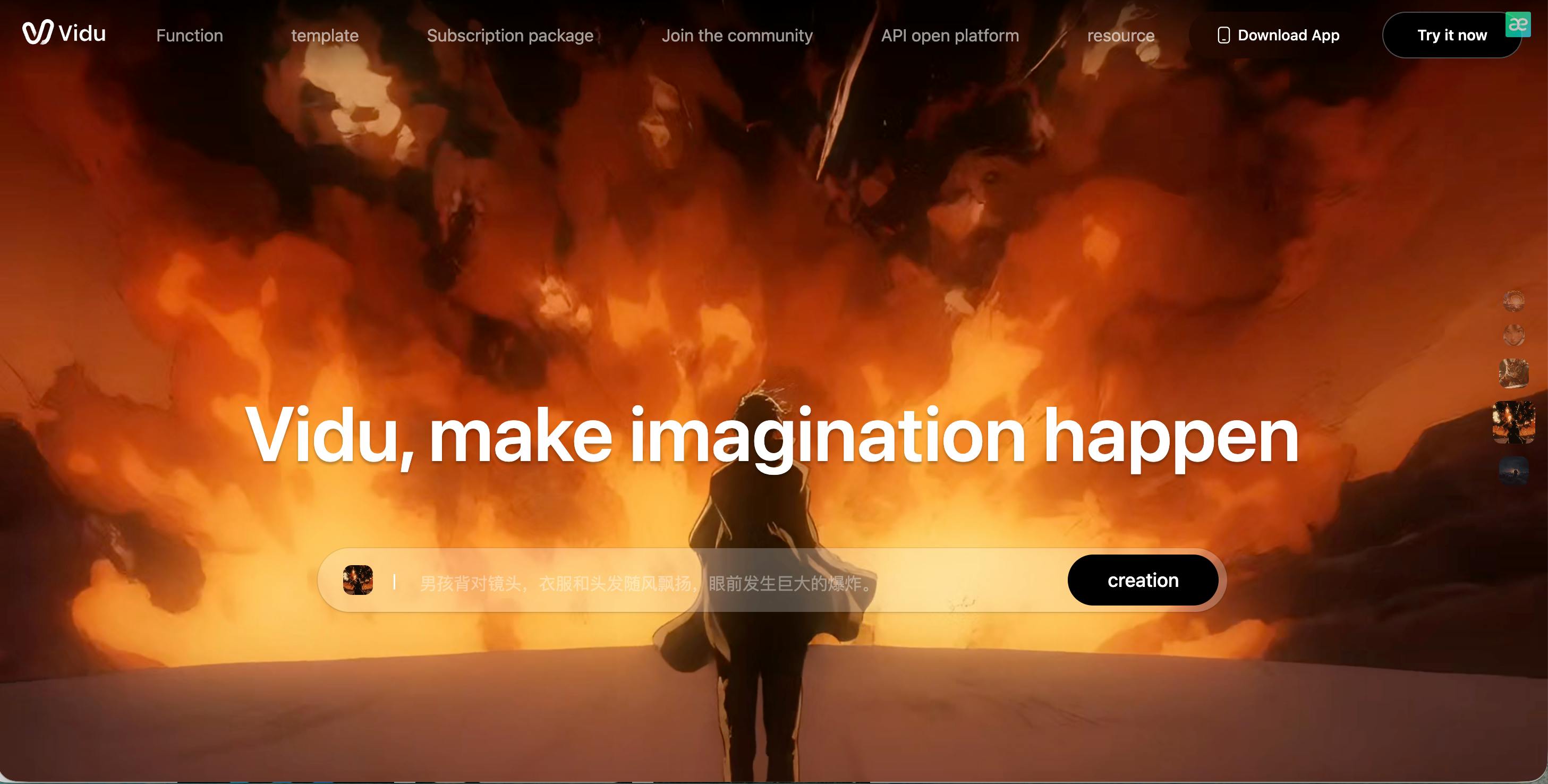
Vidu AI is known for speed. If you are in a rush and need a concept video immediately, Vidu is a strong candidate. It generates video clips much faster than many of the heavier models like Sora. It is developed to handle both realistic and imaginative scenes, bridging the gap between cartoonish styles and real life effectively.
Vidu is particularly good at understanding specific cultural elements and aesthetics, but it works great for general prompts too. It supports generating 4-second and 8-second clips at high resolution. One cool thing is that it maintains high consistency in lighting—shadows move correctly as the camera moves.
While it might not have the massive community hype of Pika or Luma yet, it is a very capable engine that produces solid results reliably. It is a great tool for quick brainstorming or storyboarding ideas before making a final product.
Pros & Cons
Pros:
- Very fast video generation speeds.
- Good handling of lighting and shadows.
- Supports high-definition 1080p output.
Cons:
Character faces can sometimes look a bit generic.
- Less community support and tutorials than others.
- Limited advanced editing controls.
PixVerse AI — The Anime and 4K Powerhouse
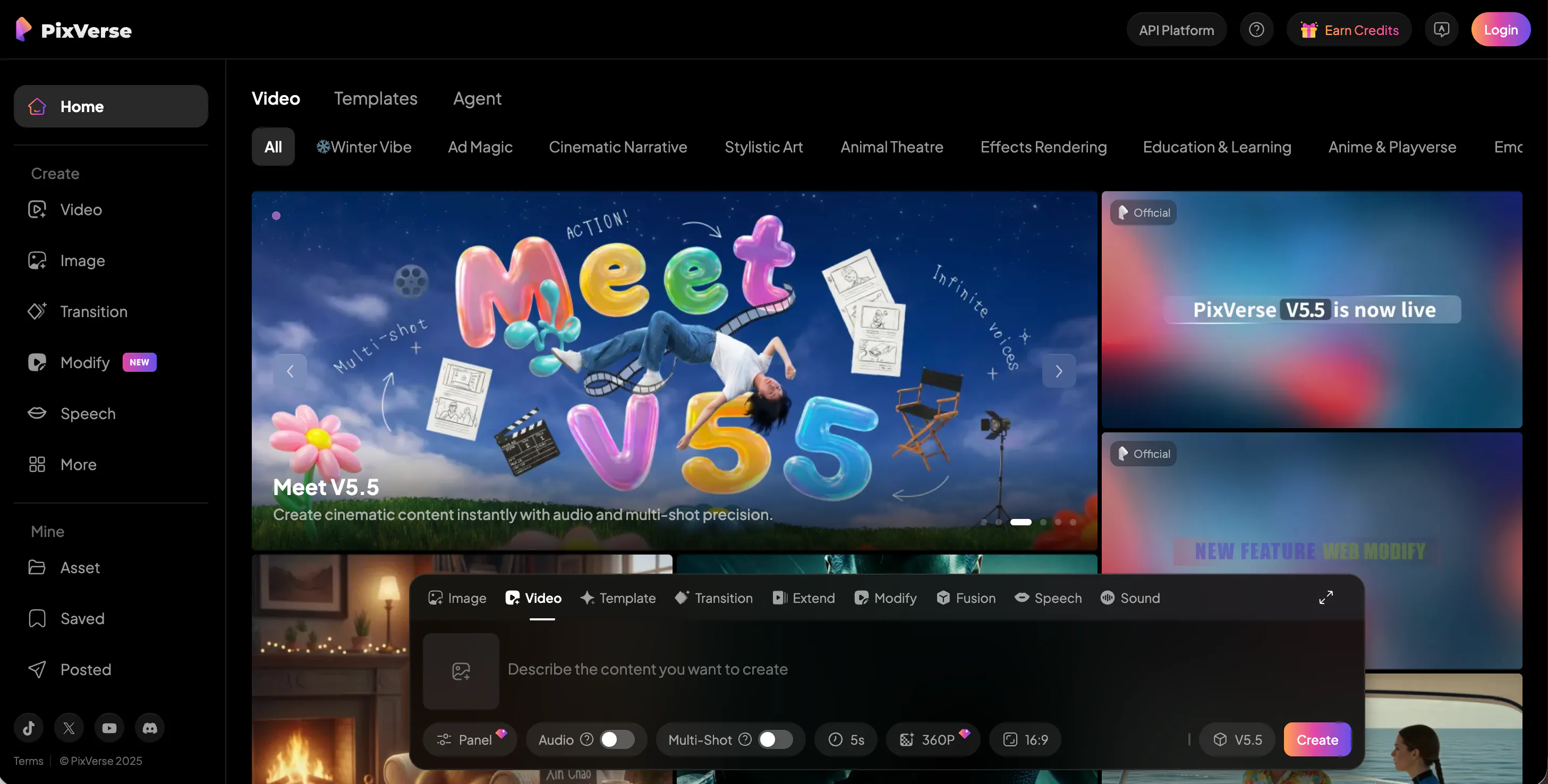
PixVerse AI is a favorite among fans of anime and stylized 3D animation. While it can do realistic video, its model seems optimized for creating beautiful, vibrant animated characters. If you want to make your own anime opening or a 3D character video, PixVerse delivers great results with rich colors and dramatic angles.
The platform offers a web version and a Discord server. On the web version, you can upscale your videos to 4K, which is a huge plus for quality. PixVerse also has a feature that lets you control the motion strength, deciding if you want the video to be calm or very chaotic.
It is very popular for making "waifu" or fan-art videos because it makes characters look very attractive and polished. However, for strictly realistic, documentary-style video, other tools might be slightly better suited for the job.
Pros & Cons
Pros:
- Excellent for anime and 3D animation styles.
- Supports upscaling to 4K resolution.
- Good controls for motion intensity.
Cons:
- Realism is not its strongest point.
- Web interface can be slow to load.
- Sometimes struggles with complex hand movements.
Midjourney — The Artistic Foundation Master
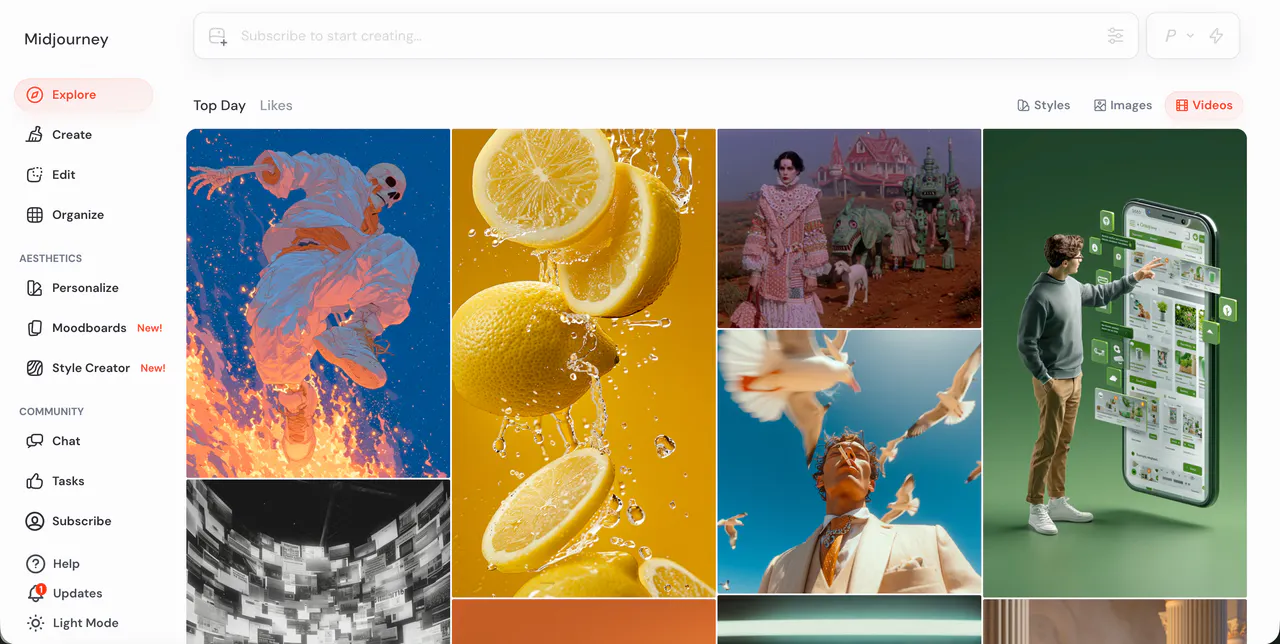
Midjourney is famous for being the king of AI images, but they have recently started moving into video territory. While primarily an image generator, their latest updates allow for subtle motion and "pan" features that turn static images into video-like clips. Furthermore, many people use Midjourney images as the source for tools like Videoinu or Luma because the image quality is so high.
The "video" capability in Midjourney is currently more about camera movement and small animations rather than full scene generation from scratch. You can zoom out, pan, or vary a region, creating a video effect. The texture and artistic quality remain the best in the industry.
If you want the most beautiful starting image for your video project, you start with Midjourney. As they continue to update, we expect them to release a full text-to-video model soon that will likely compete with the best in the world.
Pros & Cons
Pros:
- Unbeatable artistic quality and texture.
- Best tool for creating source images for video.
- Huge community and endless style options.
Cons:
- Not a full video generator yet (mostly subtle motion).
- Requires a Discord account to use effectively.
- No free trial is currently available.
Conclusion
The world of AI video is growing fast, and there are so many amazing tools to try. Whether you want to make funny cartoons with Pika AI, realistic movie clips with Luma AI, or high-resolution stories with Kling AI, the options are endless.
For students and creators who want to jump straight into making viral videos without reading a boring manual, Videoinu is the winner. It takes the hard work out of video editing and lets you focus on being creative.
FAQS
What is the best AI video generator for beginners?
We recommend Videoinu. It has a very clean interface that is easy to understand. You don't need any technical skills to start making high-quality videos immediately.
Can I use these tools for free?
Yes, most of the tools on this list, including Videoinu, Luma AI, and Hailuo AI, offer free trials or a free daily quota. This lets you test the software before you decide to pay for a subscription.
How do I make my AI video go viral?
To go viral, focus on trends. Use Videoinu to create funny face swaps or "hugging" videos that are popular on TikTok. Keep your videos short, high quality, and use trending music to boost your chances.
Is AI video legal to use on YouTube?
Yes, you can use AI-generated video on YouTube. However, YouTube now requires you to label your content as "AI-generated" so viewers know it isn't real footage. Always check the specific commercial license of the tool you are using.