10 Best Midjourney Alternatives That Deserve Your Try From My Own Experience
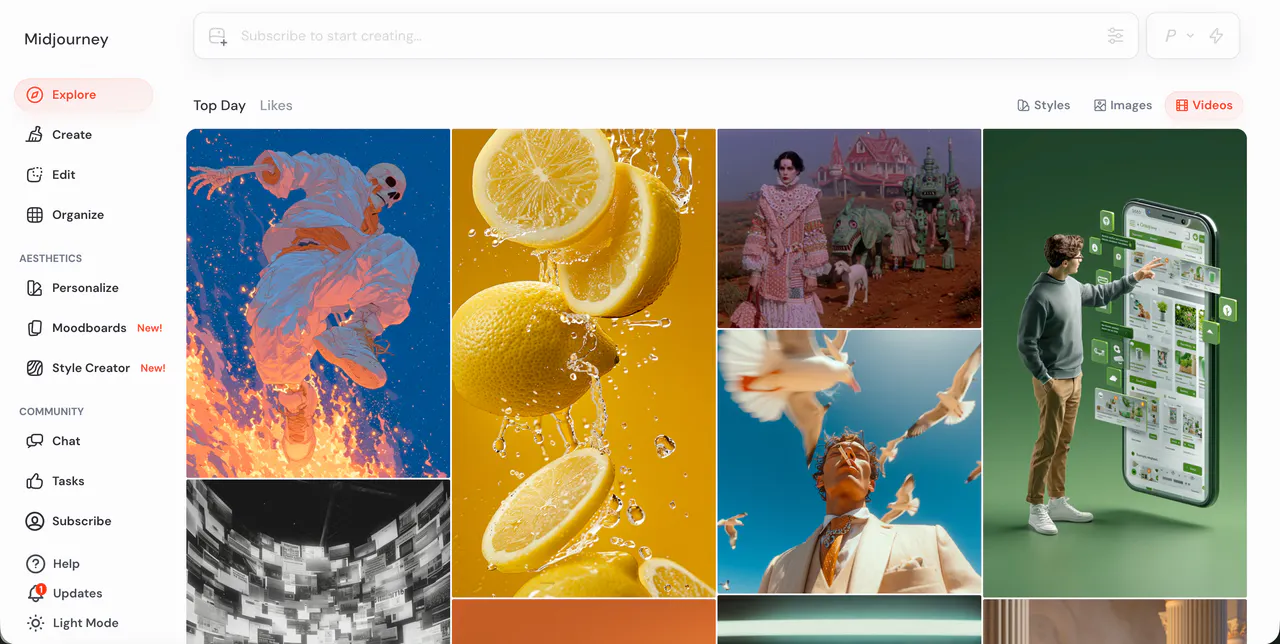
Midjourney has been the king of AI art for a long time. We all know how good it is at making stunning, artistic images. But the world is changing fast. Just making a static picture isn't always enough anymore. Creators, students, and business owners want more. They want motion. They want stories. They want videos that grab attention on TikTok, YouTube, and Instagram.
If you are looking for an alternative to Midjourney, you are probably looking for one of two things: a tool that is easier to control, or a tool that takes your art to the next level with video. Over the past few months, I have personally tested dozens of AI generators. I’ve spent hours typing prompts, waiting for renders, and seeing what actually works.
Below is my list of the 10 best alternatives. I have ranked VideoInu AI as my top choice because it represents the future of where AI art is going, but I have also included honest reviews of the biggest names in the industry.
1.VideoInu AI
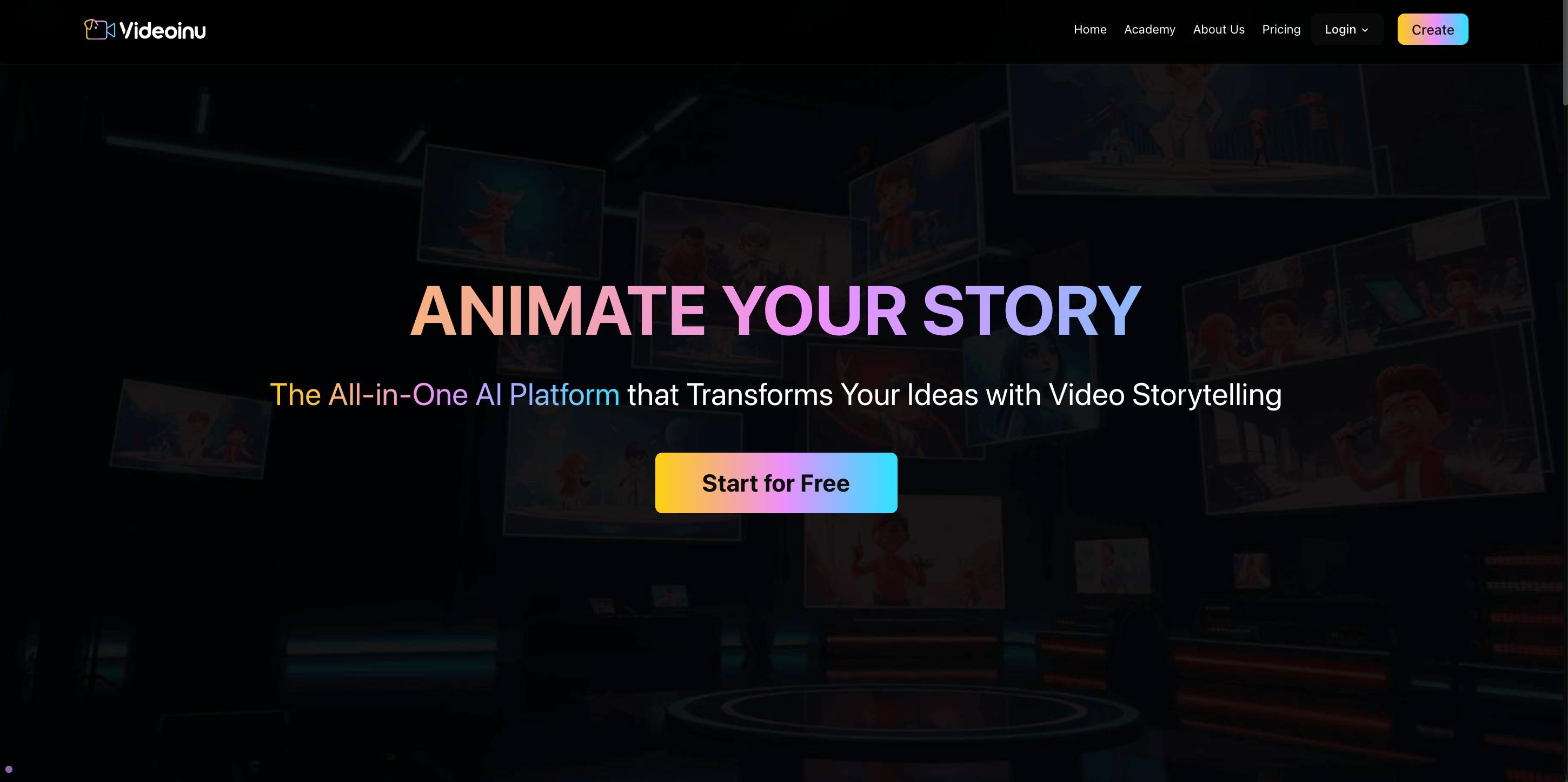
If you are tired of static images and want to start making videos that actually tell a story, VideoInu AI is the first tool you should try. While Midjourney is great for a single painting, VideoInu is built for creators who want to make scenes come alive.
From my experience, the hardest part about AI tools is that they can be confusing. You often need to be a "prompt engineer" to get good results. VideoInu solves this. The interface is incredibly simple. You don't need to know complex code or technical terms. You simply describe what you want to see, and the AI understands the context better than most other tools I’ve used.
I used VideoInu specifically to create a short marketing video for a fictional brand. The biggest win for me was consistency. With other tools, if you generate a character in one shot, they look completely different in the next shot. VideoInu does a fantastic job of keeping the style and characters looking the same throughout your project. It bridges the gap between just "making a picture" and "being a director." If you are a beginner or a pro looking to save time, this is the tool to beat.
Pros:
- Extremely User-Friendly: You don't need to be a tech wizard to use it.
- Character Consistency: Keeps your characters looking the same across different scenes, which is rare.
- Fast Generation: You don't have to wait hours to see your results.
- Versatile Styles: Can handle everything from anime style to realistic looks.
Cons:
- Video Focused: If you strictly want a static JPEG to print on a t-shirt, it might be overkill (though it can generate images too).
- Newer Community: The user base is growing fast, but it doesn't have the years of backlog that Midjourney does.
Try Videoinu – The Ultimate Midjourney Alternative
2.Kling AI
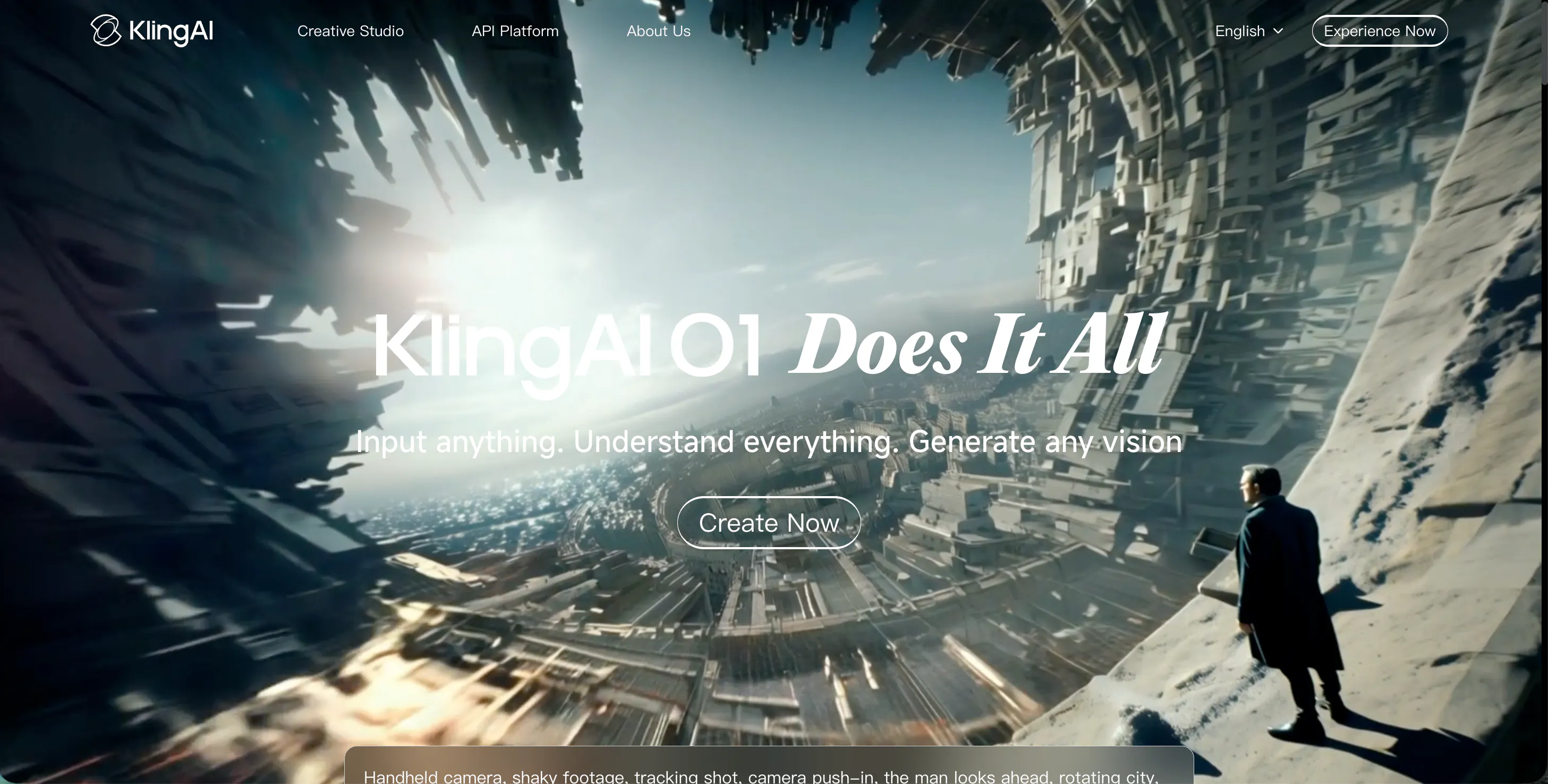
Kling AI has become very popular recently, and after testing it, I can see why. If your main goal is to make a video that looks like real life—especially videos of people—Kling is a powerhouse.
When I tested Kling, I tried to make a clip of a woman walking down a busy street. In many AI tools, the legs move weirdly, or the face distorts. Kling handled it beautifully. The movement felt heavy and real, not floaty.
It has a feature where you can control the motion very specifically, which is great if you are a perfectionist. It is a very strong alternative if you want to move away from the "artistic" look of Midjourney and into the "photorealistic" look of cinema.
Pros:
- High Realism: Excellent at creating human movement that looks natural.
- Longer Clips: Can generate longer videos than many competitors (up to 5-10 seconds in some modes).
- Text-to-Video Quality: Understands complex prompts very well.
Cons:
- Slow Speed: High quality takes time; you might wait a while for your video to render.
- Server Traffic: Due to popularity, the system can sometimes be busy or laggy.
3.Luma AI
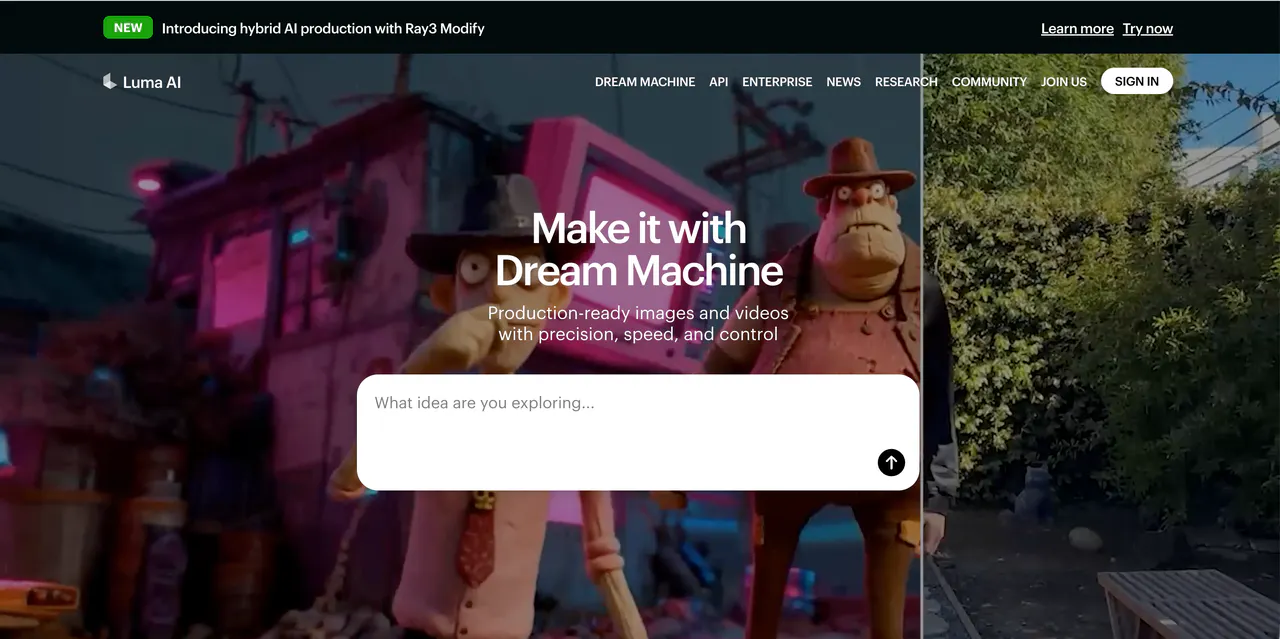
Luma AI, with its "Dream Machine" model, is famous for being fast and fluid. I remember when this tool was released; everyone was shocked at how quickly it could turn an image into a video.
My experience with Luma has been very fun. It is great at understanding "physics." For example, if you ask for a video of a car drifting around a corner, Luma understands how the car should lean and how the smoke should move.
I also love using it to animate the beginning and end of a clip. You can upload a starting image and an ending image, and Luma will figure out the middle part. It’s a great tool for making memes or quick social media reactions.
Pros:
- Very Fast: Generates clips much quicker than Sora or Kling.
- Keyframe Control: You can set the start and end frames, giving you control over the story.
- Good Physics: Objects move in a way that feels weighty and correct.
Cons:
- The "Melt" Effect: Sometimes, objects can look a bit plastic or melt into each other during fast motion.
- Short Duration: Clips are usually quite short (5 seconds standard).
4.Pika AI
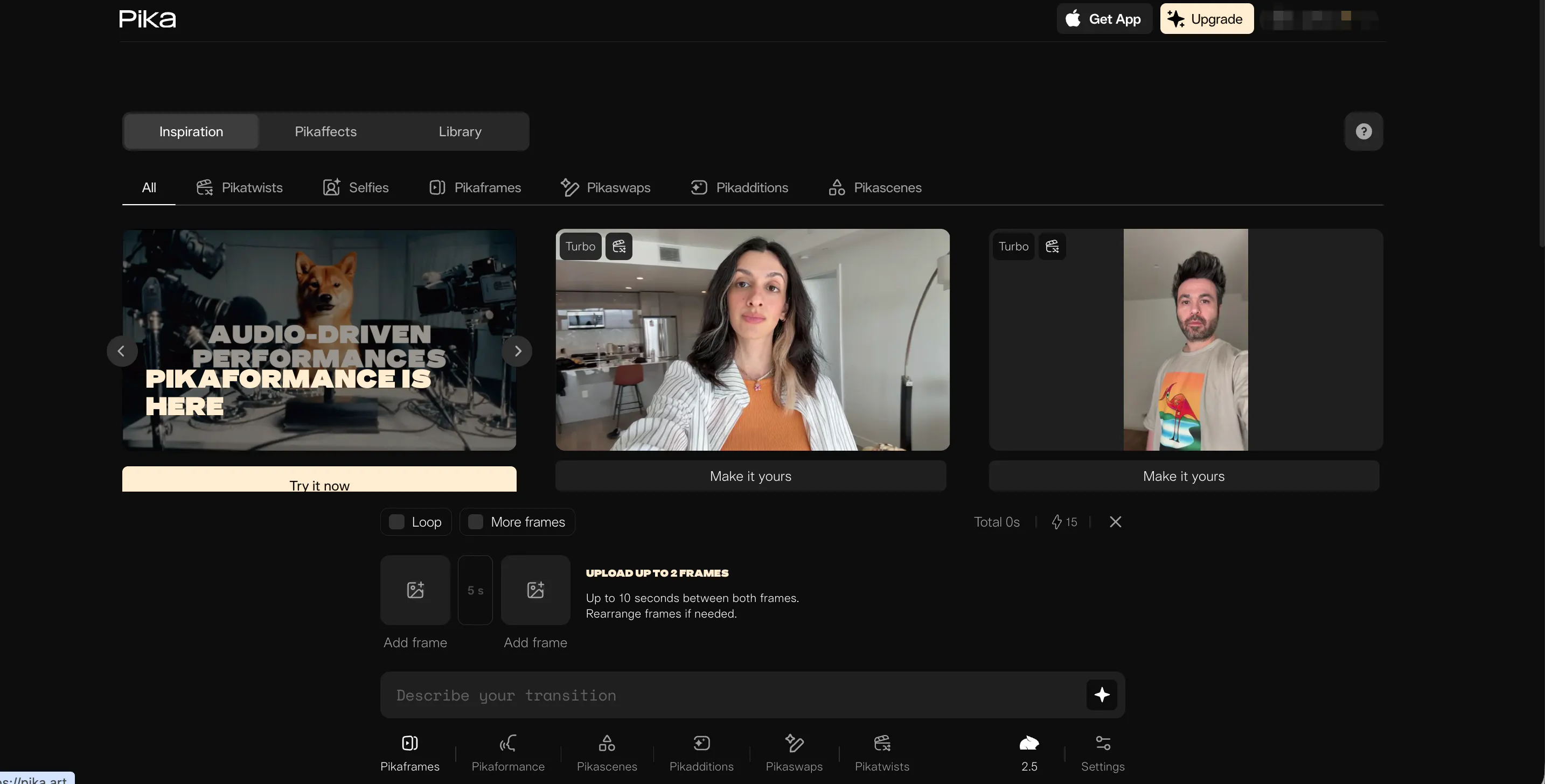
Pika AI (or Pika Labs) feels like it was designed specifically for TikTok, Instagram Reels, and YouTube Shorts. It has a very lively, fun vibe that is distinct from the serious art style of Midjourney.
The feature that blew me away when I used Pika was the Lip Sync. You can upload a picture of a character (even one you made in Midjourney), type in some text, and Pika will make the character speak that text with realistic mouth movements. This is a game-changer for people who run "faceless" YouTube channels. Pika is also very good at anime styles and special effects, like making things explode or dissolve.
Pros:
- Lip Sync: One of the best tools for making characters talk.
- Sound Effects: It can automatically generate sound effects to match your video.
- Edit Specific Areas: You can select just a shirt or a hat in the video and change its color.
Cons:
- Video Quality: The resolution can sometimes feel a bit lower or "web-quality" compared to cinema tools.
- Watermarks: The free version leaves a prominent watermark.
5.Haiper AI
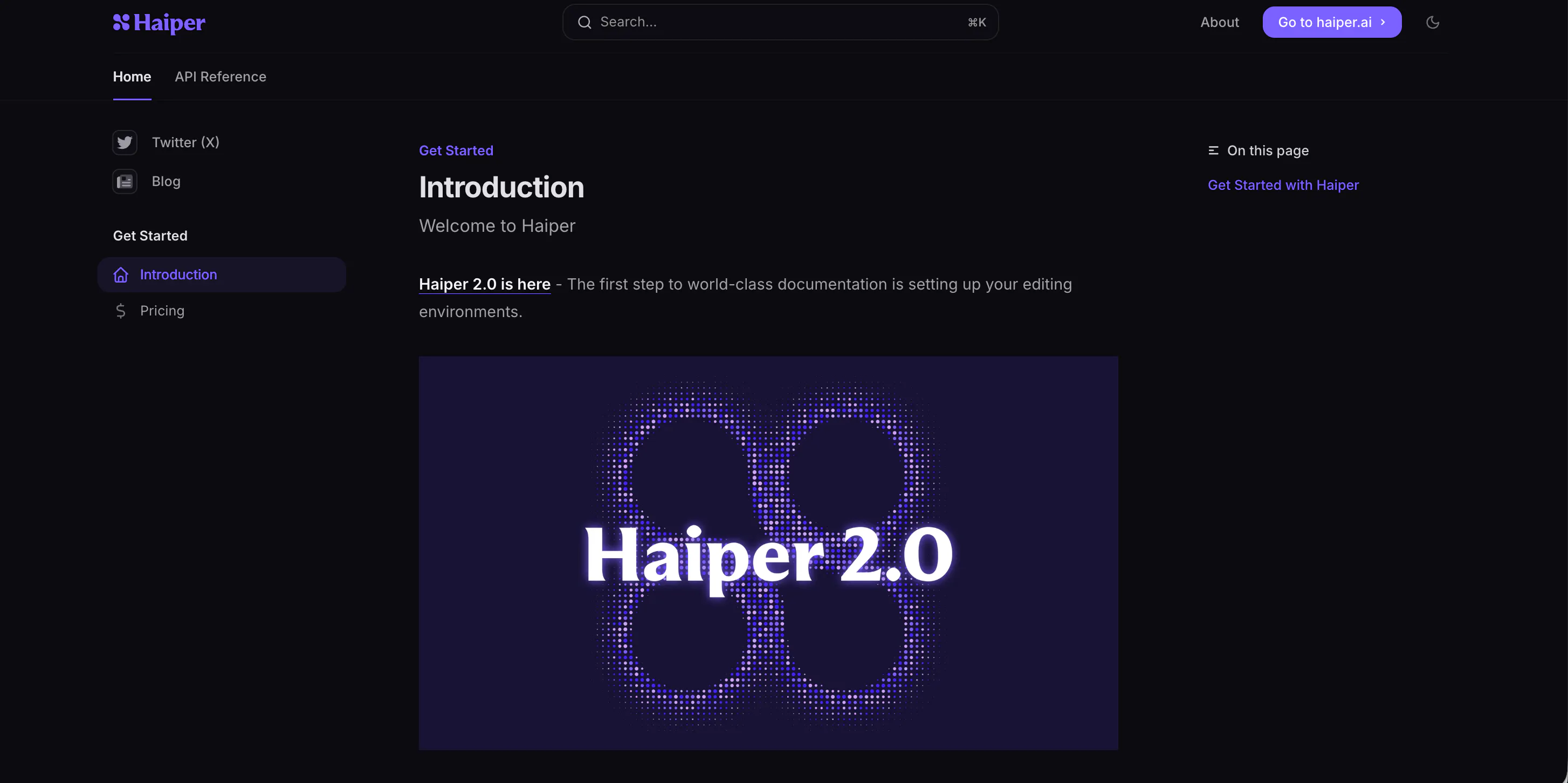
Haiper AI is a newer contender that I found to be surprisingly artistic. If you love Midjourney because of the brushstrokes, the lighting, and the "vibe," Haiper is the video equivalent of that.
During my testing, Haiper struggled a little with fast action scenes (like a fight), but it excelled at "beauty shots." I used it to make a video of a coffee cup steaming in a rainy window, and the texture of the steam and the glass was incredible. It focuses heavily on aesthetic quality. The interface is also very clean, making it easy to find your way around without getting lost in menus.
Pros:
- Beautiful Textures: Great for product shots, landscapes, and artistic clips.
- Clean Interface: Very modern and easy to navigate.
- Prompt Adherence: It listens very closely to your descriptions of lighting.
Cons:
- Motion Limits: Not the best for complex characters running or jumping.
- Beta Feel: It still feels like it is in early development, so features change often.
6.Vidu AI
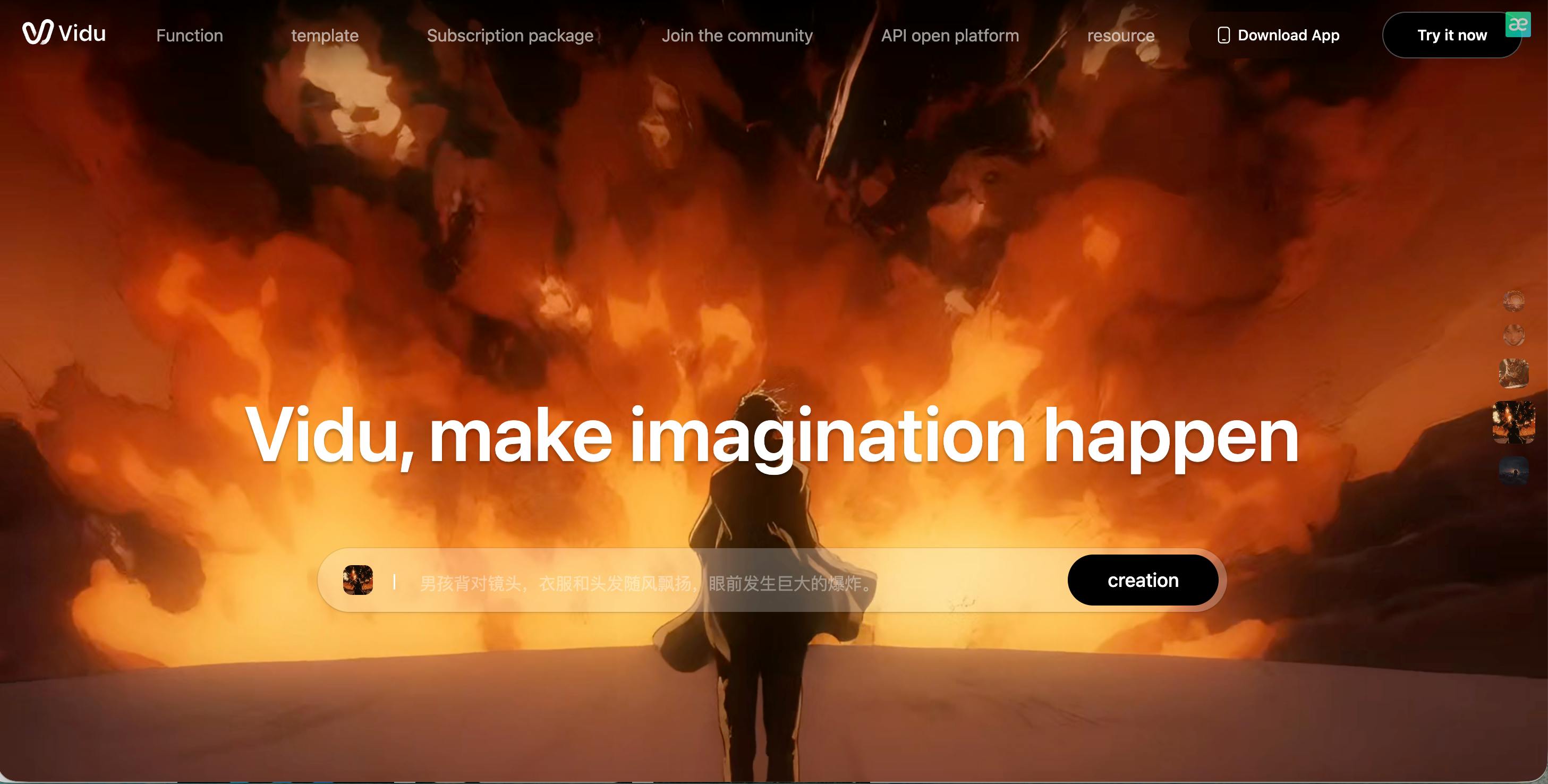
Vidu AI is a powerful tool that has gained a lot of attention for its simplicity and raw power. Originating from a strong tech team in Asia, it competes directly with the big American companies.
My experience with Vidu is that it is the "efficient" choice. It is incredibly good at Image-to-Video. I took a fantasy drawing of a dragon and uploaded it to Vidu.
Within moments, the dragon was breathing fire and flapping its wings. It didn't try to change the art style; it just animated it. If you have a folder full of Midjourney images that you want to bring to life quickly, Vidu is a workhorse.
Pros:
- Respects the Source Image: Does not distort your original upload much.
- Fast Processing: Handles requests quickly.
- Anime Strength: particularly good at animating 2D and anime-style art.
Cons:
- Less Granular Control: You have fewer buttons and sliders to tweak than in Runway.
- Subscription Model: The best features are locked behind a paywall pretty quickly.
7.Sora
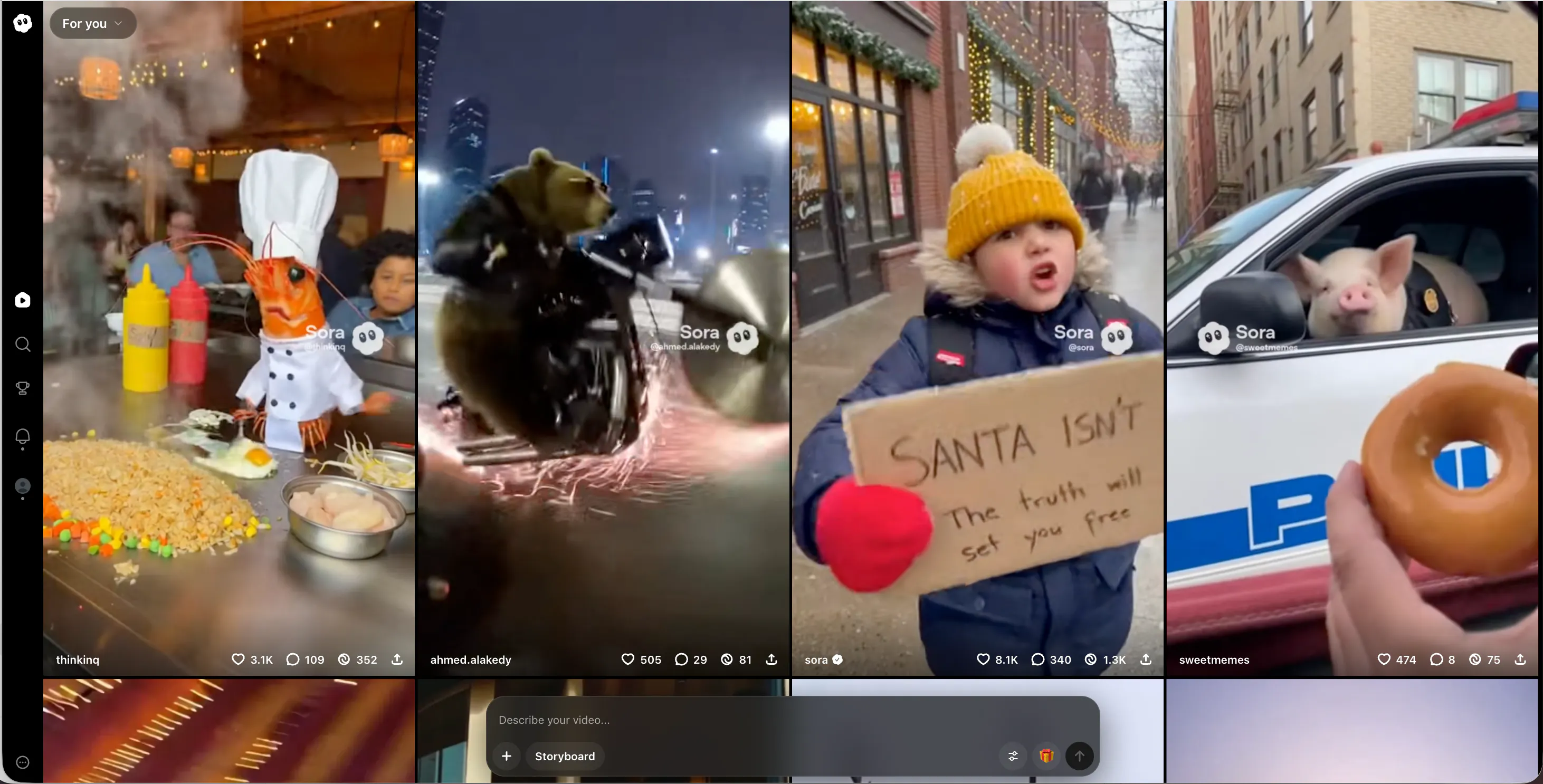
We cannot make a list like this without talking about Sora. Created by the same people who made ChatGPT, Sora set the standard for what AI video could be.
Using Sora feels like using magic. The scenes are incredibly complex. I asked it for a video of a busy museum with many people walking around, and it generated distinct people in the background, each doing their own thing.
It handles "object permanence" very well—meaning if a car drives behind a tree, it comes out the other side looking like the same car. It is the closest thing to a Hollywood camera crew.
Pros:
- Incredible Consistency: Characters and objects stay stable over time.
- Complex Scenes: Can handle crowds and complicated backgrounds better than anyone.
- Long Duration: Can generate videos up to a minute long in one go.
Cons:
- Availability: It is often hard to access or has waitlists.
- Strict Safety Filters: You cannot generate anything even slightly edgy or controversial; it will block the prompt.
8.PixVerse AI
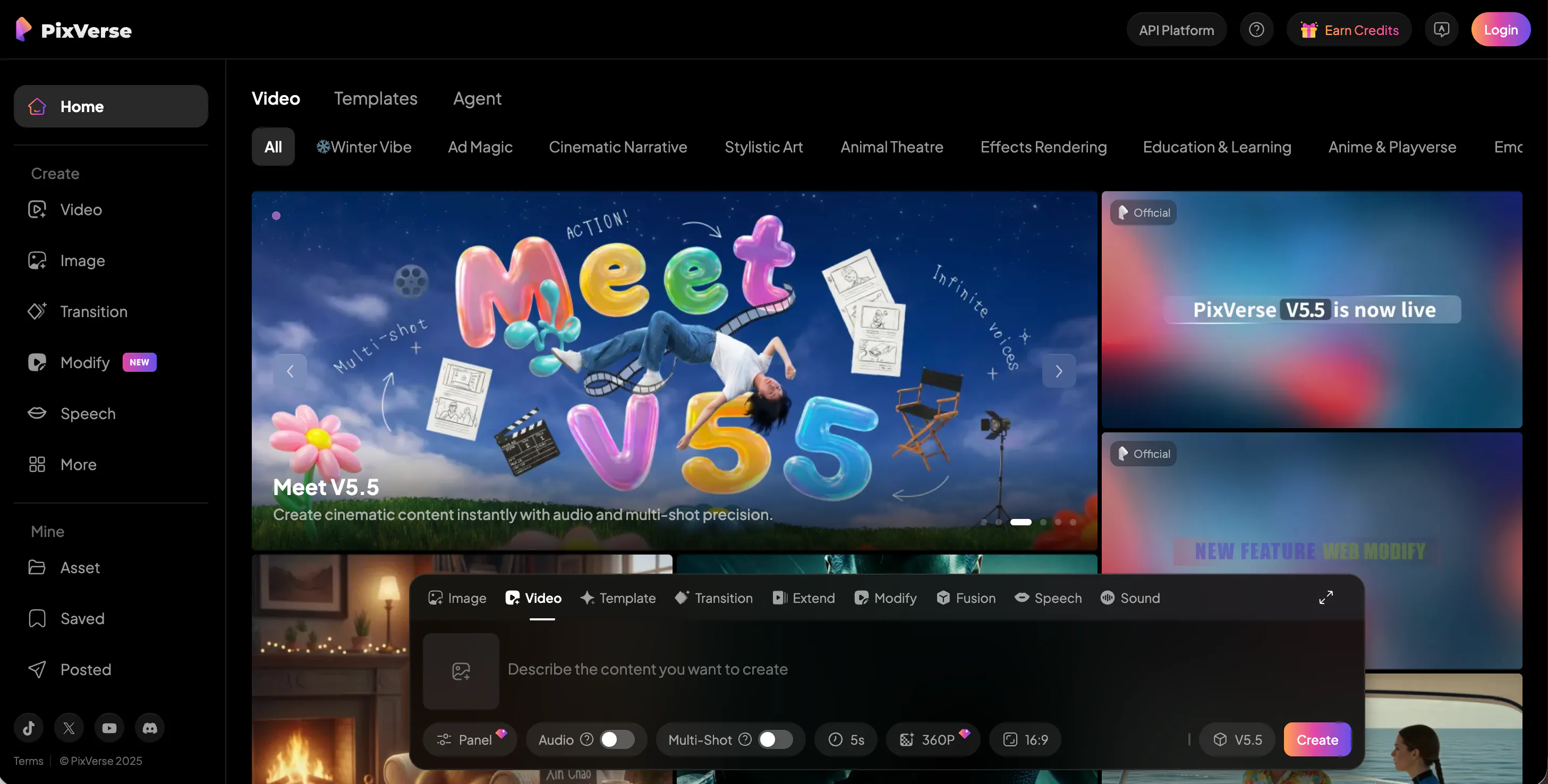
PixVerse is interesting because it feels more like a traditional video editor than just a generator. It has a web platform where you can manage your media easily.
I found PixVerse to be a "Jack of all trades." It does a decent job at realism, a decent job at anime, and a decent job at 3D.
One specific feature I loved was the 4K Upscaling. Sometimes AI video comes out blurry. PixVerse has a built-in tool to sharpen the video and make it look High Definition. This saved a few of my projects that were otherwise too blurry to use.
Pros:
- 4K Upscaling: Makes low-quality videos look crisp.
- Multi-Model: Offers different "styles" (Realistic, Anime, 3D) to choose from.
- Free Credits: Generous daily credits for free users.
Cons:
- Face distortion: sometimes struggles with eyes and mouths in distance shots.
- Generic motion: The movement can sometimes look a bit standard or repetitive.
9.Krea AI
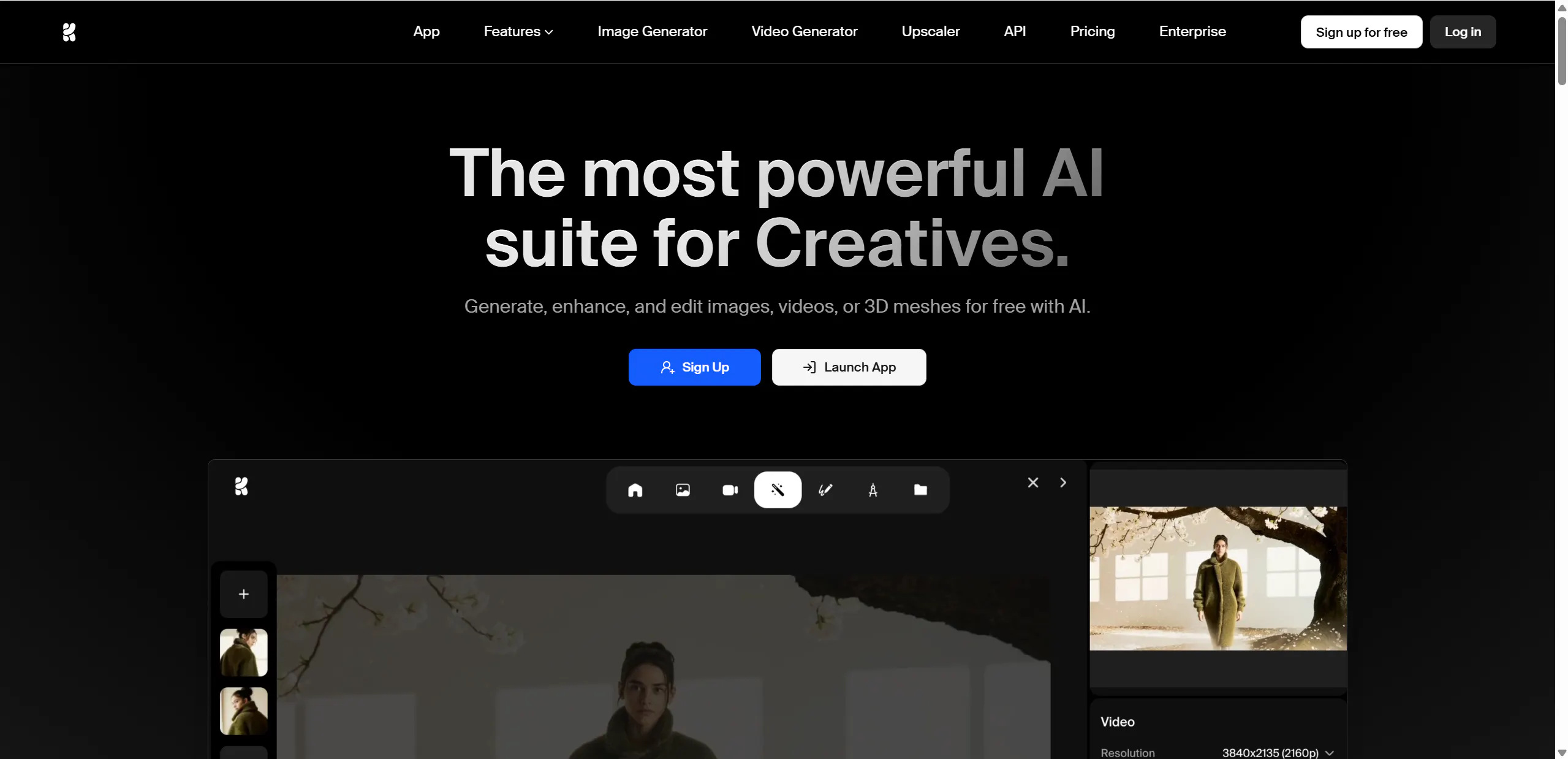
Krea AI offers an experience that is totally different from the others. It features Real-Time Generation. This is the closest thing to "painting with magic."
With Krea, you have a canvas on the left and a preview on the right. If you draw a simple green circle on the left, the right side instantly shows a realistic apple (or whatever you prompt).
As you move your brush, the image changes instantly. For a Midjourney user who is used to waiting 60 seconds for an image, seeing it happen instantly is mind-blowing. I use Krea to sketch out ideas before I commit to making a full video.
Pros:
- Instant Feedback: Zero wait time to see your ideas.
- Control: You control the composition by drawing shapes.
- Enhancer: Has a great tool to fix bad faces and hands in existing images.
Cons:
- Lower Resolution: The real-time images are often lower quality until you "upscale" them.
- Requires Good Internet: Because it is real-time, you need a stable connection.
10.Veo
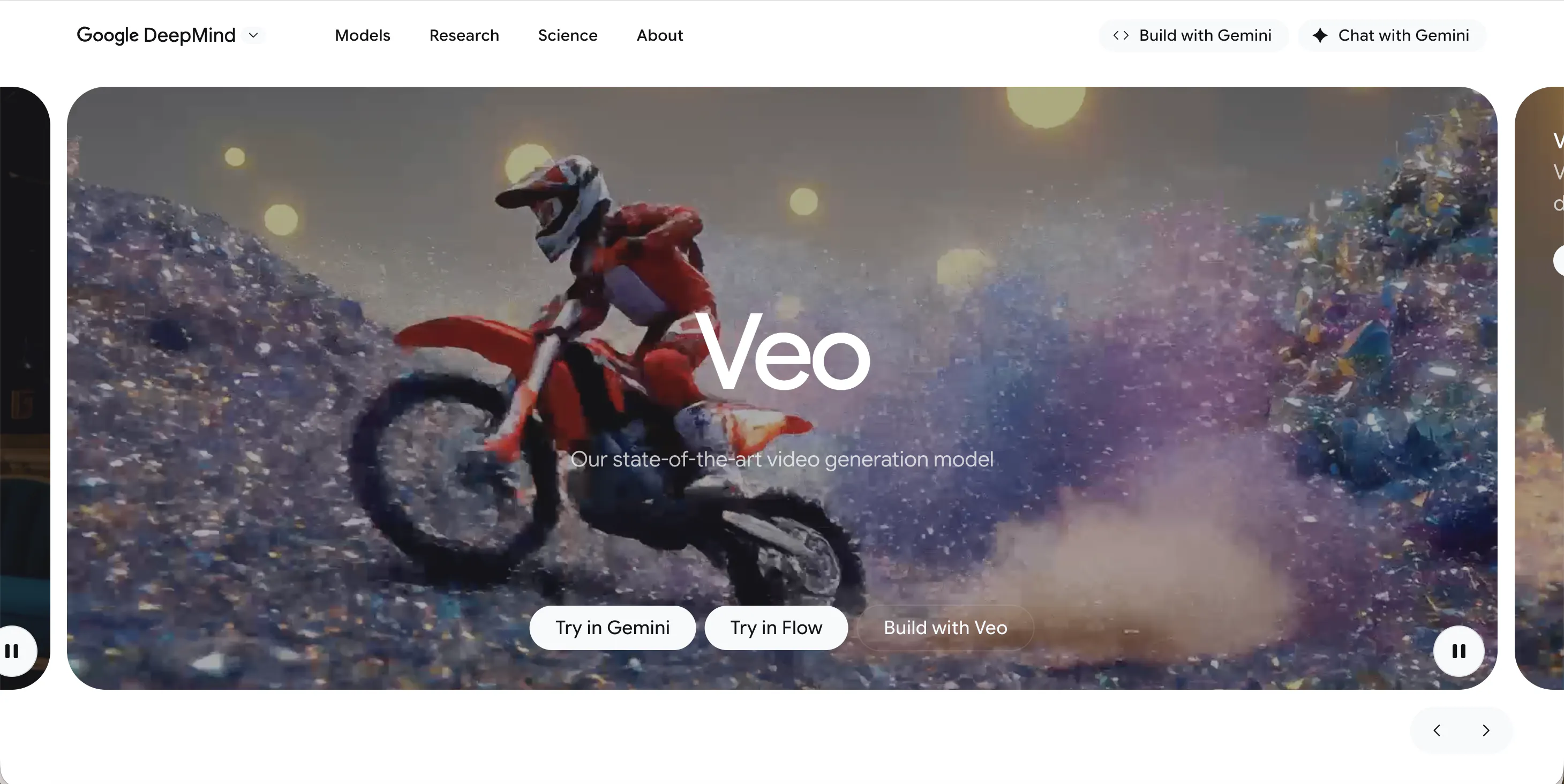
Veo is Google’s answer to the AI video race. It is designed to be deeply integrated into the Google ecosystem, like YouTube Shorts and Android.
Veo excels at understanding cinematic language. If you know movie terms, Veo is your friend.
You can type "Aerial drone shot," "dolly zoom," or "timelapse," and Veo actually understands what the camera should do. My experience with Veo is that the footage looks very clean, almost like stock footage you would buy. It creates 1080p+ footage that is ready for professional editing.
Pros:
- Camera Control: Understands professional film terms perfectly.
- High Resolution: Output is crisp and clean.
- Integration: works well if you are already using Google tools.
Cons:
- Corporate Feel: It has strict safeguards and feels less "experimental" than others.
- Access: Google often rolls features out slowly to select regions first.
FAQs
1.Is VideoInu AI free to use?
Yes, VideoInu AI offers a free trial or free credits that allow you to test the tool and generate videos. This is great for beginners who want to see how it works before committing to a subscription for advanced features or more generation time.
2.Can I use these tools on my phone?
Most of these tools, including VideoInu and Pika, are web-based. This means you can access them through the browser on your iPhone or Android device. Some, like ChatGPT (Sora) or Pika, may also have dedicated apps or Discord integrations that work well on mobile.
3.Do I need a powerful computer to run these?
No! That is the beauty of cloud-based AI. All the heavy lifting is done on the company's servers, not your computer. You can use a basic laptop or even a Chromebook, as long as you have a stable internet connection.
4.How are these different from Midjourney?
Midjourney focuses primarily on creating high-quality static images. The alternatives listed here, especially VideoInu, focus on video and motion. While Midjourney gives you a painting, these tools give you a movie.
5.Can I use the videos I make for commercial work?
Generally, yes, but you need to check the specific plan you are on. Most AI tools (like VideoInu, Runway, and Kling) grant you commercial rights if you are on a paid subscription plan. If you are on a free plan, you might be restricted to personal use only.