My Top 10 Seedance Alternatives for Next-Level AI Video Creation
Seedance has made a name for itself by turning text into smooth video clips, but it isn't the only way to create professional content. Many creators are looking for "undetectable" AI—tools that produce videos so realistic and polished that nobody can tell they were made by a computer.
Whether you need better character control, longer scenes, or specific artistic styles, there are several powerful options to consider.
In this article, we will look at the 10 best alternatives to Seedance, starting with the most powerful tool for serious storytellers: Videoinu AI.
1.Videoinu AI

Videoinu AI is the top choice for anyone who wants to move past short loops and start making real, full-length stories. While most AI tools struggle to keep characters looking the same from one shot to the next, Videoinu AI solves this problem perfectly. It is designed for creators who want to build a brand or a movie without the "glitchy" look often found in AI videos.
One of the best things about Videoinu AI is its Consistent Character Design. You can create a character and use them in different scenes, and they will always look like the same person. This makes your videos feel professional and "undetectable" as AI because the logic of the story stays solid.
It also supports Long-Form Video Generation, allowing you to create episodes up to 30 minutes long. Most other tools only give you a few seconds, but Videoinu lets you tell a whole story.
With its storyboard-first approach, Videoinu AI acts like a director. You give it a script, and it handles the animation, the voices (in over 10 languages), and the timing. It is perfect for YouTubers and filmmakers who need high-quality content that feels human-made.
Pros:
- Perfect Consistency: Characters look the same in every single shot.
- Long-Form Content: Can generate videos up to 30 minutes long.
- All-in-One Storytelling: Handles scripting, voiceovers, and animation together.
- User-Friendly: Simple storyboard system that is easy for beginners.
Cons:
- Style Focus: Best for animation and 3D styles rather than live-action "deepfakes."
- Processing Time: Long episodes take more time to render than short clips.
Try Videoinu – The Leading Seedance Alternative for Video Creation
2.Video Ocean
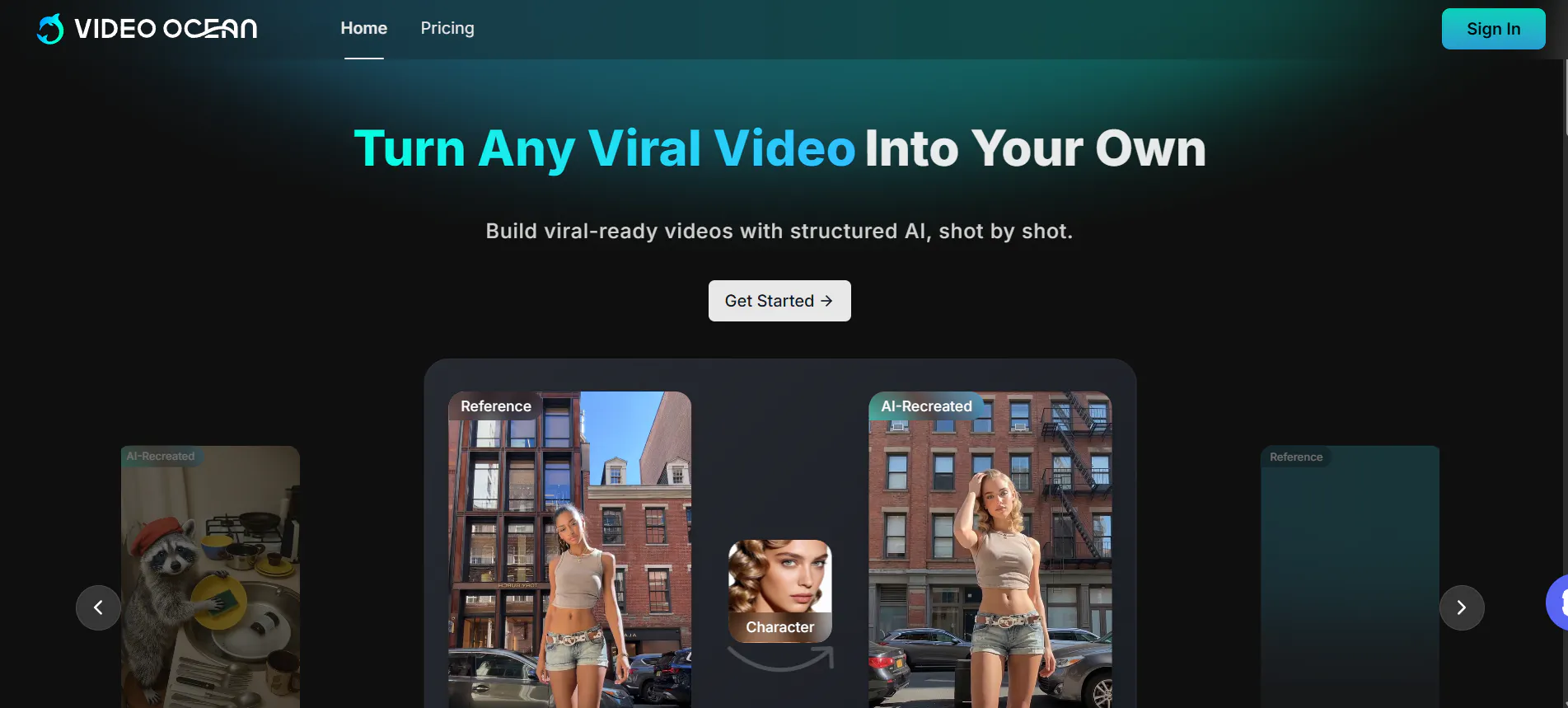
Video Ocean is an emerging platform that focuses on style-controlled video generation. It is great for marketing teams who need to make sure their videos match their brand's look exactly. It offers a "Frame Flow" feature that helps guide transitions between scenes, making the final video look very smooth.
It is particularly good at taking a reference image and using it to guide the entire video's lighting and color. This helps the AI stay "on brand" and makes the output look more like a professional advertisement than a random AI clip.
Pros:
- Brand Consistency: Excellent at following specific style guidelines.
- Fast Rendering: Short clips are generated very quickly.
- Easy Reference: Uses images to guide the look of the video effectively.
Cons:
- Length Limits: Better for short social media ads than long stories.
- Complexity: Some advanced features take a little time to learn.
3.Stable Video Diffusion
Stable Video Diffusion is an open-source model that gives users a huge amount of technical control. Because it is open-source, people can run it on their own computers if they have a good graphics card. It is famous for its "Multi-View Synthesis," which can take a single flat photo and create a 3D-like video moving around the object.
It is a favorite for tech-savvy creators who want to fine-tune every part of the video generation process. When set up correctly, the motion is very realistic and follows the laws of physics well.
Pros:
- Total Control: You can adjust technical settings to get the exact look you want.
- 3D Views: Great at creating "orbital" views of objects from a single image.
- Free Options: Can be run locally for free if you have the hardware.
Cons:
- Technical Knowledge Required: It is harder to set up than "click-and-go" websites.
- Hardware Demands: Needs a powerful computer to run smoothly.
4.Hunyuan AI
Hunyuan AI is a massive model from Tencent that understands human language incredibly well. It is known for having 13 billion parameters, which is a way of saying it has a very large "brain." This helps it understand complex prompts that other AI tools might find confusing.
It produces cinematic 720p videos with very natural lighting. It is especially good at nature scenes and landscapes, where the lighting needs to look perfect to be "undetectable." It also has a "Prompt Rewrite" feature that automatically makes your simple ideas sound more professional to the AI.
Pros:
- Smart Understanding: Follows complex, natural-language prompts very well.
- Realistic Lighting: Great for nature, water, and landscape shots.
- Open Source: The model is available for developers to experiment with.
Cons:
- Internet Speed: Requires a very stable connection for cloud-based use.
- No Native Audio: You usually have to add your own sound effects later.
5.Wan AI
Wan AI (specifically Wan 2.1 and 2.5) is famous for its "Technical Excellence" and physical accuracy. It boasts a very high score for making sure motion looks real—like making sure someone walking doesn't look like they are sliding on ice.
It supports 1080p HD video and is one of the few models that can generate very stable long shots. It is designed to be efficient, using less computer memory than other big models while still producing "Hollywood-level" textures and skin tones.
Pros:
- High Physical Accuracy: Motion looks very natural and follows real-world physics.
- HD Quality: Supports sharp 1080p video outputs.
- Stable Long Shots: The video stays clear even in longer continuous scenes.
Cons:
- Learning Curve: Some versions require technical skill to install.
- Style Drift: Occasionally, the style can change slightly during very long generations.
6.Midjourney
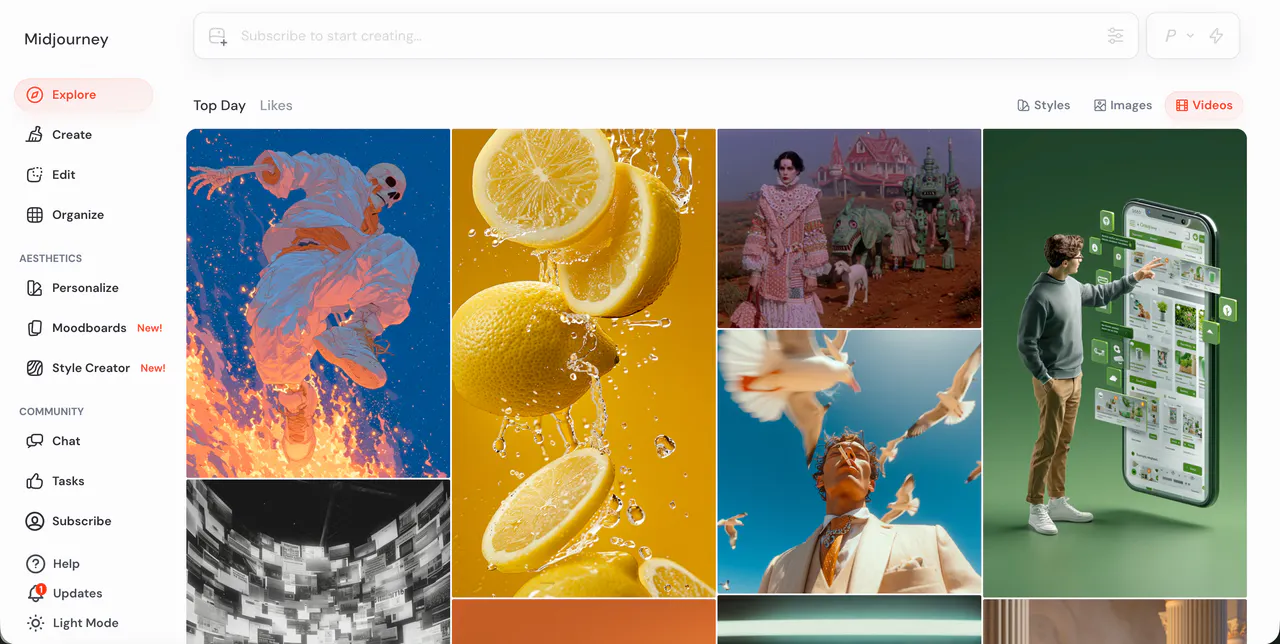
Midjourney is the world's most famous AI image tool, and it now has a video feature. It is best known for its "Aesthetic Consistency." If you love the artistic, beautiful look of Midjourney images, the video tool brings that same beauty to motion.
It is perfect for creating dream-like sequences, abstract art, or beautiful landscapes for Instagram Stories. While it doesn't do long stories yet, the visual quality of each frame is often much higher than its competitors.
Pros:
- Beautiful Art: Best-in-class visual quality and artistic style.
- Easy Integration: If you already use Midjourney for images, the video tool is right there.
- Fast Mode: Can generate short clips in just a few minutes.
Cons:
- Physics Issues: Human movement can sometimes look a bit "trippy" or strange.
- No Audio: Currently does not generate sound to go with the video.
7.Bytedance Imitator
Bytedance Imitator is created by the company behind TikTok, this tool is designed to make "scary-realistic" digital humans. It can take a single photo of a person and make them move, talk, and change their facial expressions perfectly.
It is called an "Imitator" because it is excellent at copying human behavior. This makes it a powerful tool for creators who want to make digital avatars that look and sound exactly like real people. It includes built-in lip-syncing that is very hard to distinguish from a real video.
Pros:
- Hyper-Realistic Humans: Best for making digital people look real.
- Lip-Syncing: Perfectly matches mouth movements to audio.
- Efficient: Can create high-quality results from just one reference photo.
Cons:
- Ethical Concerns: So realistic that it can be used to make deepfakes.
- Privacy: Being a ByteDance product, some users have data privacy concerns.
8.OiiOii.ai
OiiOii.ai is a newer platform that focuses on making AI video fun and accessible for social media creators. It offers a variety of templates that help you get a video started in seconds. It is a "social-first" tool, meaning it is designed for the vertical video format used on TikTok and Reels.
It focuses on "vibe" and atmosphere, making it easy to create trendy-looking clips with cool filters and smooth transitions. It is a great choice for influencers who want to add an AI touch to their content without learning complicated software.
Pros:
- Social Media Ready: Designed specifically for vertical video and trends.
- Very Easy: Simple interface that works well on mobile devices.
- Trendy Styles: Includes lots of cool filters and modern looks.
Cons:
- Less Detail: Not as "deep" or detailed as cinematic tools like Sora.
- Template Driven: Can feel a bit limited if you want to create something totally unique.
9. VideoGPT
VideoGPT specializes in generating full AI videos from text or images. It is an excellent tool for creating complete video sequences quickly, handling both characters and environments with AI-driven motion.
Creators often use VideoGPT to produce story-driven clips or social media content where speed and automation matter. It can turn a simple prompt into a fully animated scene, making it ideal for rapid content creation.
Pros:
- Full Video Generation: Can create entire video sequences from text or image prompts.
- Quick Results: Produces videos faster than many competitors.
- Versatile Content: Good for short stories, social media clips, or experimental animations.
Cons:
- Motion & Consistency: Characters and actions may sometimes be less stable or realistic.
- Visual Detail: Not as polished or cinematic as Videoinu AI.
- Subscription: Some advanced features require a paid plan. plan.
10.StoryShort AI
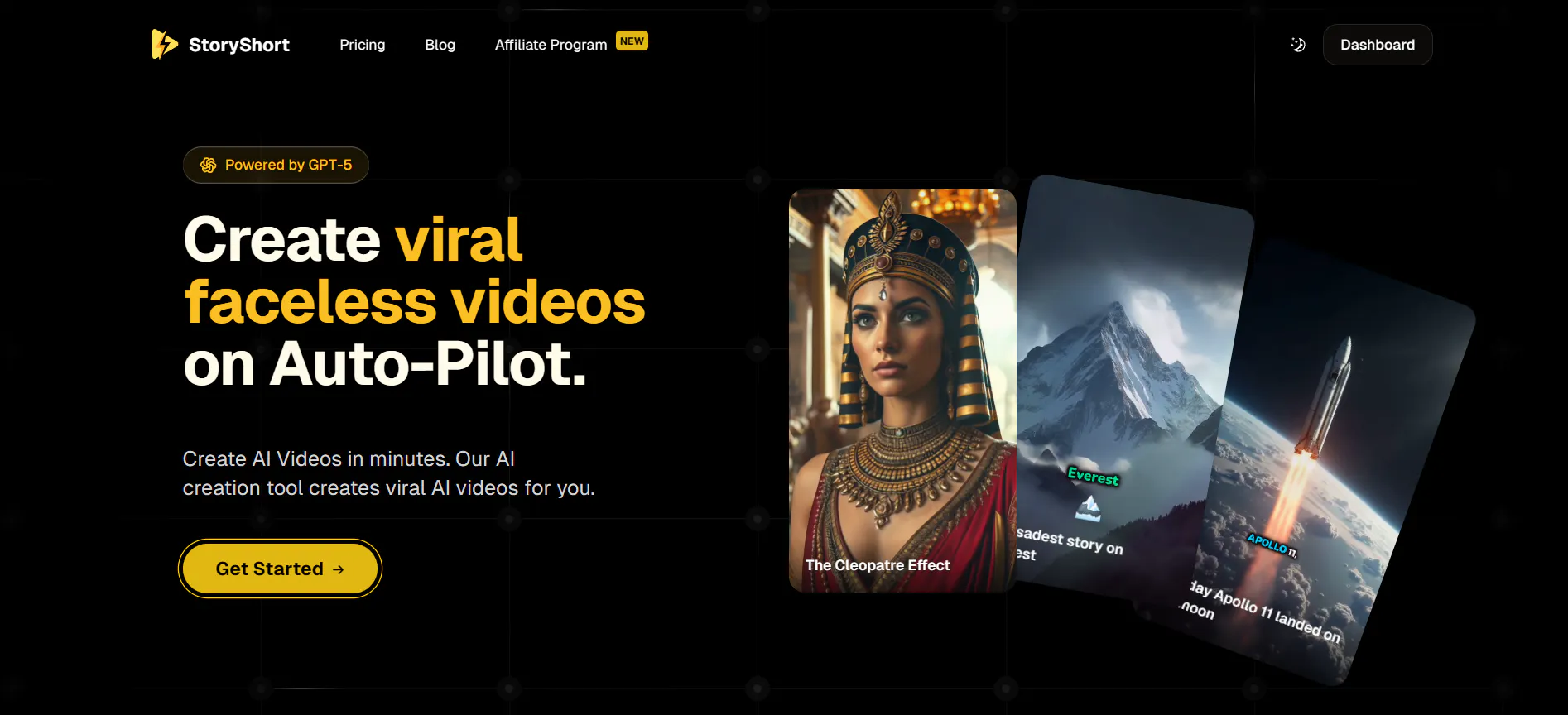
StoryShort AI is designed to turn text prompts directly into "Shorts" or "Reels." They act as an all-in-one generator: they write the script, find the images or video clips, and even add the captions and background music.
If you want to run a faceless YouTube channel, these tools are perfect. They take away all the manual work of editing and let the AI handle the entire production process from start to finish.
Pros:
- Full Automation: Generates the script, video, music, and captions automatically.
- Perfect for YouTube: Specifically built for the "Shorts" format.
- Fast Production: You can make a whole video in under 60 seconds.
Cons:
- Stock Footage Look: Sometimes uses stock clips that can feel less "original."
- Limited Creativity: You have less control over the specific movements of characters.
FAQs
1.What makes Videoinu AI different from StoryShort or VideoGPT?
While StoryShort and VideoGPT focus on making quick social media clips using existing footage, Videoinu AI creates entirely new animations from scratch. Videoinu is better for original storytelling because it keeps your characters consistent for up to 30 minutes, whereas the others are for short, one-off videos.
2.Can I use these tools for free?
Most of these tools offer a free trial or a daily credit system. For example, Videoinu AI usually lets you try the storyboard features for free. Midjourney and Bytedance tools often require a subscription for professional use.
3.Which tool is best for making real-looking people?
Bytedance Imitator (OmniHuman) and Wan AI are the best for human realism. They focus on skin textures, facial expressions, and natural movement, making it very hard to tell the person is AI-generated.
4.Do I need to be a professional editor?
No. Tools like Videoinu AI use a simple "storyboard" style where you just type what you want to happen. Most of these alternatives are designed so that anyone with a laptop can become a director.
5.Is AI video safe to use?
Yes, but you should always follow the rules of the platform you are using. Some tools have strict filters to prevent "deepfakes" of famous people. Always make sure you have the rights to the content you are creating, especially for business use.
Conclusion
The world of AI video is moving fast, and there is no longer a need to stick to just one tool. If you want to build a long-term project with consistent characters, Videoinu AI is the clear winner for storytelling. If you need beautiful art, Midjourney is great, and for realistic humans, Bytedance is the way to go.