10 Best AI Video Generators: The Ultimate Alternatives Guide
Making videos used to take a whole team and expensive cameras. Now, you just need a good prompt and the right AI tool. While platforms like Krea AI and Kling AI are popular, many creators find themselves limited by style choices or slow generation times.
Whether you want to make a viral TikTok, a 30-minute YouTube episode, or a cinematic masterpiece, you need a tool that fits your specific vibe. I spent weeks testing the latest video tech to see which ones actually deliver. If you are tired of getting "weird" results or waiting hours for a 5-second clip, this list is for you.
Here are the 10 best AI video generators I tried and loved this year.
Tool List
- VideoInu AI
- Wan AI
- Video Ocean
- Hailuo AI
- Seedance
- Luma AI
- OiiOii.ai
- Story Video AI
- Pika AI
- midjourney
1.VideoInu AI — The Ultimate All-in-One Hub for Long-Form Content

VideoInu AI is easily the best all-in-one solution for creators who want everything in one place. Unlike other tools that lock you into one single AI model, VideoInu acts as a powerful hub. It gives you access to the world's best video engines, including their own high-speed models and global favorites.
It’s perfect for making long-form content, as it can generate animated episodes up to 30 minutes long. This makes it a total game-changer for YouTubers who want to build a real audience without spending months on a single video.
One of the coolest things about VideoInu is its character consistency feature. You can use the "@" symbol to keep your characters looking exactly the same in every scene. This is a huge fix for the common AI problem where a person’s face changes every time the camera moves.
It also supports 1080P and 2K HD quality, so your videos look professional. Whether you are doing faceless YouTube channels or viral social shorts, VideoInu handles the script, voiceover, and visuals all at once. It truly is the "Swiss Army Knife" of AI video.
Pros:
- Model Aggregator: Access many top AI models from one dashboard.
- Character Consistency: Use @mentions to keep characters looking the same.
- Long-Form Video: Can create videos up to 30 minutes long for YouTube.
- All-in-One Workflow: Handles scripts, voice cloning, and video generation.
Cons:
- Credit System: You need to manage credits, though the free trial is generous.
- Many Options: Beginners might need a few minutes to explore all the tools.
2.Wan AI — The Master of Realistic Physics and 3D Depth
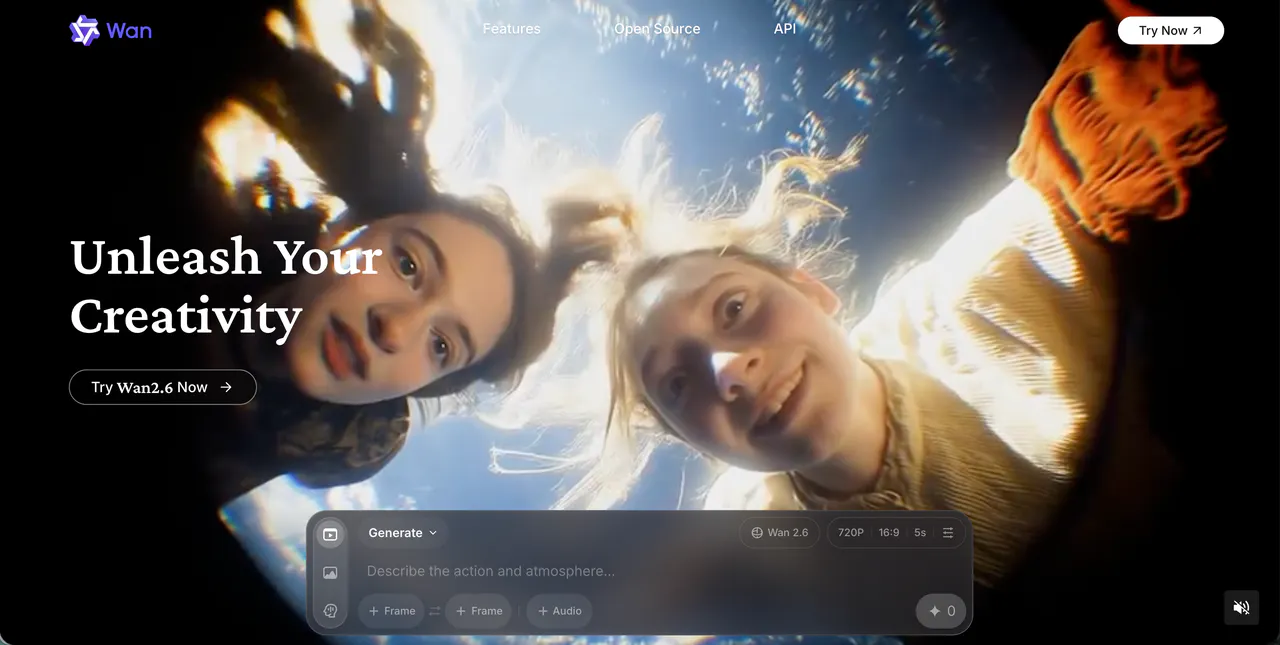
Wan AI is a newer name on the scene, but it has quickly become a favorite for people who care about physics. Coming from the tech teams at Alibaba, this model is designed to understand how the real world works.
If you ask it to show a glass of water spilling, the water moves like actual liquid, not a blurry mess. It’s fantastic for anyone who wants their AI videos to look grounded and "heavy" rather than dreamy or cartoonish.
I found Wan AI to be particularly good at 3D depth. When the camera pans, you can really feel the space between objects.
It’s a great alternative if you feel that other tools make everything look a bit flat. The movement is smooth, and it handles human skin textures better than most.
If you are trying to make a realistic short film or a professional product ad, Wan AI is a very strong choice that feels like it belongs in 2026.
Pros:
- Realistic Physics: Objects and liquids move like they do in real life.
- Great Textures: Skin, fabric, and hair look incredibly detailed.
- High Resolution: Supports sharp outputs for big screens.
Cons:
- Technical Interface: The settings can feel a bit more complex for casual users.
- English Support: Some features are still rolling out globally.
3.Video Ocean — The King of Cinematic Scenery and Lighting
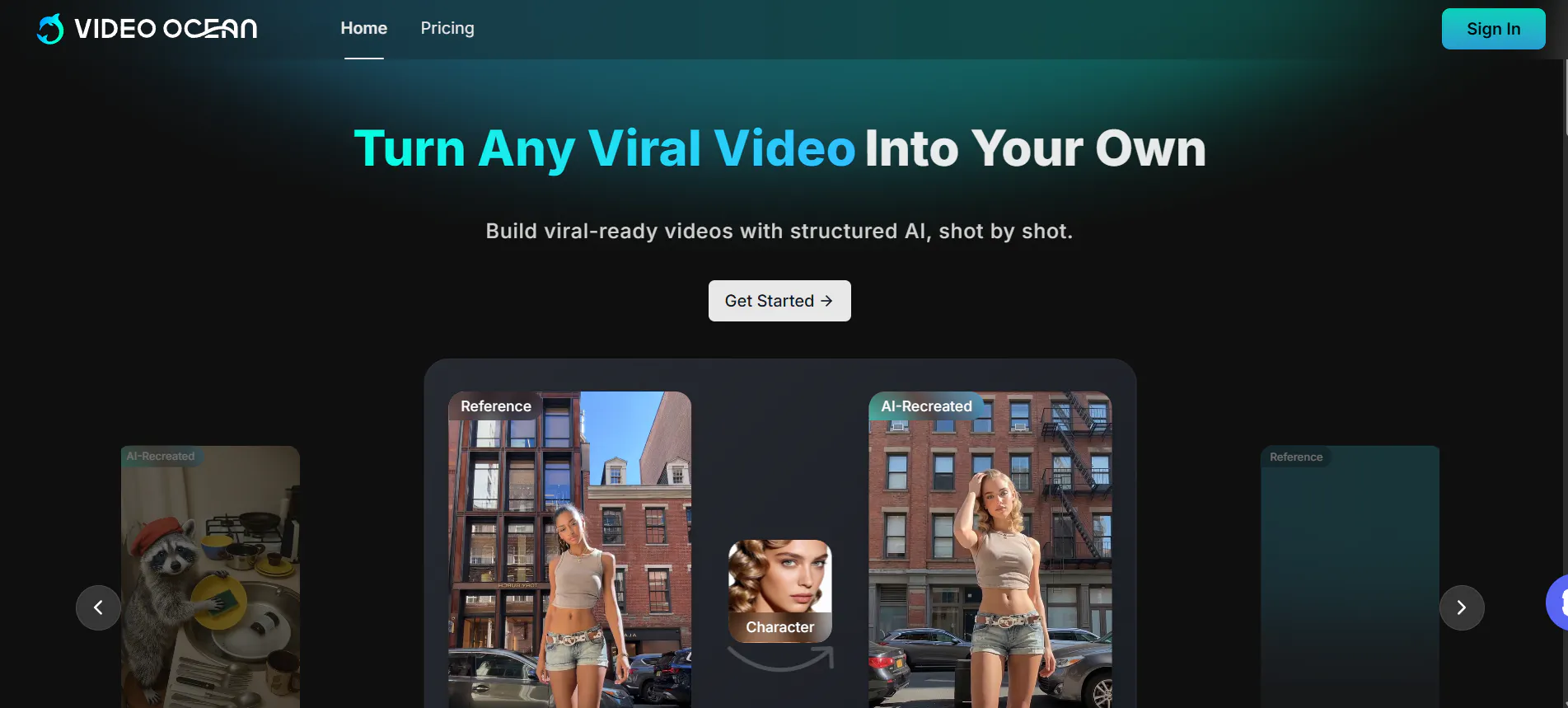
Video Ocean focuses on what I like to call "cinematic atmosphere." While some tools are great for people, Video Ocean is the king of scenery. If you need a wide shot of a futuristic city or a beautiful mountain range with realistic clouds, this is your tool. I loved using it for background footage because the lighting is always dramatic and beautiful.
It feels like a tool built for people who want to make high-quality "B-roll." The AI understands cinematic terms very well, so if you ask for a "dolly zoom" or "golden hour lighting," it usually nails it. It is less about character acting and more about the "vibe" of the world.
For creators making travel vlogs or mood videos, Video Ocean provides a polished look that usually requires a professional camera crew.
Pros:
- Beautiful Lighting: Excellent at recreating sunlight and neon glows.
- Cinematic Angles: Understands professional camera movements.
- Easy to Use: You don't need fancy prompts to get a pretty result.
Cons:
- Short Clips: Most generations are only a few seconds long.
- Not for Humans: Struggles with human faces compared to environments.
4.Hailuo AI — The Expert in Emotional Character Expressions
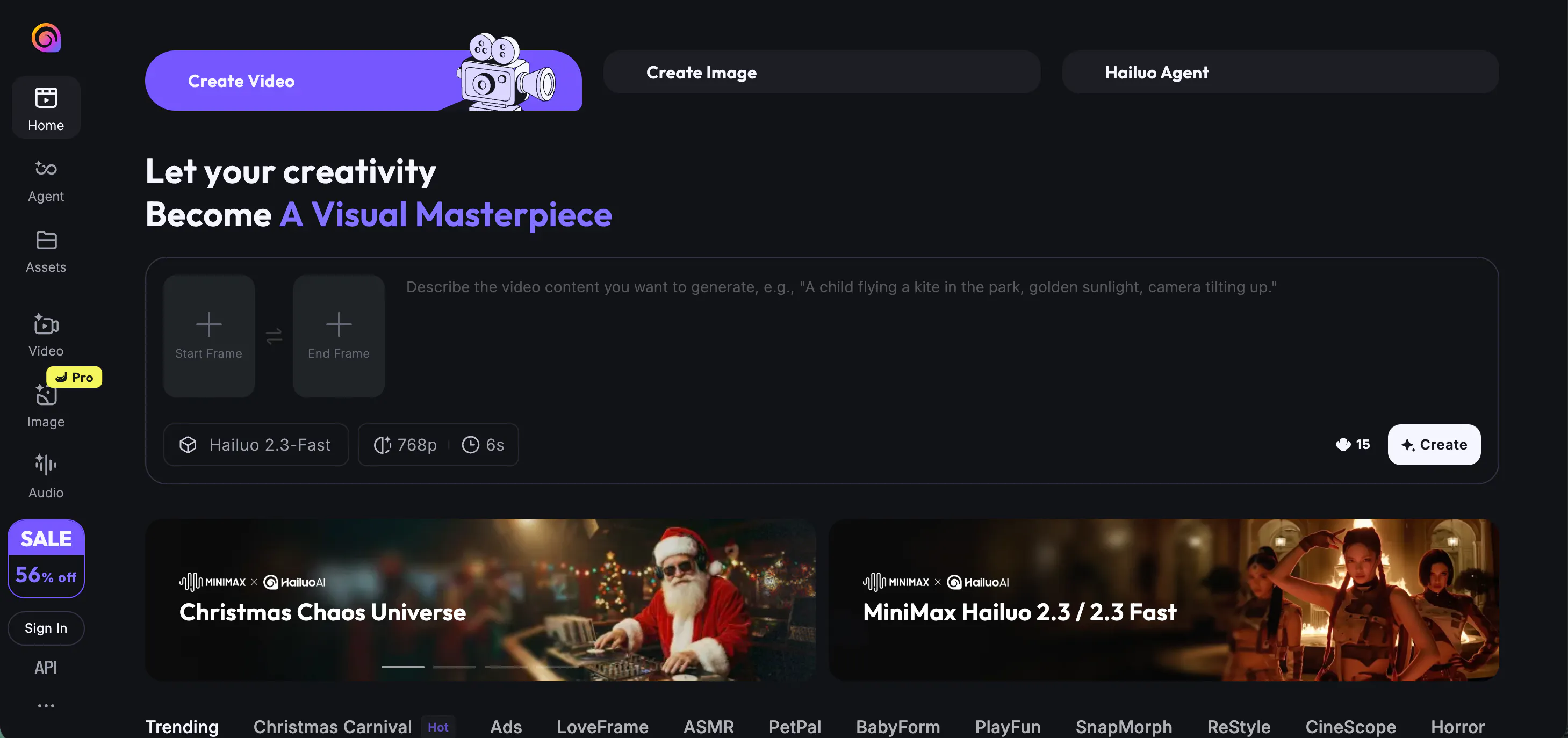
Hailuo AI (often powered by MiniMax) is one of the fastest-growing models right now. What makes it special is how "alive" the characters feel. When a character talks or expresses emotion in Hailuo, the facial movements are much more expressive than in other tools. It avoids that "statue" look where only the mouth moves.
I use Hailuo when I need a video with a lot of emotion. If you want a character to look surprised, sad, or super happy, this AI gets the micro-expressions right.
It’s very popular on social media because it creates clips that grab people's attention immediately. The speed of generation is also quite fast, so you aren't stuck staring at a loading bar for half an hour.
Pros:
- Expressive Faces: Characters show real emotion and natural movement.
- Fast Rendering: One of the quickest tools for turning text into video.
- Social Media Friendly: Great for short, punchy clips that go viral.
Cons:
- Lower Consistency: Hard to keep faces the same between different clips.
- Prompt Accuracy: Sometimes adds extra details you didn't ask for.
5.Seedance — The Specialist for Fluid Body Motion and Dance
Seedance is the specialist you go to when you want your characters to move perfectly. While many AI models struggle with walking or dancing, Seedance is designed to handle complex body movements. It’s a "motion-first" AI. You can even upload a video of a dance and tell the AI to make your character do the exact same moves.
I found it incredibly useful for music videos or fitness-related content. It keeps the limbs in place, so you don't see arms disappearing into the character’s chest.
If you have ever tried to make an AI character walk and they looked like they were floating, Seedance will be a breath of fresh air. It is stable, reliable, and keeps the human anatomy looking correct even during fast action.
Pros:
- Motion Specialist: Best tool for dancing and athletic movements.
- Video-to-Video: Great at copying motion from real videos.
- Anatomical Accuracy: Characters have the right number of limbs.
Cons:
- Human Focus: Not the best tool for generating monsters or spaceships.
- Learning Curve: Setting up motion tracking takes a little more effort.
6.Luma AI — The Pro Choice for High-Fidelity 3D Visuals
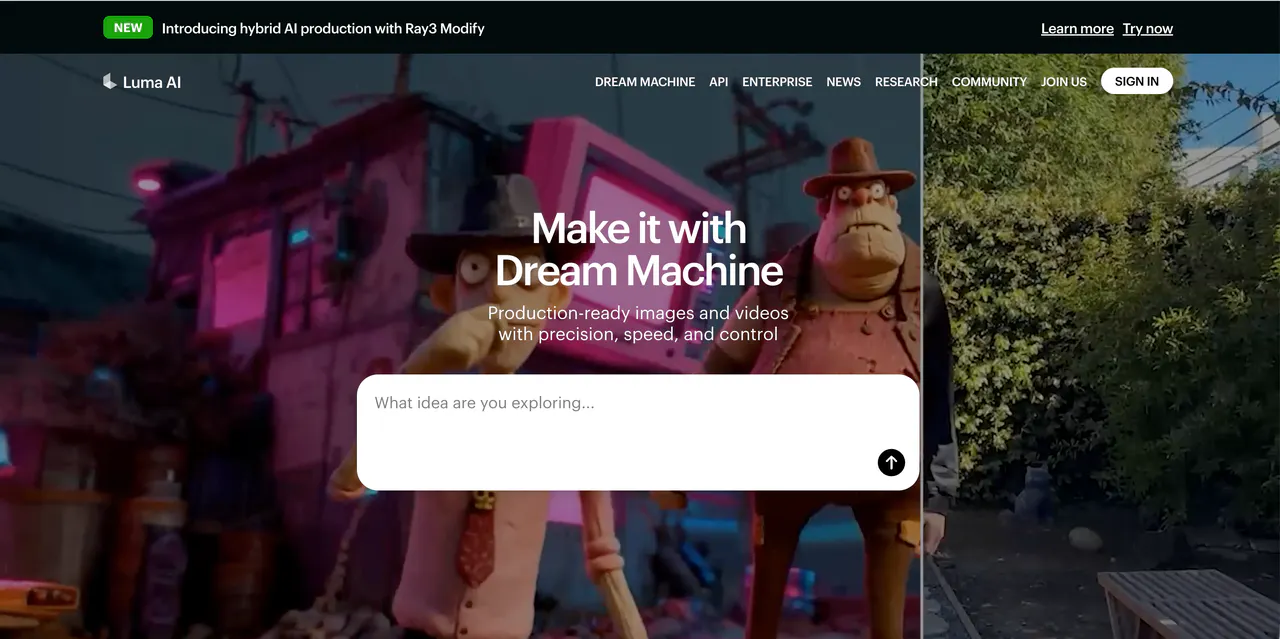
Luma AI is one of the most well-known names in the space. It’s built by a team that loves 3D technology, and it shows. The videos generated by Luma have a very high level of visual fidelity. It understands how light hits objects in a 3D space, making everything look like a high-budget 3D render or a real film shot.
I love Luma for its "Image-to-Video" feature. You can take a high-quality photo and Luma will animate it in a way that feels natural. It’s great for creating establishing shots for a movie or a YouTube video.
While it can sometimes have "hallucinations," when it works, it is stunning. It’s a very professional-feeling tool that is constantly getting better.
Pros:
- 3D Realism: Videos have amazing depth and lighting.
- Great Free Tier: Offers a decent number of free tries for new users.
- Fast Evolution: The team updates the model very frequently.
Cons:
- Morphing Issues: Objects can melt into each other in complex scenes.
- Credit Cost: Can get expensive once you run out of free tries.
7.OiiOii.ai — The Creative Playground for Anime and Trends
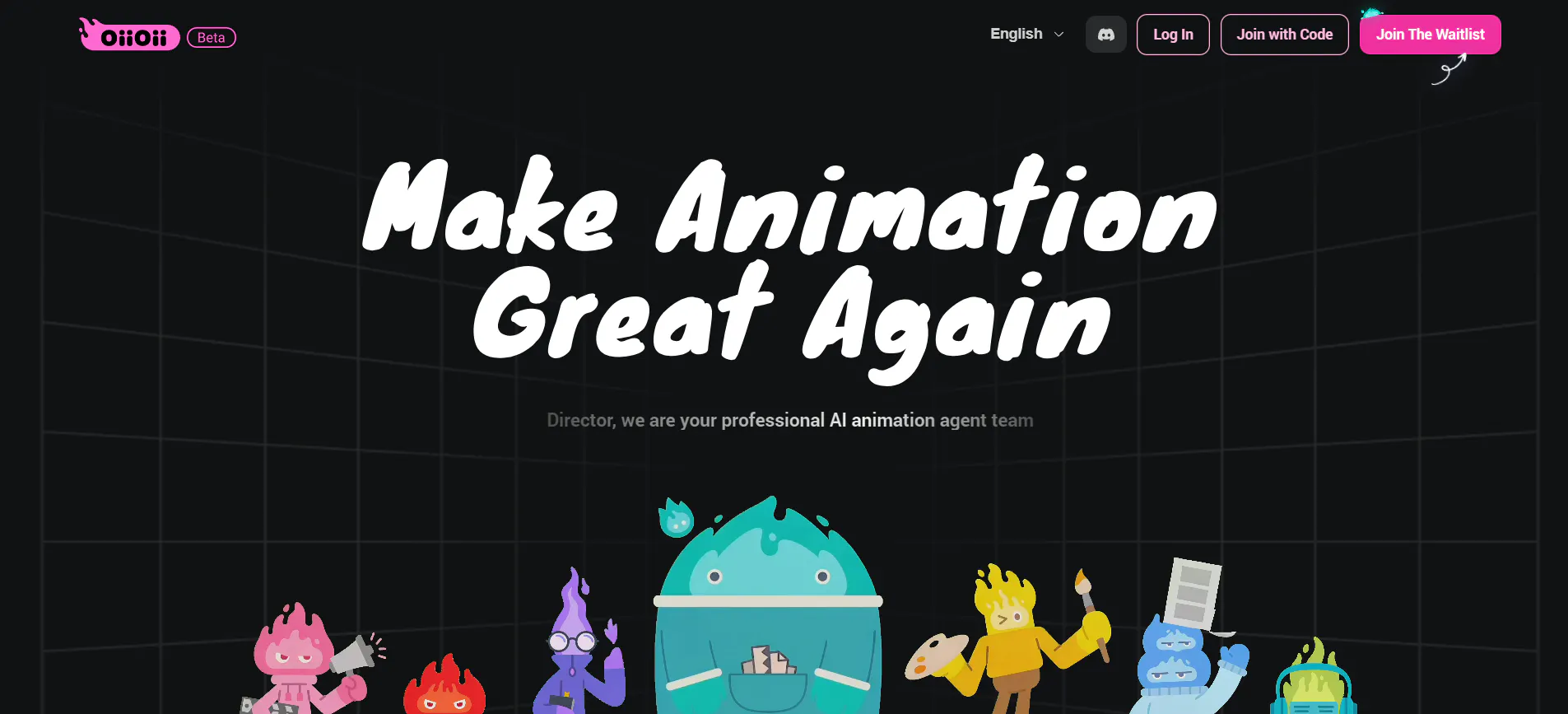
OiiOii.ai is a fun and colorful tool that feels like it was made for the TikTok generation. It’s not trying to be a serious Hollywood movie maker; it’s trying to be a creative playground. It is especially strong at generating anime and cartoon styles. If you want to turn a prompt into a 2D or 3D animated clip that looks like it belongs on a streaming site, OiiOii is a great pick.
I found the interface very friendly. It doesn't use a lot of confusing technical words. It also has features that help you match your video to music, which is essential for social media. It’s a "vibe" tool. If you want something bright, flashy, and trendy, this is the alternative to the more "serious" models.
Pros:
- Fun Styles: Best choice for anime, cartoons, and colorful 3D art.
- Simple Interface: Very easy for a beginner to learn.
- Trendy Effects: Includes styles that are popular on social media.
Cons:
- Less Realistic: Not the tool for photorealistic human faces.
- Shorter Length: Best for clips under 10 seconds.
8.Story Video AI — The Best Assistant for Narrative Storytelling
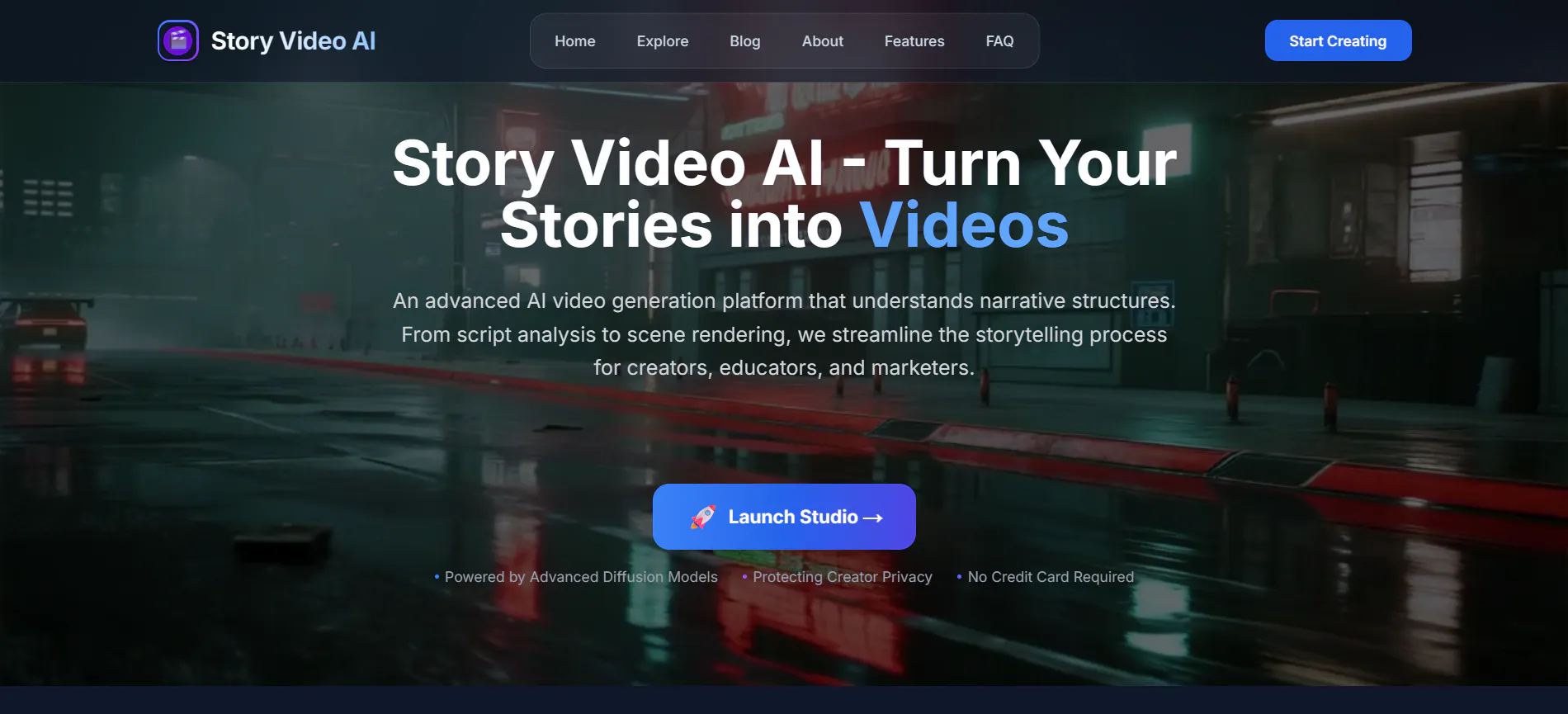
Story Video AI is built for people who want to tell a story but don't want to do all the editing. It focuses on narrative flow. You give it a story idea, and it helps you build the scenes in order. This is a big help because one of the hardest things in AI video is making sure Scene 1 and Scene 2 actually go together.
I used this to make a short "fairytale" video for a project. It kept the environment and the characters consistent enough to tell a 1-minute story. It’s a great middle ground between a simple clip generator and a full production suite. It feels more like a storytelling assistant than just a random video bot.
Pros:
- Narrative Focus: Helps you build a sequence of shots that make sense.
- Ease of Use: Guides you through the process of making a story.
- Good for Creators: Perfect for story-driven social media content.
Cons:
- Style Limits: It doesn't have as many artistic styles as VideoInu.
- Resolution: Videos are good but not as sharp as 2K models.
9.Pika AI — The Leader in Integrated Sound and Lip Sync
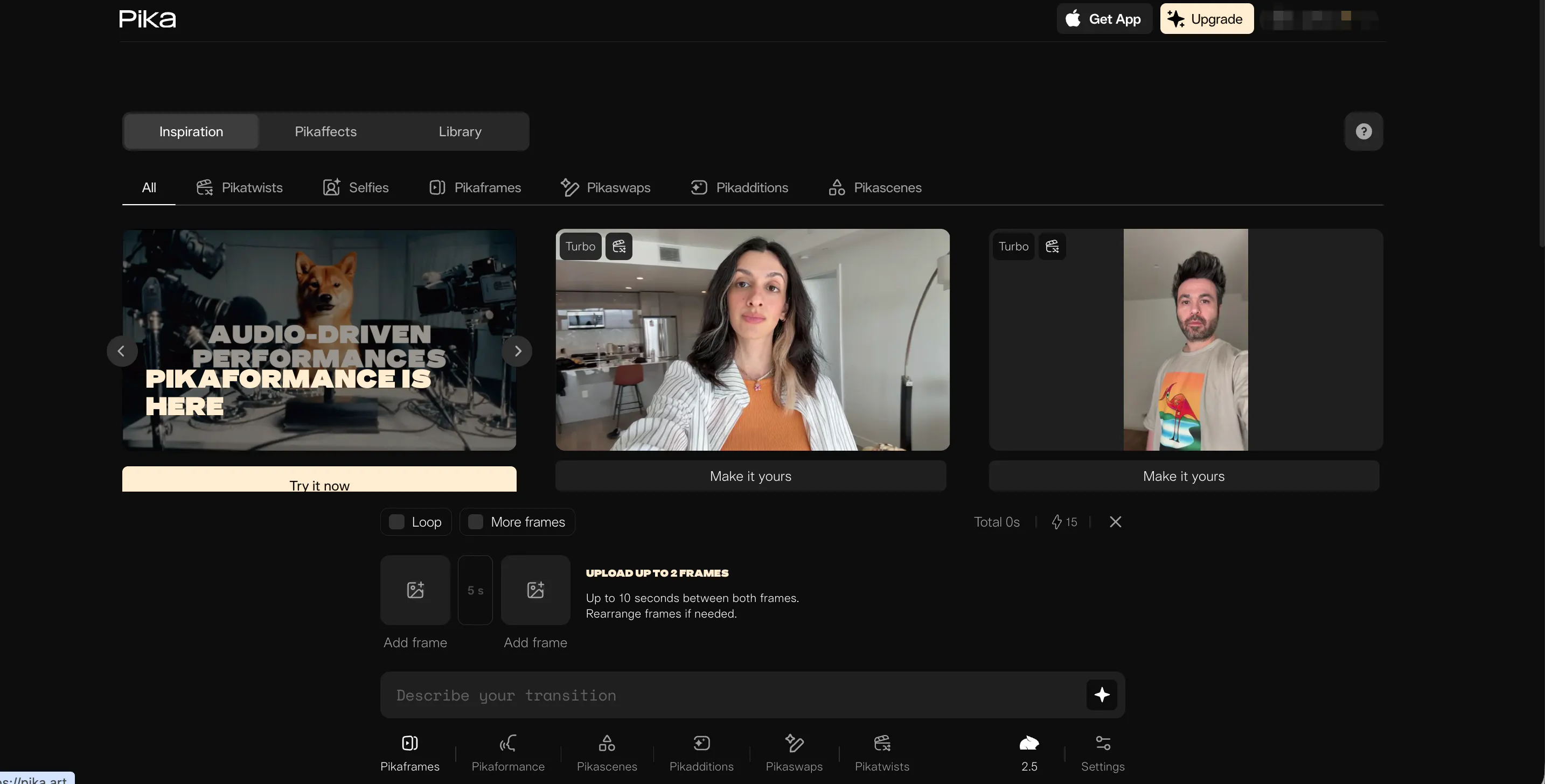
Pika AI is another fan favorite because of its cool features like "Lip Sync" and "Sound Effects." Pika was one of the first to let you make your characters talk by just uploading an audio file. It also generates its own sound effects to match the video, like the sound of wind or a car engine.
It has a very "dreamy" and artistic look. It’s not always perfectly realistic, but it’s always visually interesting. I love using their "Area Edit" feature, where you can circle a part of the video and tell the AI to change just that one spot. It gives you more "hands-on" control than many other platforms.
Pros:
- Sound Effects: Automatically adds audio that matches video action.
- Lip Sync: One of the easiest ways to make characters speak.
- Precise Editing: Ability to change specific parts of a video.
Cons:
- Can Look "AI-ish": Has a distinctive glow that looks less like real film.
- Slow for Long Clips: Better for short loops than long scenes.
10.Midjourney — The Ultimate Tool for High-End Artistic Visuals
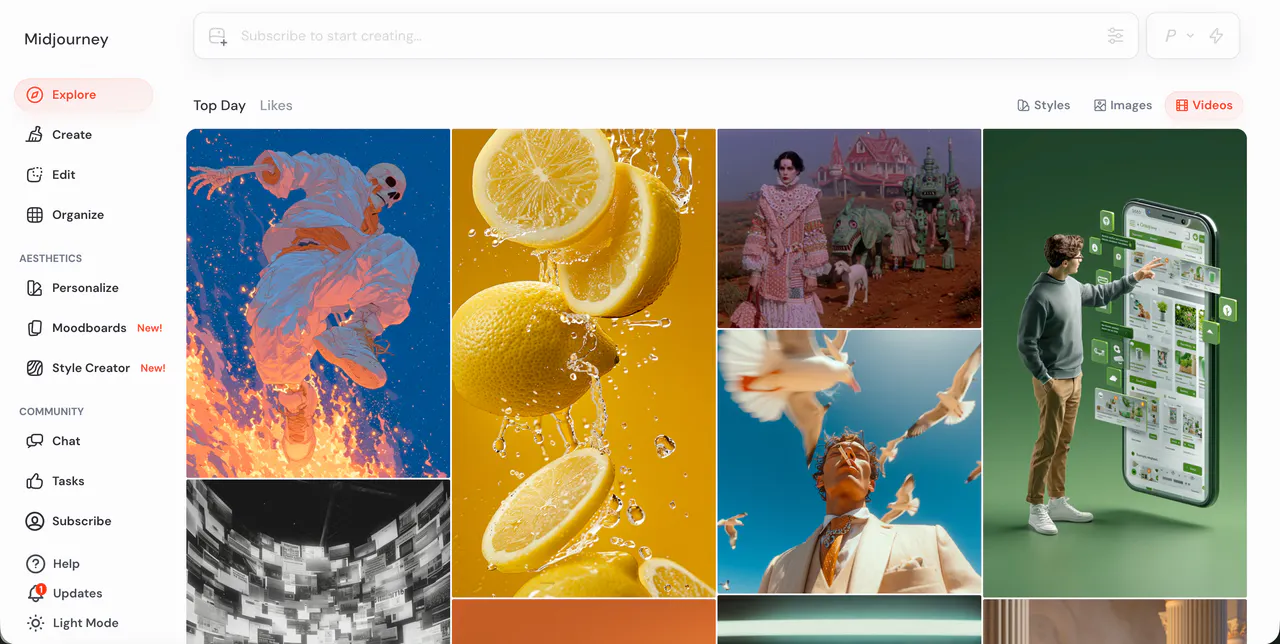
Midjourney is technically an image generator, but it’s an essential alternative for video creators. The best AI videos usually start with a perfect image. Midjourney still has the best "artistic eye" in the world. Many pros use Midjourney to create a stunning high-res photo and then use a tool like VideoInu to bring it to life.
If you are tired of the low-quality images that some video tools start with, using Midjourney as your "camera" is a pro move. They are also testing their own video tools and editors now. If you want the most beautiful, aesthetic, and artistic visuals possible, you have to include Midjourney in your workflow.
Pros:
- Unmatched Beauty: The most artistic images available.
- Infinite Styles: Can do everything from old film to 3D.
- Strong Community: Tons of prompts and ideas to learn from.
Cons:
- Workflow Step: You currently need a second tool to animate images.
- Discord Interface: Can feel a bit cluttered for some users.
Conclusion: Why VideoInu AI Wins
After testing all these tools, it’s clear that we are in a golden age of creativity. If you want realistic physics, Wan AI is great. If you want beautiful scenery, Video Ocean is awesome.
But if you want to actually build a brand or a YouTube channel, VideoInu AI is the best choice. It combines the power of all these other models into one hub, lets you make long-form 30-minute videos, and solves the character consistency problem that ruins most AI stories. It’s the most complete, user-friendly, and powerful tool on the market today.
FAQs
1.Is VideoInu AI free?
VideoInu offers a freemium model. You can start for free with initial credits to test out the tools and various video styles. If you need more credits for HD quality or longer videos, they have affordable paid plans.
2.Which tool is best for making characters talk?
Pika AI and VideoInu AI are both great for this. Pika is famous for its lip-sync, while VideoInu allows you to clone voices and generate talking-head animations as part of a longer story.
3.Do I need a powerful computer for AI video?
Nope! All of these tools run in the "Cloud." The heavy processing happens on their servers. You can use them on a basic laptop, a Chromebook, or even your phone.
4.Can I use these videos on YouTube and make money?
Yes! Most of these tools (like VideoInu) allow you to use your creations for commercial purposes if you are on a paid plan. Always check the specific Terms of Service.
5.How do I make characters look the same in every shot?
VideoInu AI is the best solution for this because of its "@" mention system, which forces the AI to remember your character's design throughout your entire video.
Try videoinu — the best AI video generator for fast text‑to‑video creation.