Better Than Haiper AI: 10 Alternatives for Less AI‑Looking Videos
Haiper AI is known for clean and stable short videos. But many creators eventually want more—better consistency, stronger storytelling, or a tool that can scale into a real channel. If you feel limited by Haiper’s short‑clip focus, the alternatives below are worth a look.
Here are 10 strong Haiper AI alternatives that aim for more natural‑looking video and better creator workflows.
A creator‑first system for full videos — Videoinu AI

Videoinu AI is the best alternative to Haiper AI if you want to move beyond short, single clips. Haiper focuses on clean outputs, but Videoinu focuses on complete videos with structure. It helps you build scenes that connect, with pacing that feels planned and human.
One of Videoinu’s biggest strengths is character consistency. For story channels, kids content, and faceless videos, keeping the same character across scenes makes a huge difference. It makes viewers stop thinking about AI and start following the story. This is where Videoinu clearly outperforms Haiper.
Videoinu also supports the publishing side. It is designed for creators who want repeatable formats and long‑term growth, not just a single nice clip.
Pros
- Strong character consistency across scenes
- Story‑first workflow with natural pacing
- Built for series and repeatable formats
- Very friendly for YouTube and Shorts creators
Cons
- Not focused on flashy effect experiments
- Works best with a simple story outline
Try Videoinu AI — the best Haiper AI alternative for natural, series‑ready videos.
Speed‑first clips for ads and social posts — Vidu AI
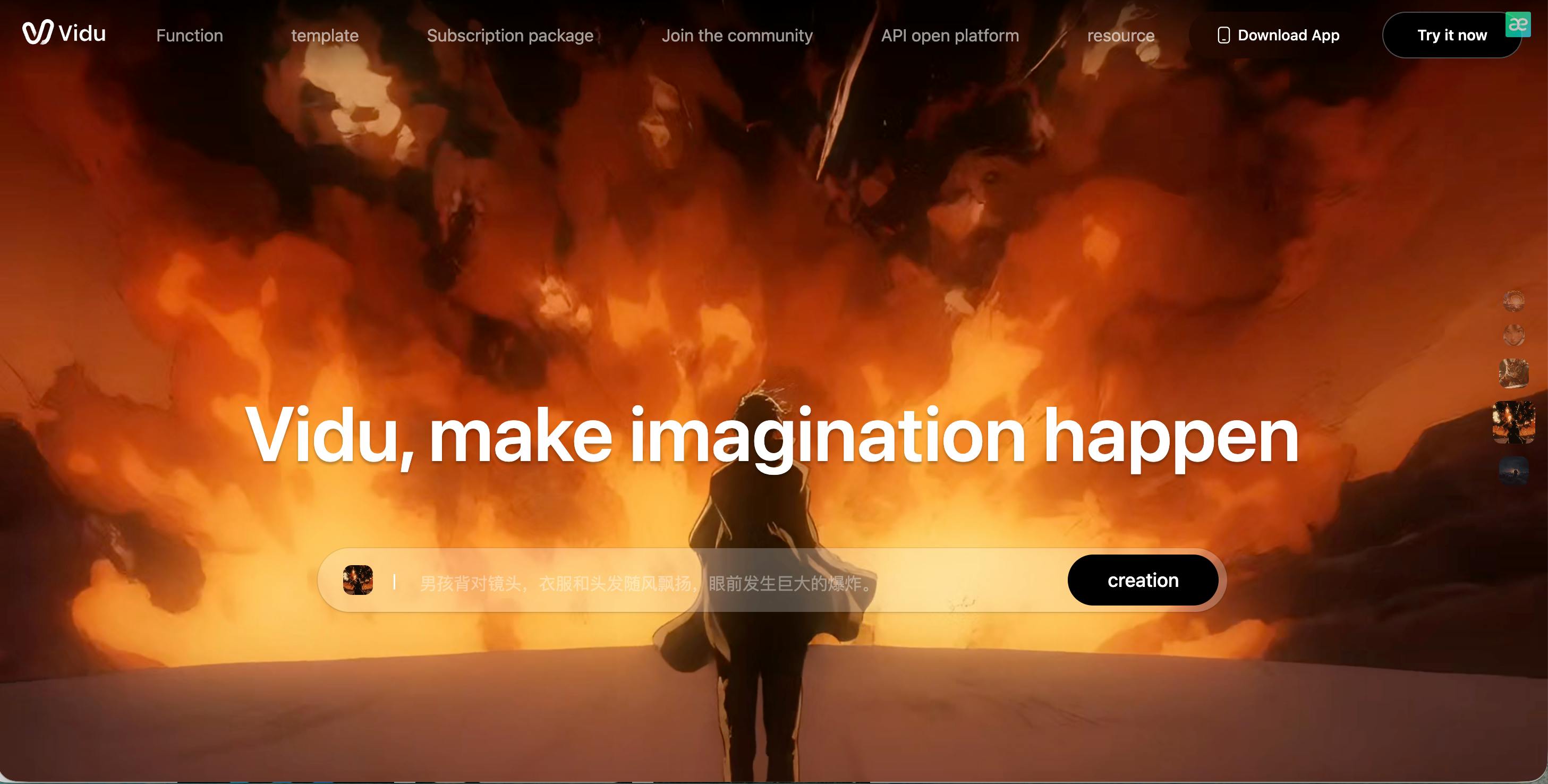
Vidu AI is a good option if you like Haiper’s simplicity but want even faster output. It is built for speed and visual impact, which makes it popular for ads, promos, and short social videos.
Vidu works best when you keep scenes simple. One subject, clear action, and calm motion usually produce the most natural results. If you overload the prompt, the AI look can show up quickly. Used the right way, Vidu can create clean clips that work well in fast‑scroll feeds.
Vidu is not designed for long stories or recurring characters, but for quick content, it is very efficient.
Pros
- Very fast generation
- Strong visual punch for short clips
- Simple workflow for quick ideas
Cons
- Weak consistency across multiple scenes
- Not ideal for story‑based channels
High realism when available — Sora
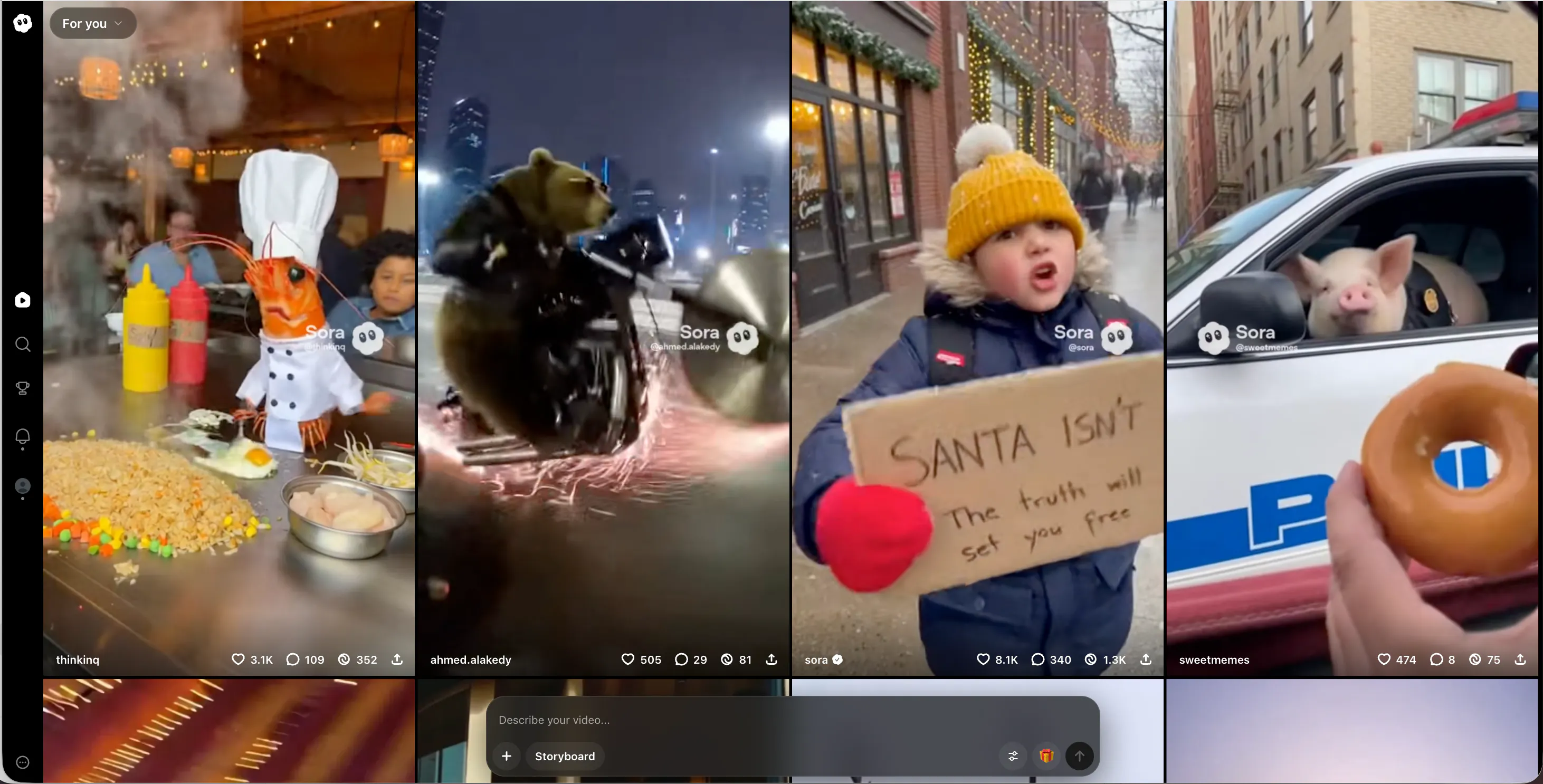
Sora is often mentioned when people want AI video that looks more like real footage. Compared to Haiper, Sora can handle complex scenes and more natural motion, which can reduce the obvious AI feel.
That said, Sora is not a daily creator tool for most people. Access can be limited, and the workflow is not built around publishing or series creation. It works best for high‑quality scenes, cinematic moments, and experiments where realism matters more than speed.
Simple prompts usually give the best results. Short, focused scenes tend to look more natural than busy ones.
Pros
- Strong realism potential
- Good understanding of motion and space
- Can produce very natural‑looking scenes
Cons
- Limited or controlled access
- No creator‑focused workflow tools
Stylized visuals that feel intentional — PixVerse AI
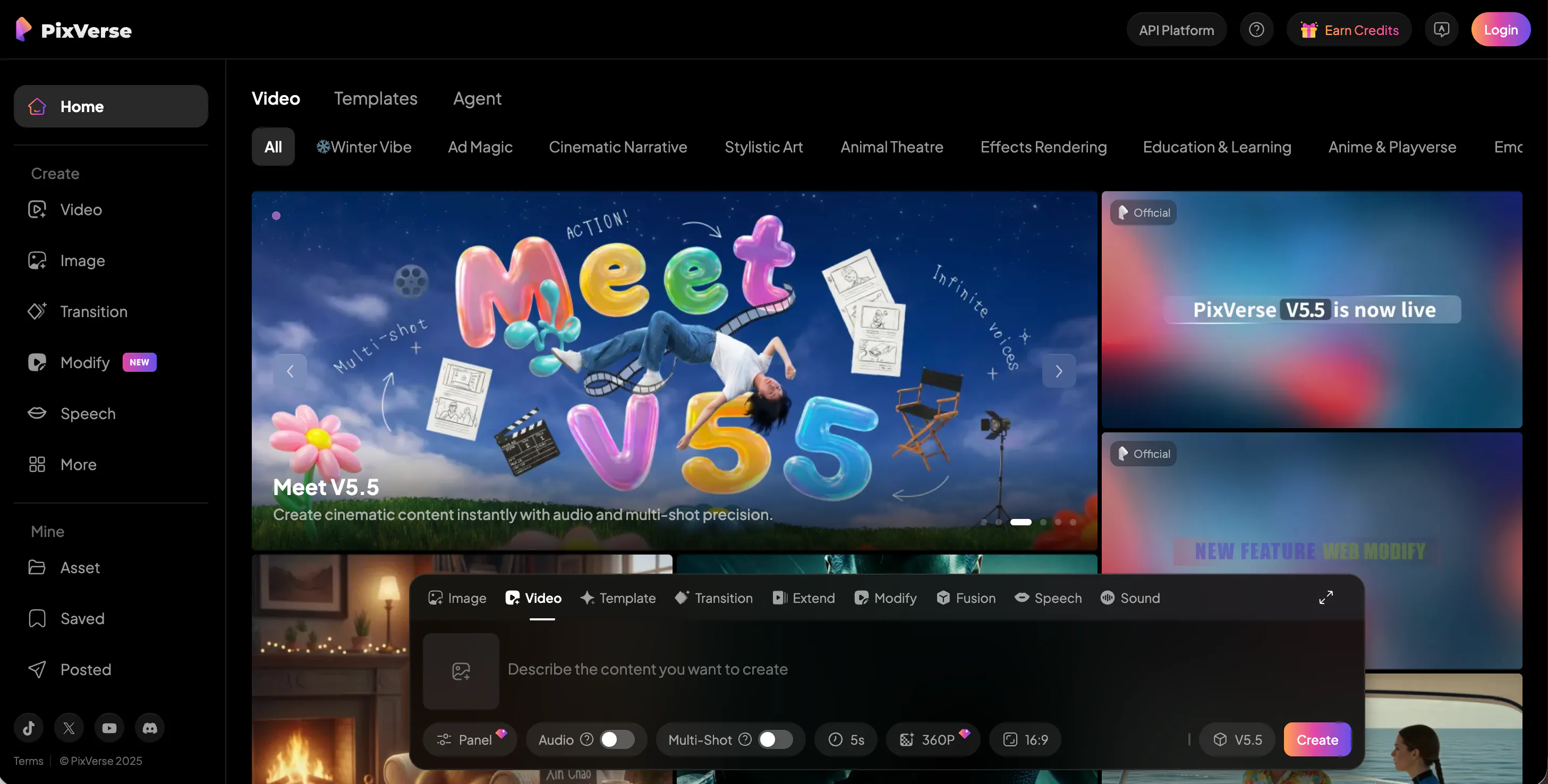
PixVerse AI takes a different approach from Haiper. Instead of chasing realism, it focuses on stylized and animated looks. This can actually help videos feel less “weird,” because viewers accept the style right away.
PixVerse works well for short animated stories, character clips, and fun social content. If realism is not required, this style can feel more natural than half‑real AI video. It is also easy to use, which makes it good for creators who want fast results without deep setup.
PixVerse is not meant for cinematic realism, but for social‑friendly content, it performs well.
Pros
- Clear, stylized look that feels planned
- Easy to use for short content
- Great for animated and social videos
Cons
- Not realistic
- Limited use for film‑style projects
More control and less randomness — Krea AI
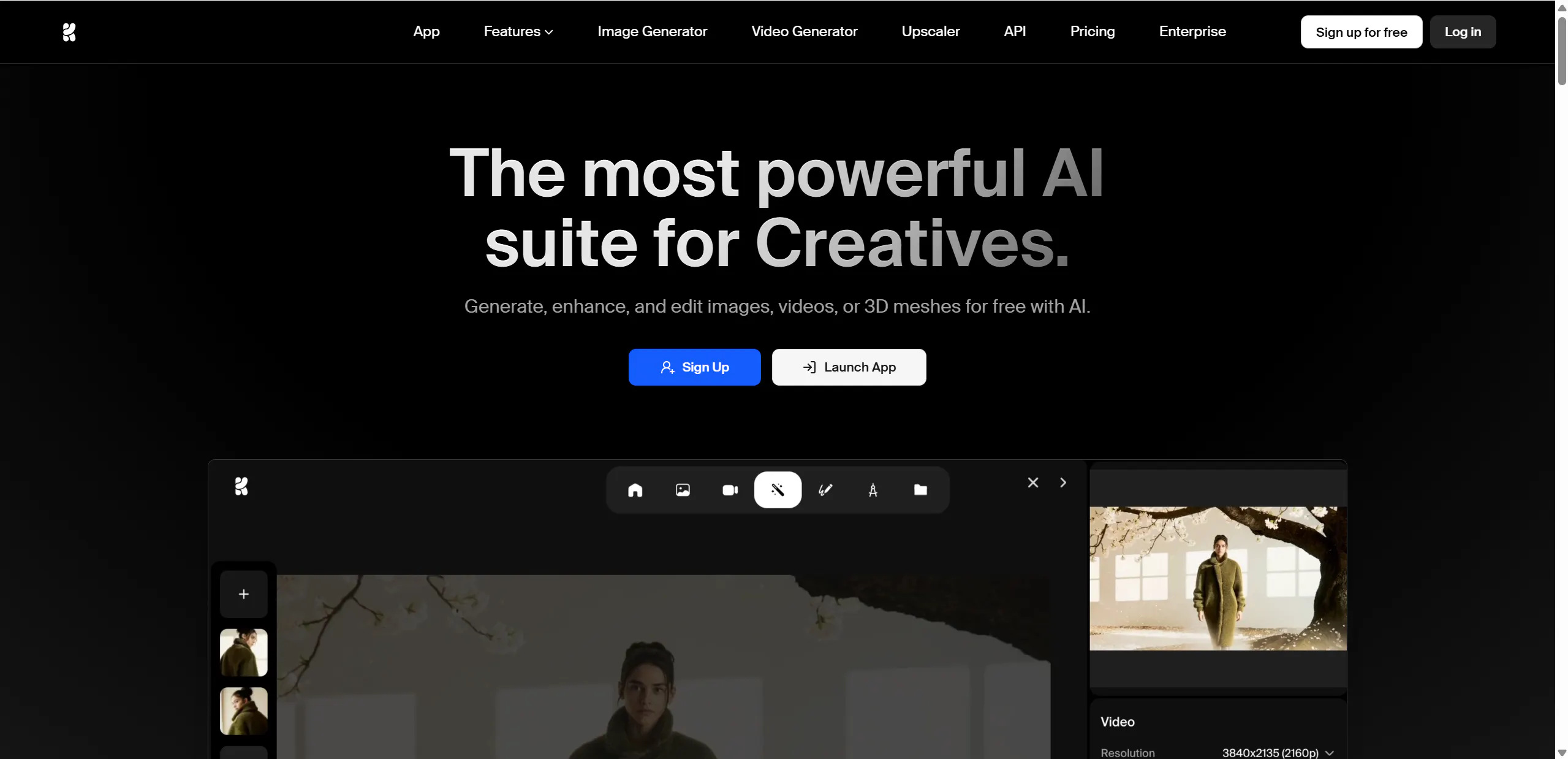
Krea AI is a strong alternative if you want more control than Haiper offers. Many AI tools feel like a lottery. Krea pushes toward guided creation, which helps keep style and composition more consistent.
This control can make videos feel more human‑made. When the look stays consistent across posts, viewers focus on the message, not the AI. Krea is often used by designers and brand creators who care about visual identity.
The trade‑off is speed. Krea can take more effort, but the results often feel cleaner and more intentional.
Pros
- Better control over style and look
- More consistent visual output
- Good for brand and channel identity
Cons
- Slower than quick‑clip tools
- Not built for long story pipelines
Premium, cinematic quality for brands — Veo
Veo is aimed at high‑quality, cinematic video. Compared to Haiper, it focuses more on polish and detail than speed. It can be a good choice for marketing videos, brand content, and premium projects.
When used with simple scenes and clear prompts, Veo can produce very clean results that feel closer to a real production. However, the workflow can feel heavy if you need to post often.
Veo works best when quality matters more than volume.
Pros
- High visual quality and detail
- Film‑like presentation
- Good for premium brand content
Cons
- Heavier workflow
- Not ideal for daily posting
A secondary tool for fresh styles — Seedance
Seedance is useful when you want variety. Many creators use it as a second tool to avoid repeating the same look in every video. Different tools handle motion and pacing differently, and Seedance can add that variation.
It works best for short scenes, creative moments, and testing new ideas. To keep results natural, simple prompts usually work best. It may take some testing to find a style you like.
Seedance is not always consistent, but it can be valuable as part of a mixed workflow.
Pros
- Fresh and varied visual styles
- Useful as a backup generator
- Good for creative testing
Cons
- Results can vary
- Needs experimentation
Simple testing for early ideas — Video Ocean
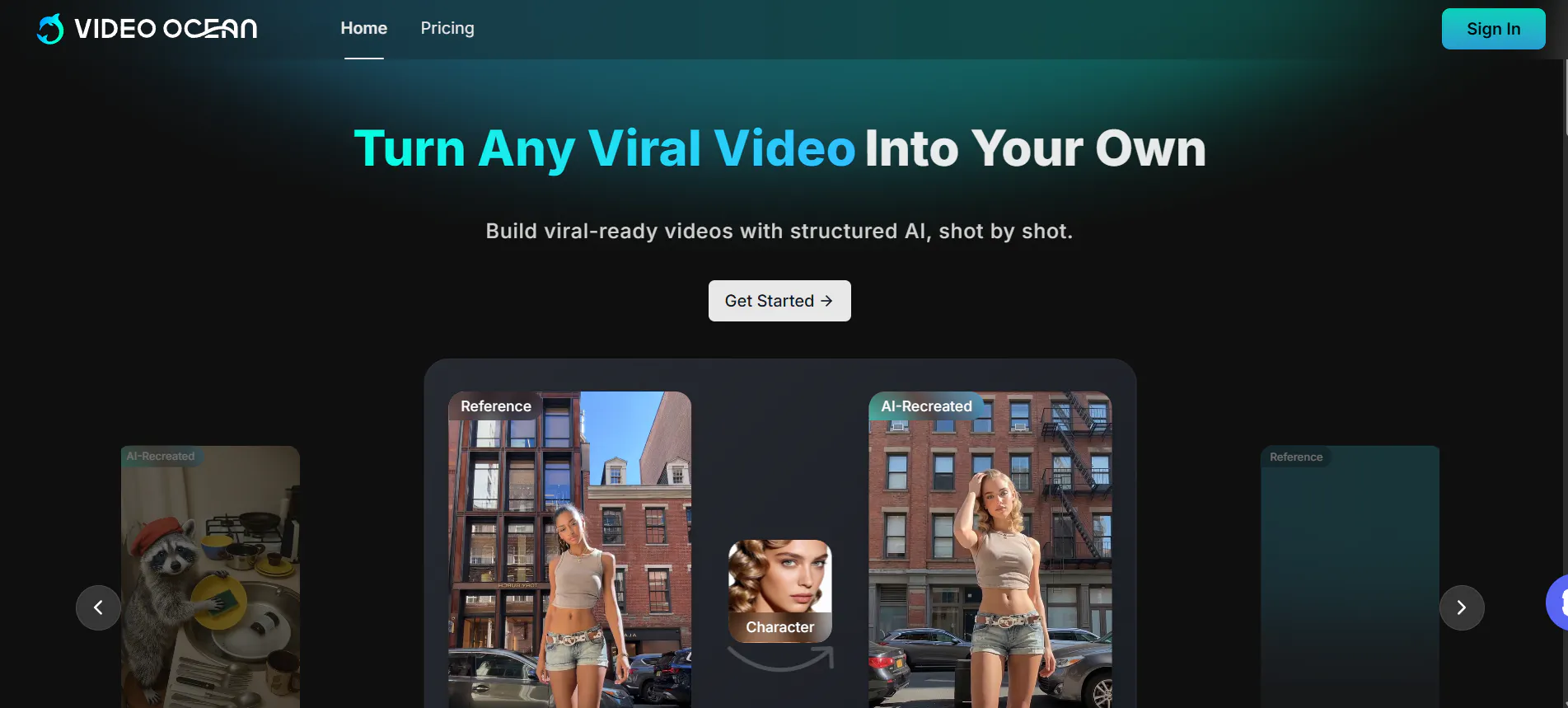
Video Ocean is a lightweight option for quick experiments. If you mainly used Haiper to test ideas, Video Ocean can play a similar role. It helps you quickly turn a concept into a short clip.
It is easy to start and does not require much setup. However, it is not built for advanced control, long stories, or consistent characters. Think of it as a sketch tool, not a full studio.
Pros
- Easy and fast to start
- Good for quick idea testing
- Low learning curve
Cons
- Limited advanced features
- Not suitable for long content
Flexible, open workflows for custom results — Stable Video Diffusion
Stable Video Diffusion is very different from Haiper. It is often used by creators who want more freedom and customization. You can build your own workflow and adjust how generation works.
This flexibility can help avoid the “same look” problem and can lead to more natural results if you invest time. The downside is setup. It usually requires more learning and patience than app‑style tools.
It is best for advanced users who enjoy experimenting.
Pros
- Highly flexible and customizable
- Good for experimentation
- Can reduce repetitive AI styles
Cons
- More setup and learning
- Slower for simple daily content
Another option for large‑model video generation — Hunyuan AI
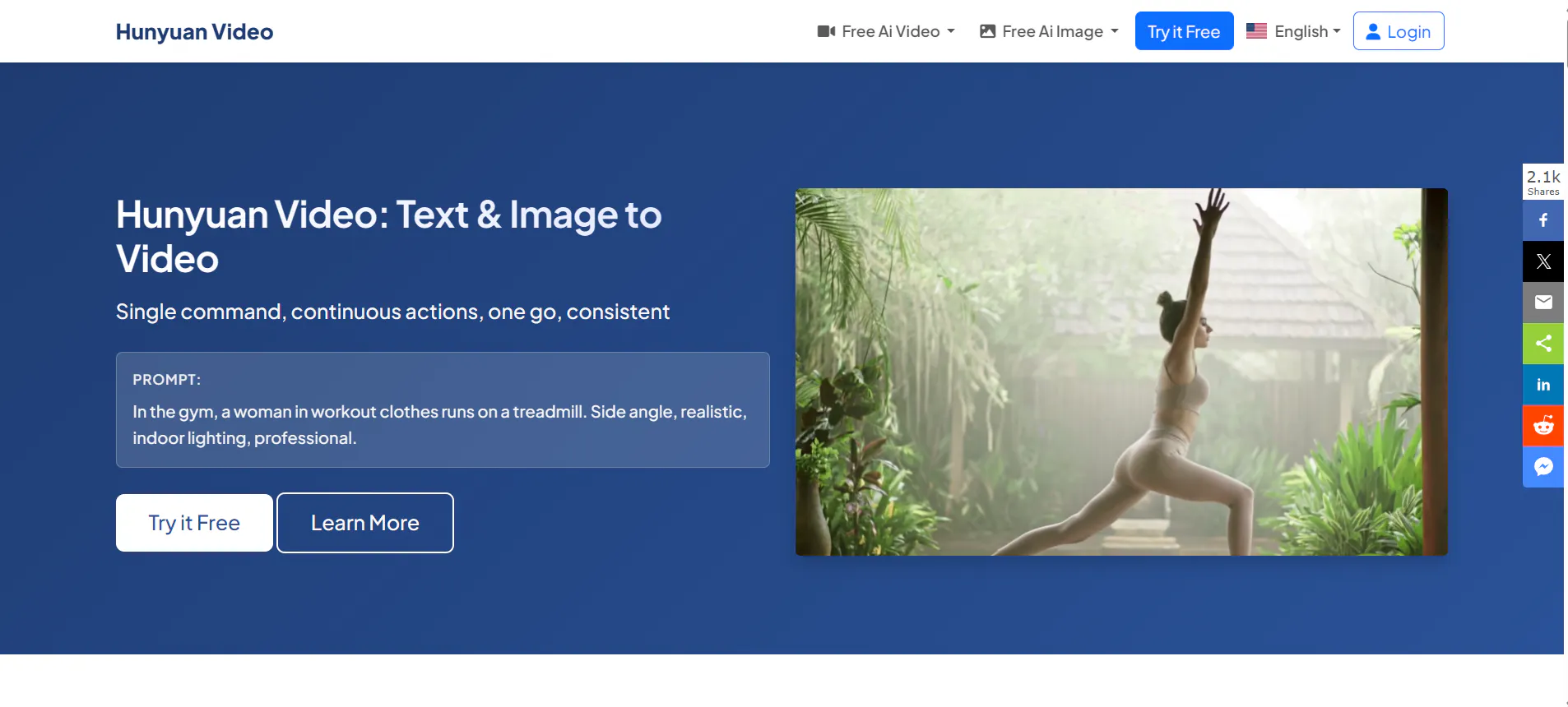
Hunyuan AI is another video generation option many creators explore when they want a different model and a different feel. It can be useful when your current tool keeps giving similar results and you want to test a new direction.
Like many newer models, results depend heavily on prompts. Simple scenes usually look more natural. Hunyuan AI is best treated as an experimental option rather than a main production tool.
Pros
- Different visual style from common tools
- Useful for testing new looks
- Can fit creative experiments
Cons
- Results may vary
- Not built as a full creator system
Conclusion
Haiper AI is solid for clean short clips, but it is not always the best choice for creators who want to scale. If your goal is natural‑looking video with repeatable formats and real channel growth, Videoinu AI is the strongest overall alternative. The other tools above fit different needs, from speed to realism to creative control.
FAQs
What makes a Haiper AI alternative “undetectable”?
It usually means the video looks natural to viewers: smooth motion, fewer glitches, stable subjects, and simple pacing. No tool is perfect, but good structure helps.
Is Videoinu AI better than Haiper AI for YouTube?
For series and long‑term channels, yes. Videoinu is built for full videos and repeatable formats, while Haiper is more clip‑focused.
Which Haiper alternative is best for fast social videos?
Vidu AI and PixVerse AI are strong options for quick, social‑friendly content.
Which tool is best for realistic scenes?
Sora and Veo are good picks when realism and visual quality matter most.
How can I make AI video look less like AI?
Keep scenes simple, avoid chaotic motion, use one main subject, and keep a consistent style across your channel.