10 Best Video Ocean Alternatives That I Tried and Recommended
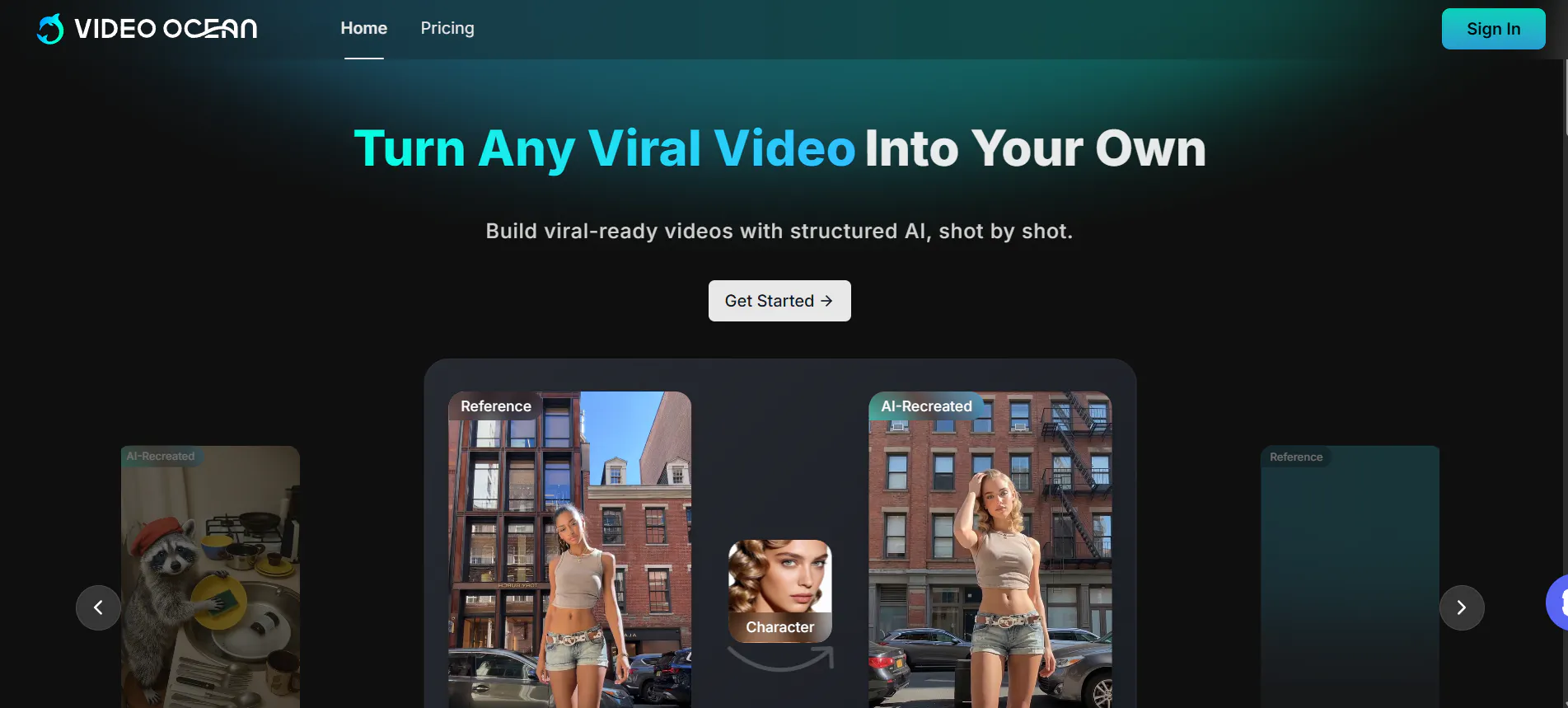
In 2026, creating high-quality videos no longer requires a giant movie studio or expensive cameras. While Video Ocean has become a popular tool for many, it isn’t always the best fit for everyone. Some creators want longer videos, others need characters that don't change their look between shots, and some just want something that feels more "real."
When people talk about "undetectable" AI, they mean video that looks so professional that your friends or followers can’t even tell a computer made it.
This article explores the 10 best alternatives to Video Ocean that can help you level up your content. We will start with a tool that is changing the game for storytellers: Videoinu AI.
1.Videoinu AI

Videoinu AI is not just another video generator; it is a full creative studio designed for people who want to tell actual stories. While Video Ocean is great for short clips, it often struggles when you want to make a long video where the characters stay the same. This is where Videoinu AI shines. It is built to help you create Long-Form Video Generation, which means you can make episodes or short films up to 30 minutes long.
The "secret sauce" of Videoinu AI is its Consistent Character Design. If you are making a show about a superhero, you need that hero to look exactly the same in every scene. Most AI tools accidentally change the character's face or clothes, but Videoinu AI keeps them perfectly consistent. This makes your videos feel "undetectable" and high-quality.
It uses a storyboard-first approach, meaning you can plan out your shots like a real director. It also handles the voiceovers in over 10 languages and adds sound effects automatically, so you don't have to spend hours editing.
Whether you are a YouTuber, a business owner, or just a student working on a creative project, Videoinu AI gives you the power to make professional-grade animation without the technical headache. It feels less like a "generator" and more like a partner that helps you bring your imagination to life.
Pros:
- Total Consistency: Characters look identical across all scenes, preventing that "AI glitch" look.
- Long Duration: You can create full 30-minute episodes, which is much longer than most competitors.
- Easy Directing: The storyboard system is simple to use and gives you full control.
- All-in-One: Handles the script, voices, and music so you don't need other software.
Cons:
- Focused on Animation: It is the best for animated and 3D styles, but not for "deepfake" realism.
- Rendering Time: Since the videos are longer and more complex, they take a bit more time to finish.
Try Videoinu — a better alternative to Video Ocean
2.Kling AI
Kling AI has recently released its Kling 2.6 and O1 models, making it a powerhouse for realistic motion. If you want to see a person eating a sandwich or doing a complex dance move, Kling AI handles the physics better than almost anyone else. It understands how the human body moves, which helps avoid those weird "spaghetti arms" that some older AI tools produce.
With its new Kling Canvas Agent, you can even create multi-shot sequences and use "voice control" to make your characters speak exactly how you want. It supports 1080p resolution and can extend videos up to several minutes. It is a fantastic choice if you want to copy the motion from a real video and apply it to an AI character.
Pros:
- Physical Logic: Objects and people interact in a very realistic, human way.
- Motion Control: You can upload a reference video and have your AI character "copy" the movements.
- Canvas Agent: Makes it much easier to plan out multi-shot stories.
Cons:
- Resource Heavy: Generating these high-quality clips can sometimes lead to long wait times.
- Complex UI: There are many settings to tweak, which might take a little time to learn.
3.Luma AI (Dream Machine)
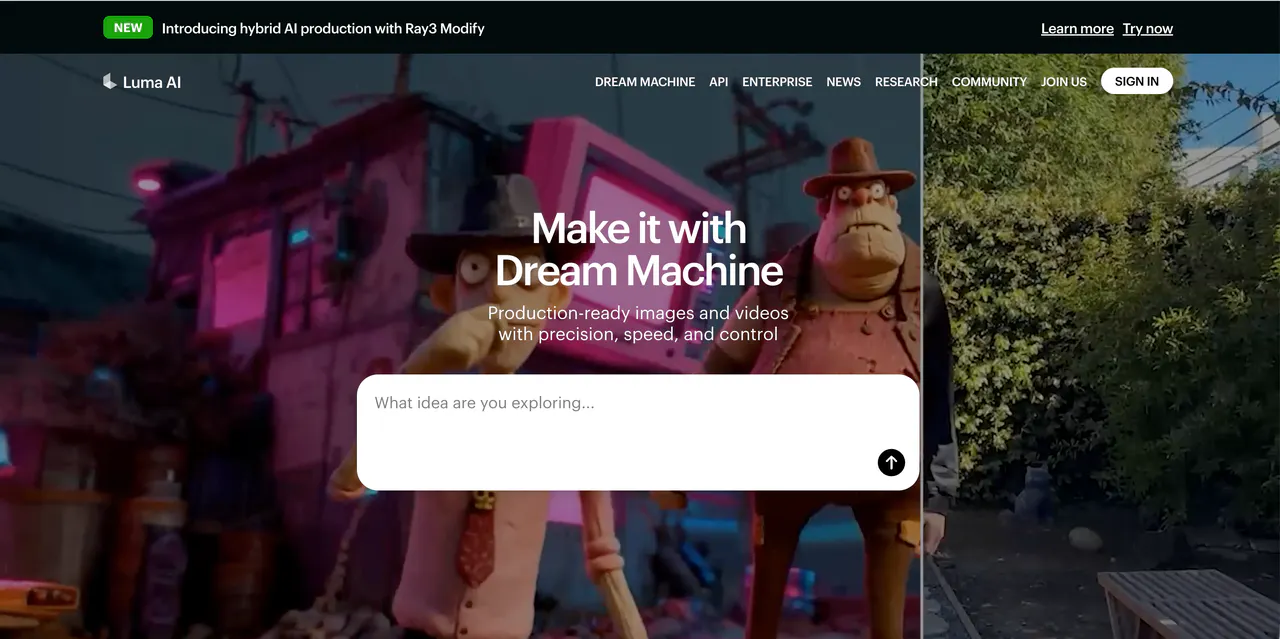
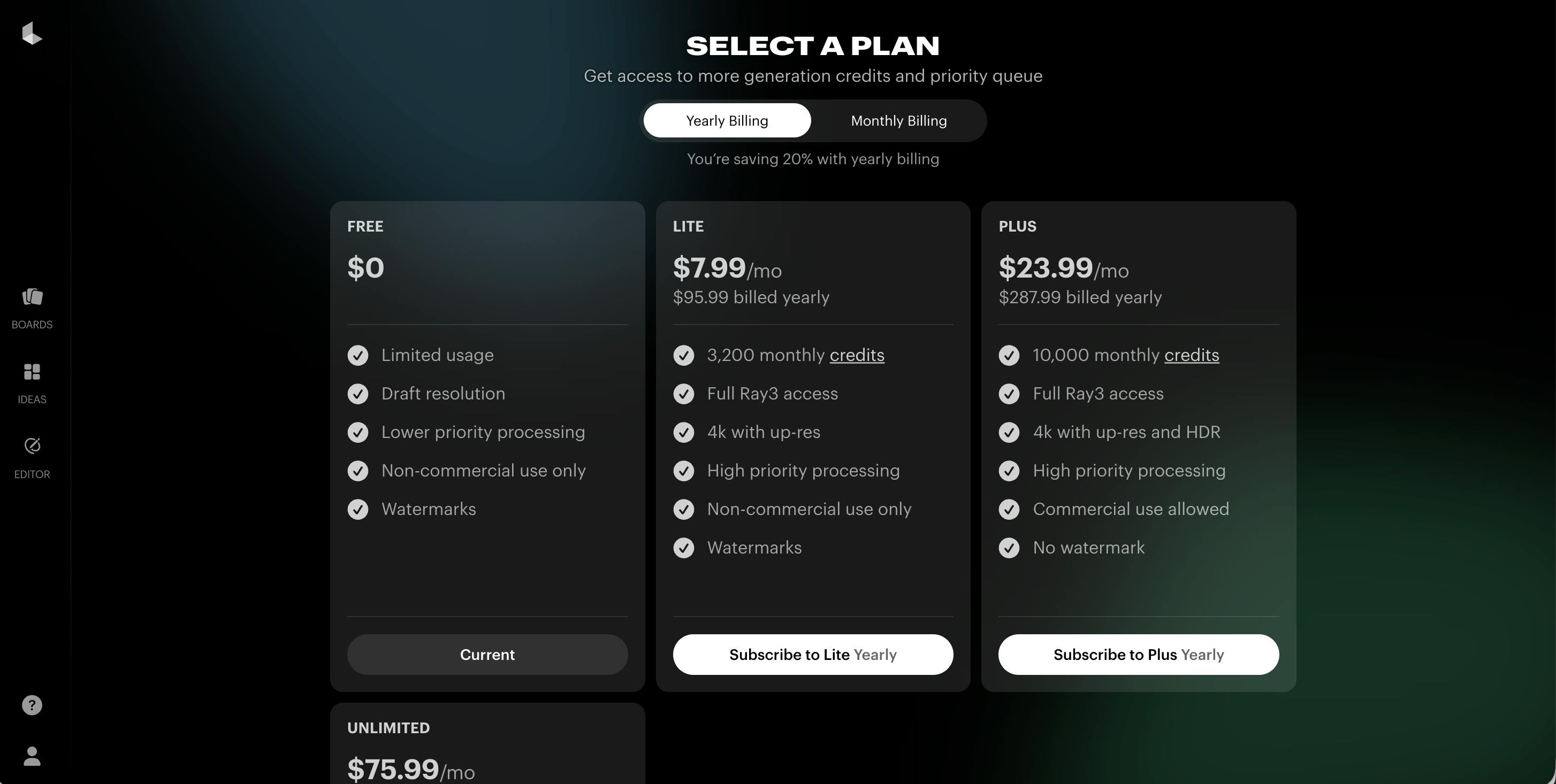
Luma AI is famous for its Dream Machine, and the latest Ray3.14 update has made it 4x faster and much cheaper to use. Luma focuses on making everything look "cinematic." It is excellent at lighting and camera movements, such as "dolly zooms" or professional pans.
A standout feature is Modify Video, which lets you take a video you already have and change the environment or the clothes on the characters while keeping the movement the same. This makes it perfect for "undetectable" editing where you just want to swap out a background or fix a scene without re-shooting everything.
Pros:
- Cinematic Quality: The lighting and camera work look like they belong in a Hollywood movie.
- Native 1080p: Every video is sharp and clear right from the start.
- Character Lock: You can "lock" a character's identity so they stay the same throughout a clip.
Cons:
- Short Clips: Usually produces shorter 5 to 10-second segments.
- Creative Limits: Better for realistic "shots" than for building a 30-minute scripted story.
4.Pika AI
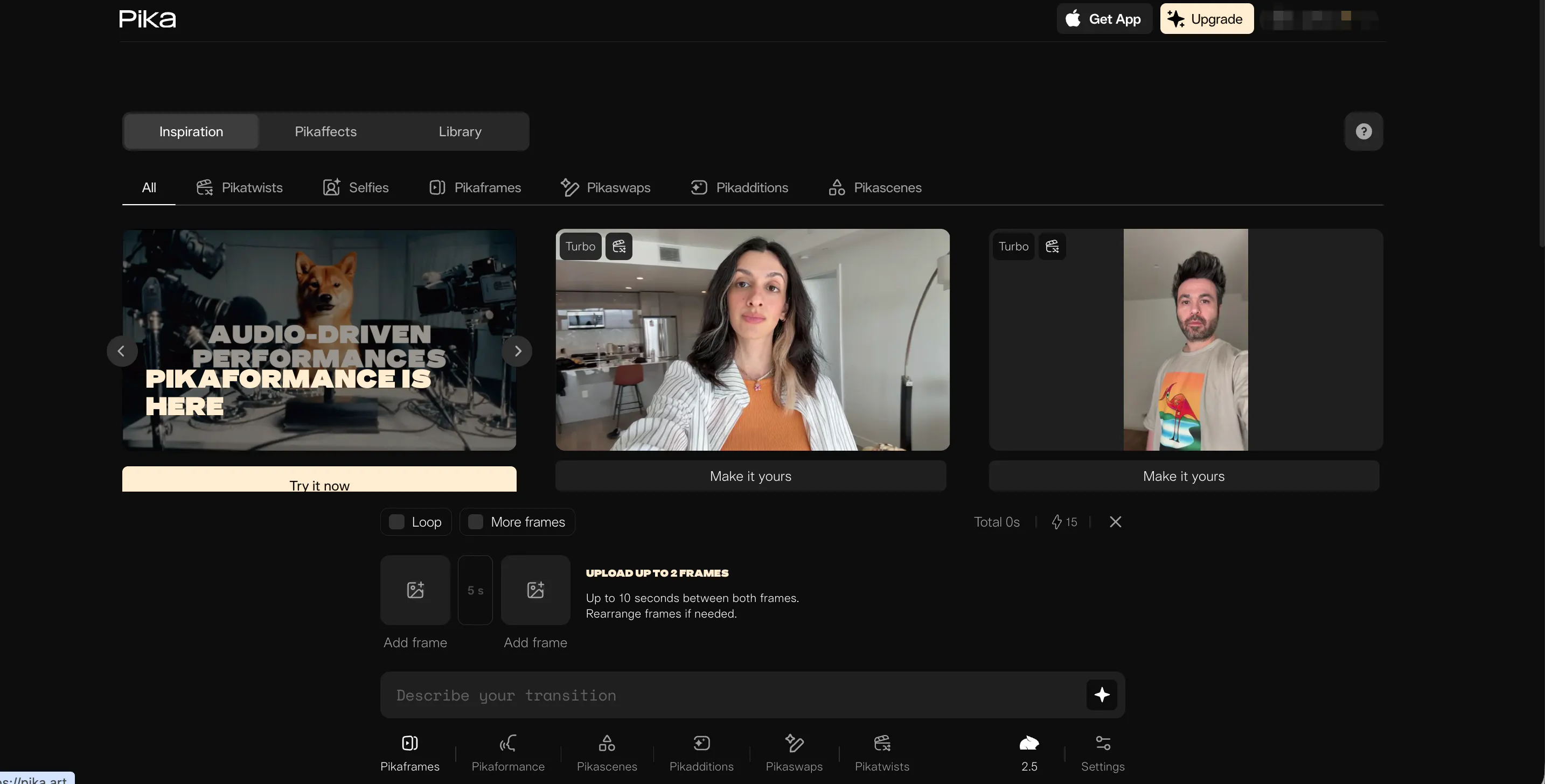
Pika AI is the king of creative special effects. While other tools focus on being "real," Pika focuses on being "cool." Their Pikaformance model is great at making images sing, talk, or rap. If you have a picture of your cat and want to make it talk, Pika is the tool for you.
They are also famous for "Pikaffects," which allow you to melt, inflate, or crush objects in your video. For social media creators on TikTok or Instagram, Pika is a dream because it creates eye-catching content that people can't help but stop and watch.
Pros:
- Lip-Sync: Very easy to match voices to your characters’ mouths.
- Creative Effects: Unique tools like "melting" or "exploding" that you can't find elsewhere.
- Fast Speed: Generates short, fun clips almost instantly.
Cons:
- Style: Sometimes the videos look a little more like a "video game" than real life.
- Watermark: The free version usually has a logo in the corner.
5.Haiper AI
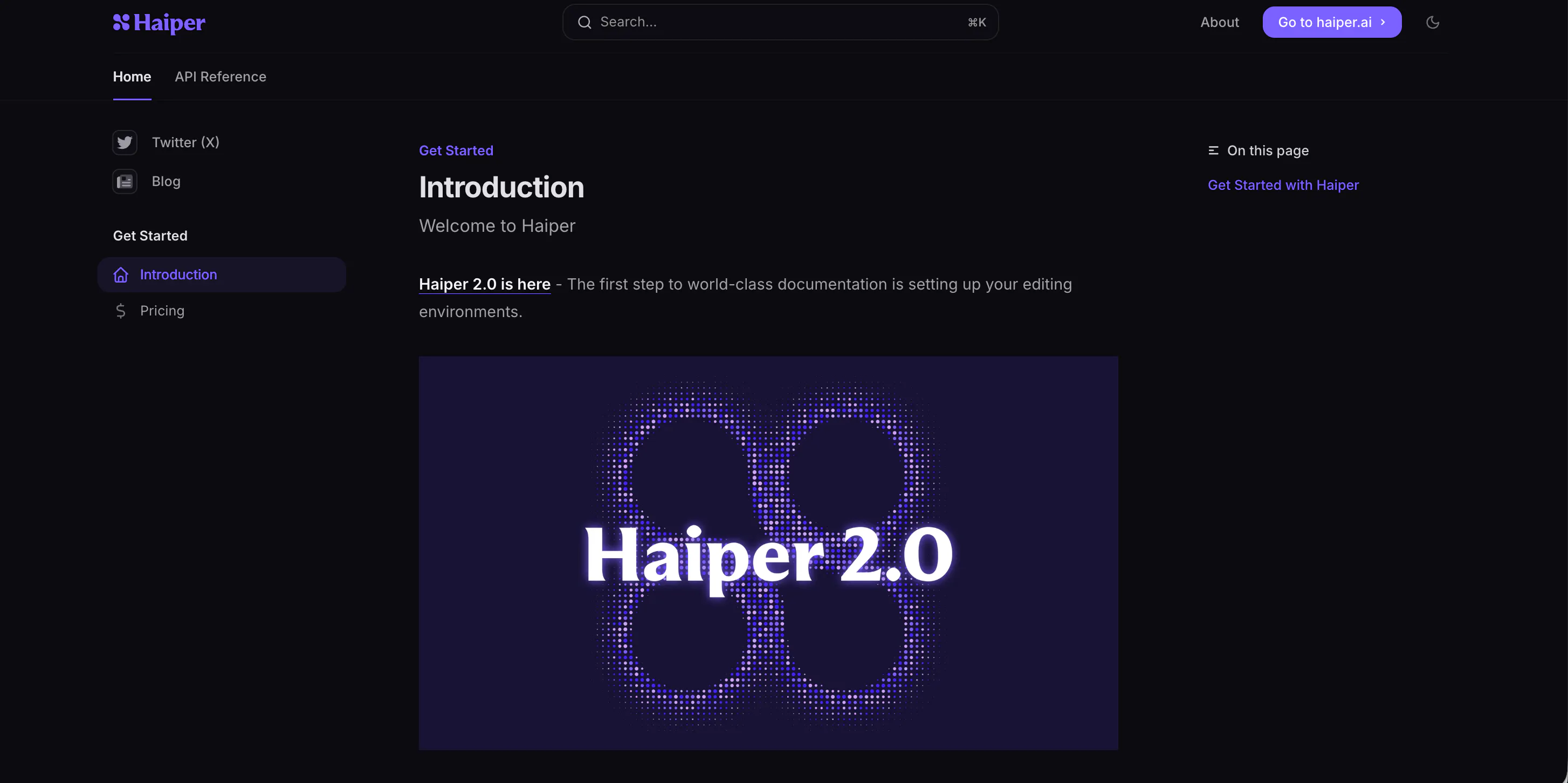
Haiper AI is a great tool for people who care about artistic style. It uses a very clean interface that is easy to navigate. The Haiper 2.0 model is specifically designed for high-resolution output and realistic motion. It is very good at "Text-to-Video," where it takes a simple sentence and turns it into a high-quality visual.
What makes Haiper different is its "Video-to-Video" mode, which lets you change the style of a video completely. You could take a video of your backyard and turn it into a scene from an anime or a futuristic city.
Pros:
- Artist Friendly: Excellent at following different art styles like "Steampunk" or "Cyberpunk."
- High Resolution: The videos are consistently sharp and clear.
- Simple Interface: Very easy for beginners to start making videos right away.
Cons:
- Physics: Sometimes the movement can feel a bit "floaty" compared to Kling or Sora.
- Feature Set: Has fewer "pro" editing tools compared to some of the other giants on this list.
6.Vidu AI
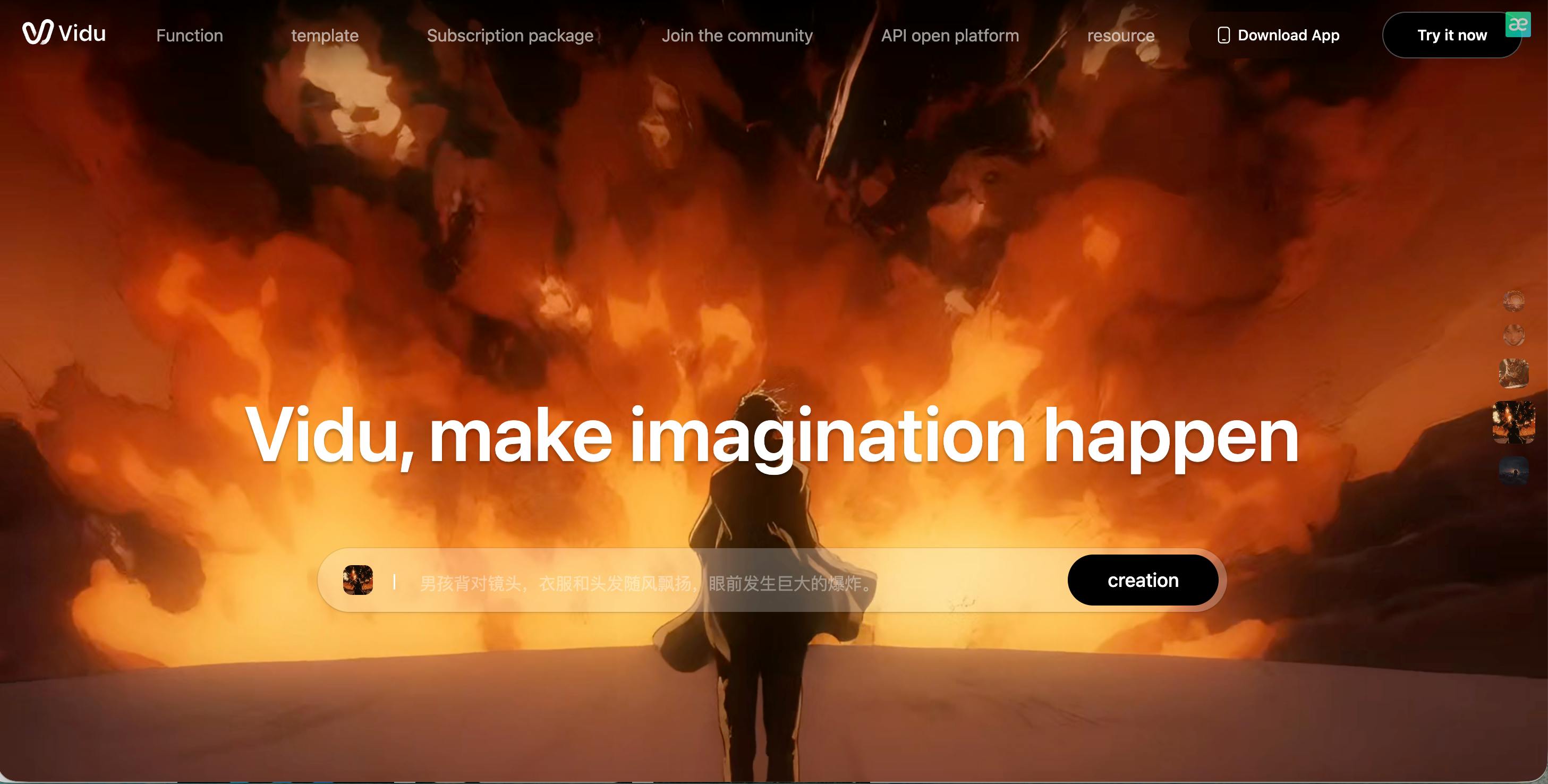
Vidu AI comes from top researchers and is known for its incredible "semantic understanding." This means the AI really knows what you mean when you ask for something complicated. For example, if you ask for "a robot playing a piano in the rain while neon lights reflect off the puddles," Vidu will get almost every detail right.
It is one of the few tools that can generate a 16-second single shot in one go, which is longer than the 5-second industry standard. This makes it great for creating "long takes" where the camera moves through a scene without any cuts.
Pros:
- Detail-Oriented: Understands complex instructions better than most tools.
- 16-Second Shots: Longer single-shot clips than almost any other AI.
- Stable Camera: Very smooth movement without the "shaking" effect.
Cons:
- Access: Can sometimes be harder to use if you are in certain parts of the world.
- Human Faces: While good, it occasionally has trouble with very close-up shots of human eyes or hands.
7.Sora (OpenAI)
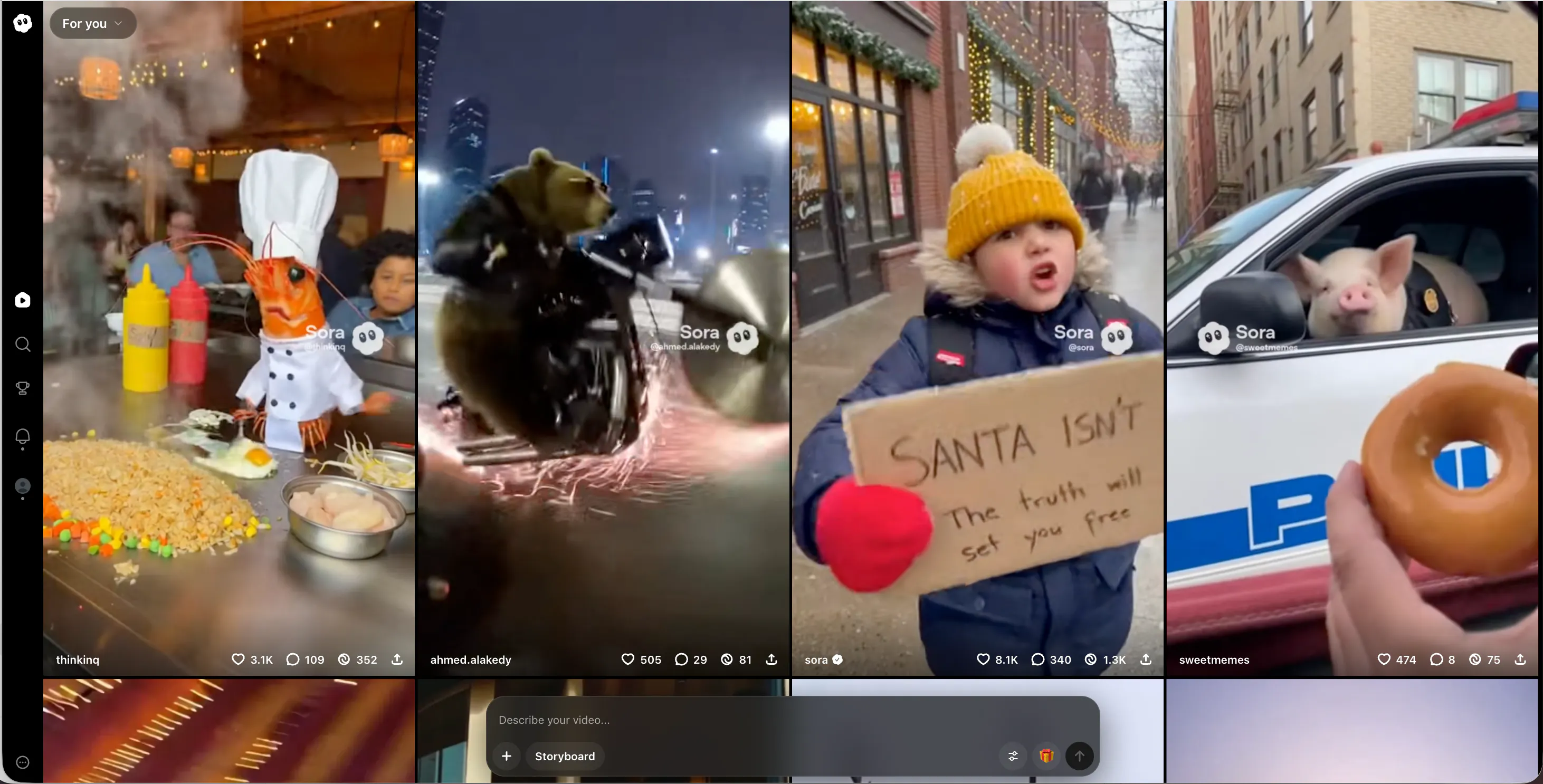
Sora is the tool that started the AI video revolution. While it is still being carefully released, it remains the "Gold Standard" for realism. Sora videos are famous for being almost completely indistinguishable from real life.
It understands physics—like the way snow crunches under a boot or how a candle flame flickers in the wind.
If you are lucky enough to have access, Sora 2.0 allows for 60-second clips that look like they were filmed by a professional crew. It is the closest thing we have to a "camera in a box."
Pros:
- Unbeatable Realism: The best textures, lighting, and physics in the world.
- Complex Scenes: Can handle multiple characters doing different things at once.
- World Knowledge: The AI actually "understands" 3D space.
Cons:
- Limited Access: Not everyone can sign up and use it whenever they want yet.
- Strict Rules: You cannot make videos of celebrities or certain sensitive topics.
8.PixVerse AI
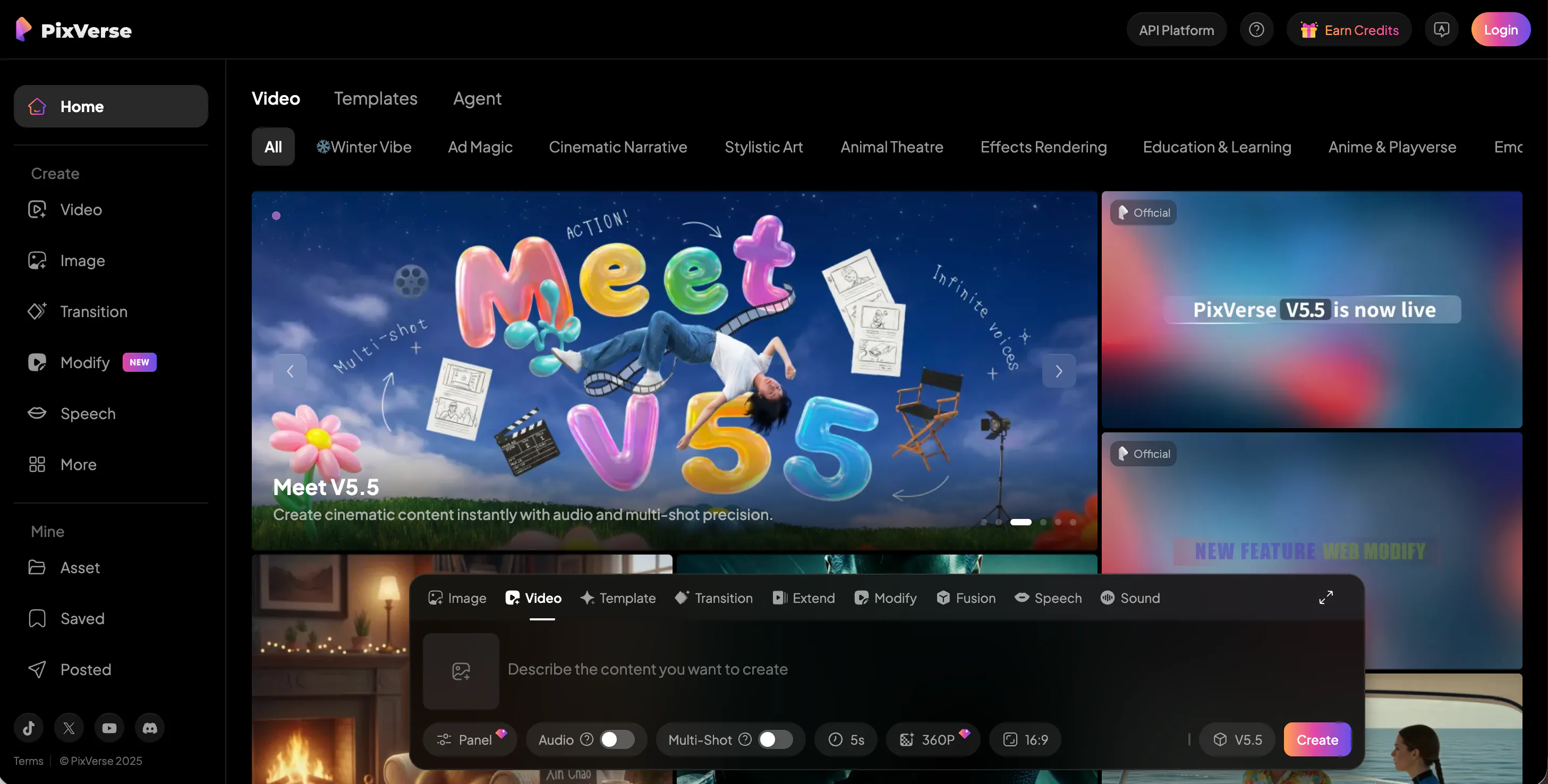
PixVerse AI is the best "all-around" tool for speed and quality. Their V3 model produces very vivid and colorful videos. It is a favorite among the "AI meme" community because it can generate funny and realistic videos very quickly.
It also has a very powerful 4K Upscaler. If you make a video that looks a little blurry, PixVerse can "re-draw" it in 4K resolution, making it look professional and crisp. It is a great middle-ground for people who want quality without a high price tag.
Pros:
- 4K Quality: Excellent at taking low-quality videos and making them super sharp.
- Meme Mode: Built-in tools for making viral-style content.
- Fast: One of the quickest generators available today.
Cons:
- Motion Consistency: Sometimes characters can change slightly if the camera moves too fast.
- Discord Focus: A lot of the best features are used through Discord, which some people find confusing.
9.Krea AI
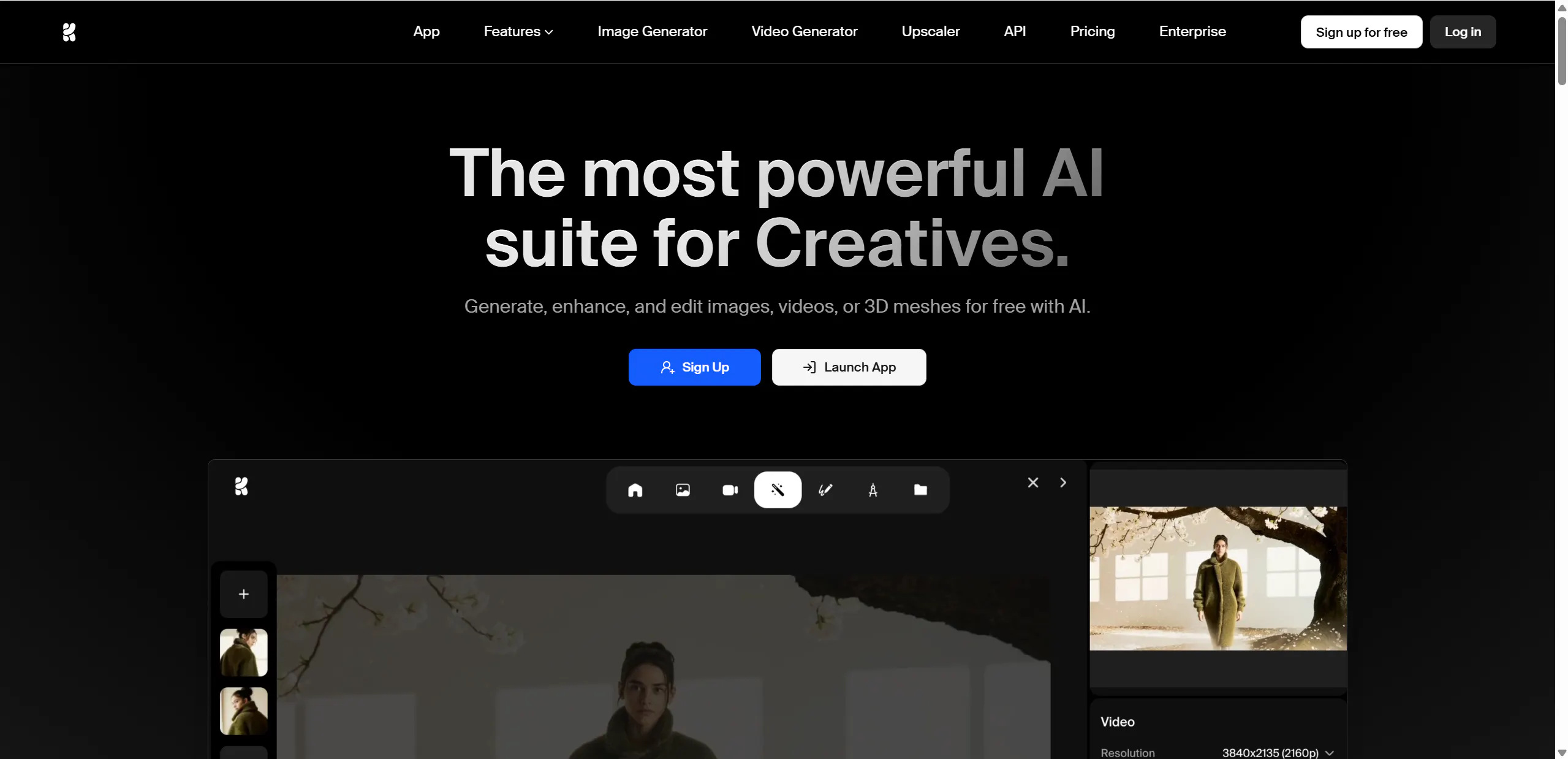
Krea AI is a bit different because it is a "real-time" tool. As you move things around on your screen or change your prompt, the video updates almost instantly. It is perfect for designers who want to "play" with their creations.
Krea's Video Enhancer is legendary. Many people use other AI tools to make a base video and then run it through Krea to add "textures" like skin pores, hair strands, and fabric details. This is what makes a video go from "looks like AI" to "looks like a real person."
Pros:
- Real-Time: You see changes as you make them, which is very fun and creative.
- Best Enhancer: Adds incredible detail to blurry videos.
- Great for Pros: Gives you lots of control over color and composition.
Cons:
- Hardware Requirements: Works best on a fast internet connection and a good computer.
- Narrative: Not designed for making long, scripted movies with a plot.
10.Veo
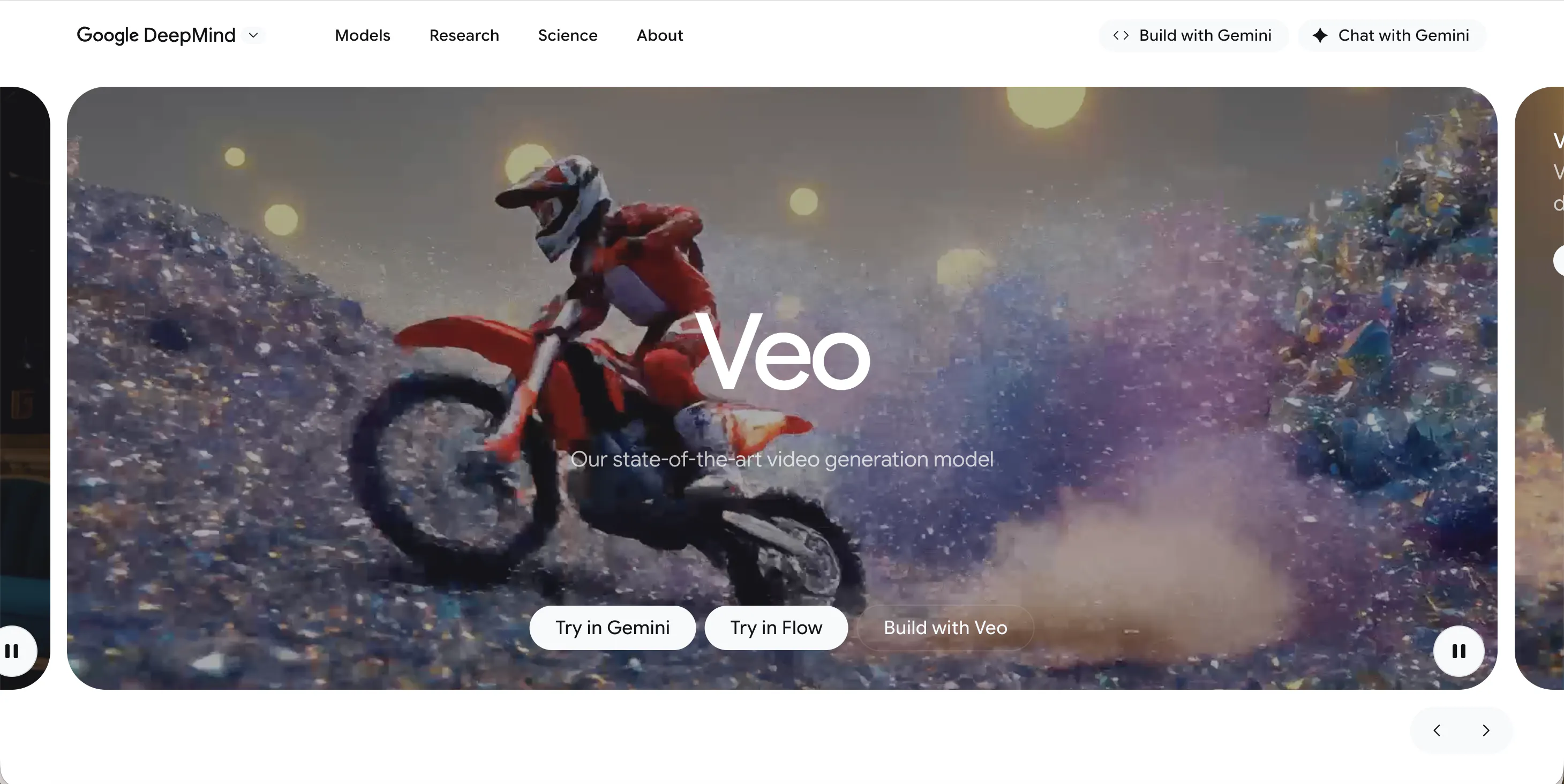
Veo is built directly into the Google and YouTube ecosystem. It is designed to help creators make YouTube Shorts and TikToks. One of its best features is Ingredients to Video, which lets you upload a few photos and tell the AI to turn them into a movie.
Veo also handles 4K upscaling and creates 48kHz high-quality audio to match the video. Since it is made by Google, it is very easy to use if you already have a Google account, and it works great on mobile phones.
Pros:
- YouTube Integration: Perfect for making Shorts directly in the YouTube app.
- Native Vertical Video: Generates 9:16 videos that look great on phones.
- Native Audio: Creates sound effects and music that perfectly match the visuals.
Cons:
- Safe Mode: Sometimes the safety filters are a bit too strict and won't let you generate certain creative ideas.
- Ecosystem: You really need to be a Google user to get the most out of it.
FAQs
1.Which AI tool is best for making a YouTube show?
Videoinu AI is the best choice for a show. Most other tools only make 5 to 10-second clips, but Videoinu AI lets you create episodes up to 30 minutes long. Plus, it keeps your characters looking the same in every scene, which is vital for a show.
2.Can I make these videos on my phone?
Yes! Many of these tools, especially Veo and Luma AI, have mobile apps or websites that work perfectly on a smartphone. Videoinu AI is also very easy to use on a laptop or tablet through your browser.
3.Are these videos really "undetectable"?
If you use the high-quality modes and tools like Krea AI to enhance the resolution, many people will not be able to tell it is AI. The key is to avoid "glitches" by using tools with good consistency, like Videoinu AI or Sora.
4.Do I need to know how to edit video?
No. These tools are designed to do hard work for you. In Videoinu AI, for example, you just create a storyboard, and the AI handles the animation and the timing. It’s like being a director instead of a technician.
5.Is it expensive to use AI video tools?
Most of these tools offer a free version or a "daily credit" system, so you can try them for free. If you want to make professional, long videos without watermarks, you will usually need to sign up for a monthly plan.
Conclusion
Whether you are looking for the incredible realism of Sora, the fun effects of Pika, or the high-speed output of PixVerse, the world of AI video has something for everyone. However, if you want to be a true storyteller and build a project with consistent characters and long scenes, Videoinu AI is the clear leader.