10 Pika AI Alternatives for More Natural, Creator-Ready Videos
Pika AI is popular because it is fast, fun, and easy to use. But if you make videos often, you may hit a few problems: clips can start to feel “too AI,” characters can change, and it can be hard to turn short clips into a real content system.
If you want videos that look more natural and are easier to use for YouTube, Shorts, and story content, here are 10 strong Pika AI alternatives. Videoinu AI is always #1, and the rest continue in order after Pika.
Turn short clips into real episodes — Videoinu AI

Pika AI is great for quick, trendy clips, but Videoinu AI is better when you want videos that feel like a real show. Videoinu is built for creators who want repeatable formats, like story channels, kids stories, faceless videos, and short drama series. Instead of making one cool clip, it helps you create a full video with clear pacing and connected scenes.
A big reason Videoinu can feel more “undetectable” is consistency. When the same character stays stable across scenes, the video feels planned and human-made. This is hard to do with Pika-style workflows where each clip can look slightly different. Videoinu also pushes you toward simple story structure, which helps your output look less like a random AI test and more like a real edit.
If you want content that is easier to scale into a channel, Videoinu is the strongest upgrade from Pika.
Pros
- Strong character consistency for series content
- Story-first workflow with smoother pacing
- Better for repeatable formats and channel growth
- Output often feels more “planned,” less random
Cons
- Not focused on heavy effect tricks
- Works best when you start with a simple story idea
Try Videoinu AI — the best Pika AI alternative for natural, series-ready videos.
Cleaner short videos with fewer “weird frames” — Haiper AI
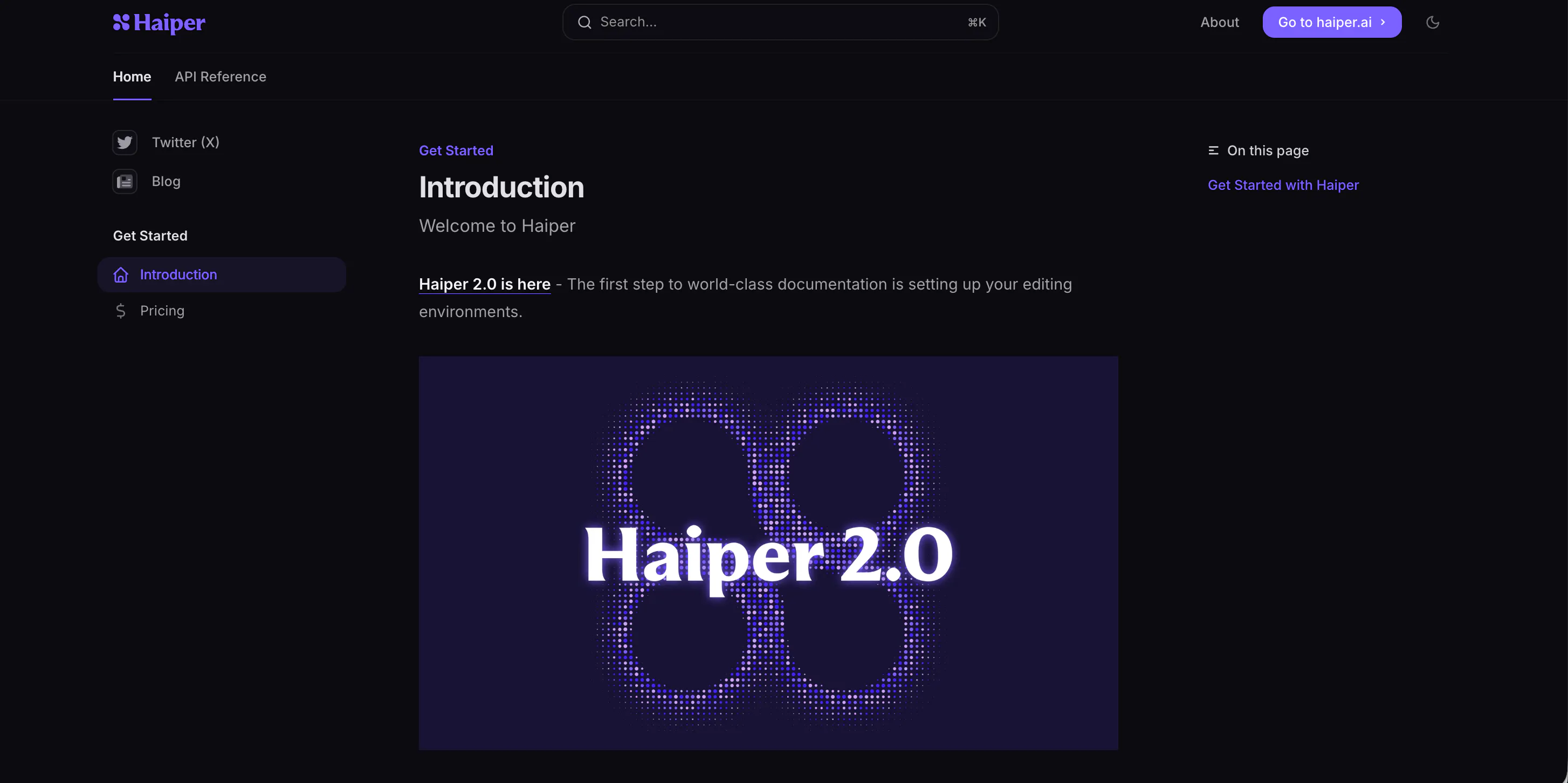
Haiper AI is a good alternative when you like Pika’s speed but want results that look more stable. With Pika, it is easy to get a fun clip, but sometimes you also get strange frames, odd face changes, or motion that feels off. Haiper often aims for cleaner and more predictable output, which helps videos look less AI-made.
Haiper is especially useful for short-form creators who need a lot of clips quickly and do not want to reroll forever.
It works well for simple scenes, product-style visuals, and short story moments where you need the subject to stay clear. For “undetectable” results, Haiper tends to do better when you keep the action simple and avoid fast, messy motion.
If your main pain point with Pika is stability, Haiper is worth trying.
Pros
- Stable output with fewer broken frames
- Easy workflow for fast creation
- Good for simple scenes and short clips
- Less trial-and-error for usable results
Cons
- Limited deep control for complex stories
- Not the best for long episodes with one main character
Fast, punchy clips for ads and social posts — Vidu AI
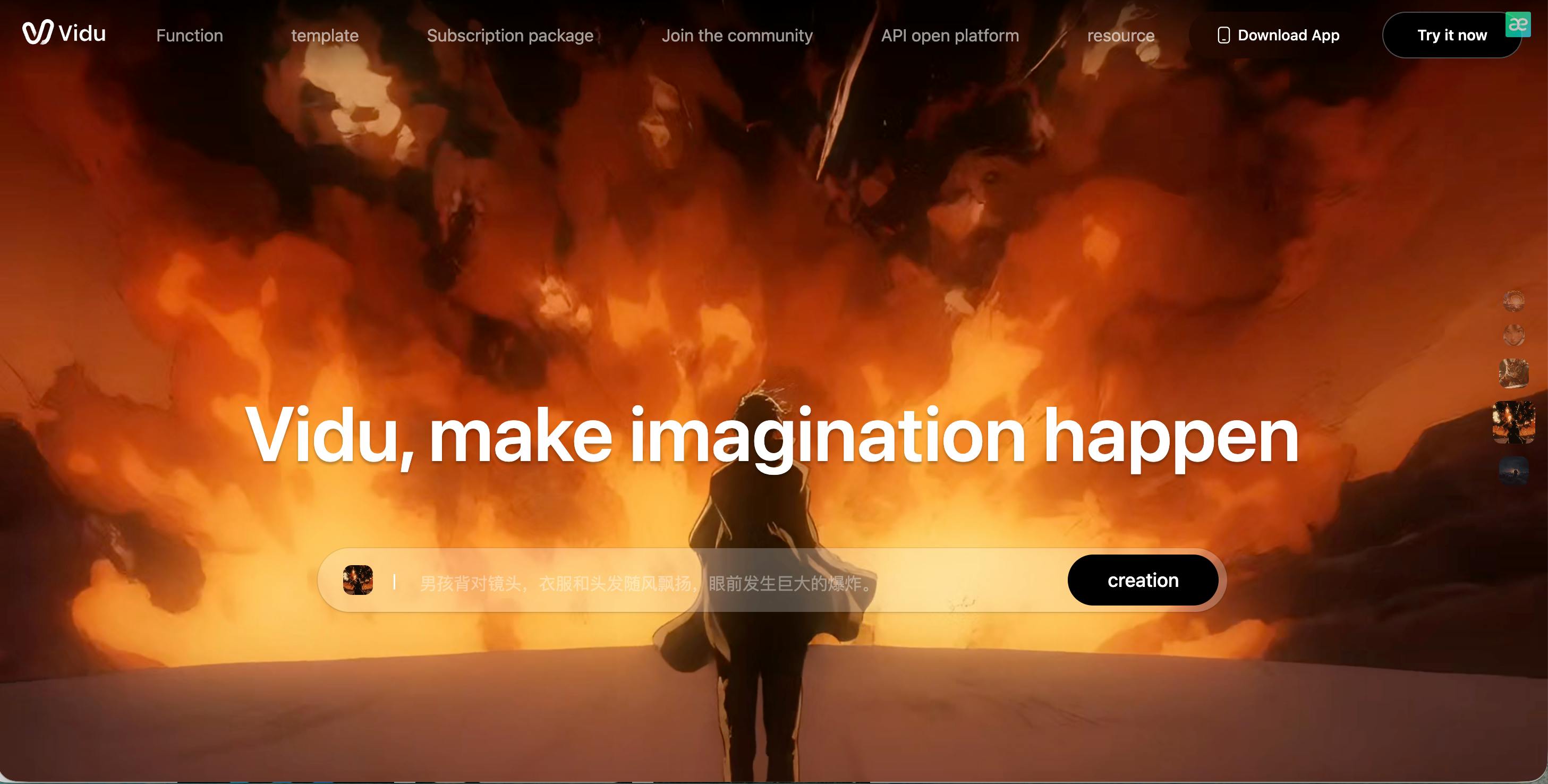
Vidu AI is a strong pick when you want speed and strong visual impact. If you use Pika for quick Shorts or TikTok videos, Vidu can feel familiar—fast idea to clip—while often giving a more “clean promo” style that works well for ads, demos, and product content.
Where Vidu can beat Pika is in how direct it feels for marketing-style videos. The output can look sharp when you keep the prompt simple and focus on one main subject. That simplicity is also what helps the video look less AI. The more you add (many characters, fast action, crowded scenes), the more likely you see odd motion.
Vidu is best as a “fast clip machine” for short content, not a full story platform.
Pros
- Very fast generation
- Strong visual punch for short videos
- Good for ads, promos, and social content
- Simple workflow for quick output
Cons
- Consistency across multiple scenes can break
- Not ideal for story series or recurring characters
High-end realism when you need “camera-like” video — Sora
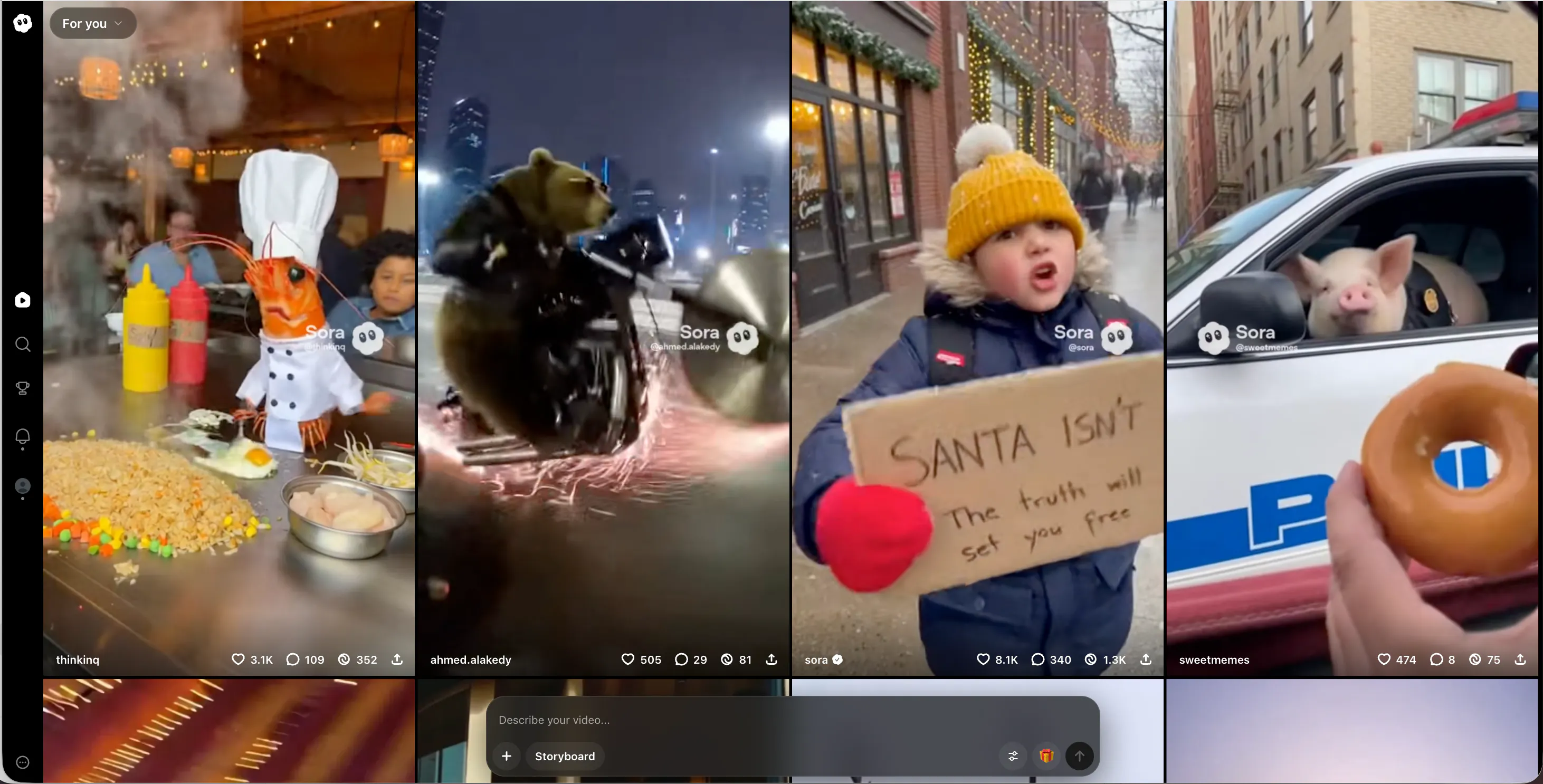
If your main reason for leaving Pika is realism, Sora is one of the most talked-about options. Pika can look fun, but it can also look clearly AI if you push it too far. Sora can sometimes produce scenes that feel closer to real footage, with more natural motion and more believable lighting.
That said, Sora is not always an everyday creator tool. Access and workflow can vary, and it is not built like a full “creator system” for daily posting. Still, if you can use it, Sora is great for high-realism scenes, cinematic moments, and clips that need to feel less animated.
To keep results natural, short and clear prompts usually work best. Simple scenes often look more real than complex ones.
Pros
- Very realistic output potential
- Strong scene and motion understanding
- Good for cinematic, camera-like clips
- Can reduce the “AI look” in many cases
Cons
- Access may be limited
- Not designed around creator publishing workflows
Stylized videos that avoid the “uncanny” feel — PixVerse AI
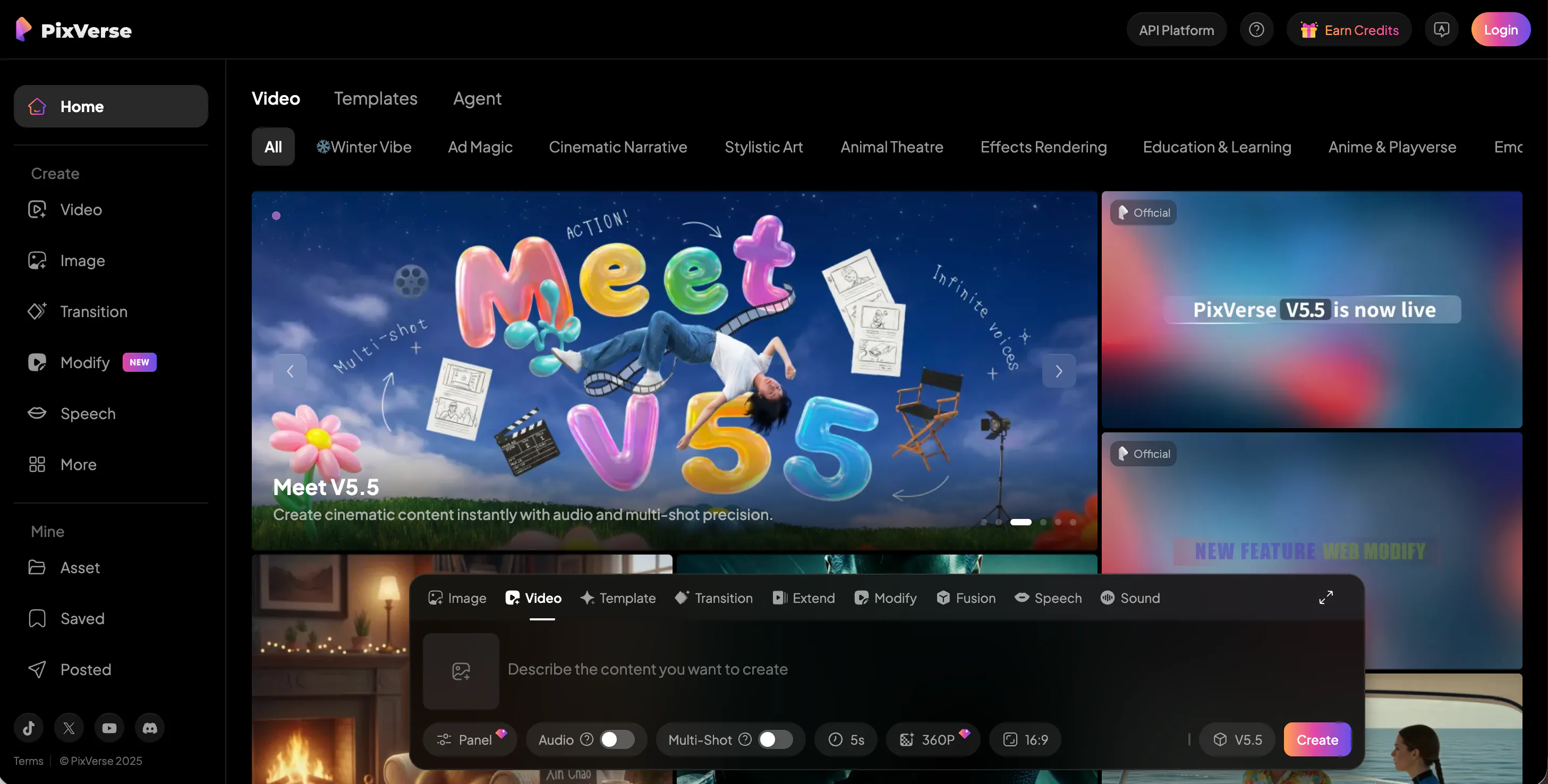
PixVerse AI is a smart alternative if you do not need realism. Sometimes “undetectable” does not mean “looks real.” It can also mean “looks normal for the style.” PixVerse leans into stylized and animated visuals, which can actually help you avoid the creepy middle zone where AI looks almost real but not quite.
If you used Pika for fun content, memes, anime-style clips, or playful stories, PixVerse may feel like a better match. The platform is good for short animated scenes, character clips, and content where viewers expect a stylized look. That makes the output feel more accepted and less “AI weird.”
PixVerse is not the best for serious cinematic realism, but it is great for social-friendly styles.
Pros
- Strong stylized look that feels intentional
- Easy for short animated content
- Great for fun stories and social posts
- Avoids some realism-based AI issues
Cons
- Not meant for realistic, filmed-looking video
- Less useful for serious cinematic projects
More control over style and composition — Krea AI
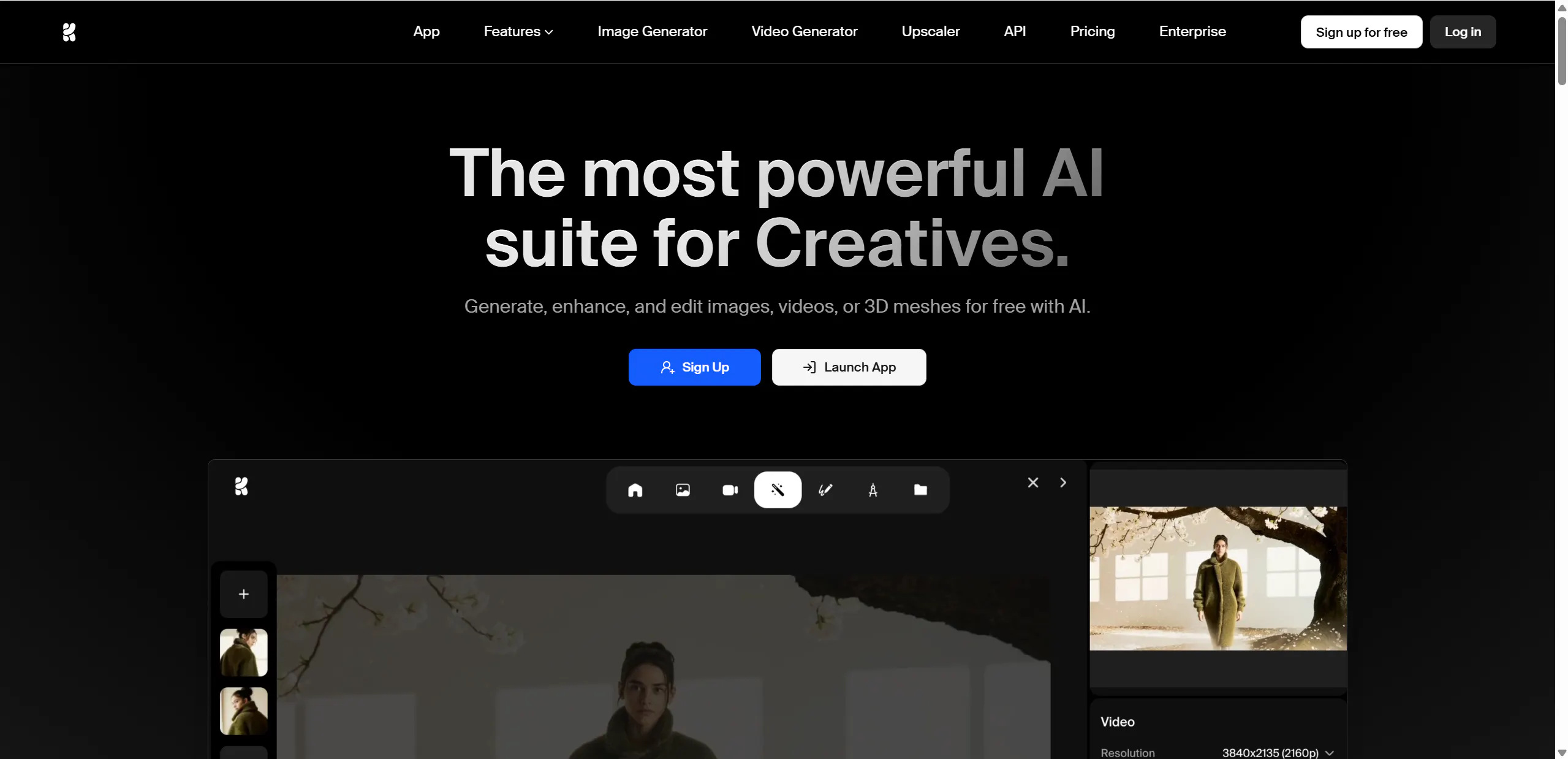
Krea AI is for creators who want more control and less randomness. Pika can be quick, but it can also feel like you are rolling dice for the “right” result. Krea’s guided approach helps you keep a more consistent look, which can make your videos feel more planned and less AI-made.
This matters a lot for “undetectable” results. When your style stays consistent across posts, people focus on the message instead of the generation. Krea can be a great fit for brand creators, designers, and people who want a specific look for their channel.
The trade-off is speed. Krea may take more effort than Pika, but you often get a cleaner and more controlled outcome.
Pros
- Better control over the final look
- More consistent style across videos
- Good for brand and channel identity
- Helps reduce random AI artifacts
Cons
- Slower than “one-click” tools
- Not built as a full story-series pipeline
Premium, cinematic output for brand-level work — Veo
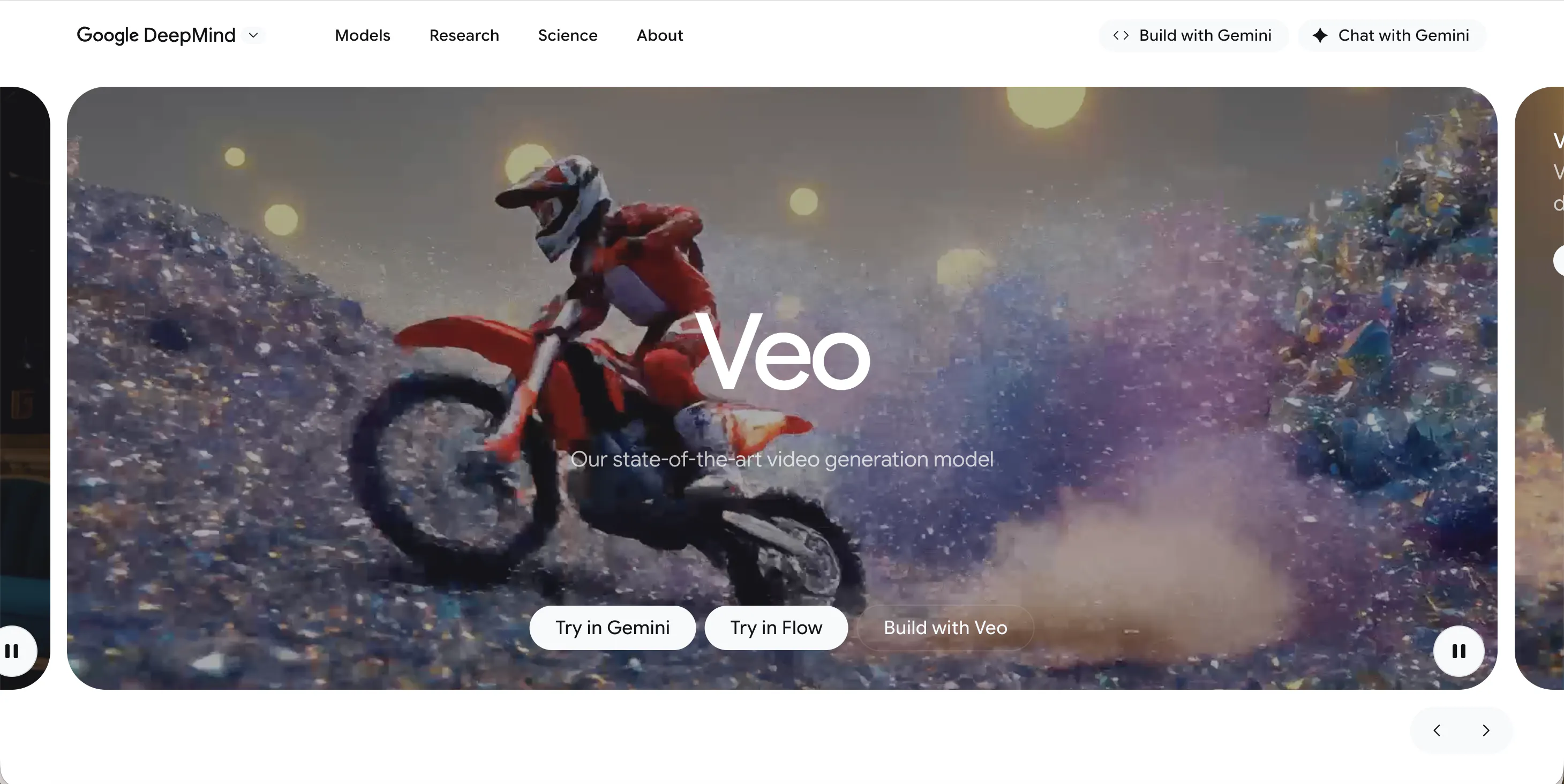
Veo is often linked with high-quality, cinematic goals. If Pika is your quick creative tool, Veo is more like a “premium studio” option. It can be useful for marketing videos, product visuals, and brand content where polish matters more than speed.
Veo can help you get cleaner detail and a more film-like feel. That can make the result look less like a social AI effect and more like a real production. Still, like any tool, the best output usually comes from simple scenes and clear prompts.
If you need daily uploads, Veo may feel heavy. But if you need fewer, higher-quality videos, it can be a strong step up.
Pros
- High visual quality and detail
- Strong cinematic vibe for premium content
- Good for marketing and brand projects
- Can look more “produced” than fast tools
Cons
- Workflow can feel heavier than Pika
- Not ideal for fast daily posting
A “second tool” for fresh looks and variety — Seedance
Seedance is useful when you want variety. Many creators start with a tool like Pika, then notice all their clips begin to share the same feel. Seedance can help you break that pattern by giving different motion, different pacing, and different styles depending on prompts.
It works well as a second tool in your workflow. For example: you can use one tool for your main scenes, then Seedance for special moments, transitions, or extra clips to add variety. That variety can also help content feel more human, because real creators mix styles and sources all the time.
You may need to test prompts more to get consistent results, but it can be worth it.
Pros
- Adds variety to your content style
- Useful as a backup/secondary generator
- Flexible outputs depending on prompts
- Good for creative testing and new looks
Cons
- Results can vary more than stable tools
- Needs testing to find your best settings
Simple idea testing with low setup — Video Ocean
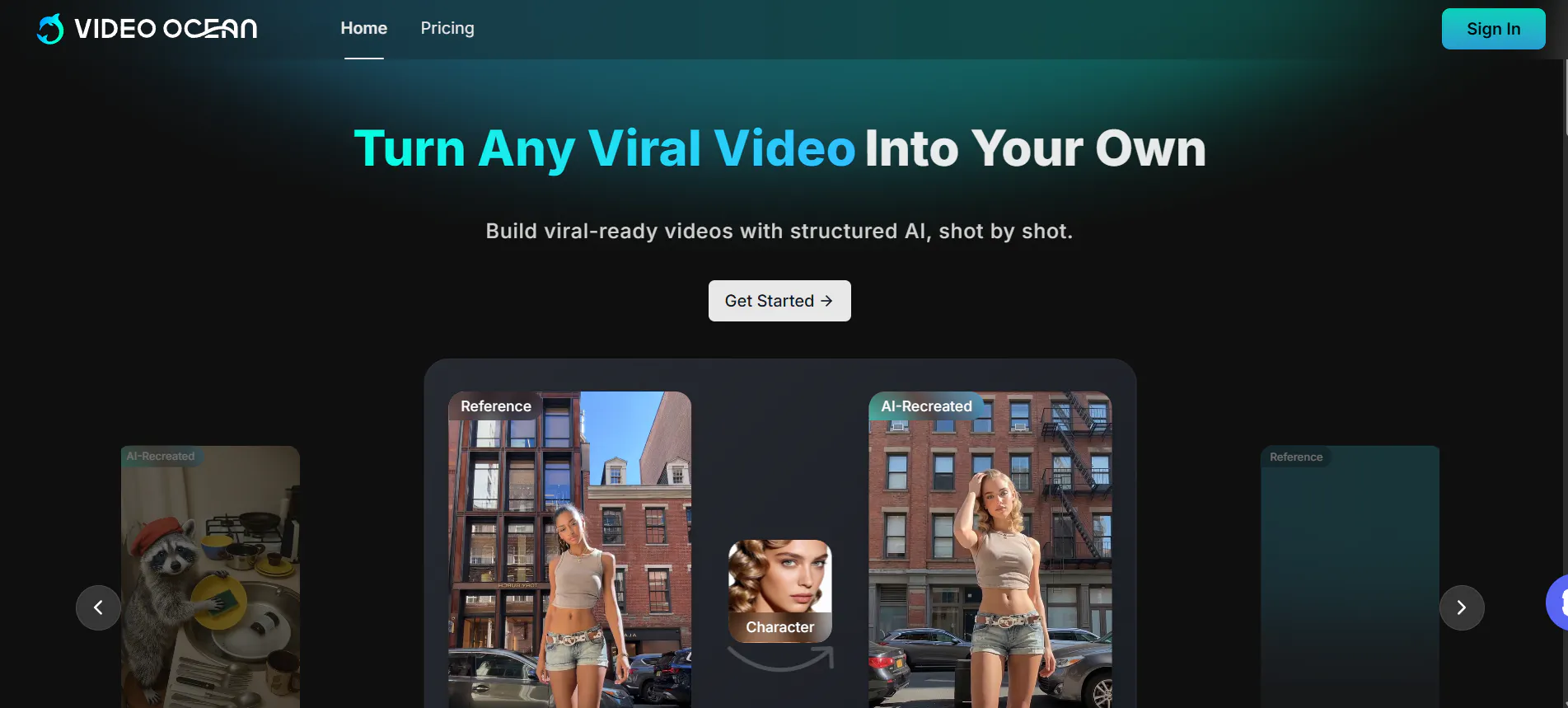
Video Ocean is a lighter option for fast experiments. If you used Pika mostly to test ideas, not to build full stories, Video Ocean can fill a similar role. It is useful when you want to try a concept quickly, generate a few clips, and decide if the idea is worth building into a bigger video.
The strength here is ease. You do not need a complex workflow. For creators who brainstorm a lot, this “quick test tool” can save time. The downside is depth: you may not get the same level of control, realism, or consistency you would want for serious production.
Think of Video Ocean as a sketchpad, not a full studio.
Pros
- Easy to start and quick to test ideas
- Good for early concept clips
- Simple workflow with low friction
- Useful for fast creative experiments
Cons
- Limited advanced features
- Not built for long series or strong consistency
Open-source style experiments and research workflows — Stable Video Diffusion
Stable Video Diffusion is a different kind of alternative. While Pika is a simple product for creators, Stable Video Diffusion is often used by people who like open workflows, testing, and deeper control. It can be a strong option if you want to experiment with video generation in a more flexible way.
The upside is that you can build your own process and adjust how things work. That can help reduce the “same look” problem and help you aim for more natural results. The downside is that it usually needs more setup and more patience than tools like Pika.
If you are okay with learning and testing, it can be a powerful option for custom results.
Pros
- Flexible approach for custom workflows
- Good for deep testing and experimentation
- Can help avoid “one app, one look” results
- Useful for creators who want more control
Cons
- More setup and learning than app-style tools
- Not as fast for simple daily content
Conclusion
Pika AI is a great starter tool, but it is not always the best choice for creators who want natural-looking videos at scale. If you want a stronger system for repeatable content and stable characters, Videoinu AI is the best overall upgrade. If you want speed, realism, style, or control, the other tools above give you clear options.
FAQs
What makes a Pika AI alternative “undetectable”?
It usually means the video looks natural to viewers: smoother motion, fewer glitches, stable faces, and pacing that feels human. No tool can promise “100% undetectable,” but simple scenes and consistent style help a lot.
Is Videoinu AI better than Pika AI for YouTube channels?
For most series content, yes. Pika is great for quick clips, but Videoinu is better for full videos, repeatable formats, and stable characters across scenes.
Which Pika alternative is best for realistic video?
Sora and Veo are strong picks when realism and cinematic quality matter most. They work best when you keep prompts clear and scenes simple.
Which option is best for fast Shorts and TikTok content?
Haiper AI and Vidu AI are great for fast output. They are good when you need quick clips that still look clean.
How can I make AI video look less like AI?
Keep the scene simple, avoid messy fast motion, use one main subject, reuse the same character when possible, and keep a consistent style across your channel. A story-first workflow also helps videos feel more human.