I Tried Over 10 AI Video Generators, and These Kling AI Alternatives Work Better
Kling AI is famous for smooth motion and a cinematic look. But depending on what you make, you may want something that is easier to control, more stable across scenes, or better for building a real channel. A lot of creators do not just need one great clip—they need a repeatable way to post content that looks natural and “less AI.”
Below are the 10 best undetectable AI alternatives to Kling AI. As always, Videoinu AI is #1. The other 9 options continue in order after Kling AI.
Videoinu AI

If Kling AI is great for a single impressive scene, Videoinu AI is great for a full video that feels planned and human-made. Videoinu is built for creators who want story flow, stable characters, and repeatable formats for YouTube, Shorts, and TikTok. It helps your content look less like random AI output and more like a real production.
A big reason Videoinu feels “undetectable” is consistency. When your main character stays the same across scenes and your pacing feels natural, viewers stop thinking about AI and start following the story. Videoinu also supports the creator side with practical workflow features that help you go from idea → scenes → full video, instead of only generating a clip and leaving you stuck.
Pros
- Strong character consistency for series content
- Story-first workflow that feels human-planned
- Natural pacing that fits YouTube and Shorts
- Great for creators who want repeatable formats
Cons
- Less focused on extreme visual experiments
- Best results need a simple story outline
Try Videoinu AI — the best Kling AI alternative for natural, series-ready videos.
Luma AI
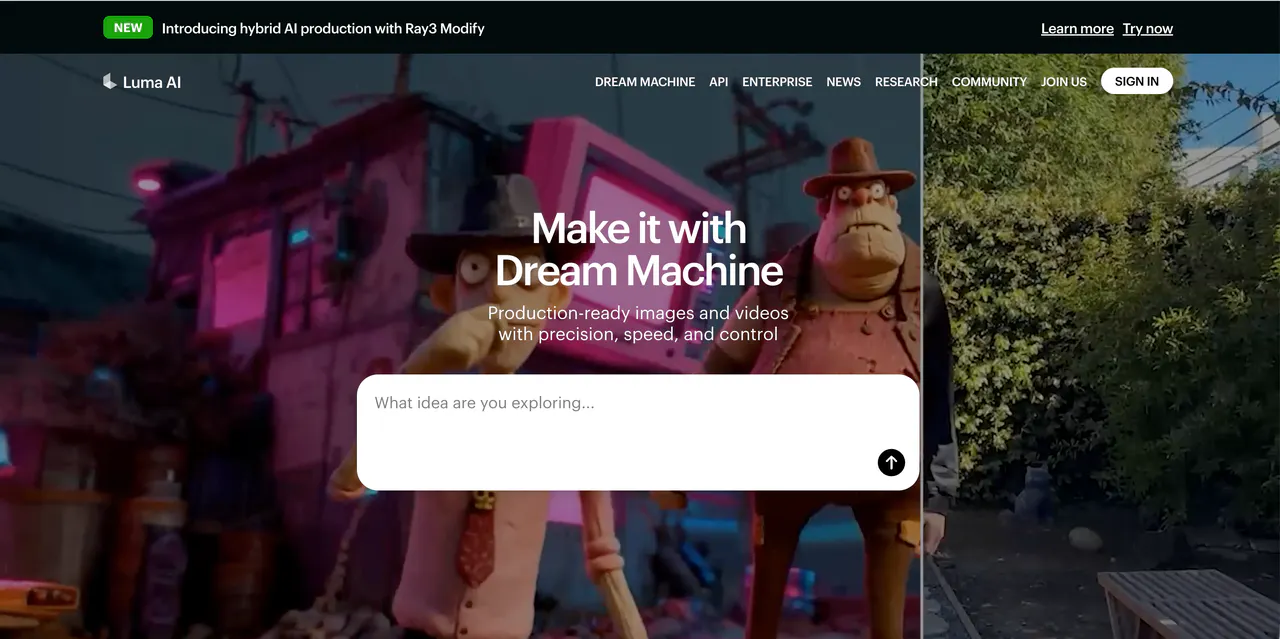
Luma AI is a strong choice if you want videos that feel more like real camera footage. It often does well with lighting, depth, and space, which can reduce the “flat AI look.”
If you create environment scenes, product shots, or clean cinematic clips, Luma can be a great alternative to Kling AI.
Where Luma shines is the “world feeling real.” Many AI videos look fake because the background feels like a painted wall. Luma can create scenes that feel more 3D and believable. That helps your output look less AI-made, especially when you keep motion calm and prompts simple.
Pros
- Realistic lighting and depth
- Great for environments and product-style visuals
- Can look more “filmed” than many tools
Cons
- Not always the fastest for daily posting
- Limited tools for long story series
Pika AI
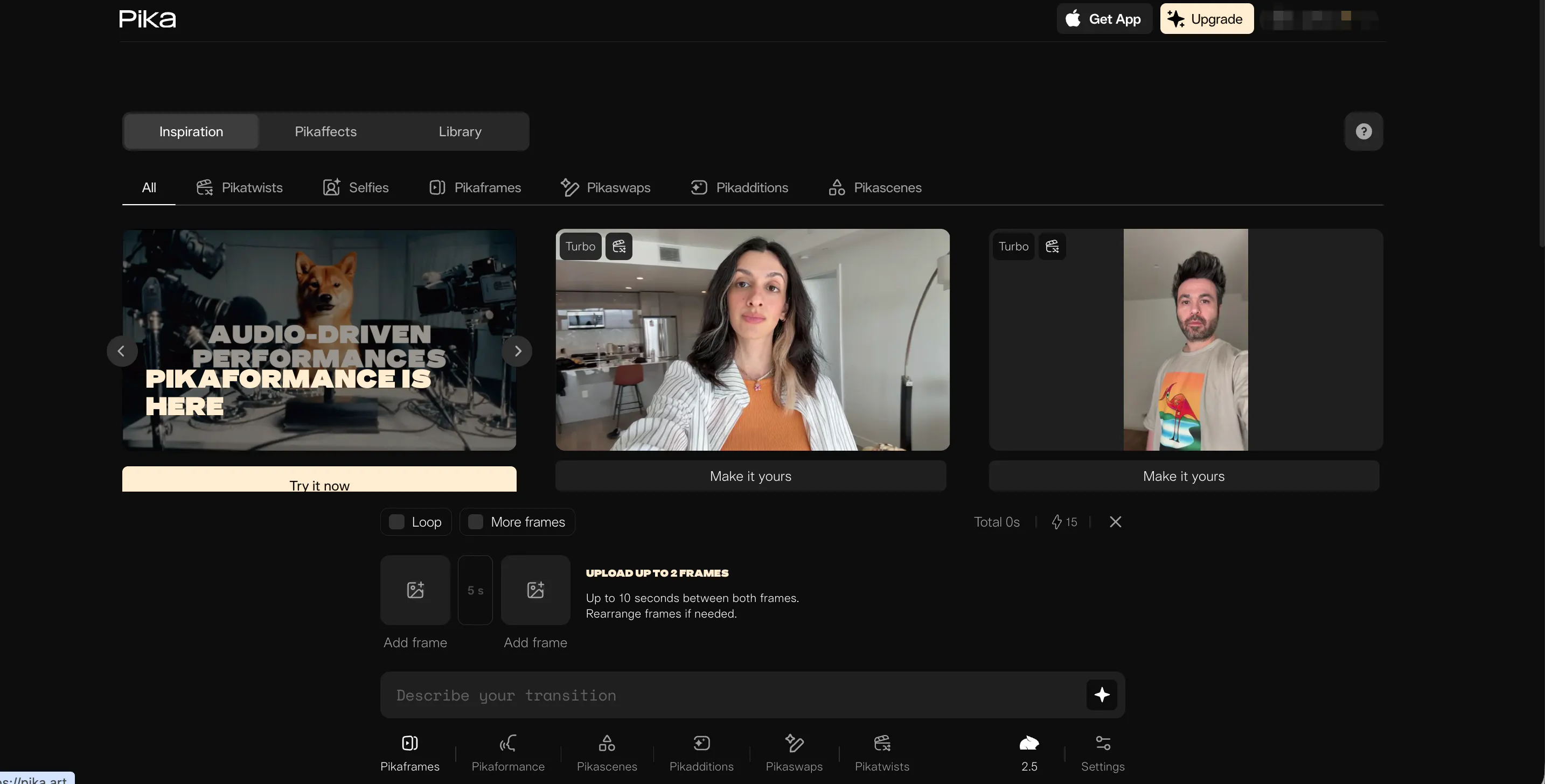
Pika AI is a great option if you want fast results and easy creation. Many creators use Pika for short-form content because it is simple to start, and you can get a usable clip quickly.
As an alternative to Kling AI, Pika can be better when you care about speed and social content more than pure cinematic style.
To keep Pika looking “undetectable,” the trick is to avoid pushing it too hard with extreme effects. Clean prompts, simple scenes, and steady motion usually look more natural. Pika is best for Shorts, TikTok, and quick creative posts where you want to test ideas fast.
Pros
- Beginner-friendly and fast
- Great for short-form content and quick ideas
- Easy image-to-video style workflows
Cons
- Can look “AI-styled” if effects are overused
- Not ideal for long stories with the same character
Haiper AI
Haiper AI is a solid “clean and simple” alternative to Kling AI. It is built to help users get stable results without spending a lot of time tweaking settings. If you like the idea of AI video but you do not want a complicated workflow, Haiper can be a good fit.
For creators chasing “undetectable” output, stability matters. Weird frames, broken faces, and jumpy motion are what make people say “that’s AI.” Haiper often aims for polished, usable clips with less trial and error. It is great for short scenes, simple visual stories, and content that needs to look neat.
Pros
- Stable and polished results
- Simple workflow with less trial and error
- Good for short clips and basic scenes
Cons
- Limited advanced control for complex scenes
- Not built for long, character-driven series
Vidu AI
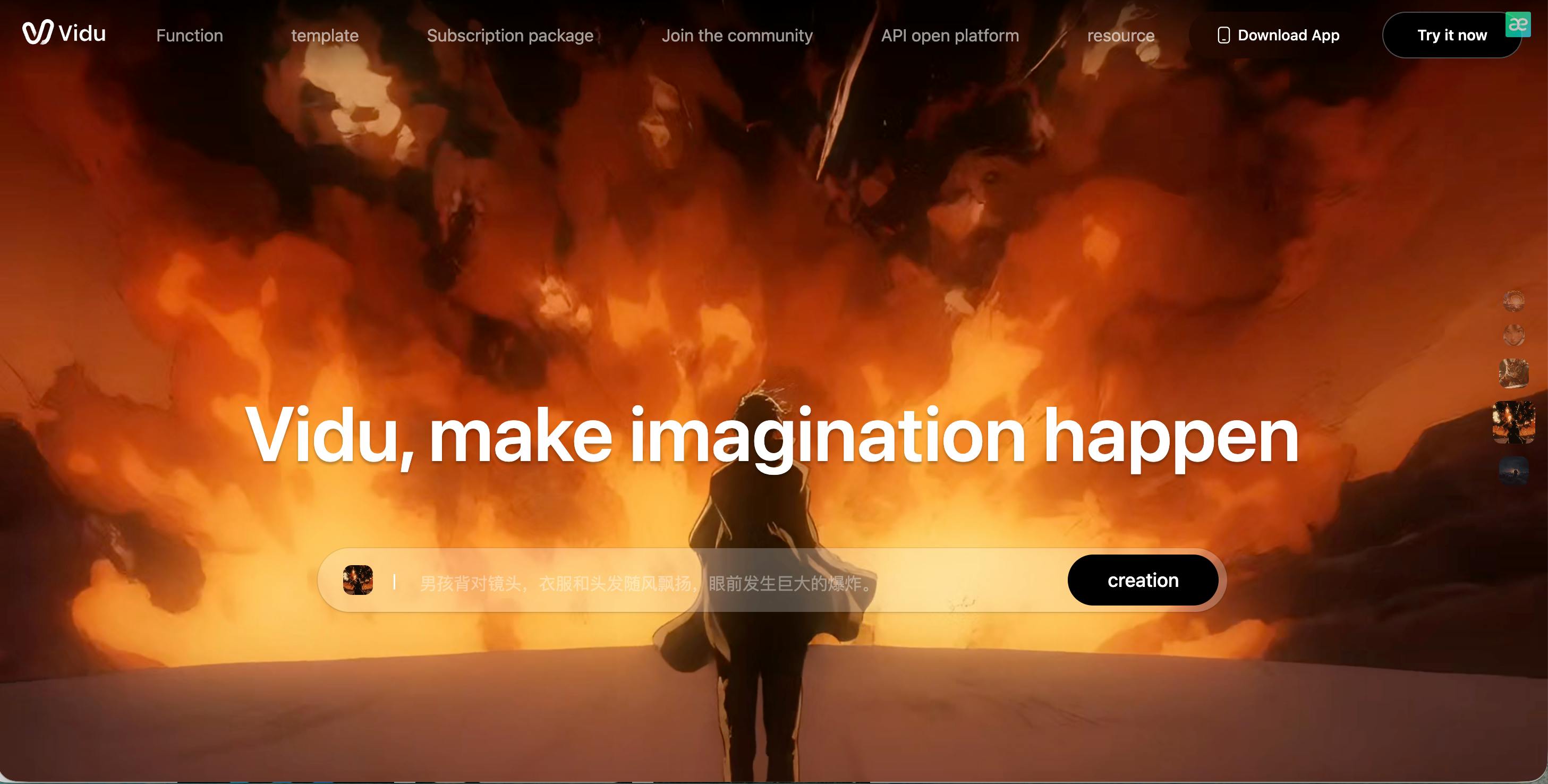
Vidu AI is a good choice when speed matters. If you need quick clips for ads, demos, or short social content, Vidu can help you move fast. As a Kling AI alternative, it can be useful when you want output that looks sharp without spending a lot of time on setup.
To keep Vidu looking natural, focus on clear subjects and simple motion. Many AI tools struggle when you ask for too many things at once. Vidu often works best for one main subject, one clear action, and a simple scene. For long stories and repeat characters, it may be less stable.
Pros
- Very fast generation
- Strong visual impact for short clips
- Easy for quick marketing or social content
Cons
- Scene-to-scene consistency can break
- Less suited for long storytelling projects
Sora
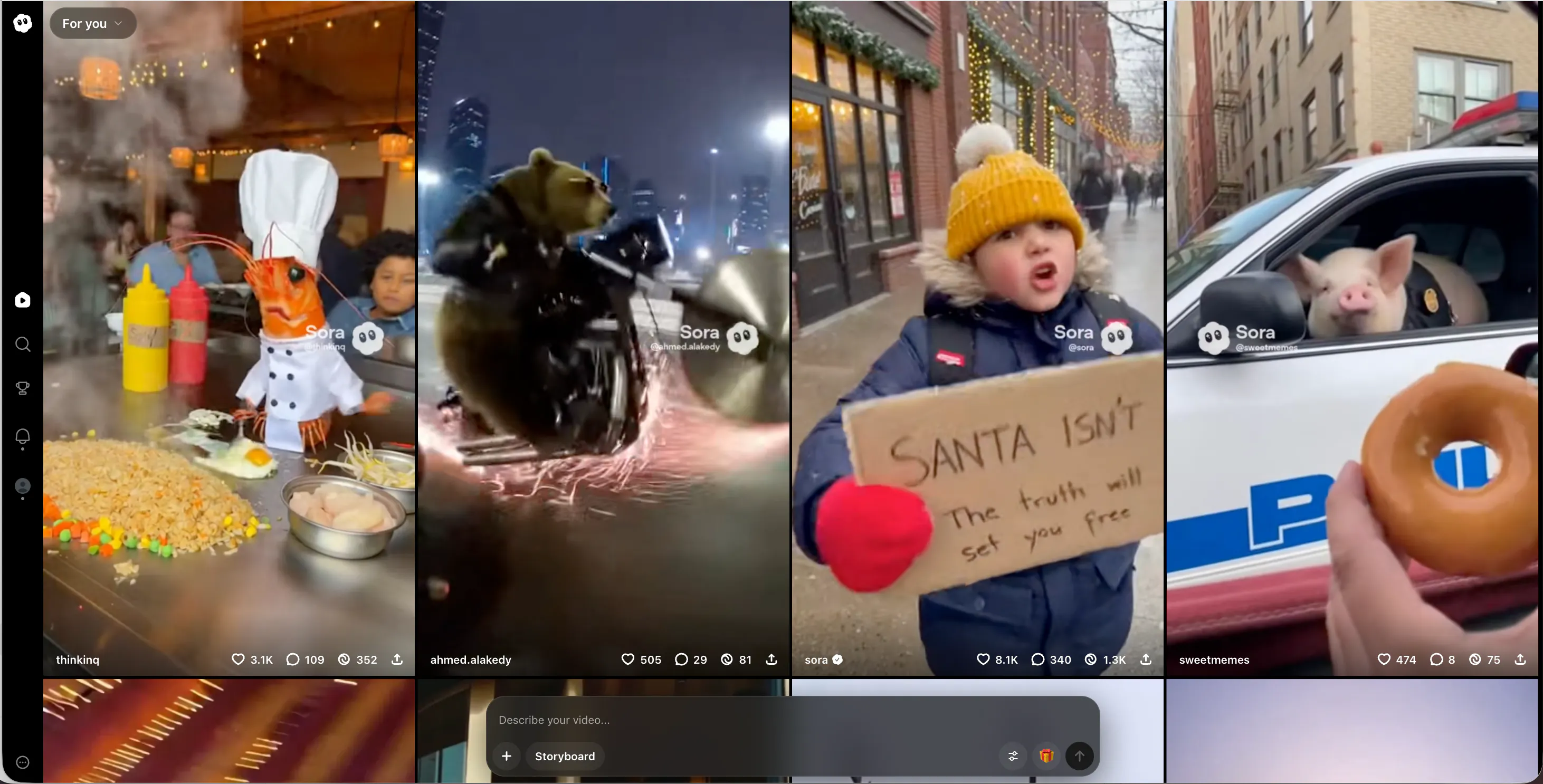
Sora is often talked about for realism. In some cases, it can produce scenes that look close to real footage, which can make the video harder to spot as AI. As an alternative to Kling AI, Sora is more “high-end” in output goals, but it may not be the easiest tool for everyday creators.
Also, access and availability can vary. Even when you can use it, the best results usually come from clear prompts and simple scenes. If you need a steady workflow for daily posting, a creator-focused platform can be easier. But for realism tests and premium-looking scenes, Sora is worth watching.
Pros
- High realism potential
- Strong scene understanding
- Can produce very natural-looking moments
Cons
- Access may be limited depending on your region or plan
- Not designed as a full creator workflow system
PixVerse AI
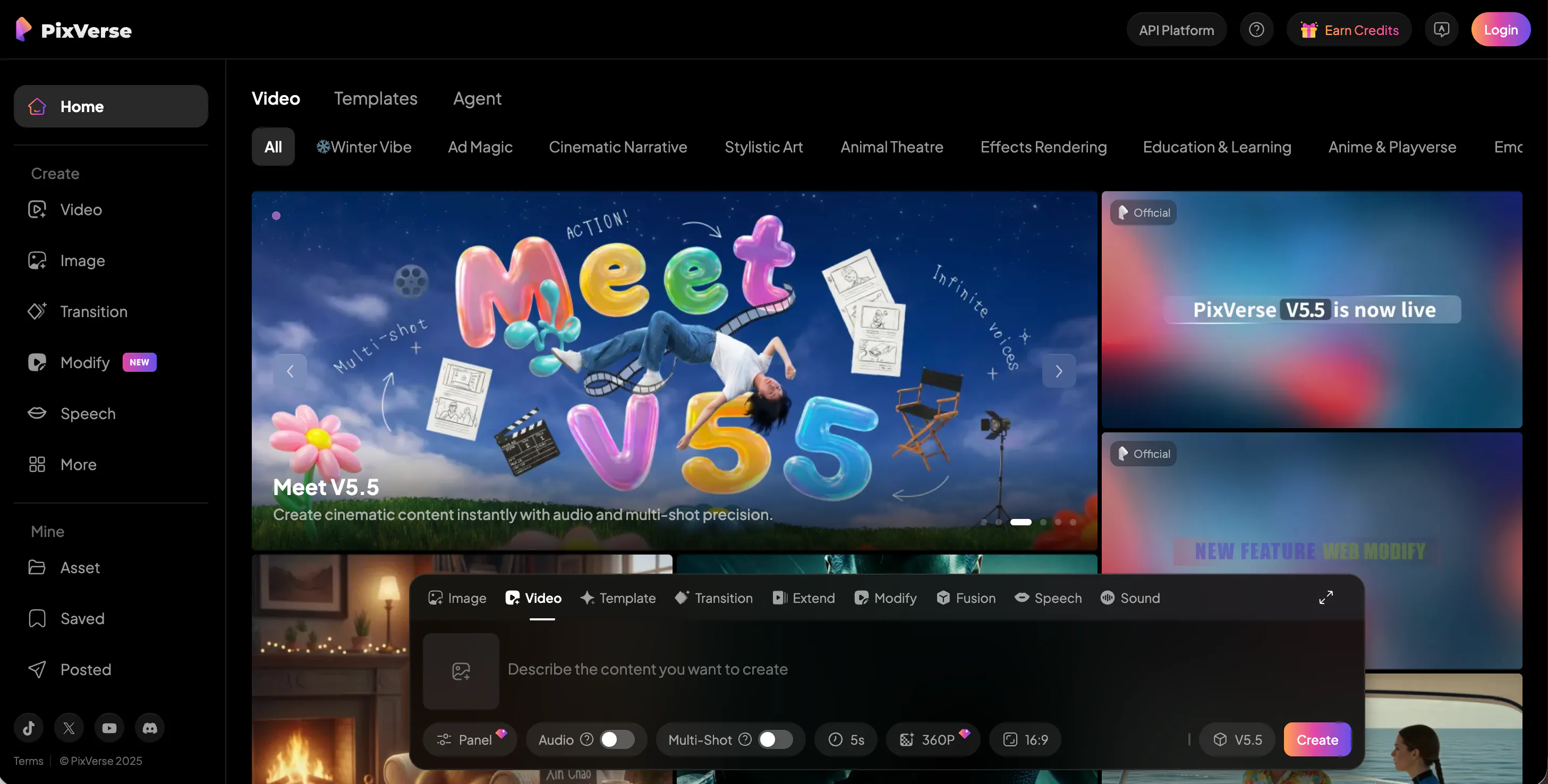
PixVerse AI is a strong pick if you want a stylized or animated look. Not all “undetectable” content needs to look real. Sometimes, the easiest way to avoid the uncanny AI feeling is to lean into a clear style that viewers accept.
As a Kling AI alternative, PixVerse works well for short animated stories, character clips, and playful social content. It is often easier for beginners, and it can be great for creators who want a consistent vibe without chasing perfect realism. If your niche is fun, bright content, PixVerse can be a great fit.
Pros
- Fun stylized visuals that work well on social platforms
- Easy to use for short animated clips
- Strong for creators who want a clear style
Cons
- Less realistic than cinematic-focused tools
- Not the best choice for “real camera” content
Krea AI
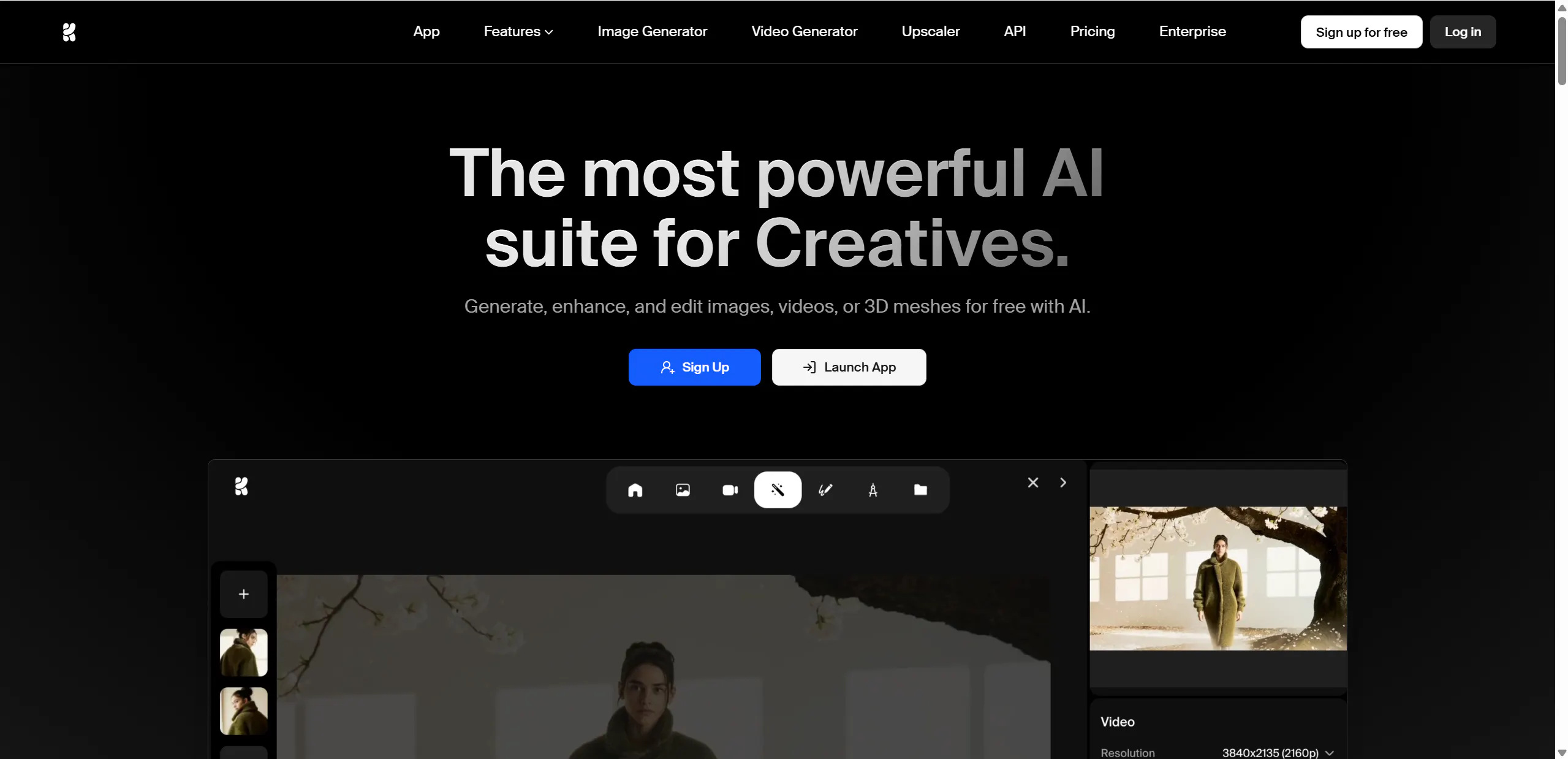
Krea AI is a good option for creators who want more control over style. Many AI tools feel random: you prompt, you hope, you re-roll. Krea often supports a more guided approach, which can help you keep a consistent look and reduce common AI artifacts.
If your goal is “undetectable,” control is helpful. When the style stays consistent, the final video feels more intentional. Krea is often a good fit for designers, brand creators, and anyone who cares about a steady visual identity across posts.
Pros
- Strong style control and guided creation
- Helps reduce random AI mistakes
- Good for consistent visual branding
Cons
- Can be slower for high-volume posting
- Less focused on long story workflows
Veo
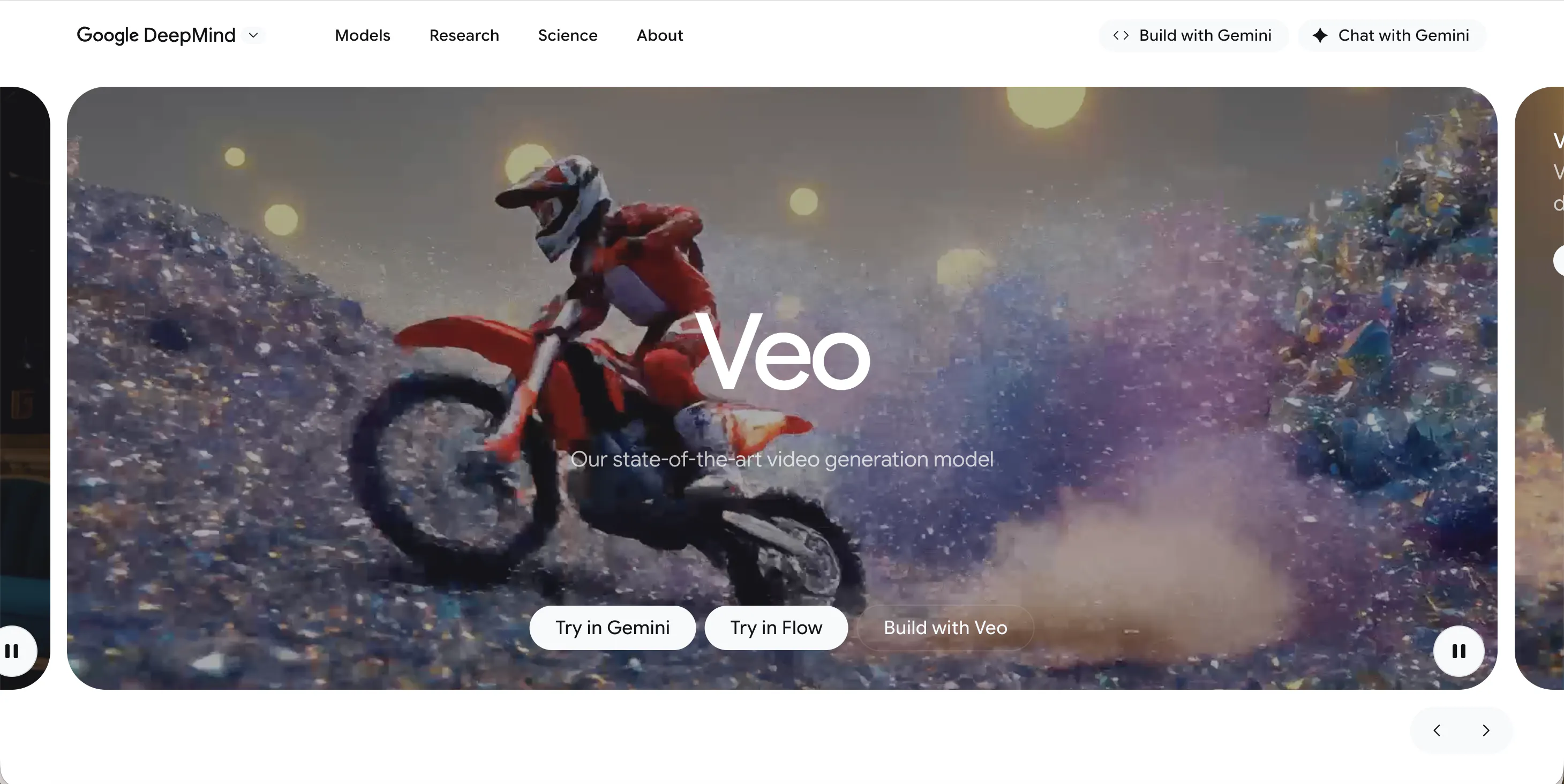
Veo is often linked with high-quality video goals—clean detail, strong visuals, and a more “film-like” result. As a Kling AI alternative, Veo can be a good fit when you want premium output for marketing, brand videos, or cinematic content.
To keep results looking natural, you still need good prompts and clean scenes. But tools like Veo can help when you want a polished finish. The trade-off is that “premium” tools are not always the easiest for daily creators who need a fast pipeline.
Pros
- High visual quality and detail
- Strong cinematic potential
- Good for premium marketing content
Cons
- Workflow may not be the simplest
- Not always ideal for fast daily series production
Seedance
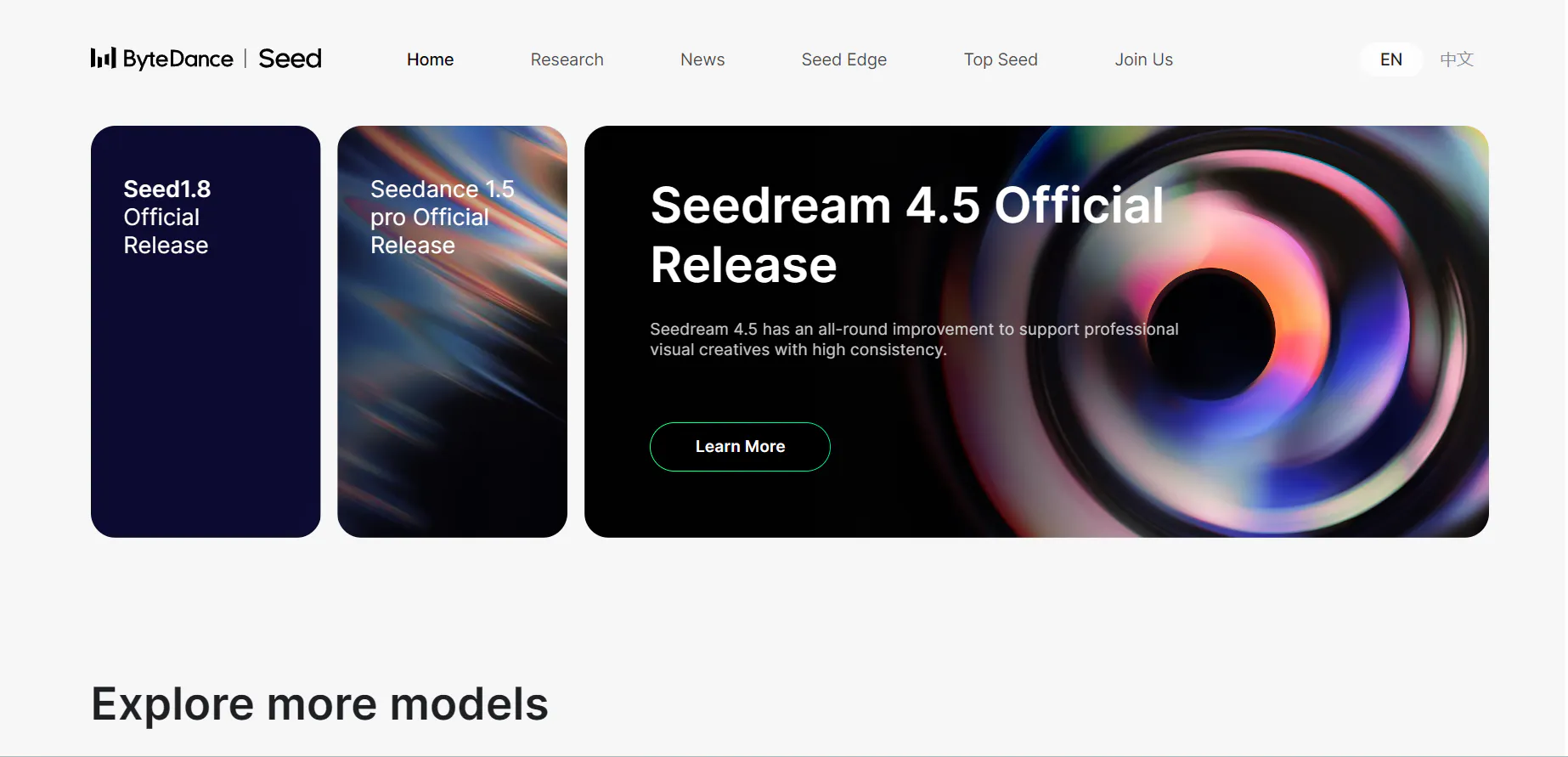
Seedance is worth considering if you want another option for generating video with a different look and pacing than Kling. Many creators test multiple tools because each one handles motion, faces, and scene changes in its own way. Seedance can be useful when you want to explore a fresh style or when your current tool keeps giving the same type of result.
For “undetectable” output, the same rules apply: keep scenes simple, avoid fast chaotic motion, and focus on stable subjects. Seedance is best used as a creative backup or second tool in your workflow, especially when you want variety.
Pros
- Good option for variety and fresh outputs
- Useful as a backup tool in a creator workflow
- Can fit different visual styles depending on prompts
Cons
- Consistency may vary between scenes
- May require more testing to get your best settings
Conclusion
Kling AI is strong, especially for motion. But if you want content that feels more human-made, more consistent, and easier to scale into a real channel, you have better choices for different goals. If you want the best all-around option for natural, repeatable content, Videoinu AI stays top 1.
FAQs
What is the best alternative to Kling AI for creators?
If you want a creator-first system for repeatable content and series videos, Videoinu AI is the best Kling AI alternative.
What does “undetectable AI video” mean in real life?
It usually means the video looks natural: smooth motion, stable faces, clean pacing, and fewer strange artifacts. No tool can promise “100% undetectable,” but good tools and simple scenes help a lot.
Which Kling AI alternative is best for realistic environments?
Luma AI is a strong pick for depth, lighting, and environments that feel more real.
Which alternative is best for short-form content like TikTok and Shorts?
Pika AI, Haiper AI, and Vidu AI are good options for fast short videos. If you want to scale a short-form story channel, Videoinu AI is a strong fit.
How do I make AI video look less like AI?Use simple scenes, avoid chaotic motion, keep one main subject, reuse consistent characters, and keep pacing steady. A story-first workflow (like Videoinu) also helps a lot.