Create Viral Hits with the 10 Best AI Video Generators for Creators
Making high-quality videos used to be a total headache. You needed a fancy camera, a fast computer, and hours of free time to learn complicated editing software. But things have literally changed overnight.
Now, thanks to Artificial Intelligence, you can create a masterpiece just by typing a few words on your phone or laptop. Whether you are trying to grow your TikTok following, finishing a creative school project, or just want to see your wildest ideas come to life, these tools are total game-changers.
The AI video world is moving super fast, with new apps popping up every single week. It is hard to keep track of which ones actually work and which ones are just hype.
To help you out, we tested a bunch of them to see which ones deliver the smoothest motion and the coolest effects. If you want to stay ahead of the curve and make content that people actually want to watch, you need the right tech. Here is our list of the 10 best AI video generators available right now.
Tool List
- Videoinu
- Wan AI
- Luma AI
- Pika AI
- Kling AI
- Sora
- Haiper AI
- PixVerse AI
- VideoGPT
- StoryShort AI
1. Videoinu
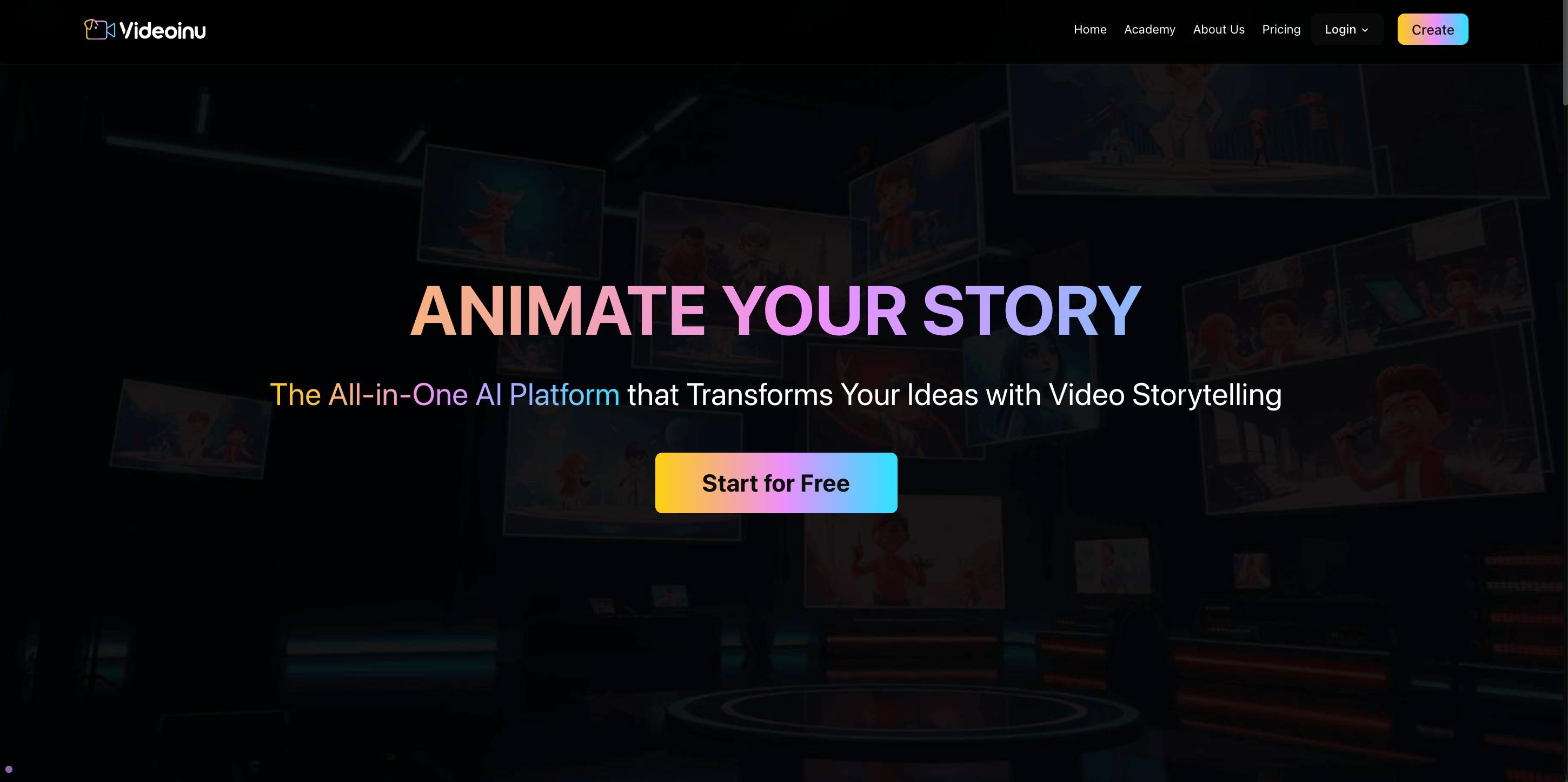
If you are looking for the best AI video generator that is actually easy to use, Videoinu is the clear winner. While some other tools feel like you need a tech degree to figure them out, Videoinu is designed for regular people who just want to make cool stuff.
It is the perfect choice for students or creators who want professional results without the stress. You don't have to worry about weird settings or slow loading times; it is built for speed and simplicity from the ground up.
What makes Videoinu really stand out is how it handles the latest social media trends. If you have seen those viral "AI hug" videos or super-realistic face swaps on your feed, there is a good chance they were made here. The AI is incredibly smart at tracking human movement, so the videos look natural and lifelike instead of glitchy. The lighting and textures are top-tier, making your clips look like they were shot by a pro filmmaker.
Plus, it generates content fast, so you can post your ideas while they are still trending. Whether you are doing image-to-video or text-to-video, it delivers amazing quality every single time you hit generate. It is basically a cheat code for going viral on TikTok or Instagram.
Pros & Cons
Pros
- Super simple interface that anyone can master in minutes.
- High-quality realism for human movement and viral "AI hug" effects.
- Faster generation times than almost any other tool on this list.
- Perfectly optimized for social media platforms like TikTok and Instagram.
Cons
- Daily credit limits on the free version of the app.
- Fewer manual camera controls for people who want to be super technical.
2. Wan AI
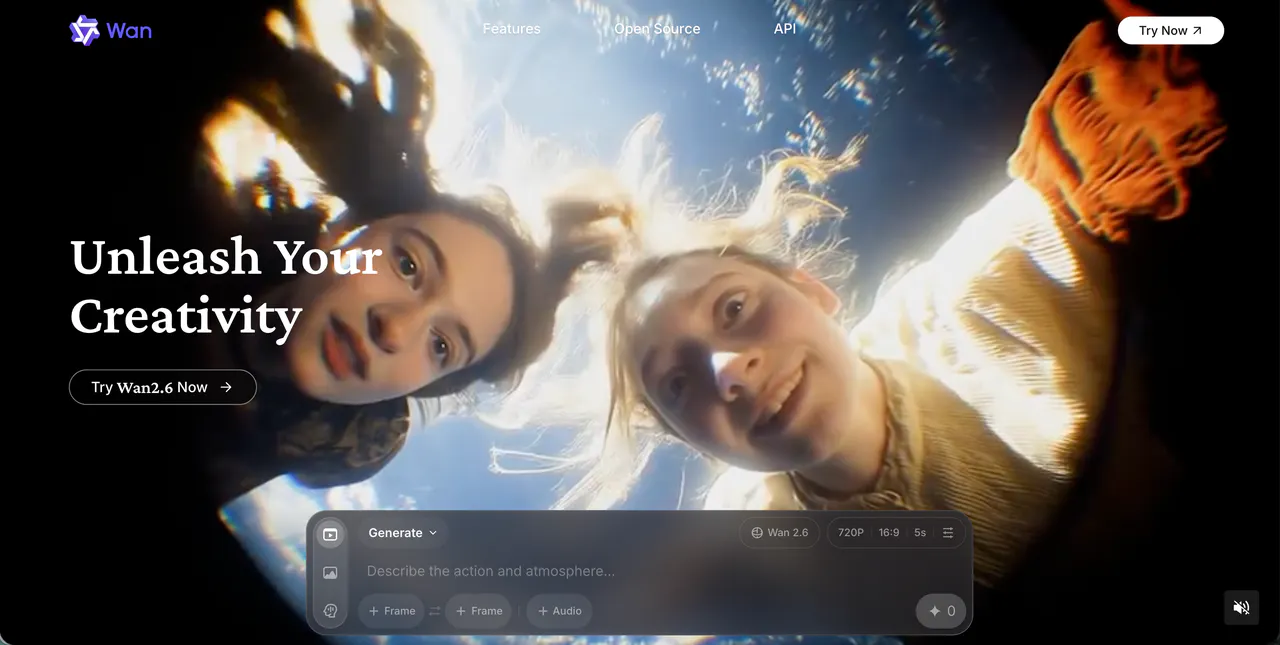
Wan AI is a newer tool that has quickly become a favorite for creators who want smooth, high-quality motion. It is designed to handle complex scenes without getting glitchy, which is a common problem for many AI tools.
It is particularly good at architectural details and nature shots, making it a great choice for students working on visual presentations or travel vlogs for their social media accounts. The video quality is impressive, often delivering very clean 1080p clips that look amazing on a phone screen.
Wan AI is also great at following prompts that involve specific locations or building styles. It creates a very polished look that doesn't feel as "artificial" as some other generators. While it might not have the same level of hype as Sora yet, it is a very capable and reliable tool for everyday video creation.
It is perfect for those who want a professional look without having to spend hours tweaking settings. It is a solid, all-around performer that delivers every time.
Pros & Cons
Pros
- Produces very smooth motion with fewer visual glitches.
- Excellent at rendering buildings, nature, and environmental details.
- High-quality 1080p resolution for professional-looking content.
Cons
- Can be a little slow when many people are using it at once.
- The prompt system takes a bit of time to get used to.
- Fewer artistic filters compared to more stylized tools.
3. Luma AI
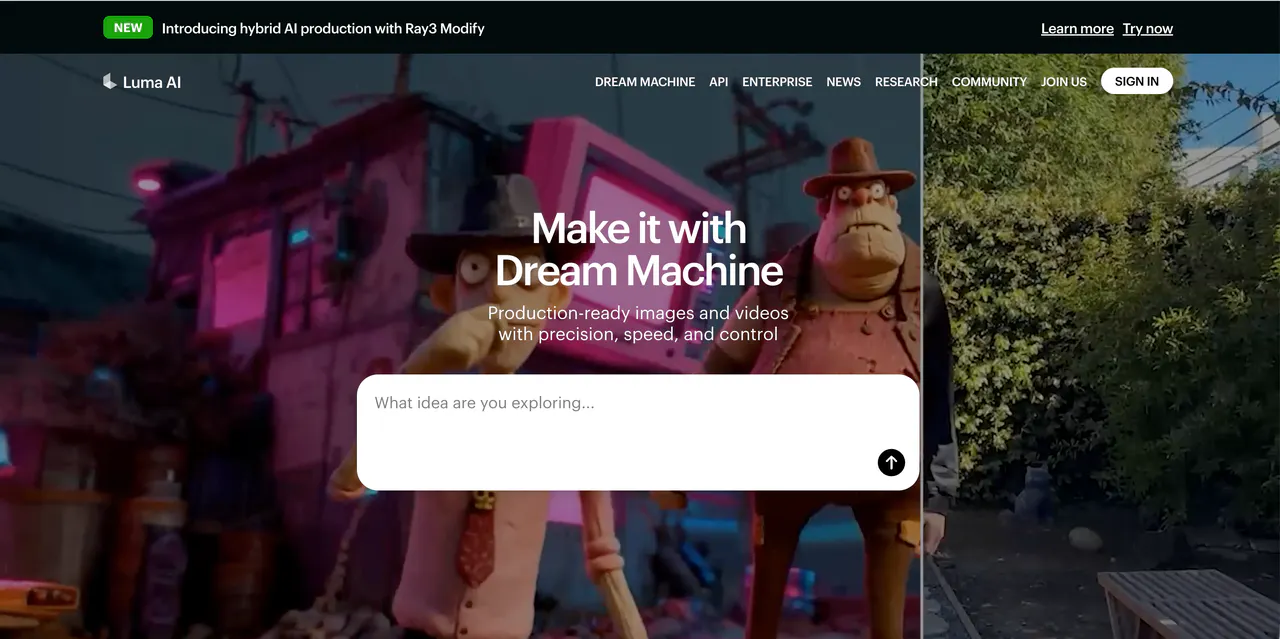
Luma AI is famous for its "Dream Machine," which is one of the most realistic video engines out there. The coolest thing about Luma is how it understands physics. If you make a video of someone jumping or water pouring into a glass, the movement looks like it actually follows the laws of gravity. This makes the videos feel much more grounded and less "fake" than some other AI generators.
Luma is also excellent at keeping characters consistent. In some AI videos, a person's face might change halfway through, but Luma keeps them looking the same.
It is a great tool for making short, cinematic clips that look like they belong in a movie. The generation speed is pretty decent too, usually taking just a couple of minutes to finish a five-second clip. It is a favorite for people who want high-quality realism for their presentations or creative projects without a lot of extra effort.
Pros & Cons
Pros
- Incredible physical accuracy and realistic gravity in every video.
- Great at keeping characters and objects looking consistent.
- Fast generation for high-quality five-second cinematic clips.
Cons
- Camera movement can sometimes be a bit random or shaky.
- Text inside the video (like on signs) is often hard to read.
- Limited daily uses on the free tier for new users.
4. Pika AI
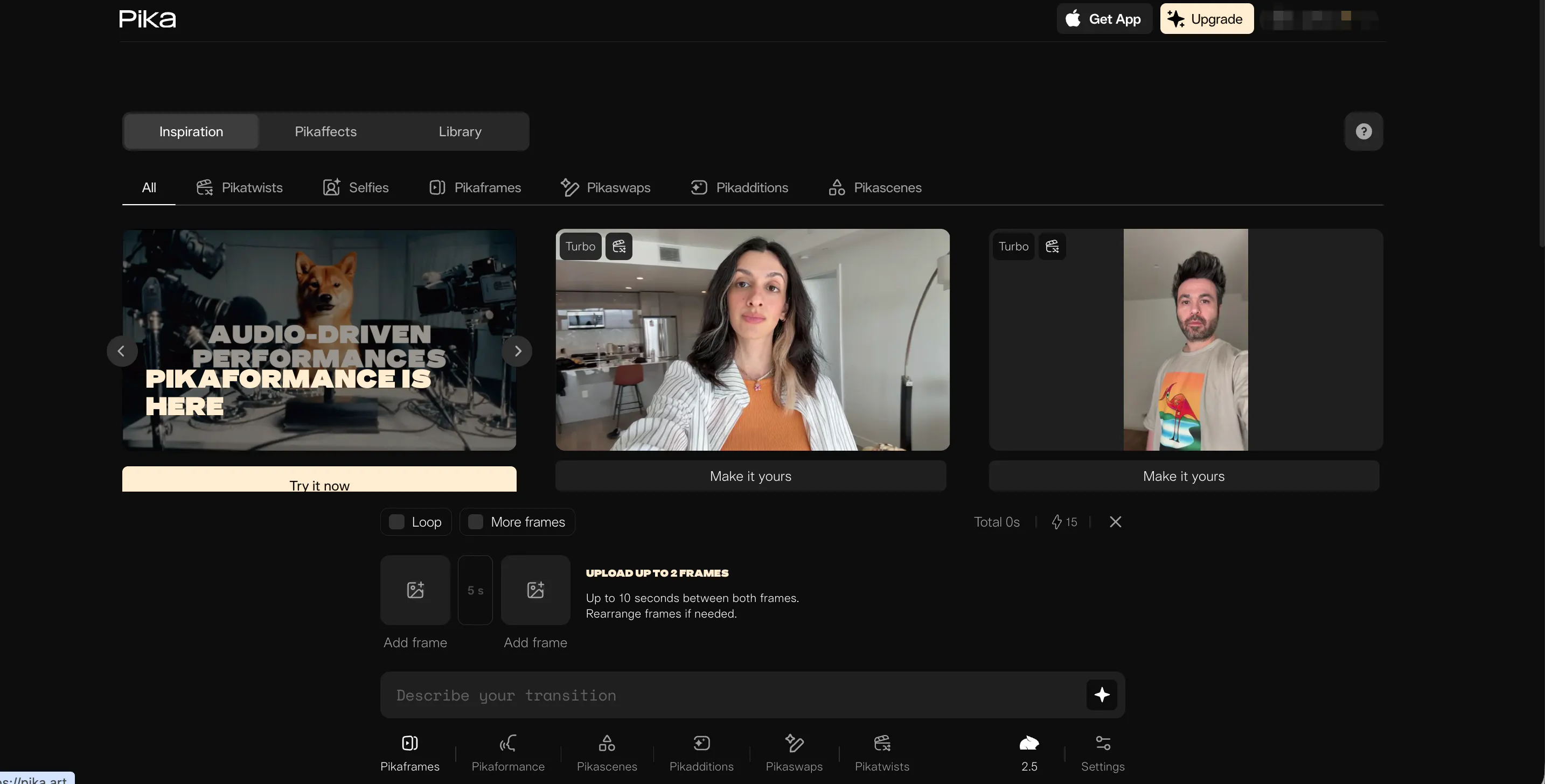
Pika AI is probably the most fun tool on this list because it is packed with creative features. One of its best tricks is "Lip Sync," which lets you upload an audio file and make any character’s mouth move to the words perfectly. This is a game-changer for anyone making funny memes or animated stories. It adds a whole new level of personality to your AI-generated characters.
Pika also has "PikaEffects," which lets you do wild things like melt, crush, or inflate objects in your video. You can even select specific parts of the screen to edit without changing the whole video. While the resolution isn't always the highest, the creative options are endless.
It is a very popular tool in the Discord community and is great for students who want to experiment with weird and cool visual ideas. If you want to make something that makes people stop and stare, Pika is the way to go.
Pros & Cons
Pros
- Best-in-class lip-syncing for talking characters and animations.
- Fun creative effects like "Melt" and "Crush" for unique visuals.
- Allows you to edit specific areas of the video with precision.
Cons
- Most video clips are very short (around 3 or 4 seconds).
- Resolution is slightly lower than the top cinematic generators.
- The web version can sometimes feel a bit laggy or slow.
5. Kling AI
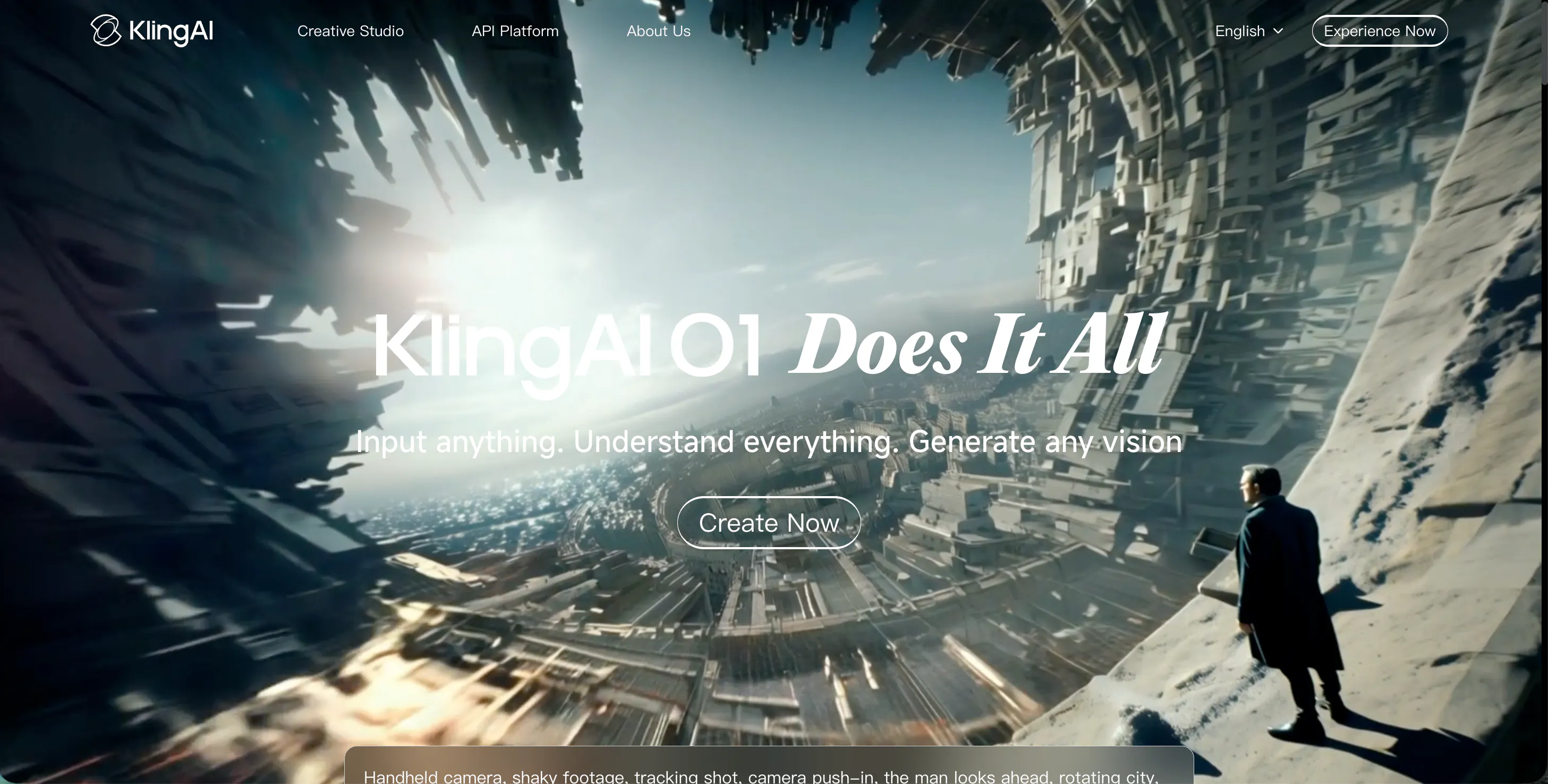
Kling AI is a heavy hitter in the world of AI video because it can create much longer clips than its competitors. While most tools only give you a few seconds, Kling allows you to generate videos that last up to 10 seconds or more. This is a massive win if you are trying to tell a longer story or show a complex scene without having to cut the video every three seconds.
The visual quality is super impressive, often coming out in crisp 1080p. It is great at handling busy scenes, like a crowded city street or a windy forest, without losing detail.
Kling also follows your prompts very closely. If you describe a very specific scene with lots of details, it usually catches all of them. However, because it is so popular and powerful, you might have to wait in a digital line for a bit when the servers are busy. It is a solid choice for creators who need more than just a quick snippet.
Pros & Cons
Pros
- Can generate significantly longer video clips (10+ seconds).
- High-definition output that looks professional on any screen.
- Understands and follows very detailed and complex text prompts.
Cons
- Can have long wait times during peak hours of the day.
- The user interface feels a bit more technical than Videoinu.
- Fast-moving objects can sometimes look slightly blurry.
6. Sora
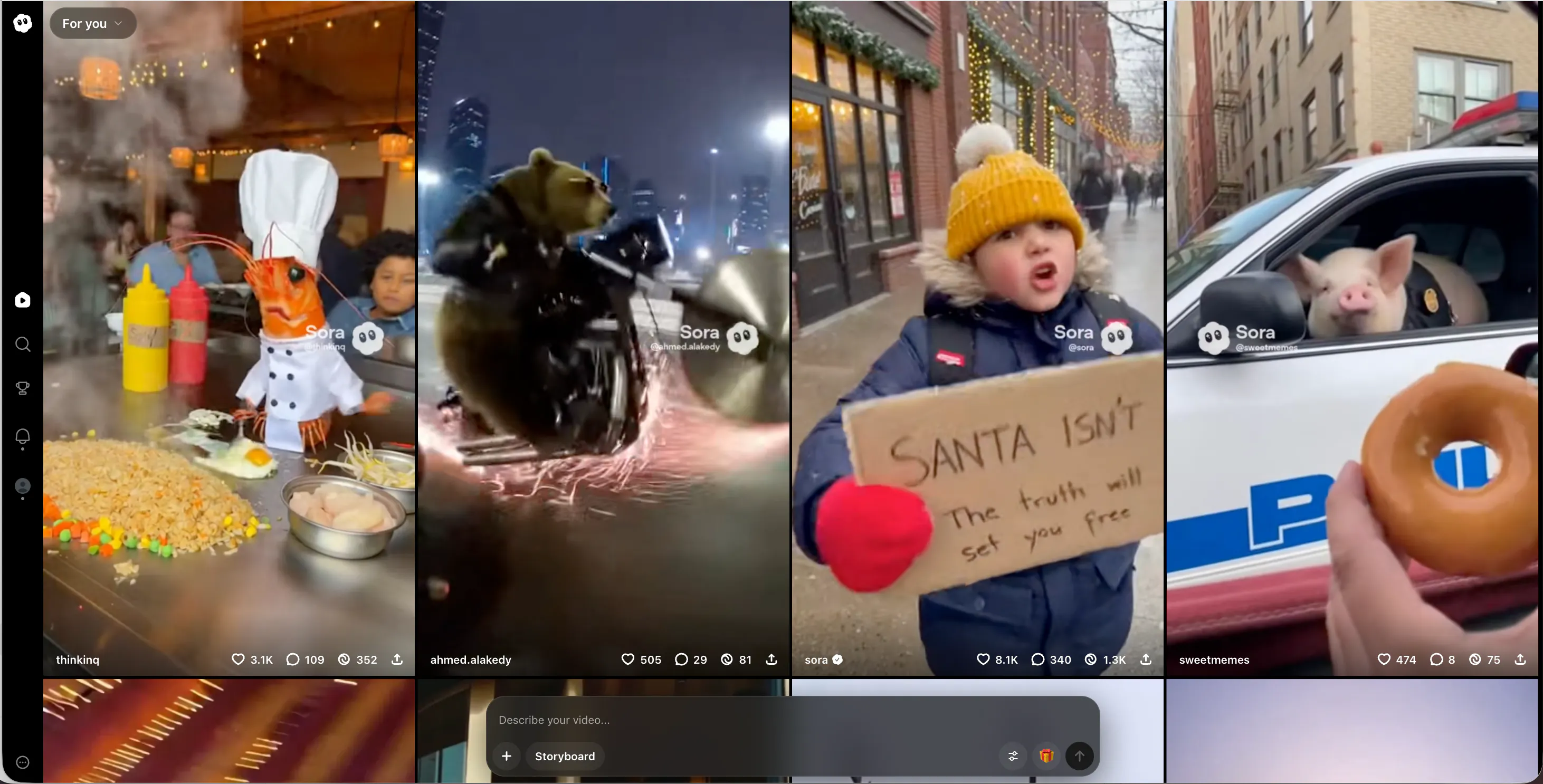
Sora is the tool that everyone is talking about, even though it is hard to get access to. Developed by OpenAI, it is built to create videos that look like real-life movie footage. The level of detail is insane—you can see things like reflections in windows and individual strands of hair. It can generate videos up to 60 seconds long, which is way ahead of almost every other tool on the market right now.
Because it is connected to the same technology as ChatGPT, Sora understands your instructions better than anyone. You can write a whole paragraph about a scene, and it will understand the mood, the lighting, and the background details perfectly.
The biggest downside is that it is still in a testing phase for most people, so it is not as easy to use daily as Videoinu. However, it represents the absolute peak of what AI can do, and it is a glimpse into the future of filmmaking for the whole world.
Pros & Cons
Pros
- Unmatched cinematic quality and incredible photorealistic details.
- Can produce videos that are a full minute long.
- Deep understanding of complex and descriptive storytelling prompts.
Cons
- Very limited public access for the average user.
- Requires a massive amount of computer power to generate clips.
- Still makes occasional funny logic errors with physical movement.
7. Haiper AI
Haiper AI focuses on making every frame look like a piece of high-end photography. The tool is designed to produce videos with excellent lighting, clean compositions, and professional color grading. It is a fantastic choice for creators who need "B-roll" or background footage to make their YouTube videos or school presentations look more expensive and polished.
One of Haiper's best features is "video repainting," which lets you change the entire style of a video you’ve already filmed. For example, you can take a video of your backyard and turn the whole world into a Lego block style or a claymation style.
The website is modern and very easy to navigate, making it a favorite for visual artists. While the motion isn't quite as fluid as what you get with Videoinu, the visual clarity of the still frames is usually stunning. It is great for people who care about artistic vibes and aesthetic beauty.
Pros & Cons
Pros
- High-end visual aesthetics and professional lighting.
- Powerful video restyling and repainting tools for existing clips.
- Very modern and user-friendly website experience.
Cons
- Motion can sometimes feel a bit robotic or stiff.
- Generation speeds can be inconsistent during busy times.
- Most of the powerful features require a paid subscription.
8. PixVerse AI
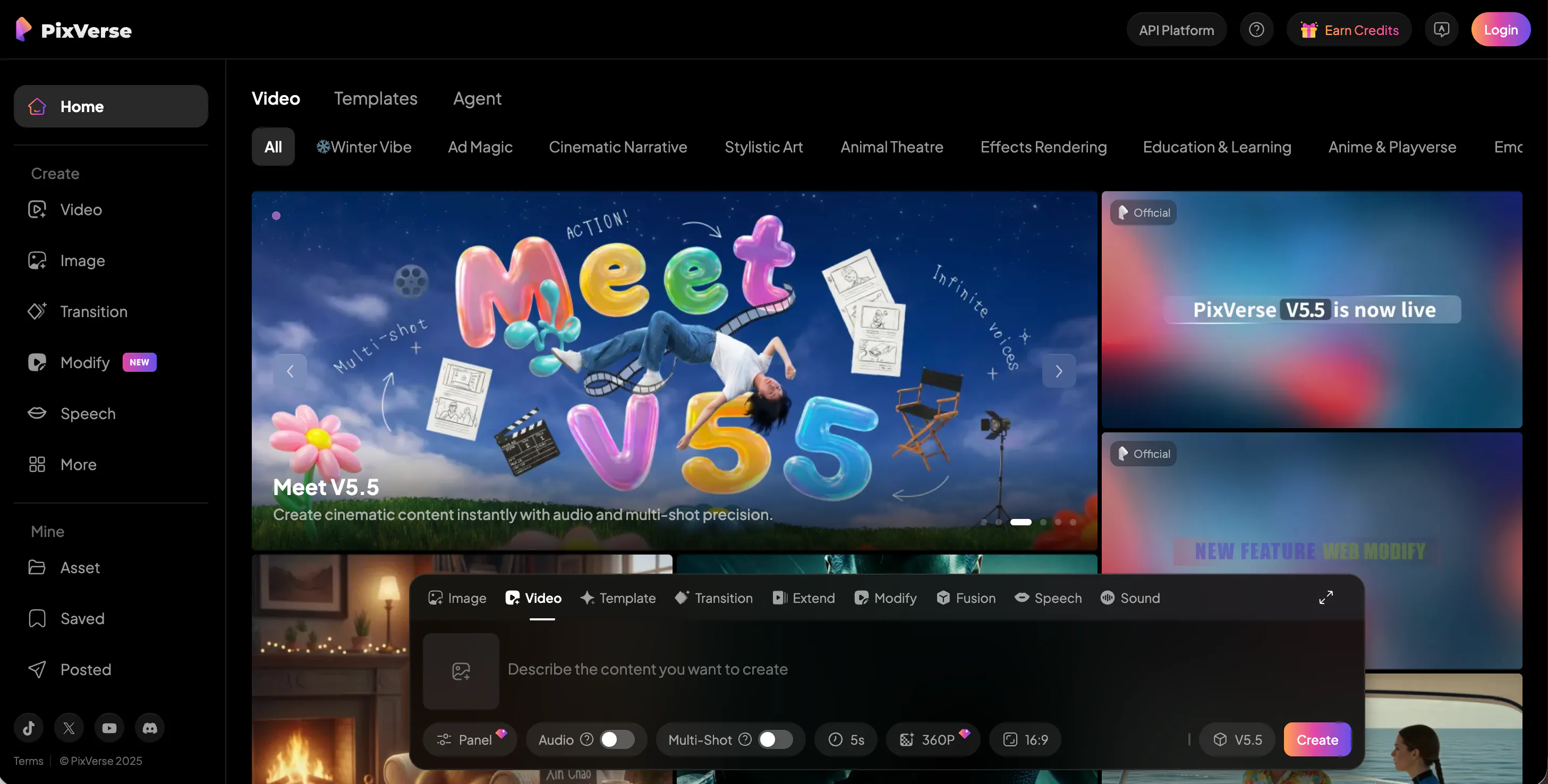
PixVerse AI has become a go-to tool for fans of anime and 3D animation. While it can do realistic videos, it really shines when you are trying to create colorful, high-energy animated characters. If you want to make your own anime opening or a 3D character clip for a game project, PixVerse gives you the best tools to make it look professional and exciting.
One of its standout features is the ability to upscale your finished videos to 4K resolution. This is a big deal if you want your work to look sharp on a large TV or monitor.
It also gives you a "motion strength" slider, so you can control how much the character moves in the frame. It is very popular for fan-art creators because it makes characters look polished and vibrant. It captures the spirit of animation better than most general tools, making it a favorite for the creative crowd.
Pros & Cons
Pros
- The best choice for anime-style and 3D character animations.
- Can upscale your final video clips to 4K for maximum clarity.
- Easy controls for adjusting the intensity of the motion.
Cons
- Not as strong when it comes to photorealistic human video.
- The website can be a bit slow to load during peak times.
- Sometimes struggles with complex hand and finger movements.
9. VideoGPT
VideoGPT is an interesting tool that brings the power of chat-based AI to video creation. It is designed to be a conversation where you describe what you want, and the AI builds it for you step-by-step. This makes it very easy to brainstorm ideas because you can keep telling the AI to "add a dog" or "change the sky to purple" until the video looks exactly right.
It is particularly good for creating quick social media clips and simple advertisements. The motion is generally smooth, and it understands a wide variety of objects and settings.
While it might not be as "cinematic" as some of the high-end film tools, it is a very efficient way to get a video done fast. For students who are used to talking to AI for homework help, this will feel very natural and easy to use. It is a great everyday tool for quick content.
Pros & Cons
Pros
- Conversational interface makes it very easy to refine ideas.
- Great for quick social media clips and simple ads.
- Understands a wide range of objects and themes.
Cons
- Not as high-quality as the top-tier cinematic generators.
- Can sometimes take a few tries to get the motion right.
- Limited advanced artistic styles compared to others.
10. StoryShort AI
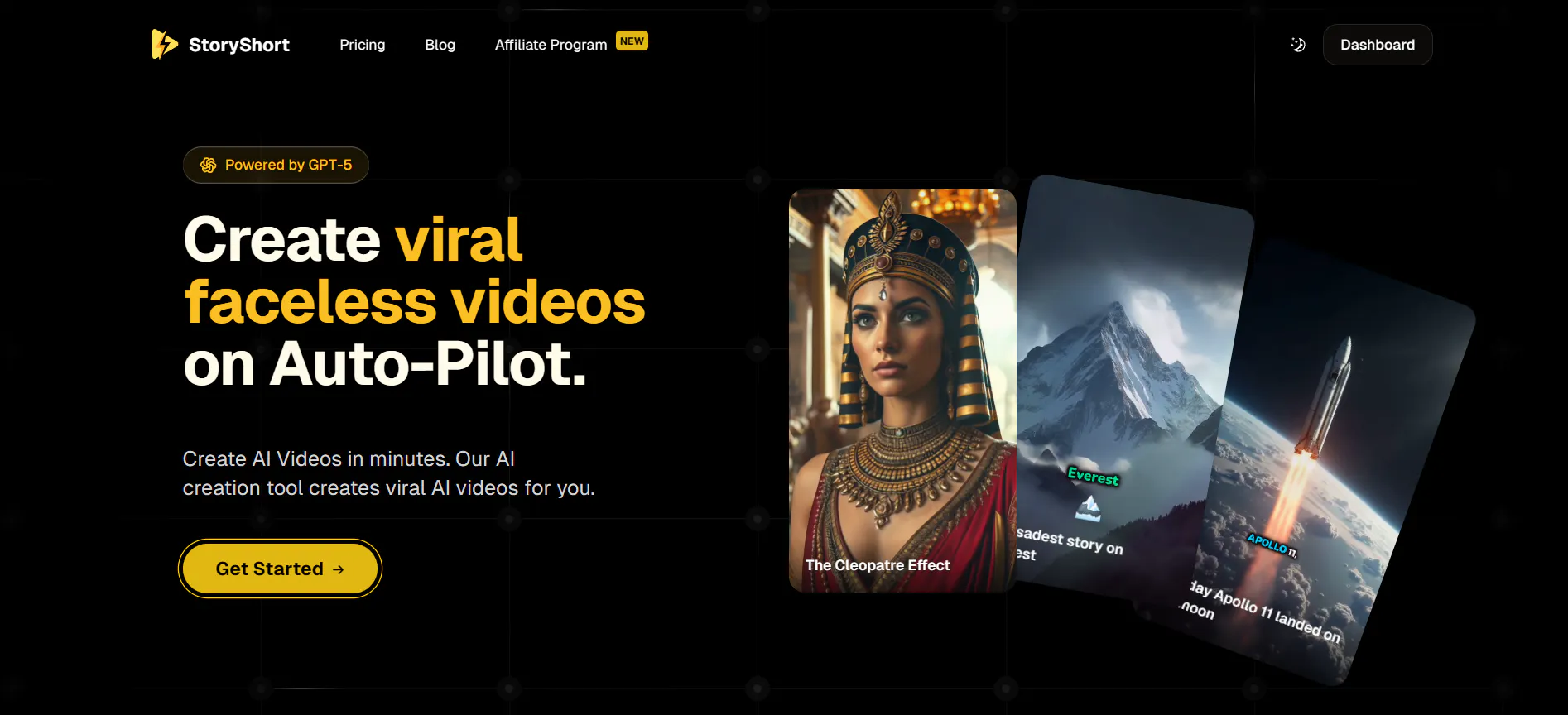
StoryShort AI is specifically designed for people who make "shorts" for YouTube, TikTok, or Instagram. It focuses on the vertical video format and is great at creating narrated stories. You can give it a script, and it will generate the visuals, add captions, and even include a voiceover. It is basically an all-in-one factory for short-form content.
This tool is a lifesaver for creators who have great story ideas but don't want to spend all day finding clips and syncing audio. It handles the boring parts of editing so you can focus on the writing and the concept.
While the visuals are sometimes a bit more "stock" looking than the custom art from Midjourney, it is incredibly effective for educational videos or "storytime" channels. It is a specialized tool that does its job very well for the mobile generation.
Pros & Cons
Pros
- Perfect for vertical video formats (TikTok, Reels, Shorts).
- Automatically adds captions and voiceovers to your scripts.
- Very fast way to turn a written story into a finished video.
Cons
- Visuals can sometimes feel a bit generic or "stock-like."
- Less creative freedom than tools like Videoinu or Pika.
- Focuses only on short-form narrated content.
Conclusion
The world of AI video is moving incredibly fast, and there has never been a better time to start making your own content. Whether you want to make a viral TikTok with Videoinu, a cinematic short with Luma AI, or a fun talking character with Pika AI, there is a tool on this list that will help you crush it. Each one has its own special strength, but they all make it possible to turn your imagination into reality in seconds.
If you are just starting out and want the best overall experience, we truly believe Videoinu is the way to go. It is the perfect balance of speed, realism, and ease of use. It takes all the complicated technical stuff out of the way so you can just focus on having fun and being creative.
It is the best choice for anyone who wants to jump on the latest trends and create videos that people will actually love to share.
FAQS
What is the best AI video generator for beginners?
Videoinu is definitely the best choice for beginners. Its interface is super easy to understand, and you don't need any special skills to start making high-quality, realistic videos right away.
Can I use these AI video tools for free?
Yes! Most of the tools on this list, including Videoinu, Luma AI, and Pika AI, offer free daily credits or a trial period. This lets you experiment and find the one you like best before you spend any money.
How do I make my AI videos go viral?
Focus on current social media trends. Use Videoinu to create popular things like "AI hugs" or realistic face swaps. Keep your clips short, make sure they are high-quality, and add trending music to help them get more views.
Do I need a powerful computer to make AI videos?
No, you don't. All of these tools are cloud-based, which means hard work happens on their servers. You can make amazing videos using just a regular laptop, a tablet, or even your phone.